Table of Contents
This updated guide compares best productivity plugins for tmux and highlights the details that matter most. Tmux is a great terminal multiplexer that can consolidate and manage different console sessions. While its core features cover almost every use case, it also has a plugin framework that lets you shape the program to your needs.
- 5 Beautiful Themes to Make Your Tmux Sessions More Fun
1. Tmux - menus
If you're new to Tmux, learning all the keyboard shortcuts can be difficult and frustrating. With unintuitive keyboard combinations, it is easy to forget the shortcuts you need to use lesser-known Tmux features like copy mode and pane marking.
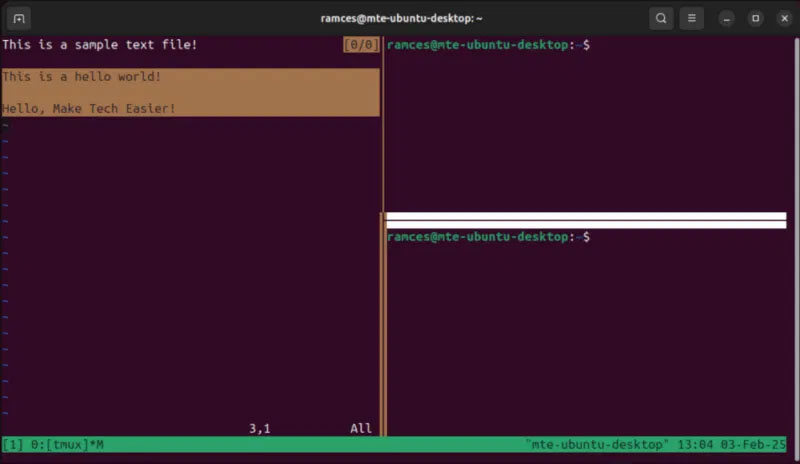
Tmux-menus is a simple plugin that solves this problem. It provides a clean and intuitive TUI-based menu that you can access by pressing Ctrl + . Inside, it comes with every Tmux feature, allowing you to intuitively select what you need instead of memorizing their shortcuts.
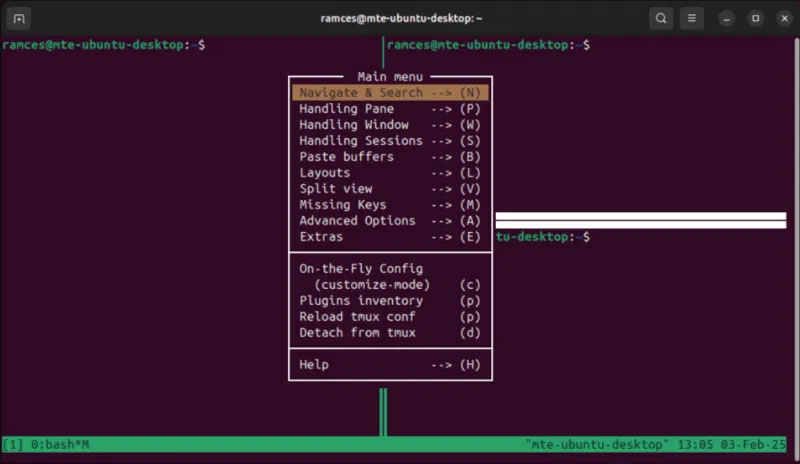
Aside from making Tmux accessible, one of my favorite features of Tmux-menus is its configurability. Each menu item within the plugin is simply a link to a shell script. That means with a little knowledge of Bash, you can easily introduce custom functions into Tmux-menus.

2. Tmux - resurrect
One of the biggest drawbacks of Tmux is that it is a stateless program. That means it does not remember anything about your session after you close it. This is annoying because it forces you to recreate your Tmux layout every time you restart your computer.
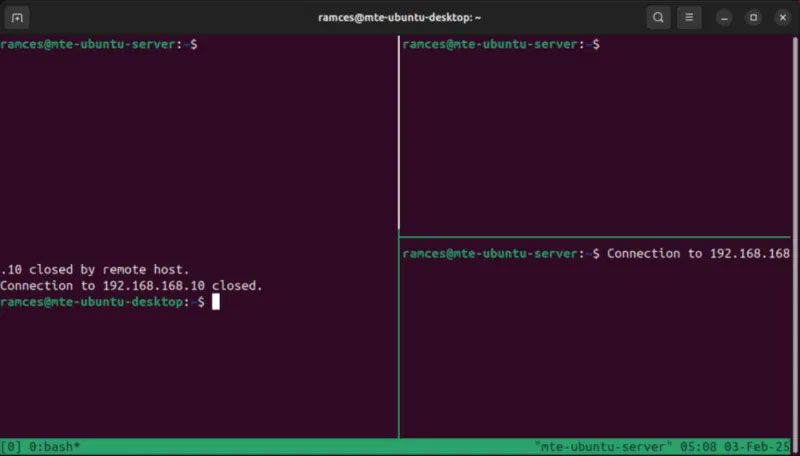
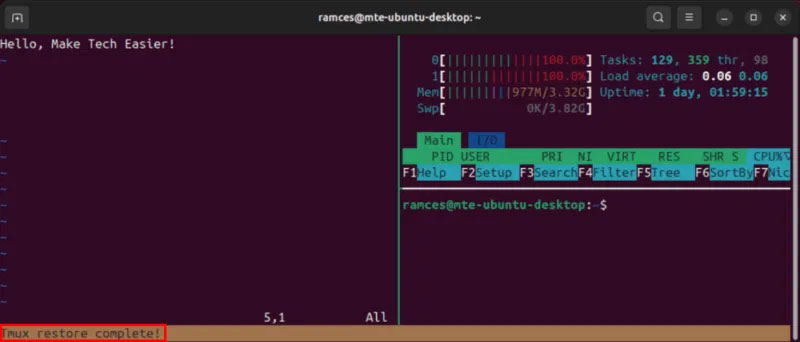
Tmux-resurrect is a tool that can help with this. it is a no-frills plugin that preserves the entire Tmux environment, including window order and frame layout. It also stores session snapshots, meaning you can "go back in time" and load different versions of your Tmux setup.
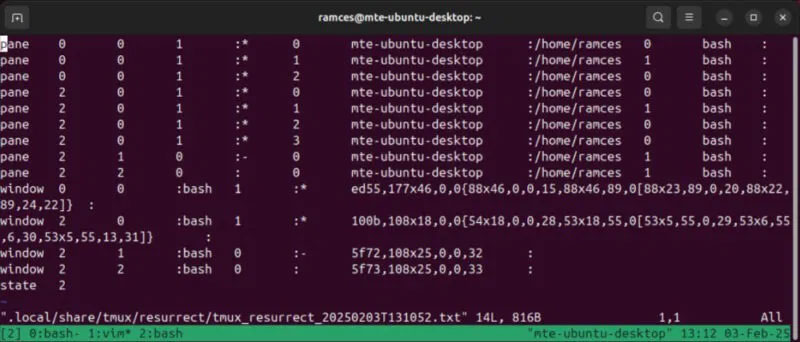
Another feature that users like about Tmux-resurrect is that it can save the state of a running program. Still, the implementation is not perfect and this feature only covers a small number of applications. Still, the plugin handles it well enough to make your Tmux setup more seamless.
3. Tmux - notify
Keeping track of background programs can be difficult if you're dealing with multiple Tmux panes and sessions. In my experience, this leads to times when you forget you have a command running in the background and accidentally close Tmux.
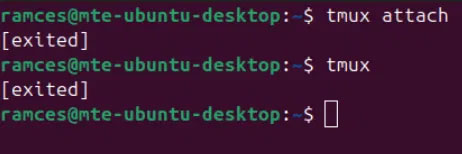
Tmux-notify is a plugin that sends notifications when it detects a process has completed. It works by checking for any active Tmux panes that have just switched to a Bash shell prompt. The plugin then sends a libnotify notification, which can be a visual terminal sound or an audible ping.
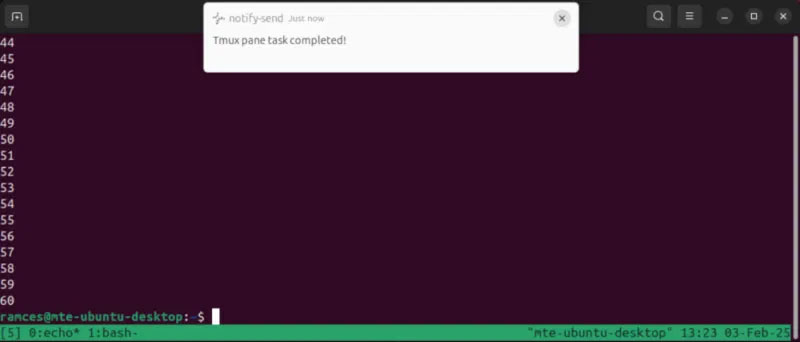
While that style of notification is fine for most users, Tmux-notify also offers support for Telegram bots, Pushover alerts, and custom commands. This makes it possible to integrate Tmux-notify into almost any workflow, making it an attractive option for tinkerers who want to tweak their terminal setup.
4. Tmux - jump
Buffer navigation is arguably one of the most awkward parts of Tmux. The multiplexer offers no built-in keyboard shortcuts for moving outside of copy mode and window focus. If you're someone who uses Tmux for everyday productivity tasks, you'll find this odd quirk both tedious and annoying, especially for long terminal sessions.
Tmux-jump solves this problem by making navigating the Tmux pane both easy and intuitive. Inspired by Vimium, it uses keyword suggestions to create 'jump points' within your Tmux windows. These points let you quickly move around within Tmux without relying on its complex keyboard shortcuts.
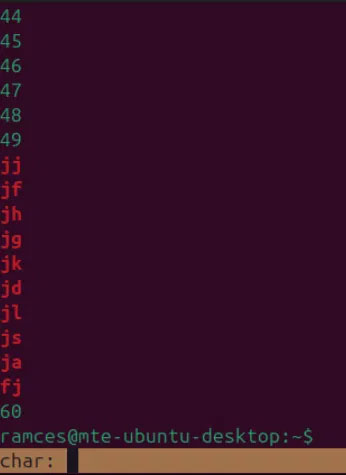
Tmux-jump shines brightest when you combine it with plugins like EasyMotion for Vim. In our example, this setup creates a consistent workflow where the terminal and text editor follow the same motion shortcuts. This makes them behave similarly to an IDE, which is hard to replicate with programs like Emacs.
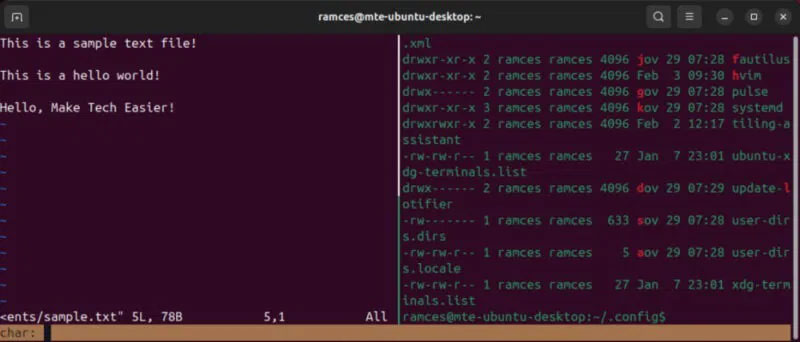
5. Treemux
Treemux is a powerful plugin that seamlessly integrates Neovim's tree-based file browser with Tmux. It can navigate directories, open files, and even display the current working directory. This makes it an invaluable plugin to build a Neovim-based IDE inside Tmux.
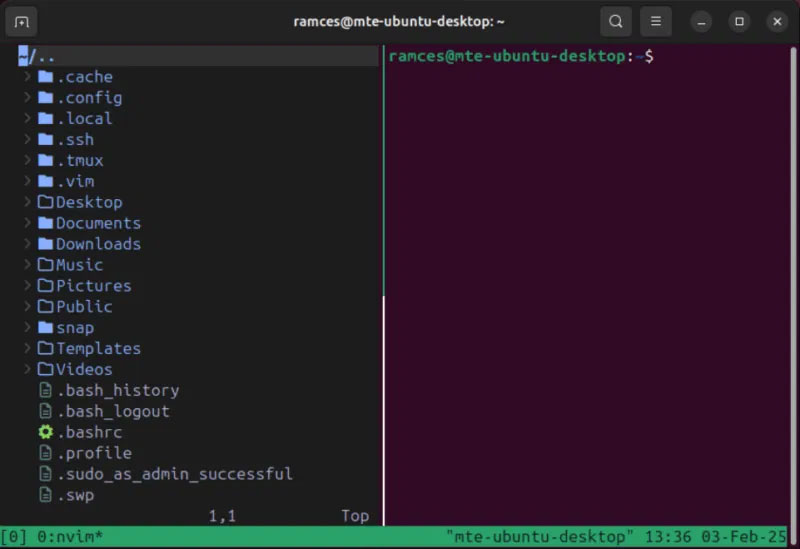
The Treemux developers also designed this plugin to be as unobtrusive as possible. It is invisible by default and resizes depending on the pane it is attached to. So, Treemux is a great plugin if you prefer a terminal with minimal distractions.
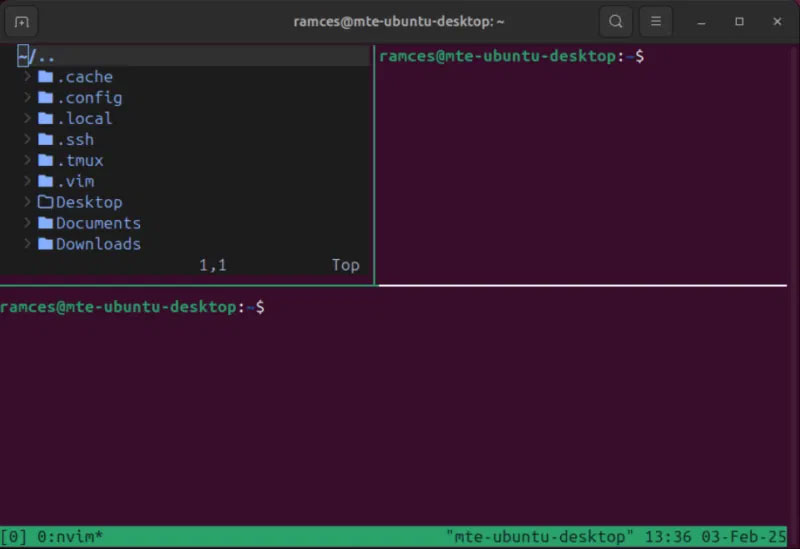
Finally, Treemux has a couple of Neovim extensions that extend the plugin's default feature set. Tmuxsend.vim adds support for sending full paths from Treemux to Tmux, making file references quick and easy. Meanwhile, nvim-tree-remote.nvim lets you open a file in Treemux by double-clicking it with your mouse.
Ultimately, Tmux is just a multiplexer and these plugins will only extend what it currently does.
FAQ
How were the best productivity plugins for tmux options evaluated?
The comparison focuses on practical features, ease of use, limitations, compatibility, and the type of user each option is most likely to help.
Which option is best for beginners?
Beginners should prioritize a clear interface, useful documentation, reliable support, and the core features needed for their first project.
Should I choose a free or paid option?
Start with a free option when it covers your needs. A paid plan may be worthwhile when you need advanced tools, commercial rights, collaboration, or professional support.
Related Articles
 How to Manage and Restore Tmux Sessions in Linux7 minutes read
 How to Install and Configure Tmux for Linux7 minutes read
 20 Free and Useful Photoshop Plugins for Design Professionals14 minutes read
 5 Essential Plugins for Using Paint.net: Practical Guide5 minutes read
 5 Remarkable New Plugins for Wordpress: Tutorials1 minutes read
 What Are Plugins in Claude Code?7 minutes read
Reader Comments 0
Sign in with email or Google to join the discussion.