Table of Contents
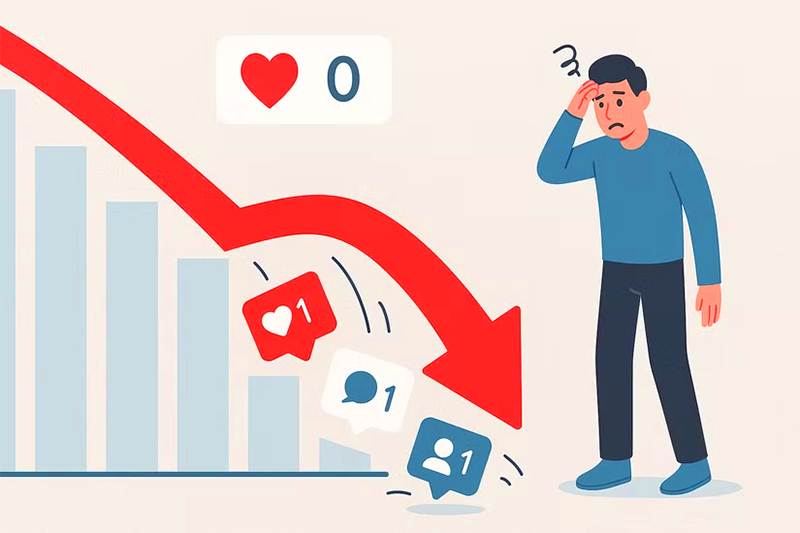
A sharp drop in likes or views can prompt you to check for a shadowban, a common term for reduced visibility without an obvious suspension. Start with the platform’s account status and test a direct link to the post. Those checks can help you tell whether people can still open the post and whether the platform has flagged it for limited distribution.
Check for a notice or restriction
On Instagram, open your profile menu and look for Account Status. Check for removed content and limits on features. If you have a professional account, also check whether your content is eligible for recommendations to non-followers. On Facebook, look for Account Status and review your Support Inbox for notices. On X, open the affected post and look for a visibility label. X’s enforcement guide explains what a label can mean and when an appeal is available.
Test a direct link, then test discovery
- Copy the link to a specific affected post. Ask a trusted person who should be able to view it to open it. If they can’t, check the audience setting and try a second post with the same setting. On Instagram, start with the account privacy setting.
- If the post is intended to be public, try the direct link in a private browser window while signed out. A login prompt only tells you that the signed-out test was inconclusive. Use the signed-in viewer’s result in that case.
- If the direct link works but the post is missing from search, hashtags, or feeds, you’ve confirmed that it can be opened. Search filters, ranking, and recommendation eligibility can each affect discovery. X’s search troubleshooting guide gives examples of why a post may be omitted.
For a missing reply, open the original conversation and compare what you and the other viewer see. Check whether the thread is sorting or hiding replies. A single reply with limited visibility does not establish an account-wide restriction.
Use analytics to find the scope of the drop
Compare several similar posts over the same amount of time after publication. Look at reach or impressions before comparing likes and comments. If the platform offers a follower and non-follower breakdown, check whether the drop is concentrated among non-followers. That gives you a more specific problem to investigate than a lower engagement total.
What to do with what you find
If you find a restriction, save the post URL and the exact wording of the notice, then use the platform’s review option if it offers one. If links work and there’s no notice, record which posts, dates, and surfaces are affected before contacting support. Keep your password and verification codes private if a third-party service offers to diagnose a shadowban.
Related Articles
 5 Account Security Warning Signs and What to Do
 MIT releases free blueprints for cheap breathing apparatus that can be copied in every hospital in the world
 6 signs that a new Mac should be replaced
 What signs show your CPU is about to die?
 If a VPN has these warning signs, stay away from it!
 Behaviors that seem normal but are actually signs of stress according to psychology
Reader Comments 0
Sign in with email or Google to join the discussion.