Table of Contents
Explore wi-fi network names can reveal more information than you think.
That simple network name is actually a privacy minefield, and the information it reveals might shock you. Knowing how to identify a free Wi-Fi network is one thing, but you should also be aware of the risks your own network might face.
Your Wi-Fi name follows you everywhere
Phones secretly leak internet history
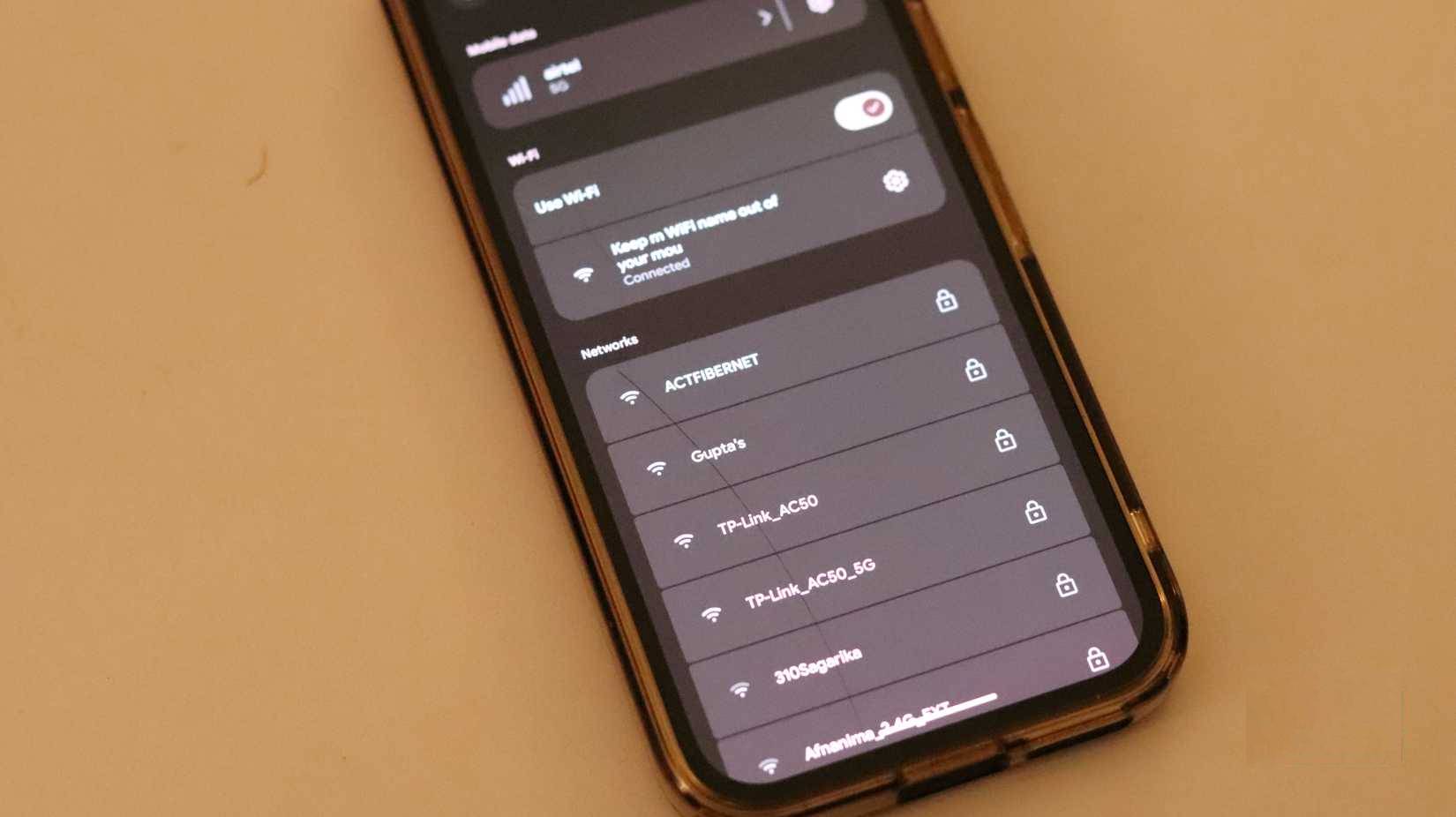
Even when you're not actively using Wi-Fi, your device is constantly broadcasting the names of networks it's previously connected to. These are called probe requests, and they happen automatically several times a minute, whether you're at a cafe, walking down the street, or sleeping at home.
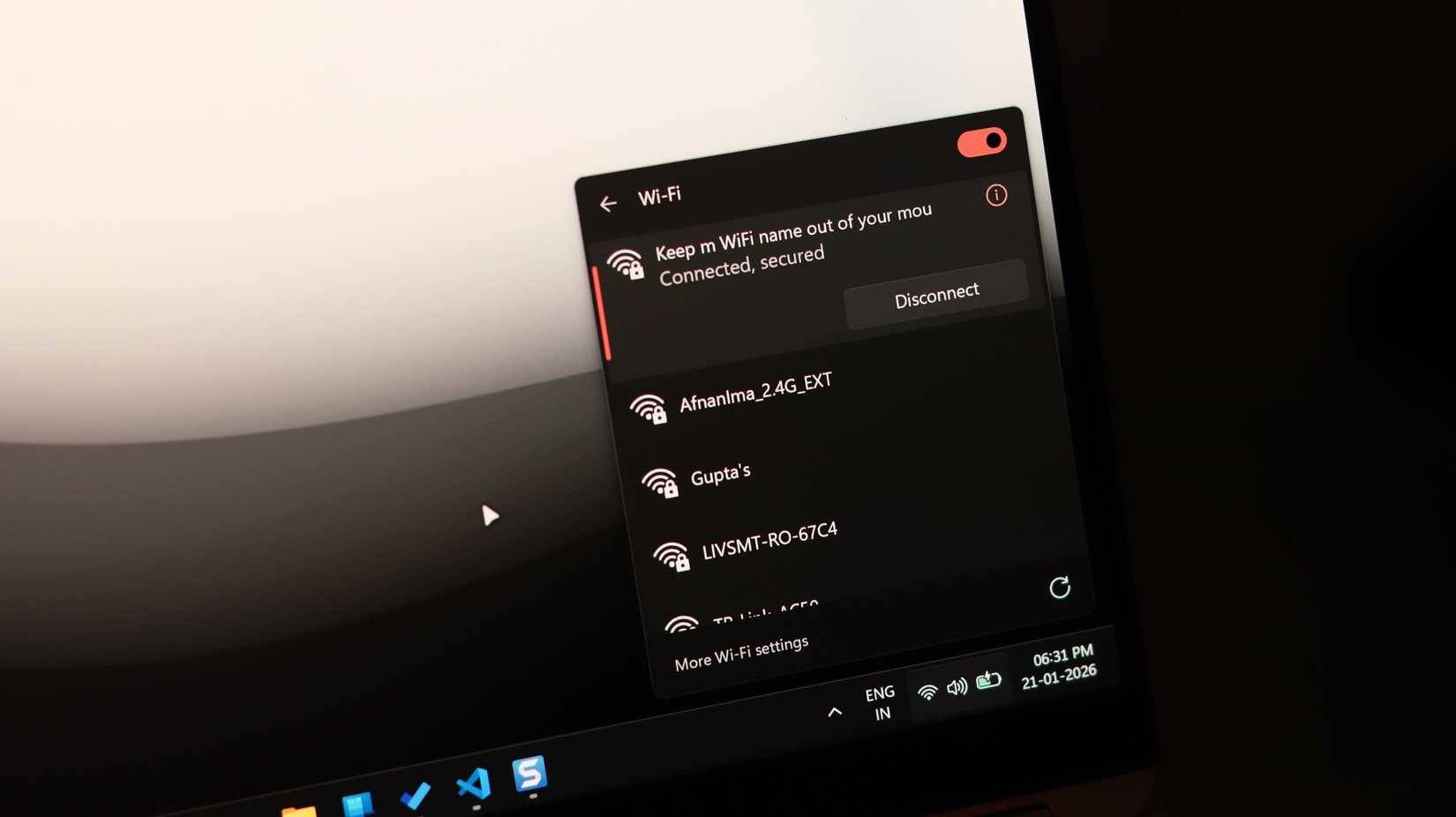
Think about the practical implications of this. If your home Wi-Fi network is named "Dave Family Wi-Fi" or your apartment number is "Apt 12B," your phone is essentially publicly displaying this information to anyone eavesdropping within its coverage area.
Researchers at the University of Hamburg conducted a 3-hour field experiment in a German city and collected over 250,000 search requests from passing devices. According to the study, in nearly 23% of those requests, the SSID contained sensitive information – and many of these character sequences were broadcast dozens, hundreds, or even thousands of times in just 3 hours.
How can your Wi-Fi name reveal your daily habits?
SSID reveals where you live, work, and commute
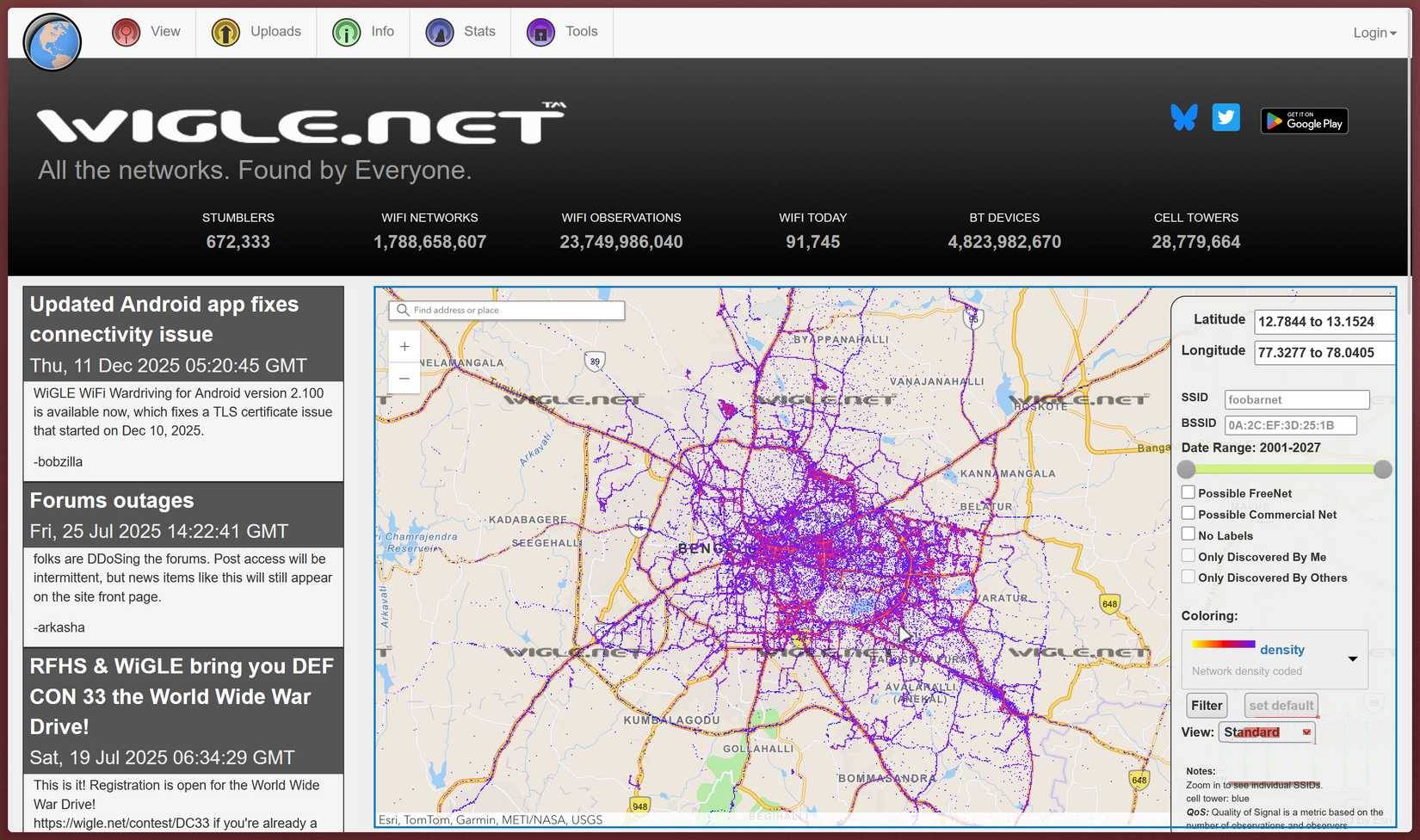
The privacy issue becomes even more serious when you consider what happens to any data that is collected. There is a public database called WiGLE (Wireless Geographic Logging Engine) that has been collecting and mapping wireless network SSIDs since 2001. Currently, it has over 350 million networks with their GPS coordinates.
So, if your SSID is quite unique—for example, you named it after a street name, a memorable phrase, or even a family surname—someone could search on WiGLE, find the location of that network, and pinpoint your exact home address in just a few minutes.
But that's worse than just knowing where you live. Imagine you're going to work, the gym, your favorite coffee shop, and a specific hotel when you go on vacation. If you carry the same phone, it will broadcast the names of all these networks to anyone listening. A determined bad actor with basic technical knowledge could collect these search requests, catalog the networks your device has connected to in the past, compare them to WiGLE's database, and build a complete map of your life and habits.
The Wi-Fi name attracts the attention of attackers
SSID indicates weak security or bad habits
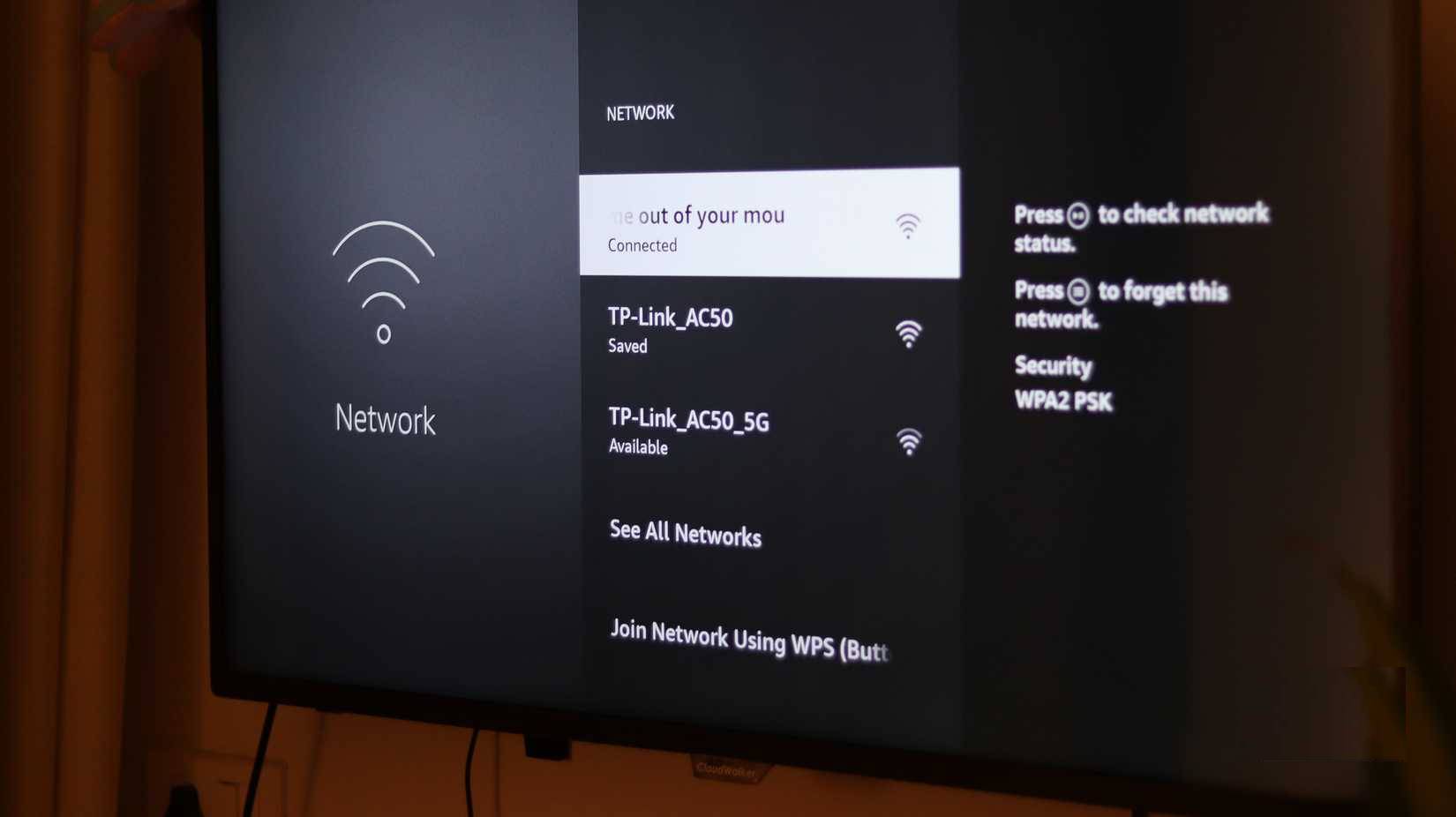
Beyond location tracking, careless SSID naming can have immediate security consequences. If you continue using your router's default network name, often based on the router's brand and model, you're not only revealing your location but also the type of router you're using. Your Wi-Fi password becomes irrelevant if you ignore this setting.
Hackers have tools specifically designed to crack passwords based on router models and their specific vulnerabilities. They know the common default vulnerabilities of each brand, and an easily identifiable SSID will tell them exactly which vulnerabilities to try first.
Similar experiments to the one mentioned above also found that SSIDs containing strings of more than 16 digits matched the default passwords of common home users. Therefore, you shouldn't give your Wi-Fi a very private name, nor should you leave it as default.
Hiding the Wi-Fi name only makes things worse
The myth of hidden SSIDs and the real price to pay for privacy
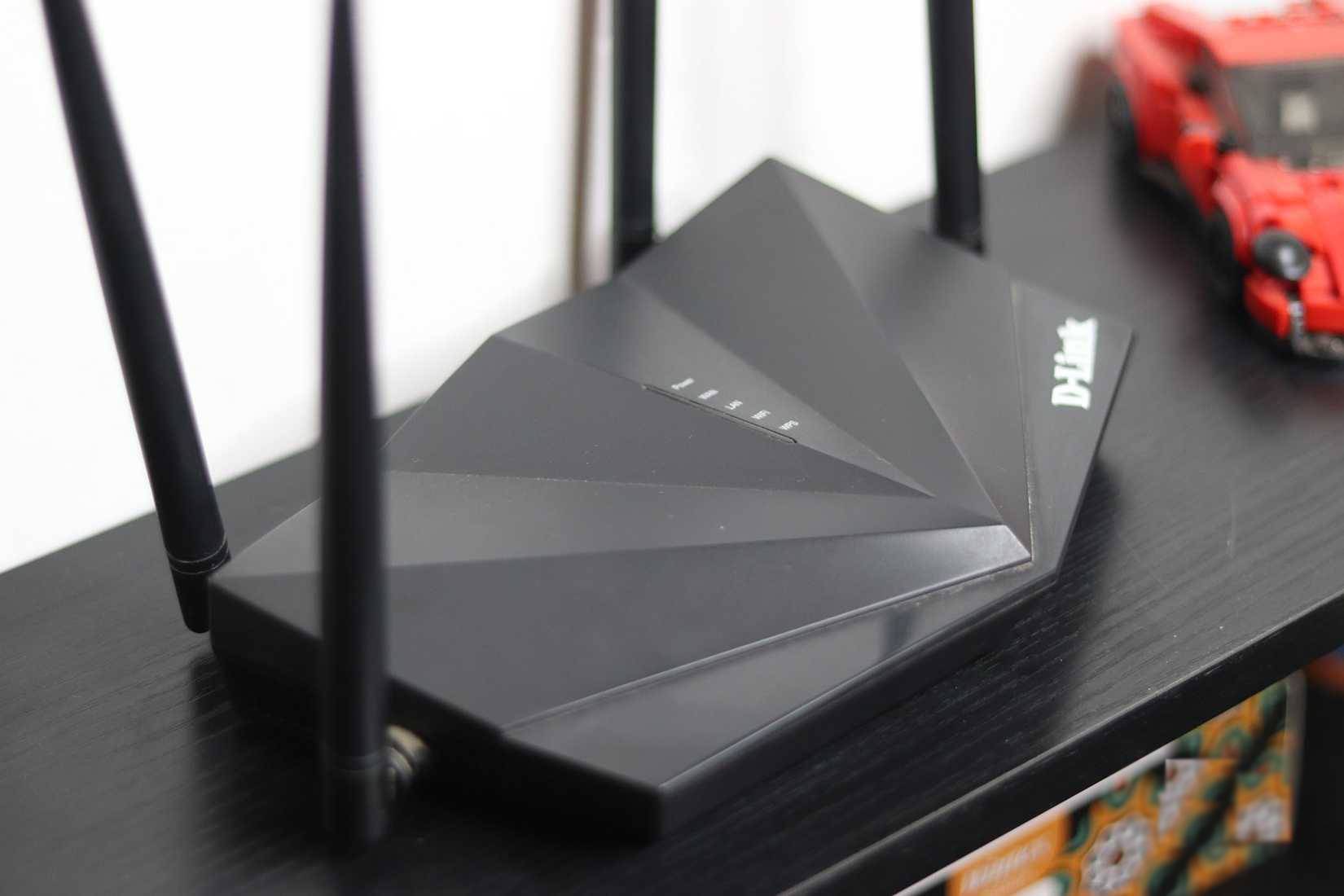
A common misconception is that hiding your SSID, or making it unbroadcast, will protect your privacy. It only slightly reduces the obstacle for an attacker, but often makes your privacy worse because devices have to work harder to find and connect to it, sending out more probing requests including the network name.
Hackers can still extract hidden SSID names through packet eavesdropping techniques. Worse still, devices already connected to the hidden network will remember it and actively search for it, making them vulnerable to Evil Twin attacks, in which hackers set up a fake network with the same name to intercept your connection.
Wi-Fi tricks to steal your connection
The Evil Twin Revolution uses a credible pseudonym
Speaking of Evil Twin attacks, this is a case where a carelessly chosen Wi-Fi name becomes a bigger security threat. An attacker can set up a spoofed access point with the same SSID as the legitimate network you were previously connected to. Public Wi-Fi isn't always insecure, but a few mistakes can make it much more dangerous.
Your phone, especially in public places like airports or cafes, will try to automatically reconnect to a network it deems legitimate. Once connected, an attacker can monitor all your activity—passwords, emails, bank transactions, everything. They might even lead you to a fake login page to steal your login credentials.
Final Thoughts
Understanding wi-fi network names can reveal more information than you think makes it easier to evaluate the information and apply the most relevant recommendations. Focus on the key points above and verify details that may change over time.
FAQ
What is wi-fi network names can reveal more information than you think?
Explore wi-fi network names can reveal more information than you think.
What key points does this article cover?
The article focuses on Your Wi-Fi name follows you everywhere, Phones secretly leak internet history, How can your Wi-Fi name reveal your daily habits?, with practical explanations and examples.
How can you use this information in practice?
Use the explanations to compare options, verify important details, and make a more informed decision. Apply the recommendations that best match your goals and situation.
Related Articles
 Watch Out for Wi-Fi Networks When Using Android Devices4 minutes read
 How to Change the Network Configuration Name in Windows5 minutes read
 Mozilla Unintentionally Revealed Information from Developers4 minutes read
 Request to Revoke Vng's Zalo.vn and Zalo.me Domain Names Because3 minutes read
 Good Fb Names, Sum Up the Best Fb Names10 minutes read
 How to Check. Vn Domain Name on VNNIC5 minutes read
Reader Comments 0
Sign in with email or Google to join the discussion.