Table of Contents
What matters is how you actually use Wi-Fi 7 and whether you should upgrade from a Wi-Fi 6/6E setup.
The latest generation of Wi-Fi is here and you can start using it right away. Wi-Fi 7 debuted in 2024 and is now available in routers, smartphones, and other Wi-Fi-connected devices.
What matters, however, is how you actually use Wi-Fi 7 and whether you should upgrade from a Wi-Fi 6/6E setup.
Why is Wi-Fi 7 better?
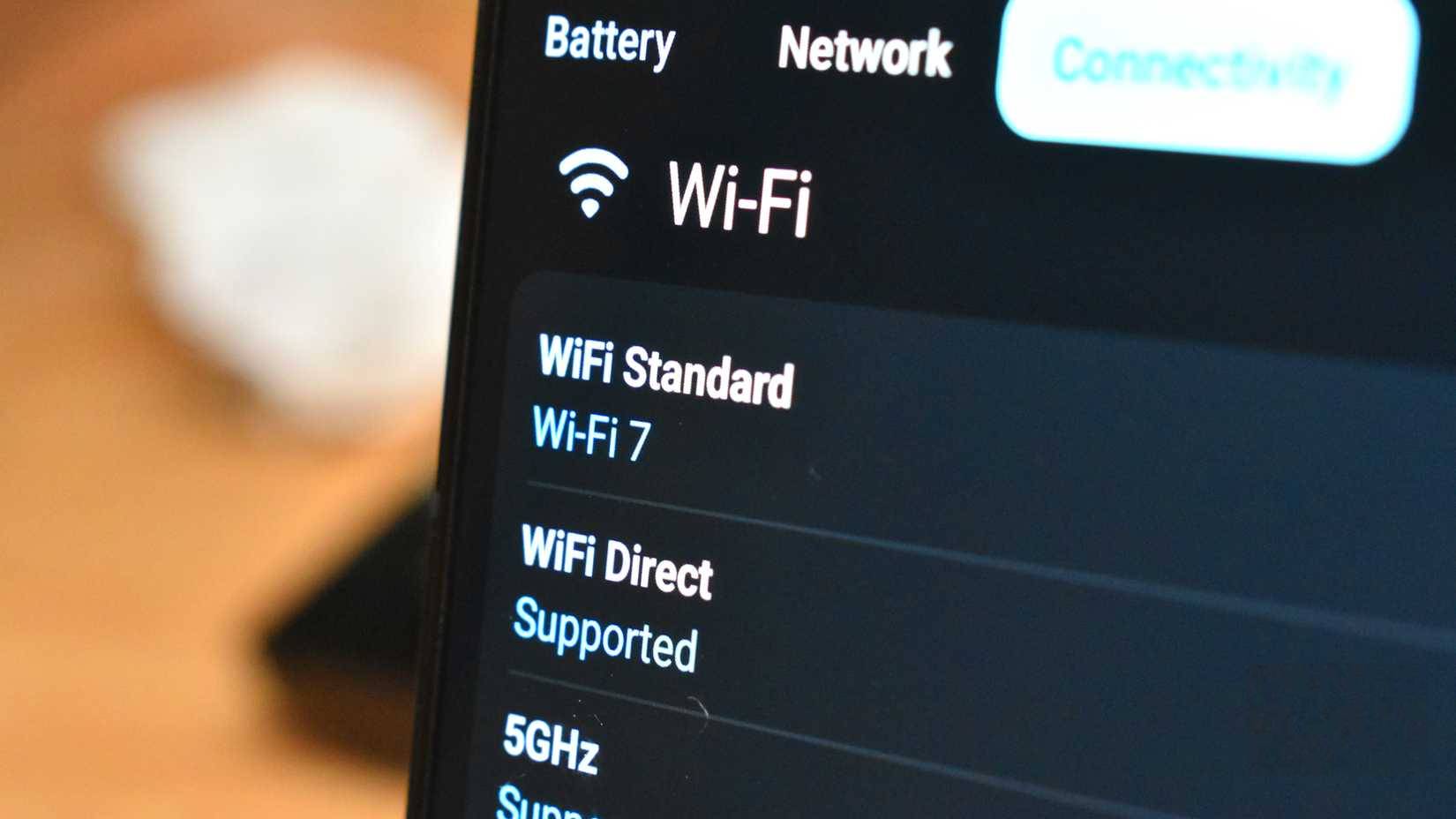
Wi-Fi 7 (802.11be) isn't a huge leap forward in what users expect from Wi-Fi, but it does bring some genuinely useful upgrades in key areas (aside from a significant speed increase of up to 46 Gbps, the maximum theoretical speed compared to Wi-Fi 6's 9.6 Gbps).
|
IEEE standard |
Wi-Fi Alliance Name |
Year of release |
Frequency |
Maximum data rate |
|---|---|---|---|---|
|
802.11ac |
Wi-Fi 5 |
2014 |
2.4GHz & 5GHz |
1.3Gbps |
|
802.11ax |
Wi-Fi 6 |
2019 |
2.4GHz & 5GHz |
10-12Gbps |
|
802.11ax-2021 |
Wi-Fi 6E |
2021 |
2.4GHz, 5GHz, & 6GHz |
10-12Gbps |
|
801.11be |
Wi-Fi 7 |
2024/2025 |
2.4GHz, 5GHz, & 6GHz |
40Gbps |
For example, wider channels: You can now use 320MHz channels on the 6GHz band, double the available bandwidth compared to Wi-Fi 6E 's 160MHz. When clients have a clean spectrum, doubling the channel bandwidth unlocks much higher throughput for local file transfers and multi-gigabit Internet packets.
The second big change is 4K-QAM (4096-QAM), a denser modulation scheme that packs more data into the same amount of airtime. However, it requires a strong, clean signal. If your devices can maintain signal quality, speeds will increase significantly over Wi-Fi 6/6E's 1024-QAM.
Another Wi-Fi 7 standard that's really worth upgrading for is Multi-Link Operation (MLO). Instead of devices choosing 5GHz or 6GHz, MLO allows devices to use multiple links at once, bonding them for higher throughput or allowing devices to switch between links to reduce latency and avoid interference.
The specs are great, but how do you actually use Wi-Fi 7?
How to unlock Wi-Fi 7
There's only one way to take advantage of the awesome-sounding upgrades of Wi-Fi 7, and that's to buy a Wi-Fi 7 router. There's no backdoor firmware upgrade you can apply to your current router, as Wi-Fi 7 requires specialized hardware, and your older router may not be able to handle it.
Once you have a Wi-Fi 7 router, however, there are a few steps you should take to ensure your network actually works. Note that only Wi-Fi 7-compatible devices will be able to take advantage of all of these features, just as only Wi-Fi 6E+-compatible devices will be able to use the newer 6GHz Wi-Fi band.
Using 6GHz Wi-Fi and 320MHz channels
First, make sure you have the 6GHz band turned on. This is the biggest upgrade to Wi-Fi in years and one of the main reasons you should consider upgrading to Wi-Fi 7. You can also adjust the channel width.
Combine 5GHz and 6GHz bands
Another Wi-Fi 7 feature you should start using right away is Multi-Link Operation (MLO). This essentially lets you create a Wi-Fi band that uses both 5GHz and 6GHz on a single network.
Your devices will then be able to send and receive data on all bands. However, this doesn't mean that older devices will suddenly be compatible with Wi-Fi 7. Like routers, most devices won't suddenly get a firmware update that enables the new Wi-Fi technology.
Enable WPA3
6GHz requires WPA3. If you mix WPA2/WPA3 on the same SSID, some clients will behave strangely and skip 6GHz altogether. WPA3 is the latest Wi-Fi security standard, and to get the most out of Wi-Fi 7's 6GHz connection, You should enable it.
Check your device and internet connection
Finally, does your device actually support Wi-Fi 7? This seems like a basic question, and you may have already thought about it, but it's worth double-checking.
If your device doesn't support Wi-Fi 7, there's no point in tweaking your router settings. It won't work (on Wi-Fi 7). You might get some indirect benefits from your router, as it may be very modern and powerful, but you won't be using MLO, 4K-QAM, etc.
Wi-Fi 7 is more than just a name
But you need the right technology
Wi-Fi 7 has the potential to be faster than Wi-Fi 6/6E. But Wi-Fi 7 isn't just a numbers game; it's also about other tech jargon. 320MHz channels, 4K-QAM, and MLO are all part of the package to deliver a smoother, faster internet experience.
Just arrange your devices and router properly and everything will fall into place.
FAQ
What should you know about the difference between wi-fi 7 and wi-fi 6?
In practical terms, what matters is how you actually use Wi-Fi 7 and whether you should upgrade from a Wi-Fi 6/6E setup.
Why does the difference between wi-fi 7 and wi-fi 6 matter?
The article highlights that wi-Fi 7 debuted in 2024 and is now available in routers, smartphones, and other Wi-Fi-connected devices.
What is the main takeaway?
The main takeaway is that what matters, however, is how you actually use Wi-Fi 7 and whether you should upgrade from a Wi-Fi 6/6E setup.
Related Articles
 What Is the Difference Between Hex, Rgb and Hsl?5 minutes read
 What Is the Difference Between GUI and CLI?8 minutes read
 Web 2.0 vs. Web 3.0: Key Differences8 minutes read
 4k Resolution: The Difference Between 4K and 8K6 minutes read
 What Is the Difference Between Pcie 3.0, Pcie 4.0 and Pcie7 minutes read
 Difference Between Tor and VPN5 minutes read
Reader Comments 0
Sign in with email or Google to join the discussion.