Table of Contents
A Wi-Fi 7 router can be worthwhile, but a newer standard alone will not fix slow internet or weak coverage. Check where your connection struggles and what your devices support before replacing a working Wi-Fi 6 or 6E router.
Your internet plan and local network have different limits
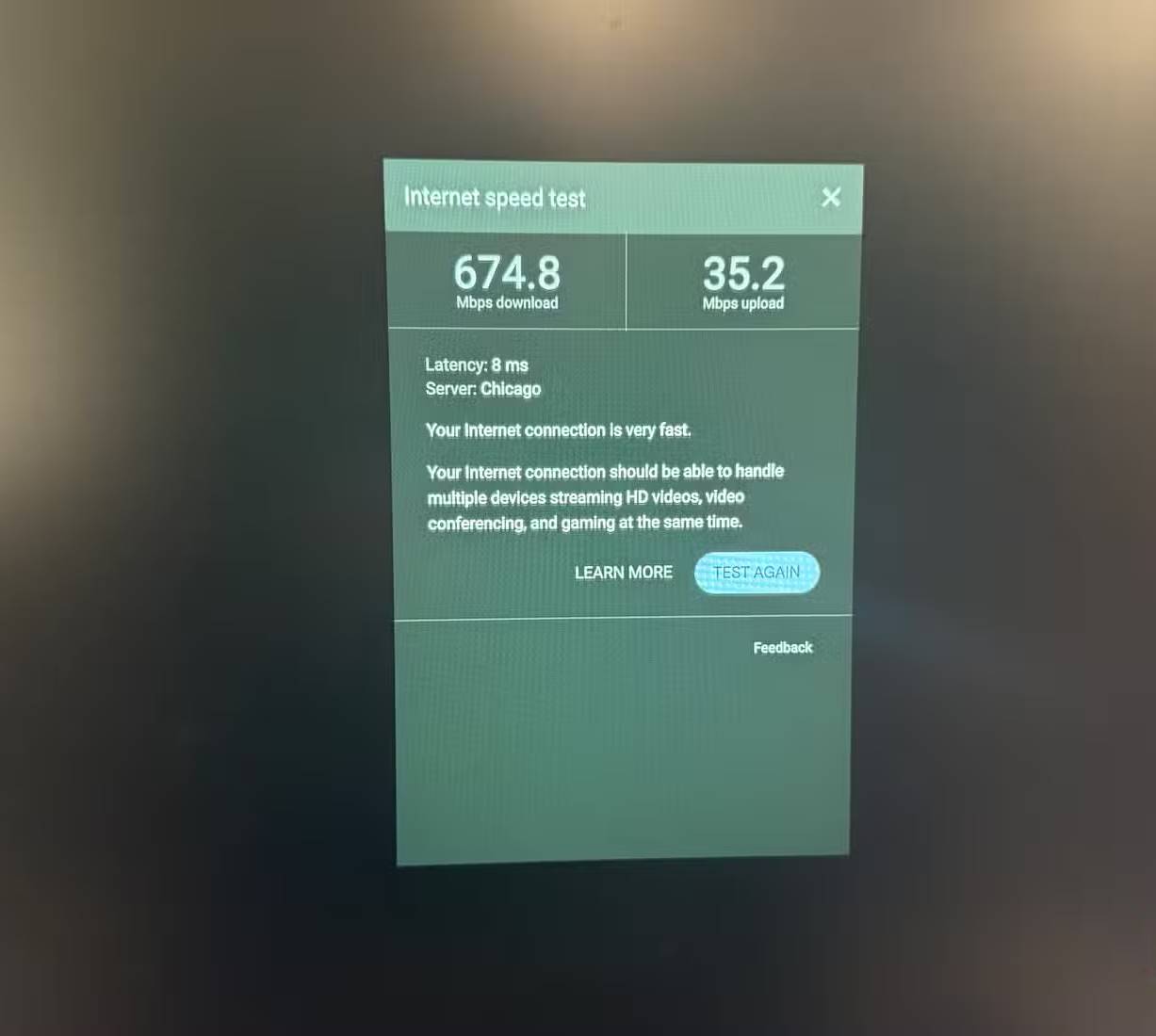
A faster router cannot raise the download speed your provider supplies. Test a computer over Ethernet, then compare Wi-Fi speeds close to the router and in the rooms where service is poor. If Ethernet is fast but Wi-Fi is slow, coverage, interference or the client device may be the issue. If both are slow, investigate the internet connection first. Our Wi-Fi troubleshooting guide walks through that comparison.
Wi-Fi 7's headline theoretical throughput is a combined laboratory figure, not the speed one phone will see on the internet. A faster local connection can still help with file transfers to a NAS or crowded home networks, even with a modest internet plan.
Your devices may not use the new features

Older phones, laptops and smart devices can connect to a Wi-Fi 7 router, but they use the capabilities they support. Features such as multi-link operation need compatible clients; 320 MHz channels need suitable 6 GHz support and regulatory availability. Check the specifications of the devices you actually use before paying for these features. The Wi-Fi generation comparison explains what older equipment can do.
Normal tasks may already run well
Browsing, video calls and several video streams rarely require the maximum throughput advertised on a router box. A stable Wi-Fi 6 network may serve them perfectly well. Congestion, distance and walls can matter more than the standard printed on the router. If connections drop in one room, test placement or an access point before upgrading solely for Wi-Fi 7; see the signal and band check.
A functioning Wi-Fi 6E setup may be enough
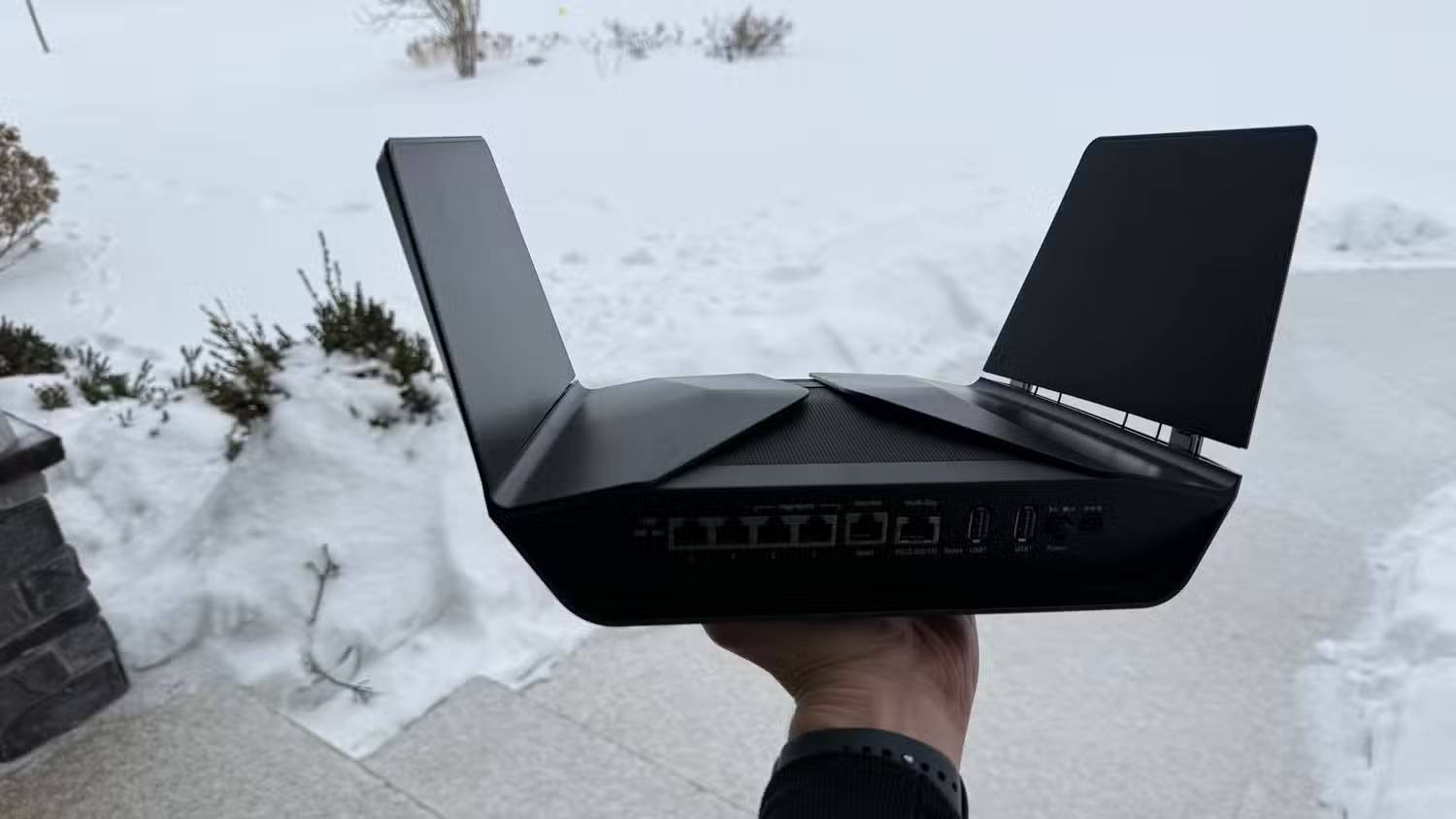
Wi-Fi 6E already offers access to the 6 GHz band on compatible hardware. Wi-Fi 7 adds capabilities, including multi-link operation and wider channels in supported environments, but the benefit depends on your clients, local conditions and the workload. Replacing a healthy 6E router merely to change the standard may produce little visible improvement. An older Wi-Fi 5 router with poor performance presents a stronger case for replacement.
Check the router's actual features before buying
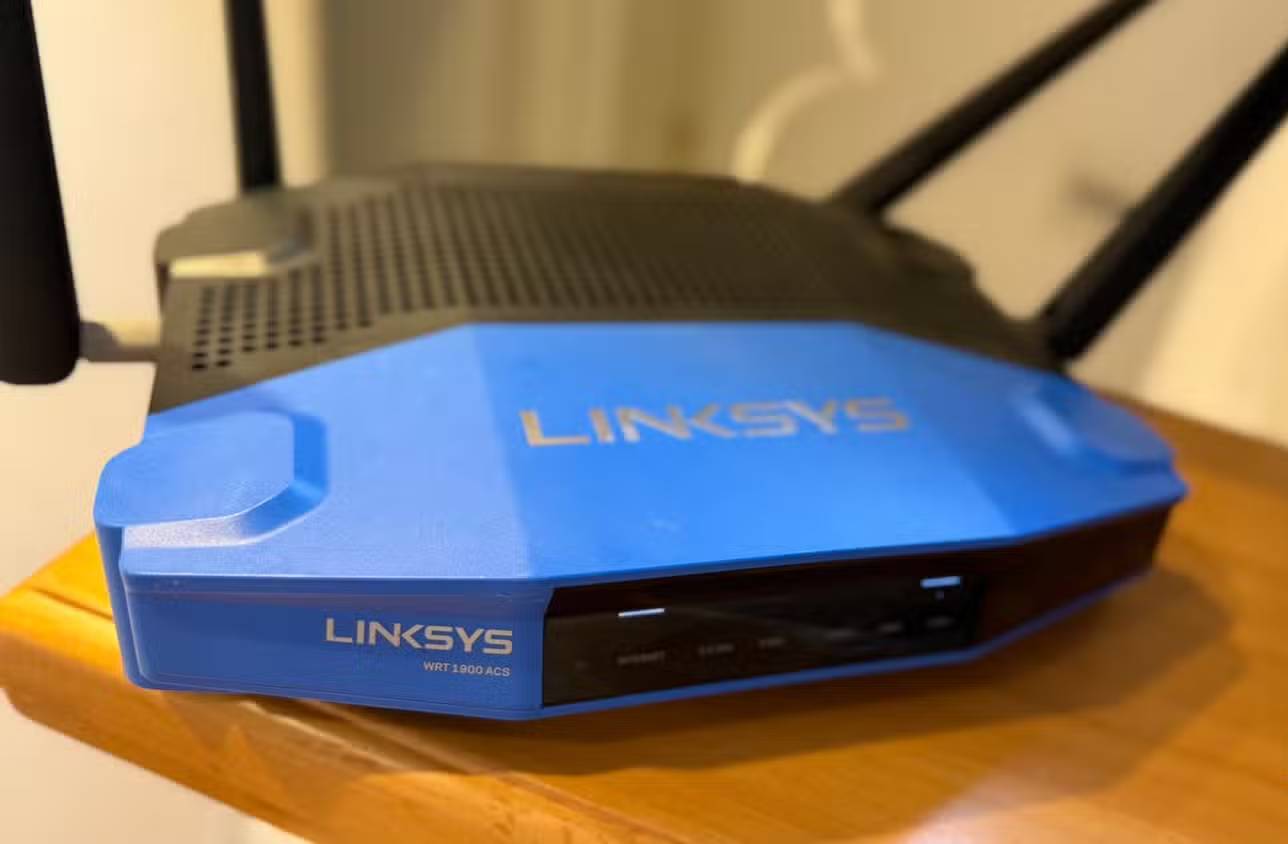
Wi-Fi 7 models differ. Some are dual-band and omit 6 GHz; others have different Ethernet port speeds, channel widths and radio configurations. A dual-band model is still a Wi-Fi 7 router, but it cannot offer 6 GHz features. Check the bands available in your region, the ports needed for your internet and wired devices, and whether your clients support the features you want. A tri-band router explainer can help you assess the band trade-offs.
Upgrade when testing points to a router limitation, you have compatible devices, or you need better local-network capacity. Otherwise, fixing coverage, cabling or your internet plan is likely to be a more useful first step.
Related Articles
 3 Reasons Why You Shouldn't Use Your Router's USB Port to Back up Data9 minutes read
 5 Reasons to Upgrade to a Wi-Fi 7 Router: Best Options Compared6 minutes read
 Learn About Mesh Routers9 minutes read
 How to Change DNS Server on the Most Popular Routers9 minutes read
 5 Reasons to Set up a Guest Network on the Router6 minutes read
 Explain the Rule 30-30-30 When Resetting the Router5 minutes read
Reader Comments 0
Sign in with email or Google to join the discussion.