Table of Contents
What Is Plant Empires?
This updated guide explores plant empires - merge defense monsters with practical details, clear explanations, and useful takeaways. Plant Empires: Merge Defense Monster has simple gameplay similar to the famous game Plants vs Zombies but will be more interesting and attractive thanks to the special combination mechanism. You can combine plants in Plant Empires together and help them increase their power.
If in Plants vs Zombies, you will gradually unlock new plants with higher prices and power, then in Plant Empires, you just need to buy one type of plant and combine them together to form new plants with higher damage and health.
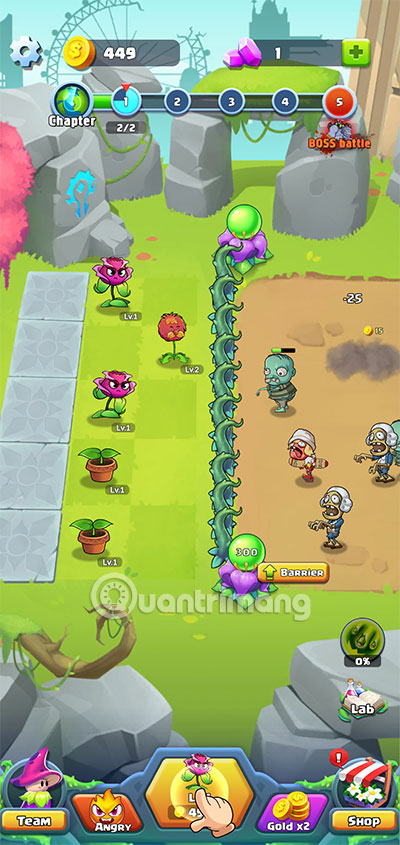
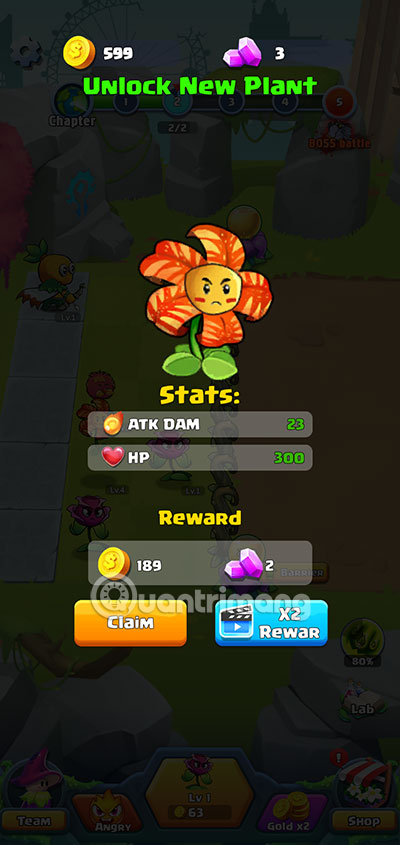
Our enemies in Plant Empires will be zombies, just like Plants vs Zombies. They will have waves of attacks before the zombie boss appears with damage and health superior to all normal zombies.
How to Play Plant Empires
How to play Plant Empires is very simple, you just need to buy default plants, then combine them into plants with higher levels. Every 2 plants of the same level will produce a new plant with a higher level.
The special thing here is that you can move these plants anywhere in your home location. This is a very interesting mechanism when there are rows with a much larger number of zombies, you can move high-level plants to that row.
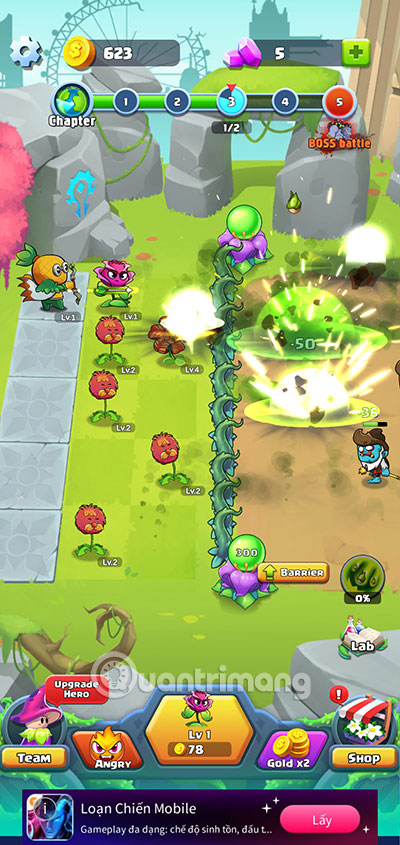
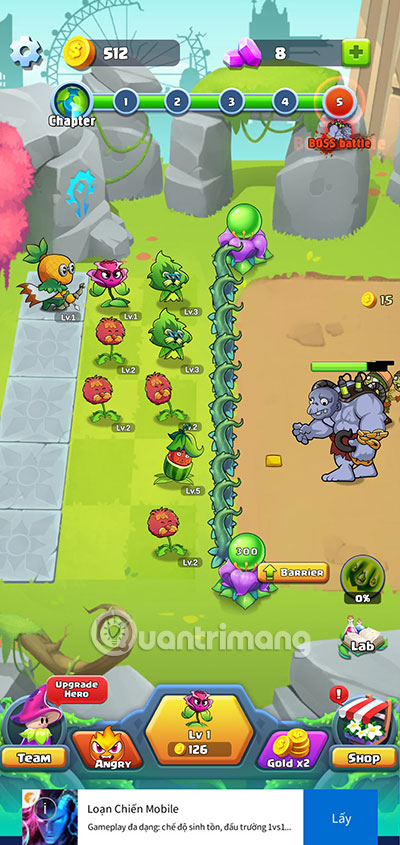
Plant Empires has an impressive collection of plants with over 100 types of plants divided into different types and rarities. Players can use their unlimited creativity and the plant combination mechanism to create a powerful army of plants to destroy the aggressive zombies.
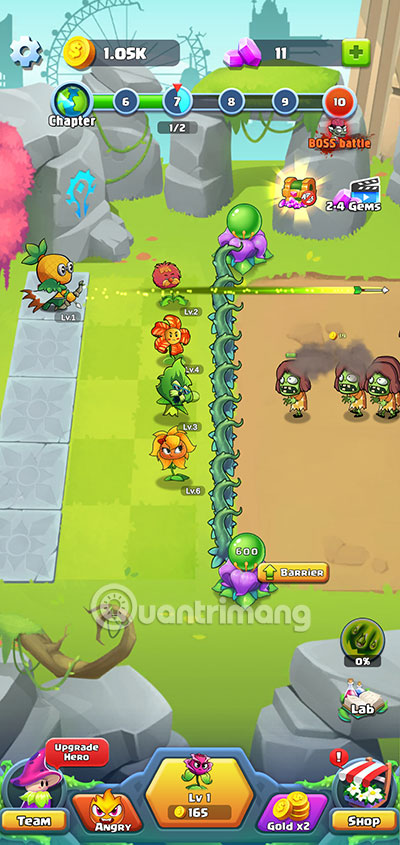

do not forget to power up your plants with Angry boost , your plants will get increased shooting speed and damage. Watching ad videos will get you free plants along with gold and many other rewards to upgrade your plant army.
When you choose Fairy Gift, the fairy will give you some free plants. You can either spend gems to get these plants or watch an ad and she will give you the plants for free.
Hero Plant Empires - Merge Defense Monsters
Another distinct feature between Plants vs Zombies that players can clearly see here is that players will have the help of Heroes in the game. Heroes will be assistants next to your plants. They have skills with different strengths that will help you repel and destroy waves of zombies.


To unlock new Heroes, You need to upgrade your fences and level up your Heroes. This will be the condition for you to unlock new Heroes, place them in the back row of the trees to increase the power of your house.
You can recruit up to 5 heroes to your home, moving the heroes back and forth between the squares to promptly support the plants in the rows with a large number of zombies attacking.
Other Fun Things in Plant Empires
In each different level, players will have different bosses and zombie turns. Each boss will have different skills such as teleportation, summoning more zombies, pumping more blood for zombies.
At times like these, It is best to use support skills to deal area damage to zombies and their bosses.
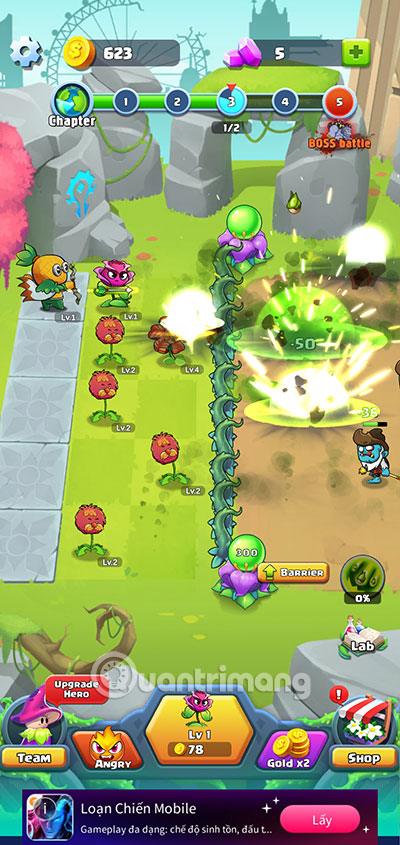
To summon these buffs, spending gems to get them, or watching promotional videos to get them.
Also, always get cards in the Lab to get cards and upgrade your spike fence. Upgrading the fence will increase the fence's HP and you can withstand zombie attacks longer.
Use the X2 coin feature to earn more bonuses from opening cards. Gold received from all sources will be doubled, from which you can buy more trees and upgrade your army faster.
If you let even one zombie get past the fence and into the hero line, you lose that stage.
See also:
- DLS 2022 Dream League Soccer 2022
- Play Together VNG
- Poppy Playtime on PC
- Play Together PC
- Free Fire Max
- Lien Quan PC
FAQ
What is the main takeaway about Plant Empires - Merge Defense Monsters?
The key is to understand the core idea, compare the available options, and apply the practical guidance that matches your situation.
What should beginners know about Plant Empires - Merge Defense Monsters?
Start with the essential steps and terminology. Avoid changing advanced settings until you understand how they affect performance, privacy, cost, or compatibility.
How can I use this information in practice?
Follow the relevant section in order, test one change at a time, and confirm the result before moving to the next step or recommendation.
Related Articles
 Guide to Playing Merge Tactics Kingdom Defense for Newbies7 minutes readList of Cheat Codes Age of Empires III4 minutes read
 How to Download and Play Age of Empires II (AOE2)4 minutes read
 Major Upgrades in Age of Empires6 minutes read
 Download and Play Age of Empires Mobile on Android, iOS: Step-by-Step Guide5 minutes read
 The Green Empire, the Legendary Game About to Have a 4k Version4 minutes read
Reader Comments 0
Sign in with email or Google to join the discussion.