5 Practical Smart Home Security Upgrades
Improve home security with compatible devices, individual garage access codes, motion-triggered lighting, door sensors, and visual alerts—and test how they work together.
Fix Windows problems, troubleshoot devices, understand AI, secure your accounts and get more from your technology with tested step-by-step guides.
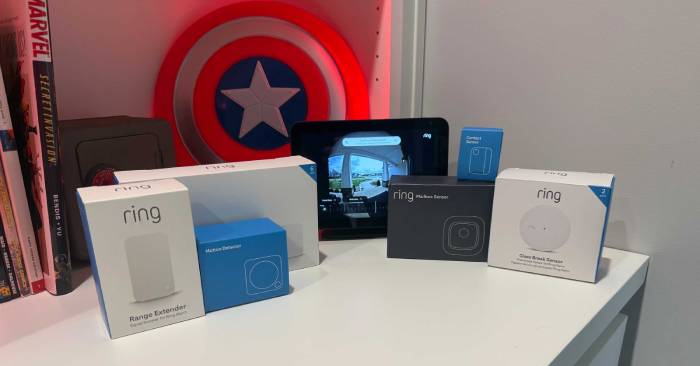
Improve home security with compatible devices, individual garage access codes, motion-triggered lighting, door sensors, and visual alerts—and test how they work together.
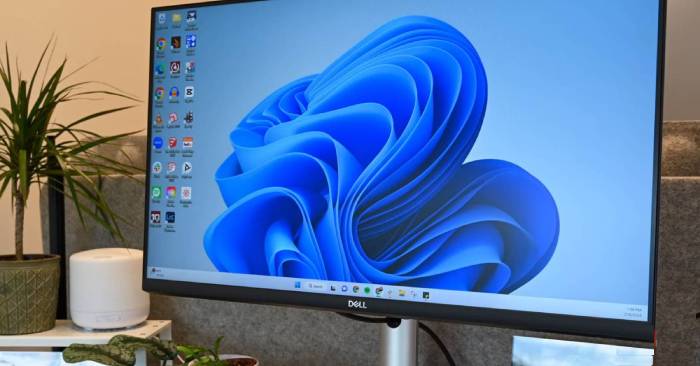
Removing unused Windows apps can free storage, reduce background activity, and cut unwanted notifications. Here is how to clean up without removing essential software.
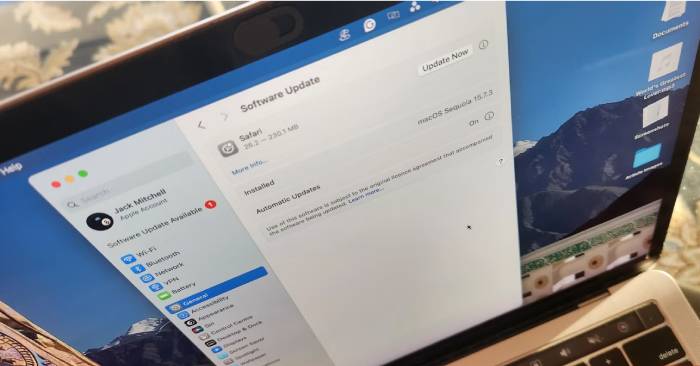
Keep security fixes current while protecting important work. Check compatibility, back up files, schedule restarts, and verify that updates installed successfully.
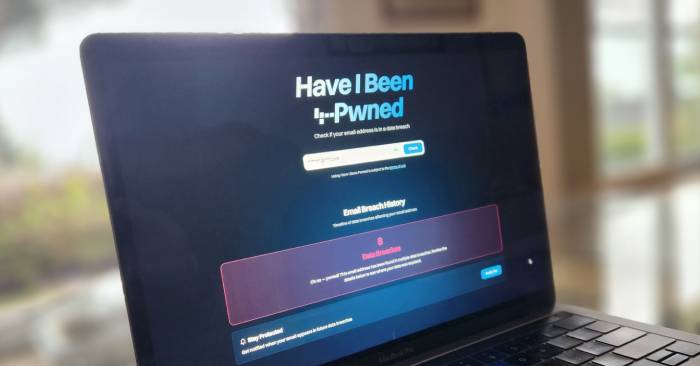
Check unfamiliar sign-ins, breach notices, unexpected verification prompts, password resets, and recovery changes without mistaking every alert for a confirmed hack.
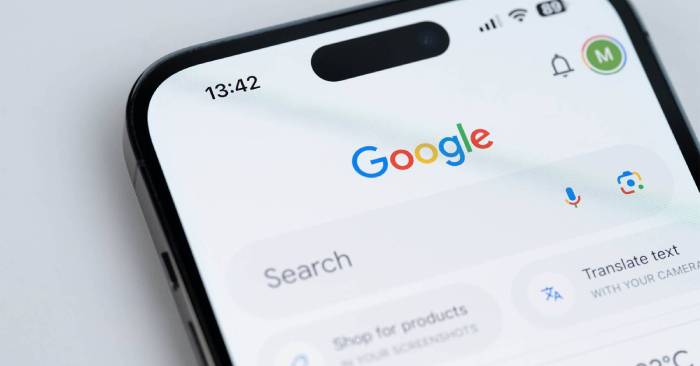
Control saved activity, Maps Timeline, personalized ads, connected apps, and app permissions. Understand what each setting changes before turning it off or deleting data.
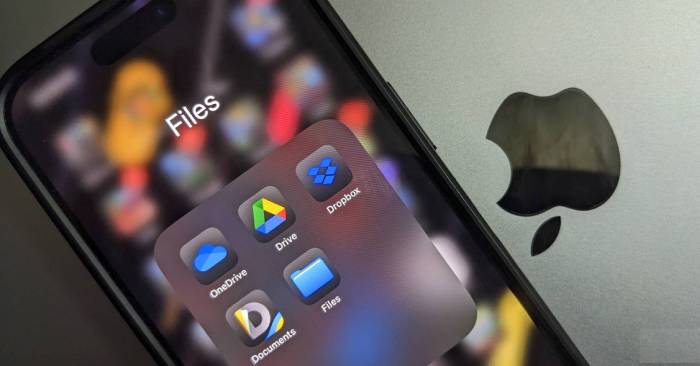
Avoid relying on sync alone. Build independent backups, protect account access and encryption keys, and test that you can restore important files.

Reset current Notepad through Windows Settings, save open notes first, and understand why the older Registry method may not apply to your version.
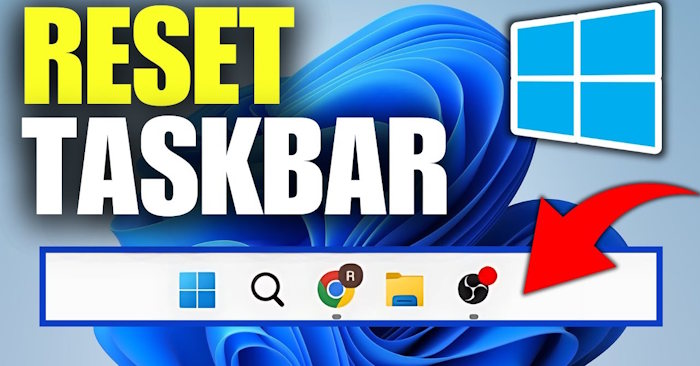
Restart Windows Explorer from Task Manager to refresh a frozen taskbar, and learn what to do if Explorer is missing or the problem returns.

Use Phone Link on a supported Android phone or SwiftKey Cloud Clipboard for text. Follow the correct setup for each method and check common sync problems.
Use the Windows Update driver-exclusion policy on supported editions, understand its limits, and avoid confusing it with older device-search settings.
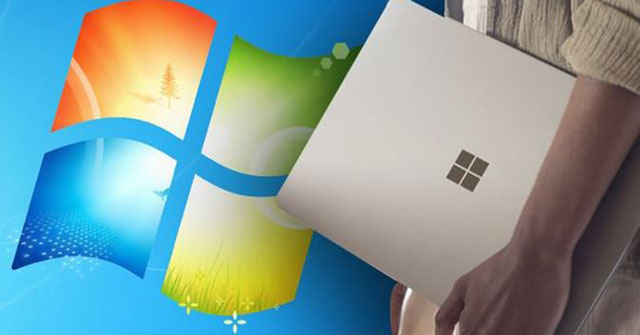
Windows Installer cache files may be needed to repair, update, or uninstall apps. Keep the cache intact and use Windows storage cleanup tools to reclaim space.
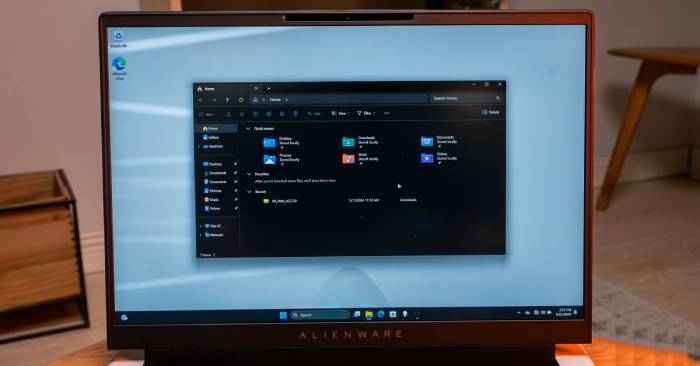
Check which folders are slow, simplify their views, restart Explorer, and use the folder-type Registry workaround cautiously with a backup and undo plan.
Verify the account used to sign in to Windows, check device-registration limits, and distinguish the device list from Find my device and recent sign-in activity.
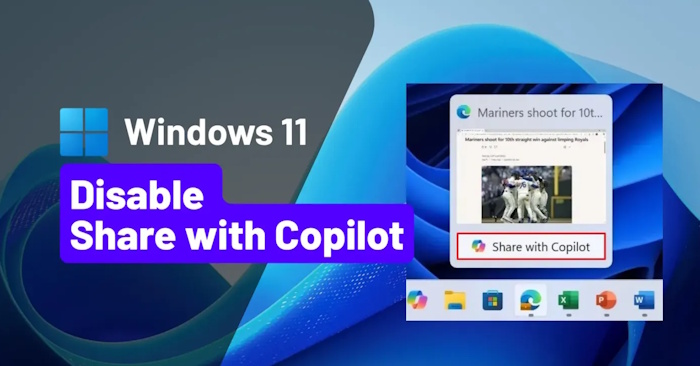
Hide the taskbar shortcut for Copilot Vision using Taskbar behaviors and the Copilot app's available settings, then check the result on an open app preview.
Adjust Explorer history, Home, folder views, and search indexing selectively. Test each change so you keep useful features and identify the real source of delays.
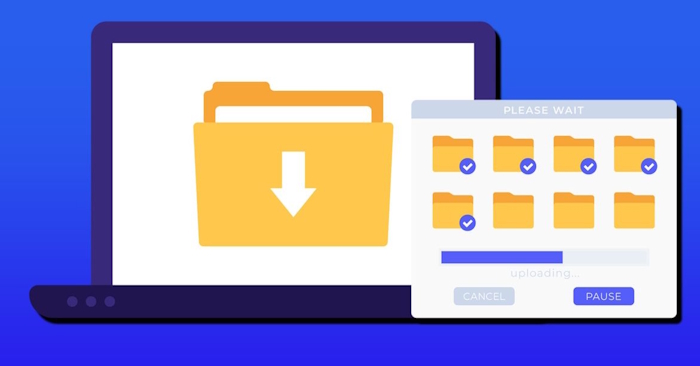
Find large downloads, organize files you want to keep, and remove unwanted items. Set up automatic cleanup only after reviewing what it will delete.

Choose indexed folders, exclude unnecessary locations, and understand the effect of disabling Windows Search. Includes corrected commands and steps to restore the service.
Use Shared Audio with two compatible Bluetooth LE Audio accessories. Check PC and driver support, start sharing in Quick Settings, and troubleshoot a missing option.
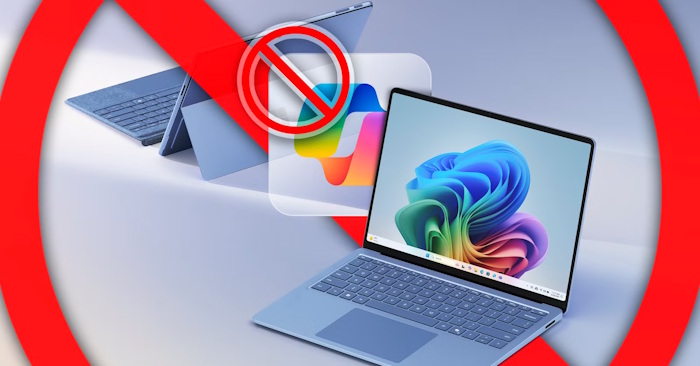
Uninstall the Windows Copilot app, stop its automatic launch, and review separate Edge and taskbar controls. Understand why older Registry tweaks are not a complete removal method.
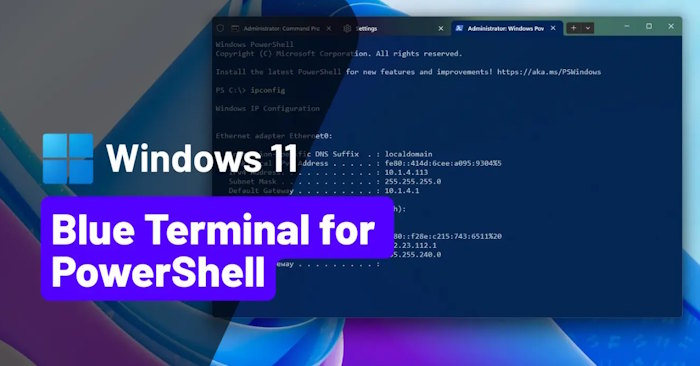
Apply the Campbell Powershell color scheme to a specific Terminal profile using Settings or a correctly placed JSON property.