Table of Contents
Explore are you backing up your data incorrectly, including the key concepts, practical examples, important considerations, and useful guidance.
The price to cloud ease of use is privacy: Your data could be used to train AI models or for vague "experience enhancements" that never really get a full explanation. But since it's hard to give up super-easy-to-use and accessible cloud storage apps, you should consider how to properly secure your data – before something goes wrong with it!
The Illusion of Encryption
Your private files aren't really private
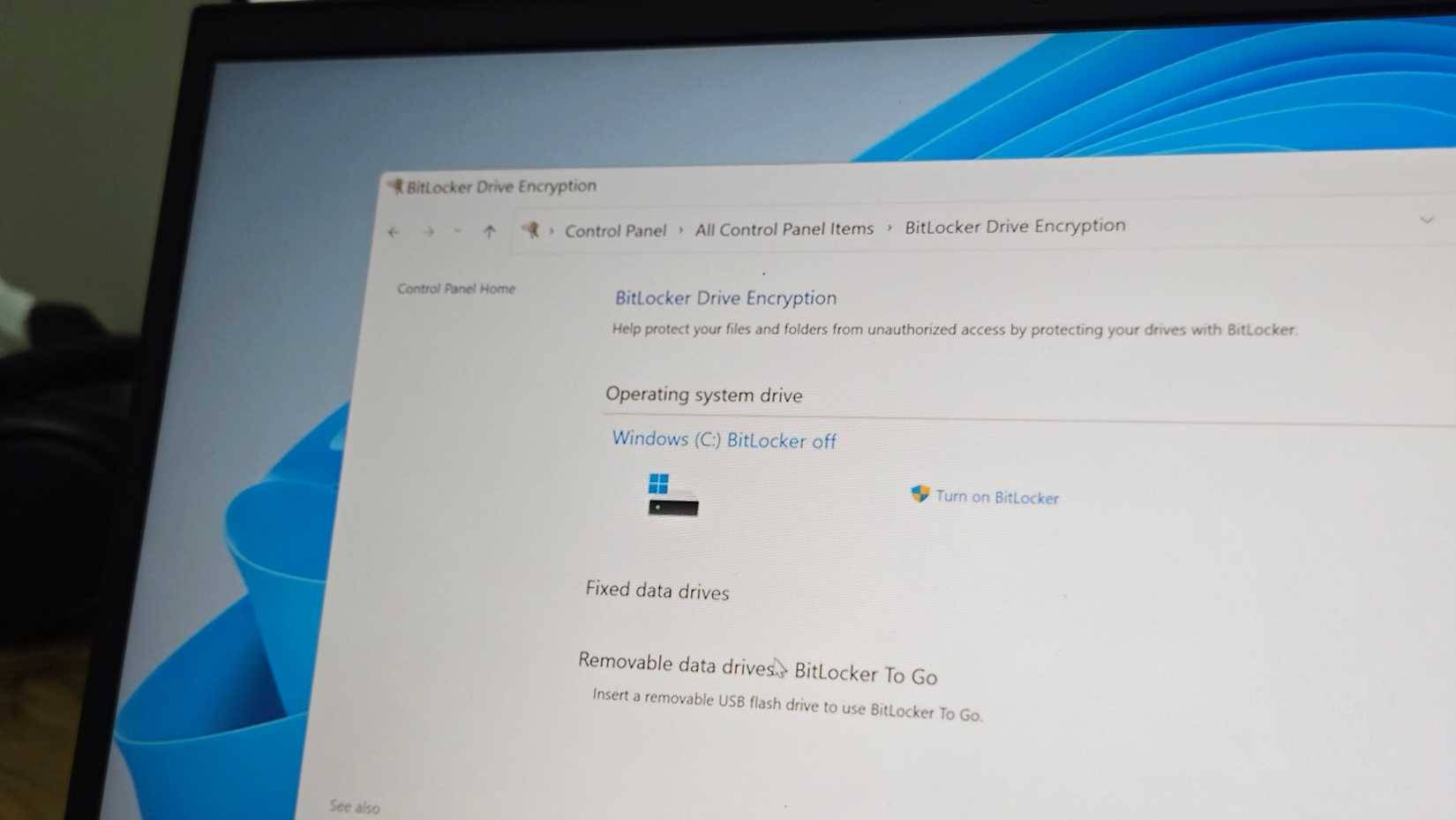
A common misconception is that encryption means "privacy." After you upload data, such as photos and documents, it's encrypted, but the hosting server holds the key. It's a matter of trust. If the server is hacked, sued, or simply decides to allow an algorithm to use the data for 'training and optimization,' they gain access to everything. This is server-side encryption, and it's the default for a reason: It allows them to sell users features like AI search and organization, but it strips them of true ownership.
But you can prevent storage providers from accessing your data by applying non-disclosure encryption. This simply means you encrypt the data before it's uploaded to the cloud. You own the encryption keys, and the server knows nothing but meaningless characters. You can encrypt data directly on your device, or even use open-source tools like Cryptomator to create an encrypted vault within existing cloud storage.
This certainly leads to an inconvenience that many of us would like to avoid, but that's the price you pay for privacy. It turns your cloud storage into a regular hard drive, which it should have done in the first place.
Strong passwords = strong security
Even strong passwords need authentication

We often think that setting a strong 16 or 18-digit password is enough to protect our data. And to some extent, that's true – passwords should always be long and strong, but shouldn't be repeated across multiple websites. Hackers use passwords stolen from one website to gain access to another. This is the most common way cloud accounts are compromised.
To truly secure your account, you should always enable at least two-factor authentication or SMS-based two-step verification. However, to secure accounts with sensitive data, you should invest in hardware authentication using a security key like YubiKey or Google Titan. Using this method, you must tap the security key to access your account.
Carrying a physical key for a digital account might seem counterintuitive, but it renders lost passwords useless. A hacker on another continent can't replicate the physical hardware on your desk. It requires a level of proactiveness that software-based security can't match.
Ransomware vulnerability
Don't ignore the threats!
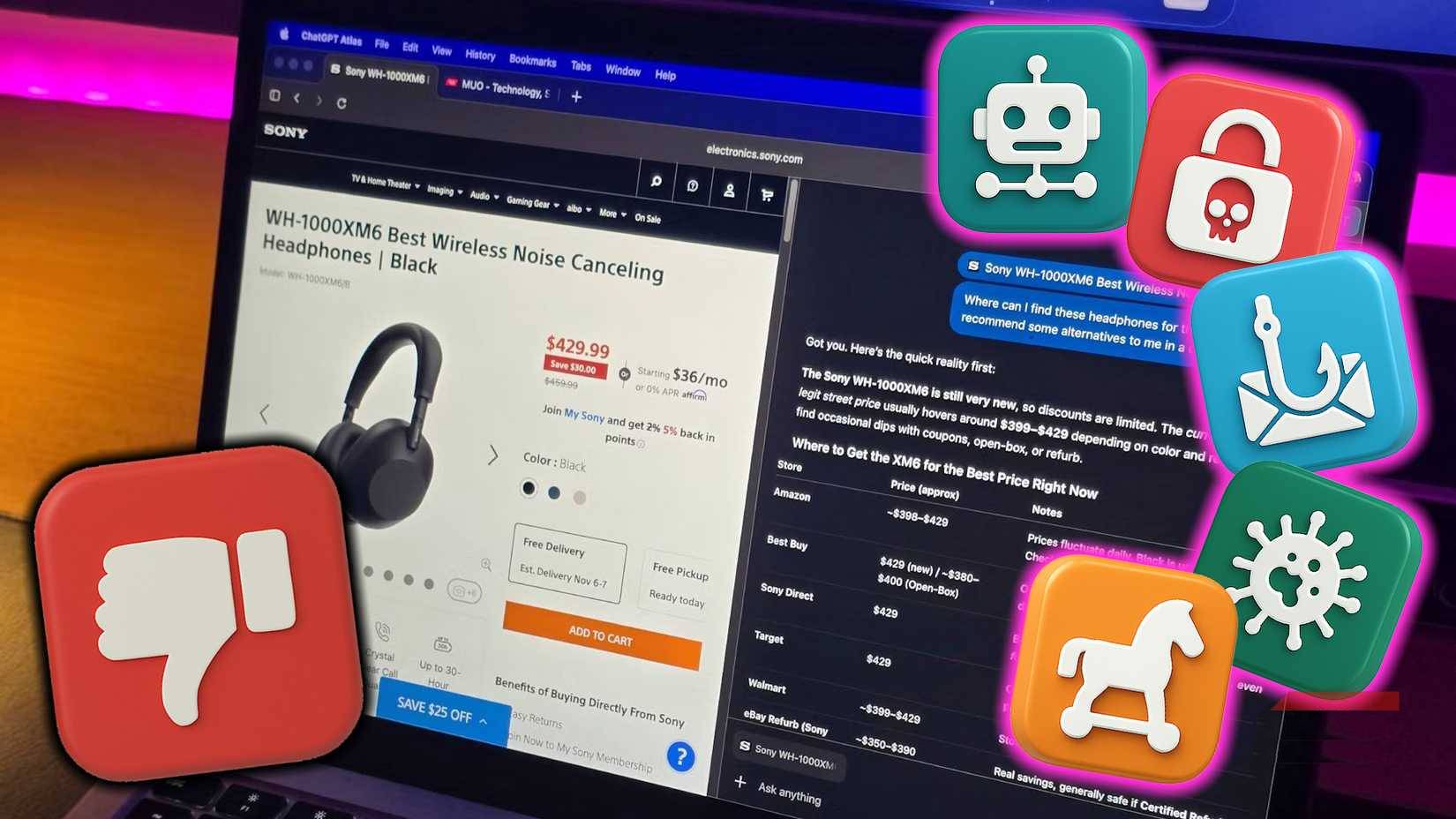
Ransomware has evolved to exploit our trust in cloud synchronization and backups. Some ransomware variants can also encrypt linked cloud backup drives on your computer, rendering any backups stored in the cloud useless. In that case, sometimes, cloud storage is just as vulnerable as your local storage.
The best defense against this is immutability and strict version control. You need a WORM (Write Once, Read Many) backup history. This ensures that once a backup is created, it cannot be modified or deleted within a certain period, even by the owner (you). To use WORM, you may need to adjust advanced settings or specific software; that's the only guarantee against deletion. It reinforces the "3-2-1 Rule" for data backups: Keep a copy of the data offline or immutable, so that no automation function can destroy it.
Big tech companies are safe enough
Cloud applications will keep our backups safe
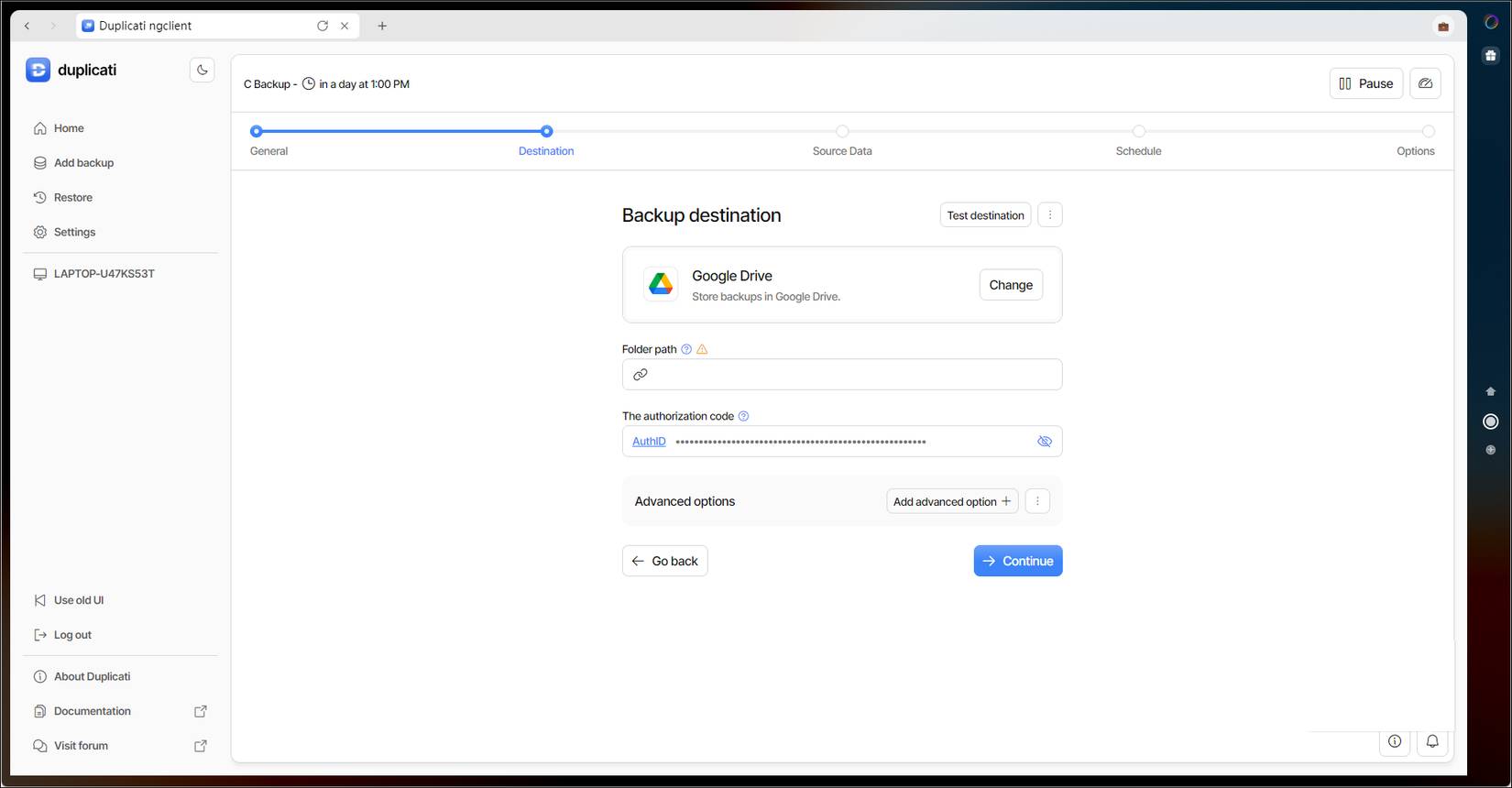
Certainly, multi-billion dollar data centers like these must have data security measures in place. And that argument is true to some extent. But these security measures are typically implemented to protect the platform, not individual data, from their own mistakes.
If your account is compromised due to a weak password or your data is retrieved because it wasn't encrypted on the client side, it's your fault, not theirs.
Relying entirely on the provider's default settings is like assuming the landlord is responsible if you leave your apartment door unlocked. You must proactively take measures to protect your own "door."
That's why the Shared Responsibility Model is the best approach. The cloud service provider is responsible for the security OF the cloud (hardware, network, global infrastructure). You are responsible for security WITHIN the cloud (who has access, how data is encrypted, and data integrity).
Final Thoughts
Understanding are you backing up your data incorrectly makes it easier to evaluate the information and apply the most relevant recommendations. Focus on the key points above and verify details that may change over time.
FAQ
What is are you backing up your data incorrectly?
Explore are you backing up your data incorrectly, including the key concepts, practical examples, important considerations, and useful guidance.
What key points does this article cover?
The article focuses on The Illusion of Encryption, Your private files aren't really private, Strong passwords = strong security, with practical explanations and examples.
How can you use this information in practice?
Use the explanations to compare options, verify important details, and make a more informed decision. Apply the recommendations that best match your goals and situation.
Related Articles
 The Most Important Things When Backing Up Your Computer6 minutes read
 Instructions for Backing up and Restoring iPhone Data with Itools3 minutes read
 Free Tools for Backing up Data Securely for Your Computer4 minutes read
 Things to Keep in Mind When Backing Up Data on Your Computer6 minutes read
 Instructions for Backing up Individual Messages on iPhone5 minutes read
 Instructions for Backing up All Data on Android Device Without Root6 minutes read
Reader Comments 0
Sign in with email or Google to join the discussion.