Table of Contents
Explore 3 reasons why you need to remove bloatware from Windows immediately.
Even if you don't use these apps, they can cause more problems than you realize. They can slow down your system, frustrate you with pop-up windows, and even pose security risks. All of this makes removing bloatware the smartest thing you can do right after setting up your computer.
Better performance and more storage capacity
Increase the speed and the amount of storage you can actually use
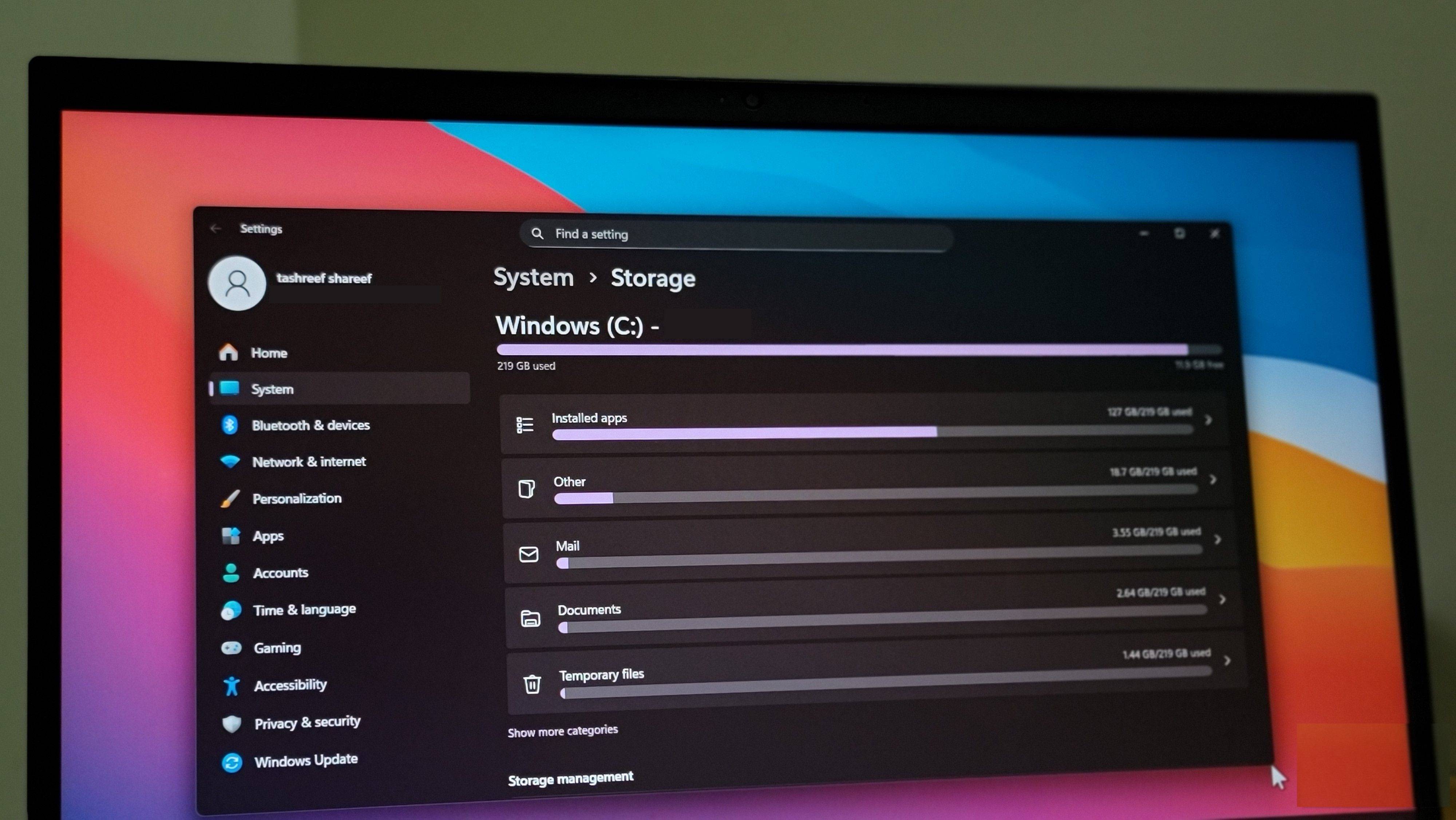
One of the biggest reasons to remove bloatware is better performance. If you've ever bought a new computer and noticed it was sluggish in the first week, chances are it was due to bloatware. Those pre-installed applications don't just sit on the drive. Most of them are also configured to run in the background as soon as the computer starts up.
This constant background activity accumulates gradually. These pre-installed applications use the internet, drain battery power, and consume system resources. Some even affect PC boot times. And worst of all, all of this happens even if you never open those applications yourself.
Removing bloatware will put an end to all of that. With fewer processes and background applications running, your PC can allocate more resources to the applications you actually use. This is one of the safest ways to help your PC run faster without spending money on new hardware.
Storage space is also a major benefit. Pre-installed apps, trial software, and bundled utilities may not take up much space individually, but together they can occupy several gigabytes. And on laptops with smaller SSDs, every gigabyte counts. Deleting unwanted apps is an easy way to free up that storage space.
Fewer pop-up windows, a cleaner Windows experience
Say goodbye to annoying alerts and clutter
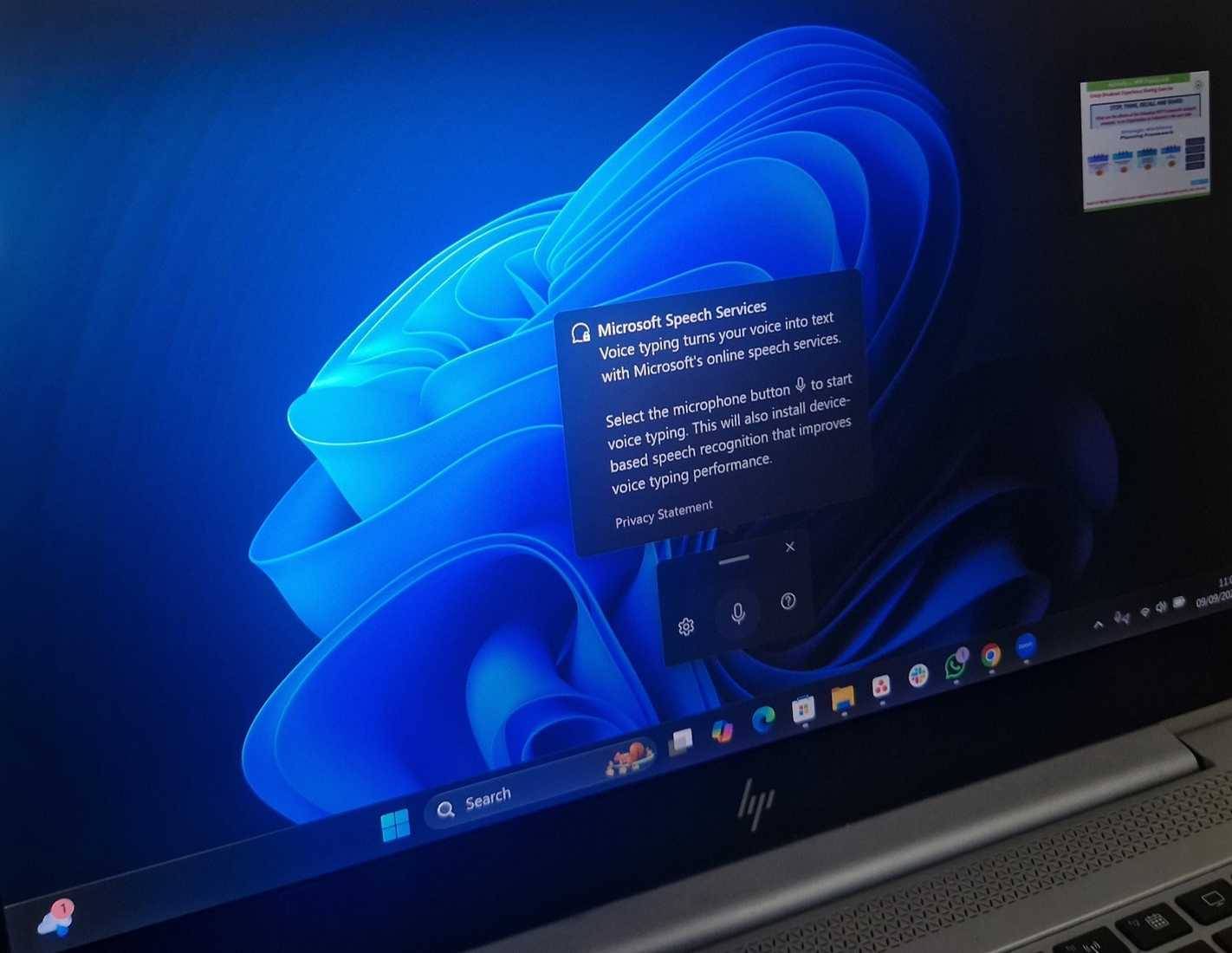
Another reason to remove bloatware is the peace of mind it provides. Most pre-installed applications on Windows exist due to collaborations between application developers and Microsoft or PC manufacturers. Therefore, these applications are often allowed to display pop-ups, prompts, upgrade prompts, and advertising notifications by default.
Lenovo laptops come with a 30-day free trial of McAfee, and after that time expires, you constantly receive pop-up windows saying things like 'Your computer is at risk' and 'Your antivirus software has expired'. These messages are alarming, but misleading. The truth is that most Windows users don't need third-party antivirus software, as Windows Security already provides robust built-in protection.
Similarly, applications from PC manufacturers require you to register your device, create an account, or purchase extended warranties. And this behavior isn't limited to paid software. Free applications also send notifications simply to attract attention.
Removing bloatware will put an end to these annoyances once and for all. With fewer apps, you only receive important notifications, the Start menu looks cleaner, and the overall Windows experience will be smoother.
Better security and no unexpected incidents
Better data control
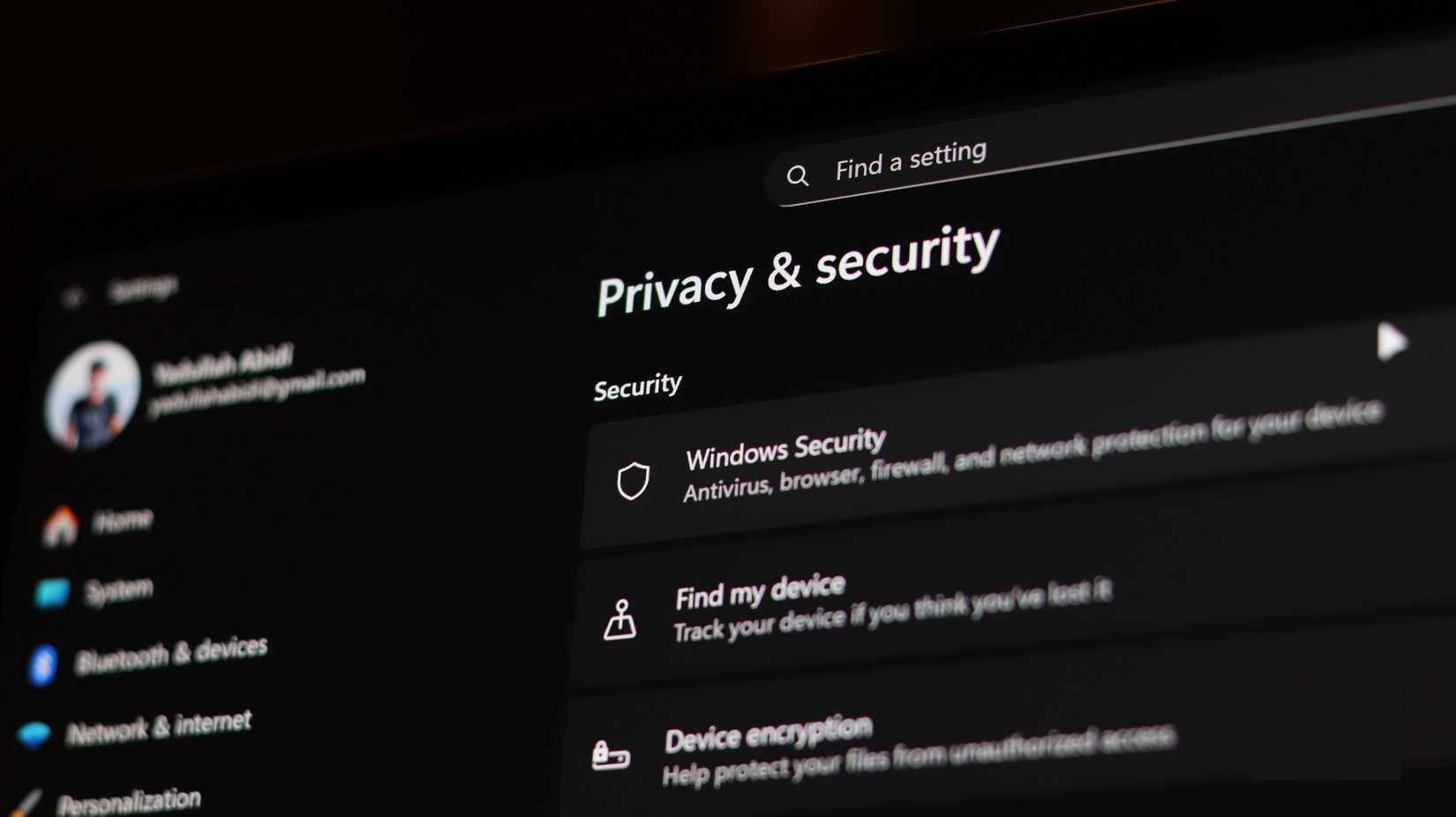
Bloatware doesn't just slow down or clutter your computer. It's also a potential threat to your privacy. Some pre-installed applications, especially those from Microsoft and PC manufacturers, can collect data in the background. This can include usage statistics, system information, and diagnostic details. While some of this data is collected to improve performance, it can also be used for personalized advertising.
Finally, there are also issues with unexpected system crashes. For example, a Reddit user reported internet speed problems caused by a pre-installed utility called Intel Killer Performance Suite. Essentially, it's an application that automatically prioritizes network activity to give you the best connection when gaming or streaming. Instead, it resulted in slow and unstable network speeds for the user.
The worst part is that problems like this are incredibly difficult to diagnose. You could spend hours trying different troubleshooting tricks without success, all because a pre-installed tool is managing your network without permission.
Removing bloatware isn't too difficult
Just do it once
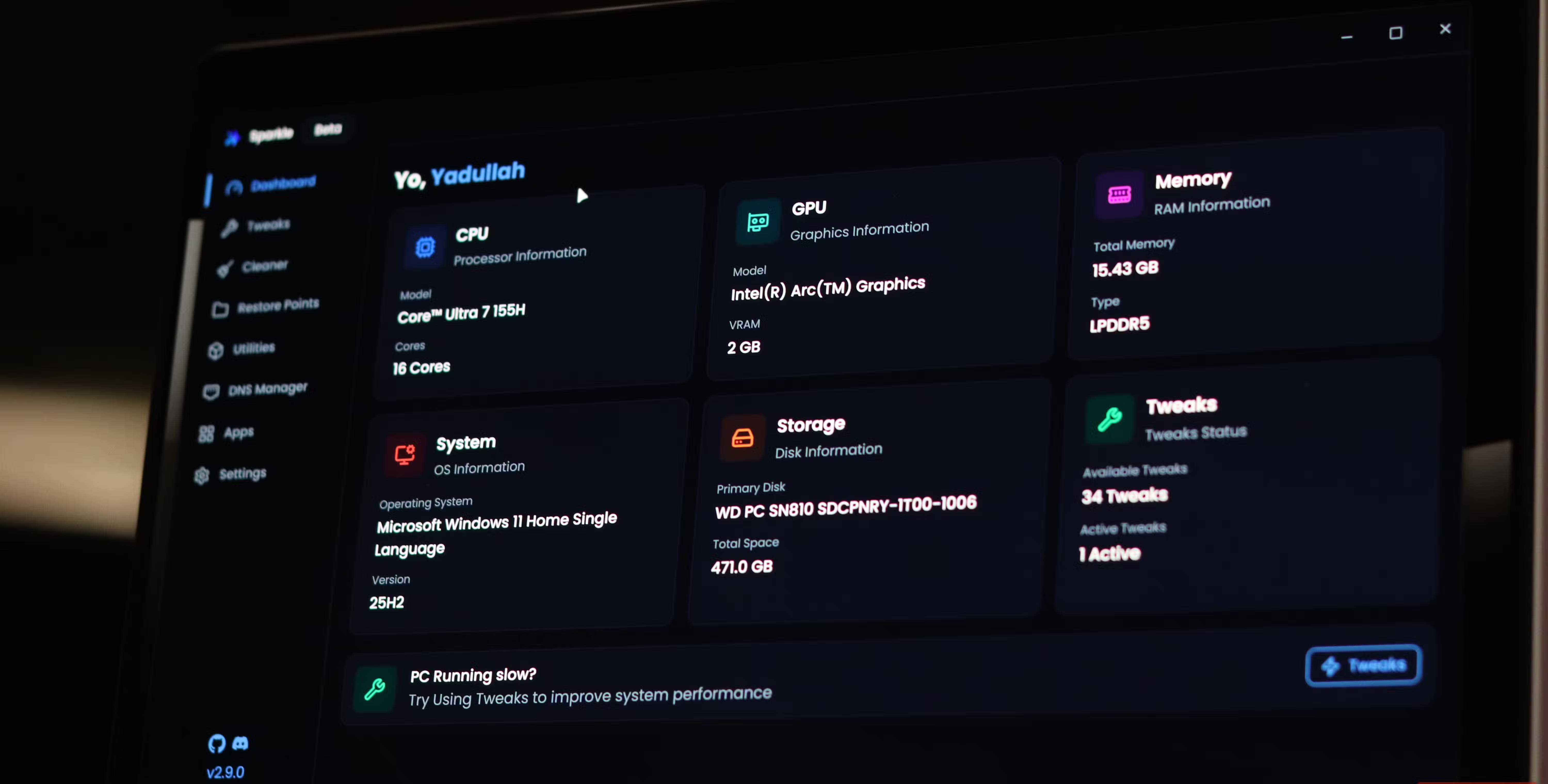
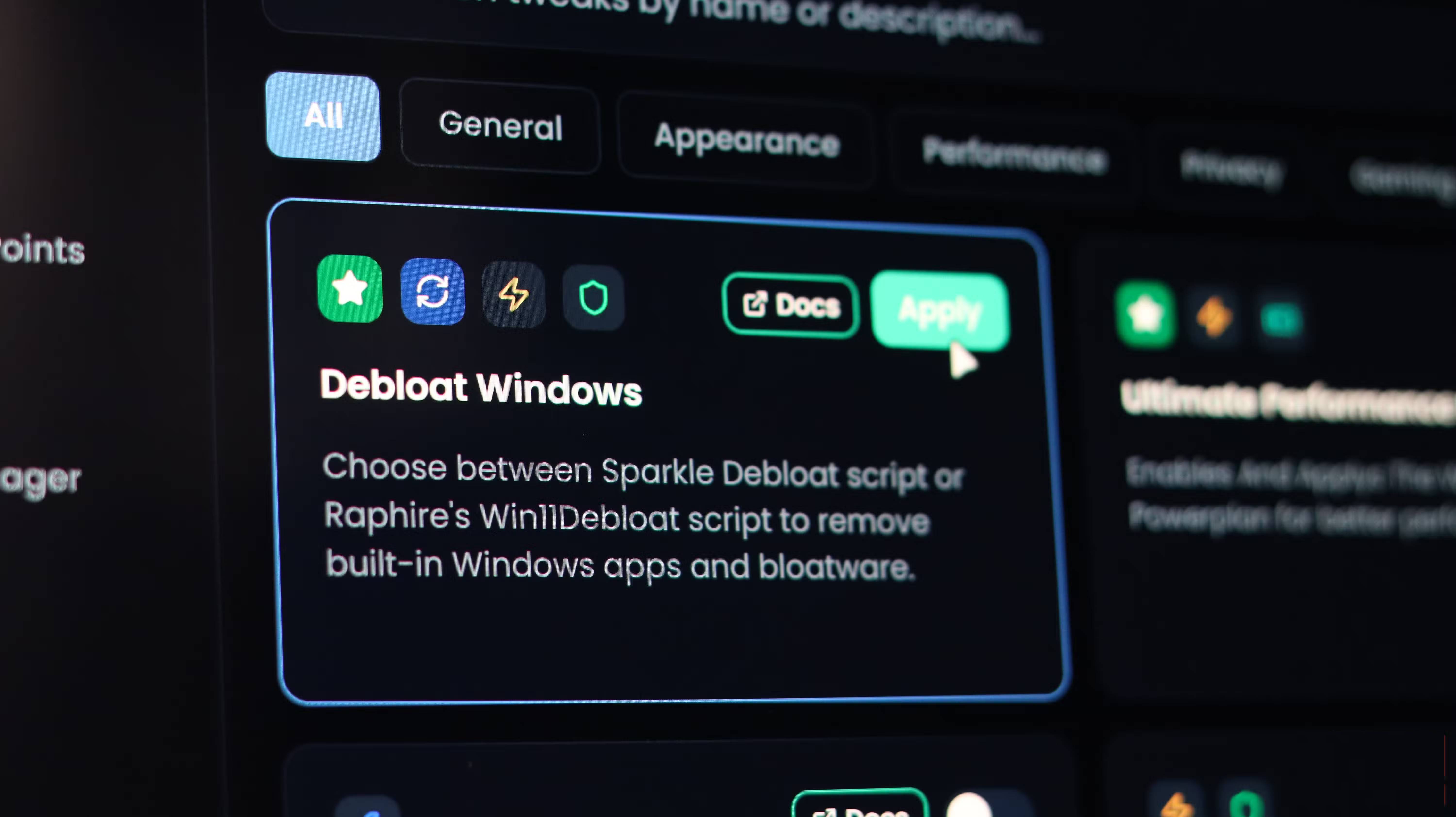
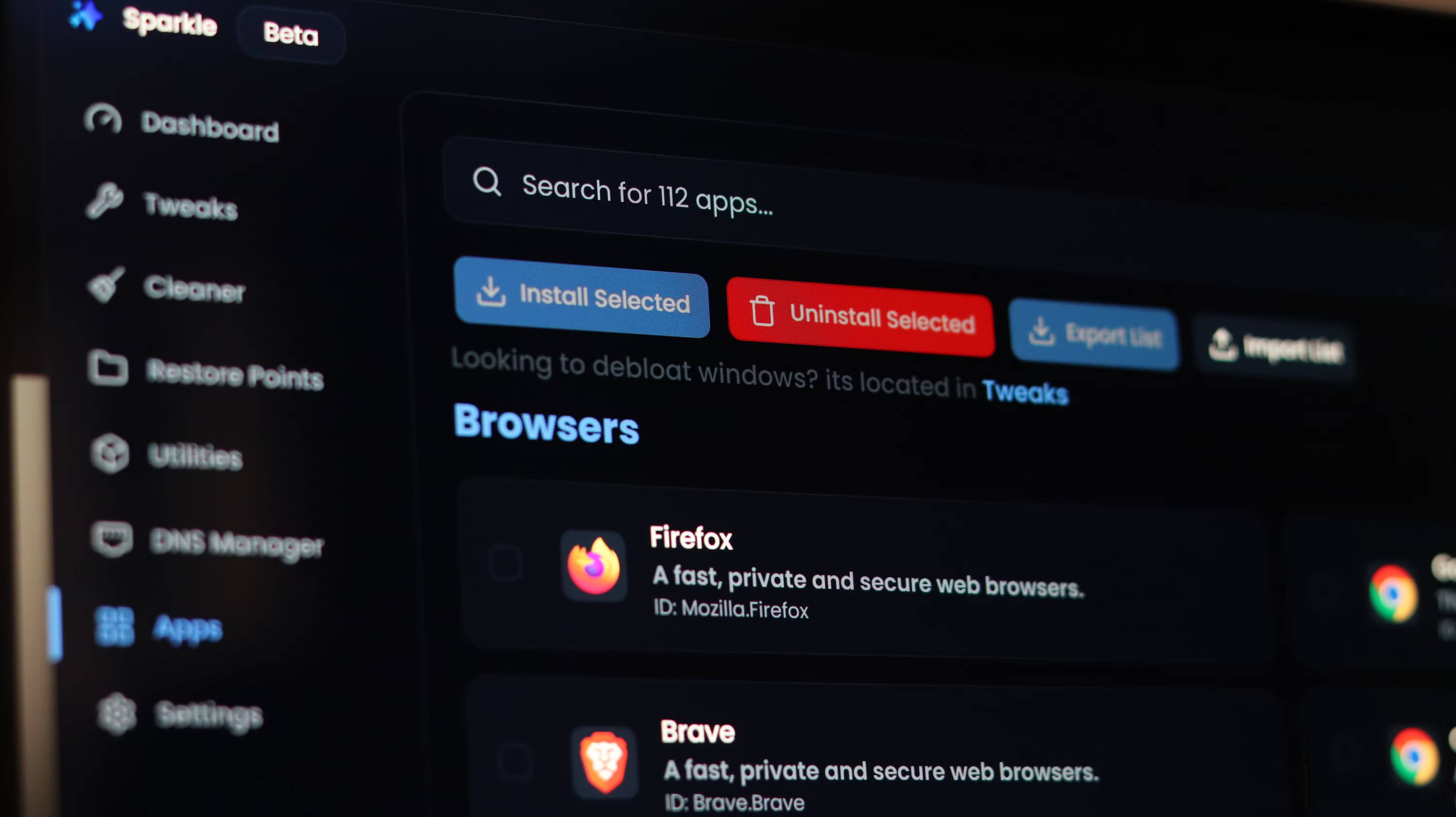
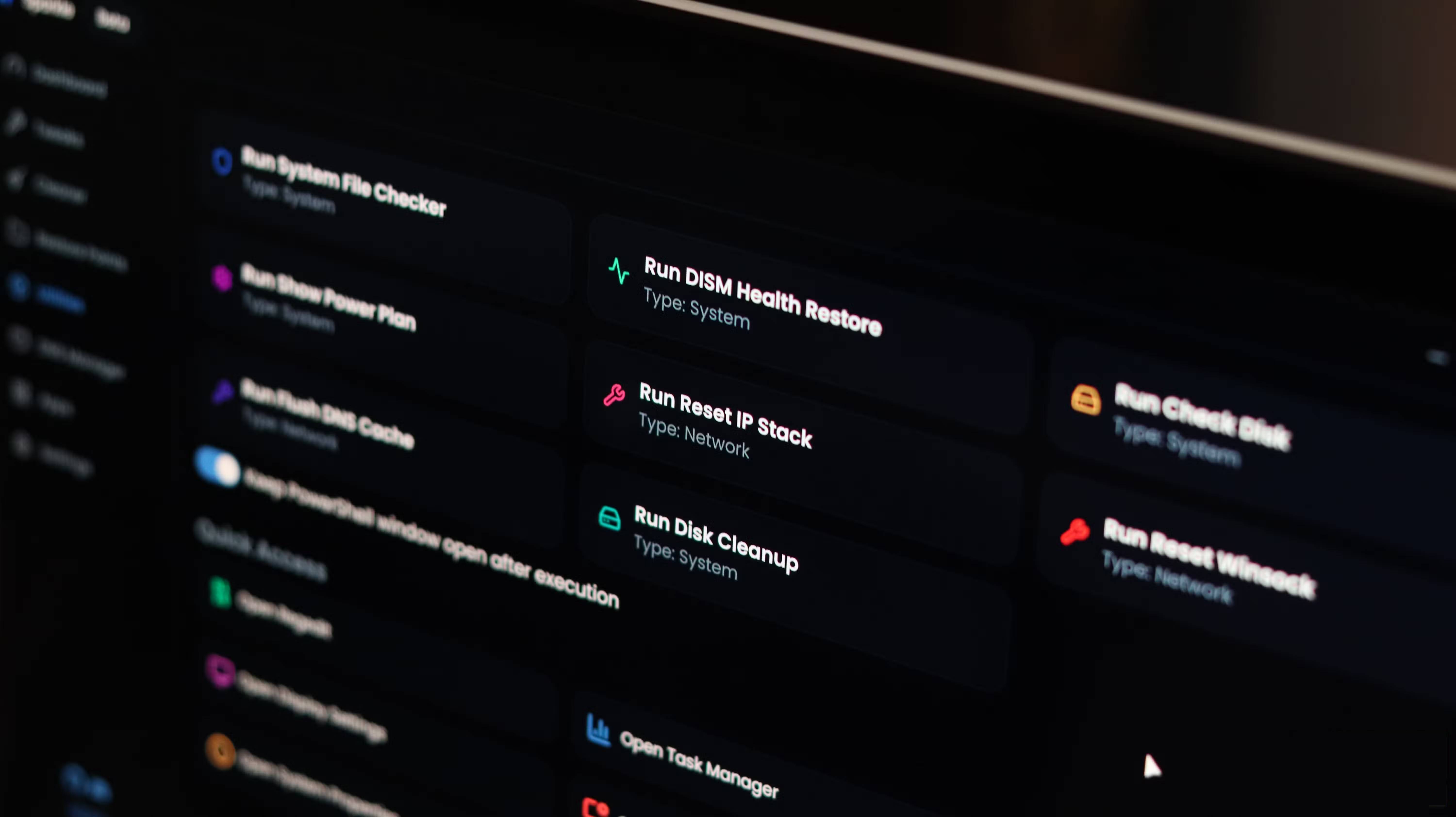
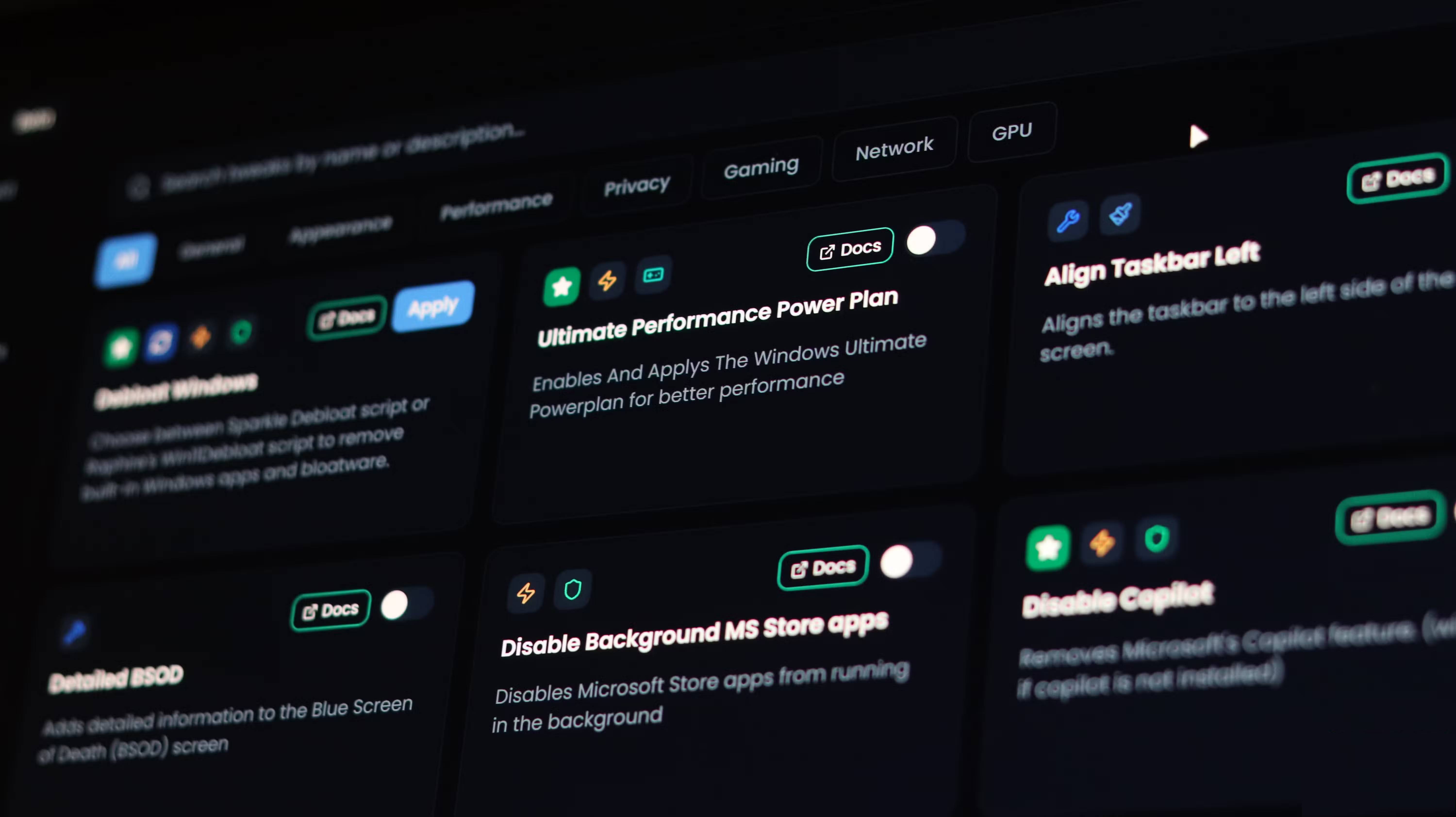
Removing bloatware from Windows 11 is certainly not easy. Most of it can't be uninstalled from the Settings app or Control Panel, which makes the whole process difficult. But that doesn't mean you have to run complicated PowerShell commands.
You can download a tool like Win11Debloat to remove all bloatware in seconds. It automates the process and handles annoying applications. If you want more control, a third-party tool like Sparkle would be more suitable. Instead of deleting everything at once, this tool lets you choose which applications you want to remove.
Removing bloatware is one of the best things you can do to improve your Windows experience. Of course, not all "bloatware" is bad, so be sure to try those pre-installed apps once before deciding to uninstall them.
Final Thoughts
Understanding 3 reasons why you need to remove bloatware from windows immediately makes it easier to evaluate the information and apply the most relevant recommendations. Focus on the key points above and verify details that may change over time.
FAQ
What is 3 reasons why you need to remove bloatware from windows immediately?
Explore 3 reasons why you need to remove bloatware from Windows immediately.
What key points does this article cover?
The article focuses on Better performance and more storage capacity, Increase the speed and the amount of storage you can actually use, Fewer pop-up windows, a cleaner Windows experience, with practical explanations and examples.
How can you use this information in practice?
Use the explanations to compare options, verify important details, and make a more informed decision. Apply the recommendations that best match your goals and situation.
Related Articles
 3 Disadvantages of Removing Bloatware on Windows 11: Practical Guide5 minutes read
 What Is Bloatware? How to Remove Bloatware?12 minutes read
 How to Remove Bloatware on Android Does Not Need Root Access8 minutes read
 How to Quickly Remove Bloatware from Windows 11: Complete Guide8 minutes read
 Bloatware List Can Be Uninstalled or Safely Deleted from Android Device Synthesized by Androidsage11 minutes read
 Remove All Bloatware Apps on Samsung Galaxy S7 and S7 Edge5 minutes read
Reader Comments 0
Sign in with email or Google to join the discussion.