How to craft and use bundles in Minecraft
Craft a bundle with leather and string, add and retrieve items, and understand the capacity rules that make bundles useful for small mixed stacks.
Fix Windows problems, troubleshoot devices, understand AI, secure your accounts and get more from your technology with tested step-by-step guides.
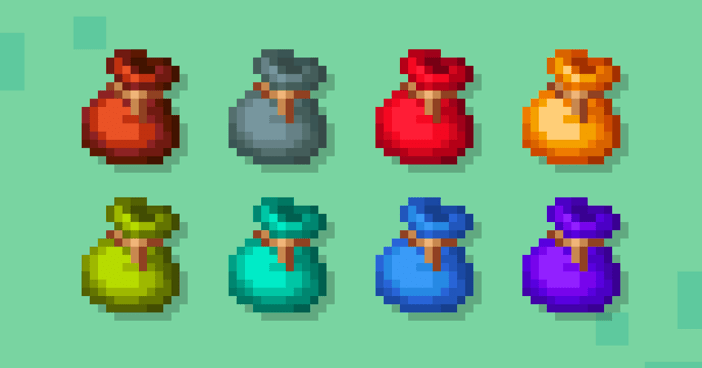
Craft a bundle with leather and string, add and retrieve items, and understand the capacity rules that make bundles useful for small mixed stacks.
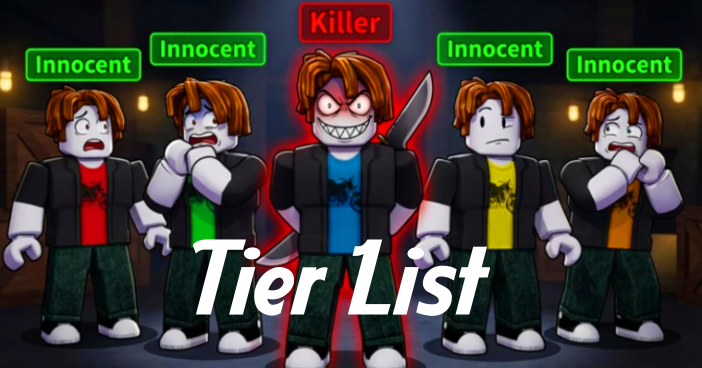
Compare One of Us Killers and Survivors by stealth, chase, teamwork, and repair roles, with purchase guidance and the limits of a fixed tier ranking.
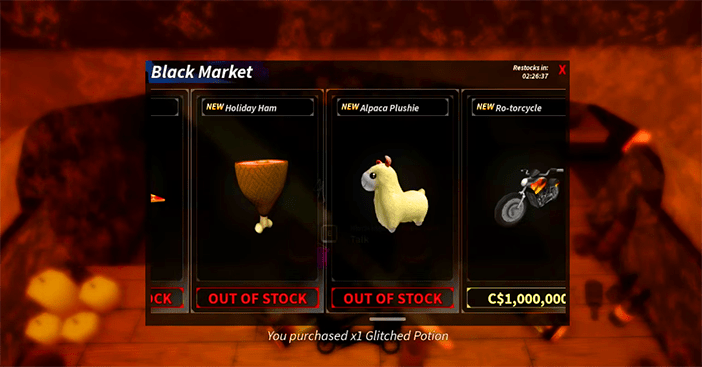
Find the Black Market vendor, complete the Broker delivery quest, compare reference prices, and distinguish a stat reset from a character wipe.
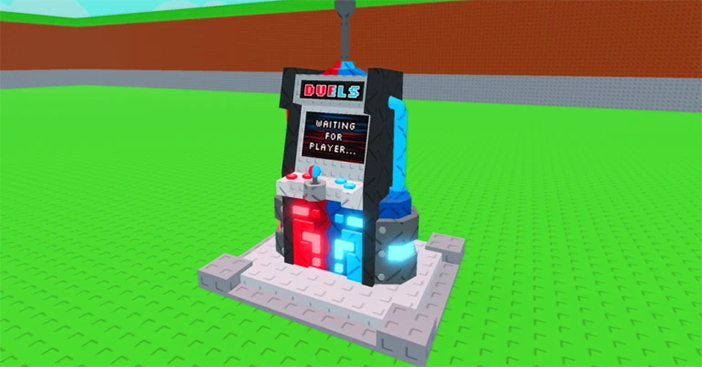
Explore detailed guide to duels machine in steal a brainrot and how to play pvp safely.
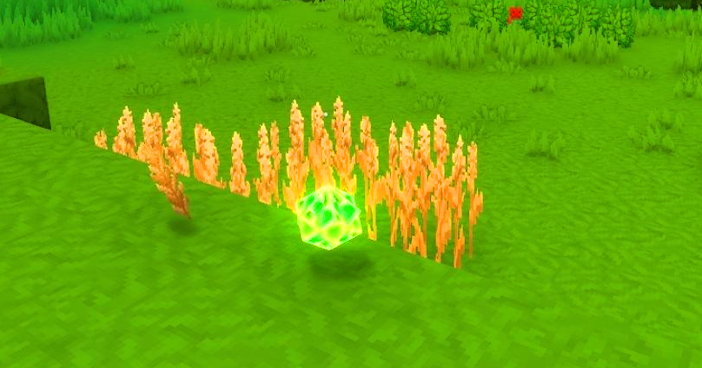
Harvest mature crops for Essence of Life, build a repeatable farming loop, and spend it on Farmer's Workbench recipes or Rootling Merchant goods.

Start fishing in Fishing Mega Battle, read the on-screen meters, sell your catch and choose upgrades before moving to harder fishing areas.

Troubleshoot a stuck or failed Clipchamp export by checking source files, storage, browser performance and hardware acceleration in a safe order.

Disable the shake-triggered feedback prompt in Google Maps on Android, iPhone or iPad, and keep the option to send feedback manually.
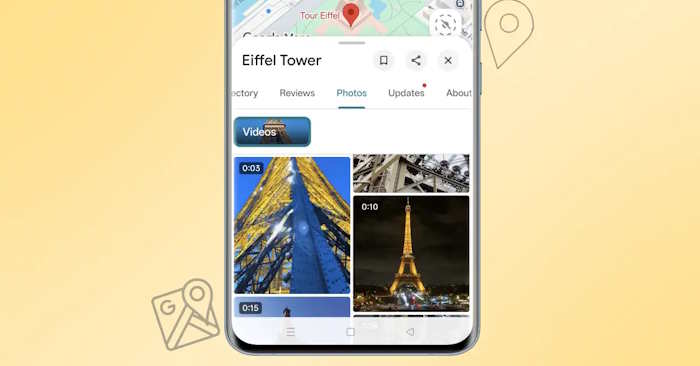
Stop video previews from playing automatically in Google Maps, or limit autoplay to Wi-Fi, using the Android and iPhone app settings.
Scout photo locations with satellite imagery, Street View, terrain, saved lists and crowd estimates, then check access and conditions before your shoot.
Restore a Canva design from Trash within its recovery window, check the correct account and team, and find out what to do if the design is missing.
Prepare a Canva presentation for offline use on the device you will present from, check unsupported embeds and download a backup before losing internet access.

Use Canva's Background Generator to replace a photo background, write a useful scene prompt and check the result before downloading.
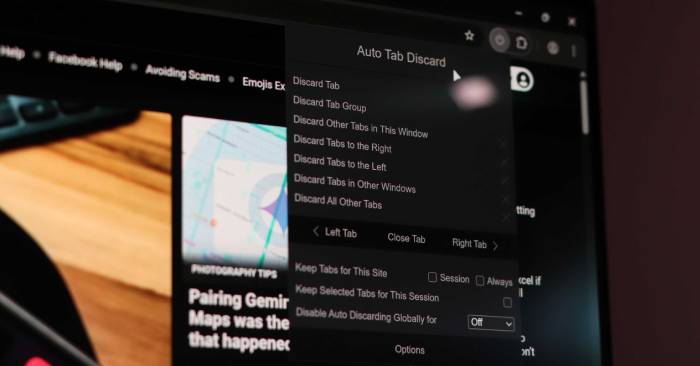
Understand what Auto Tab Discard does, when it can improve responsiveness, and how to exclude important tabs before they reload.
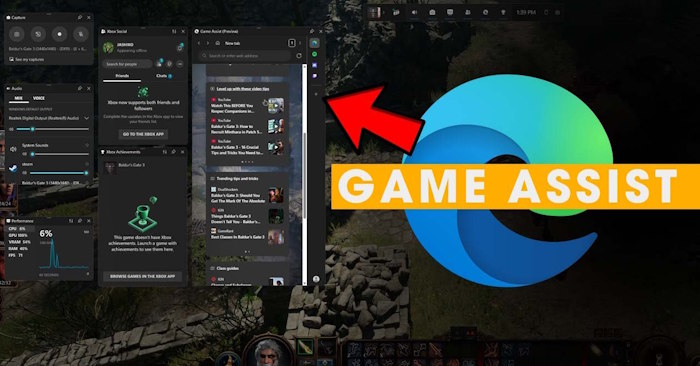
Hide a pinned Game Assist overlay, close it for the current session or uninstall the widget from Windows 11 without removing Microsoft Edge.
Import Chrome bookmarks and history into Safari, check passwords and extensions, set your default browser and configure optional iCloud syncing.

See what LibreWolf changes from Firefox, how its privacy defaults affect websites, and what to check before using it as your main browser.
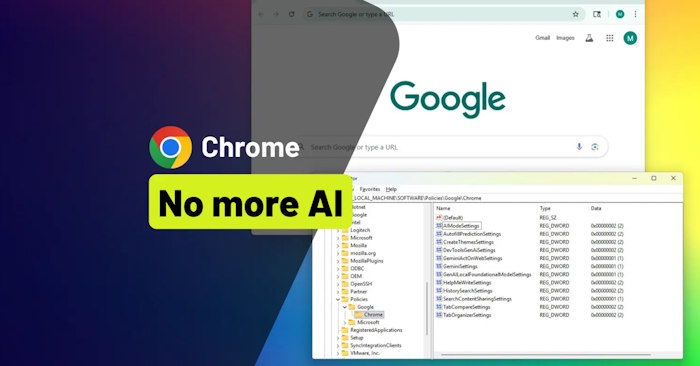
Set Windows policies for specific Chrome AI features, verify that Chrome accepts them and undo only the values you changed.
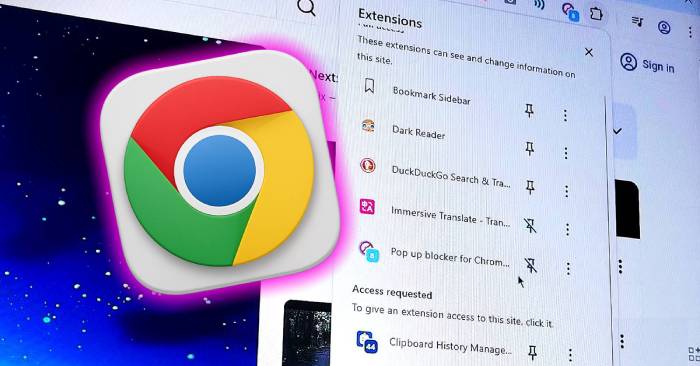
Use Chrome's password manager, screenshot commands, page translation and Reading List, then check whether you still need extensions for those tasks.
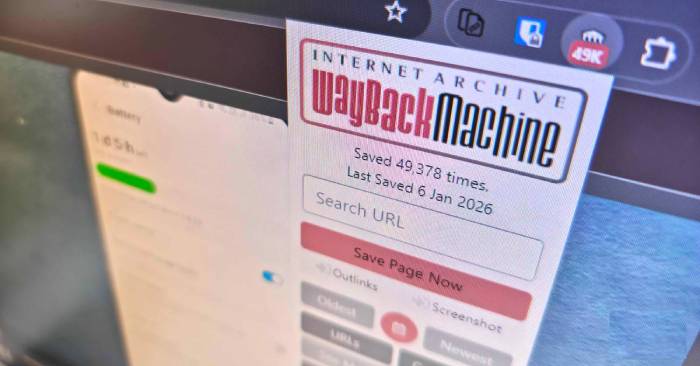
Look up older versions of a missing webpage, choose an archive date and check the Wayback Machine extension's automatic lookup and saving settings.