Table of Contents
Explore simple upgrades can improve home security, including the key concepts, practical examples, important considerations, and useful guidance.
Then, the home will automatically react to potential threats—lights turn on, notifications appear on your phone with camera thumbnails, and you'll know exactly who opened the door and when. The peace of mind that comes from a connected security system is far greater than passive monitoring.
A unified security ecosystem makes all the difference
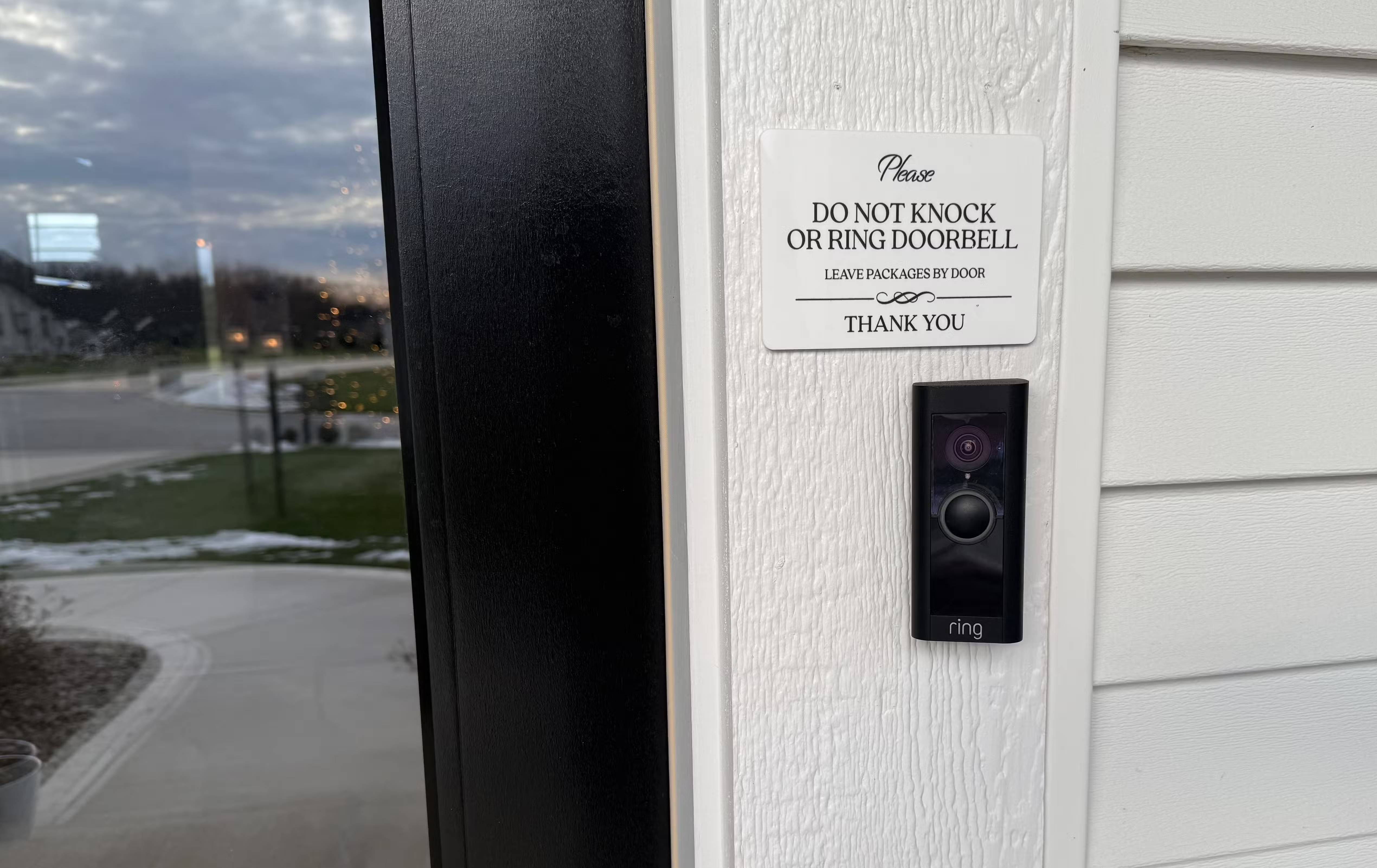
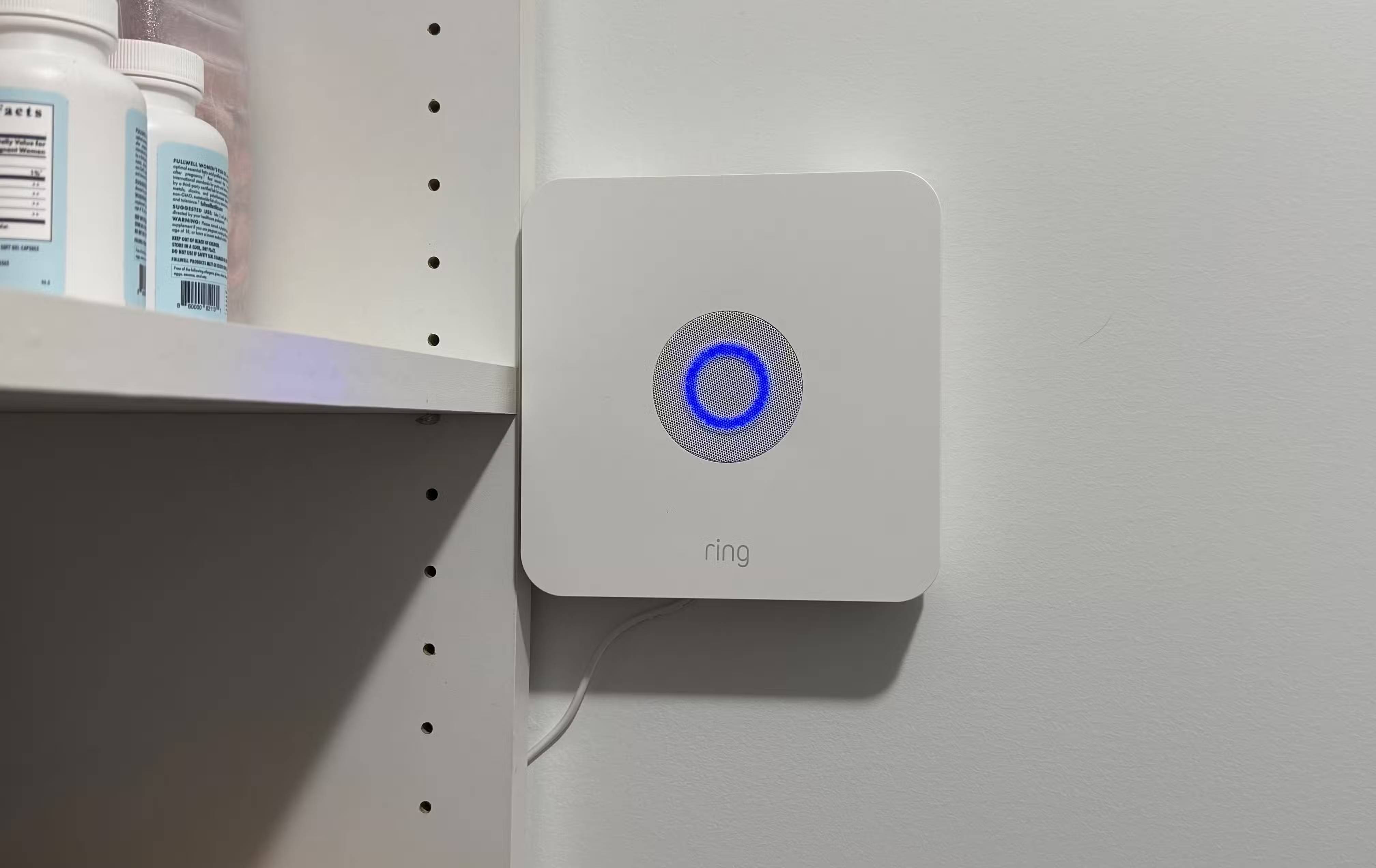
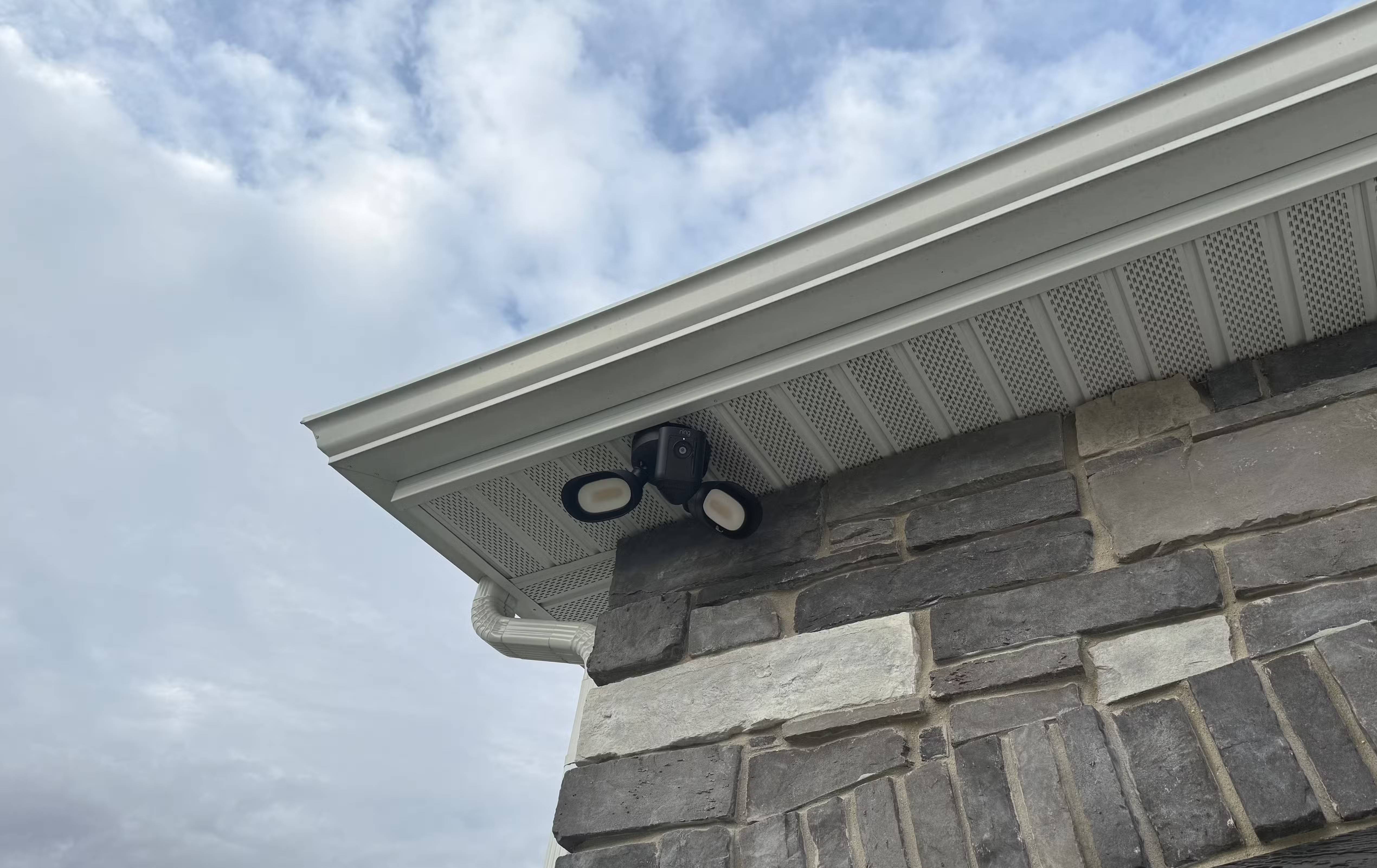
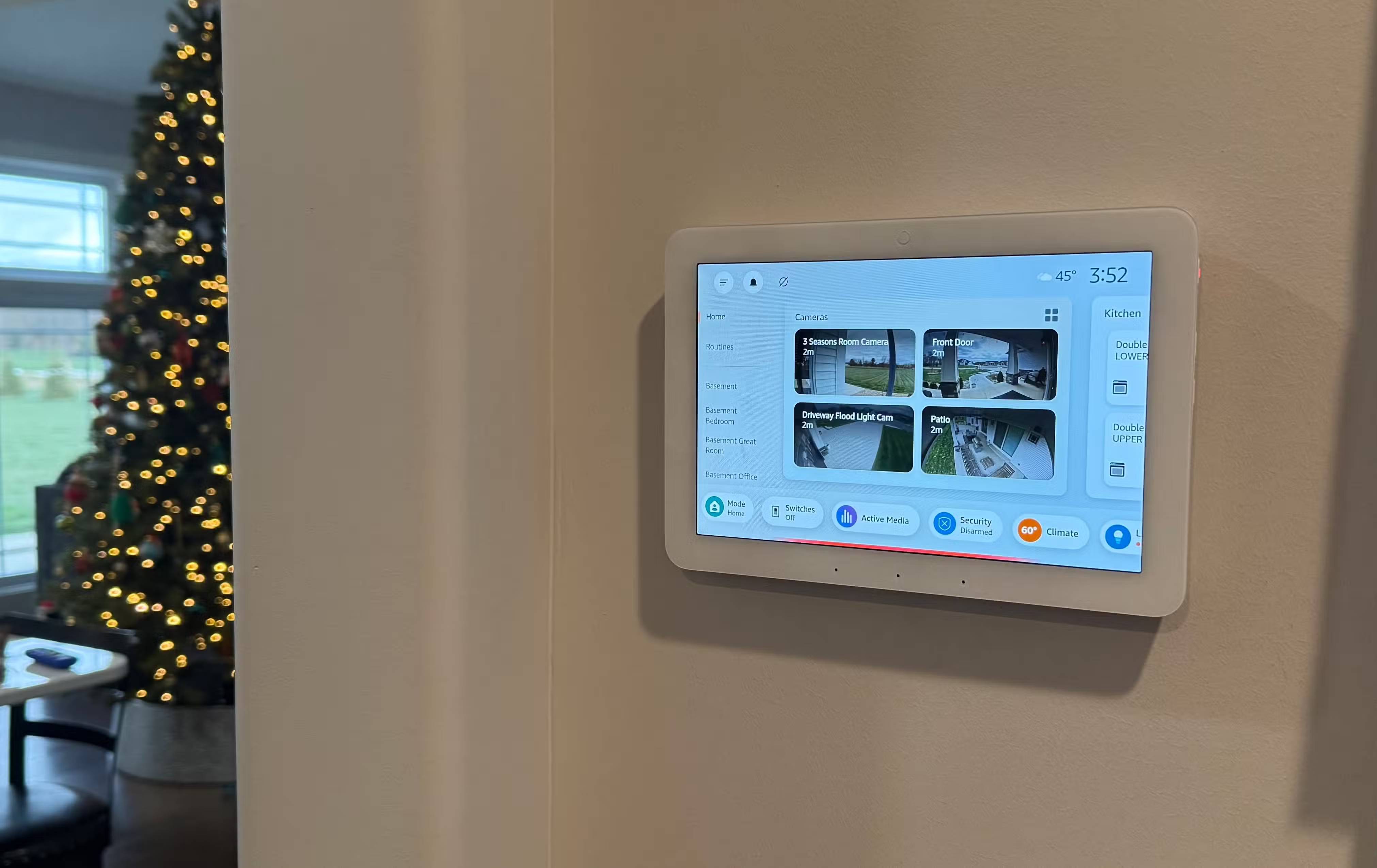
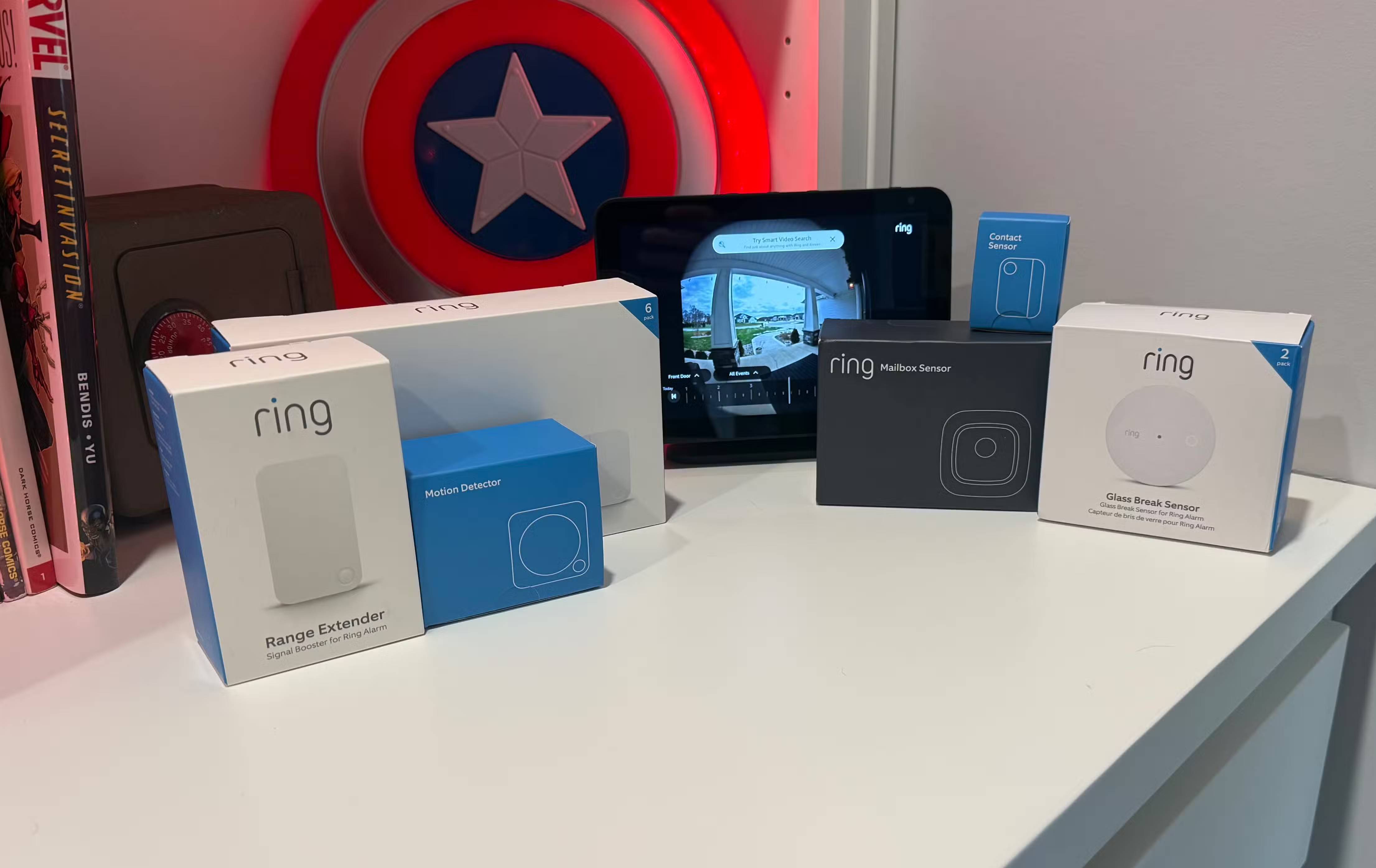
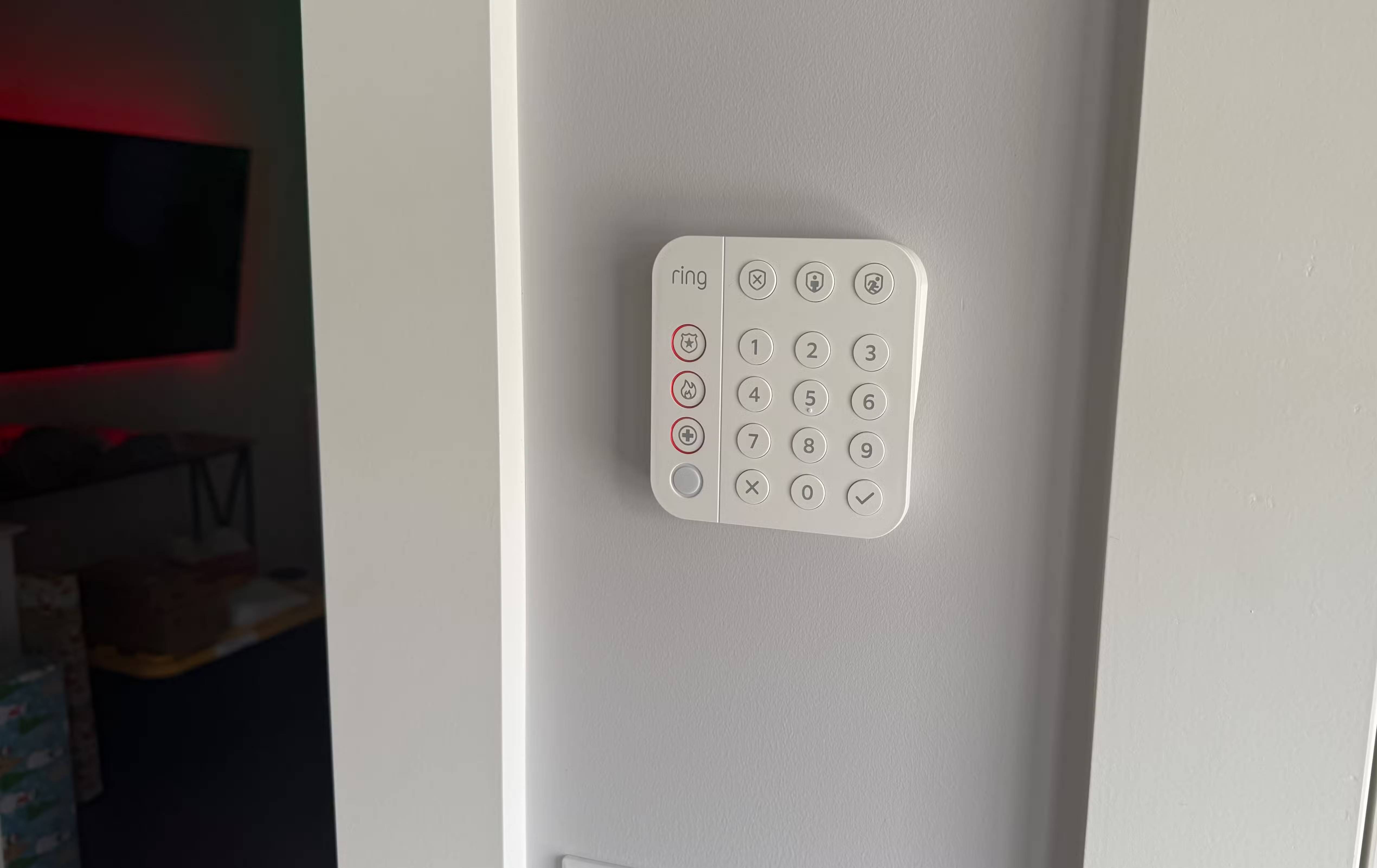
Initially, combining different security brands seemed like a good idea. Buy the cheapest motion sensors, random cameras, and whatever's on sale. But then you have to use multiple apps, different notification systems, and devices that can't activate each other. Ultimately, many people chose Ring 6-7 years ago and have no regrets.
The system might include a Ring Doorbell Pro at the front door, contact sensors at every exterior door and window, water leak detectors under the sink and near the hot water tank, a Ring Floodlight camera covering the backyard, plus a few Ring cameras inside the house to monitor pets. The Ring alarm base station handles communication via Z-Wave, meaning a reliable mesh network instead of the Wi-Fi connection issues previously encountered.
Everything is now in one app. You have a single activity log in one place to check when something was triggered at 2 AM, without needing myQ devices.
Garages are the biggest security blind spot
How myQ keypad solves access issues
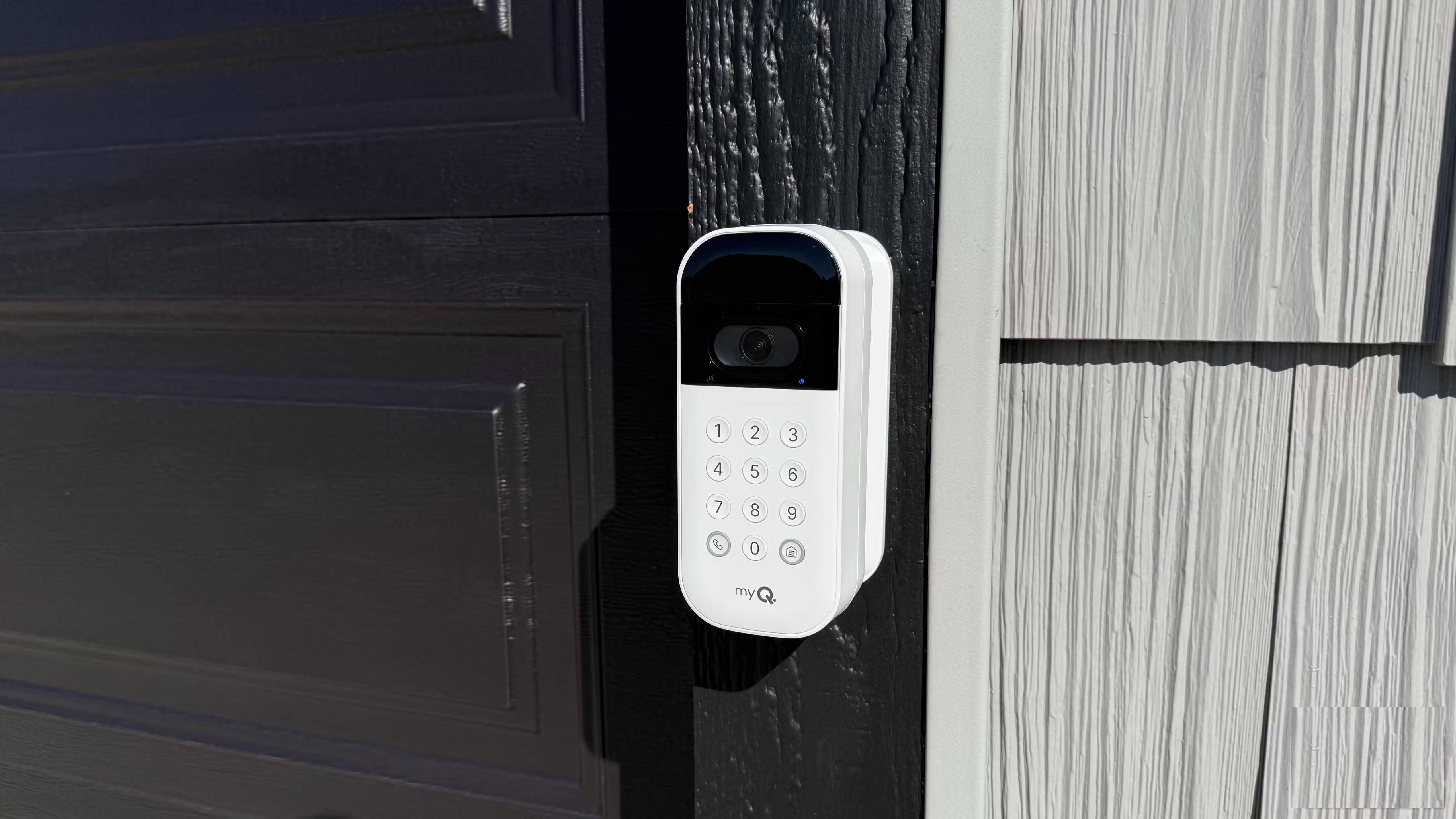
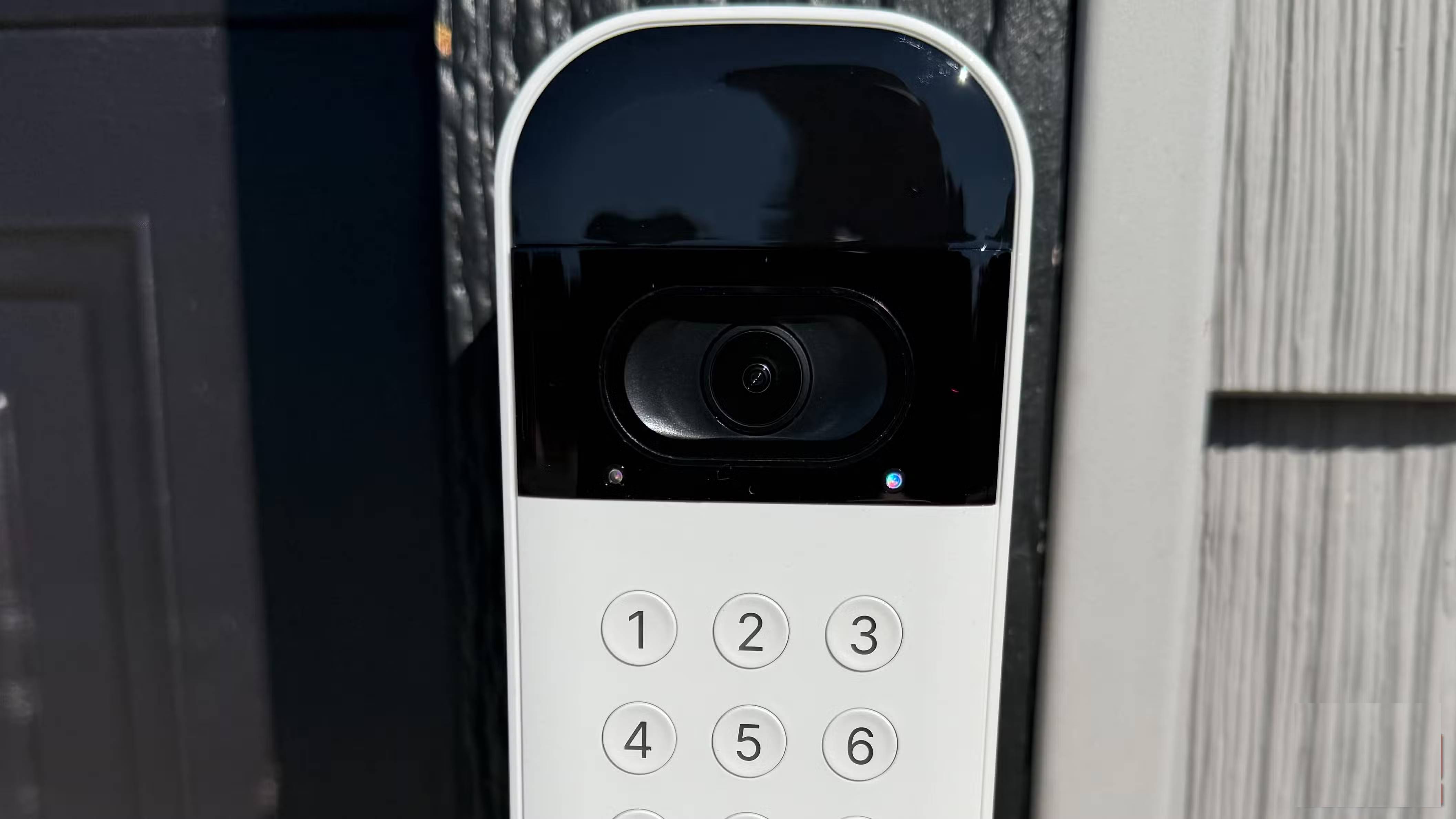
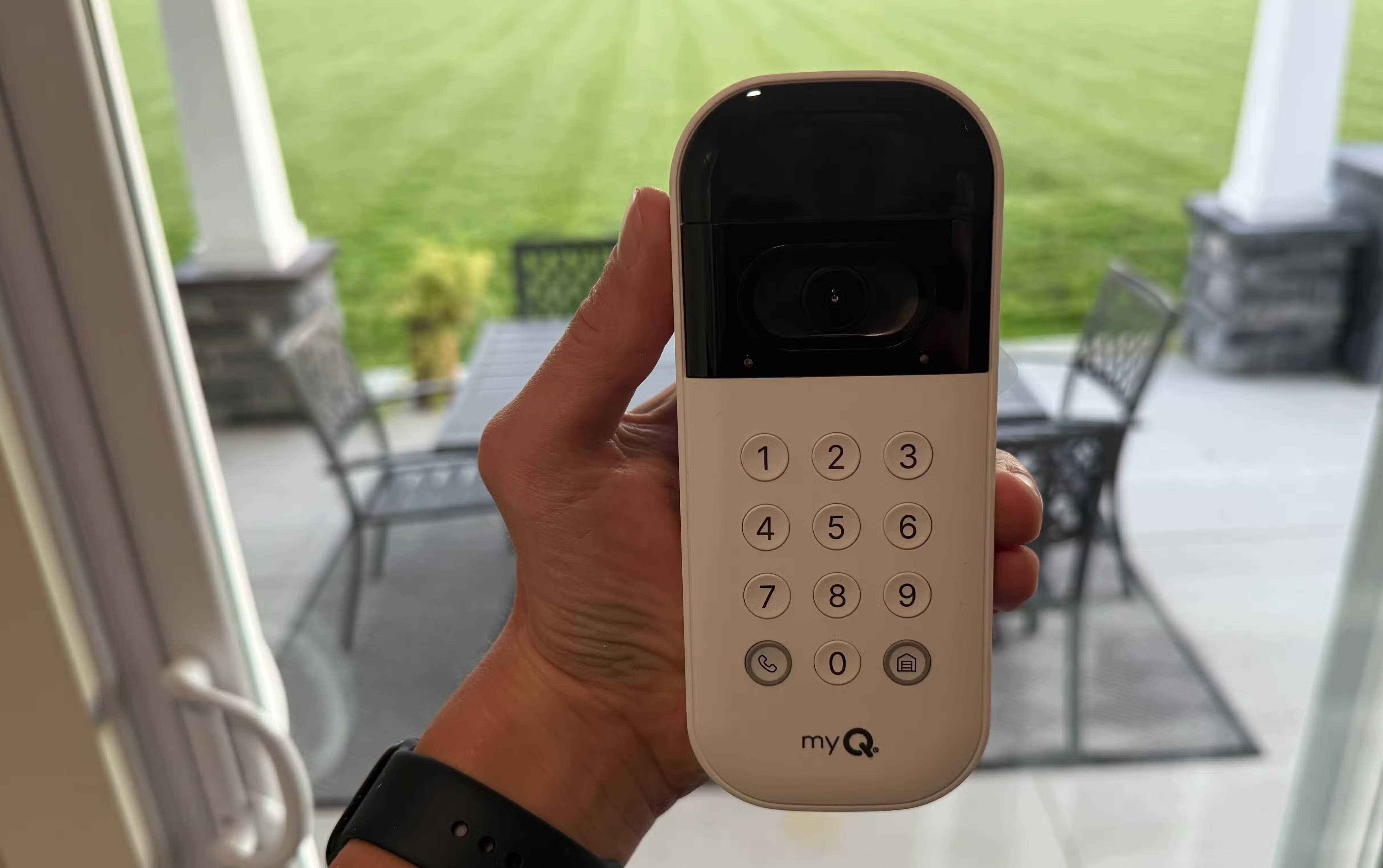
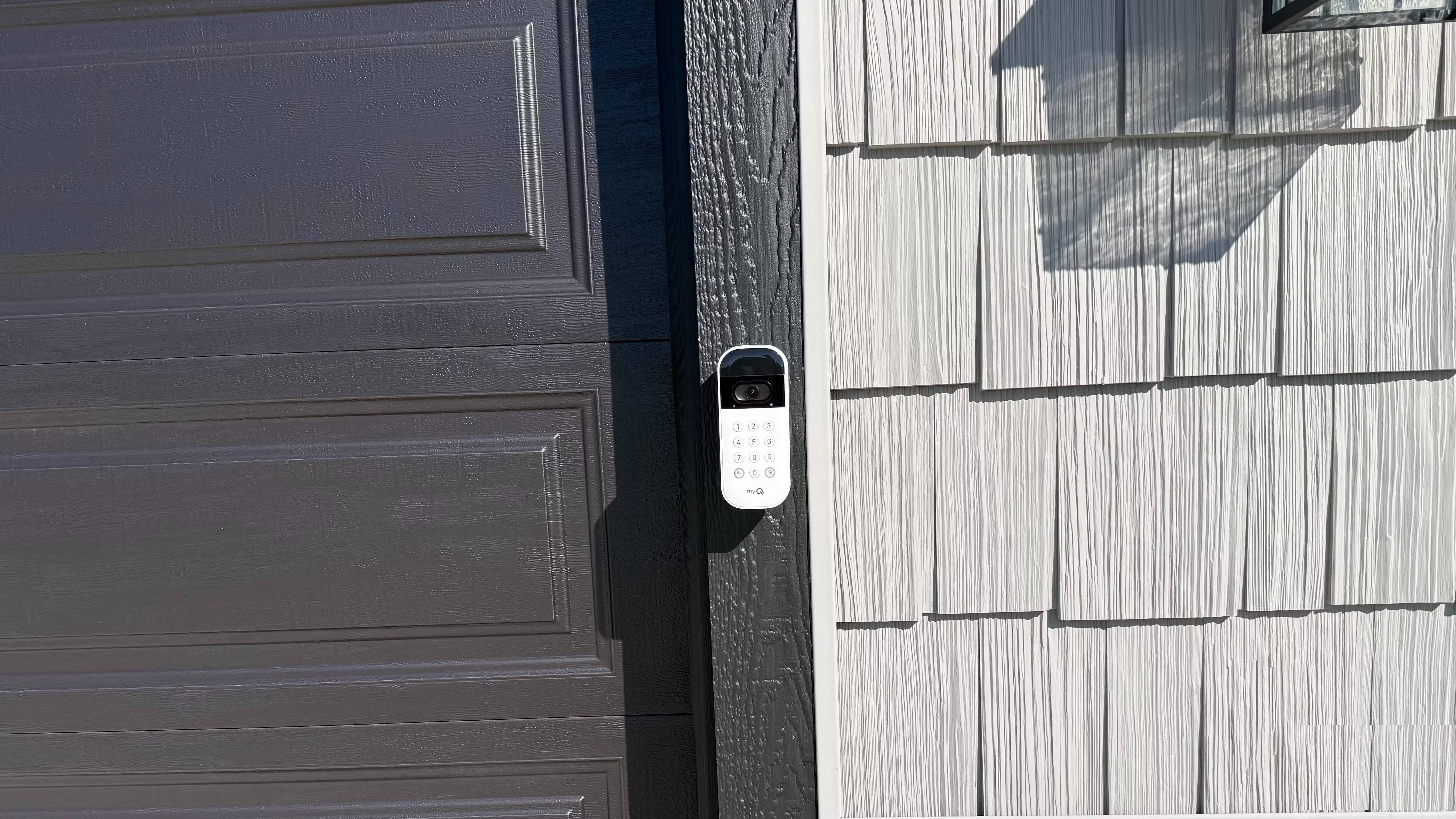
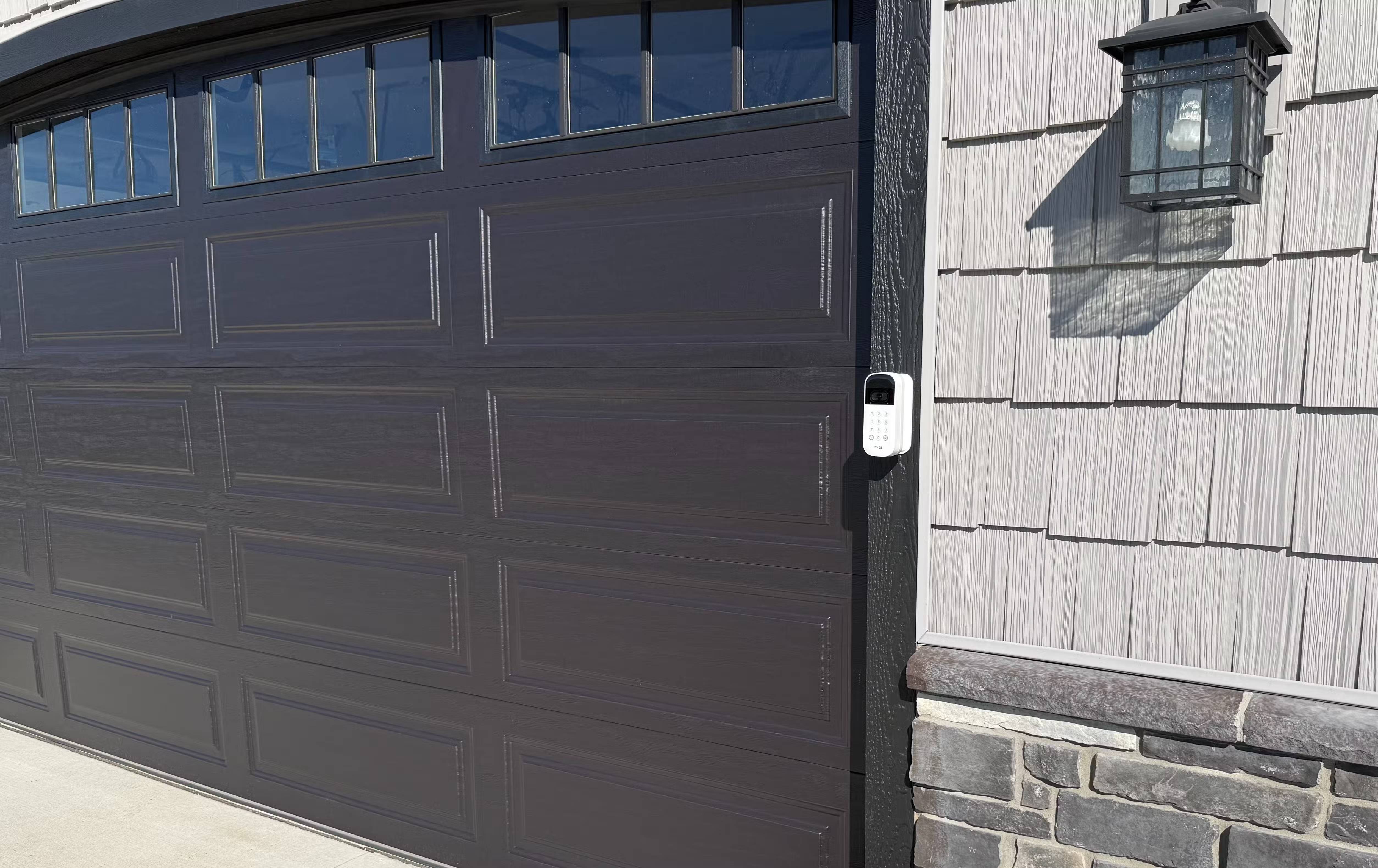
Your garage door works fine with the myQ opener, but "fine" means you can open and close them remotely. There's no way to know who entered the garage or when. And giving a physical remote control to the dog walker or a neighbor means you can only hope they remember to return it.
myQ Smart Garage Video Keypad solves all those problems at an affordable price. The 1080p wide-angle camera can monitor almost everything – the entire driveway and the area right in front of the garage door. After upgrading the garage keypad, the custom PIN alone is enough to convince many people to buy it.
Now everyone has their own PIN. You can also purchase the myQ Wired Power Adapter Kit. This way, you never have to charge it.
Automation has transformed passive security into active protection
The lights that follow the movement look like people
Recording footage is helpful after an event occurs. But many people want their homes to actually respond to motion in real time. The Ring Floodlight Camera in the entryway now triggers a whole chain of actions when it detects a person after dark.
This is a typical setup: The headlights illuminate instantly, then there's a pause before the garage interior lights come on, followed by another pause before the front porch lights come on. Create similar patterns in the backyard and side entrance – each with lights moving inward from the camera's position.
Turning on all the lights at once clearly demonstrates automation. The spacing between the lights creates the illusion that someone inside has noticed the movement and is checking everything in the house. Set the interval between lights to about 20 seconds, as that's the walking speed inside the house.
This automation makes the smart home truly smart. When there is no movement for 15 minutes, the lights will turn off again. Returning home after sunset to find the driveway and porch lit is one of the biggest advantages of the entire system.
Contact sensors are not simply for triggering alarms
Transform door sensors into automation triggers
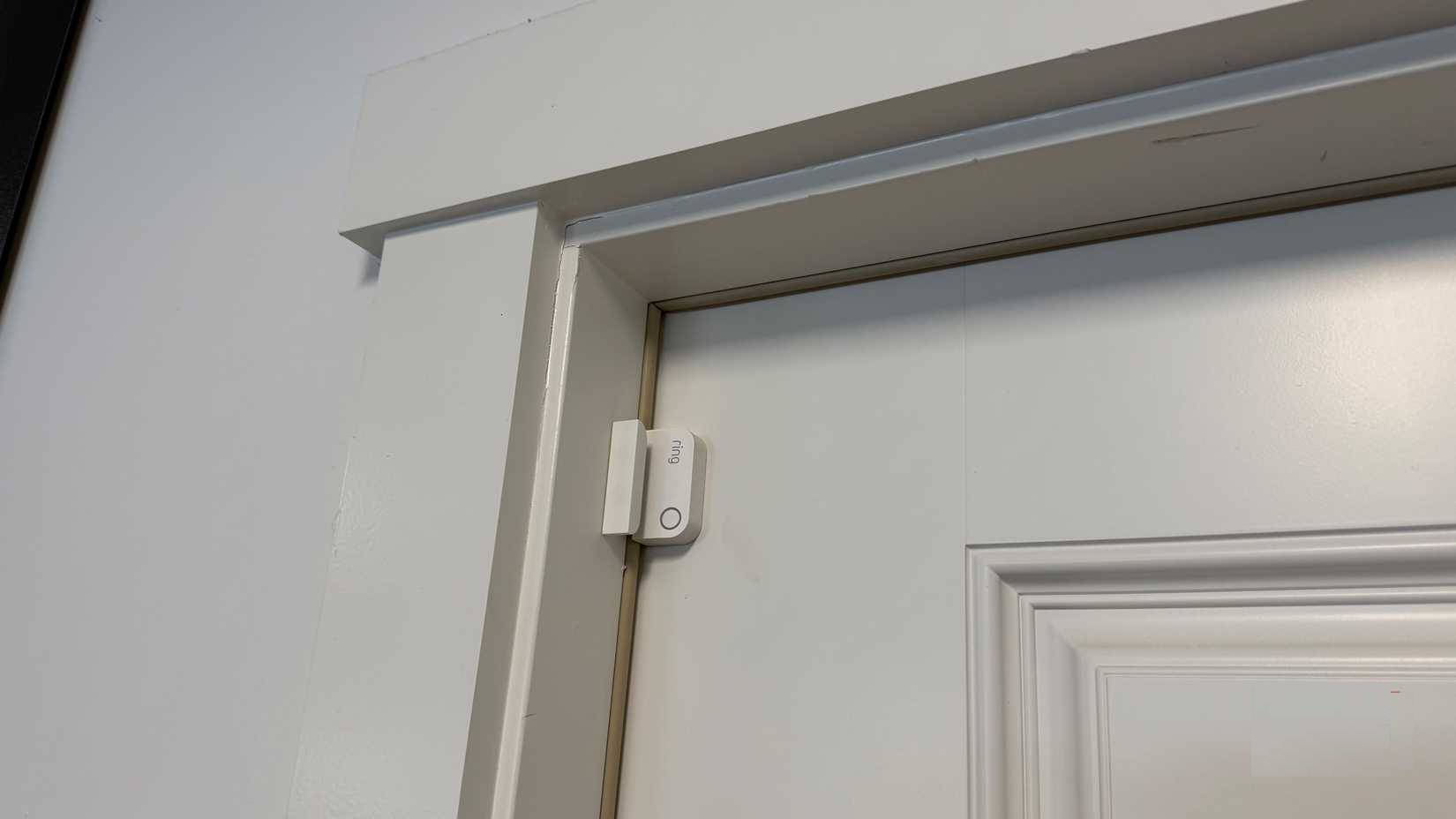
The Ring contact sensors mentioned earlier have a dual function. Yes, they are part of an alarm system. But they are also inexpensive automation triggers.
After installing one on my home office door, the lights now automatically turn on when I'm ready to start working – instead of fumbling with my coffee cup, notebook, and laptop while reaching for the light switch.
Automating your entire home with smart sensors and triggers has become increasingly popular over the past year, and these ultra-cheap sensors are probably running more processes than anything else you own.
For garage doors, add a ThirdReality Zigbee smart garage door tilt sensor to each door. They are relatively inexpensive and use an accelerometer to determine the door's position. Use them as a trigger to turn on all the garage lights when you drive in. The myQ garage door opener doesn't integrate well with Alexa. The battery life of these sensors is excellent.
Visual notifications help you see what alerts on your phone are missing
Use smart light bulbs as a secondary warning system
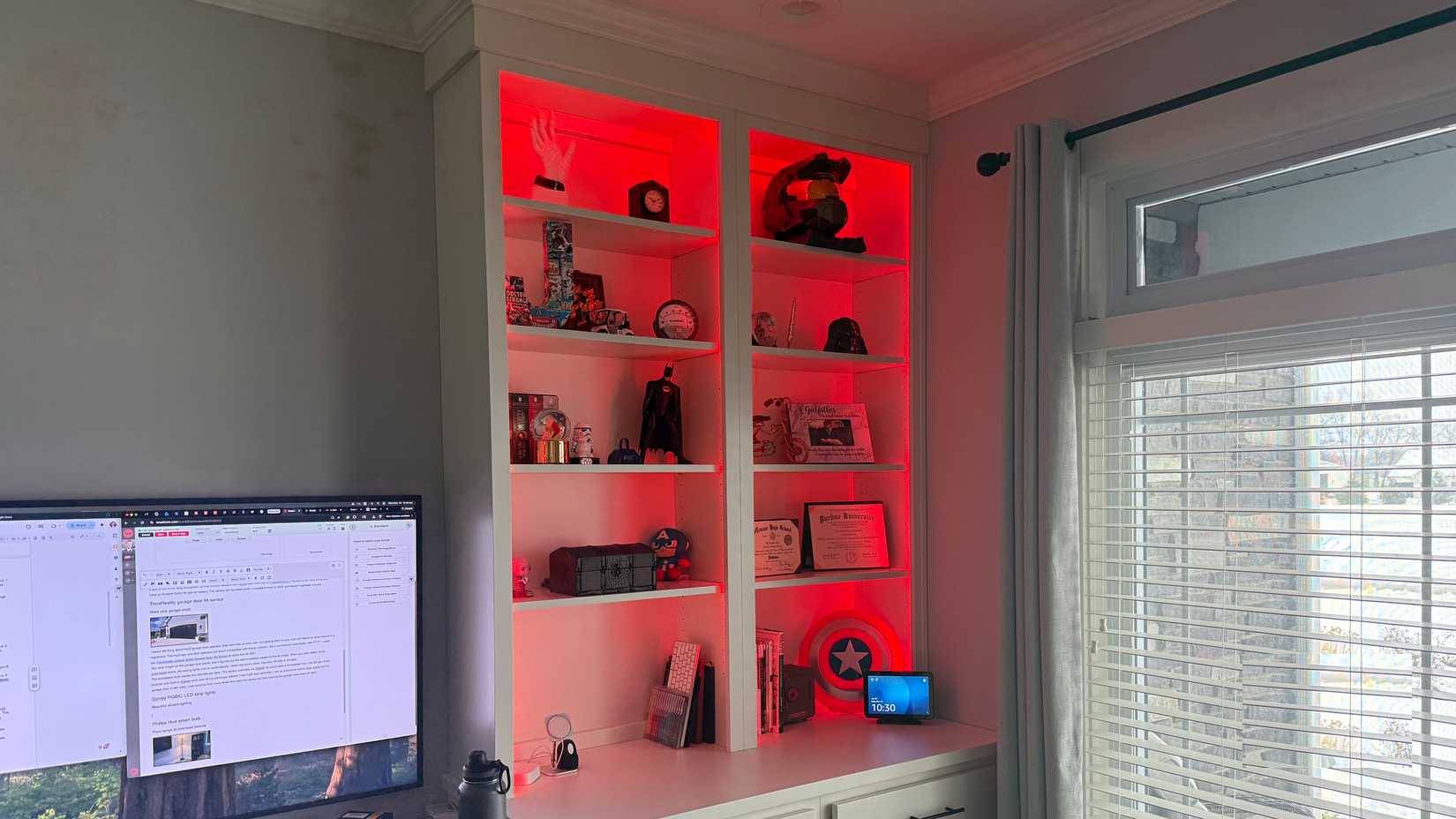
Notifications on your phone are easy to miss. Half the time, you're wearing headphones or your phone is charging in another room. But what if the lights are flashing in your office? You'll notice immediately.
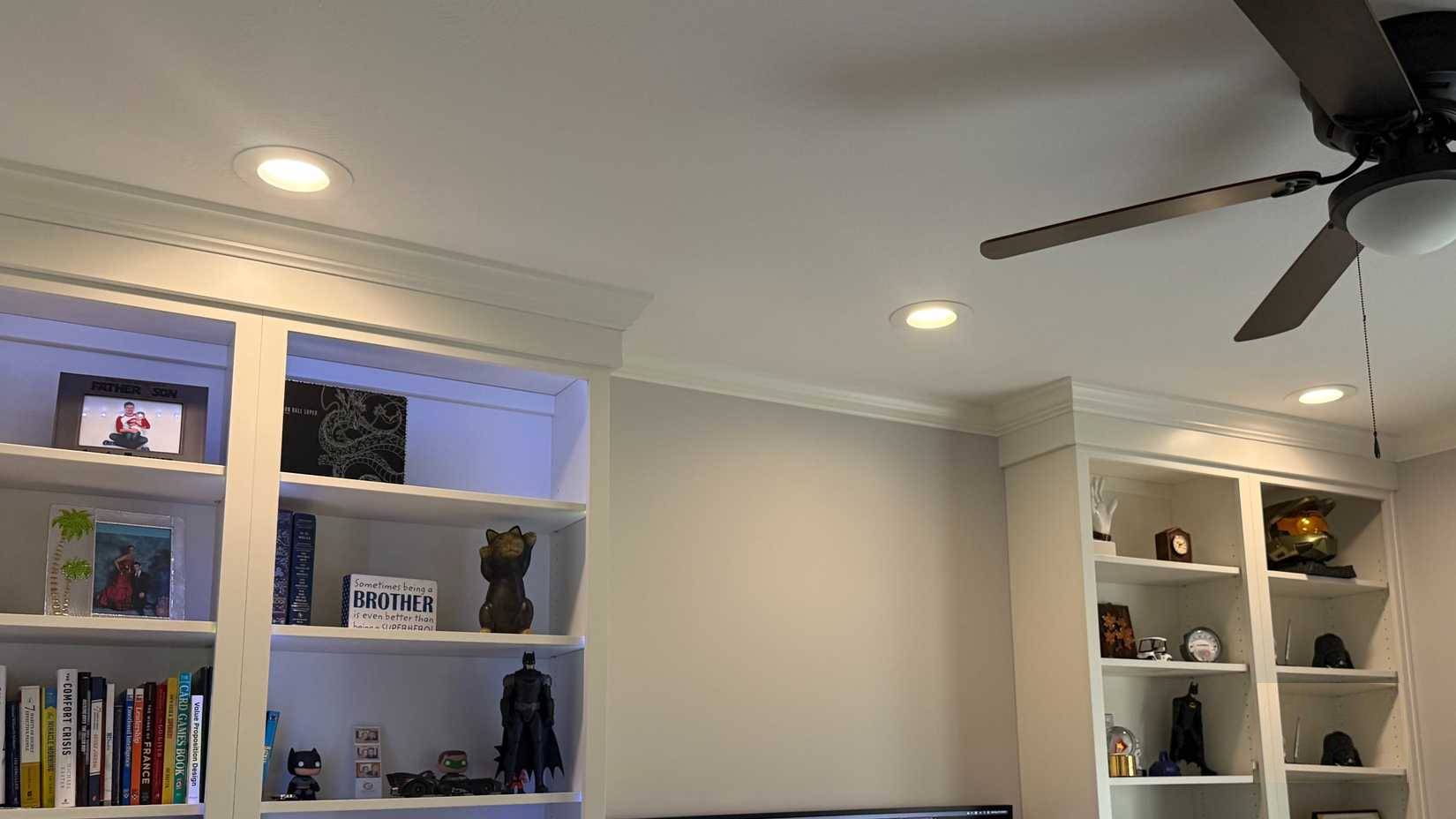
The smart light on the bookshelf in the office flashes twice when someone rings the doorbell. The number of delayed deliveries decreased significantly after you set up that system. Automate your smart lights with a range of visual notifications – weather alerts, bedtime reminders for children, etc.
In terms of security, a Ring Indoor Cam in the living room will turn on its lights whenever it detects motion after dark. The motion detection works quite well, so you won't be alerted by the dog walking by. The two-way audio feature is also very useful.
Final Thoughts
Understanding simple upgrades can improve home security makes it easier to evaluate the information and apply the most relevant recommendations. Focus on the key points above and verify details that may change over time.
FAQ
What is simple upgrades can improve home security?
Explore simple upgrades can improve home security, including the key concepts, practical examples, important considerations, and useful guidance.
What key points does this article cover?
The article focuses on A unified security ecosystem makes all the difference, Garages are the biggest security blind spot, How myQ keypad solves access issues, with practical explanations and examples.
How can you use this information in practice?
Use the explanations to compare options, verify important details, and make a more informed decision. Apply the recommendations that best match your goals and situation.
Related Articles
 10 Simple Exercises That Help Improve Posture at Home5 minutes read
 Tricks to Improve Wi-Fi Network Security6 minutes read
 Simple Ways to Protect Home Security Cameras, Avoid Hacking3 minutes read
 Major Upgrades in Age of Empires6 minutes read
 Smart Home Security: How to Protect Smart Devices in Your Home6 minutes read
 5 Easy Upgrades That Actually Make Working from Home Fun: Practical Guide5 minutes read
Reader Comments 0
Sign in with email or Google to join the discussion.