12 Web Hosting Providers Compared: Which One Fits Your Site?
Compare 12 web hosting providers by use case, hosting type, management tools, support, migration options, and long-term cost before choosing a plan.
Fix Windows problems, troubleshoot devices, understand AI, secure your accounts and get more from your technology with tested step-by-step guides.

Compare 12 web hosting providers by use case, hosting type, management tools, support, migration options, and long-term cost before choosing a plan.
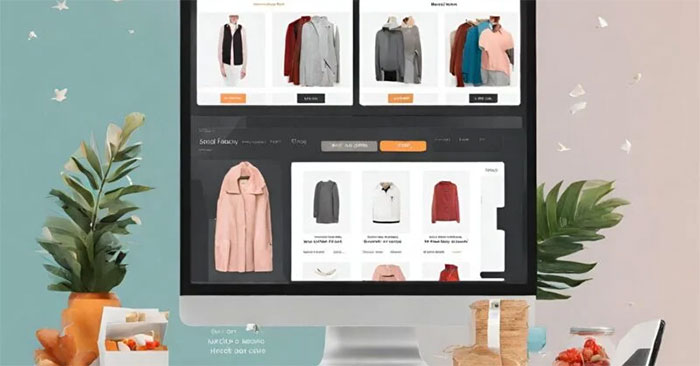
Connect Shopify products and checkout to a WordPress site using Shopify's WordPress integration, a Buy Button, or a shop subdomain, with DNS and SSL guidance.

Compare eight legitimate free hosting options for static sites, WordPress experiments, portfolios, and prototypes, including their limits and best use cases.
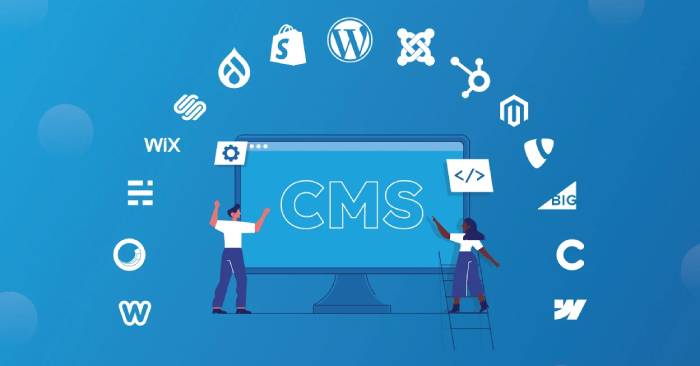
Compare 15 content management systems for blogs, business sites, online stores, memberships, marketing teams, and enterprise publishing.
Create a Weebly site on Android or iPhone, choose a theme, edit sections, add pages and media, preview the responsive layout, and publish safely.
Try 22 active websites for interactive art, music discovery, citizen science, coding, languages, guitar, presentations, scheduling, and practical online tools.

Use Meta AI and Muse Spark to turn math explanations, diagrams, or puzzle images into interactive visual models, then test and refine the result.
Get a clear answer to youTube has AI that analyzes your channel for you; have you tried it yet, including the key facts, causes, options, and practical…
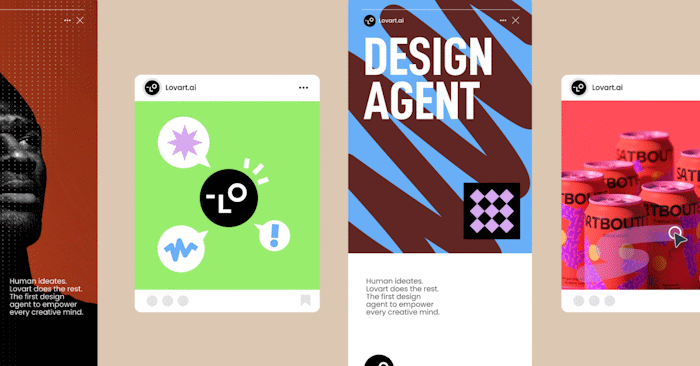
Create an infographic in Lovart step by step, from writing a focused prompt to reviewing errors and downloading the finished design.
Add text-to-speech narration or record your own voice in Google Vids, then position the audio on the timeline and balance its volume.
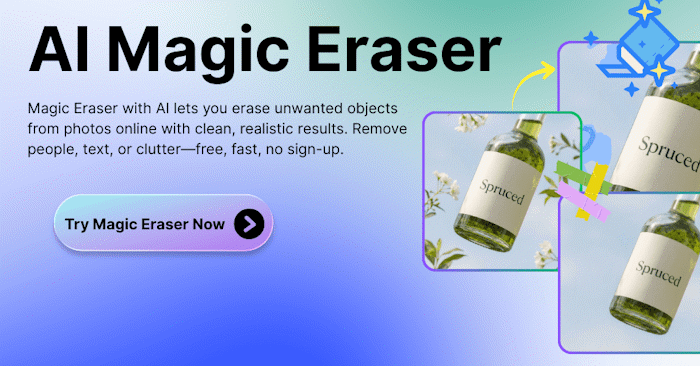
Use Magic Eraser to select and remove an unwanted logo from a video you own, then inspect the processed frames before downloading the result.
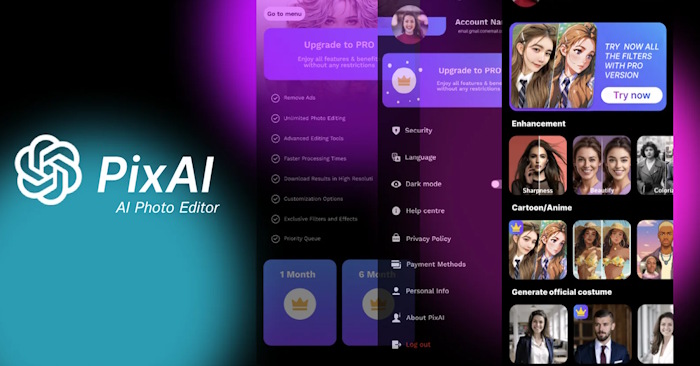
Create anime-style images in PixAI by choosing a model, setting the aspect ratio, writing a detailed prompt and refining the generated variations.
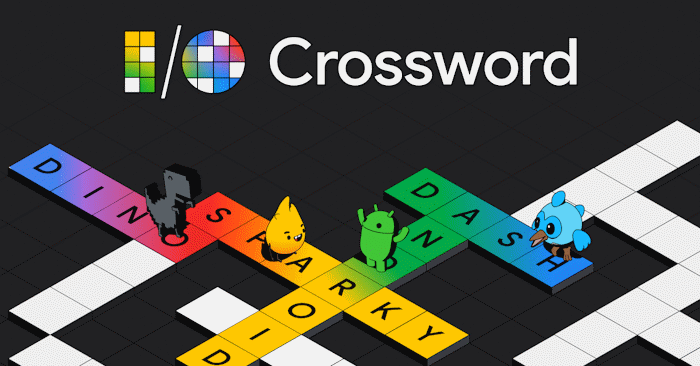
Build a classroom crossword in Canva by generating a themed word list, editing every clue, adding the puzzle to a design and checking the answer key.
Generate a survey or registration form in Canva, review each field, publish the participant link and manage submitted responses safely.
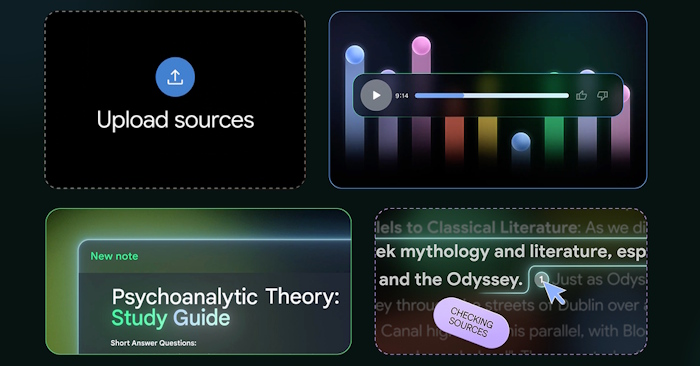
Import a captioned YouTube video into NotebookLM, verify its source summary, and create listening, reading and vocabulary activities for a lesson.
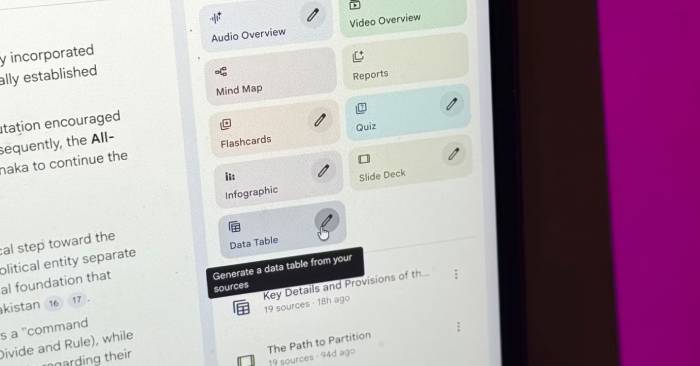
Turn selected NotebookLM sources into a structured data table, verify each row against its citations and export the result to Google Sheets.
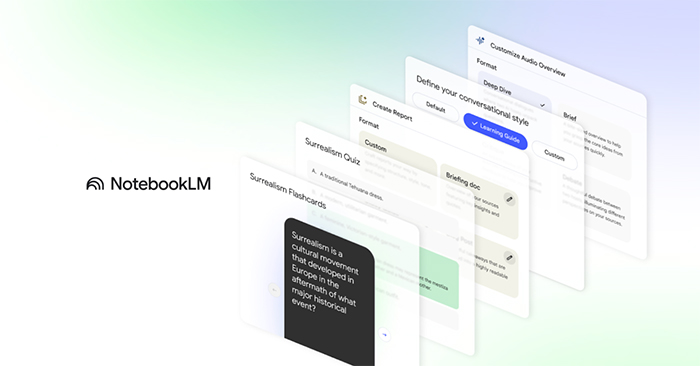
Generate source-grounded flashcards and quizzes in NotebookLM, customize their scope and difficulty, verify the answers and share them with learners.
Reopen a NotebookLM notebook, search the visible chat and saved notes, verify earlier answers against their sources and turn useful points into a reusable note.
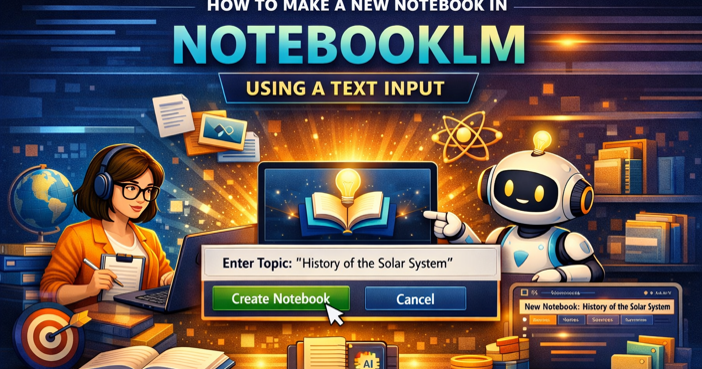
Create a NotebookLM notebook from copied text, name the source clearly, confirm the import and prepare the content for reliable summaries and questions.
Send individual videos, playlists or channel selections to NotebookLM with a browser extension, while checking captions, permissions and source limits.