How to Quickly Create Study Materials Using ChatGPT Canvas
Learn how to quickly create study materials using ChatGPT canvas with practical instructions, useful tips, and troubleshooting guidance for common issues.
Fix Windows problems, troubleshoot devices, understand AI, secure your accounts and get more from your technology with tested step-by-step guides.
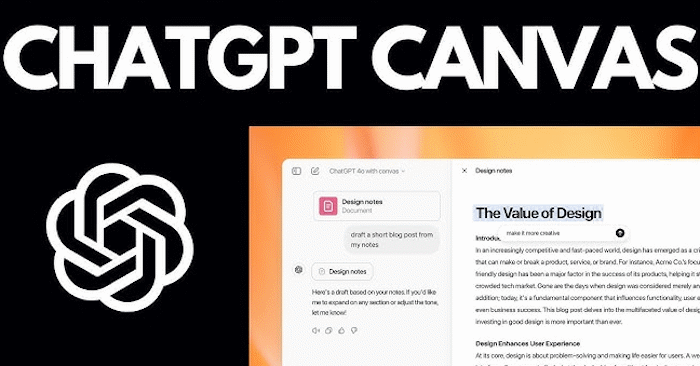
Learn how to quickly create study materials using ChatGPT canvas with practical instructions, useful tips, and troubleshooting guidance for common issues.
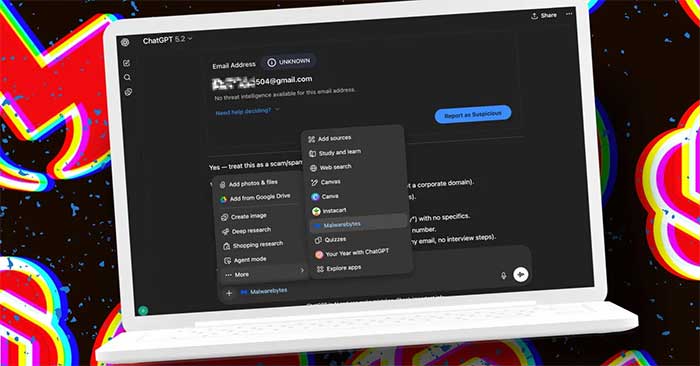
Instructions on using ChatGPT and Malwarebytes to check for phishing links, emails, and messages. Read the key facts, context, and practical takeaways.

Learn how to effective ways to use ChatGPT in Excel with practical instructions, useful tips, and troubleshooting guidance for common issues.

A practical way to choose one useful AI task, test low-cost tools, control cloud spending, and measure whether the result is worth keeping.

A practical look at using AI to give teachers timely insight and adaptable lesson support without replacing classroom judgment or human relationships.
Learn how to turn a focused question into a useful Consensus search, filter the papers, inspect supporting evidence, and export references without treating an AI summary as proof.
Use source documents, a precise prompt, and a teacher-led review process to draft a lesson plan in Claude while protecting student data and checking every activity.

Check eligibility, connect Google Photos deliberately, write a simple image prompt, refine the result, and review Gemini's privacy settings before using personal photos.
A teacher-focused walkthrough for building a Brisk tutor from a lesson resource, checking its goals and guardrails, previewing the student experience, and sharing it safely.
Create a Brisk presentation from a defined lesson objective, adjust grade, language, length, and style, then verify the exported Google Slides deck before teaching.
Turn an approved lesson source into a Brisk podcast draft, set its audience and length, verify the script and audio, then download it with an accessible transcript.

Add a trusted remote MCP server, complete OAuth, verify its status, limit each service's permissions, and troubleshoot connectors without exposing credentials.

Reduce wasted routine runs by filtering triggers, limiting context, removing unused connectors, choosing a sensible cadence, and auditing real run history before paying for more capacity.

Choose the right automation tool by comparing determinism, AI reasoning, integrations, hosting, latency, review controls, and operational ownership—and combine tools when one is not enough.

Compare Gemma 4's open-weight, self-hosted control with Gemini's managed API, tools, media models, and operational convenience across privacy, hardware, cost, and deployment needs.

Compare individual AI plans by monthly price, core strengths, ecosystem fit, and usage limits, with a practical way to choose without overpaying.
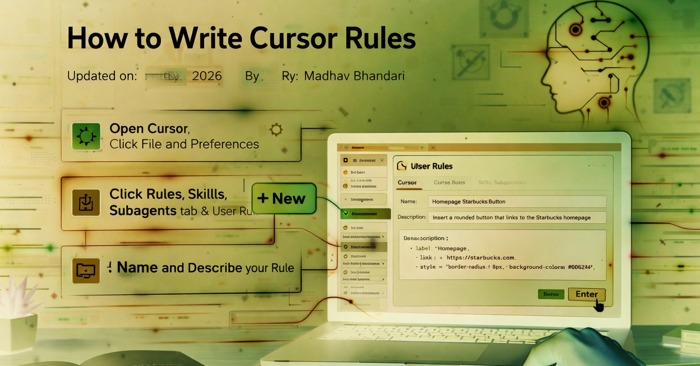
Create global User Rules or project-specific .mdc files in Cursor, choose the correct activation type, and test concise instructions without breaking your workflow.

Review Claude Opus 4.7's high-resolution vision, task budgets, adaptive thinking, effort controls, and the API changes developers must handle when migrating.

Learn how leaders can assign accountability, redesign human-agent workflows, and scale AI adoption with clear controls, useful metrics, and employee feedback.

Understand prompt injection, excessive permissions, poisoned memory, unsafe tools, and cascading failures—and apply concrete controls before deploying AI agents.