Table of Contents
A good website can turn a spare ten minutes into a small experiment, a useful lesson, or a creative break. This list focuses on sites that are still accessible and have a clear purpose. It removes dead projects, outdated services, low-value aggregators, and tools whose original descriptions no longer match what they do.
External services can change their features, prices, or privacy practices. Review the current terms before creating an account, uploading personal material, installing an extension, or submitting contact data. Several interactive sites use sound, animation, WebGL, or flashing images, so lower the volume and skip effects that cause discomfort.
Interactive art and short creative breaks
1. WebGL Water
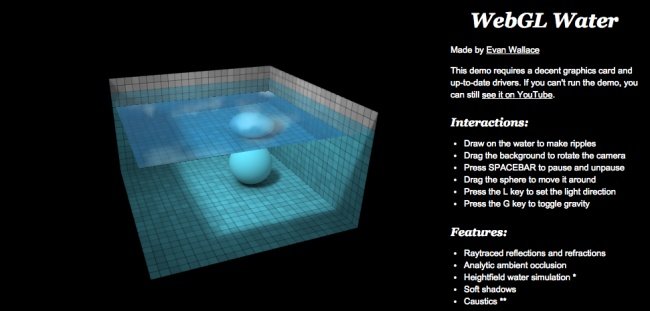
WebGL Water is Evan Wallace's real-time browser graphics demonstration. Drag on the water to create ripples, move the sphere, rotate the camera, pause the animation, change gravity, and reposition the light. It is both a relaxing toy and a compact example of reflections, refractions, caustics, and interactive simulation. It needs compatible graphics hardware and an up-to-date browser.
2. Thisissand

Thisissand turns falling colored sand into digital art. Choose colors, control the stream, and build layered landscapes one grain at a time. The interface is simple enough to explore without a tutorial, though saving or community features may require an account or app.
3. Patatap
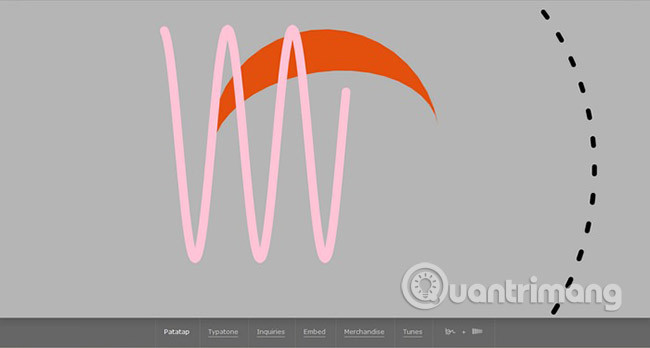
Patatap maps keyboard presses or taps to short sounds and moving shapes. Try a rhythmic sequence, then press the space bar to switch sound palettes. The site explicitly warns that it contains flashing images; people with photosensitivity should avoid it.
4. Hacker Typer
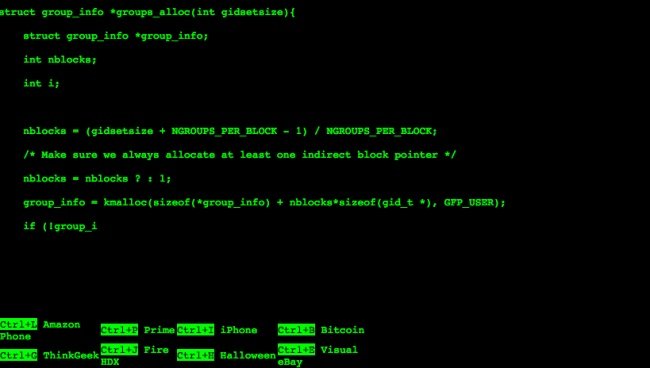
Hacker Typer is a visual joke, not a hacking or programming tool. Press keys and it displays movie-style code, making it useful for a harmless prop, presentation gag, or screenshot. It does not teach coding and should never be used to impersonate unauthorized access.
5. Do Nothing for 2 Minutes

Do Nothing for 2 Minutes gives you a two-minute timer with ocean audio. Moving the pointer or touching controls can reset the countdown. Think of it as a brief screen break rather than a treatment for stress or anxiety.
Music, culture, stories, and practical reading
6. Gnoosic
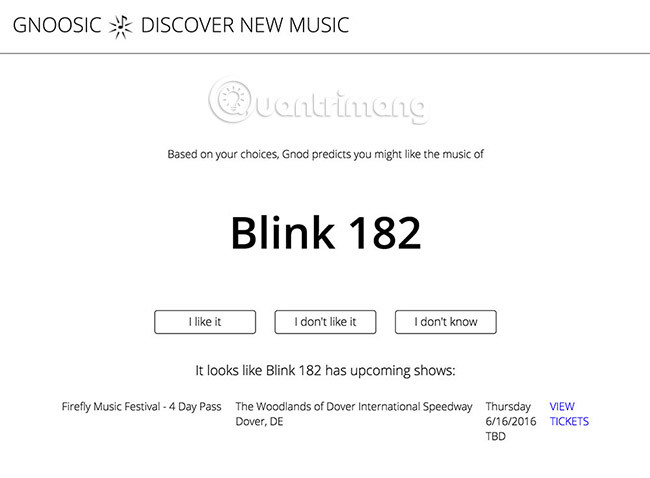
Gnoosic asks for three artists you like and suggests another artist. Mark a result as liked, disliked, or unfamiliar to continue refining the session. It is intentionally simpler than a streaming service and works well when you want one lead rather than an endless feed.
7. Cool Hunting

Cool Hunting covers design, technology, art, culture, travel, and products. Browse a topic rather than treating every product feature as an independent recommendation; editorial sites may include commercial or affiliate relationships.
8. Not Always Right
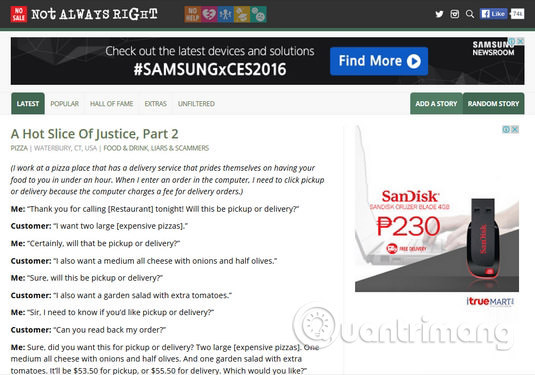
Not Always Right publishes reader-submitted stories about workplaces, customers, relationships, and everyday misunderstandings. Categories, trending posts, and a random-story option make it easy to browse. Submissions are anecdotes, not verified reporting, and some topics may be unsuitable for children.
9. The Art of Manliness

The Art of Manliness has a large archive on practical skills, style, fitness, relationships, books, outdoor activities, and personal development, plus a podcast. Its perspective and intended audience are explicit; health, finance, and survival articles should still be checked against qualified, current sources.
10. Cooking for Engineers
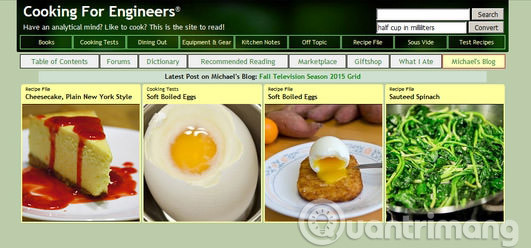
Cooking for Engineers presents recipes with a methodical structure and compact step tables. The older visual style is part of its charm, but read the complete instructions and apply current food-safety guidance, especially for meat temperatures, storage, and substitutions.
11. PostSecret

PostSecret is an art project built around anonymous secrets sent on postcards. The current site includes Sunday Secrets, classic submissions, audio projects, and related media. The material can be intimate or distressing; browse with that in mind and do not use it as a substitute for professional support.
12. Zooniverse
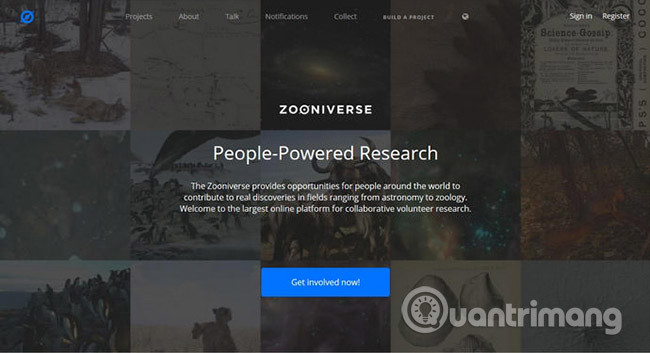
Zooniverse lets volunteers contribute to research by classifying images, transcribing records, identifying patterns, and completing other project-specific tasks. No subject expertise is required for many projects because each one provides a tutorial. Read the instructions carefully: accurate classifications are more useful than rushing through a large number.
Learn a skill
13. Scott H Young

Scott H Young writes about learning, habits, productivity, careers, and large self-directed learning projects. The archive is useful for study-strategy ideas, but personal experiments are not universal evidence. Test a method on a small scale and keep what improves your own learning.
14. JustinGuitar

JustinGuitar organizes guitar lessons into structured grades and skill areas, with song lessons, practice tools, theory, and ear training. Beginners should follow the course order rather than jumping among advanced songs. Some resources are free and others may be part of paid products.
15. Lifehacker
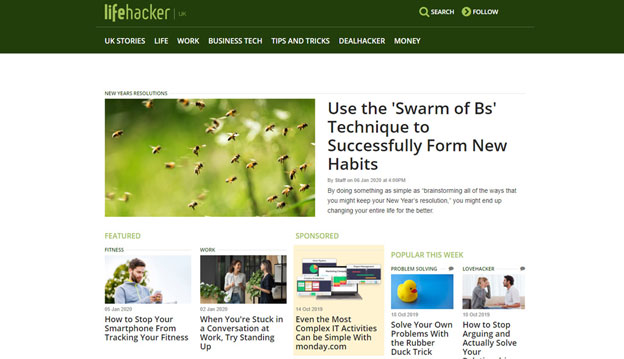
Lifehacker publishes practical articles on technology, home, work, money, and everyday tasks. Check the publication date and operating-system or product version before following a tutorial. For medical, legal, financial, or security decisions, verify the advice with an authoritative source.
16. Codecademy

Codecademy offers interactive courses and career paths covering programming languages, web development, data, and related technical skills. The catalog includes free and paid material. Use the exercises to learn syntax, then build a project outside the guided environment so you practice debugging and independent decisions.
17. CodeAI at Code.org
Code.org now presents its curriculum and tools under the CodeAI name, with material intended to build digital fluency and computer-science understanding. The catalog includes age- and grade-oriented lessons, Hour of Code activities, and teacher resources. Educators should select a course by learner age and experience rather than sending students to the home page without context.
18. Memrise
Memrise combines vocabulary practice with video and audio from speakers. It can support listening and recall, but an app alone will not provide all the conversation, writing, grammar, and feedback needed for balanced language ability. Pair it with real reading and speaking practice.
Tools for presentations, meetings, and web work
19. Slidesgo
Slidesgo provides templates for Google Slides, Microsoft PowerPoint, and other supported editors. Check the license, attribution requirement, included fonts, and usage restrictions for the specific template. Replace sample text, charts, and decorative imagery instead of presenting a template unchanged.
20. Calendly
Calendly creates booking pages based on your availability and meeting rules. Before sharing a link, verify the time zone, buffers, minimum notice, video-call location, cancellation policy, and which calendar events count as busy. Keep private event details hidden from invitees.
21. Axiom.ai
Axiom.ai is a browser-automation tool for building repeatable workflows with little or no code. Use it only on sites and accounts you are authorized to automate. Start with non-destructive steps, limit permissions, avoid exposing credentials in a workflow, and add checks before any action that submits, purchases, sends, edits, or deletes data.
22. Hunter
Hunter helps find and verify professional email patterns associated with domains. A result is not consent to send unsolicited bulk messages. Follow privacy and anti-spam laws, identify yourself accurately, contact people for a relevant purpose, and provide an appropriate way to opt out.
A useful starting point on TipsMake

TipsMake itself contains practical guides across technology, software, design, and everyday problem-solving. If you want more short learning resources, continue with these sites with short online lessons or browse less obvious well-known websites.
Bookmark only the sites you will actually use. A small set matched to your goal is more valuable than a list of dozens of links you never revisit.
Related Articles
 Top 10 Extremely Interesting Things on the Plane May Not Know You6 minutes read
 24 Interesting Things in Life You May Not Know9 minutes read
 Access These 40 Websites Every Day, You Will Learn a Lot of Useful5 minutes read
 Top 20 Most Interesting Websites in the World9 minutes read
 Tool: How to Create a Butterfly Clipart4 minutes read
 11 Interesting Things Can Be Observed Through Looks9 minutes read
Reader Comments 0
Sign in with email or Google to join the discussion.