Table of Contents
There is no single best content management system for every website. WordPress.org is the most adaptable starting point for many content sites; Shopify, BigCommerce, WooCommerce, and Adobe Commerce focus on selling; Ghost is designed for publishers and memberships; and Drupal or TYPO3 can suit complex organizations with development resources.
Choose a CMS by looking at the complete publishing workflow: who will edit content, how it will be approved, what must integrate with it, who maintains security, how the site will scale, and how easily the content can be exported. A short feature list rarely reveals the long-term cost.
CMS platforms at a glance
| Platform | Type | Best fit | Main responsibility |
|---|---|---|---|
| WordPress.org | Open-source, self-hosted | Blogs, publications, business sites | You manage hosting, updates, and plugins |
| HubSpot Content Hub | Hosted | Marketing teams using HubSpot CRM | Subscription and platform governance |
| Wix Studio | Hosted builder/CMS | Designers and agencies | Work within Wix's platform and plan limits |
| Joomla | Open-source, self-hosted | Structured and multilingual sites | You maintain hosting and extensions |
| WooCommerce | WordPress commerce plugin | Stores already using WordPress | You assemble and maintain the stack |
| Drupal | Open-source, self-hosted | Complex content and governance | Skilled implementation and maintenance |
| BigCommerce | Hosted commerce | B2C and B2B stores | Plan, theme, and integration choices |
| Shopify | Hosted commerce | Merchants wanting managed infrastructure | Subscription, apps, and theme ecosystem |
| WordPress.com | Hosted WordPress | Managed blogs and business sites | Choose a plan with required features |
| Ghost | Open-source or hosted | Newsletters, memberships, publications | Hosting choice and publishing operations |
| Magento Open Source / Adobe Commerce | Self-hosted / commercial | Custom, demanding commerce | Specialist development and operations |
| Textpattern | Open-source, self-hosted | Lean, custom publishing sites | Hosting and a smaller ecosystem |
| Blogger | Hosted | Simple personal blogs | Accept limited design and extensibility |
| Bitrix24 | Hosted business suite | CRM-connected sites and landing pages | Work within a broad all-in-one system |
| TYPO3 | Open-source, self-hosted | Enterprise and multisite publishing | Professional implementation |
Questions to answer before choosing
- Hosted or self-hosted? A hosted platform handles the underlying service. Open-source software gives you more infrastructure choice but makes your team responsible for hosting, updates, backups, and incident response.
- What will editors publish? List content types, fields, relationships, languages, revisions, permissions, and approval steps before evaluating themes.
- What does the site integrate with? Consider CRM, search, analytics, identity, email, payments, inventory, translation, and existing data.
- How portable is the content? Test exports for posts, structured fields, media, redirects, customers, and orders. A generic XML or CSV export may not reproduce the site.
- What is the three-year cost? Include hosting, licenses, apps, extensions, themes, developer work, security, migration, and staff training.
1. WordPress.org: the flexible general-purpose choice
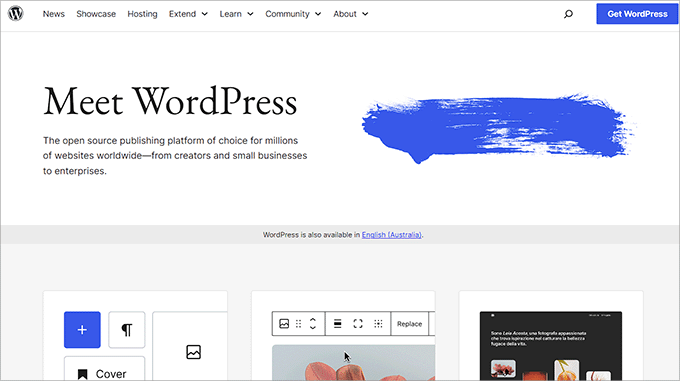
WordPress.org is free, open-source CMS software installed on hosting you choose. Its block editor, themes, user roles, media tools, REST API, and large plugin ecosystem let it support anything from a small blog to a complex publication or store.
That flexibility creates maintenance work. Plugin quality varies, and every added component expands the compatibility and security surface. Use actively maintained extensions, stage important changes, keep independent backups, and update promptly. If you choose WordPress, compare web hosting options as part of the decision.
Best for: teams that want broad ecosystem support and control over hosting. Avoid when: nobody can own updates, performance, and plugin governance.
2. HubSpot Content Hub: CMS plus marketing data
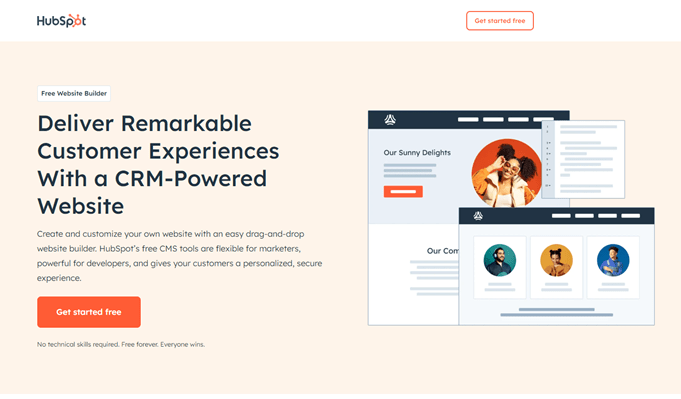
HubSpot Content Hub combines website and content tools with HubSpot's CRM and marketing products. Pages, forms, landing pages, personalization, analytics, and lead workflows can share the same customer data. That integration is the strongest reason to choose it.
Map which HubSpot hubs and subscription tiers the team needs before committing. An all-in-one platform can simplify operations, but migration, governance, and long-term subscription cost deserve the same attention as the page editor.
Best for: marketing teams already committed to HubSpot. Avoid when: you need infrastructure independence or only a simple publishing tool.
3. Wix Studio: visual control for professional site builders
Wix Studio is a hosted website-building environment for designers, agencies, and teams producing client sites. It provides responsive layout controls, reusable design systems, CMS collections, collaboration features, business tools, and code or integration options.
The hosted model removes server maintenance, but the site remains tied to Wix's design and application ecosystem. Test the exact responsive behavior, content editing roles, data export, localization, and client handoff process before standardizing an agency workflow around it.
Best for: visual teams that want managed hosting and agency workflows. Avoid when: full code portability or a self-hosted runtime is required.
4. Joomla: structured open-source publishing
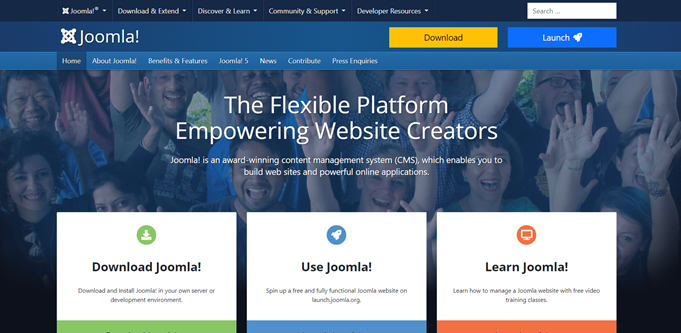
Joomla is a free, open-source CMS with templates, extensions, access controls, multilingual capabilities, categories, menus, and custom fields. It offers more structure out of the box than many simple site builders and can work well for portals or community-oriented sites.
The administration model and extension ecosystem take time to learn. Confirm that the extensions you need support the current Joomla and PHP versions, and plan an upgrade process before launch.
Best for: users who want a structured, self-hosted CMS and are comfortable learning its concepts. Avoid when: the team expects a beginner-first builder.
5. WooCommerce: commerce inside WordPress
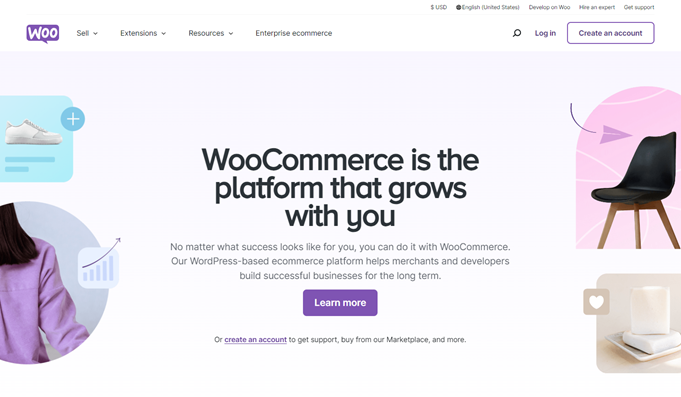
WooCommerce is an open-source commerce platform built on WordPress, not a separate general-purpose CMS. It adds products, carts, checkout, orders, and store administration while letting the rest of the site use WordPress content and plugins.
Control comes with responsibility: the merchant or agency must maintain WordPress, the theme, WooCommerce, payment and shipping extensions, hosting, backups, and security. Test extension compatibility and checkout performance in staging. For another approach, see how to connect Shopify to WordPress.
Best for: stores that want WordPress ownership and customization. Avoid when: the team wants the commerce infrastructure fully managed.
6. Drupal: complex content models and governance
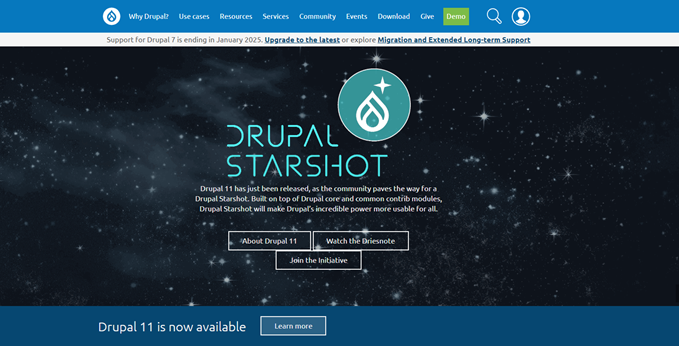
Drupal is an open-source CMS suited to complex content types, taxonomies, permissions, editorial workflows, APIs, multilingual publishing, and integrations. It is often evaluated for government, university, nonprofit, and enterprise projects where content governance matters.
A well-designed Drupal site can be robust, but architecture and upgrades require experienced developers. Define the content model and permissions before building; adding structure late is expensive.
Best for: organizations with complex content and a capable technical team. Avoid when: a small site needs to launch with minimal development.
7. BigCommerce: hosted commerce with integration options
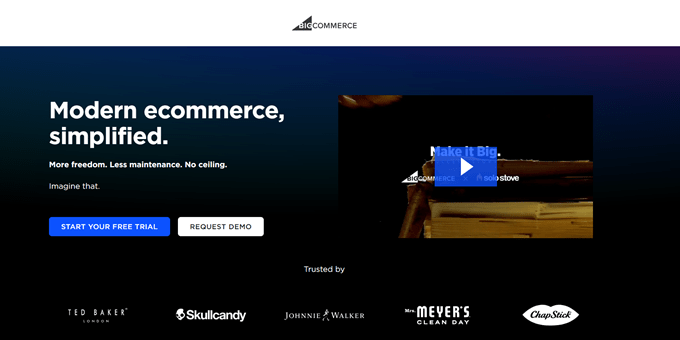
BigCommerce is a hosted commerce platform for B2C and B2B sellers. It handles the core service while providing storefront tools, catalog and order features, APIs, themes, and integrations. It can also participate in a headless architecture where another system renders the frontend.
Evaluate product and variant rules, currencies, tax, shipping, B2B needs, transaction terms, API quotas, and app costs with a real sample catalog. Hosted does not mean configuration-free.
Best for: merchants wanting hosted operations and flexible integrations. Avoid when: you only need a small content site with occasional sales.
8. Shopify: managed commerce for most merchant workflows

Shopify combines hosted storefronts, products, inventory, checkout, orders, themes, apps, and sales-channel tools. It is approachable for a first store but can also support custom themes and headless storefronts.
Before choosing a plan, model the cost of apps, payment processing, themes, international selling, point-of-sale hardware, and development. Test how product data and order history can be exported. The platform manages infrastructure, while the merchant remains responsible for account security, access permissions, product accuracy, policies, and app choices.
Best for: merchants who prioritize a managed commerce service and a large app ecosystem. Avoid when: a self-hosted checkout or unrestricted backend customization is mandatory.
9. WordPress.com: hosted WordPress
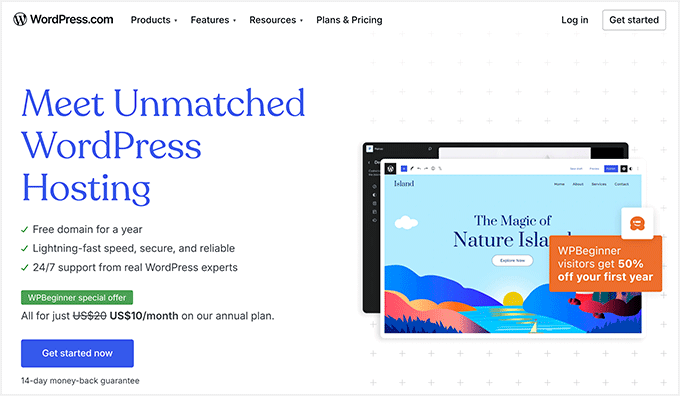
WordPress.com is a hosted service built around WordPress. Hosting, platform updates, backups, and much of the operational work are managed for you. Available themes, plugins, commerce tools, storage, and developer access depend on the current plan.
It should not be confused with WordPress.org software installed on independent hosting. Read the WordPress.com versus WordPress.org guide before choosing.
Best for: users who want WordPress publishing without managing a server. Avoid when: you require a feature that the selected plan does not permit.
10. Ghost: publishing, newsletters, and memberships
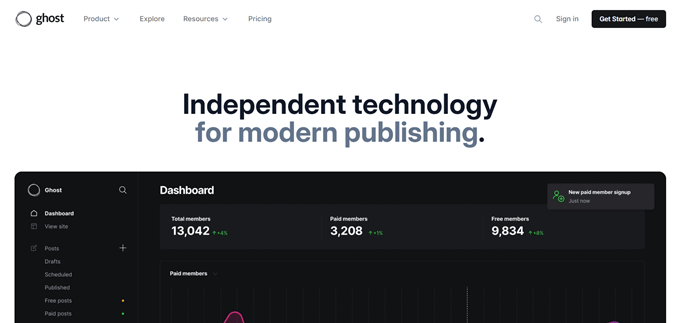
Ghost is an open-source publishing platform centered on articles, newsletters, members, paid subscriptions, and audience growth. You can use its managed Ghost(Pro) service or self-host the software. Its focused feature set is attractive to independent publishers who do not want to assemble a newsletter and membership stack from unrelated plugins.
Ghost can expose content through APIs, but “headless” is an optional architecture rather than its entire purpose. Compare email delivery, payment availability, theme requirements, analytics, member migration, and self-hosting skills.
Best for: publications and membership newsletters. Avoid when: the project needs a broad general-purpose plugin marketplace or complex commerce catalog.
11. Magento Open Source and Adobe Commerce: specialist ecommerce
Magento Open Source is the downloadable ecommerce platform; Adobe Commerce is the commercial product built for more demanding B2B and B2C operations. Both support highly customized catalogs and storefronts, but they require considerably more technical planning than a hosted starter store.
Use experienced developers and operations staff, keep security patches current, and budget for hosting, extensions, testing, search, deployment, and upgrades. “Free software” does not make a Magento implementation inexpensive.
Best for: complex commerce with a specialist team and a justified budget. Avoid when: a small merchant needs a simple store quickly.
12. Textpattern: lean publishing for hands-on creators
Textpattern is a free, open-source publishing CMS that favors clean content and flexible templates. It appeals to designers and writers who are comfortable with its tag-based approach and do not need the scale of WordPress's plugin ecosystem.
Check hosting requirements, extension maintenance, documentation, and the availability of developers before adopting a smaller platform for an organization.
Best for: lightweight, custom publishing sites maintained by technically comfortable users. Avoid when: the project depends on a large ready-made integration ecosystem.
13. Blogger: a simple hosted blog

Blogger is Google's hosted blogging service. It supplies a Blogspot address, templates, post management, and the option to use a custom domain. It can work for a low-maintenance personal blog, but it offers far less control over content modeling and extensions than a full CMS.
Do not choose it solely because you might monetize a blog; monetization depends on content, audience, policy compliance, and the advertising or commerce service you use. Export a sample blog and review theme limitations before committing years of content.
Best for: straightforward personal blogging. Avoid when: the site needs sophisticated workflows, structured content, or extensibility.
14. Bitrix24: websites connected to CRM and work tools
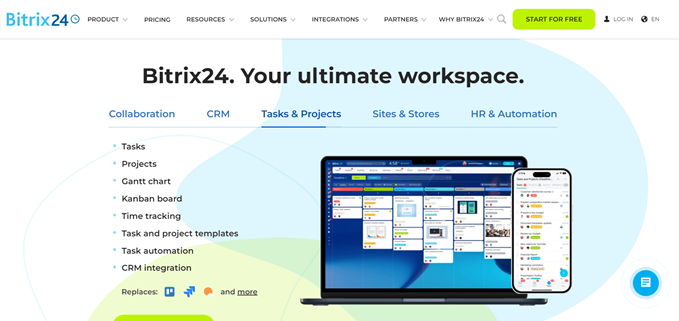
Bitrix24 is a broad business workspace that includes CRM, tasks, communication, automation, forms, a website builder, landing pages, and store tools. Its site features are most compelling when leads and customer activity should flow directly into the Bitrix24 system.
The breadth can also be a burden if the team needs only a CMS. Compare user limits, storage, automation, data residency, permissions, export, and the exact plan needed for every department.
Best for: small businesses already using Bitrix24 CRM and workflows. Avoid when: you want a focused publishing platform.
15. TYPO3: enterprise and multisite content management
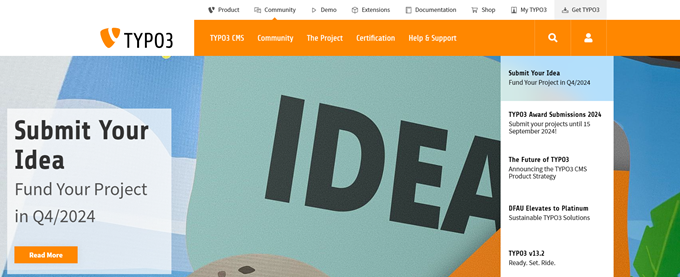
TYPO3 is a free, open-source CMS aimed at structured enterprise publishing, including multisite, multilingual, and governed content operations. It can support complex organizations, but successful projects usually rely on experienced integrators and deliberate architecture.
Evaluate its long-term-support path, extension compatibility, editorial training, hosting, deployment process, and availability of qualified partners in your region.
Best for: enterprises with multiple sites, languages, and formal editorial requirements. Avoid when: a small team needs a quick do-it-yourself launch.
How to make the final decision
- Narrow the list to two or three platforms that fit the site's primary job.
- Build the same small prototype in each: one landing page, one structured article, one form, and—if relevant—one product with variants.
- Ask a real editor to create, revise, approve, schedule, and recover content.
- Test accessibility, page speed, mobile editing, permissions, backup restore, export, and an integration failure.
- Estimate three years of platform, hosting, extension, development, support, and migration costs.
The best CMS is not the one with the longest feature list. It is the platform your team can operate safely, whose content model fits the work, and whose limitations remain acceptable as the site grows.
Related Articles
 The Battle of Foundations: There Is No Room for the Weak!12 minutes read
 Make Your Instagram Account Stand Out with These Awesome7 minutes read
 10 Best Apps for Platforms: VLC6 minutes read
 Iot Cloud Platform Usage Cases7 minutes read
 The Best Online Programming Platforms for Kids2 minutes read
 Review: Process, Convert and Edit 4K Videos Fast with VideoProc8 minutes read
Reader Comments 0
Sign in with email or Google to join the discussion.