Table of Contents
A useful tattoo resource should help with a specific part of the decision: finding a style, previewing placement, identifying an artist, commissioning original artwork, or testing a temporary version. Inspiration is only the starting point. A permanent tattoo still needs a design adapted to your anatomy, the intended size, and the artist’s technique.
Do not copy another artist’s custom work line for line or assume that an image found online is free to tattoo or reuse commercially. Save references that communicate separate elements—line weight, composition, subject, color, and placement—then ask the tattoo artist to create an original solution.
Virtual tattoo preview apps
1. YouCam Perfect
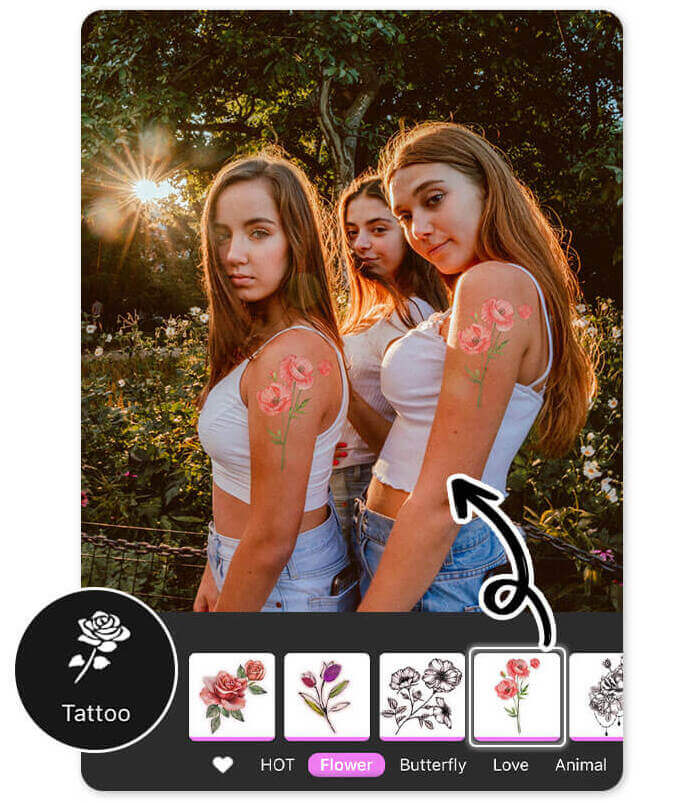
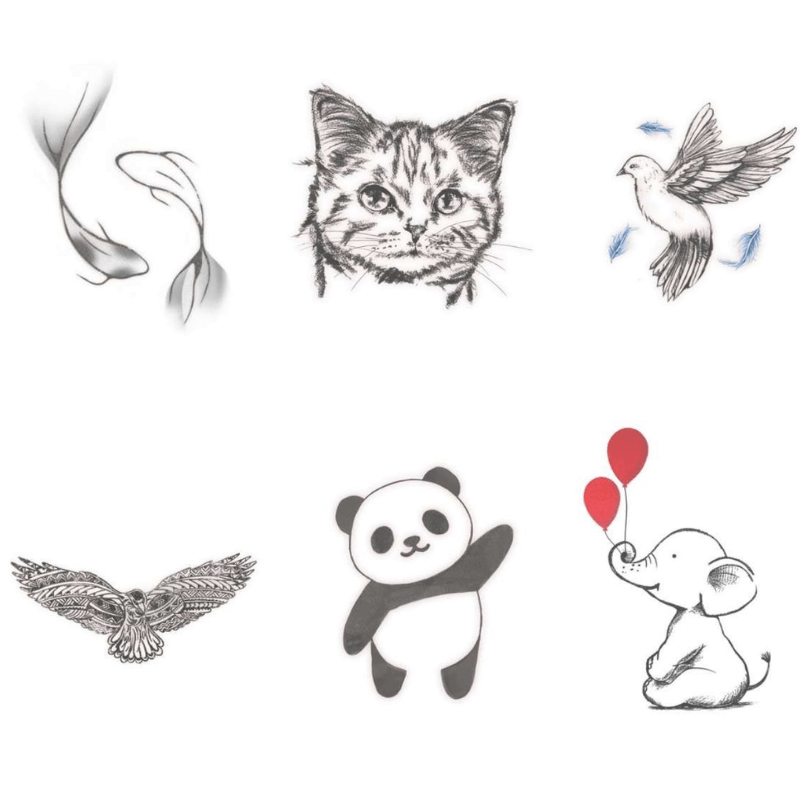
YouCam Perfect is a general photo editor with tattoo stickers and AI replacement tools. It is useful for making a quick mockup on a photo, comparing rough scale, and deciding whether a placement feels too busy.
The app can also generate or overlay common visual directions:
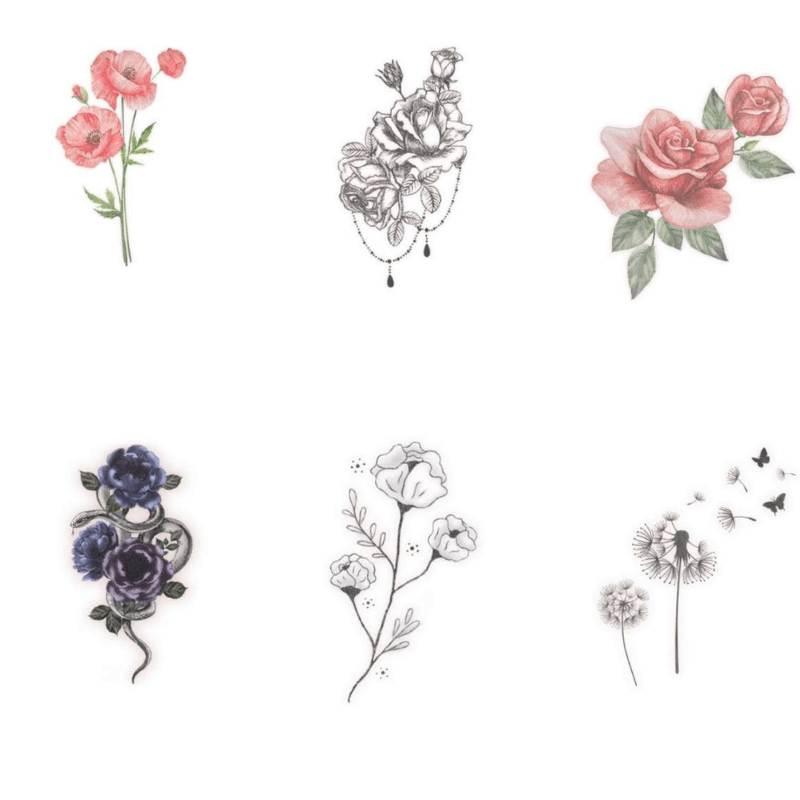
- Floral: useful for testing how curved stems and petals follow a shoulder, arm, or leg.
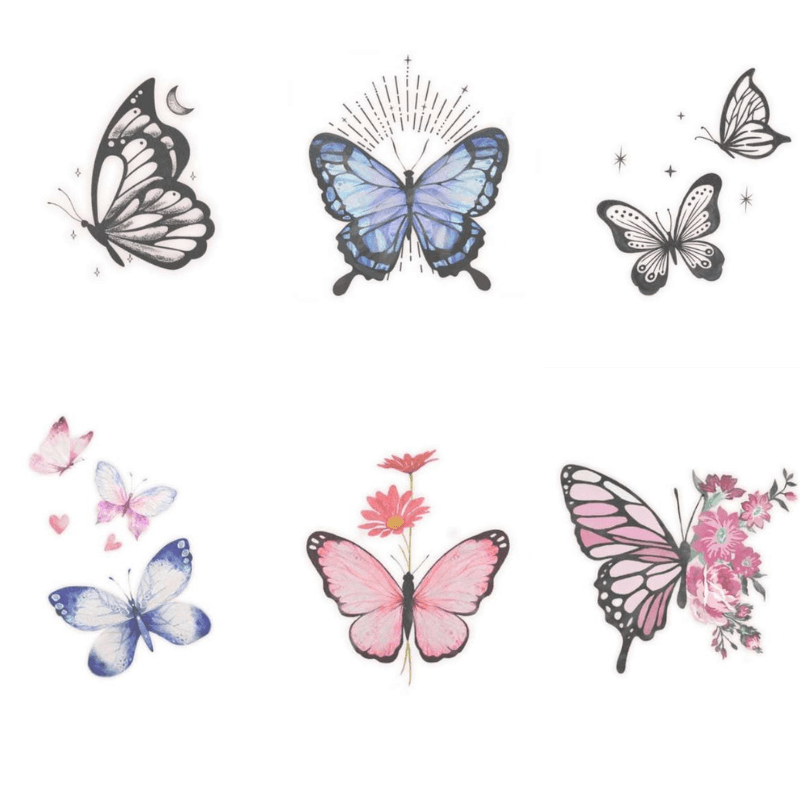
- Butterfly: helpful for comparing symmetry, angle, and open space around the design.
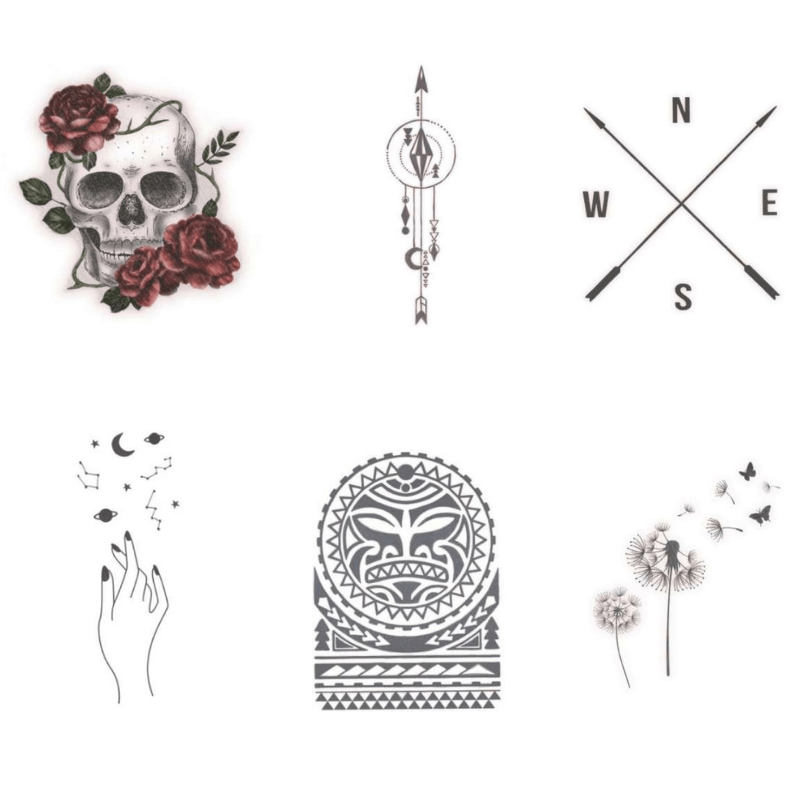
- Lettering or symbolic concepts: a way to test position, but not proof that small details will age well.
- Traditional animals: useful for exploring bold silhouettes and the amount of space a readable design needs.
- Minimalist linework: helpful for scale comparisons, although a screen preview cannot predict how very fine lines will heal.
2. INKHUNTER
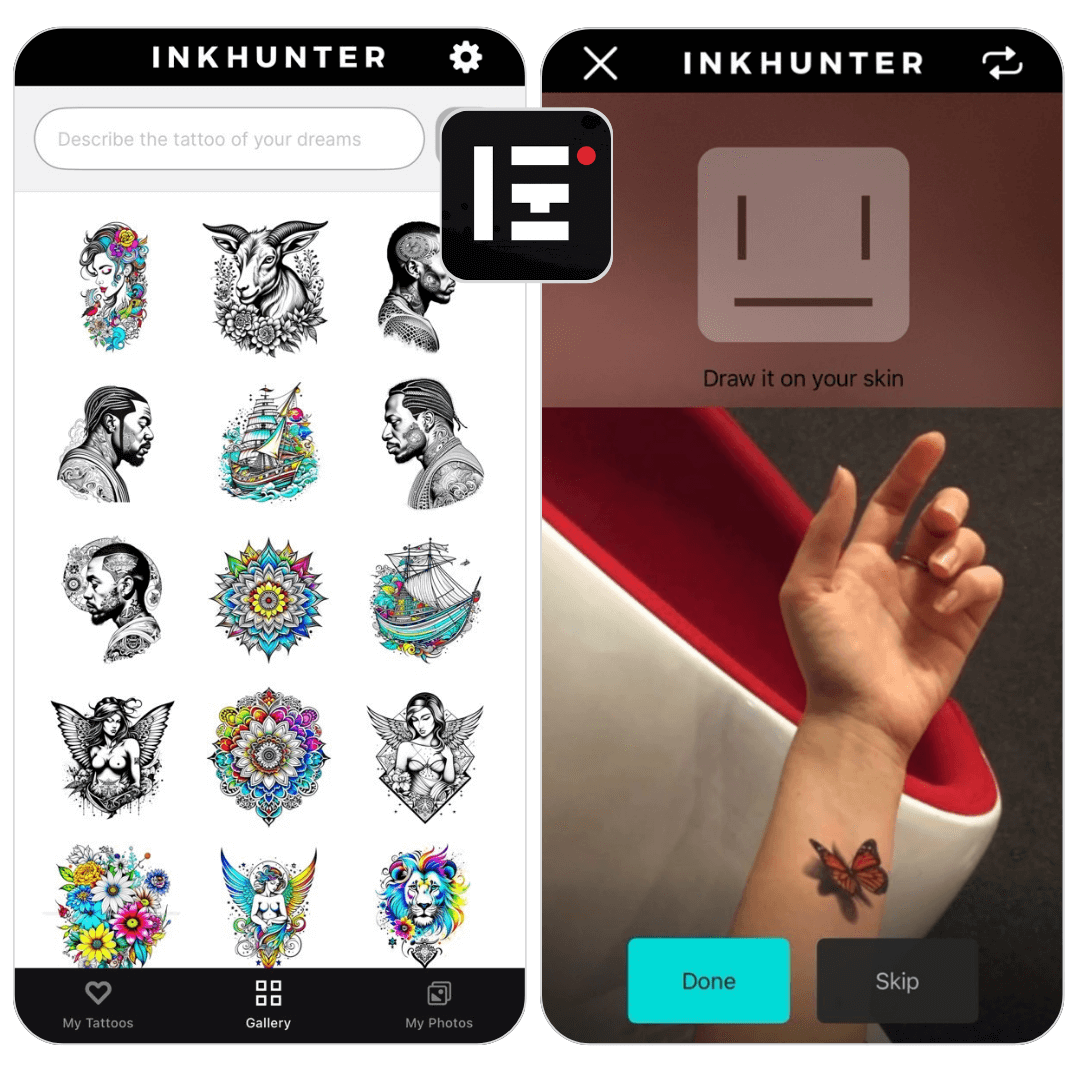
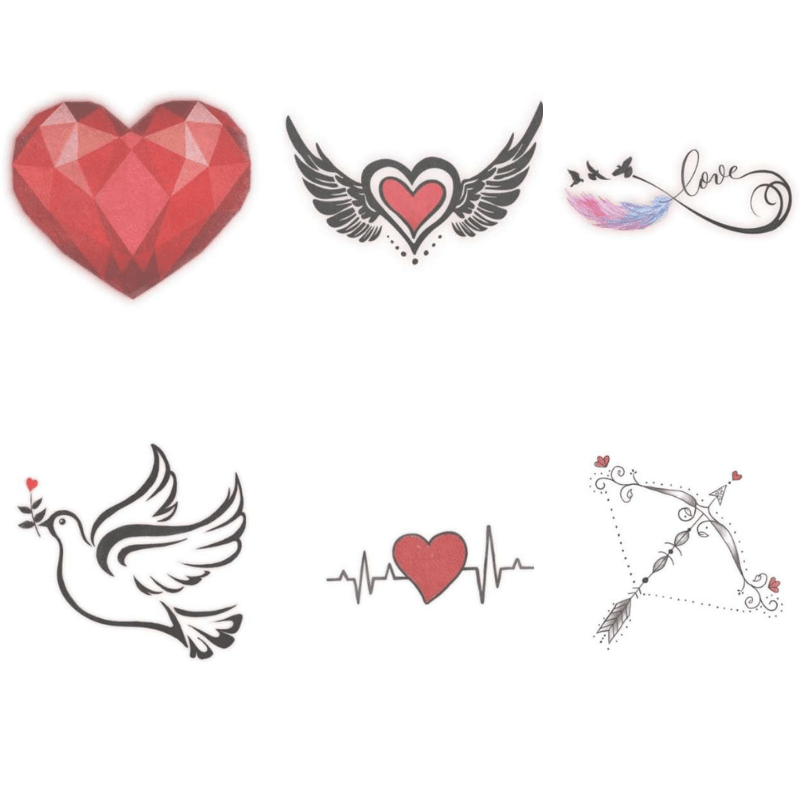
INKHUNTER uses augmented reality and photo editing to place a design on the body. You can try a library item or upload your own artwork, then inspect the apparent placement from different angles.
Use the result to discuss size and orientation, not to approve a stencil by itself. Camera perspective, body movement, skin texture, and lighting can make a digital overlay look more accurate than it is.
AI tools for brainstorming
3. DaVinci AI
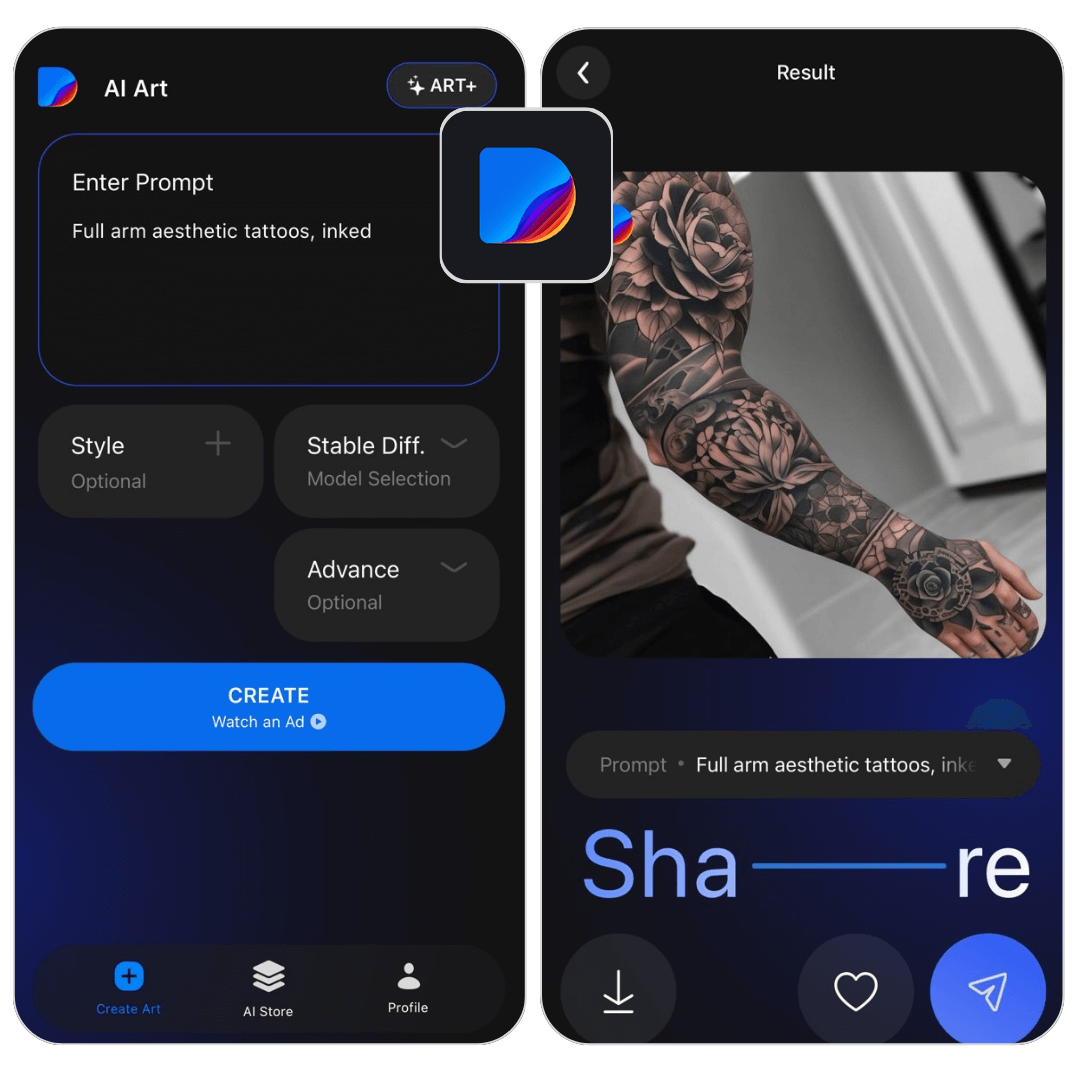
DaVinci AI is a general image generator rather than a tattoo-production tool. It can turn a written description into visual references for subject, mood, composition, or lettering direction.
Generated art may contain broken anatomy, unreadable text, inconsistent linework, or details that cannot be tattooed cleanly at the requested size. Bring the concept to an artist and let them redraw it for the body.
4. AI tattoo generators
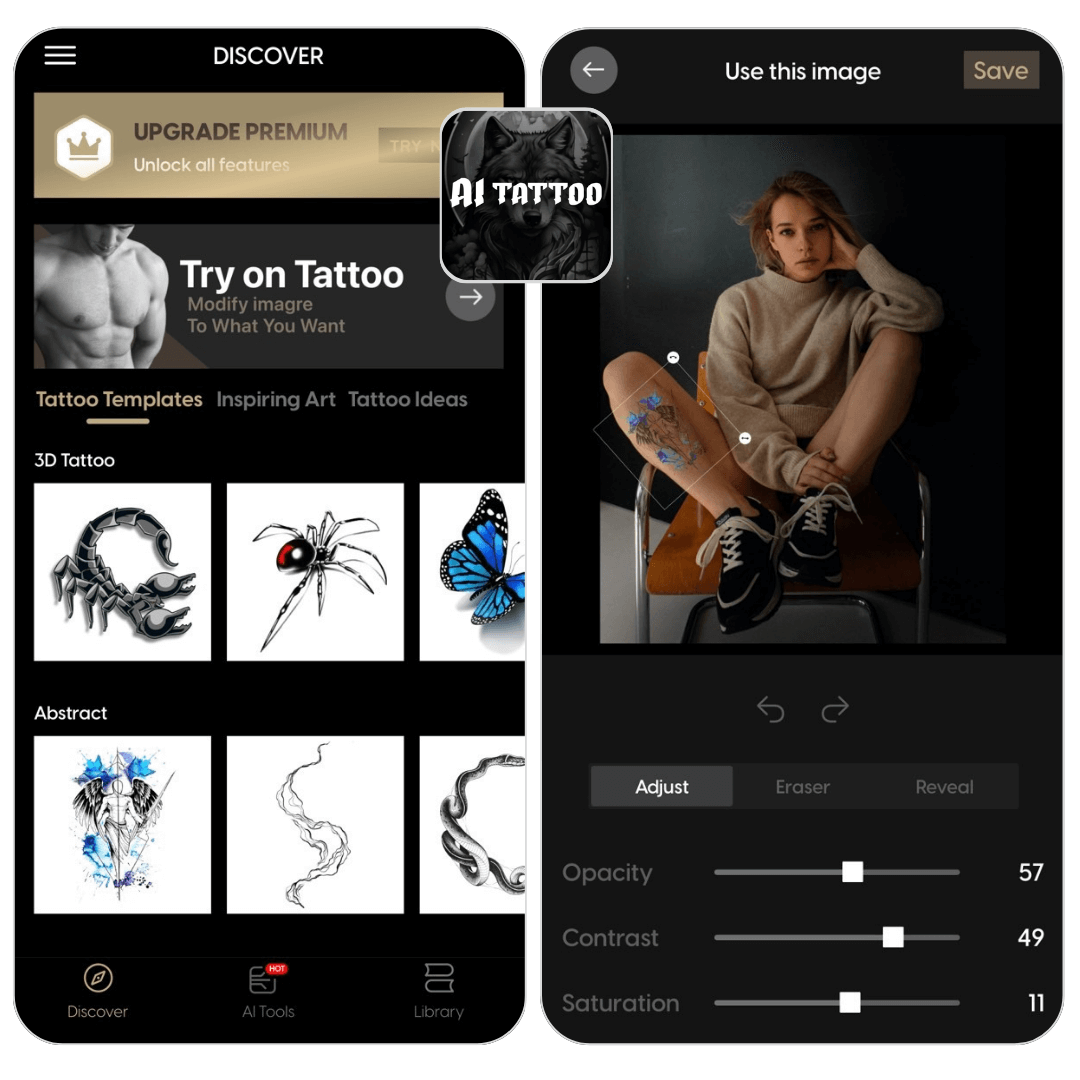
Dedicated AI tattoo tools typically add style presets, placement mockups, and controls for opacity or contrast. Examples change frequently, so compare privacy terms, pricing, export resolution, and rights before uploading a body photo or paying for a design.
A productive prompt states the subject, style, composition, color limits, placement, and level of detail. Generate several directions, identify what works in each, and commission a tattoo-ready drawing rather than asking an artist to trace an AI image unchanged.
Artist discovery and real-world portfolios
5. Tattoodo
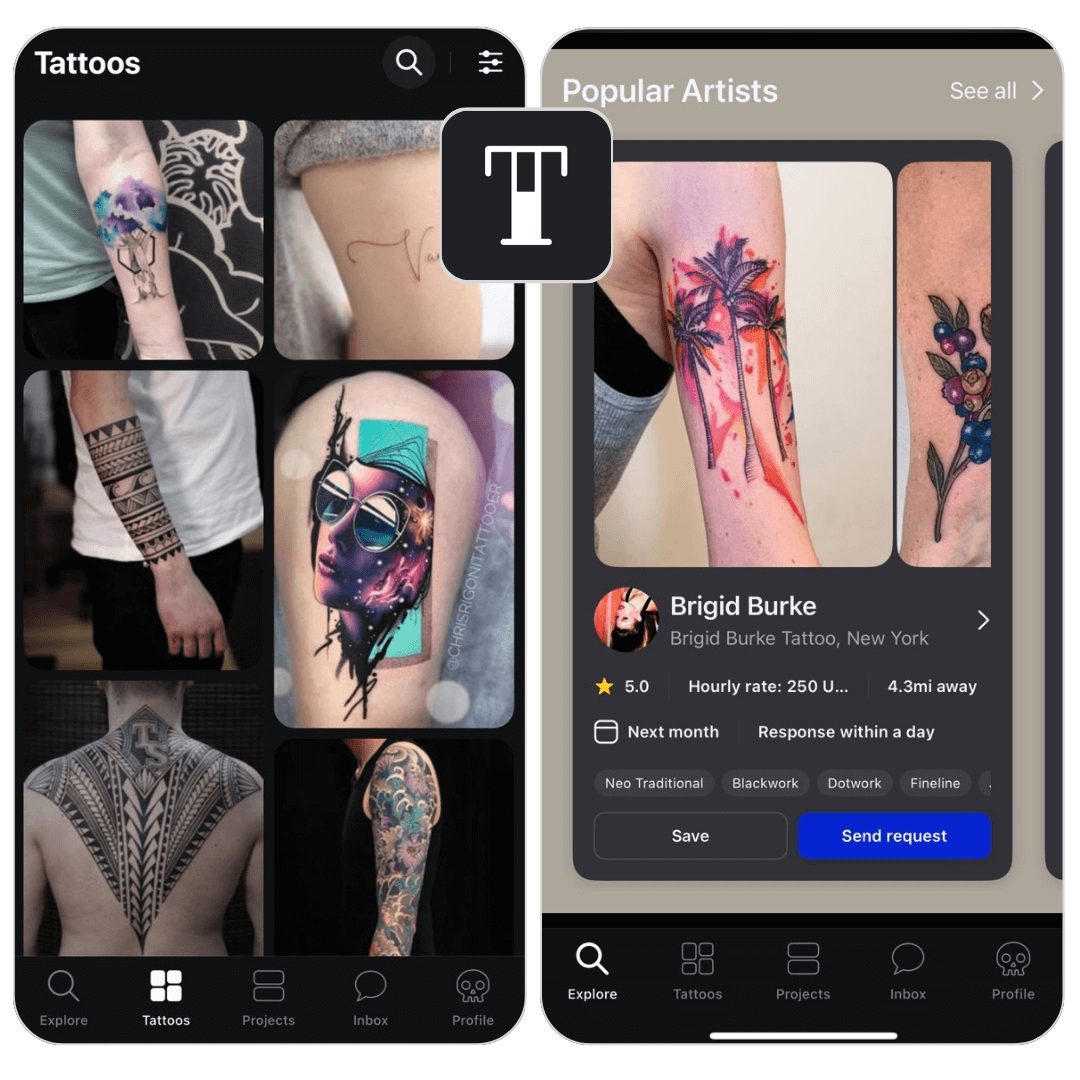
Tattoodo combines tattoo galleries with artist discovery and booking. Search by location and style, then review a candidate’s portfolio for healed work, consistency, scale, and experience with the technique you want.
A directory listing is not a substitute for checking the studio’s current license or registration where required, hygiene practices, deposit terms, cancellation policy, and independent client feedback.
6. Instagram
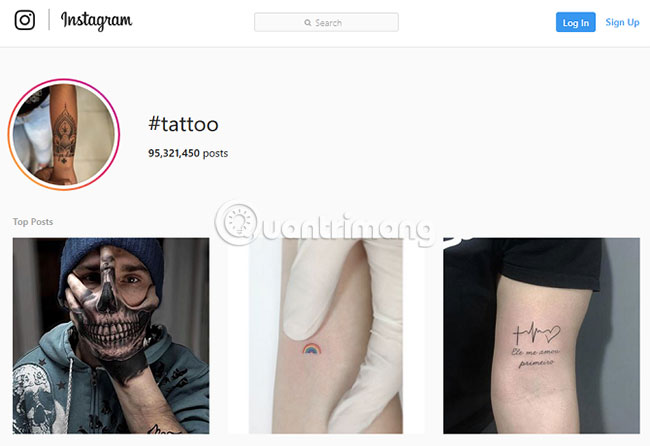
Instagram is useful because many artists publish recent work, healed results, travel dates, and booking information. Search a style plus a city, then move from repost accounts to the original artist’s profile.
Watch for stolen portfolio images, accounts that change names, deposits requested through unrelated accounts, and photos with heavy filters. Verify the studio through a second channel before sending money or personal information.
7. Reddit tattoo communities
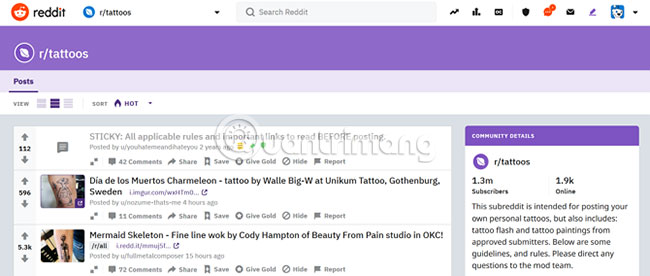
Communities such as r/tattoos can expose you to many styles and artists, while discussion-focused communities can help you form better questions. Treat comments as personal experience, not professional medical or legal advice. Verify artist identity and do not arrange a high-value booking solely through an anonymous message.
Commissioning or licensing artwork
8. Custom Tattoo Design
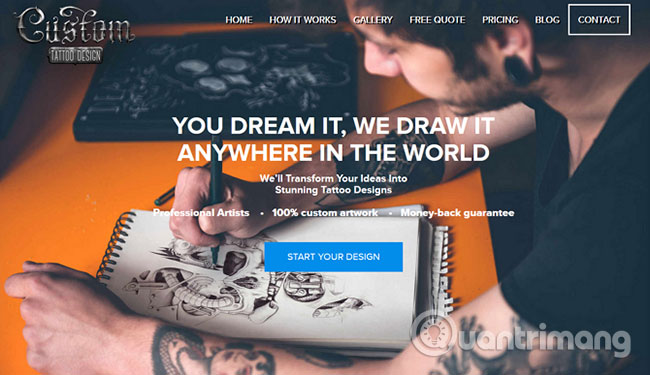
Custom Tattoo Design offers commissioned artwork based on a brief and body measurements. A remote design service can help when you need a developed concept before choosing a local tattooer.
Before paying, read the revision policy, delivery format, refund terms, copyright or license terms, and whether a usable stencil is included. The tattoo artist who will apply the work should still approve line weight, scale, and placement.
9. Vecteezy
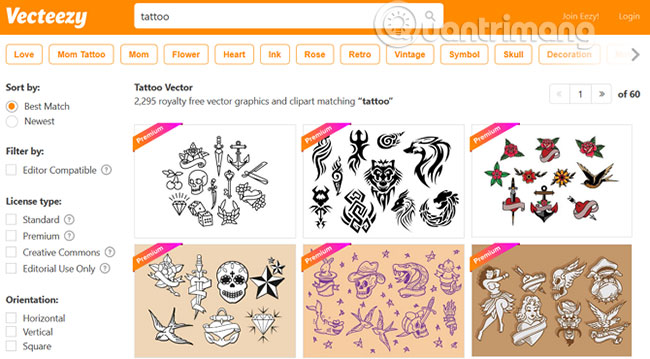
Vecteezy provides free and paid vector artwork. It is useful for exploring motifs and clean silhouettes, but every asset has a license. Check attribution, modification, personal-use, and commercial-use terms for the exact file; “free download” does not mean unrestricted use.
Trying a temporary version
10. Inkbox
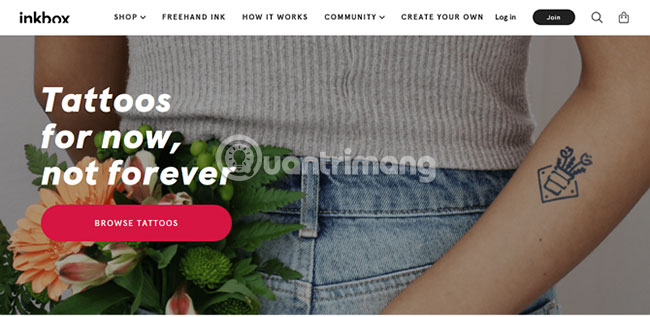
Inkbox sells temporary designs that can help you live with an approximate placement before choosing permanent work. Follow the current product instructions, ingredient information, skin warnings, and wear-time guidance rather than relying on an old estimate.
A temporary product cannot show how a permanent tattoo will heal or age. Stop using it if you develop an adverse skin reaction and seek appropriate medical advice when needed.
How to turn online inspiration into a tattoo brief
- Choose one subject and explain why it matters to you.
- Name two or three style attributes, such as bold blackwork, fine-line botanical, or limited-color traditional.
- Specify placement and approximate dimensions, then photograph the area in neutral light.
- Collect a small reference set and label what you like in each image.
- List elements to avoid, including colors, symbols, or background details.
- Ask the artist what must change for readability, skin movement, and long-term wear.
Safety matters more than the design website
A polished mockup does not establish that a studio is safe. Check the rules that apply where you live, ask how single-use needles and ink caps are handled, follow the artist’s aftercare instructions, and seek medical help for concerning symptoms. The U.S. FDA’s tattoo and permanent-makeup safety page summarizes potential risks and current consumer guidance.
Related Articles
 Top 9 Beautiful Tattoo Websites10 minutes read
 Top 10 Websites with Many Beautiful Tattoos: Main Insights10 minutes read
 The Most Beautiful White Ink Tattoo Designs: Complete Overview5 minutes read
 Rose Tattoo - the Most Beautiful Rose Tattoo Patterns5 minutes read
 100+ Best Tattoo Models4 minutes read
 44 Beautiful Mini Tattoo Designs for Women4 minutes read
Reader Comments 0
Sign in with email or Google to join the discussion.