How to Turn Off iCloud Desktop and Documents Sync on a Mac
Stop syncing the Mac Desktop and Documents folders with iCloud Drive, then copy the existing files back to local folders without losing data.
Fix Windows problems, troubleshoot devices, understand AI, secure your accounts and get more from your technology with tested step-by-step guides.
Stop syncing the Mac Desktop and Documents folders with iCloud Drive, then copy the existing files back to local folders without losing data.
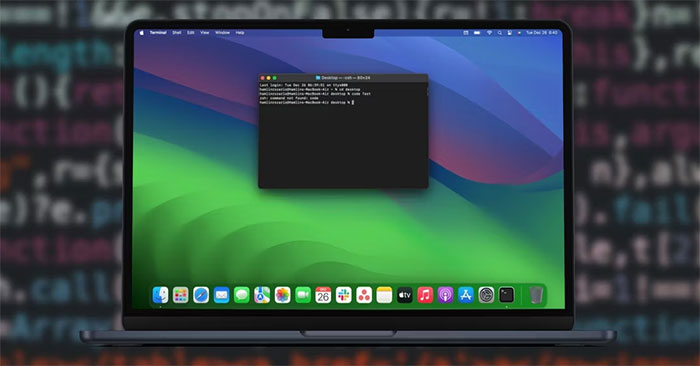
Add Visual Studio Code's code command to the macOS PATH, verify the installation, and fix stale Terminal sessions or conflicting aliases.
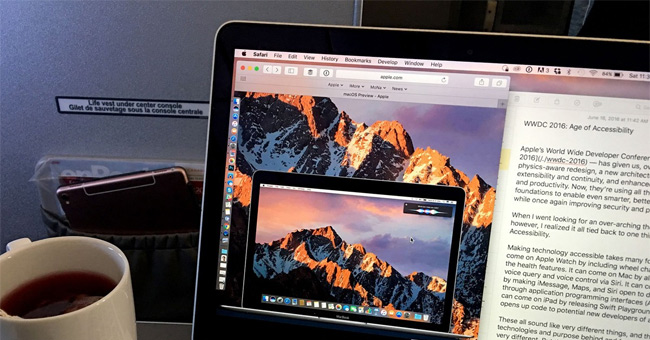
Summarize selected text with Apple Intelligence Writing Tools or the legacy macOS Summarize service, and choose the right method for your Mac.

Use Tyke for temporary plain-text notes from the Mac menu bar, understand what it does not save, and protect anything you need to keep.
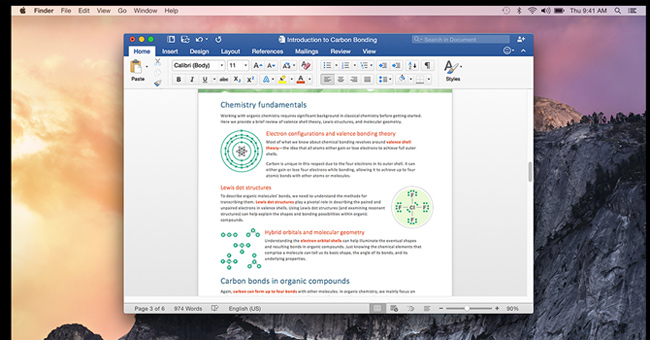
Use Word's Focus Mode on Windows or Mac, reveal hidden controls, change the Focus background on Mac, and return to the normal editing view.
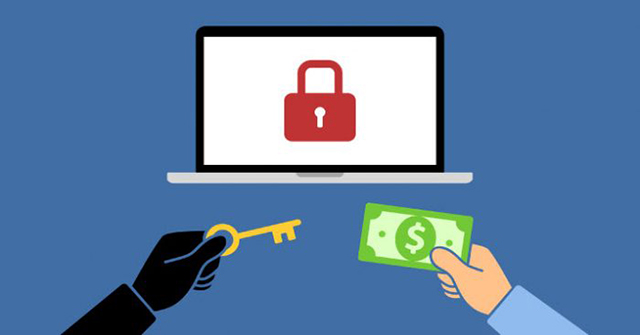
Understand how EvilQuest, also called ThiefQuest, spread through trojanized Mac installers and what to do if a Mac may be infected.
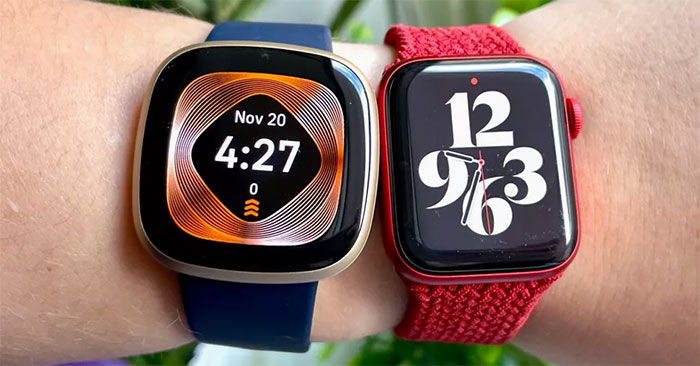
Choose a smartwatch by phone compatibility, battery needs, fitness priorities, size, and app support, with current picks for iPhone and Android.
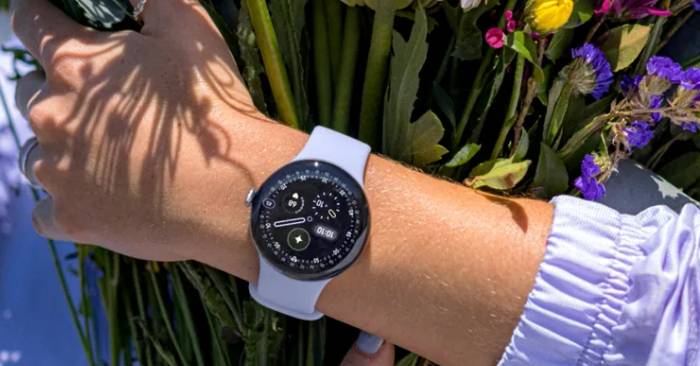
Use Pixel Watch 4 satellite SOS, Gemini Raise to Talk, dual-frequency GPS, cycling stats, improved battery modes, and repair options correctly.

Turn on Apple Watch handwashing detection, use the automatic 20-second countdown, enable reminders, review your history, and fix missed detection.

Set up What's Up Docker with Docker Compose, watch selected containers, read update status in the dashboard, and add notifications without enabling blind updates.
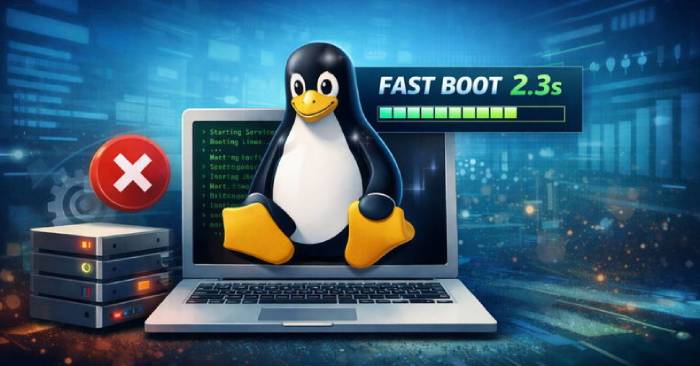
Use systemd-analyze to find real boot delays, inspect dependencies, disable only unneeded units, and restore services if a change causes problems.
Refresh Arch Linux mirrors with Reflector or the official generator, verify the new list, automate updates, and avoid partial-upgrade mistakes.
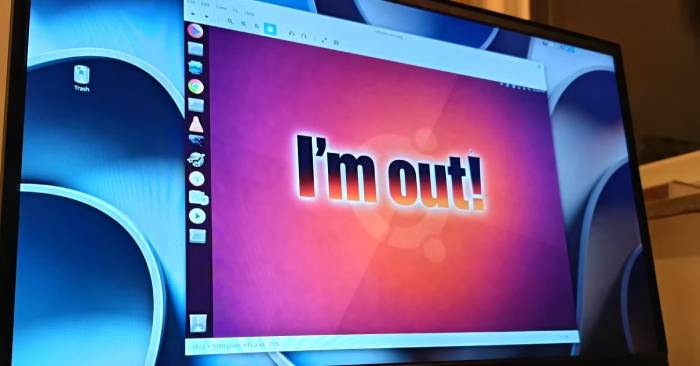
Four common reasons users leave Ubuntu—defaults, GNOME changes, Snap packaging, and resource use—plus ways to decide whether switching is worthwhile.
Set up What's Up Docker with Docker Compose, monitor selected containers, read update status, and add notifications without enabling risky blind updates.
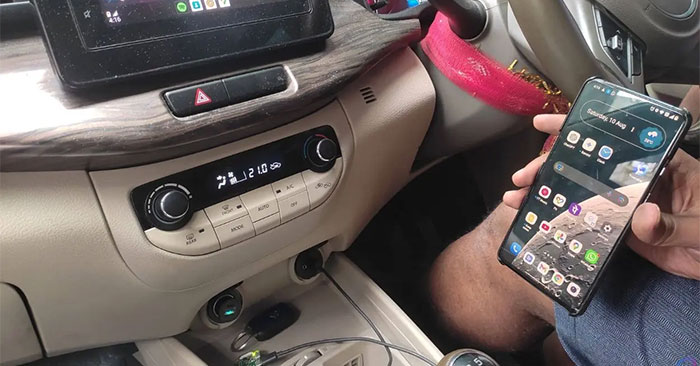
Turn a wired Android Auto head unit into a wireless setup with a supported Raspberry Pi, the correct project image, an SD card, and a USB data cable.
Understand what private browsing removes from your device, what websites and networks can still observe, and which privacy tools fit different risks.

Use the square formulas A = a² and P = 4a, work backward from area or perimeter, and follow solved examples with correct units.
Compare five budget laptop families for everyday work, students, ChromeOS, display quality, and gaming—plus the specifications to check before buying.
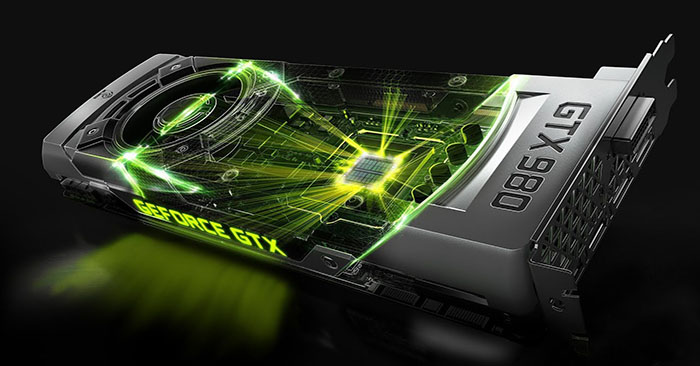
Compare current AMD, Nvidia, and Intel GPUs for 1080p, 1440p, 4K, ray tracing, and creator workloads, with VRAM and power checks before buying.
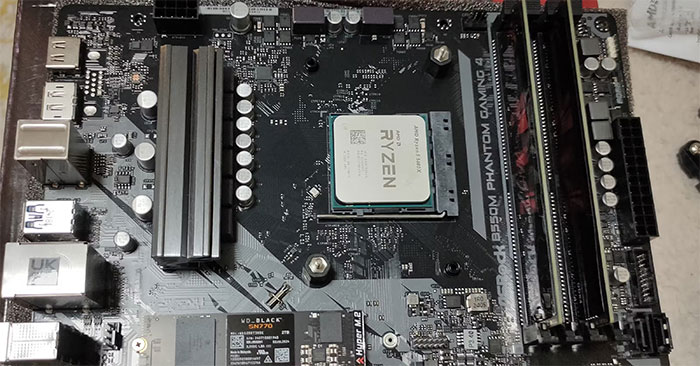
Reuse an old PC as a NAS, dedicated game server, or home lab—with hardware checks, supported operating systems, backup planning, and security precautions.