Table of Contents
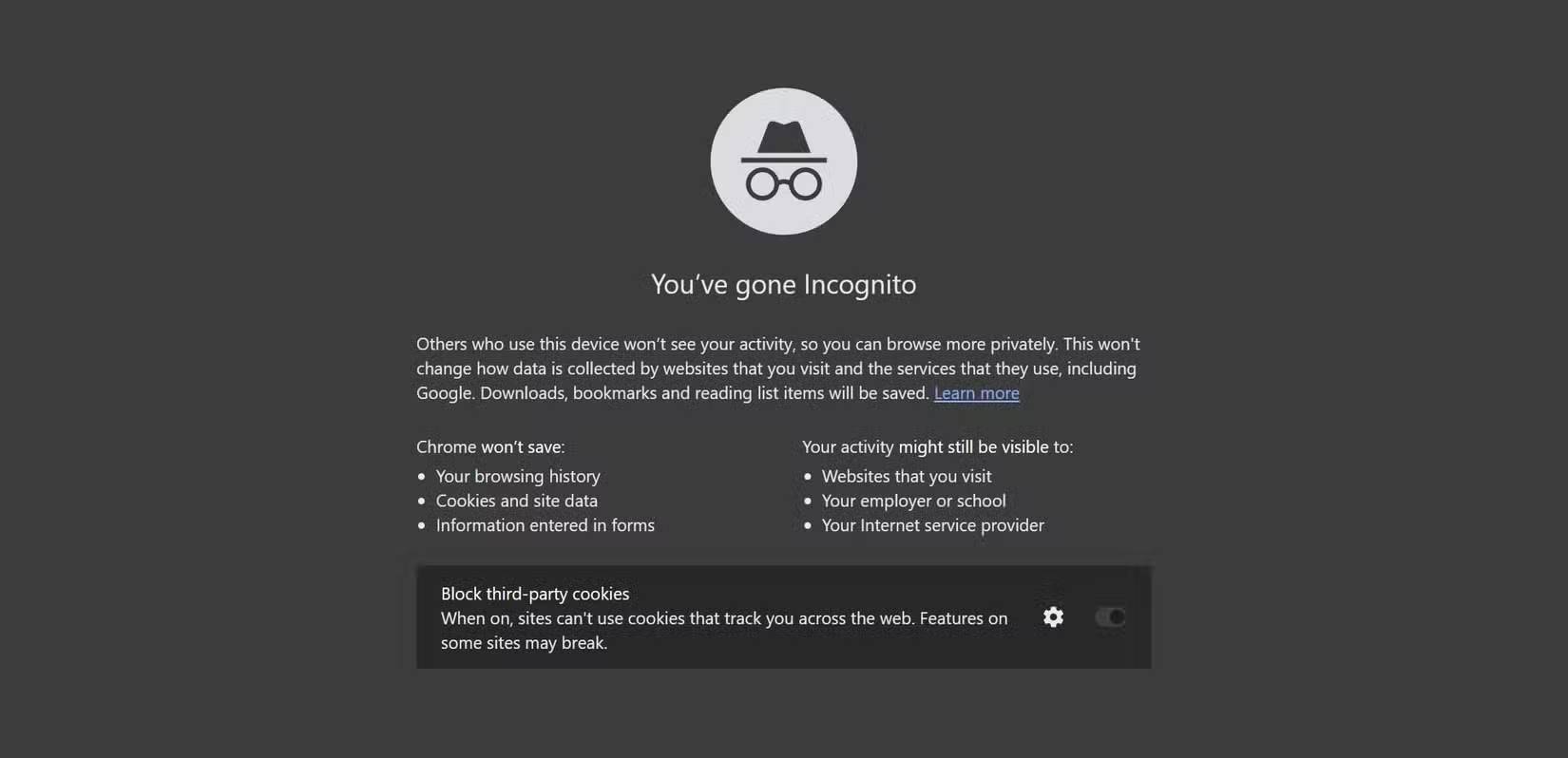
Incognito mode is a local privacy feature, not an anonymity service. It keeps a private session separate from your normal browser profile and removes much of that session's local data when every private window is closed. It does not hide your IP address, make you invisible to websites, or prevent an employer, school, or internet provider from observing network activity.
What private browsing does
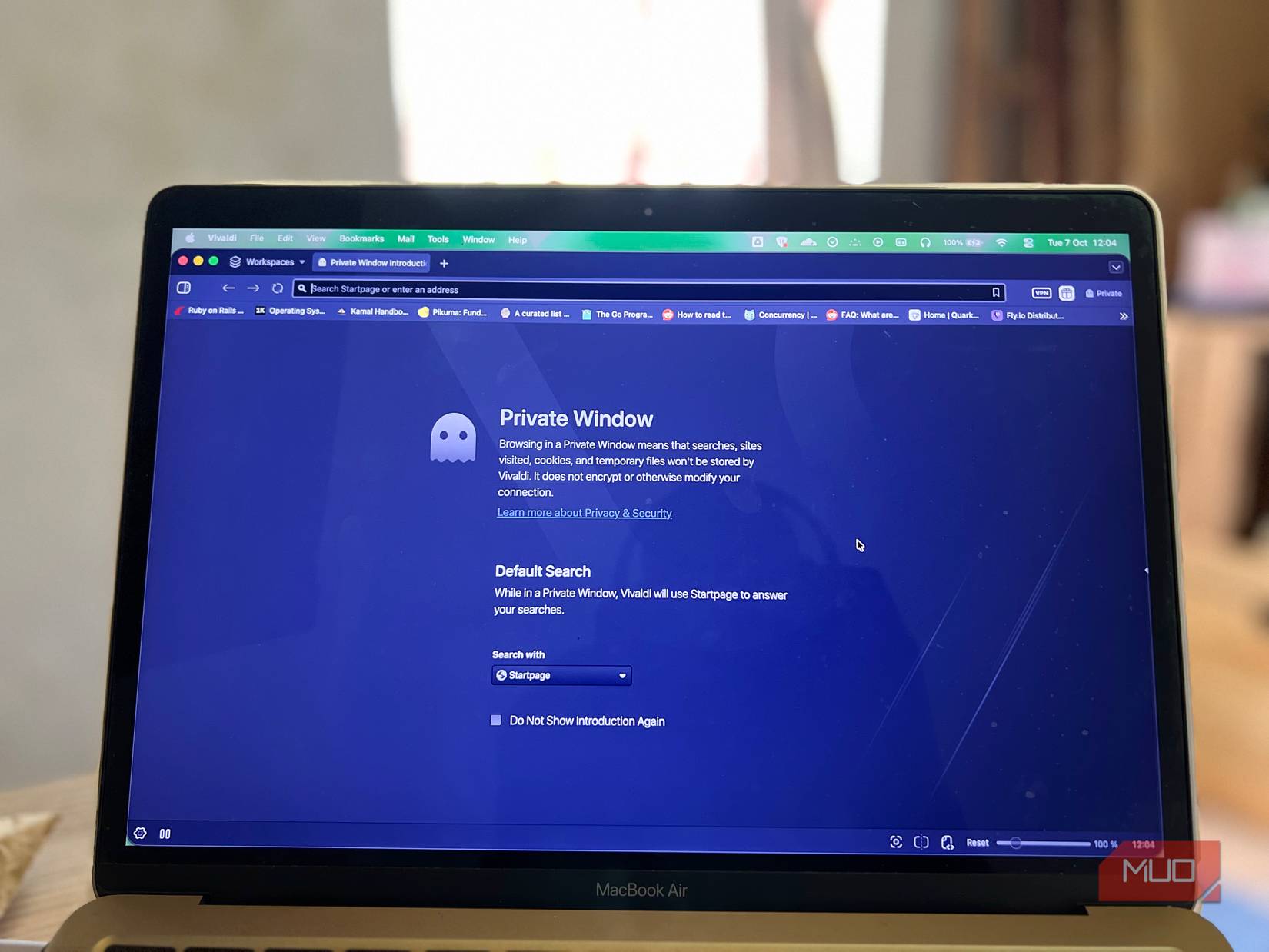
Chrome calls it Incognito, Firefox and Safari call it Private Browsing, and Edge uses InPrivate. The details vary, but the basic behavior is similar: the browser opens a temporary session that does not use the normal window's active cookies and usually does not retain the session's browsing history, cookies, site data, or form entries after the private session ends.
| Usually removed after the session | Can remain |
|---|---|
| Pages in the browser's local history | Downloaded files |
| Cookies and site data created in the session | Bookmarks you create |
| Most temporary sign-in state | Activity saved by an account you signed in to |
| Form entries not explicitly saved elsewhere | Network, device-management, security, or website logs |
Close all private windows or tabs to end the session. If one remains open, its cookies and sign-ins may remain active.
What incognito mode does not hide
Your IP address and network connection
Private browsing sends traffic through the same internet connection as a regular window. Websites can still see the public IP address reaching them. An internet provider or managed network can also observe connection metadata. With HTTPS, the page contents and full URL path are encrypted in transit, but the destination site may still be inferable from DNS, IP, and other connection information.
Your identity after you sign in
If you sign in to Google, Facebook, a retailer, or any other service, that service can associate actions with the account during the private session. Incognito mode removes local cookies later; it does not delete records stored on the service's servers. Search, viewing, and purchase history may also be saved under the account's own activity settings.
Tracking within the session
Third-party cookie restrictions can reduce some tracking, but websites may use first-party identifiers, account logins, link parameters, and browser fingerprinting. A fingerprint combines observable characteristics such as browser version, language, screen properties, and device behavior. Private mode alone does not make those signals disappear.
Files, bookmarks, malware, and monitoring software
Files you download remain on the device unless you delete them. Bookmarks also remain. Private browsing does not protect against phishing, malicious downloads, keyloggers, spyware, parental-control software, or device-management tools installed on the computer.
When incognito mode is useful
- Signing in to a second account without signing out of the first.
- Using a shared computer without adding the session to the browser's normal history.
- Testing a website without the normal profile's cookies or cached sign-in state.
- Shopping for a surprise on a shared device, provided you also consider downloads, notifications, account history, and other traces.
On a computer you do not control, a separate guest operating-system account is safer than relying only on a private browser window. Always sign out, close every private window, and avoid saving passwords or downloading sensitive files.
Choose a privacy tool for the actual risk
To reduce website tracking
Use the browser's tracking protection, restrict third-party cookies, keep the browser updated, and remove extensions you do not trust. Separate browser profiles can prevent work, personal, and testing sessions from sharing the same cookies. A privacy-focused browser can add stronger defaults, but no browser can promise complete anonymity.
To protect traffic on an untrusted network
Prefer HTTPS sites. A reputable VPN can encrypt traffic between your device and the VPN server and replace your public IP address with the VPN server's address. This shifts visibility from the local network and internet provider to the VPN provider, so the provider's ownership, logging policy, security record, and jurisdiction matter. A VPN does not stop tracking after you sign in or protect a compromised device.
To make IP-based tracking harder
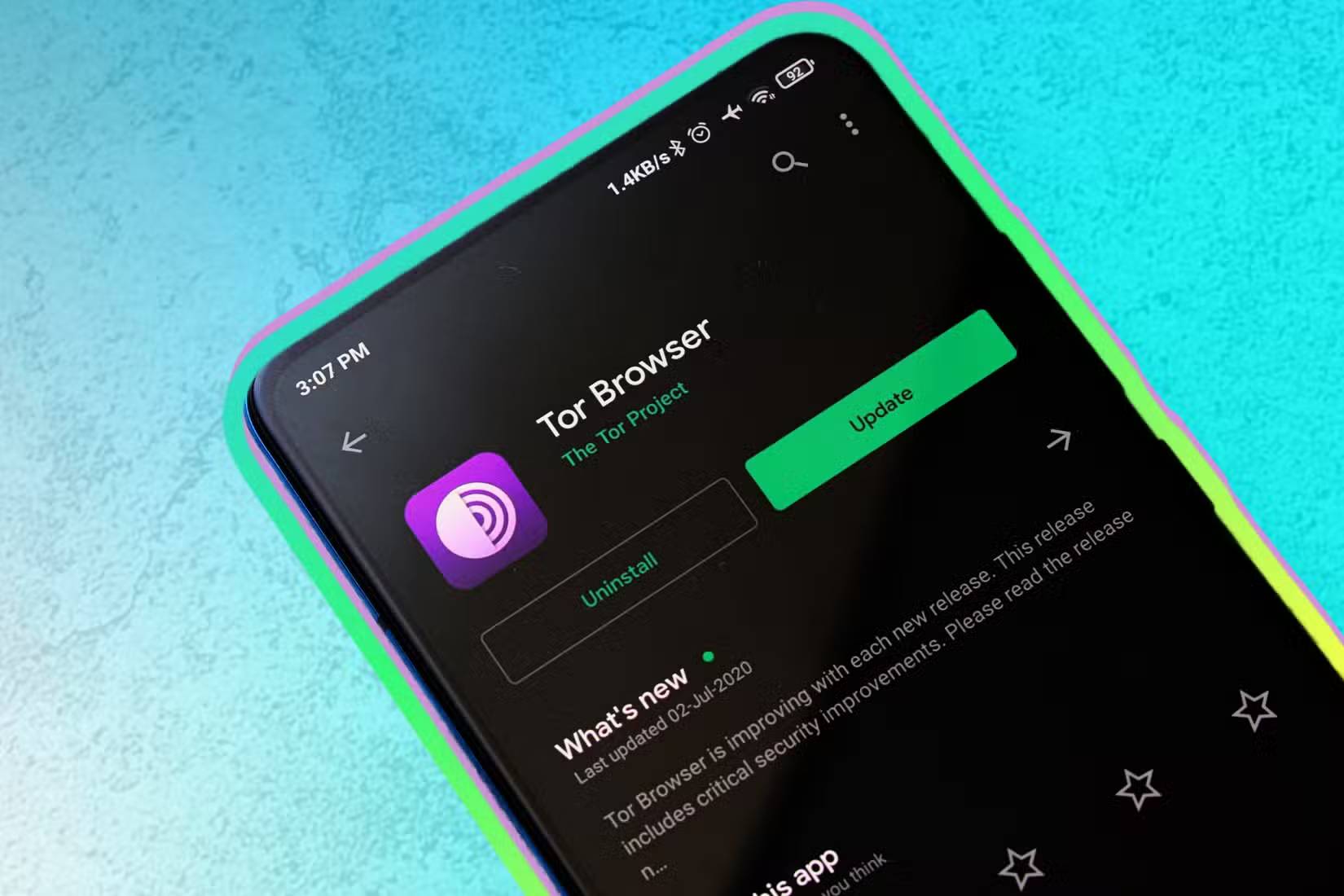
Tor Browser routes traffic through the Tor network and includes defenses intended to make browser fingerprinting harder. It provides substantially different protection from a normal private window, but it cannot guarantee perfect anonymity. Logging in with an identifying account, downloading and opening documents outside Tor Browser, or changing the browser in distinctive ways can undermine its protections.
To protect data stored on the device
Use a strong device password, full-disk encryption, automatic screen locking, software updates, and a separate user account for each person. These controls address local access more directly than browser mode.
A practical privacy checklist
- Decide who you are trying to hide activity from: another device user, a website, a network operator, or someone with access to an online account.
- Use incognito mode only for temporary local session separation.
- Check whether you are signed in to a website or browser account.
- Use HTTPS and consider a trustworthy VPN on networks you do not control.
- Use Tor Browser when stronger network anonymity is necessary and follow its safety guidance.
- Close all private windows and remove downloads when finished.
Google's Chrome Incognito guide, Mozilla's private-browsing myths, and the Tor Project's Tor Browser safety guidance explain the limits of each tool.
For browser-level choices, compare the current web browser options and read the practical case for Brave's privacy features.
Related Articles
 6 Threats That Incognito Mode Can't Protect You from8 minutes read
 Distinguish Guest Mode and Incognito Mode on Chrome4 minutes read
 How to Enable Anonymous Video Viewing on YouTube4 minutes read
 Simple Tips to Help You Stop Using Incognito Mode on YouTube7 minutes read
 How to Always Open Chrome in Private, Incognito Mode on4 minutes read
 How to Enable Incognito Mode: Step-by-Step Guide9 minutes read
Reader Comments 0
Sign in with email or Google to join the discussion.