Table of Contents
People usually stop using Ubuntu because their priorities change, not because Ubuntu suddenly becomes unusable. A beginner may value its installer, hardware support, documentation, and long-term support releases; the same user may later want a more upstream desktop, a different packaging policy, or a smaller base system.
These four concerns are common, but each is a preference or workload issue rather than a universal defect.
1. They want fewer distribution-level decisions
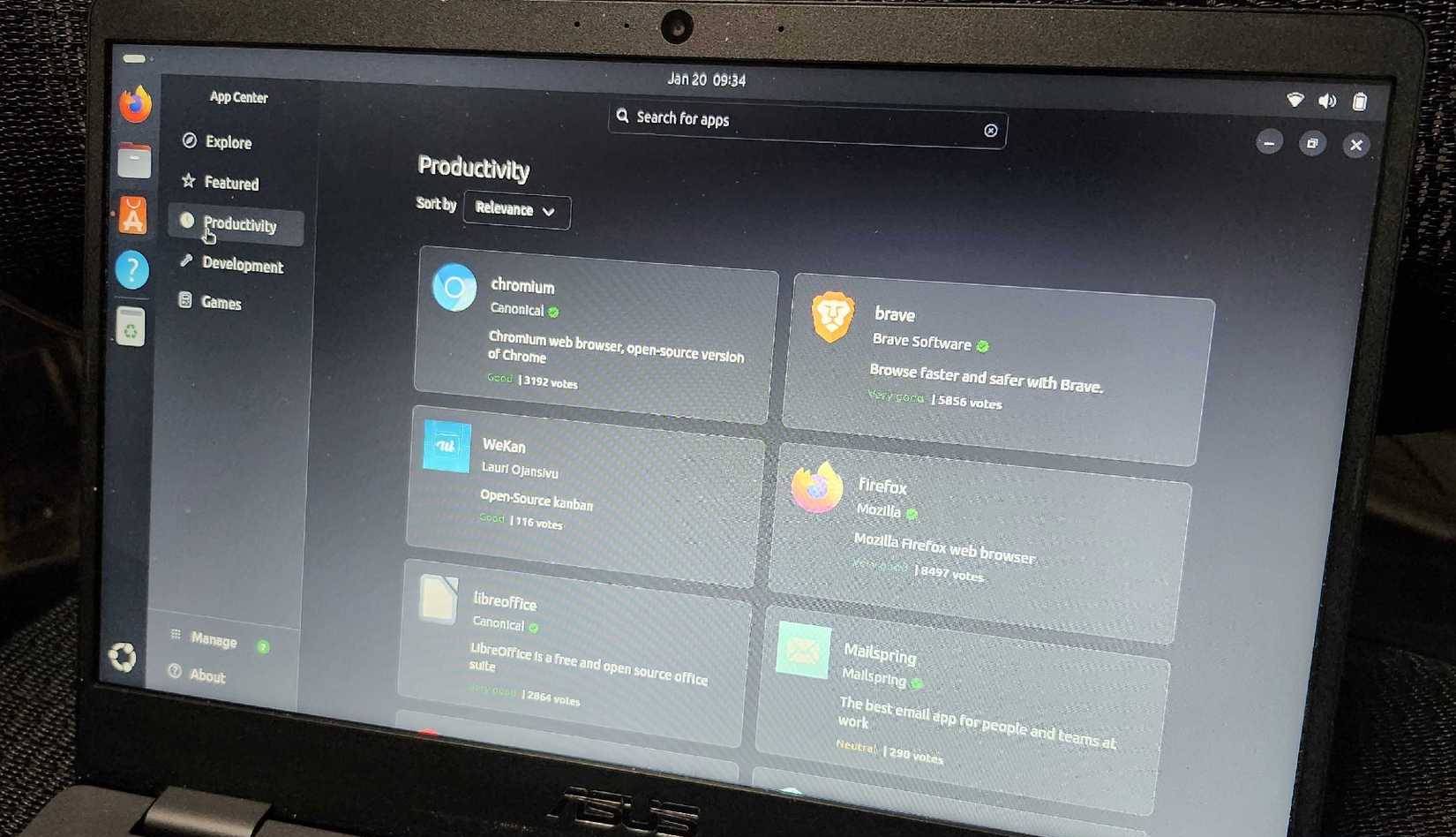
Ubuntu chooses a complete default experience: desktop layout, background services, update tools, application formats, and Canonical integrations. That consistency is helpful when you want a system that works with little setup. It can feel restrictive when you prefer to select every component or keep the installation minimal.
Before changing distributions, identify the decision that actually causes friction. If it is only the dock position, login applications, telemetry setting, or update schedule, changing a preference may be easier than reinstalling. If you repeatedly replace the desktop, packaging tools, and default services, a distribution aligned with those choices may require less maintenance.
2. Ubuntu's GNOME experience is not upstream GNOME
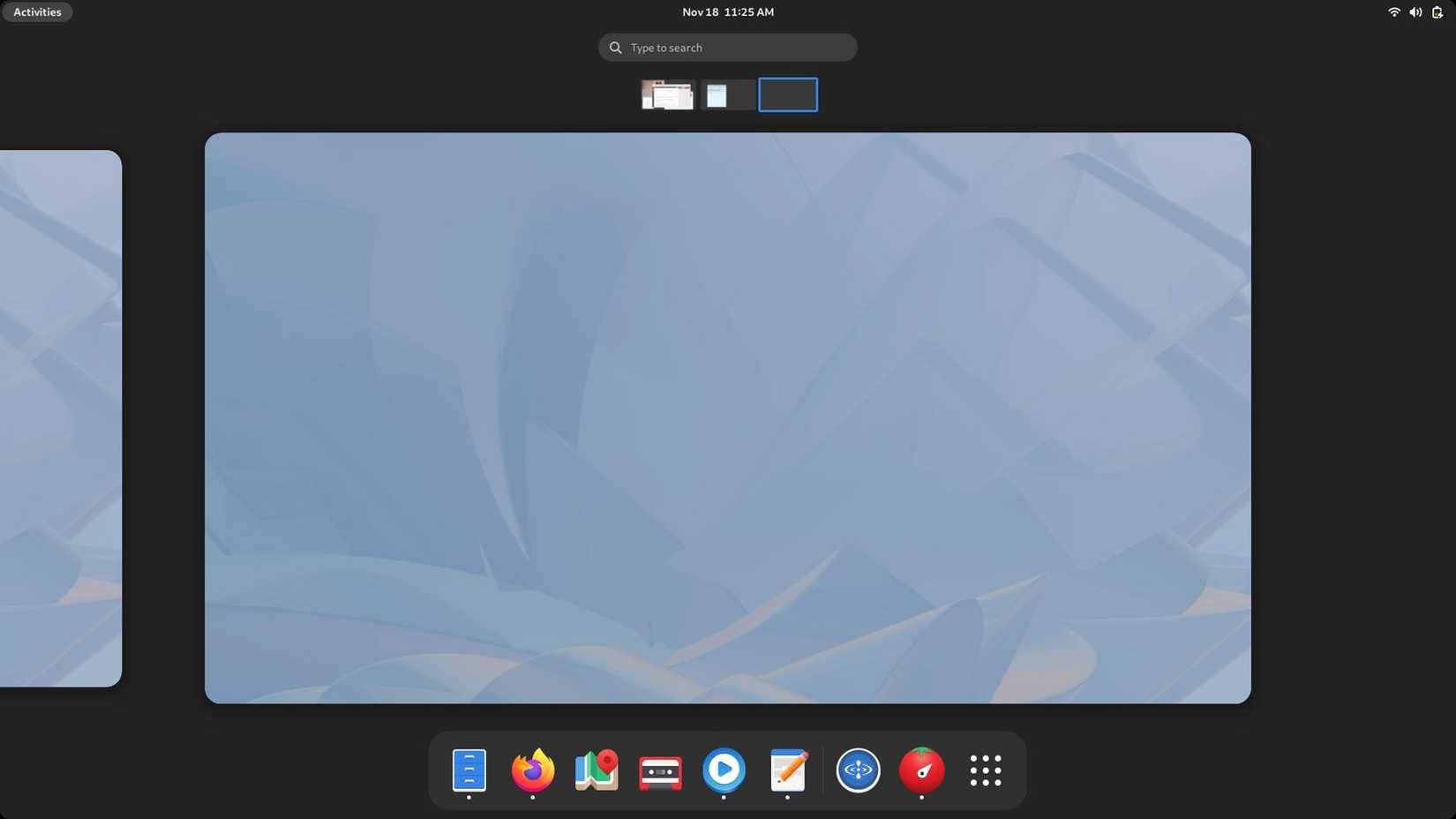
Ubuntu Desktop uses GNOME, but adds its own theme, dock behavior, extensions, and integration. Some users prefer this familiar layout. Others want GNOME's upstream workflow and release defaults, or they want a different desktop such as KDE Plasma, Cinnamon, Xfce, or MATE.
You do not necessarily need to leave the Ubuntu ecosystem to change the interface. Official Ubuntu flavors offer different desktop environments while retaining Ubuntu repositories and release infrastructure. Installing several full desktops on one existing system can leave duplicate applications and conflicting settings, so testing a flavor from a live USB is often cleaner.
3. Snap does not match their packaging preferences
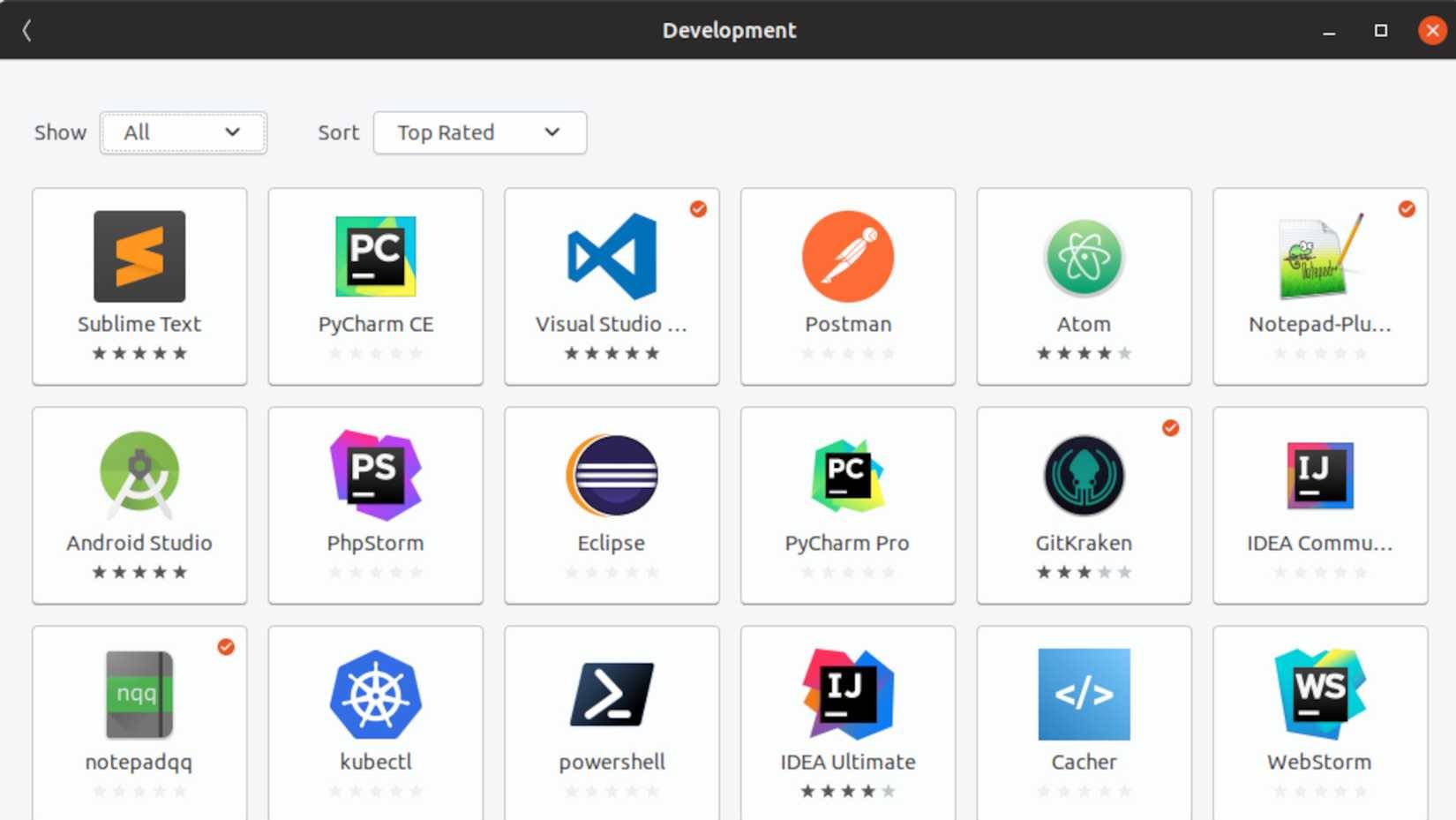
Snap bundles applications with many of their dependencies, supports confinement, and refreshes installed snaps automatically. Those properties can simplify distribution and security updates. They also create tradeoffs: packages can use more disk space than a shared-library package, update timing is managed differently from APT, and application startup or desktop integration can vary by app, hardware, and Snap version.
Some Ubuntu applications are delivered as snaps by default. Users who strongly prefer distribution-native packages, Flatpak, or complete control over application updates may find another distribution more natural. Removing Snap is possible, but doing so can create ongoing work if software or future upgrades expect it. Check what is actually installed before making the decision:
snap list
du -sh /var/lib/snapd/snaps 2>/dev/null
A single slow launch is not enough to diagnose the package format. Compare cold and warm launches, check storage health, and test an equivalent package on the same machine when performance is the concern.
4. They want a smaller or more specialized system
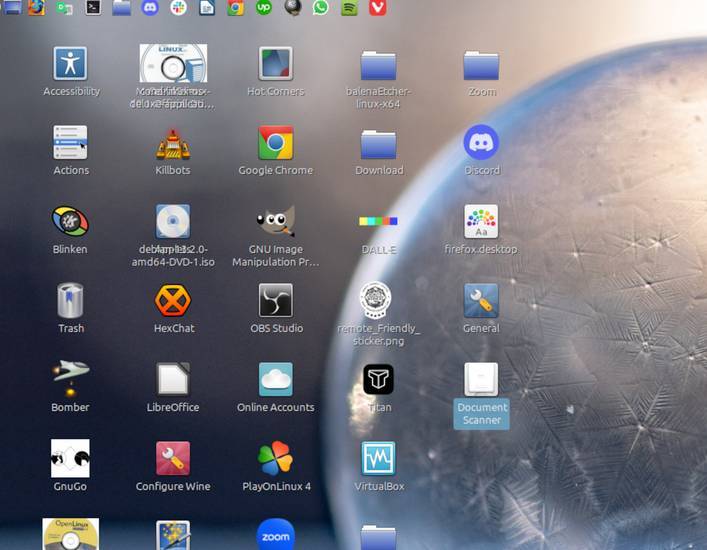
Ubuntu Desktop installs a broad set of services and applications intended to cover common laptop and desktop needs. On modern hardware, that convenience may be worth the footprint. On an older computer, a single-purpose workstation, or a user-built environment, a lighter desktop or minimal distribution can be a better fit.
Measure before assuming the distribution is the cause:
systemd-analyze
systemd-analyze critical-chain
systemctl --type=service --state=running
free -h
Do not disable unfamiliar services simply because they use memory. Hardware support, networking, power management, updates, and accessibility can depend on them.
Which alternative matches the complaint?
| Priority | Option to test | Tradeoff |
|---|---|---|
| Upstream-style GNOME | Fedora Workstation | Faster release cadence and different package ecosystem |
| Traditional desktop on an Ubuntu base | Linux Mint | Different project defaults and upgrade process |
| Conservative base with broad architecture support | Debian Stable | Older application versions in the base repositories |
| Maximum component choice | Arch Linux | More installation and maintenance responsibility |
| Ubuntu repositories with a lighter desktop | Xubuntu or Lubuntu | Different interface and bundled applications |
Use a live environment first, then verify Wi-Fi, Bluetooth, audio, suspend, graphics, printers, external displays, and any work-specific software. Back up personal files and export application settings before replacing the installed system.
When staying with Ubuntu still makes sense
Ubuntu remains a practical choice when you value an easy installer, a large support community, extensive third-party instructions, predictable LTS releases, and broad hardware or commercial-software support. Switching is worthwhile when another distribution's defaults remove recurring work—not simply because one package launched slowly or a desktop setting was unfamiliar.
Canonical's Ubuntu Desktop documentation covers current installation, upgrades, software, and customization. To compare your options, review the differences between Linux distributions and these Linux distributions for a primary computer.
Related Articles
 7 Reasons to Upgrade to Ubuntu 23.048 minutes read
 Ubuntu 21.04 Users Need to Update the System ASAP3 minutes read
 Why Do So Many People Stop Using Firefox?6 minutes read
 5 Reasons Ubuntu Cinnamon Is Better Than Other Ubuntu Versions7 minutes read
 What's New in Ubuntu 21.10?7 minutes read
 Following Many Other Linux Employees, Ubuntu Stopped Providing 32-bit ISO Images4 minutes read
Reader Comments 0
Sign in with email or Google to join the discussion.