Table of Contents
The best budget laptop is not simply the cheapest model on sale. It is the lowest-cost machine that can run your required apps comfortably for several years. For most Windows buyers, aim for 16GB of RAM, a 512GB SSD, and a 1920 × 1080 IPS display when the budget allows. An 8GB/256GB configuration can handle lighter work, but 4GB of RAM and 64GB of eMMC storage are poor choices for a new Windows laptop.
Prices and configurations change frequently, so the five model families below are starting points rather than endorsements of every version carrying the same name. Always verify the exact processor, memory, storage, screen, ports, and warranty in the listing.
Quick recommendations
| Best for | Model family to compare | Configuration to target |
|---|---|---|
| Basic Windows use | Acer Aspire Go 15 | At least 8GB RAM and 256GB SSD; 16GB/512GB preferred |
| Study and office work | Lenovo IdeaPad Slim 3 15 AMD | Ryzen 5, 16GB RAM, 512GB SSD, Full HD IPS |
| Display quality | ASUS Vivobook Go 15 OLED | OLED panel, Ryzen 5 or Core 3, 16GB RAM if available |
| Web-first work | Acer Chromebook Plus 514 | 8GB RAM, 128GB storage, Full HD or 1920 × 1200 IPS |
| Entry-level gaming | Acer Nitro V 15 | 16GB RAM, 512GB SSD, dedicated GeForce RTX GPU |
1. Acer Aspire Go 15: basic Windows laptop
The Aspire Go 15 is a sensible place to start for web browsing, Microsoft 365, video calls, streaming, and light schoolwork. Current variants range from low-power Intel N-series or AMD Ryzen 3 processors to much faster Core i5 and Ryzen 5 configurations. That range is exactly why the model number matters.
Choose a Full HD IPS screen and an SSD rather than a 1366 × 768 display or 64GB eMMC drive. An Intel N150-class model is suitable for a few basic tasks at a time; a Core 3, Core i5, Ryzen 3, or Ryzen 5 configuration leaves more headroom. Acer's official Aspire Go listings show the available variants, but local stores may carry different parts.
2. Lenovo IdeaPad Slim 3 15 AMD: everyday productivity
An IdeaPad Slim 3 with a modern Ryzen 5 processor, 16GB of memory, and a 512GB NVMe SSD is a stronger fit for students and office users who keep many browser tabs, documents, and communication apps open. Some versions have soldered memory, so buy the capacity you expect to need rather than assuming it can be upgraded later.
Check the display carefully: the same family can include panels with different brightness, color coverage, touch support, and viewing-angle quality. Lenovo publishes exact configurations in its Product Specifications Reference; search the full machine type from the store listing before purchasing.
3. ASUS Vivobook Go 15 OLED: best screen on a tight budget
The Vivobook Go 15 OLED is worth comparing when image quality matters more than maximum processor speed. Select configurations pair a 15.6-inch OLED screen with a Ryzen 5 or Intel Core 3-class processor. The OLED panel delivers deep blacks and strong contrast, making it attractive for video and general media use.
Do not assume every Vivobook Go 15 has OLED. ASUS also sells LCD versions and configurations with only 4GB of memory or 128GB of storage. For Windows multitasking, prioritize 16GB of RAM; 8GB is workable for light use, while 4GB is too restrictive for most buyers. Compare the exact E1504 variant on the official ASUS Vivobook pages.
4. Acer Chromebook Plus 514: best for ChromeOS
The Chromebook Plus 514 is a good choice when most work happens in a browser, Google Workspace, Android apps, or supported Linux tools. Chromebook Plus configurations include at least 8GB of RAM and 128GB of storage, avoiding the most limiting specifications found in older entry-level Chromebooks.
ChromeOS is easy to maintain, but it is not a drop-in replacement for Windows. Before buying, confirm that school, work, printer, VPN, exam-monitoring, and specialist applications support ChromeOS. Also check Google's Auto Update Expiration date for the exact model. Acer lists current Chromebook Plus 514 specifications.
5. Acer Nitro V 15: entry-level gaming
A budget gaming laptop needs a dedicated GPU, adequate cooling, and upgradeable storage or memory more than it needs a thin case. Nitro V 15 configurations span several generations of Intel processors and NVIDIA laptop GPUs. A version with 16GB of dual-channel memory, a 512GB SSD, and an RTX 4050/5050-class GPU is a more credible starting point for modern games than an old 8GB machine with entry-level graphics.
Compare GPU model and power limits, not just the “RTX” label. Expect more fan noise, weight, and shorter unplugged runtime than an ordinary productivity laptop. Acer's Nitro V 15 product family shows current options, but the exact GPU, refresh rate, color coverage, and memory slots vary.
Specifications that matter most
Memory
For a new Windows laptop, 16GB is the comfortable target. Choose 8GB only for basic use and confirm whether it is upgradeable. ChromeOS generally uses memory more efficiently, but 8GB remains a useful floor for a new Chromebook.
Storage
A 256GB SSD is the practical minimum for light Windows use; 512GB is better for long-term ownership. NVMe SSD storage is faster and usually more serviceable than eMMC or UFS flash. Cloud storage does not replace enough local space for updates, offline files, and applications.
Display
Choose at least 1920 × 1080 resolution. IPS panels usually provide better viewing angles than low-cost TN panels, while OLED offers excellent contrast but may cost more and use more power with bright content. Check brightness and color-gamut specifications if you work near windows or edit images.
Battery, keyboard, and ports
Manufacturer battery claims use controlled tests, so compare independent runtime tests when possible. Try the keyboard and trackpad, and confirm that the laptop has the ports you need. USB-C does not always support charging or video output; the specification must say so explicitly.
Why older “cheap laptop” picks need caution
These earlier models may still appear as used, refurbished, or marketplace stock. Their images are retained for identification, but they should not be treated as current recommendations without checking age, support, condition, and price.
HP Pavilion 15

“Pavilion 15” covers many unrelated configurations. A vague listing that mixes large memory claims with an old processor or low-resolution 220-nit screen can be poor value. Verify the full HP product number.
Samsung Chromebook 4+

The Chromebook 4+ is an older 4GB/64GB design. It can still handle simple browsing, but check its Auto Update Expiration date and compare the total price with a newer Chromebook Plus model.
HP Stream 14
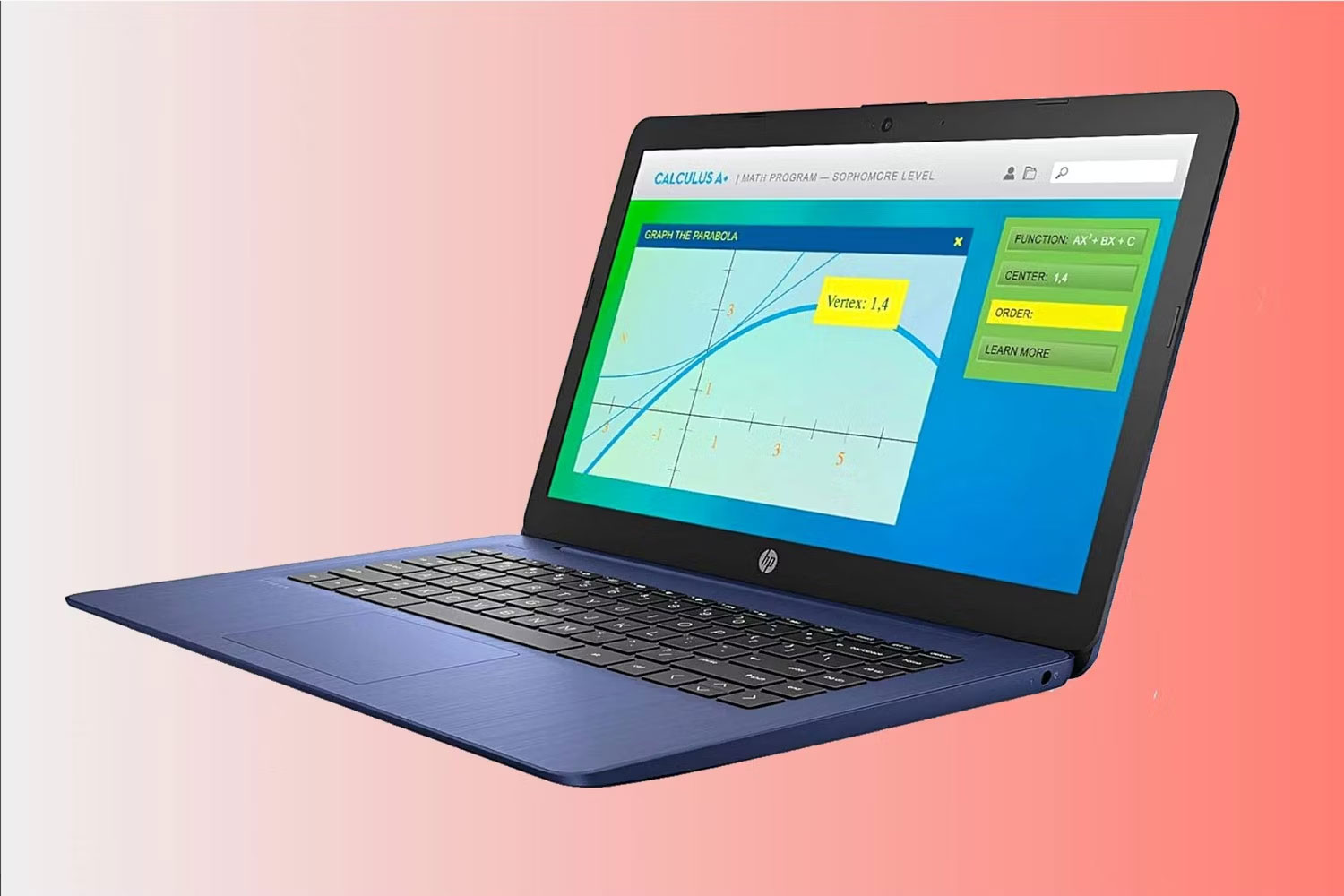
Old Stream 14 configurations with a Celeron N4000, 4GB of RAM, and 64GB eMMC storage are too constrained for a new Windows purchase. A bundled memory card is not equivalent to an internal SSD.
Lenovo IdeaPad Duet 5 Chromebook
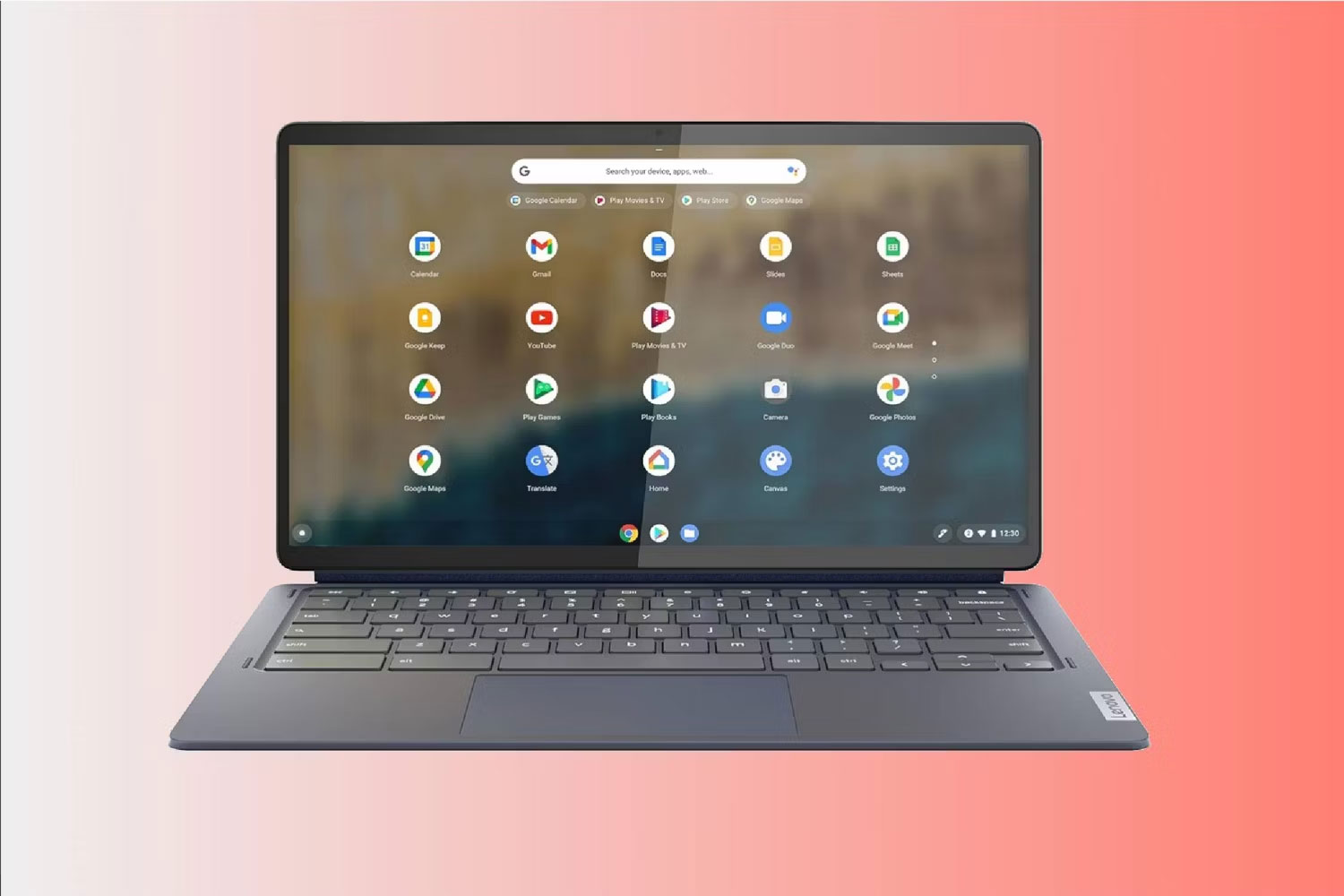
The Duet 5's OLED screen and detachable design remain appealing, but its older Snapdragon platform and limited storage make price and software support decisive. It is best for web-first use, not Windows-only coursework.
Acer Nitro 5
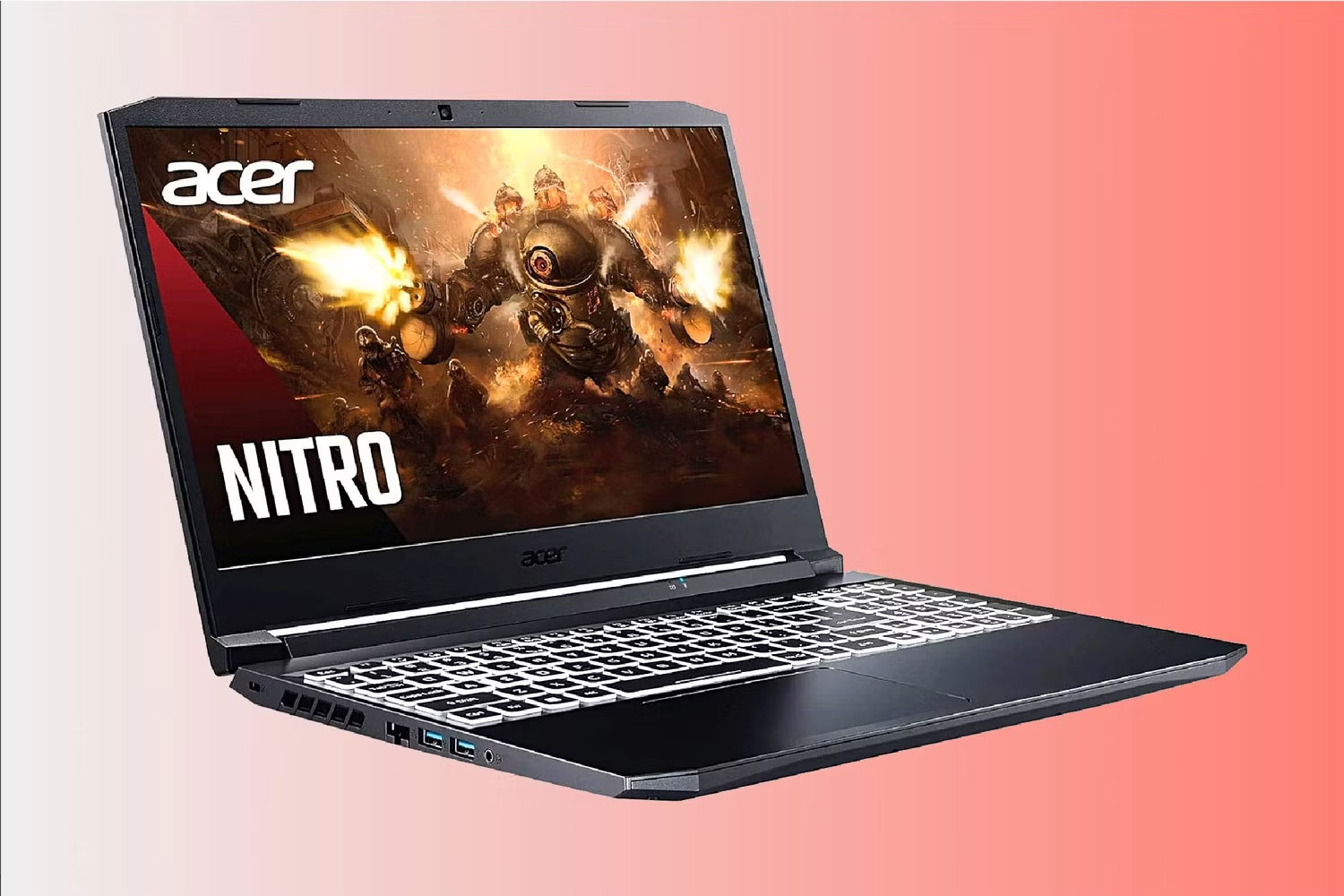
The Ryzen 7 5800H/RTX 3060 Nitro 5 can still run many games, but used battery condition, heat, warranty, and the price of newer RTX 40- or 50-series alternatives determine whether it is a good deal.
Before you buy
- List the applications and games you must run, then verify operating-system support.
- Copy the exact model number, not just the family name.
- Confirm RAM, storage type, display panel, ports, wireless standard, and upgradeability.
- Check the return policy and warranty for open-box or marketplace listings.
- Compare a new budget consumer laptop with a refurbished business laptop, which may offer a better keyboard, chassis, and serviceability.
For more comparisons, see TipsMake's guidance on thin-and-light laptops with capable graphics and laptops for IT students.
Related Articles
 Budget Laptop Attracts Customers5 minutes read
 What Upgrades for Laptops with a Tight Budget?8 minutes read
 Top Tips for Efficiently Planning Your Budget7 minutes read
 The Best Budget-Friendly Dell Gaming Laptops Currently Available7 minutes read
 5 Tips for Construction Budget Management6 minutes read
 How to Create a Budget Spreadsheet in Google Sheets3 minutes read
Reader Comments 0
Sign in with email or Google to join the discussion.