Table of Contents
Explore these minimalist camera apps will help you fall in love with photography again.
The use of Generative AI is further complicating what constitutes a true photograph from a smartphone camera. Samsung was caught using AI to fake moon images on its Galaxy Ultra phones, and now Google is openly using AI to create details in photos through the Super Zoom feature of the Pixel 10 series.
All these AI features and extra processing are just gimmicks that detract from the artistry of photography. That's why many people have tried replacing the default camera apps on their smartphones with third-party apps that eliminate unnecessary computational photography, and the results have been better than expected.
Unprocess on Android
Experience the most minimalist smartphone camera setup you can find
Each smartphone camera brand has a different color science and computational photography profile. Samsung phones often prioritize brightness and exposure, Pixel phones tend to increase color saturation, and iPhones prefer to maximize high dynamic range (HDR). While these image processing profiles on smartphones may look great on social media, they don't always align with the camera's primary goal—accurately reproducing the image you're trying to capture.
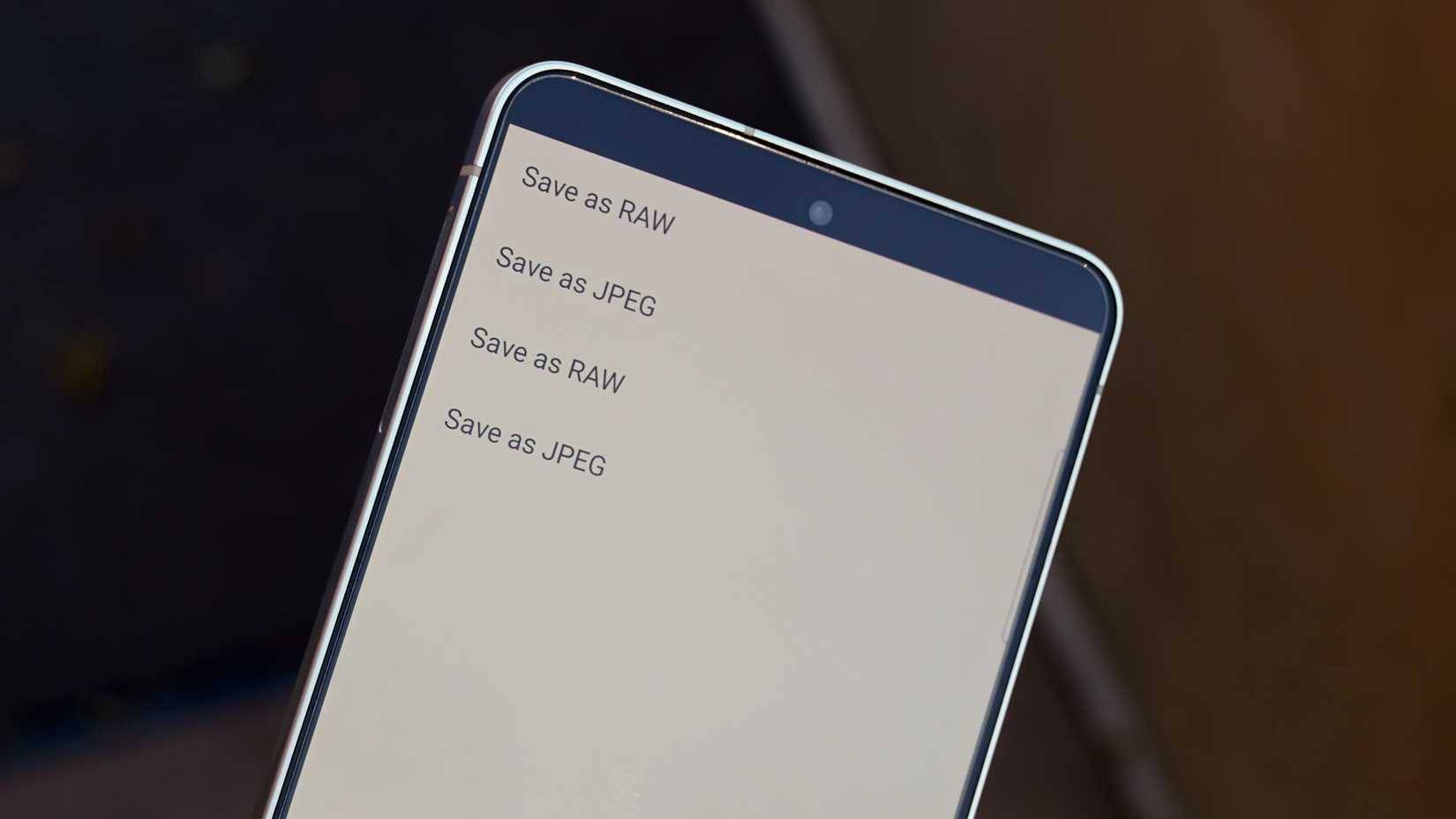
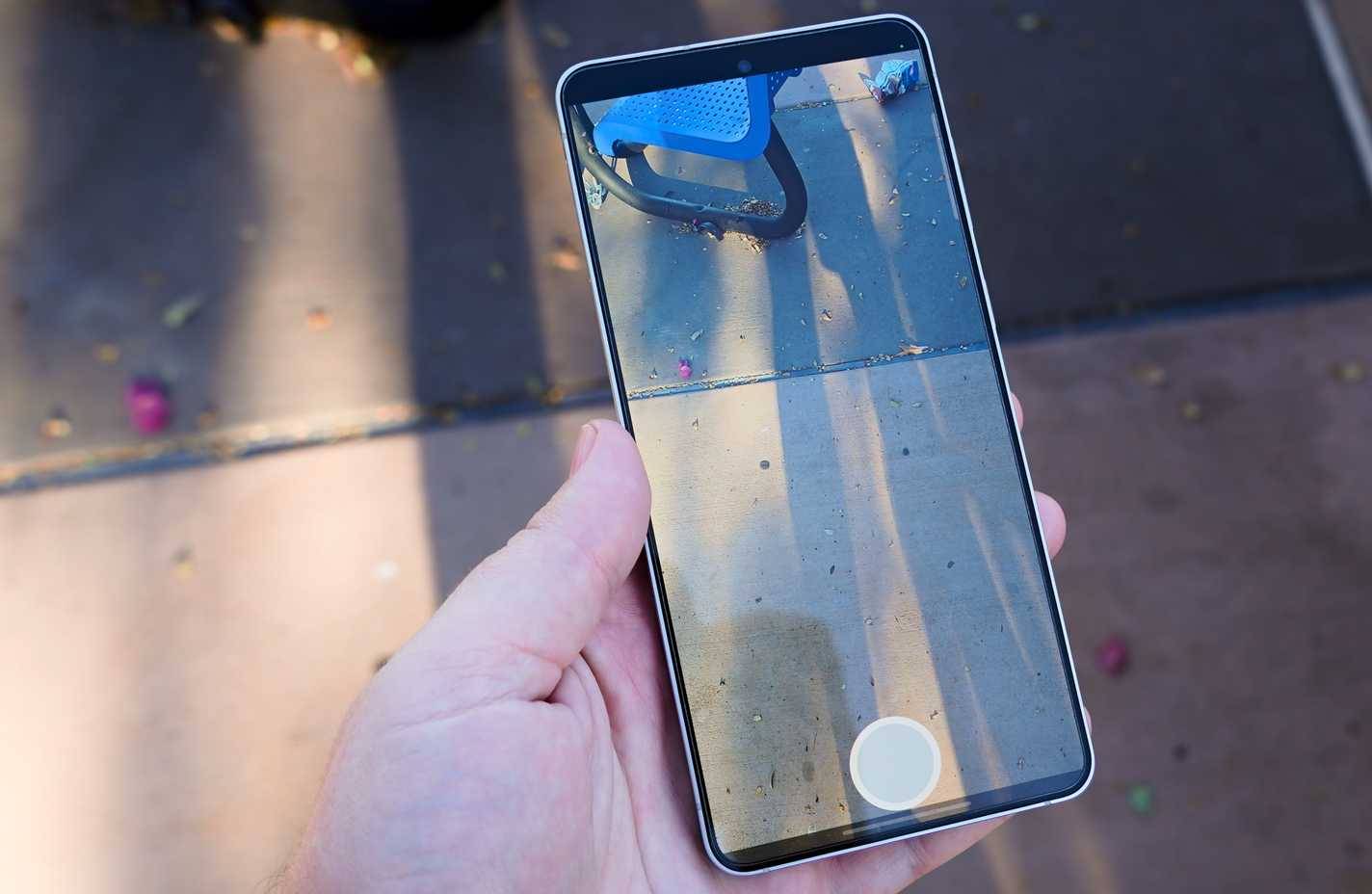
Fortunately, there's an easy way to take photos with an Android phone without excessive processing. Several apps offer this functionality, but the best is Unprocess, and it's available for free on GitHub. This open-source Android app uses the official Camera2 API to collect raw sensor data from the phone's camera, which is then converted to a viewable file format. Users can choose to save unprocessed photos in RAW or JPEG format.
The difference between photos taken with the phone's default camera app and photos taken with Unprocess will depend on the phone's model and software. However, the difference is easily noticeable. In the series of photos below, the first photo in each pair was taken with the default camera app of the Samsung Galaxy S25 Edge, and the second photo was taken with Unprocess.










You can see that the unprocessed image has had the brightening effect that Samsung usually applies to photos taken with the default camera app removed. The result has warm and vibrant colors, which is understandable since the original photo was taken in the Arizona desert sun.
The issue isn't necessarily what unprocessed photos taken directly from the camera look like. Because apps like Unprocess capture raw sensor data in RAW format, smartphone photographers can use photo editing and color grading software to adjust the images to their liking. This is impossible when shooting with the smartphone camera app on default settings, as the image is processed and edited immediately after shooting.
Halide Process Zero on iOS
Less post-processing, more features
iPhone users can bypass Apple's computational photography software by downloading the Halide Mark II app. This is a professional camera app designed by former Apple programmers, including a Process Zero mode that skips the iPhone's usual post-processing. This shooting mode captures images in RAW format directly from the camera sensor. Compared to Unprocess on Android, Process Zero in Halide incorporates many features that give users the feeling of using a traditional film camera.
The app is designed to provide a "digital negative," with exposure levels that can be adjusted after the original photo is taken. It avoids core elements of iPhone camera processing, such as Smart HDR, Deep Fusion, and noise reduction. This results in photos that are reminiscent of the real world, sometimes with grain and underexposure.
In the series of photos below, the first photo in each pair was taken using the iPhone Air's default camera app, and the second photo was taken using Process Zero.






In these examples, you'll see the difference between Apple's standard color calibration and the raw sensor data of the iPhone. That's because Process Zero uses a one-shot method, capturing a single image without any additional adjustments. Meanwhile, the regular iPhone camera app typically takes multiple photos, selects the best one, and edits it using computational photography algorithms.
Who should use Unprocess and Process Zero?
For experienced photographers only
Halide's Unprocess and Process Zero aren't for everyone. These apps probably aren't for most Android or iPhone users, as standard smartphone processing algorithms often produce what's called "better" images. However, for experienced photographers who want more control over their shots, the unprocessed experience offers more control. They certainly appreciate the simpler and more authentic shooting experience with these raw image apps.
Final Thoughts
Understanding these minimalist camera apps will help you fall in love with photography again makes it easier to evaluate the information and apply the most relevant recommendations. Focus on the key points above and verify details that may change over time.
FAQ
What is these minimalist camera apps will help you fall in love with photography again?
Explore these minimalist camera apps will help you fall in love with photography again.
What key points does this article cover?
The article focuses on Unprocess on Android, Experience the most minimalist smartphone camera setup you can find, Halide Process Zero on iOS, with practical explanations and examples.
How can you use this information in practice?
Use the explanations to compare options, verify important details, and make a more informed decision. Apply the recommendations that best match your goals and situation.
Related Articles
 How to Turn the Photo Into a More Artistic Minimalist Style5 minutes read
 The Best Photography Apps on iOS and Android6 minutes read
 Why OldRoll Overshadows All Other Camera Apps8 minutes read
 What Happens to the Body When You Fall in Love?8 minutes read
 Turn on the Secret Feature of iPhone Camera on iOS 114 minutes read
 Download Hd Camera Pro, a 94,000 Vnd Professional Photography3 minutes read
Reader Comments 0
Sign in with email or Google to join the discussion.