Table of Contents
Raena AI can turn study notes into short “brainrot” videos with narration, captions, and a fast-paced visual style. Treat them as an optional review format, not evidence that distracting gameplay improves concentration or exam performance. Check the generated content against your notes and test what you can recall afterward.
What “brainrot” means here
In this context, the label describes TikTok-style editing and informal narration. It is not a medical diagnosis or a scientifically defined learning method. The service runs separately from TikTok; you do not need to post your notes publicly just to review a clip.
Create a focused video in Raena AI
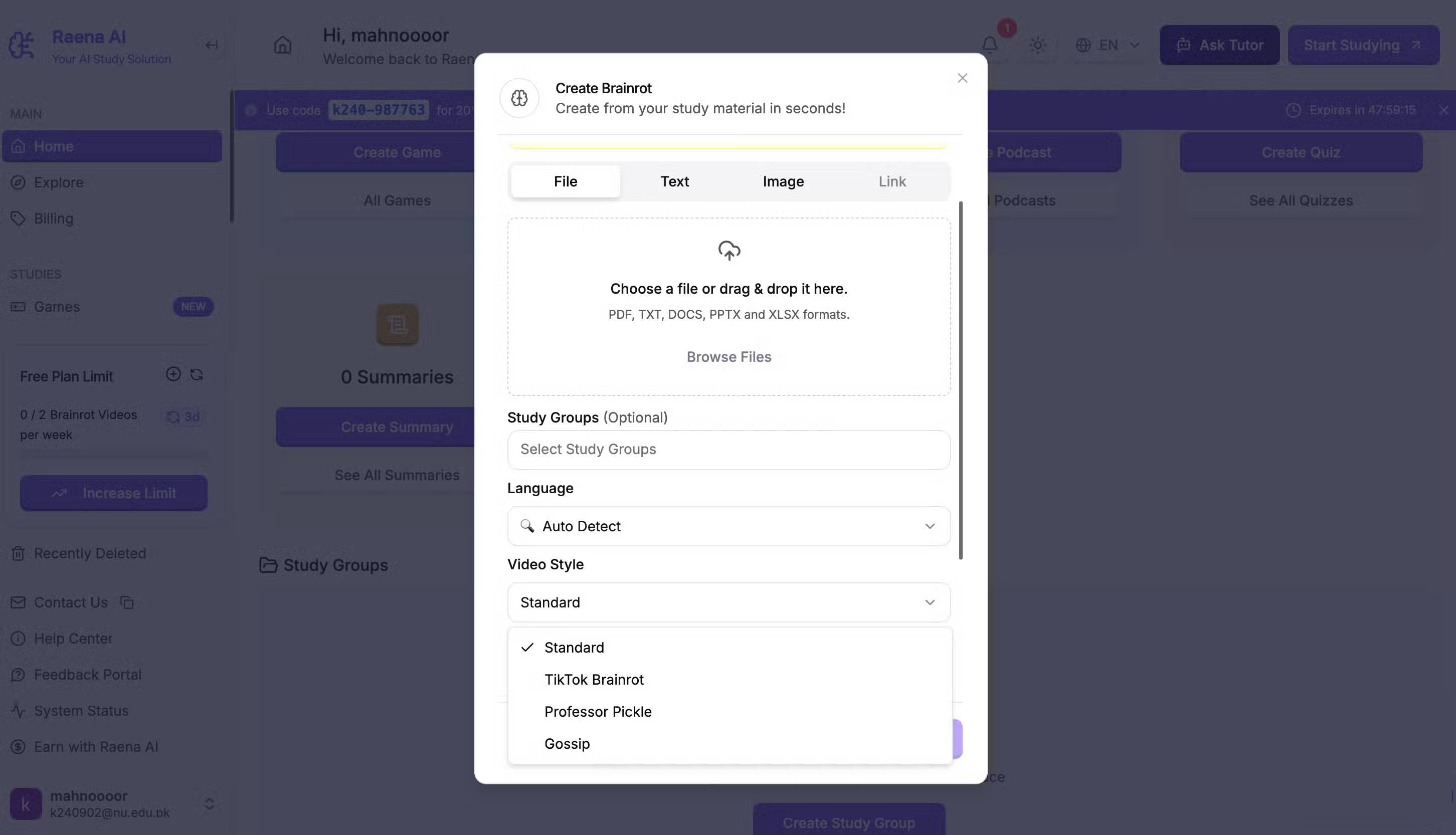
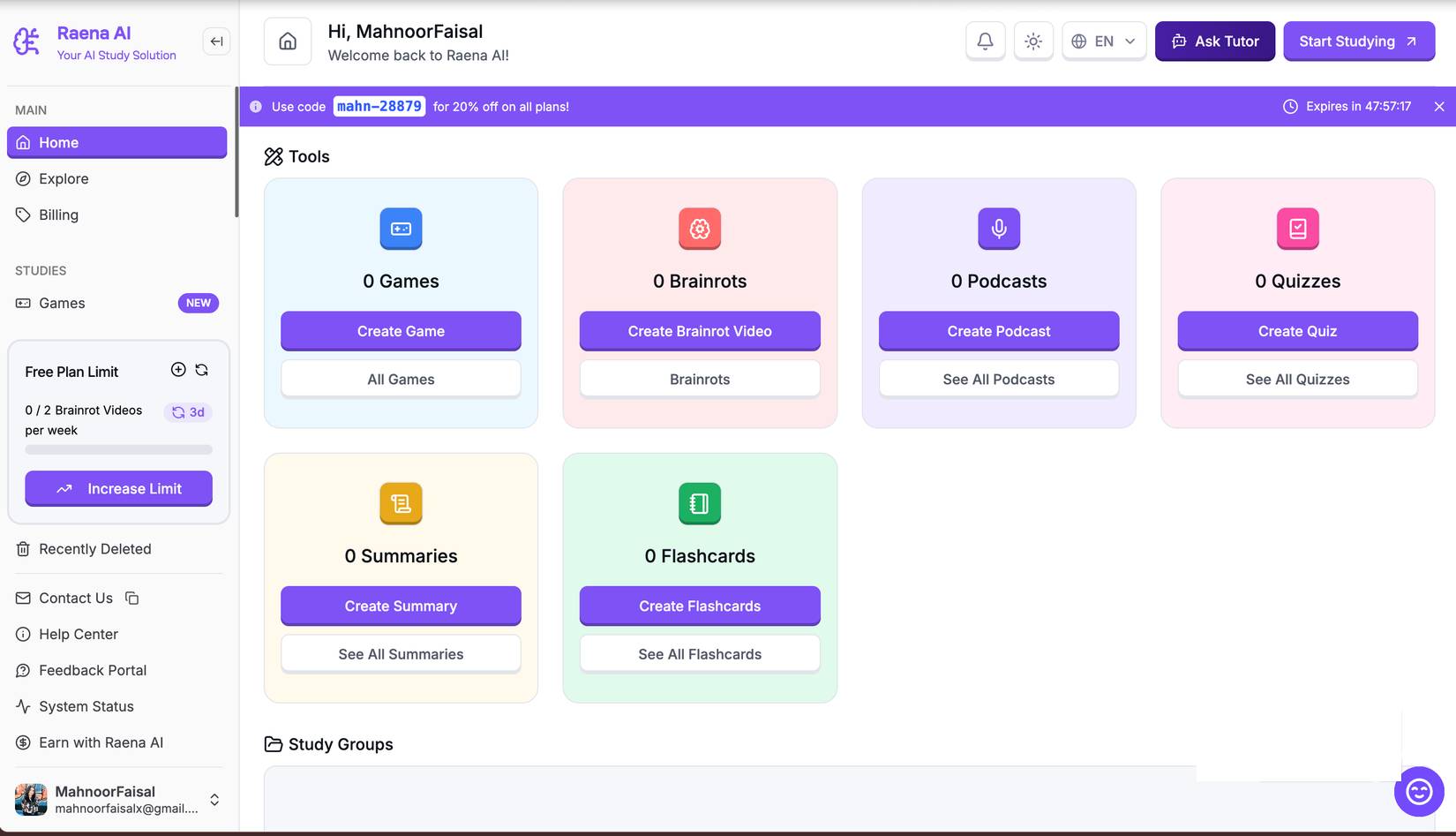
- Open the official Raena AI site and check the available tools in your account.
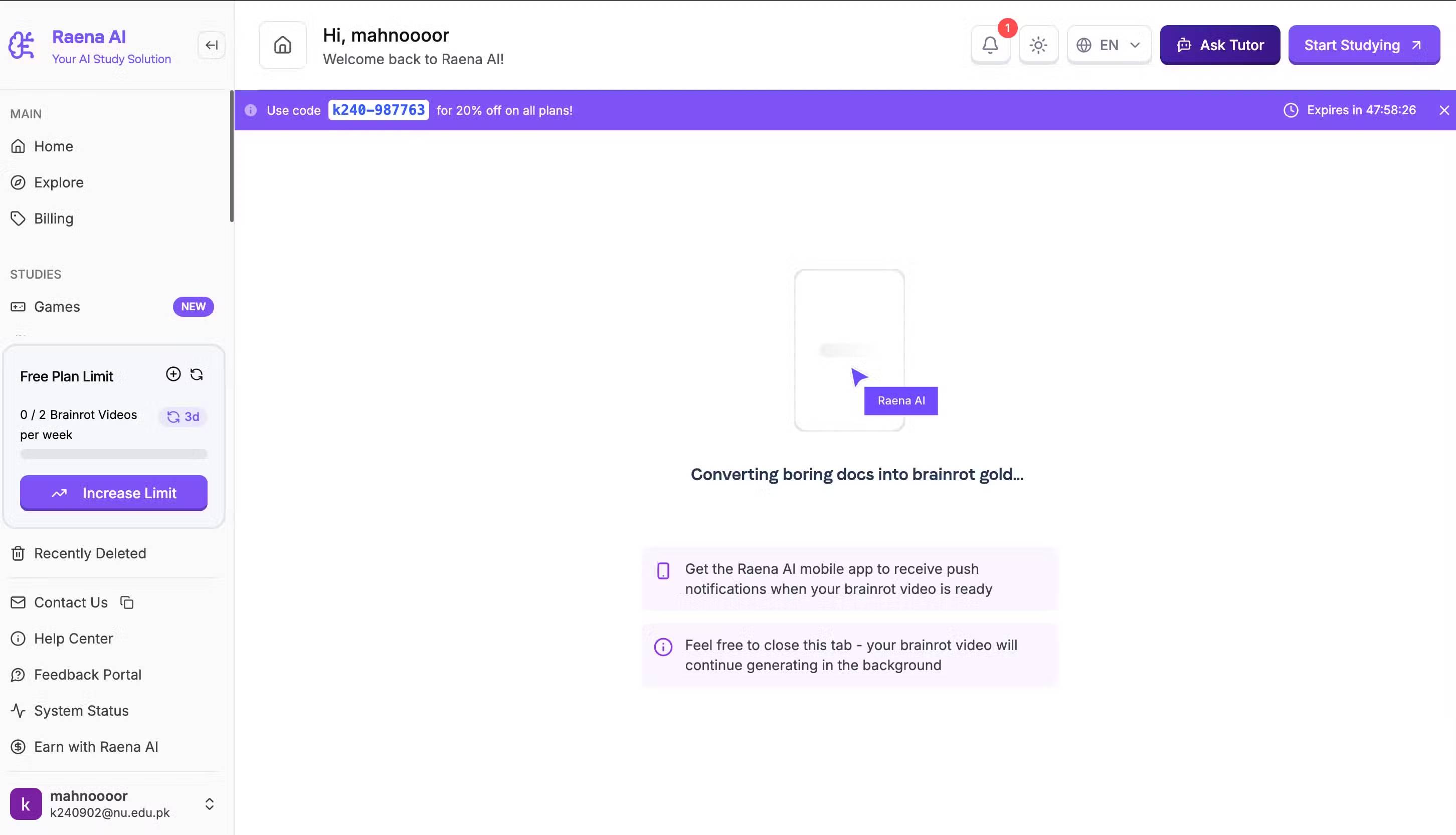
- Find the Brainrot tool and choose its create control.
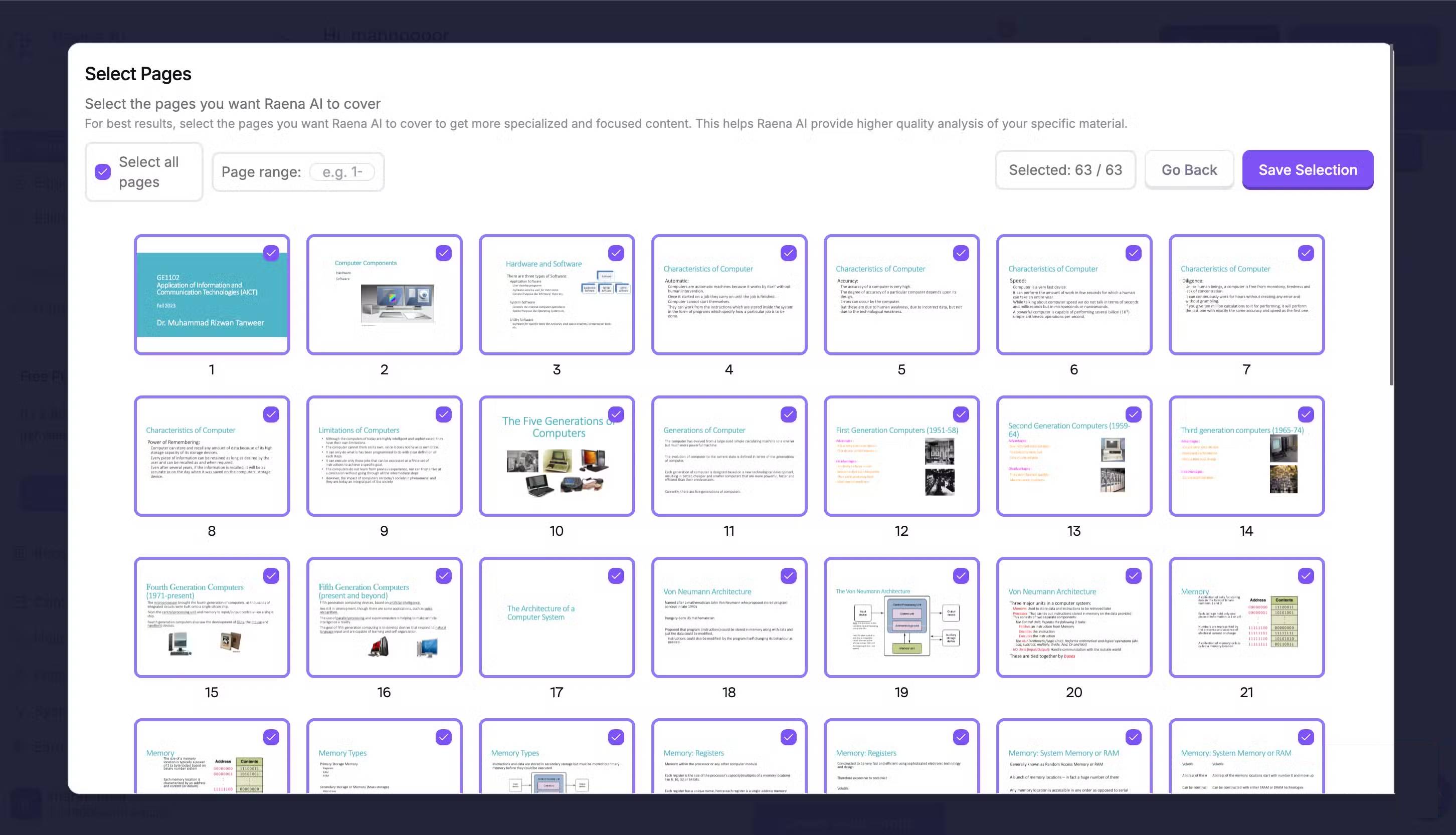
- Add a short, coherent set of notes using an input type supported by your plan.
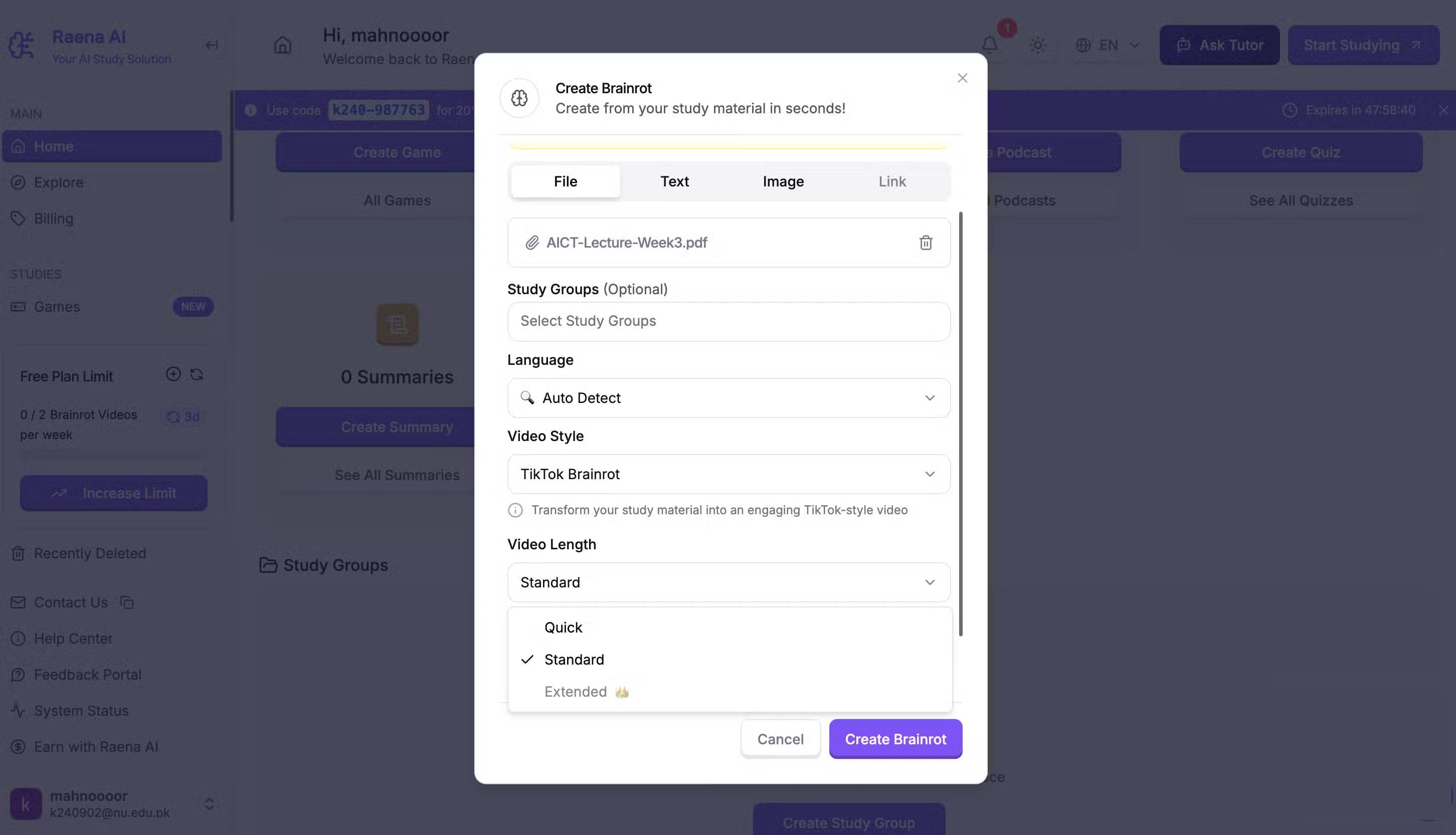
- Choose a language, style, and available length.
- Review the sharing setting before generating.
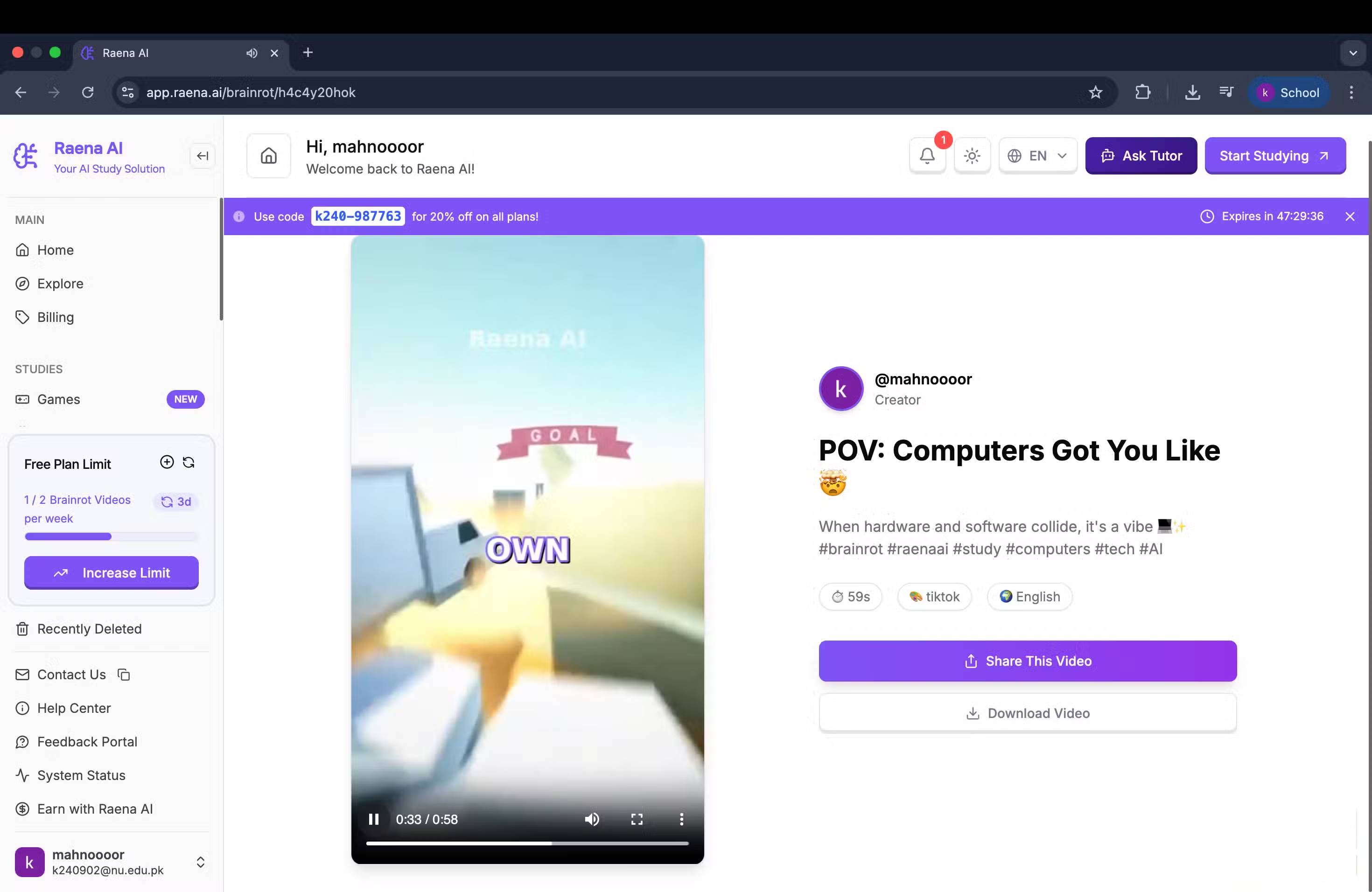
- Create the video, then compare it with the original notes.
The Brainrot help page describes file, text, link, and image inputs with plan-dependent access. Check current account limits rather than relying on an old promise of two free videos per week. An upload allowance is not necessarily the same as a video-generation allowance.
Older screens show styles such as Standard, TikTok Brainrot, Professor Pickle, and Gossip. Names and choices may change. Choose a style that preserves the subject's terminology rather than one that makes technical ideas ambiguous.
Use material that can be checked
Start with one concept, process, or small topic. Include essential definitions and qualifications. A dense chapter compressed into a short clip may lose relationships that you need to understand.
Use only material you are allowed to upload. Remove personal information and private class records. The sharing toggle can make a generated video visible to other people, so leave it off when the material should remain private.
Check the video before studying it
- Facts: compare names, dates, definitions, and claims with the source.
- Numbers: inspect units, signs, equations, and worked steps.
- Meaning: make sure slang has not changed a technical definition.
- Captions: check spelling and whether the text matches the narration.
- Coverage: identify points omitted by the short format.
Correct or regenerate an inaccurate clip. Repeated exposure to a catchy error is still exposure to an error.
Test learning rather than watch time
After watching, close the video and explain the concept in your own words or answer a few questions without looking. Return to the source for anything you missed. Being willing to keep watching is different from being able to use the information.
If gameplay pulls your attention away from the explanation, use a plain summary, conventional video, or flashcards instead. For another source-based review workflow, see creating flashcards and quizzes in NotebookLM.
Brainrot videos may make revision feel more approachable for some people. They should complement the reading, practice problems, and explanations your subject requires, rather than replace them.
Related Articles
 How to get Tung Tung Tung Sahur in Steal a Brainrot
 Santa’s Fuse Machine in Steal a Brainrot: rewards and how it worked
 Detailed guide to Duels Machine in Steal a Brainrot and how to play PvP safely.
 How to Use the Duels Machine in Steal a Brainrot
 Brainrot Evolution code full latest rewards and how to redeem code
 The US Navy prohibits all troops from using TikTok on dispensed devices for 'security' reasons.
Reader Comments 0
Sign in with email or Google to join the discussion.