Table of Contents
Using Syncthing has brought many benefits, most notably superior synchronization speed and efficiency for large files and folders, as well as true decentralization and local redundancy.
For years, people have used popular cloud storage services, including Google Drive, OneDrive, and iCloud. All of them are convenient, but they rely on centralized servers. This creates a dependency on centralized infrastructure, and as people start to think more about cost, control, and avoiding vendor lock-in, they know they have to consider other options.
Using Syncthing has brought many benefits, most notably superior synchronization speed and efficiency for large files and folders, as well as true decentralization and local redundancy.
Privacy and control
Ditch the popular cloud services!
Popular cloud options are so convenient, you might not think you need alternatives. However, along with the convenience, there are a few drawbacks that are too serious to ignore. One of them is the risk of a single point of failure. Some cloud storage options run on enterprise-managed data centers. You may encounter temporary access restrictions if the server cluster goes down, as the provider controls the architecture and can restrict access and decide sync speeds.
Privacy is another big issue. While your file contents may be encrypted on the provider's servers, the provider still holds the encryption key and can, in theory, access the data. They also check metadata (timestamps, file sizes, and directory structures) and can scan metadata for indexing, searching, or content analysis purposes. These are beneficial in that they allow the provider to make feature changes to improve the service. However, metadata can reveal patterns, and this may be too big a trade-off for some.
Syncthing is different from other cloud storage services
It is the backbone of a self-hosted synchronous system.
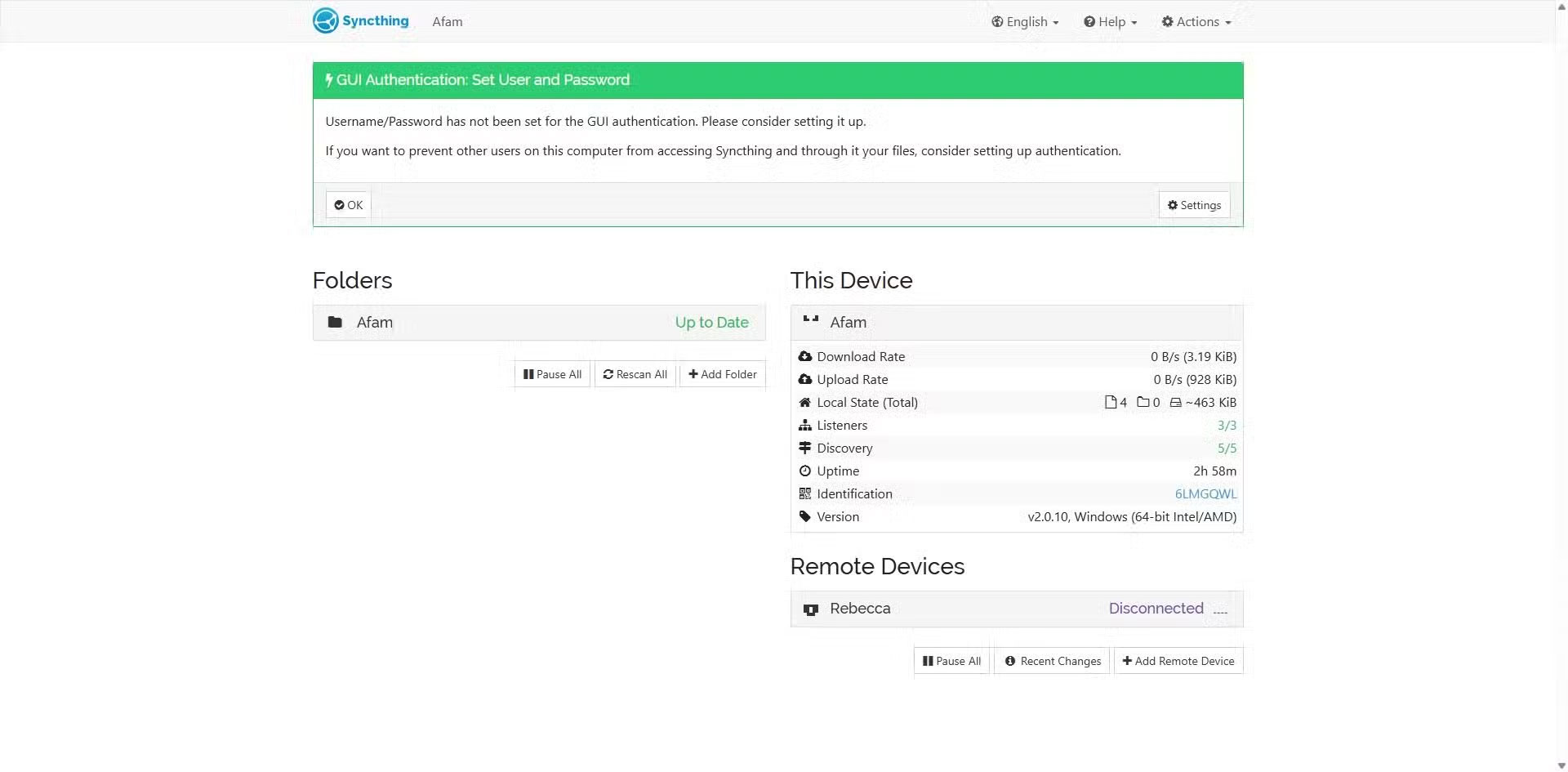
The peer-to-peer architecture is what differentiates Syncthing from cloud storage. While cloud storage pushes files to a central server, Syncthing turns every device you add into a node in the network. Your files move directly between devices and are encrypted in transit for security, with no third-party server storing your actual file data. Each device has a unique cryptographic ID. This ensures that only trusted peers can join the network.
Note : Syncthing does not encrypt files stored on the devices themselves. If you want full endpoint encryption, you need disk-level encryption on your devices.
Once you've set up Syncthing, run the desktop app on two laptops and install the mobile app on one phone. The interface is pretty barebones, but once you add devices by exchanging IDs, you're syncing almost instantly. Drop a 1GB video file into your project folder and it syncs almost instantly; much faster than uploading files to Google Drive over a local network.
Setting Up Syncthing
Seamless multi-device workflow
One of the biggest advantages of using Syncthing is that it works across multiple platforms: Windows, Linux, and there's even a Syncthing Lite for Android. To get started, here's what to do.
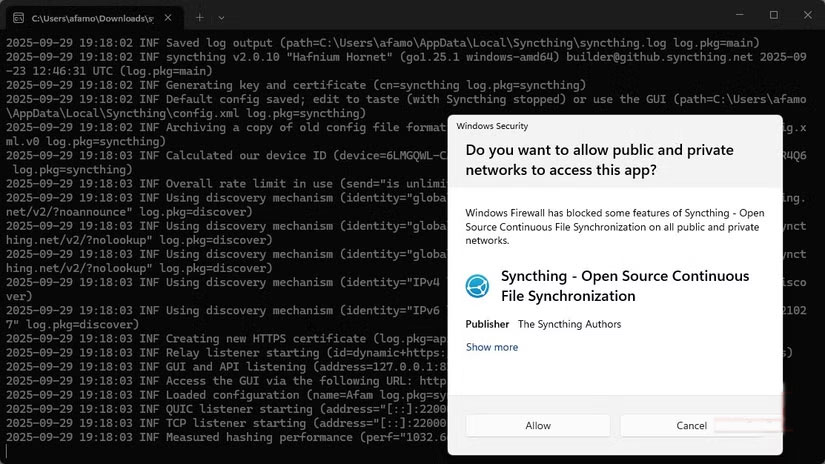
- Download the Syncthing app on all the devices you want to sync. Unzip the files and run the executable. During setup, click Yes When prompted to allow public and private access. The app is lightweight and installation is quick.
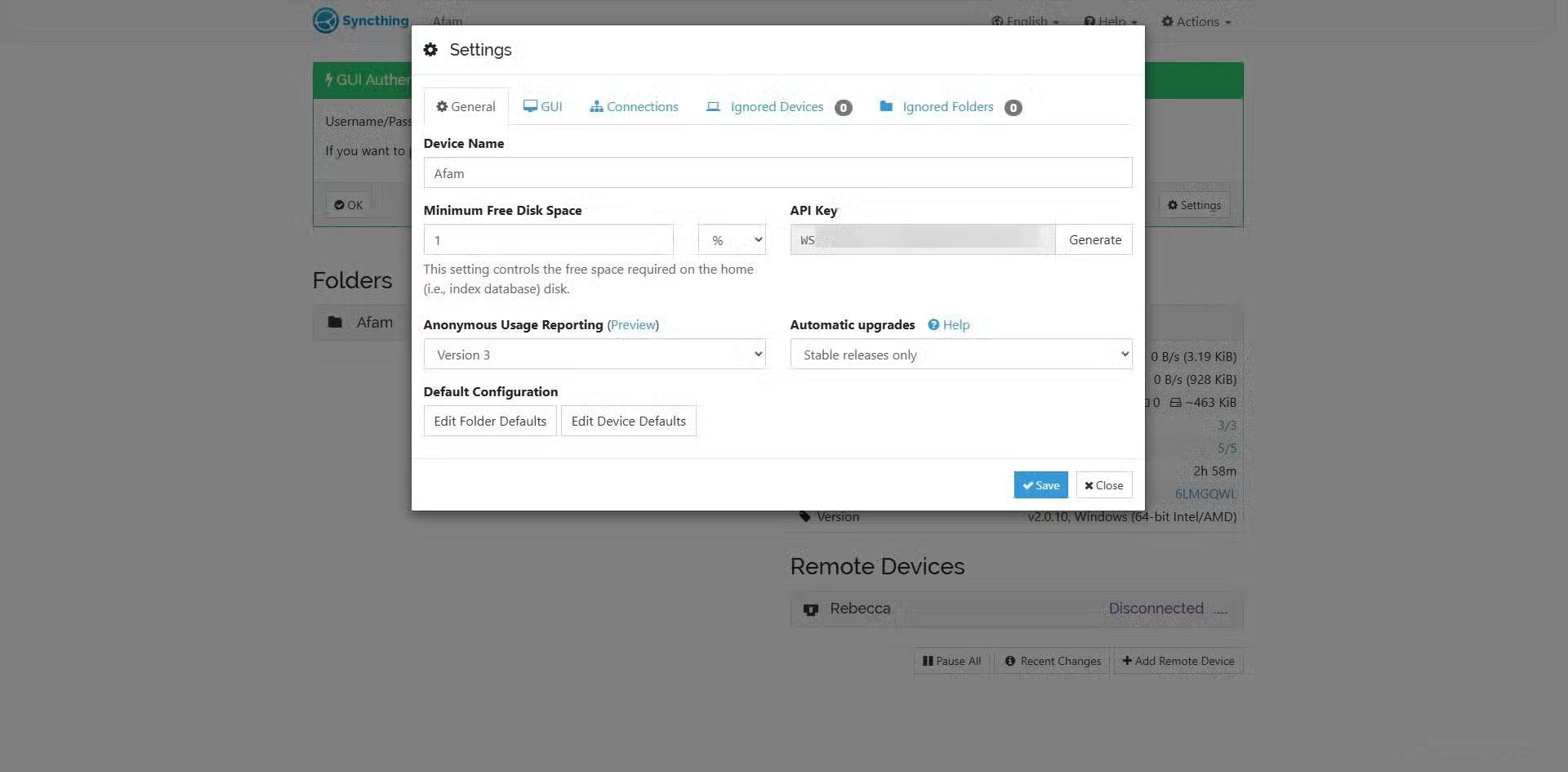
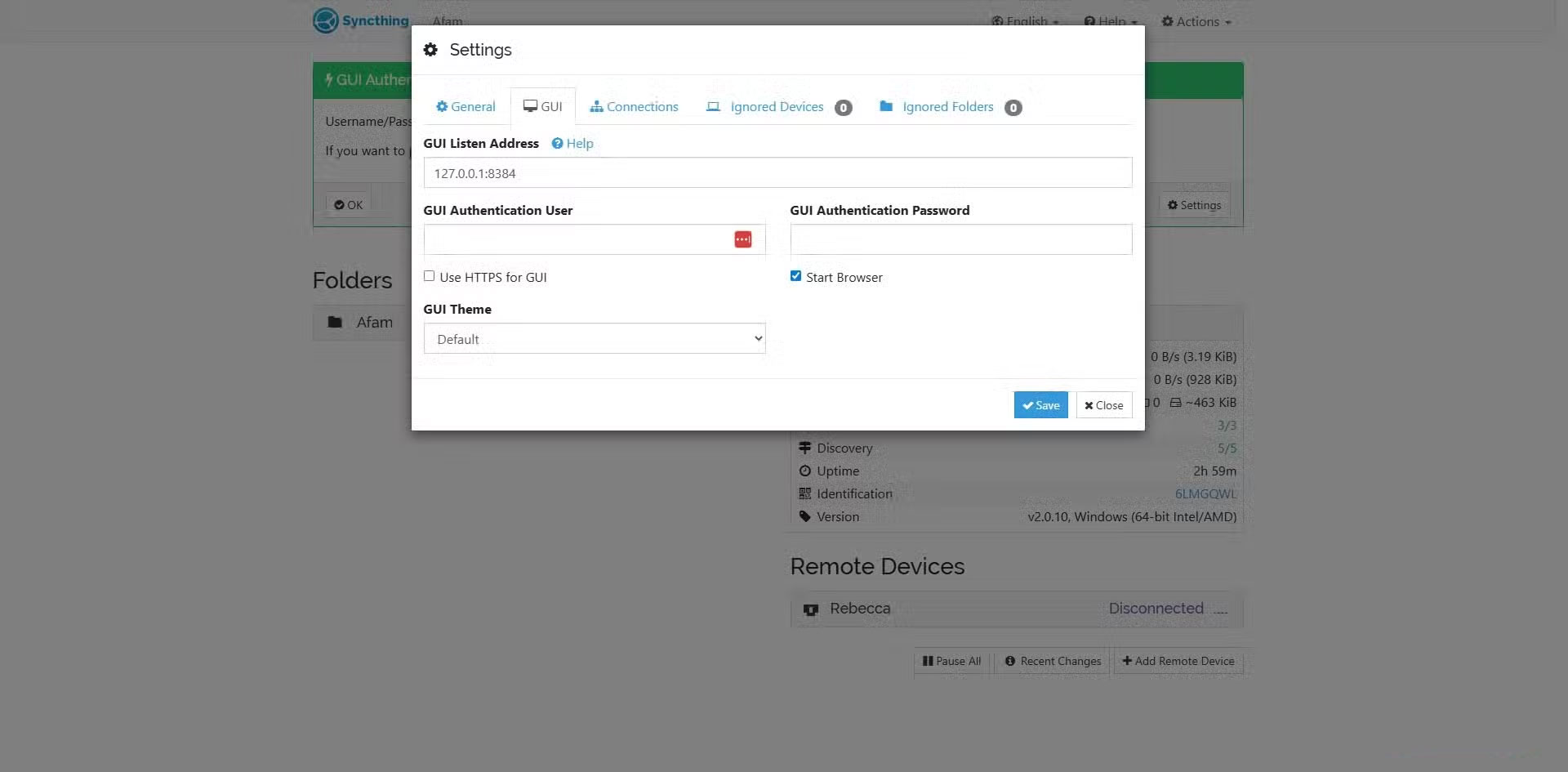
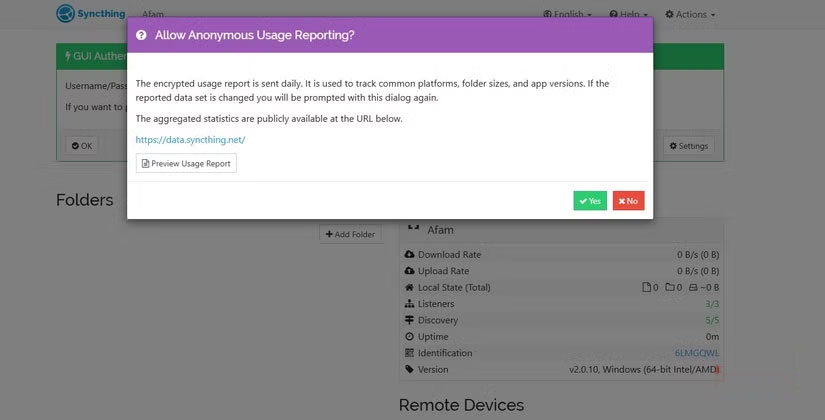
- Once installed, Syncthing will launch the local server and open the management page in your browser. You can also access it manually: Http://127.0.0.1:8384
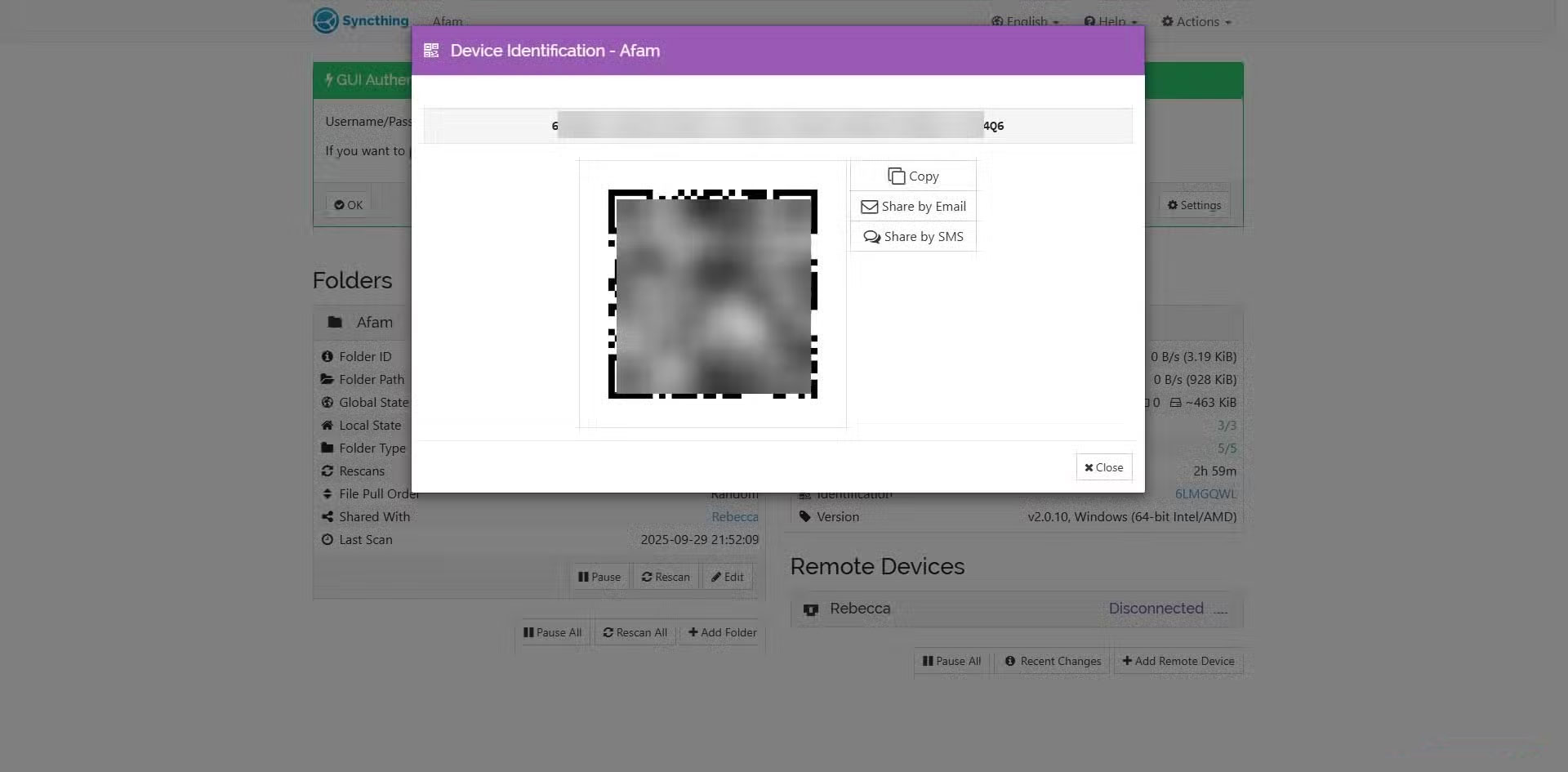
- In the Syncthing dashboard, go to Identification And copy The Device ID . Share this ID with the other device you want to connect to. On that device, click Add Remote Device , paste the ID, and name the device. The other device must also approve the connection request to start syncing.
- On one device, click Add Folder . Enter The Folder Path (the location of the files you want to sync) and share it with the other device. The receiving device must also approve the folder and assign its own local path. Only then will the sync process begin.
You can always update which folders get synced and choose read-only or read-write mode. But what people like most about Syncthing is that it syncs locally first, so you can sync files without an internet connection, as long as all your devices are connected to the same Wi-Fi network.
Tip : Syncthing's primary goal is to maintain consistency across multiple copies of a file, rather than providing long-term cloud storage or backup services. Platforms like Filecoin, Storj, or Sia are better suited for cloud backup.
FAQ
What should you know about build your own sync system without Google Drive or OneDrive?
In practical terms, using Syncthing has brought many benefits, most notably superior synchronization speed and efficiency for large files and folders, as well as true decentralization and local redundancy.
Why does build your own sync system without Google Drive or OneDrive matter?
The article highlights that drop a 1GB video file into your project folder and it syncs almost instantly; much faster than uploading files to Google Drive over a local network.
What is the main takeaway?
The main takeaway is that but what people like most about Syncthing is that it syncs locally first, so you can sync files without an internet connection , as long as all your devices are connected to the same Wi-Fi network .
Related Articles
 How to Transfer Archived Data from Onedrive to Another Drive3 minutes read
 Sync Desktop, Document,. on Windows 10 with Onedrive4 minutes read
 OneDrive Launches File Protection for Windows 10 Users4 minutes read
 How to Fix the Problem of Syncing Onedrive on Windows 108 minutes read
 Why Should I Stop Syncing My Desktop with OneDrive: Explained8 minutes read
 How to Sync Microsoft Onedrive with Linux5 minutes read
Reader Comments 0
Sign in with email or Google to join the discussion.