Table of Contents
This updated guide explores how ChatGPT helps build a cheap, powerful PC with practical details, clear explanations, and useful takeaways. With an $800 budget and photo editing performance as a goal, we asked ChatGPT for a list of recommended PC parts. The result is a clean, efficient build that exceeds expectations with smart, intentional choices in every category.
Start with a Clear Goal
The mission was simple: Build a system optimized for uploading and editing photos. It needed to be able to fully process large RAW files, support fast exporting, enable multitasking, and stay cool and quiet during long editing sessions.
Ask ChatGPT to generate a list of components within a limited budget of $800, optimized for creative work. it is interesting to see how AI will approach the balance between value and performance.
After spending over 40 hours researching, reading reviews, and comparing benchmarks, the author only needed to make a handful of minor changes. Surprisingly, almost everything in the final build matches ChatGPT's original recommendations.
Final Build
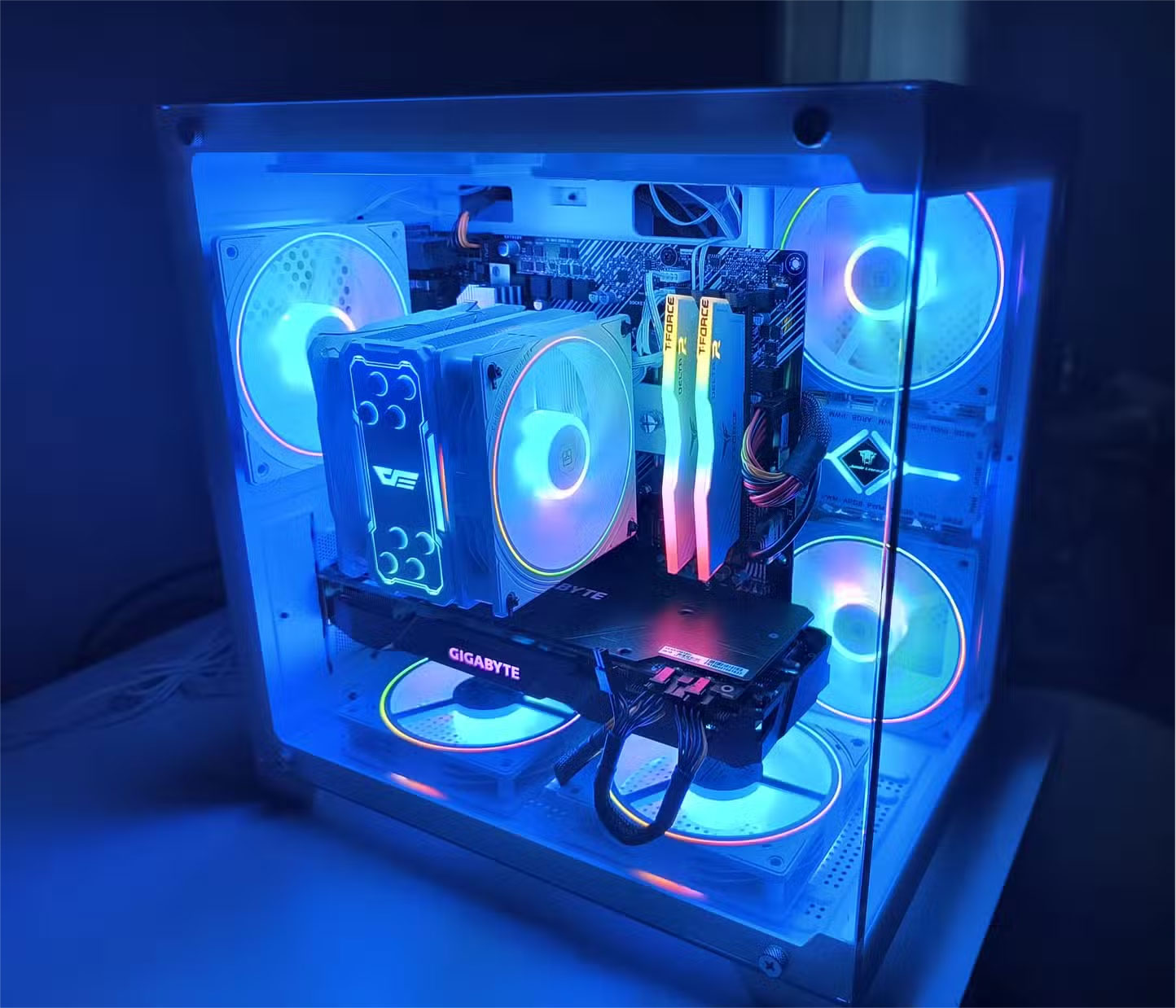
Here's a full breakdown of what went into the system, with the purchase price of each component as of October 2024:
- CPU: AMD Ryzen 5 5500 - 70 USD
- GPU: NVIDIA RTX 2070 - 200 USD
- Motherboard : ASUS Prime B550M-A Wi-Fi II - 100 USD
- RAM: TeamGroup T-Force Delta RGB DDR4-3600 32GB (2×16GB) - 68 USD
- SSD: Crucial P3 500GB PCIe Gen3 NVMe - $40
- Hard Drive : WD Blue 4TB 5400 RPM - 82 USD
- PSU: Thermaltake Toughpower GX2 600W 80+ Gold - 64 USD
- Case: Apevia Prism-WH Micro-ATX Cube - 70 USD
- Case fans : 3 Thermalright TL-S12W-SX3 120mm - 33 USD
- Fan Hub : Shaking Tank ARGB + PWM 9-Port Hub - 13 USD
- CPU Cooler : DarkFlash Z4 Pro 120mm Single Tower - 21 USD
- Thermal paste : ARCTIC MX-4 Non-Conductive - 7 USD
Total cost: 778 USD
You can add a little RGB, change the case to a different style and design.
Prioritize What's Really Important
The smartest part of ChatGPT's recommendations isn't in the individual components, but in how they balance performance across the entire system. There's no overspending on unnecessary features, and no individual parts create bottlenecks.
The CPU offers outstanding value. For $70, the Ryzen 5 5500 offers 6 cores and Zen 3 architecture, making it powerful enough for photo editing without spending more than necessary.
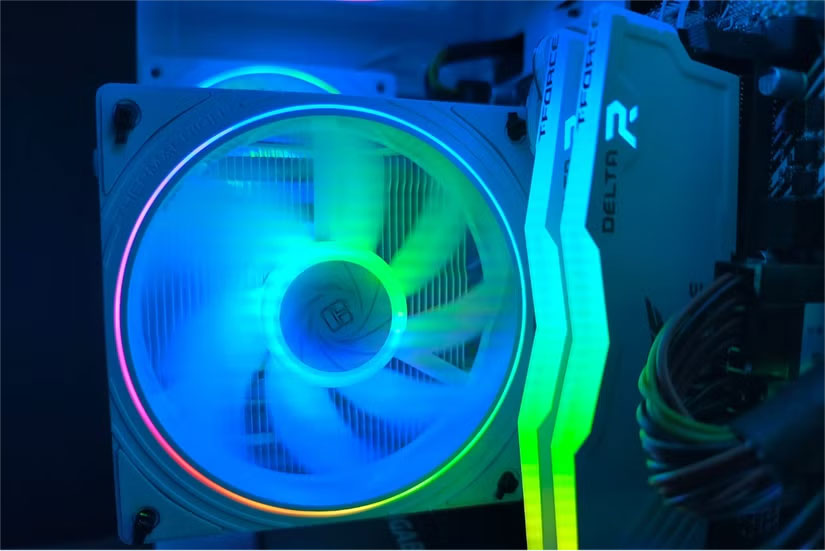
The RAM boasts 32GB of fast, low-latency DDR4-3600 memory, making it perfect for handling large projects and multiple applications at once. While ChatGPT does not recommend RGB RAM sticks, the subtle lighting adds a nice touch without adding much to the cost, so spend a few extra bucks if you're willing to.
Storage is particularly well optimized. The Crucial P3 NVMe SSD ensures fast load times for the operating system and active projects, while the WD Blue 4TB drive provides plenty of space for RAW photo libraries and archives.
The motherboard includes Wi-Fi, a clean layout, and a simple BIOS menu. Nothing flashy, but very useful and reliable.
Every penny spent on components has a direct impact on real-world performance. By choosing components wisely, you can not only meet your current needs, but also ensure your PC can be used in the future without spending a fortune.
Fast, Quiet and Suitable for Work
In real world usage, this build exceeded expectations.
Lightroom runs like a dream. Large RAW files open instantly, previews load quickly, and batch exports of 100+ images are a snap. Photoshop handles layers, masks, and filters with ease, even when editing multi-gigabyte images. AI-assisted adjustments are blazing fast, too.
The system also stays cool. With the upgraded cooler and 9-fan setup, temperatures never spike under load. Even during long editing sessions, the PC remains incredibly quiet – exactly what you want in a workspace. The fan curve is easily cranked thanks to the included hub and PWM support, allowing for a good balance between airflow and sound. Setting the fans to Turbo mode results in virtually no noise, even under heavy CPU and GPU loads.
Boot times are near-instant thanks to the NVMe drive, and system responsiveness remains consistent even when opening dozens of tabs, indexing large libraries in Lightroom, and running other background tools simultaneously. Whether you're batch editing, exporting to an external drive, or uploading work to the cloud, the machine performs with minimal lag or stutter.
While the build is optimized for photo editing, ChatGPT has the ability to understand the most important components of a gaming PC or any other type of PC. That understanding will help you prioritize the right components to build a system that is perfectly suited for creative work.
The Cooler Changed Everything
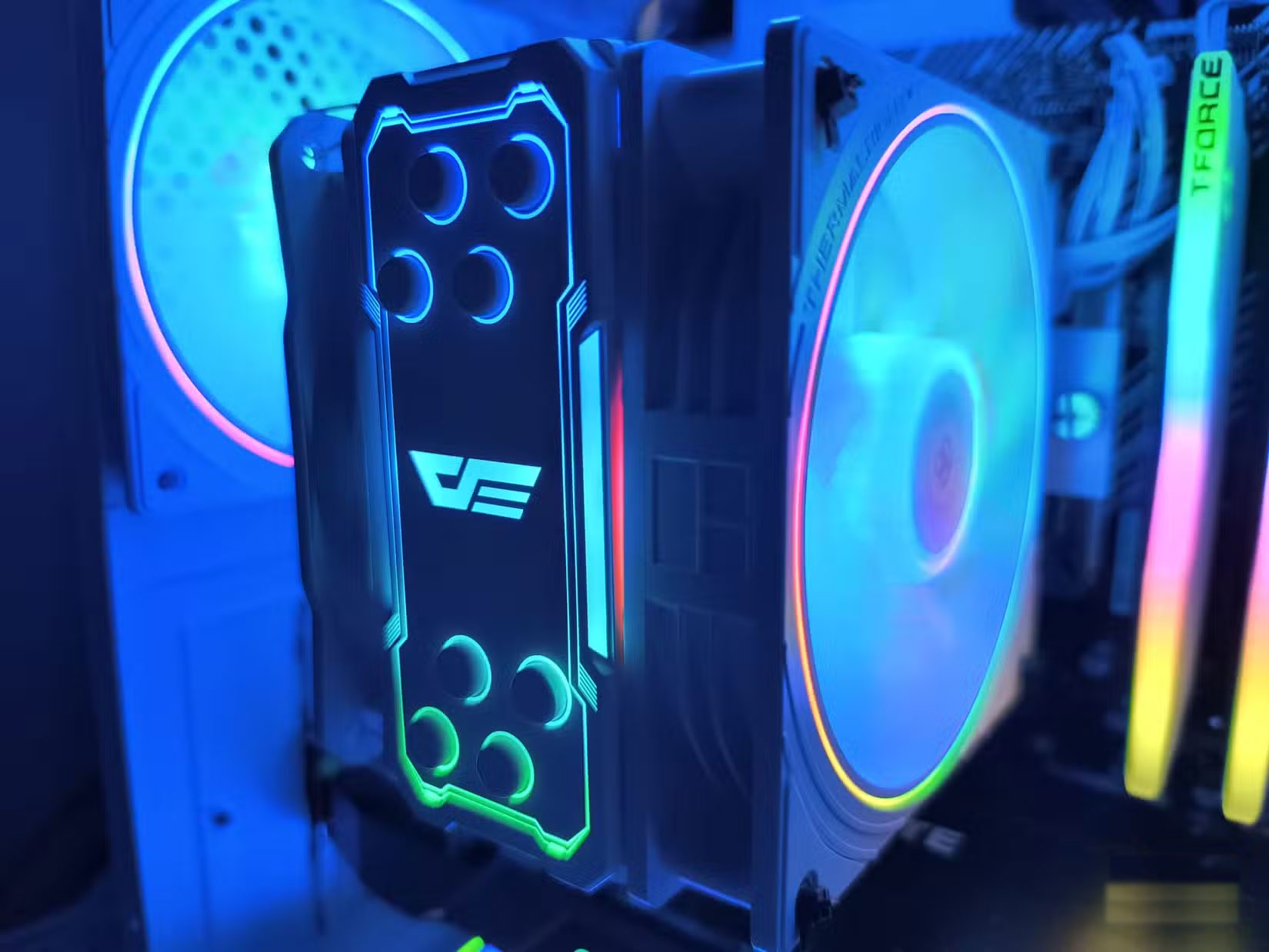
Initially, the example installed a Ryzen 5 5500 with the default cooler. It worked well enough for light tasks, but when we started exporting RAW images in batches, the thermal limitations became apparent. Performance started to drop and fan noise increased significantly. that is where the DarkFlash Z4 Pro comes in—a $21 upgrade that ChatGPT recommended from the start.
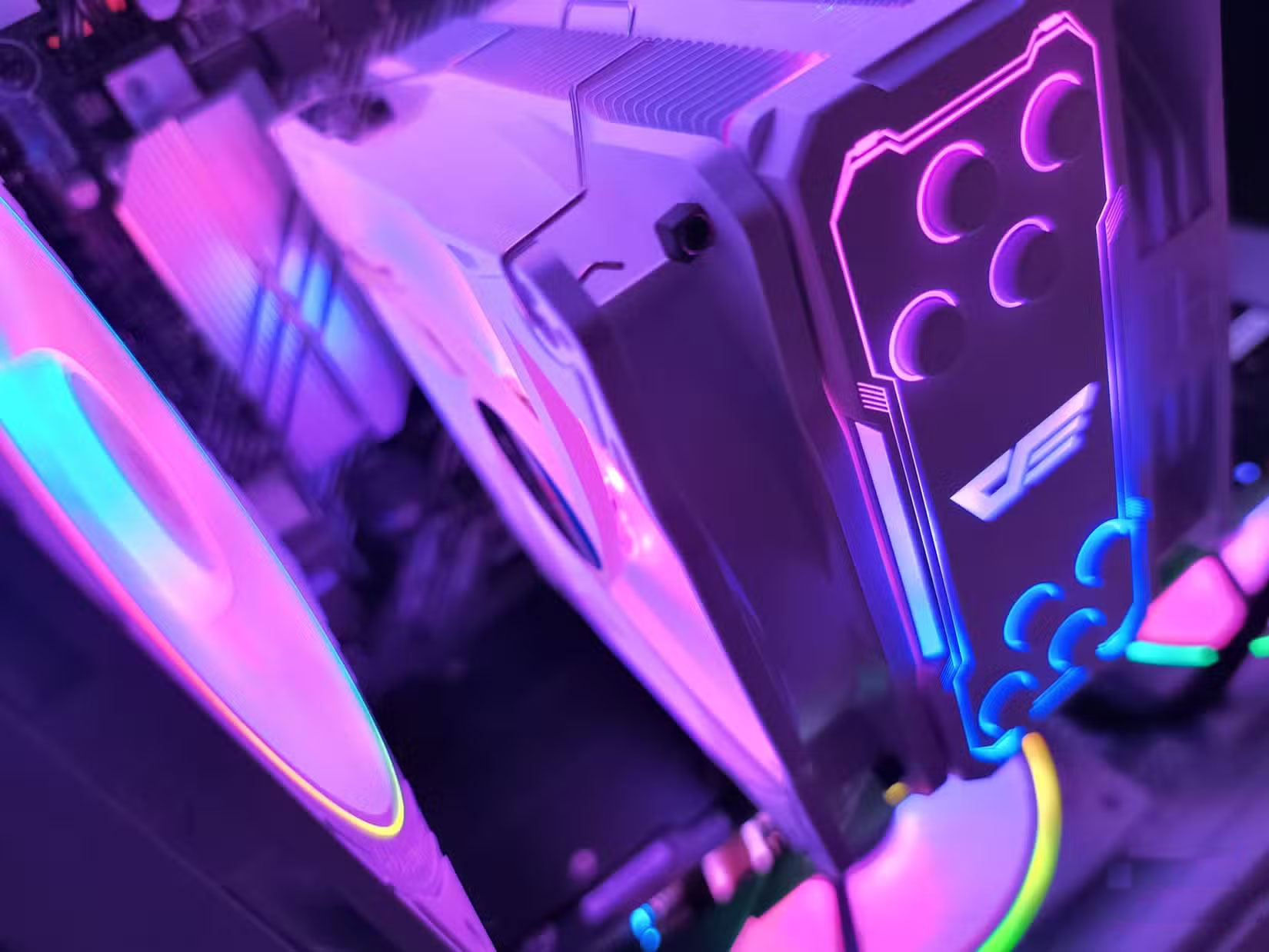
The result is a temperature drop of over 15°C under load. Noise levels are significantly reduced. More importantly, performance is consistently improved significantly. For such a modest investment, it makes a much more significant impact than you might expect. ChatGPT has proven that it has thought ahead not only in cooling, but also in case size and component compatibility.
Clean Aesthetics, Minimal Compromise
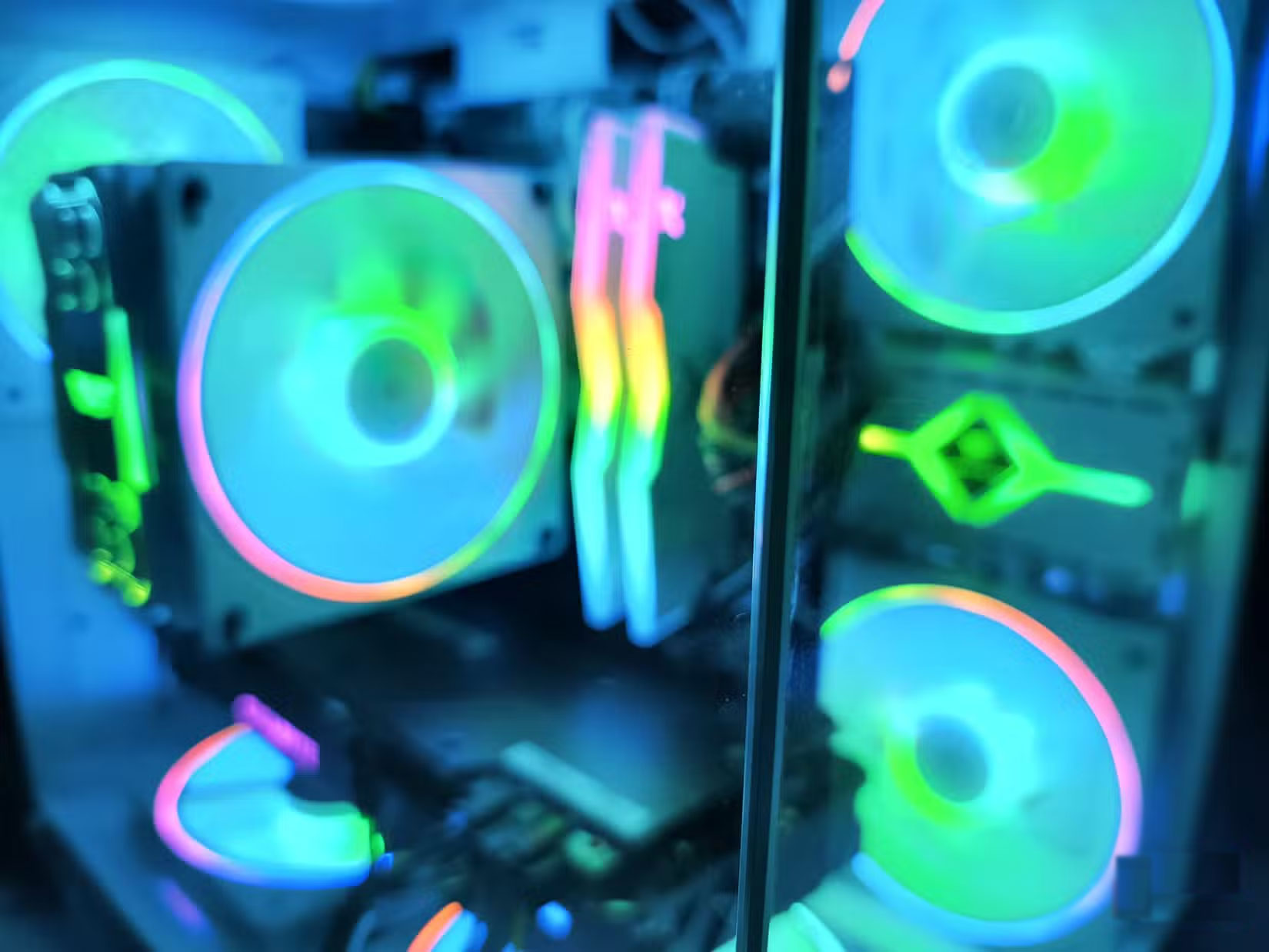
The case that ChatGPT recommends is a simple airflow model. Choosing the right case is essential for both aesthetics and functionality, there are many great budget PC cases. for instance, we chose the Apevia Prism-WH Micro-ATX Cube instead of the recommended tower case.
Despite the change in style, performance hasn't been compromised. Airflow remains strong, and removable side panels make cable management surprisingly easy. The compact, cube-shaped layout gives the build a clean, purposeful feel while still leaving room for a full-size GPU and aftermarket cooling.
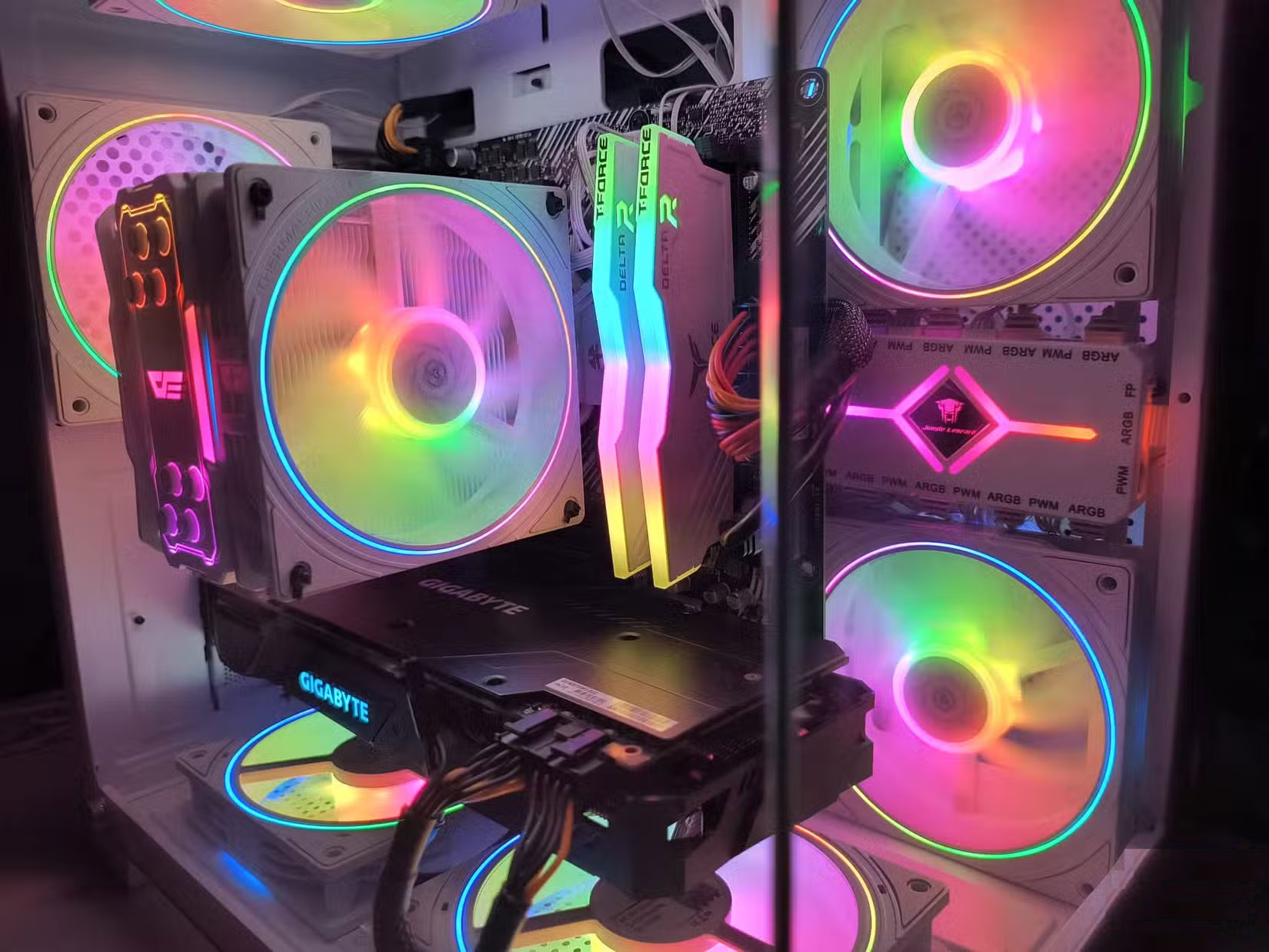
The ARGB fans pair well with the RAM lighting, giving the build a sleek look without being too over the top. These subtle lighting accents add just enough personality to the creative workspace. Custom color control is made easy with the recommended fan hub, which also streamlines power and signal routing to keep the inside clean and tidy. Even this detail is part of ChatGPT's recommended layout and ends up being one of the most convenient additions to the build.
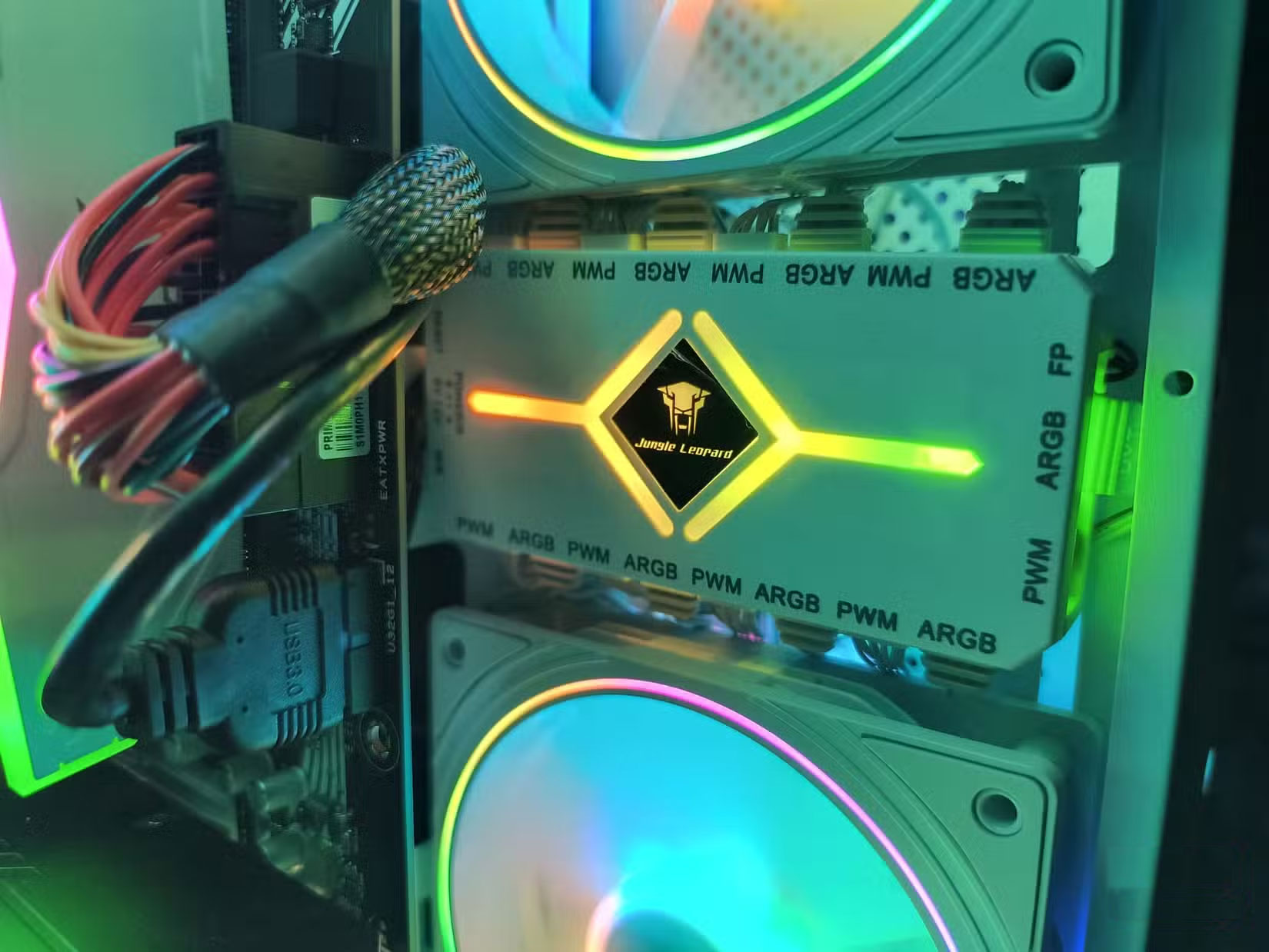
The result is a system that not only performs exceptionally well, but also looks much more expensive than it actually is. This PC is proof that clean design does not have to come at a high price.
Anyone who has ever built a PC knows how easy it is to waste money on parts that look great on paper but do not do much for real-world performance. After building PCs over the years, this PC feels different. It feels cleaner, faster, and more purposeful. Planning is based on logic and value, not gimmicks or hype.
Thanks to a free tool and a few clever swaps, you'll have a machine that runs faster, looks better, and costs less than you could ever plan on your own. When working on a tight budget, every dollar needs to go where it counts—and surprisingly, ChatGPT delivers exactly that.
FAQ
What is the main takeaway about How ChatGPT Helps Build a Cheap, Powerful PC?
The key is to understand the core idea, compare the available options, and apply the practical guidance that matches your situation.
What should beginners know about How ChatGPT Helps Build a Cheap, Powerful PC?
Start with the essential steps and terminology. Avoid changing advanced settings until you understand how they affect performance, privacy, cost, or compatibility.
How can I use this information in practice?
Follow the relevant section in order, test one change at a time, and confirm the result before moving to the next step or recommendation.
Related Articles
 Learn About ChatGPT-4o: Features, Benefits and How to Use It: Complete Guide7 minutes read
 How to Build a Custom Chatgpt with Your Own Data7 minutes read
 9 Ways Chatgpt Helps Content Creators7 minutes read
 Hidden Features of ChatGPT That You Might Not Know About4 minutes read
 Top ChatGPT Prompts for Administrators: Practical Guide8 minutes read
 8 ChatGPT Prompts to Make Brainstorming More Effective: Explained10 minutes read
Reader Comments 0
Sign in with email or Google to join the discussion.