Table of Contents
This guide provides a clear, practical overview of "Race to Develop Applications to Support Data Transfer from Windows". It organizes the most useful details, explains important considerations, and highlights the steps or choices that matter most.
If you ask Microsoft, chances are they'll point you toward a new Windows 11 PC, specifically the Copilot+ PC, but Linux is an option too.
In January, ESET became one of the first companies to recommend Linux for non-upgradable systems. More recently, in May, an 'Endof10' project emerged that aims to teach uninitiated users how to install Linux. The project is backed by Linux (KDE) itself and is an attempt to lure users into the open source world. It later added how Plasma can bring a sense of familiarity to Windows PC users. LibreOffice joined in a bit later, outlining the 'true cost' of staying on Windows (11) in a detailed blog post.
In addition, the 'End of Windows 10 toolkit' was also released by The Restart Project a while ago to guide community repair groups about the upcoming big change, when millions of systems may no longer be supported.
Apart from organizations, individual users are also looking to contribute and help affected users cope with the situation.
TechnoPorg, a student at the University of Waterloo, has released an interesting new utility that can transfer Windows 10 files and settings to Linux. Still in beta, the tool is called Operese and is written in Rust. The utility takes users from Windows 10 to Kubuntu, an Ubuntu-based Linux distribution that uses the KDE Plasma desktop environment.
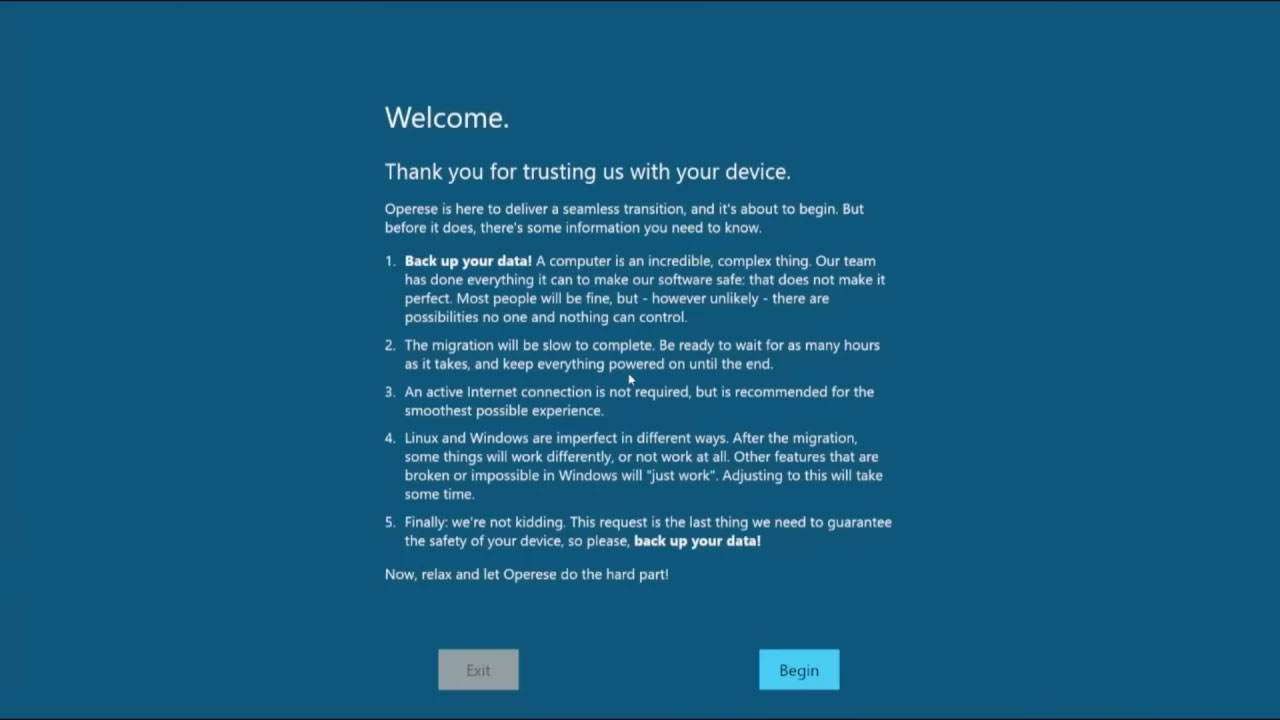
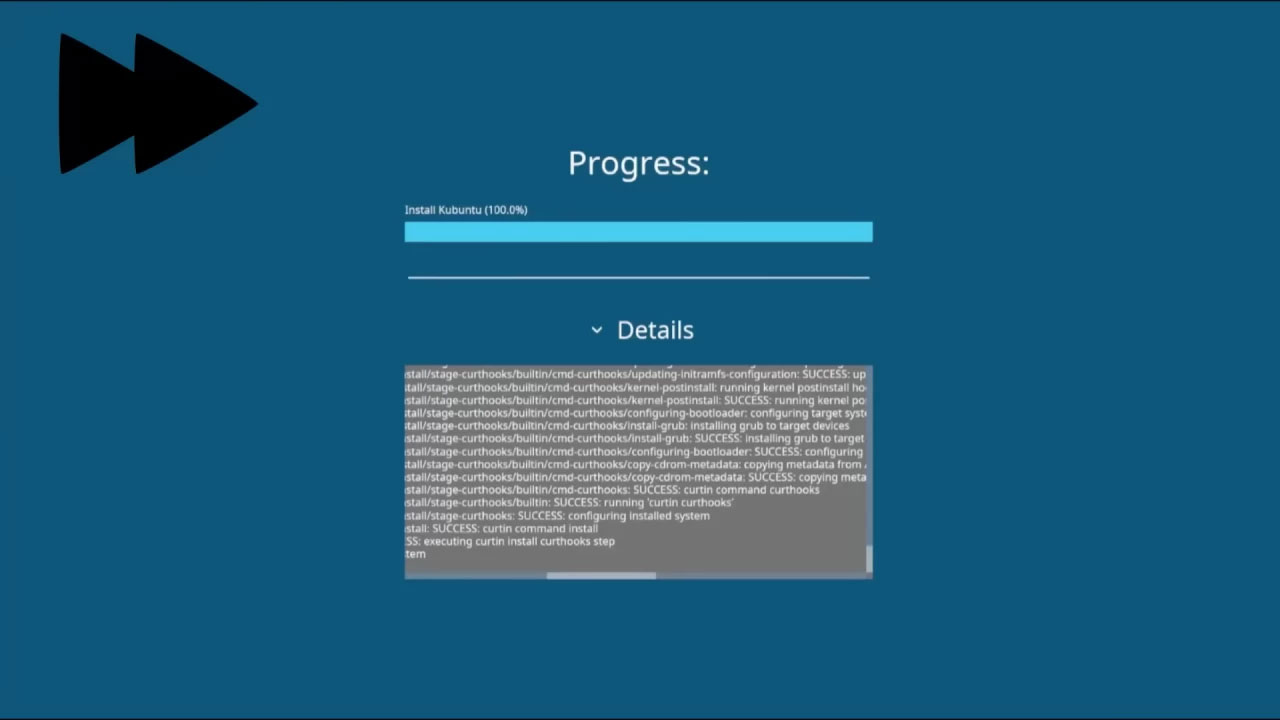
This is actually a useful feature, as most non-tech savvy users probably wouldn't be able to easily do this on their own, without an automated app like this to assist.
The author of this tool notes that the reason they chose this distro is because of its overall stability and good third-party driver support. In the future, the author says they plan to add more program settings and migrations, UEFI support, better multi-user support, and more.
As noted earlier, the app is still in development so you probably shouldn't use it right away, at least not with real data. However, you can try it on a virtual machine to experience it.
FAQ
What does this guide cover?
This guide explains race to develop applications to support data transfer from Windows, including the main steps, important details, and practical considerations.
Who is this guide for?
It is designed for readers who want a clear, practical overview and a reliable process they can follow without unnecessary complexity.
What should you check before getting started?
Review the requirements, confirm that your software or device is up to date, and save any important data before changing settings.
Related Articles
 Convert Data, Applications from Windows to Linux in Minutes9 minutes read
 How to Install Qt for GUI Application Development on Linux5 minutes read
 Why Don't Developers Make More Apps for Linux?10 minutes read
 How to Run Windows Applications on Linux with Wine8 minutes read
 2025: the Year of Linux? or Is It Microsoft's 'Forcing You to Buy a New PC'4 minutes read
 Instructions on How to Share Data Between Windows and Linux Via9 minutes read
Reader Comments 0
Sign in with email or Google to join the discussion.