Table of Contents
Smartphones are now smarter, have longer lasting batteries, and have much more optimized operating systems. But some old habits are even harming your device.
Smartphones are smarter, their batteries last longer, and their operating systems are much more optimized. But some old habits are even harming your device. Let's take a look at habits that were reasonable in the past, but are no longer suitable in 2025.
1. Close apps to save battery
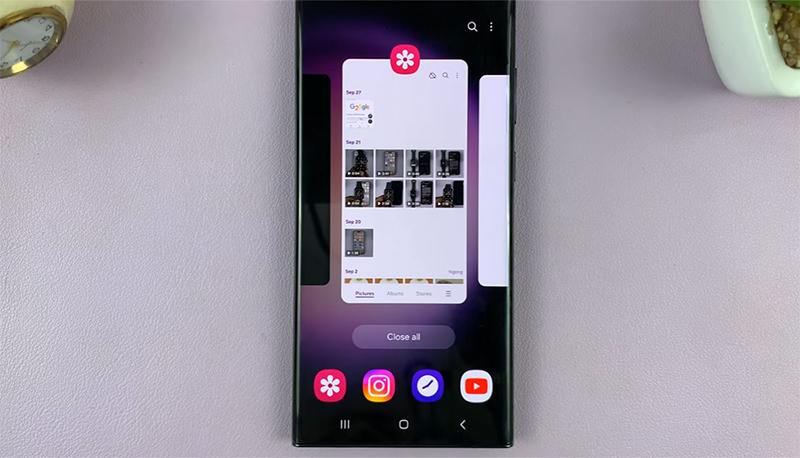
At first glance, the 'swipe to close apps' gesture might seem like it makes your phone feel lighter. But it's actually the opposite.
Modern operating systems like Android and iOS freeze apps when you're not using them, rather than keeping them running in the background. When you force quit, the system has to reload all the data again—which uses more power. In other words, swiping to quit an app is like turning off your car at a red light—it might seem like you're saving fuel, but it's actually straining your engine.
Force close only when the application is frozen or has errors. Otherwise, let the system manage itself.
2. Charge to 100% overnight
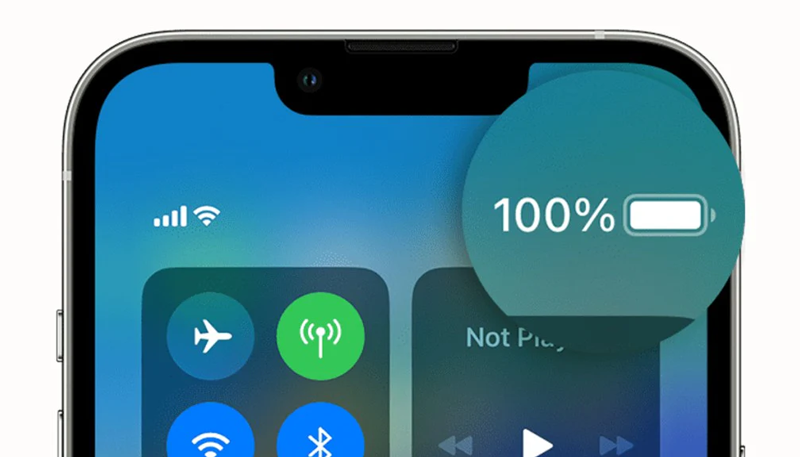
Many people think that charging your phone to full before bed is a way to 'take care' of it, but it actually stresses the battery. Lithium-ion batteries don't like to be kept at 100% for too long, as the increased voltage and heat over time will shorten its lifespan.
New smartphones now have an optimized charging feature – stopping charging at around 80%, then only fully charging right before you wake up. This is a way to significantly improve battery life.
If your phone doesn't have that feature, avoid charging overnight as often. You don't have to be strict, just don't do it every day. When you really need a full day, you can still charge to 100%.
3. Let the battery drain completely before charging.
This used to be the 'dogma' of nickel-ion batteries - but with today's lithium batteries, this is completely wrong. Lithium batteries will wear out faster if they are regularly discharged. The ideal level is to keep the battery between 20% and 80%.
To 'calibrate' the battery sensor, it's okay to drain the battery completely every now and then. But definitely not every day, as it puts many stress on the battery cells.
4. Misunderstandings about fast charging
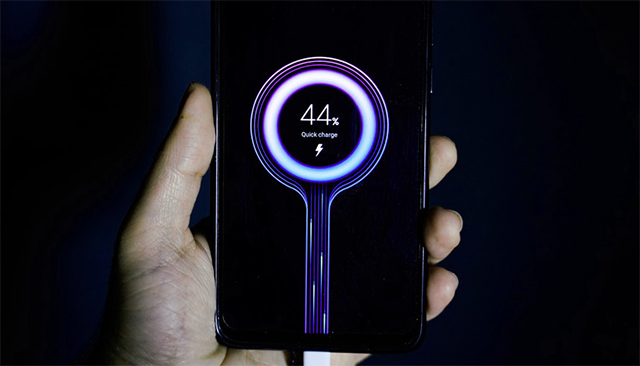
Many people worry that fast charging will 'kill' the battery, but that's only true with older technology.
Today's phones have thermal management circuits, temperature sensors and voltage control chips to ensure absolutely safe fast charging. When the temperature increases, the device will automatically reduce the charging speed.
What's really dangerous isn't fast charging, but heat - for example charging while gaming, charging under your pillow, or in direct sunlight.
When you have time, charge slowly. When you're busy, charge fast - it's a feature you paid for, and your phone is designed to handle it.
All batteries age over time - there's no avoiding it. What you can do is use your phone smarter, instead of dreading every battery percentage.
5. Turn off Wi-Fi or Bluetooth to save battery
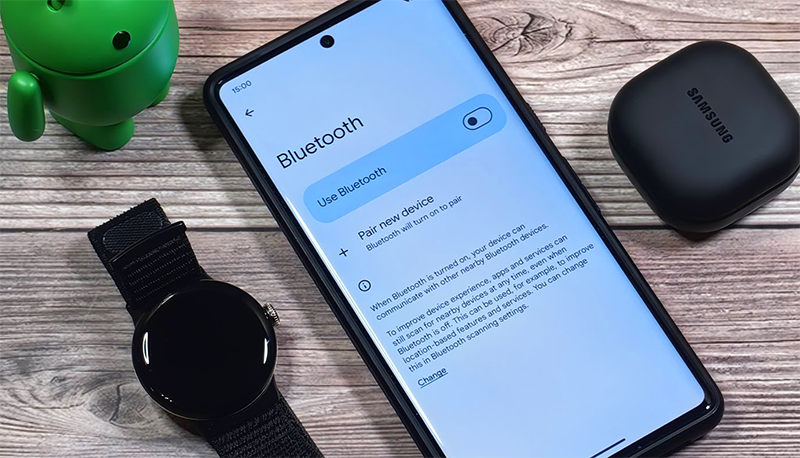
This tip only worked on older phones, when wireless chips were power hungry. Now, Bluetooth Low Energy and new Wi-Fi are very power efficient.
In fact, Wi-Fi is even less power-hungry than cellular networks, especially when the signal is weak. Constantly turning it on and off causes your phone to scan and reconnect, which uses more battery.
If you don't need to be 'completely invisible', leave Wi-Fi and Bluetooth on - the system is smart enough to manage power.
6. Use 'clean up' and 'speed up' applications
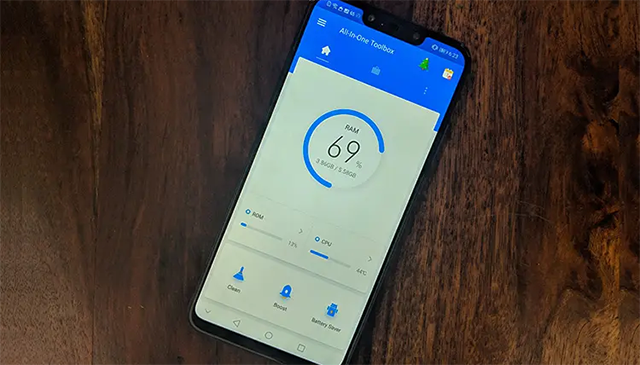
Apps like 'Super Clean Master' or 'Battery Saver Pro' were once popular, but are now outdated and useless. They often clear necessary caches, forcing your phone to recreate data and waste more battery. Some even run in the background, consuming more power than they are worth.
Android and iOS now have built-in memory and power managers. If you want to clean up, just use a native tool like Storage Manager (Android) or Offload Unused Apps (iOS).
7. Hesitant about software updates
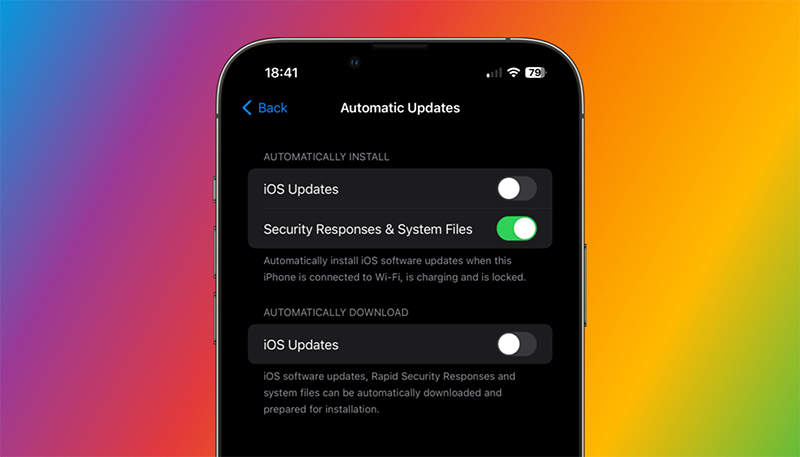
It's common to delay updates because of bugs or slowdowns—but skipping them is more dangerous. Updates not only bring new features, but also fix security holes, optimize performance, and save battery life.
The best solution is to wait a few days after the update is released, see how the community responds, and then upgrade. This way you can avoid the initial bugs while still benefiting from the major improvements.
8. Expect the battery to stay 'like new'
All batteries degrade over time—it's the law of chemistry. After about two years, it's completely normal for a battery to start to fail.
Instead of worrying about 'battery health percentage', pay attention to the actual experience: is the phone draining faster, does it need to be charged more often than before. When it feels inconvenient, replace the battery and continue using it.
It's like changing a tire - you can maintain it well, but when it wears out, it still needs to be replaced.
Most of the old 'tech tricks' are now obsolete. Modern phones manage power, performance, and background apps automatically – the more you interfere, the less efficient your phone becomes.
Use your phone normally and smartly:
- Keep the device cool,
- Charge properly,
- Updated periodically,
- And don't trust outdated 'internet tips'.
Technology today is smart enough to take care of itself - you just have to use it properly.
FAQ
What should you know about the options in this guide?
In practical terms, smartphones are now smarter, have longer lasting batteries, and have much more optimized operating systems. But some old habits are even harming your device.
Which option is the best choice?
The best choice depends on your priorities, compatibility, budget, and the specific features discussed in the comparison.
What should you compare before deciding?
Compare core features, limitations, ease of use, compatibility, and long-term value before making a decision.
Related Articles
 4 Habits to Help You Stop Wasting Time on Your Phone6 minutes read
 Please Stop These 6 Habits, if You Want to Be More Wonderful8 minutes read
 10 Bad Habits in Technology You Should Stop Working in 20199 minutes read
 11 Bad Habits That Affect Health That We Need to Fix Right Away10 minutes read
 If Money Is Keeping You up at Night, These Financial Habits Can Help6 minutes read
 Stop These 4 Bad Habits That Slow Down Your Laptop!8 minutes read
Reader Comments 0
Sign in with email or Google to join the discussion.