Table of Contents
Explore improve the battery life of your old laptop by switching.
Initially, many people blamed the battery, as it was the obvious culprit. As batteries age, their chemical composition degrades, and battery life decreases. But in this case, that doesn't make sense.
The laptop handles work without any issues. Typing and web browsing are fine. Even light multitasking works well. The problem is the battery drains quickly even when you're barely doing anything. The cooling fan keeps spinning even in standby mode. The temperature rises for no apparent reason. The battery drains even when you're looking at a blank document.
That's when you realize: this isn't a laptop about to break down. It's a laptop that's exhausted. So, instead of replacing the battery, replace the operating system. The laptop isn't broken; it's just overloaded.
Why choose Lubuntu?
A lightweight software that runs smoothly and knows when to be silent
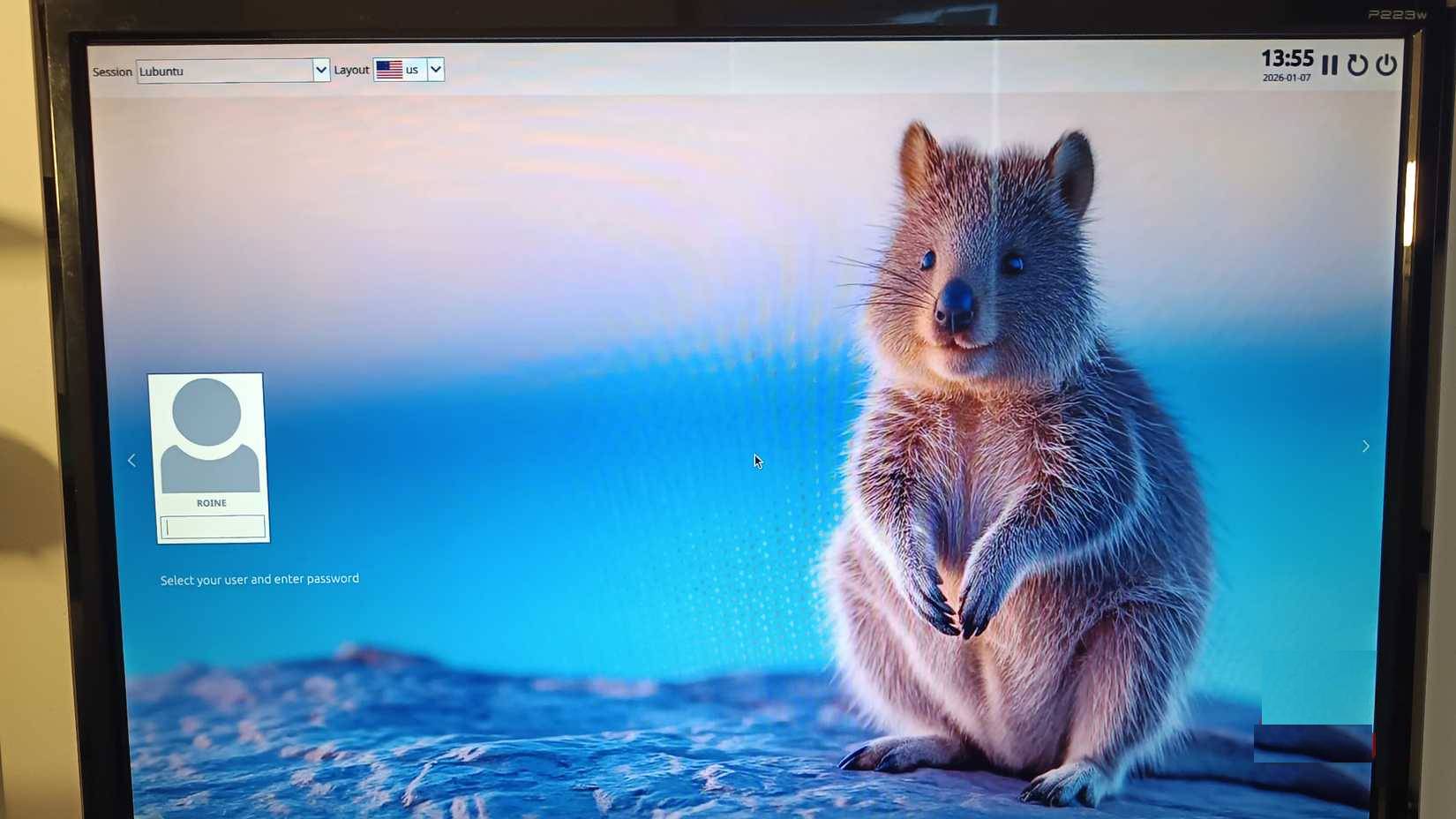
This is why Lubuntu is a great operating system to download. People don't choose Lubuntu because it's trendy; they choose it because it's "boring" in the truest sense of the word.
Lubuntu uses the lightweight LXQt desktop environment, which is not at all cost-effective. It avoids heavy visual effects and doesn't animate everything just because it can. It doesn't assume your computer has sufficient processing power.
More importantly, Lubuntu adheres closely to Ubuntu's vast hardware and driver ecosystem. This means robust compatibility without the complexity of a more resource-intensive desktop environment. There's no need for random driver testing or confusing patches; simply work with hardware that has fewer platform requirements.
What we wanted wasn't a "minimalist challenge." We wanted software that respected our battery life, and Lubuntu delivered exactly that.
Battery efficiency is truly impressive
Same laptop, same battery, but the results are very different
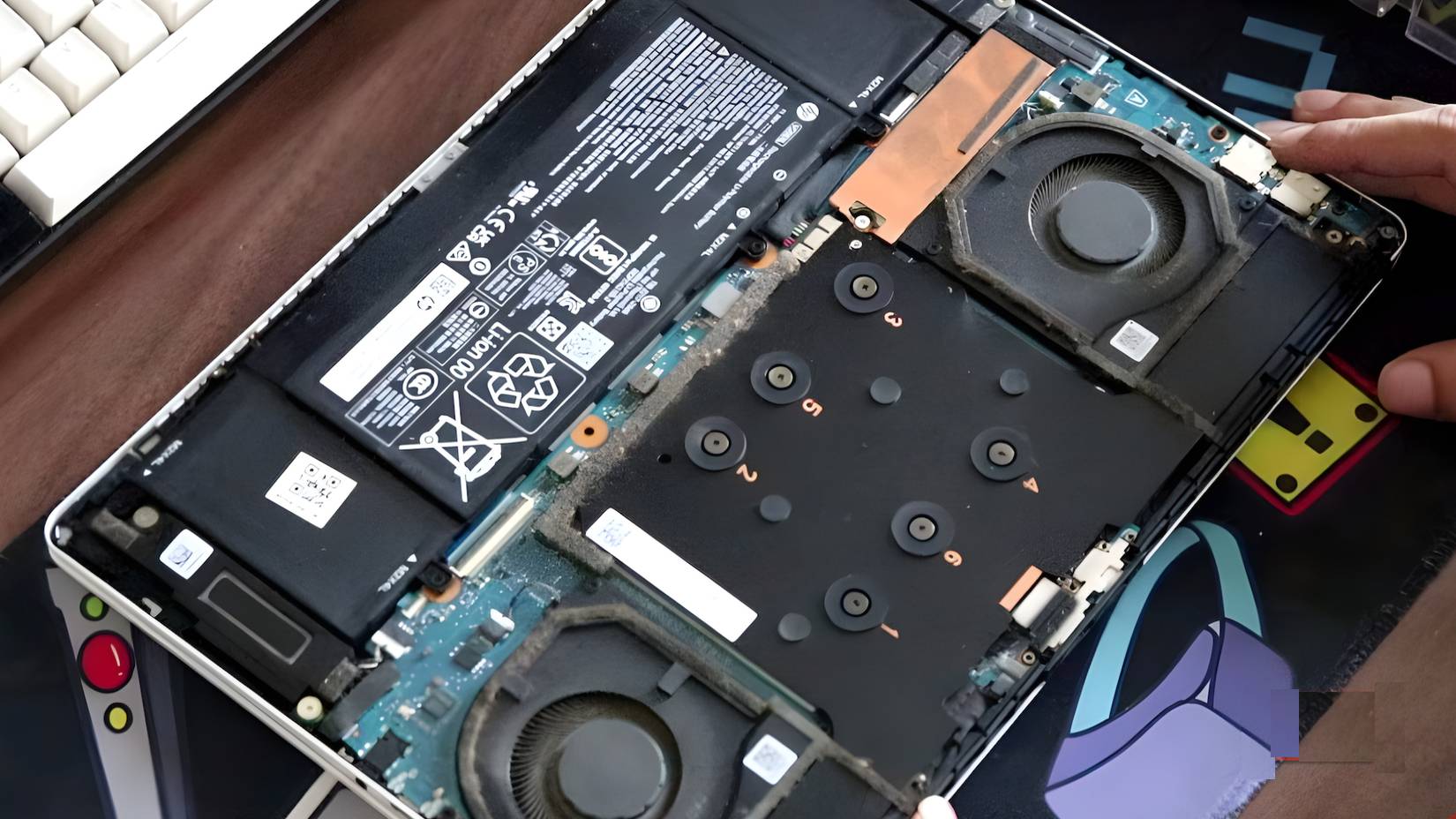
This is the part that will be disappointing. There might be some improvement, or just a placebo effect. Instead, you get stability.
With Lubuntu installed, running the same workload as usual (heavy browser research, writing articles, and light video/media viewing), battery life increased by about 1.5 hours. No magic numbers or fake benchmarks involved. Just a steady improvement.
Battery drain when idle is significantly reduced. When you close your laptop and go somewhere else, the battery percentage doesn't drop while you're not paying attention. The fan spins less and heat dissipation is reduced. The laptop no longer makes annoying noises when not in use.
The biggest win isn't the number; it's the freedom. You no longer have to carry a charger everywhere as a kind of emotional support device.
Why does Lubuntu actually improve battery life?
Less background noise means longer battery life
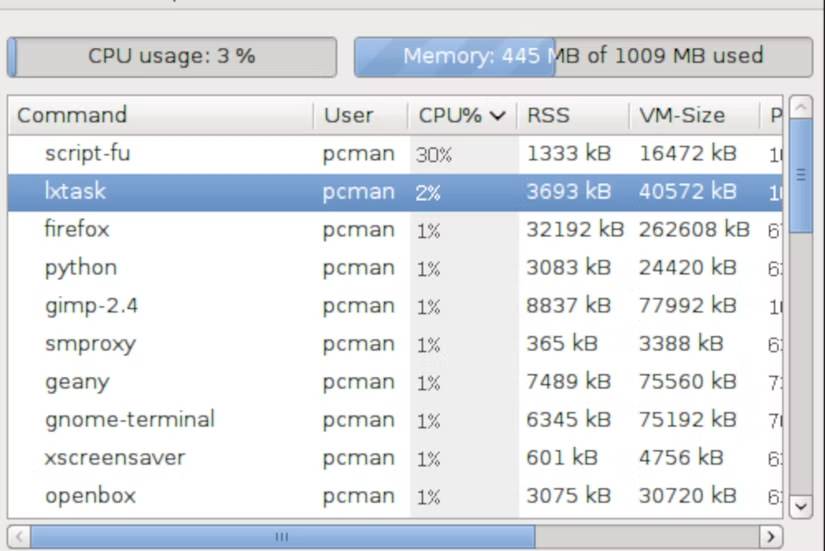
Lubuntu doesn't magically improve battery chemistry. It simply stops wasting energy. Here's why it works:
- LXQt redraws and animates less.
- Fewer background services run by default.
- The CPU spends more time in deep sleep mode.
- The fan won't spin unless there's a real reason.
- The system does not continuously send data to the server.
This is more important than people think. Energy efficiency isn't about overclocking performance; it's about allowing the hardware to rest.
Lubuntu doesn't demand attention. It patiently waits until you ask it to do something. That alone changes the way an old laptop works.
Essentially, Linux isn't power-saving – it just stops consuming power.
It's not a perfect experience in every case. Not every proprietary application is available; some software ecosystems are still located elsewhere. Occasionally, you'll have to manually adjust a setting or install a driver.
But daily work in 2026 will be largely browser-based. Writing, collaboration, and research tools will all be in tabs. Lubuntu runs all of that with ease. The adjustment isn't about productivity; it's a matter of habit and reflexes. When you let go of software that stubbornly insists on working just to prove it's important, laptops will no longer feel outdated and will start working efficiently.
Lubuntu has given older laptops some breathing room
We're not installing Lubuntu to prove a philosophical point. We're doing it because we're tired of struggling with our own computers. Lubuntu doesn't turn your old laptop into a new one. It helps make it run smoothly, easily, and efficiently again.
In an age where most people are obsessed with replacing hardware, we forget how much a perfectly functioning machine suffers under the weight of cumbersome software. You don't need to upgrade your laptop; just stop "abusing" it. And your battery will notice immediately.
Final Thoughts
Understanding improve the battery life of your old laptop by switching to the energy-efficient linux distribution lubuntu makes it easier to evaluate the information and apply the most relevant recommendations. Focus on the key points above and verify details that may change over time.
FAQ
What is improve the battery life of your old laptop by switching to the energy-efficient linux distribution lubuntu?
Explore improve the battery life of your old laptop by switching.
What key points does this article cover?
The article focuses on Why choose Lubuntu?, A lightweight software that runs smoothly and knows when to be silent, Battery efficiency is truly impressive, with practical explanations and examples.
How can you use this information in practice?
Use the explanations to compare options, verify important details, and make a more informed decision. Apply the recommendations that best match your goals and situation.
Related Articles
 17 Lightweight Linux Distributions Bring New Life to Old14 minutes read
 How to Choose a Laptop Configuration5 minutes read
 Top Ways to Save Energy and Lower Your Business Utility7 minutes read
 How to Recover and Improve Performance for Battery-powered Laptop11 minutes read
 How to Check the Status of Using Laptop Battery Running Linux7 minutes read
 How to Improve Battery Life for Laptops9 minutes read
Reader Comments 0
Sign in with email or Google to join the discussion.