Table of Contents
6 Reasons to Skip Your Smart TV and Buy a Streaming Stick Instead brings together practical options worth considering. Below, you'll find clear explanations, useful context, and tips for deciding which choices best match your needs.
Key Takeaways
- Review streaming stick offers much faster performance.
- Explore get more frequent software updates.
- Understand easier to upgrade over time.
6. Streaming Stick Offers Much Faster Performance
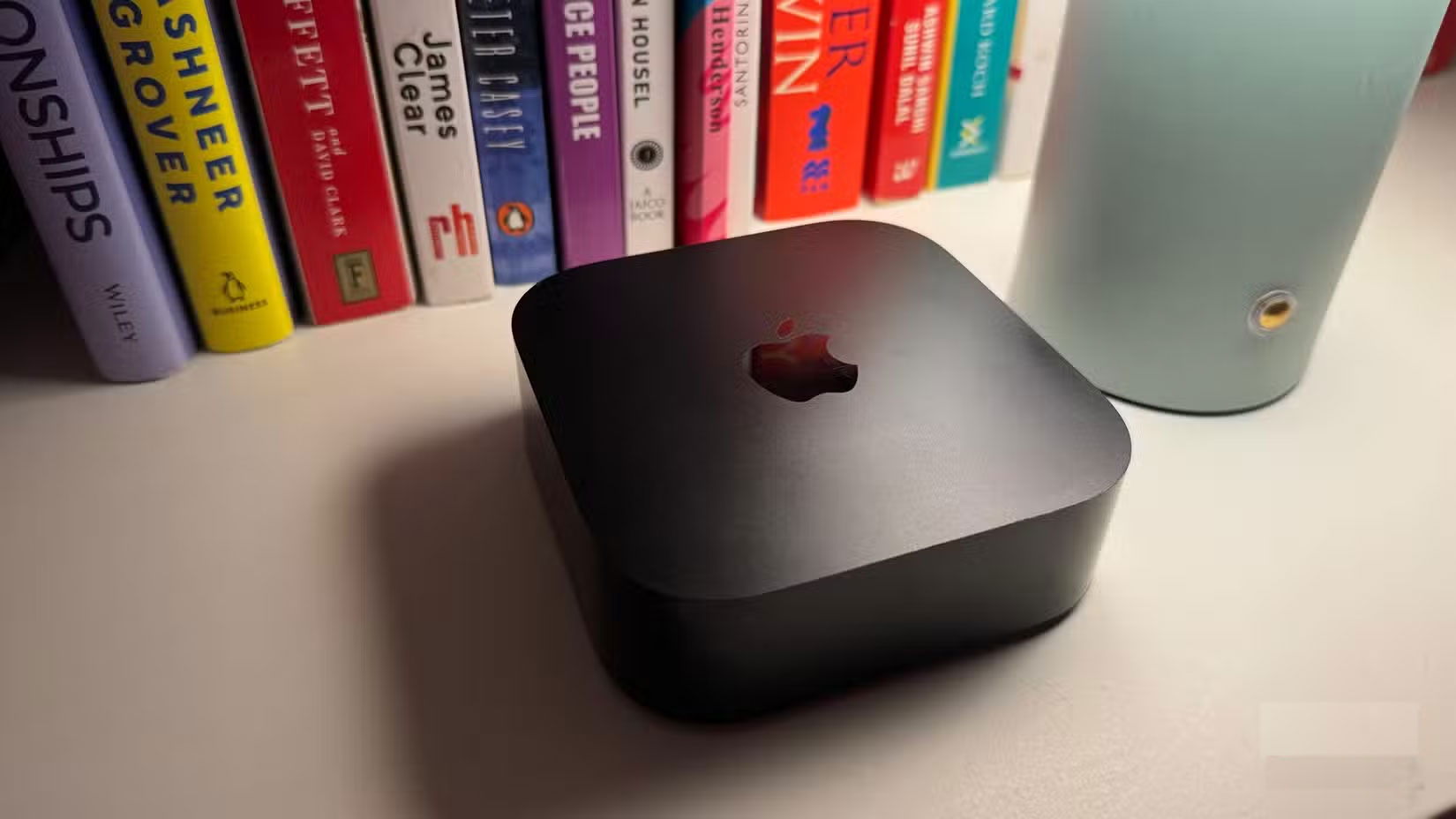
Most budget and mid-range models are underpowered while high-end Smart TVs have good hardware. Apps take too long to launch, the interface lags, and basic actions are slow.
Devices like the Apple TV 4K or Google TV Streamer are simply better. They're optimized for speed, boot up faster, and switching between apps is easy. For those who hate slow, outdated interfaces, the difference is clear. It's better to plug in a neat little device that works than to deal with bloated, outdated Smart TV software after a year.
5. Get More Frequent Software Updates
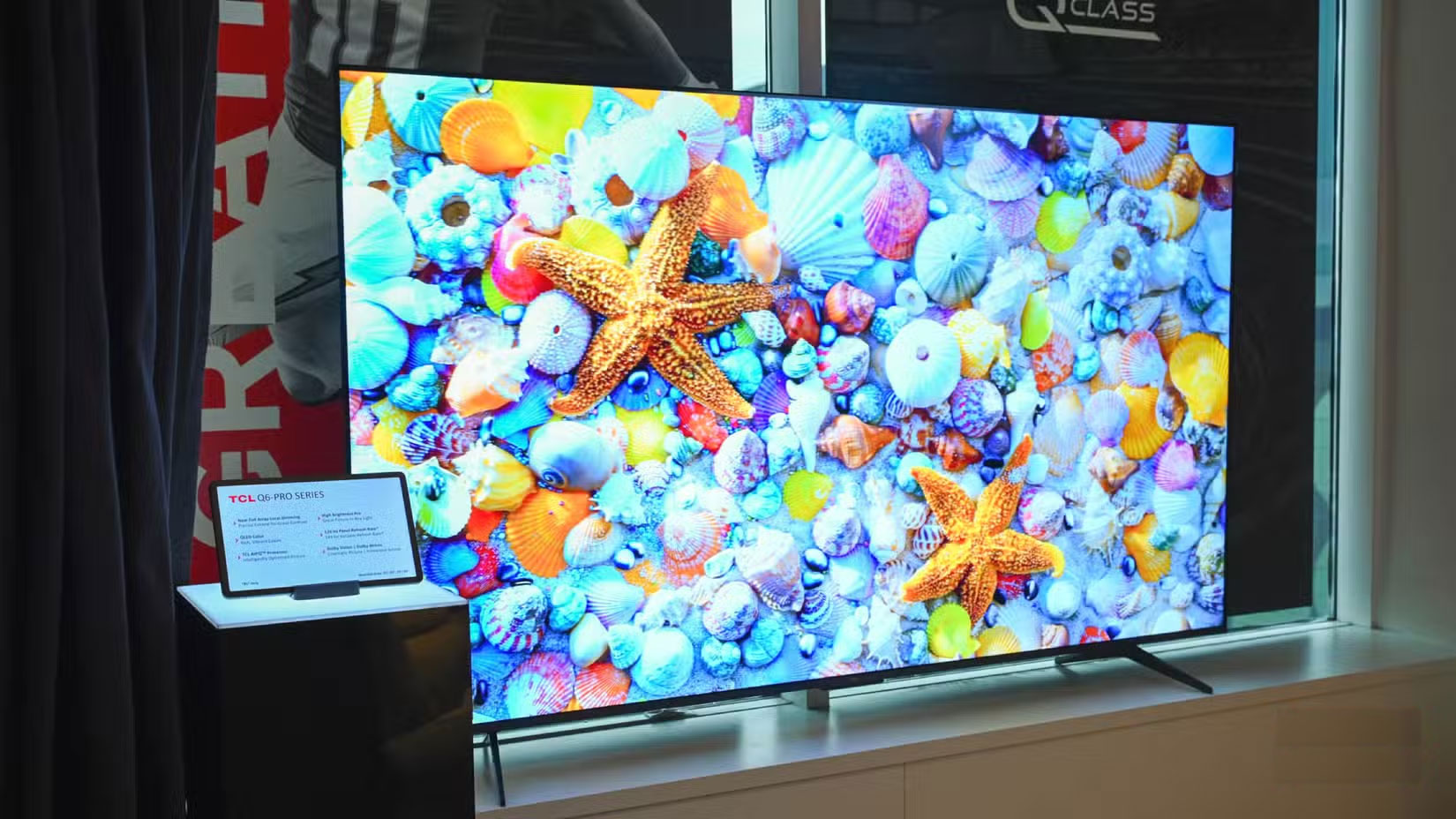
Smart TVs have gotten better with updates, but you're still at the mercy of the manufacturer's update cycle - which can be slow or inconsistent. With streaming sticks, that's not an issue.
Streaming devices like the Apple TV or Amazon Fire TV Stick receive regular updates across all models, adding new features and improving performance. What's more, all Apple TVs get updates at the same time. Google and Amazon take a similar approach with their streaming sticks. In contrast, many Smart TVs go more than a year without a meaningful update.
4. Easier to Upgrade Over Time
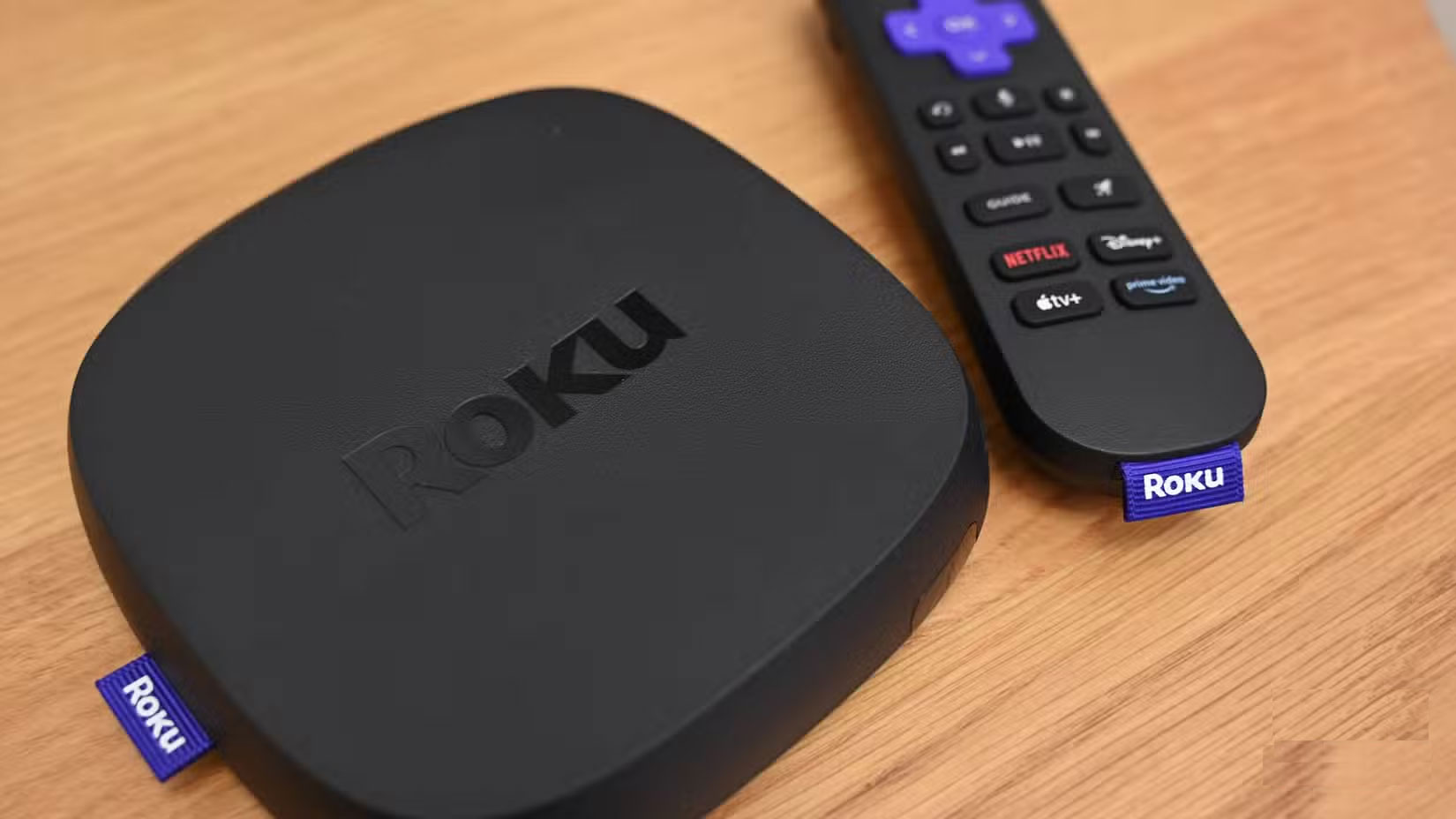
Unlike smartphones, which we upgrade every year or two, Smart TVs tend to sit in our living rooms for years. Over time, Smart TVs can become slow, even if the screen, sound, and other hardware are still working perfectly. In these cases, you're often forced to upgrade the entire TV — even if everything else is fine.
Using a streaming device eliminates that problem. You can simply swap it out for a newer model and get blazing fast performance back in no time when your streaming stick starts to slow down. And all for a fraction of the cost of a new Smart TV.
3. You Can Carry It with You Anywhere, Anytime
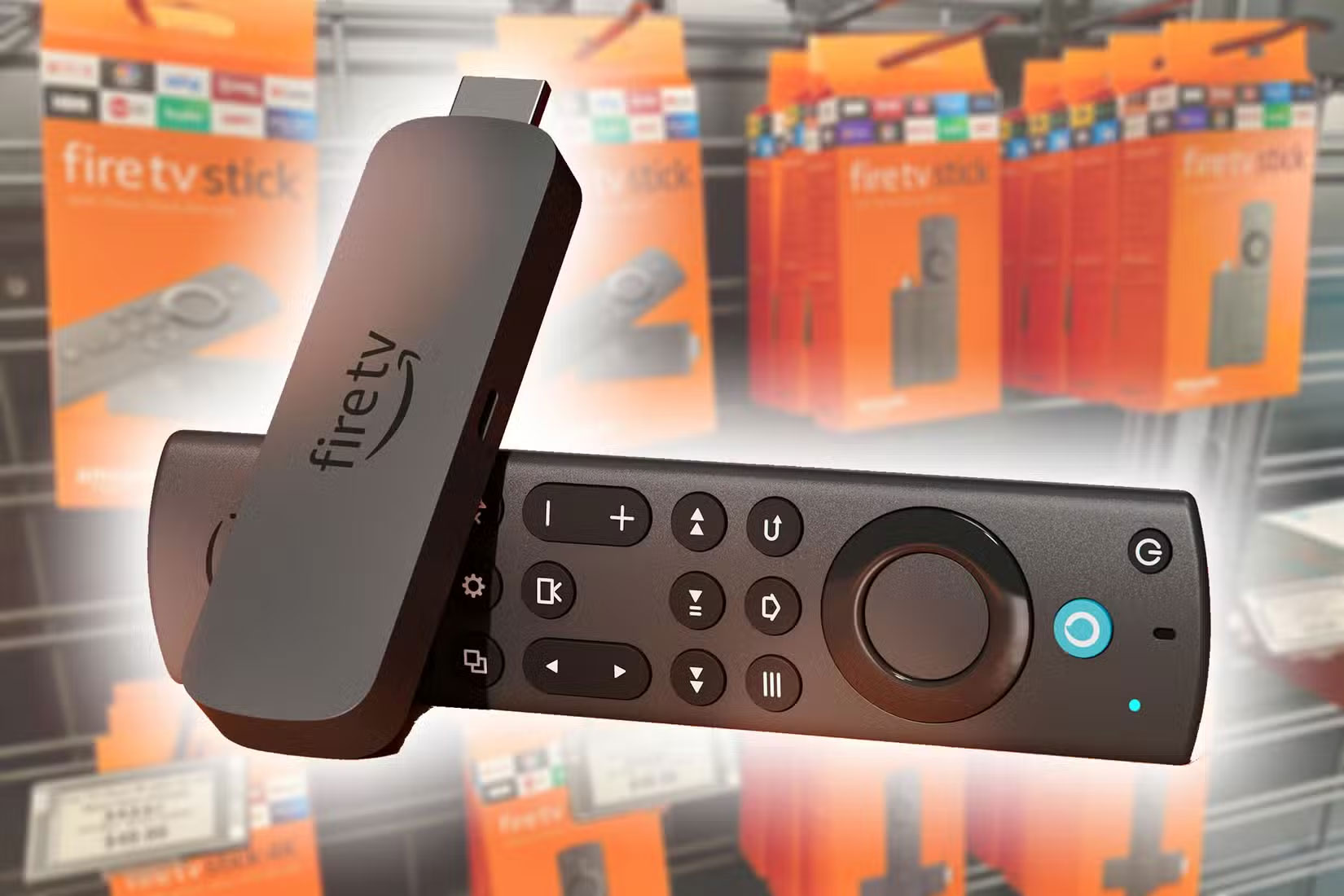
Another benefit of using a streaming stick over built-in Smart TV software is portability. Unlike a TV, you can take your streaming stick with you wherever you go. Whether you're staying at a hotel or visiting a friend's house, simply plug it into an HDMI port and you'll have your favorite streaming apps, options, and services at your fingertips. You won't have to re-enter your login information or deal with someone else's setup.
2. Streaming Devices Support More Apps and Services
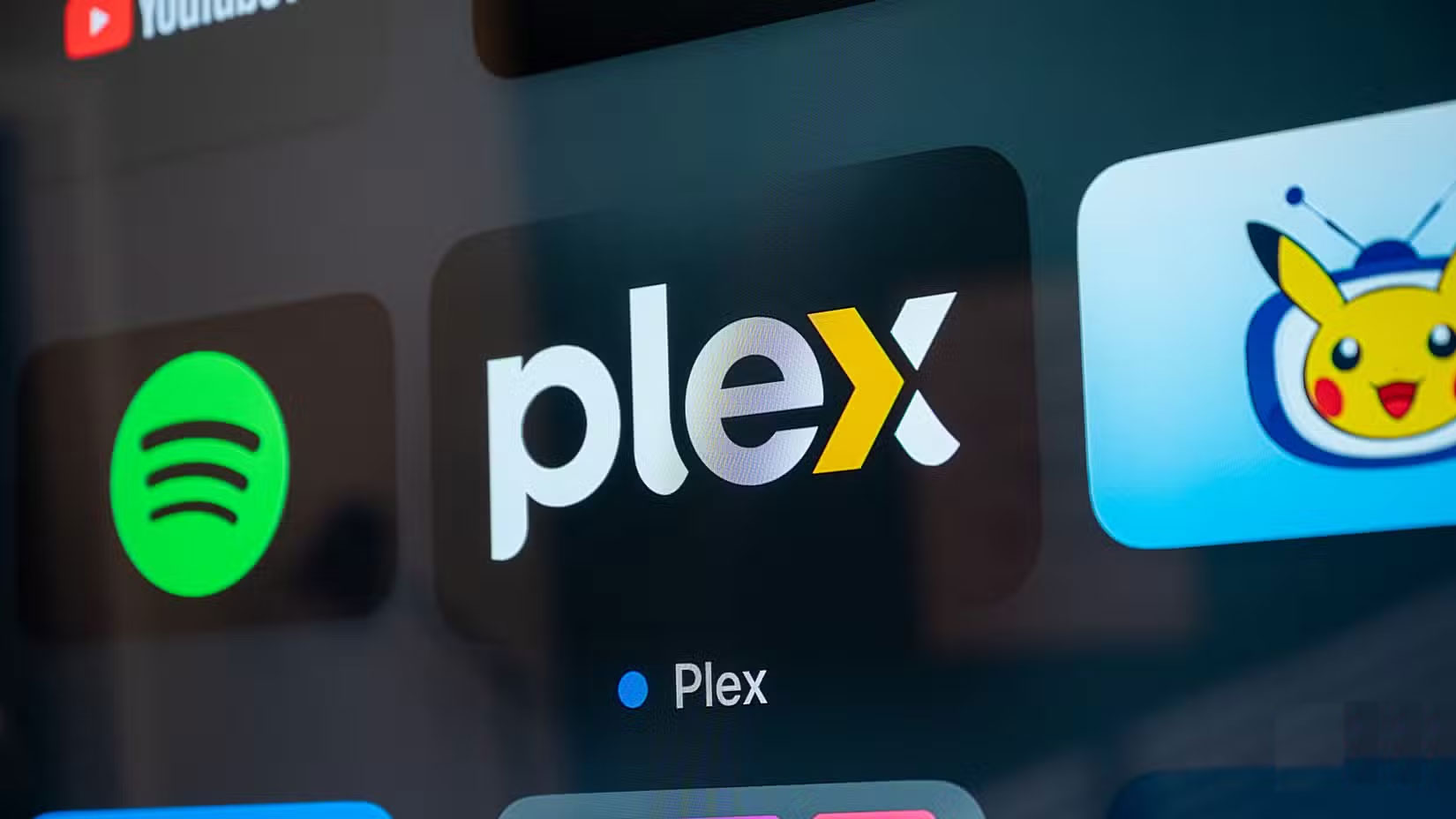
They often don't support many new or specialized streaming services while Smart TVs often come with a few popular apps pre-installed. Some apps aren't available at all or don't run well.
Streaming devices like Chromecast, Roku, and Fire TV Stick offer access to more apps. And they often offer better performance. In fact, these devices often have access to new apps before Smart TVs.
1. Much More Cost Effective Setup
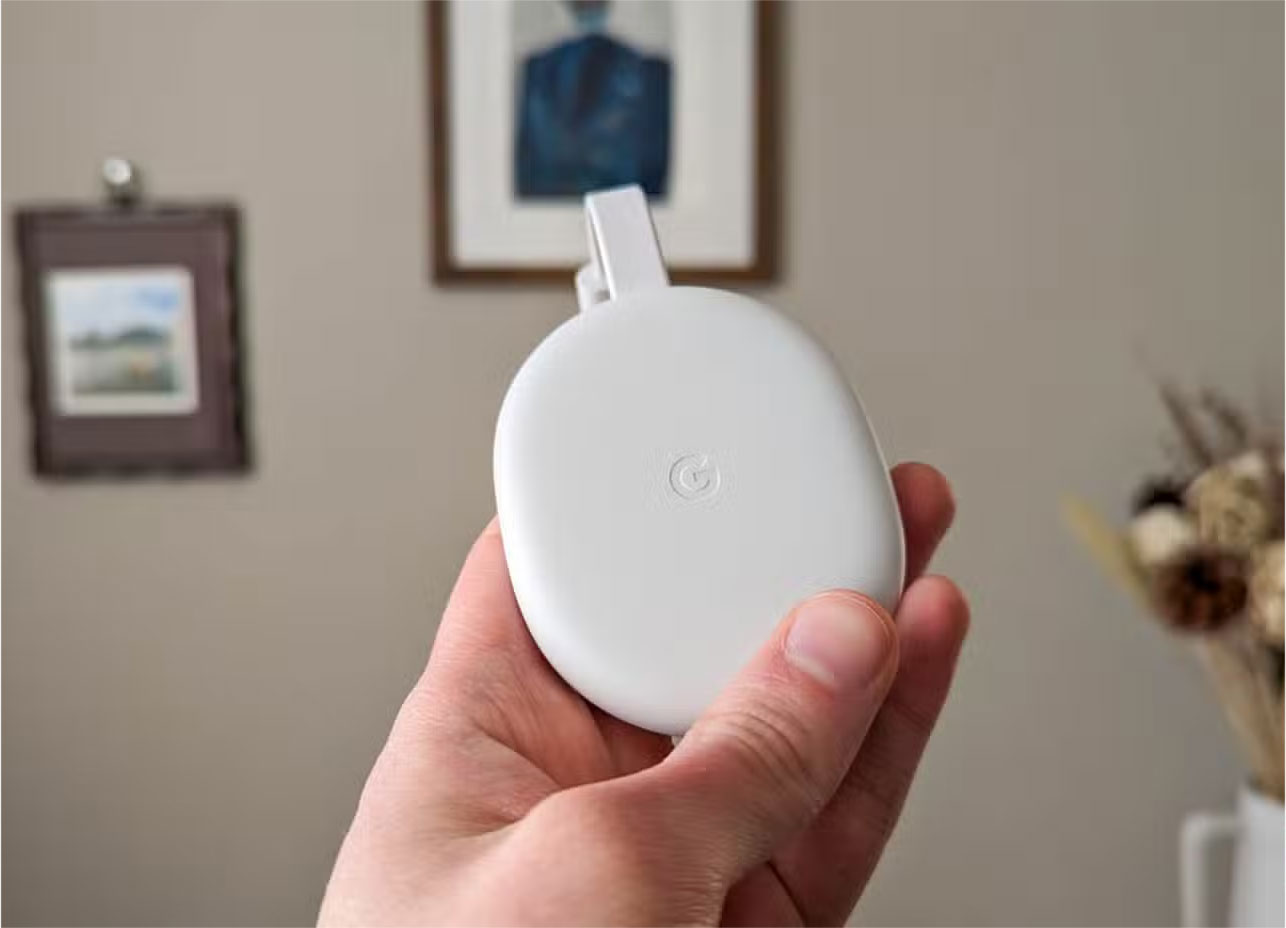
Getting both great performance and a high-quality picture on a Smart TV can be expensive. Higher-end models with fast software cost significantly more. But if you're happy with your current TV's screen and sound, adding a streaming stick is a much more cost-effective option.
For under $50, devices like the Chromecast with Google TV or the Fire TV Stick 4K offer faster performance, more reliable updates, and better app support than most built-in smart TV platforms. You don't have to pay extra for software that might slow down within a year. And when it's time to upgrade, replacing the device is much cheaper than replacing the entire TV.
Then upgrading to a streaming device makes much more sense if your TV still works fine in terms of screen and sound and it's just the software that's outdated.
Until manufacturers start taking software as seriously as screen and sound quality, many people will decide to stick with their streaming devices. They won't be replacing their Smart TVs anytime soon — at least not because of slow software.
Final Thoughts
The most reliable way to handle reasons to skip your smart TV and buy a streaming stick instead is to follow the process in order, verify each important setting, and test the result before moving on. Use the guidance above as a practical reference, then adjust the details for your device, software version, or specific goal.
FAQ
What should I know first about Reasons to Skip Your Smart TV and Buy a Streaming Stick Instead?
Smart TVs have built-in features and apps that seem convenient, but they're not good enough.
How do I get the best results with Reasons to Skip Your Smart TV and Buy a Streaming Stick Instead?
Use current software or equipment, follow the steps in order, review the recommended settings, and test one change at a time so you can identify what improves the result.
What should I do if Reasons to Skip Your Smart TV and Buy a Streaming Stick Instead doesn't work as expected?
Check compatibility, permissions, connectivity, and version-specific settings. Restart the relevant device or app, then repeat the process carefully before trying a more advanced fix.
Related Articles
 Why Never Bother with Cheap Streaming Sticks?7 minutes read
 Turn Your Hotel Smart TV into a Streaming Hub with These Features!6 minutes read
 Don't Miss These Roku TV and Streaming Stick Settings!8 minutes read
 Do You Need Both a Smart TV and a Streaming Device?6 minutes read
 4 Reasons Why You Shouldn't Buy a Smart TV7 minutes read
 7 Fire TV Stick Apps You Shouldn't Miss6 minutes read
Reader Comments 0
Sign in with email or Google to join the discussion.