Table of Contents
A budget streaming stick is a reasonable buy if it runs your apps, supports your TV’s resolution and still receives updates. Spend more if you need faster menus, a particular HDR or audio format, wired networking or better remote controls. Check the exact model before paying for features you may never use.
Check your TV and audio setup
A 1080p player is enough for a 1080p TV. For a 4K TV, check that the player and your service both support the resolution and HDR format you want. If you use a soundbar or receiver, check that it can pass through any video you route through it. See how HDR differs from 4K.
Separate slow menus from buffering
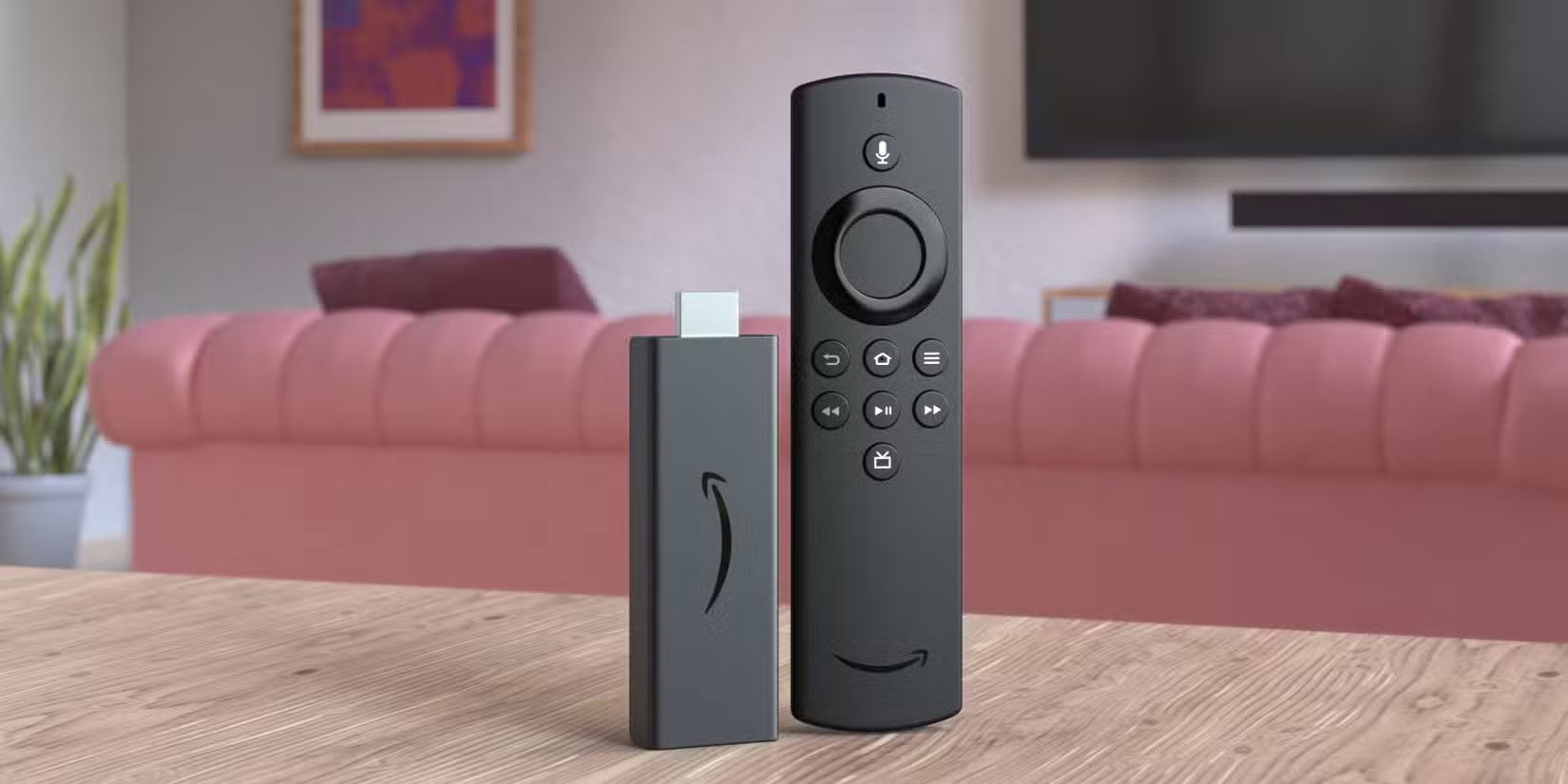
A more responsive player can make apps launch and menus scroll faster. Buffering may instead come from weak Wi-Fi, an overloaded network or the streaming service. If apps open quickly but video keeps stopping, test your Wi-Fi near the TV before buying another player.
Check the manufacturer and update channel
Price alone does not tell you whether a device is safe. Look for an identifiable manufacturer, a working support site and a clear way to receive software updates. The FBI has documented compromised connected devices, including some streaming products. Avoid anonymous boxes that advertise free access to paid services or require apps from unfamiliar sources.
Verify apps and support before ordering
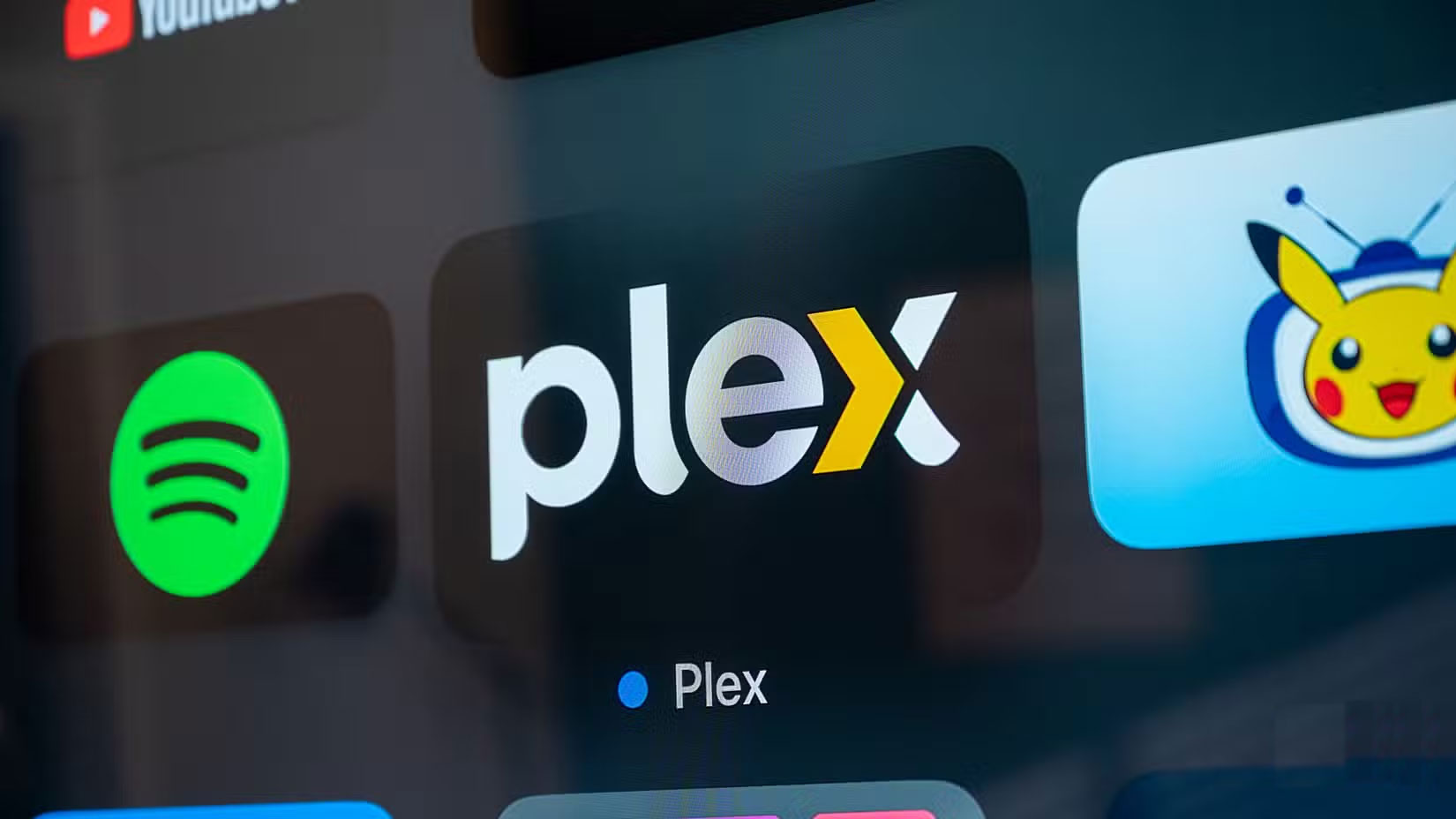
Check the device list for the services you use in your country. The same product line may include older models that no longer receive updates. If you buy a discounted device, look up the model number and check its return window. Test the remote, the port or power adapter and your main apps while you can still return it.





Reader Comments 0
Sign in with email or Google to join the discussion.