Table of Contents
Explore 4 automation features that make smart lights useful, including the key concepts, practical examples, important considerations, and useful guidance.
Turning on lights from elsewhere to create the feeling that someone is home is a good security feature. But establishing habits for using smart lights is also crucial. People have had to learn a lot about whether and when to automate their smart light bulbs. There are a few automation scenarios and processes that will change your smart home forever.
Set your baby's night light to turn off automatically at a specific time
This is an easy decision!
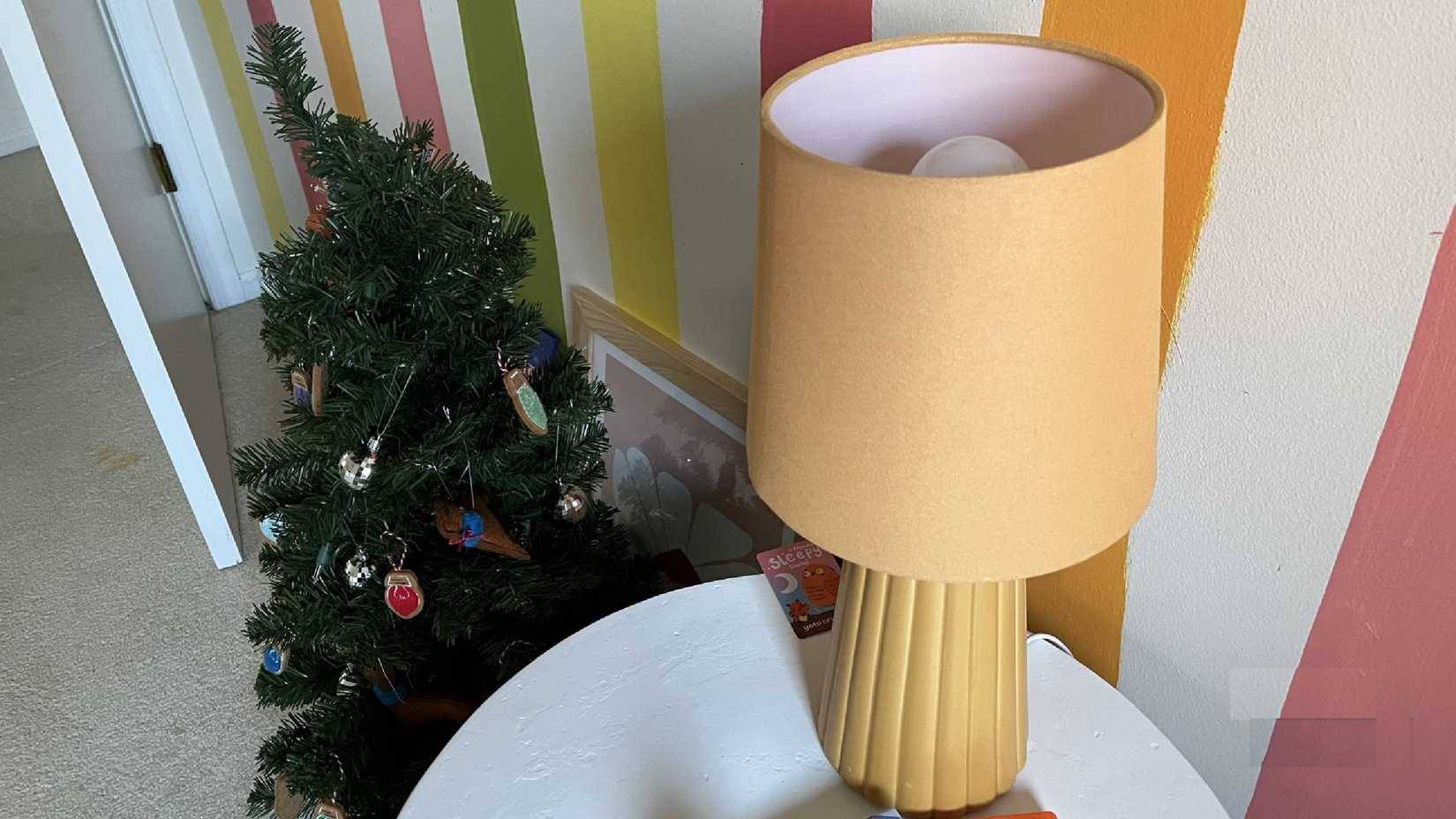
Many children have a ceiling light with an integrated fan in their room. It has a non-replaceable LED bulb, so people just control it with the included remote and don't think much about it. The light in the picture has a WiZ A19 smart bulb inside.
When your child transitions from a crib to a bed, you'll still want to maintain a consistent bedtime (within reasonable limits). Set up an automated schedule at a specific time each night to help your child relax. First, it will dim the lights to 30% for a few minutes before turning them off completely.
This is a great way to help your child transition to bedtime, which can be difficult for toddlers. The transition from crib to bed is also a challenge, so any method that uses visual cues to signal bedtime is a good way to prepare your child psychologically.
Use a motion sensor to turn on the lights
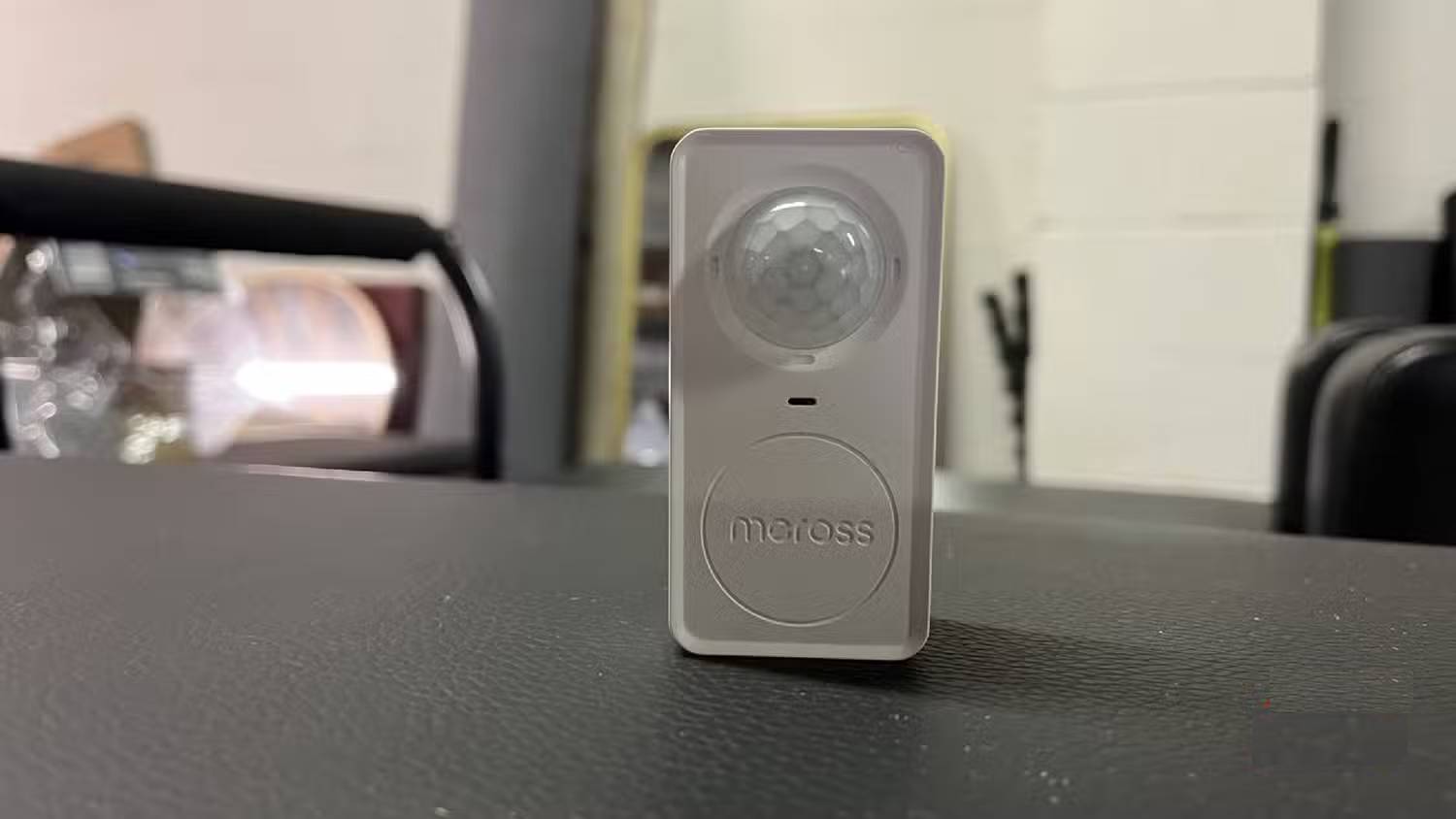
Motion sensors are an easy way to turn on lights. If you have outdoor lighting, many types of lights have motion sensors that will turn on the lights when they detect movement. You can usually set the sensitivity level on the sensor so that it can distinguish between wind and actual movement.
Technology doesn't always work perfectly, but no technology is absolute. Not all is perfect. The best motion sensor we've tested is the Meross MS600, which is extremely accurate and reacts quickly to light.
It can sync with Amazon speakers, as well as with Google Home, Apple HomeKit, other Meross products, and easily integrates with Home Assistant automations. Synchronize a WiZ smart light bulb with the Meross MS600 so the lights in your dining room turn on when someone enters the room. The MS600 automates the action through the Alexa app, making the process easy once you've linked the two devices.
Automate the lights when you're not home
Make the house look like someone is home
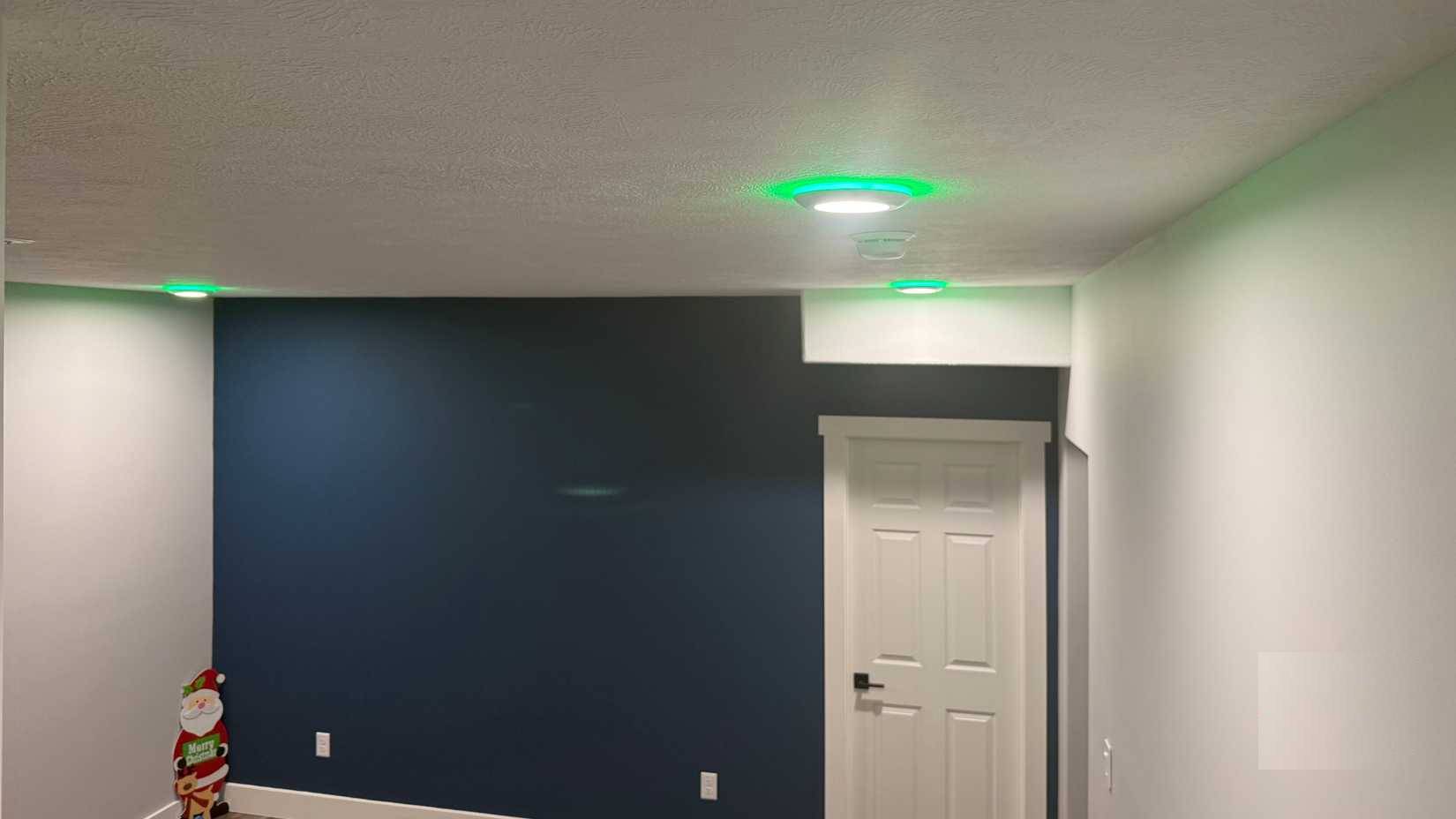
Let's say you're away for the weekend. You can set the lights to turn on automatically when you're not home. This can create the illusion that you're home, deterring potential criminals from thinking your house is an easy target.
You don't need to do anything as elaborate as Kevin McAllister in Home Alone to feel like you're having a party. Simply turning some lights on and off at the same time during the day and night will make you feel like you're at home.
One way to avoid revealing that you're not home is to change the schedule. Turning on the lights in one room at a specific time of day and not at that time every day will keep your presence at home and the lights on appearing random to anyone looking at your house.
Adjust the light color based on the time of day
Using color-changing light bulbs is very interesting
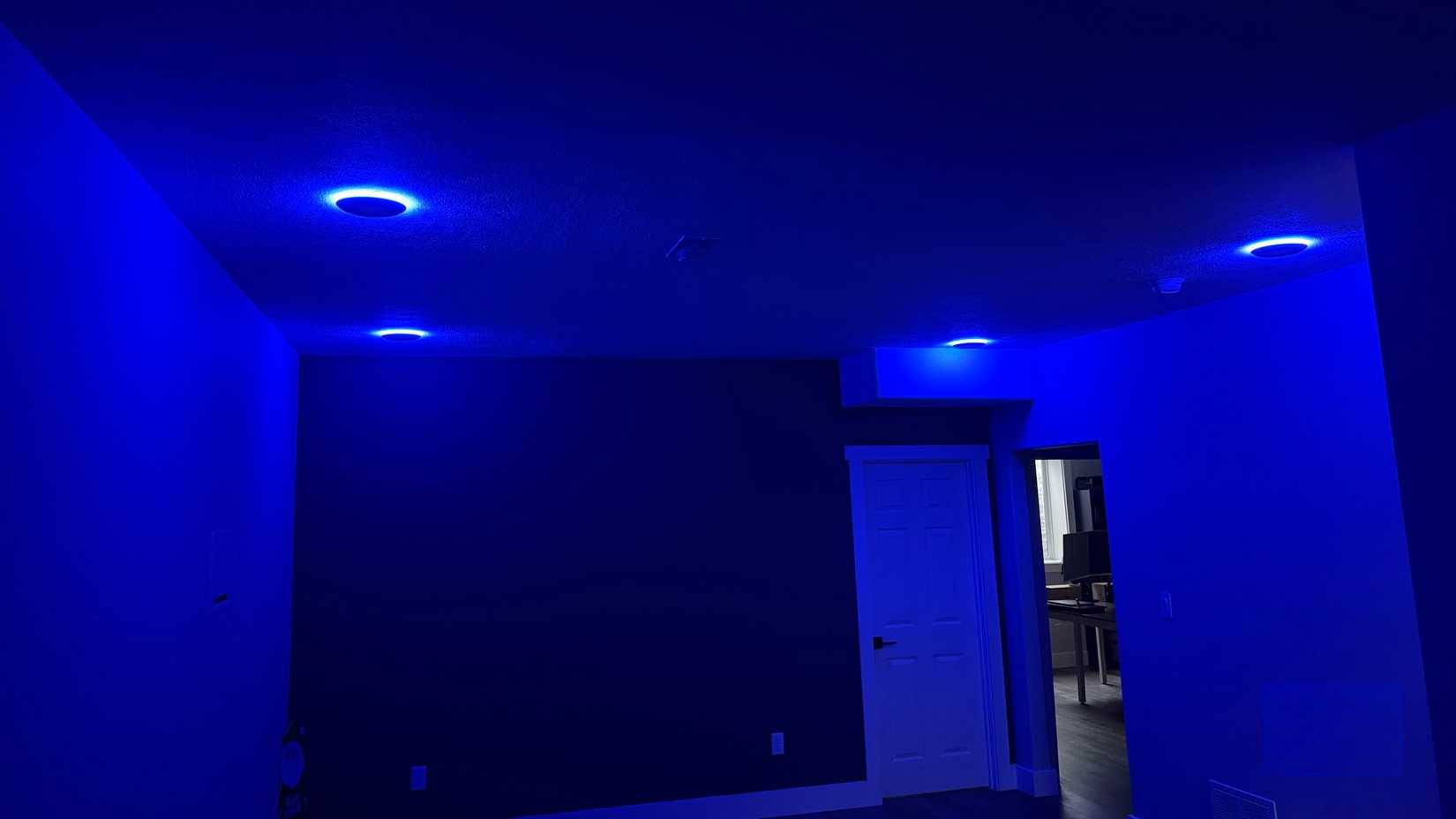
There may not be a specific time of day when you actually need blue light. But you can adjust the lighting based on the time of day for better visibility.
Red light is believed to help regulate the circadian rhythm, which is why people prefer using red light to sleep. Brighter lights, such as high-intensity white light, can make it harder to fall asleep.
You probably want to be most alert during work hours, so using white light in the middle of the day is a smart decision. But as the day draws to a close, dimming the brightness to a softer white or even orange can help regulate your sleep at night.
Final Thoughts
Understanding 4 automation features that make smart lights useful makes it easier to evaluate the information and apply the most relevant recommendations. Focus on the key points above and verify details that may change over time.
FAQ
What is 4 automation features that make smart lights useful?
Explore 4 automation features that make smart lights useful, including the key concepts, practical examples, important considerations, and useful guidance.
What key points does this article cover?
The article focuses on Set your baby's night light to turn off automatically at a specific time, This is an easy decision!, Use a motion sensor to turn on the lights, with practical explanations and examples.
How can you use this information in practice?
Use the explanations to compare options, verify important details, and make a more informed decision. Apply the recommendations that best match your goals and situation.
Related Articles
 5 Small Automation Features That Make Windows 11 Run Much: Key Takeaways7 minutes read
 What Is Smart Home Smart Home?14 minutes read
 OliLight Climbing Lamp Sends an Alarm Signal When Disaster Strikes4 minutes read
 Why Do Smart Switches Work Better Than Smart Lights: Explained6 minutes read
 Homemade Ultra-light Light Switch, Only You Can Turn It On7 minutes read
 Cosmo's Bicycle Helmet Lights Will Warn Others When You Fall4 minutes read
Reader Comments 0
Sign in with email or Google to join the discussion.