Table of Contents
Discover the 4 most useful open source extensions for Chrome, Firefox, Safari. Help browse the web safely, securely, reduce eye strain and improve work performance.
The right extensions can dramatically improve your day-to-day productivity. The goal is always to reduce desktop clutter, limit distractions, and find tools that make things simpler and more enjoyable.
That's why open source extensions are always the preferred choice. Open source offers transparency, is continuously maintained by the community, and doesn't force users to trade personal data for convenience. In addition, most of these extensions are cross-browser compatible, providing a consistent experience across Chrome, Firefox, or Safari.
Here are four standout extensions that everyone should install:
1. uBlock Origin Lite
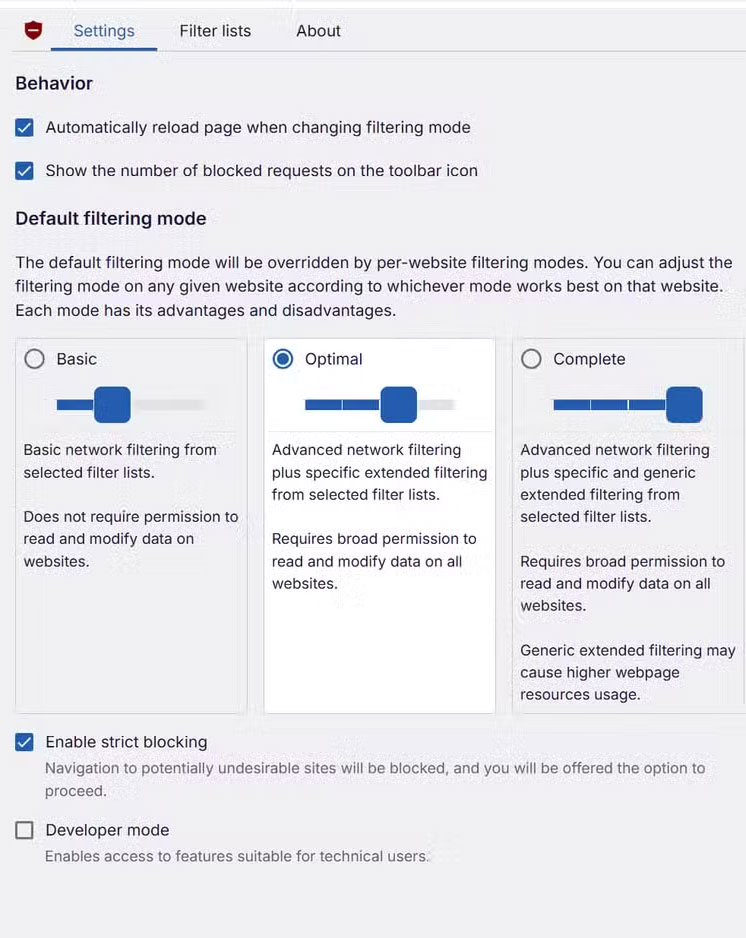
UBlock Origin Lite is an open-source content blocker that eliminates ads, trackers, and web junk even before a page loads. Instead of having to fight trackers head-on, it relies on community-maintained filter lists to ensure most unwanted content is blocked right away. The 'Lite' version is built to the latest standards, is lightweight, runs smoothly, and is compatible with Chrome, Firefox, and Safari.
Also, uBlock also has a full version (uBlock Origin) with many advanced features such as script blocking, aesthetic filtering. However, this version is no longer compatible with Chrome, and requires users to customize more. For most users, uBlock Origin Lite is a balanced choice between efficiency, simplicity and stability.
2. EFF Privacy Badger
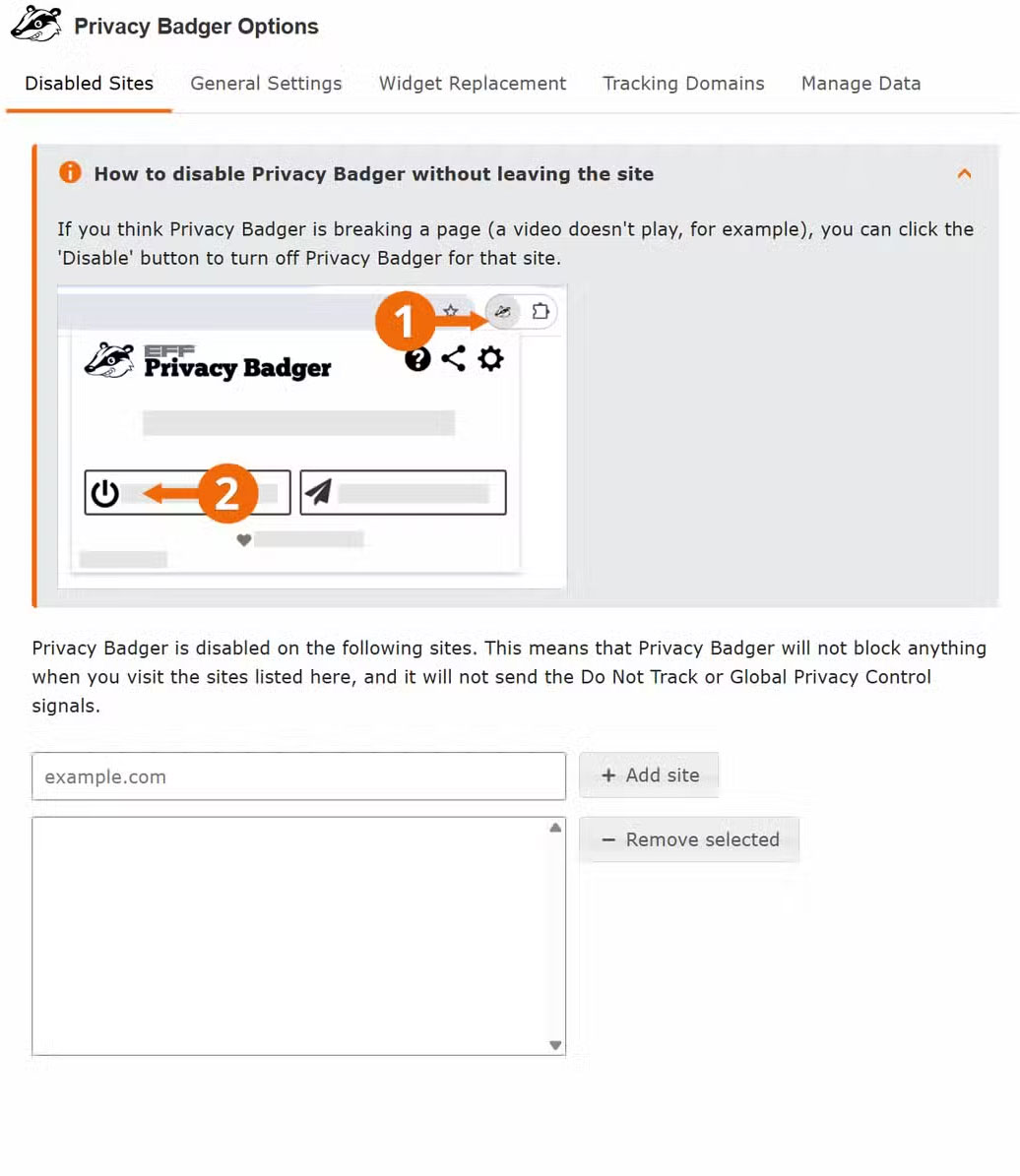
Privacy Badger is a utility that blocks hidden third-party trackers. What's special is that it doesn't require too many settings or pre-made block lists. Instead, the tool will 'learn' as you browse, automatically detecting and blocking domains that track users.
Compared to uBlock Origin Lite, Privacy Badger takes a different approach: uBlock relies on a pre-made list, while Privacy Badger tracks actual behavior. The combination of the two creates a dual layer of security: uBlock handles the obvious 'intruders', while Privacy Badger detects and gradually blocks more sophisticated ones.
3. Bitwarden
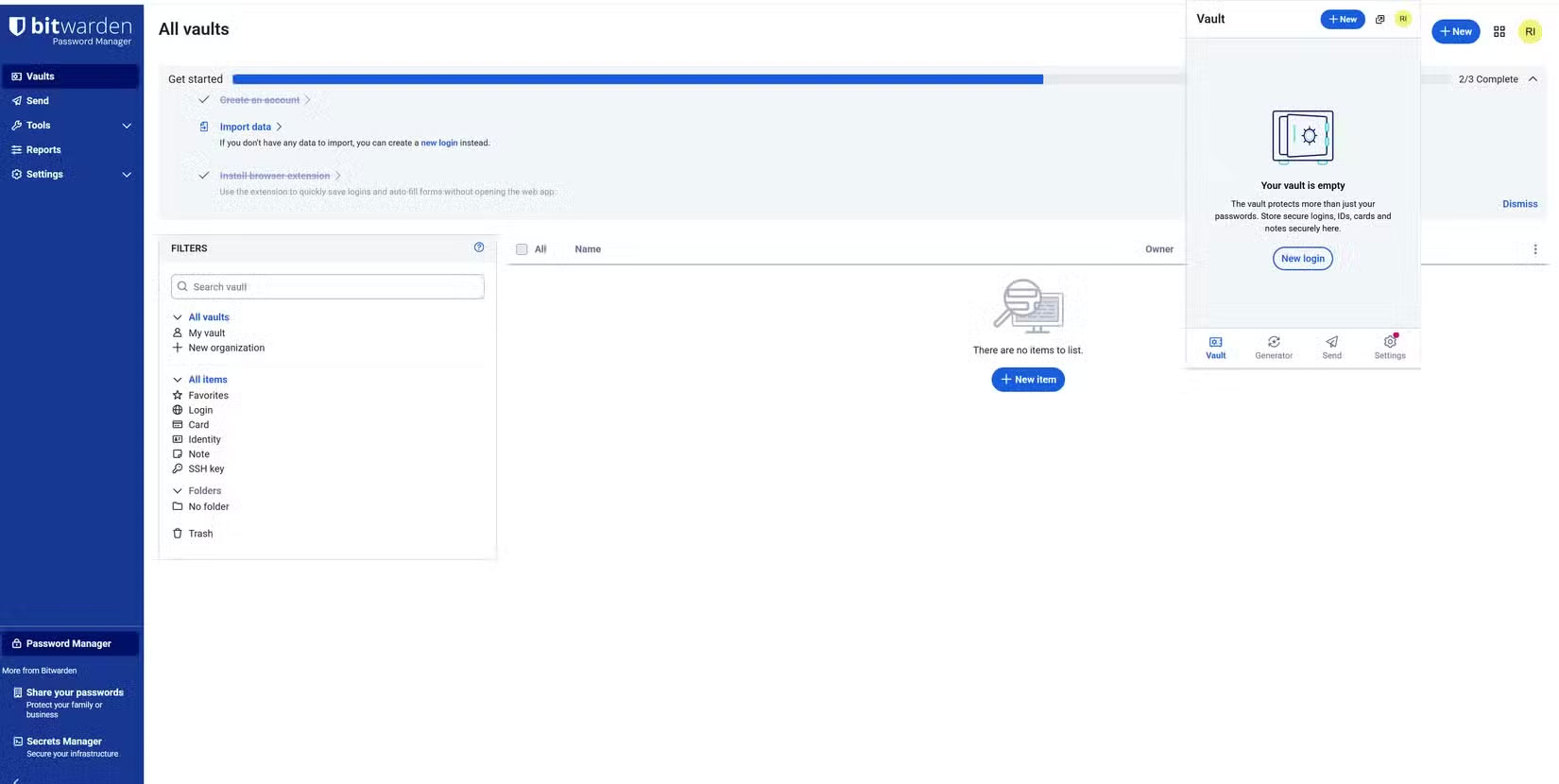
Bitwarden is an open-source, cross-platform password manager. With the growing number of accounts – from work to personal – sharing or repeating passwords is no longer safe. Bitwarden solves this problem by storing and generating strong passwords and autofilling them when needed.
The biggest plus is transparency. The source code has been independently audited, giving users peace of mind when storing sensitive data. Although the interface can be a bit 'uncomfortable' to navigate, given the value Bitwarden brings, it's still a solid choice.
4. Dark Reader
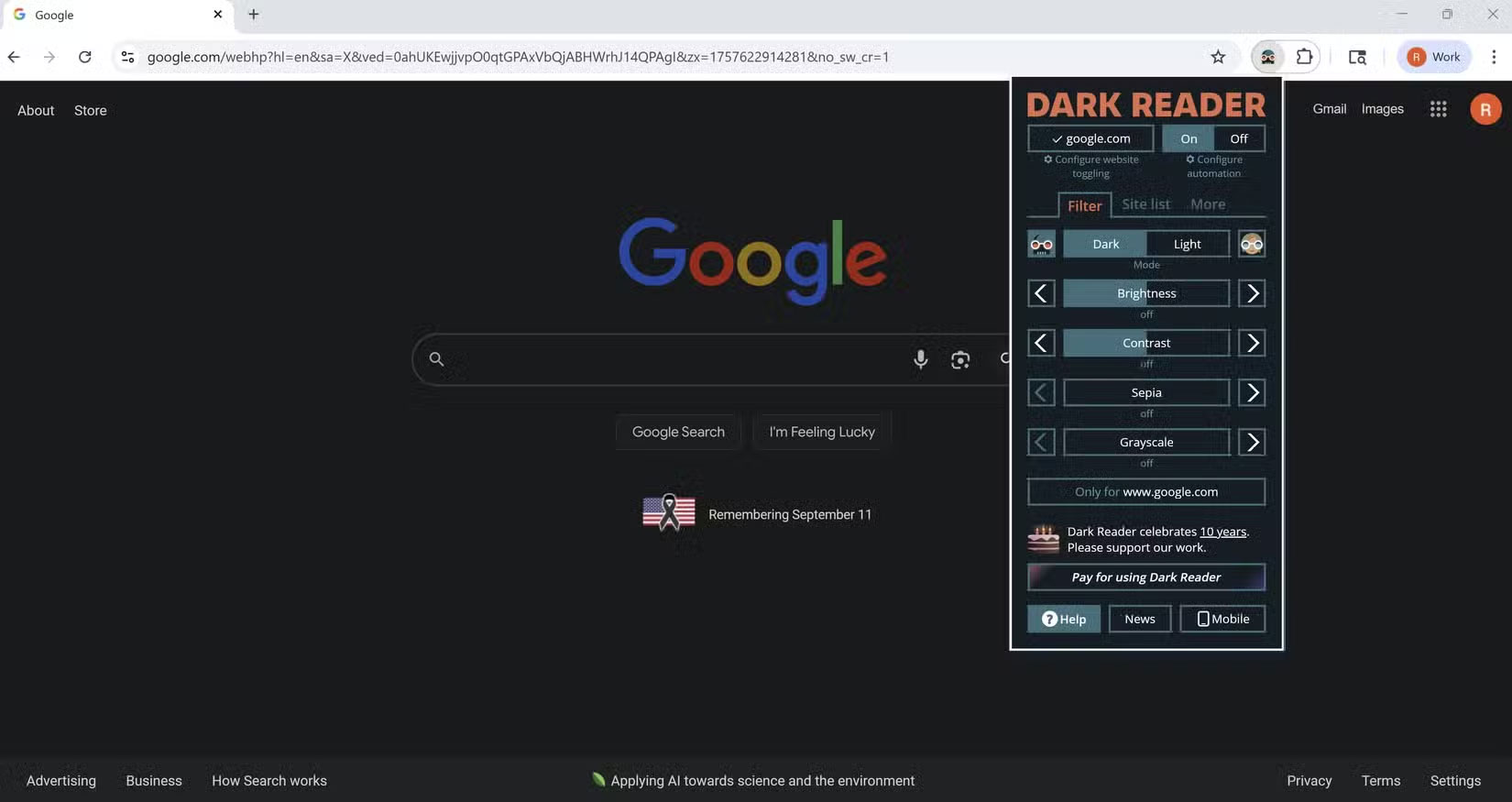
Dark Reader is a 'savior' for those who have to look at the screen for hours on end. The utility lets you customize brightness, contrast, and even fonts, helping to reduce eye strain and headaches when working long hours.
While not always perfect (some websites display unstable), Dark Reader provides comfort, true to its main purpose: making eyes more comfortable when having to constantly contact the screen.
These extensions are not just 'accessories' for your browser, but also important tools for managing your privacy, security and comfort while working online. The fact that they are all open source further strengthens the trust that personal data is protected, and the browsing experience is consistent across all platforms.
FAQ
What should you know about the options in this guide?
In practical terms, discover the 4 most useful open source extensions for Chrome, Firefox, Safari. Help browse the web safely, securely, reduce eye strain and improve work performance.
Which option is the best choice?
The best choice depends on your priorities, compatibility, budget, and the specific features discussed in the comparison.
What should you compare before deciding?
Compare core features, limitations, ease of use, compatibility, and long-term value before making a decision.
Related Articles
 4 Open-Source Chrome Extensions Worth Installing4 minutes read
 10 Best Open Source Web Browsers9 minutes read
 Instructions for Installing Extensions on Edge Browser Windows 103 minutes read
 How to Remove Add-Ons (Extensions) on Chrome, Firefox and Some Other6 minutes read
 6 Browser Extensions That Change the Way You Use the Web6 minutes read
 7 Browser Extensions to Make the New School Year Easier7 minutes read
Reader Comments 0
Sign in with email or Google to join the discussion.