Table of Contents
Explore you could be falling for this microsoft login scam without even knowing it.
This form of attack is called typosquatting, and it's incredibly sophisticated. At first glance, the sender address looks legitimate. The email design matches what you'd expect from Microsoft. Even the link in the email looks right. But if you look closer, you'll notice something's off: A single character is enough to get your account hacked.
What is Typosquatting and How Does It Work?
A visual trick that exploits the way we read
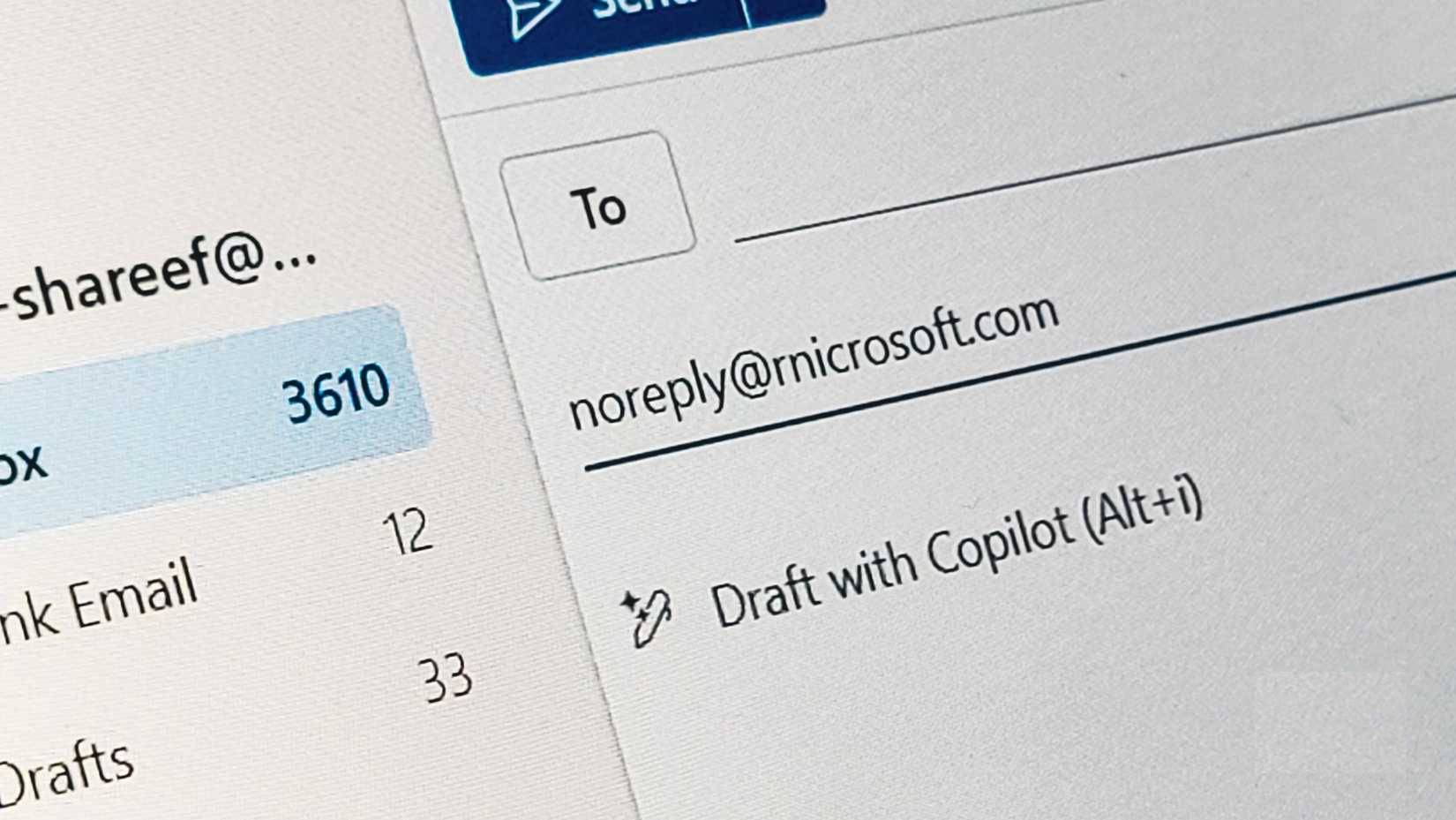
In this case, the attacker registered a domain like rnicrosoft.com and sent emails from there as if they were an official Microsoft support department. At first glance, especially on a phone, your brain might see the domain as microsoft.com instead of 'r-nicrosoft.' This is classic typosquatting (aka URL hijacking).
Typosquatting involves creating fake domains that look almost identical to popular websites. Attackers use misspellings, character changes, different top-level domains (.co instead of.com), or altered subdomains to fool users.
The goal is to trick you into clicking a link or typing in a URL that leads to a similar domain. Once there, the victim is often presented with a fake website with matching branding and design. You log in, enter payment information, or download a file, giving the attacker what they need.
Typosquatting works because our brains process familiar words in patterns rather than reading individual letters. When you see "microsoft" hundreds of times, your brain starts to recognize the shape rather than verifying each character. Scammers take advantage of this by using letters that look similar, like "rn" for "m," "vv" for "w," or "1" for "l."
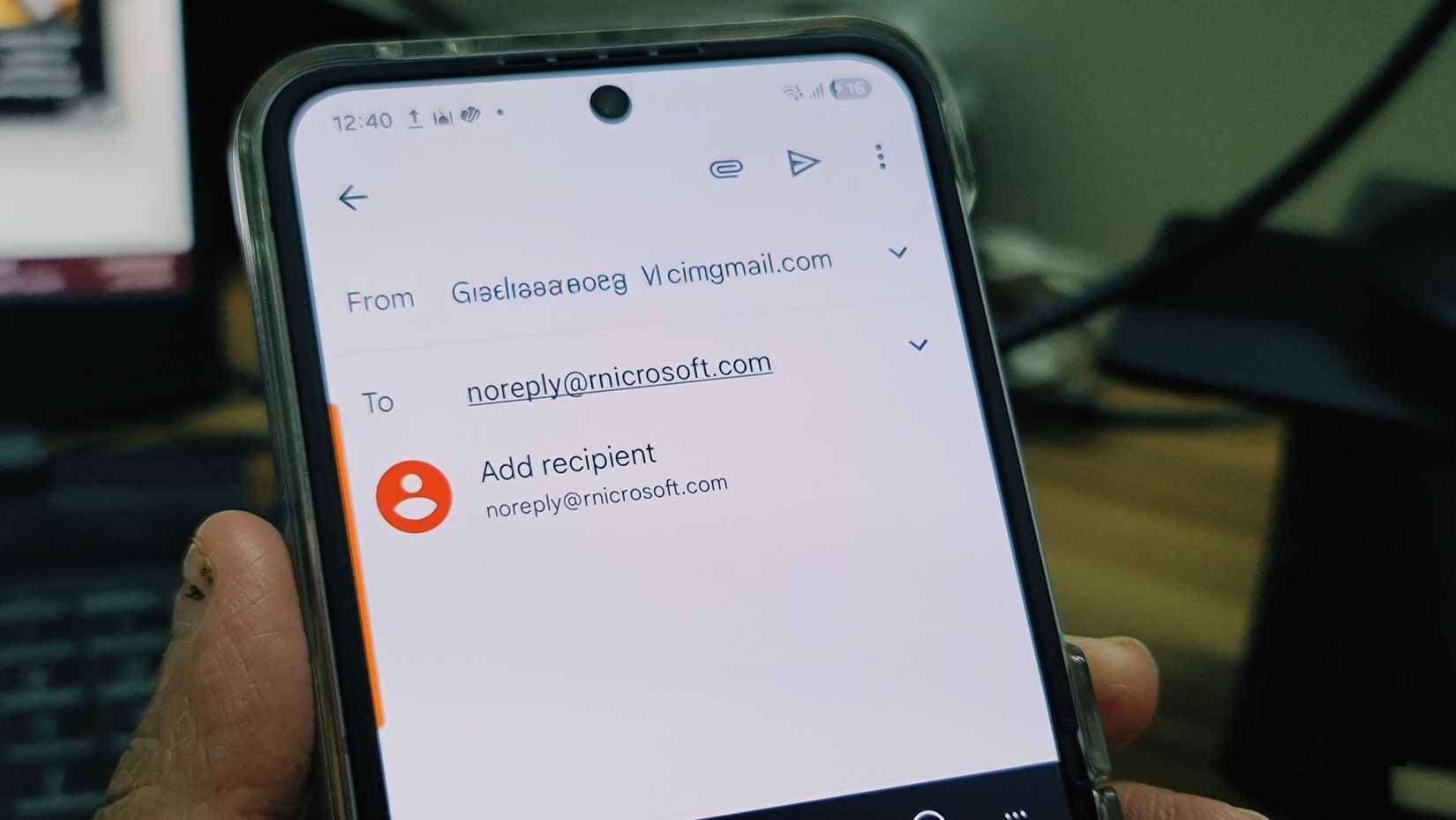
This problem is even more acute on mobile devices. Smaller screens, default fonts, and fast scrolling make these small differences almost invisible. You're checking email on your phone during your lunch break, see a message that looks like it's from Microsoft, and scroll past it without a second thought.
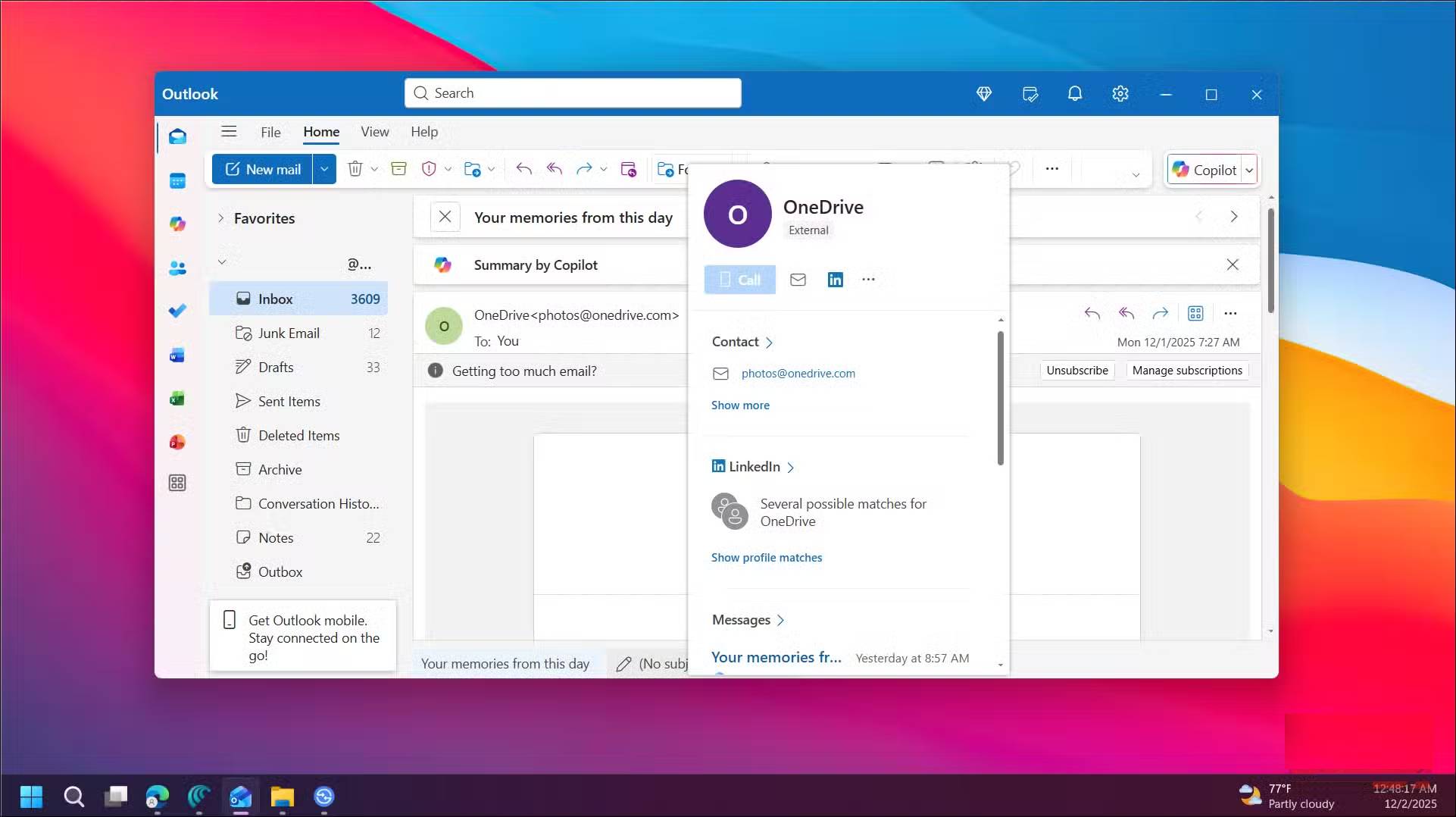
What makes phishing so effective is its use in phishing emails. A scammer can register a domain with a misspelling, set up the right email authentication (SPF, DKIM, DMARC), and send out emails that look completely legitimate. The emails bypass spam filters, land in your inbox, and wait for you to click.
Why don't browser and email filters always detect these?
Legitimate-looking domains pass automated checks
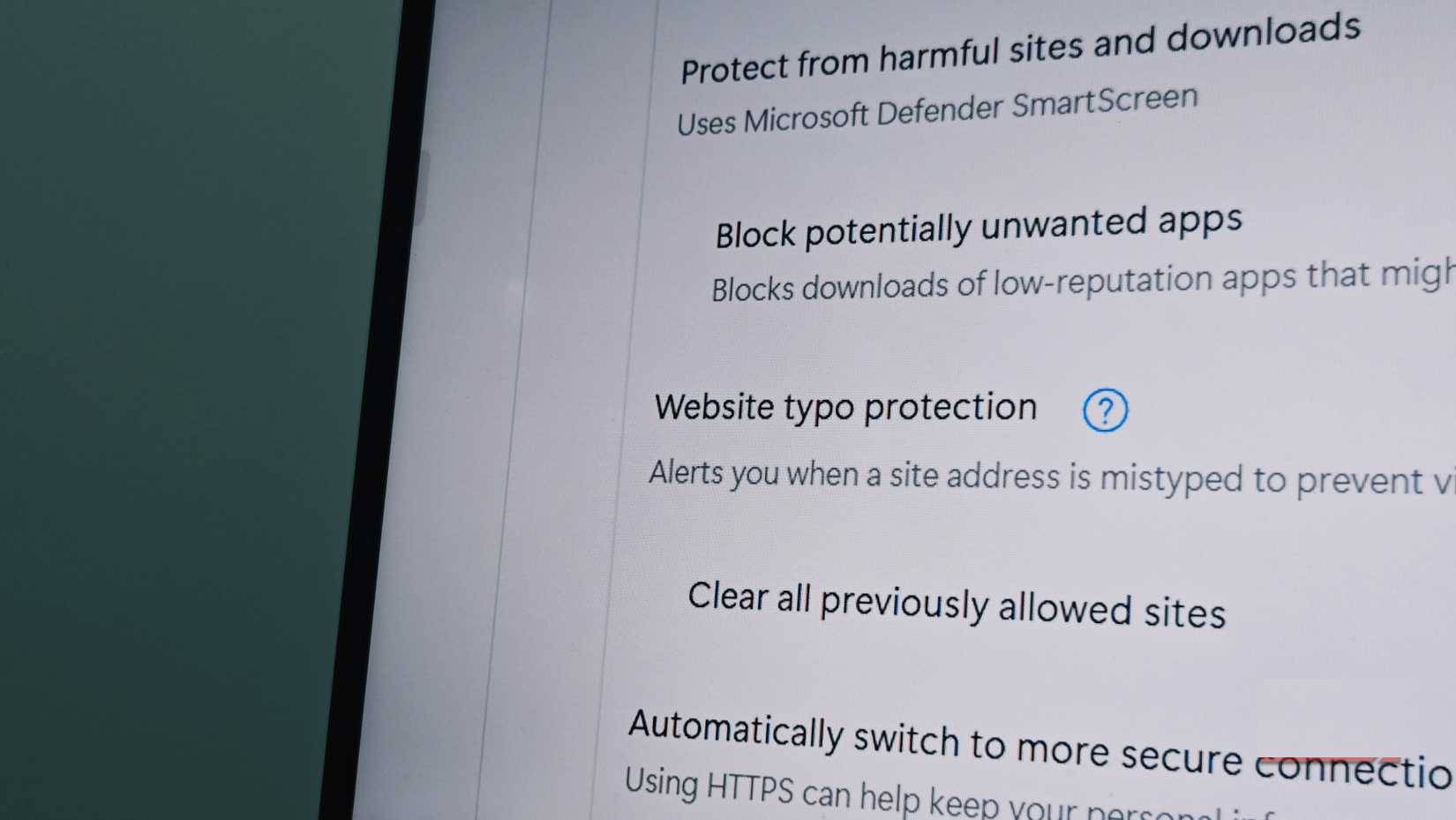
You might think your email provider or browser would spot obviously spoofed or misspelled URLs, and they often do. Edge and Chrome can even detect misspellings in URLs. Unfortunately, typosquatting exploits flaws that these automated systems miss.
Typosquatting domains are typically registered with valid SSL certificates and appear to be safe. Email gateways target known spam patterns and bad senders, but email from a properly configured typosquatting domain with proper authentication can appear statistically identical to legitimate traffic. Unless the filter specifically checks for brand similarity or uses machine learning tuned to detect look-alike domains, it will not flag the email as suspicious.
Browser protections have similar limitations. New typosquatting domains appear all the time and can only be used for a short time before moving to a new infrastructure. Blocklists and typosquatting protections can delay or completely ignore low-volume, targeted attacks. By the time a domain is detected, the damage is often done.
Protecting against Typosquatting is easy, but only if you know how
Simple habits and tools to keep you safe
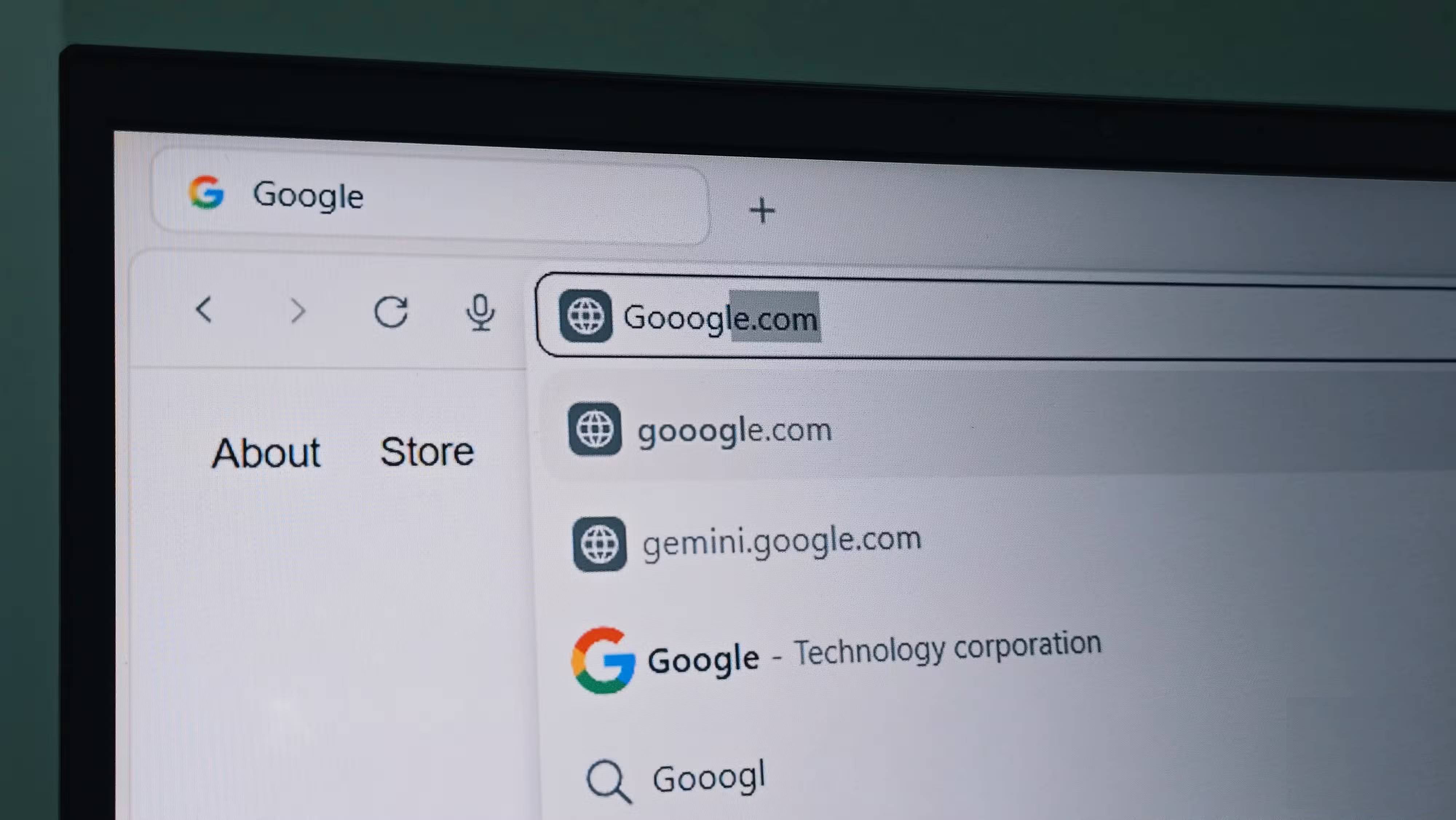

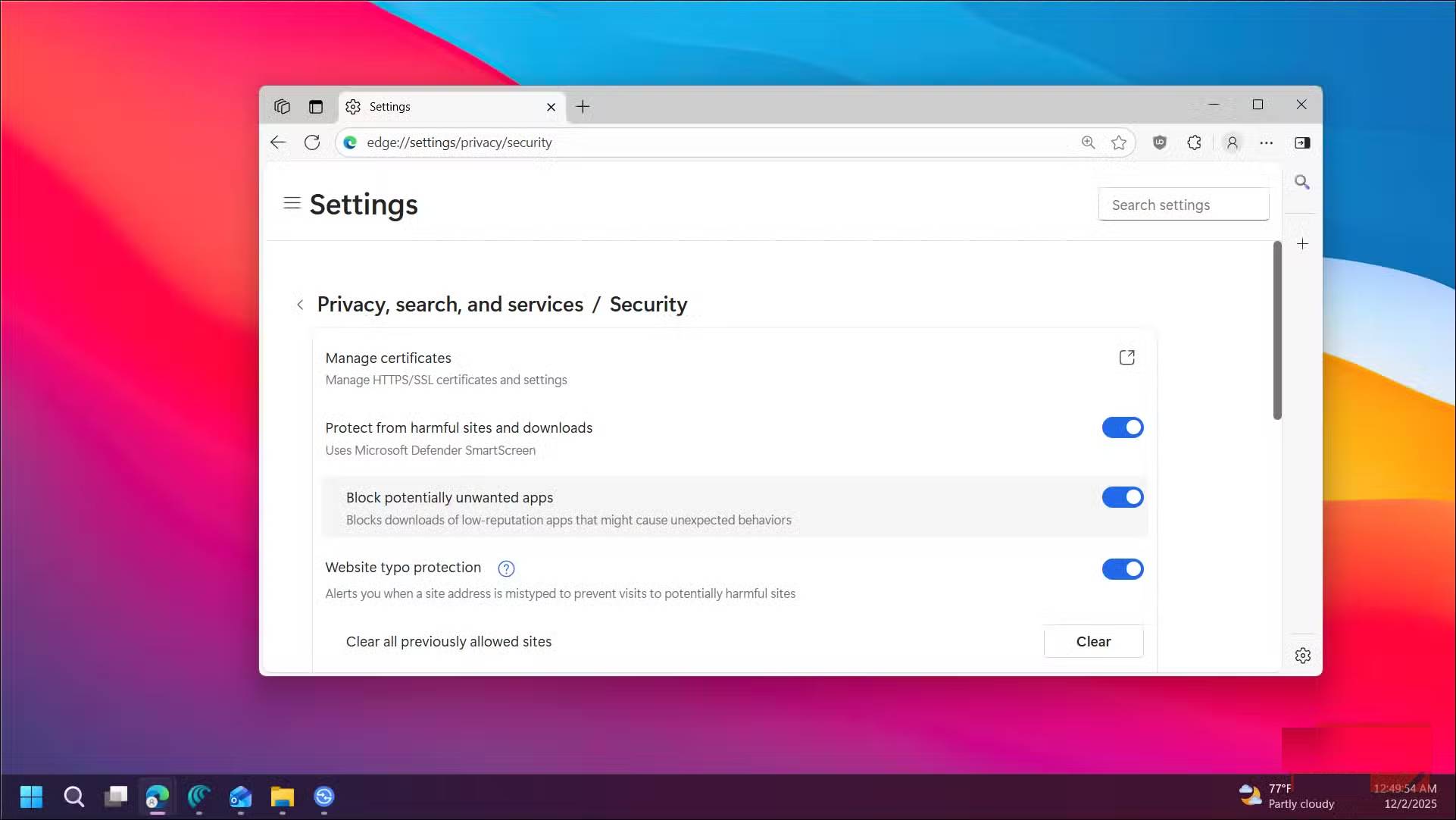
Big tech companies like Google, Microsoft, Amazon, and many others are actively fighting typosquatting and regularly buy common misspellings of domains and redirect them to their official sites. For example, if you type gooogle.com (with an 'o' ), you'll be redirected to the correct URL, Google.com . This prevents scammers from registering common misspellings. But they can't buy every possible variation, which means you still need to be vigilant.
The simplest defense is to pause before clicking. Hover over links in emails to see the actual URL before clicking. Double-check the address bar, especially on mobile devices where small screens make small differences harder to spot. If something looks wrong on the login page, including the wrong font, missing elements, or anything else that doesn't look right, close the tab and navigate directly to the site by typing the URL yourself or using a bookmark.
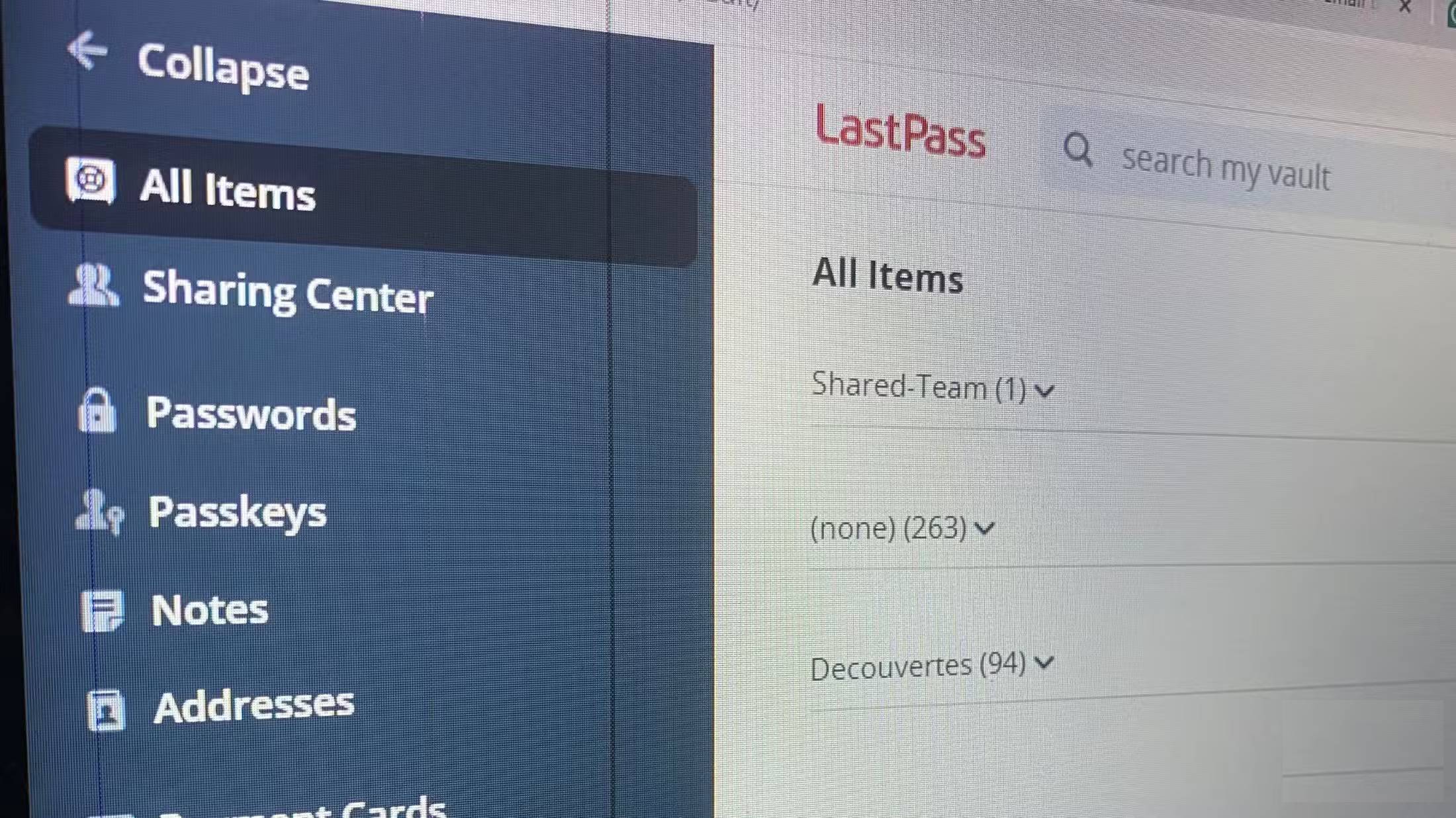
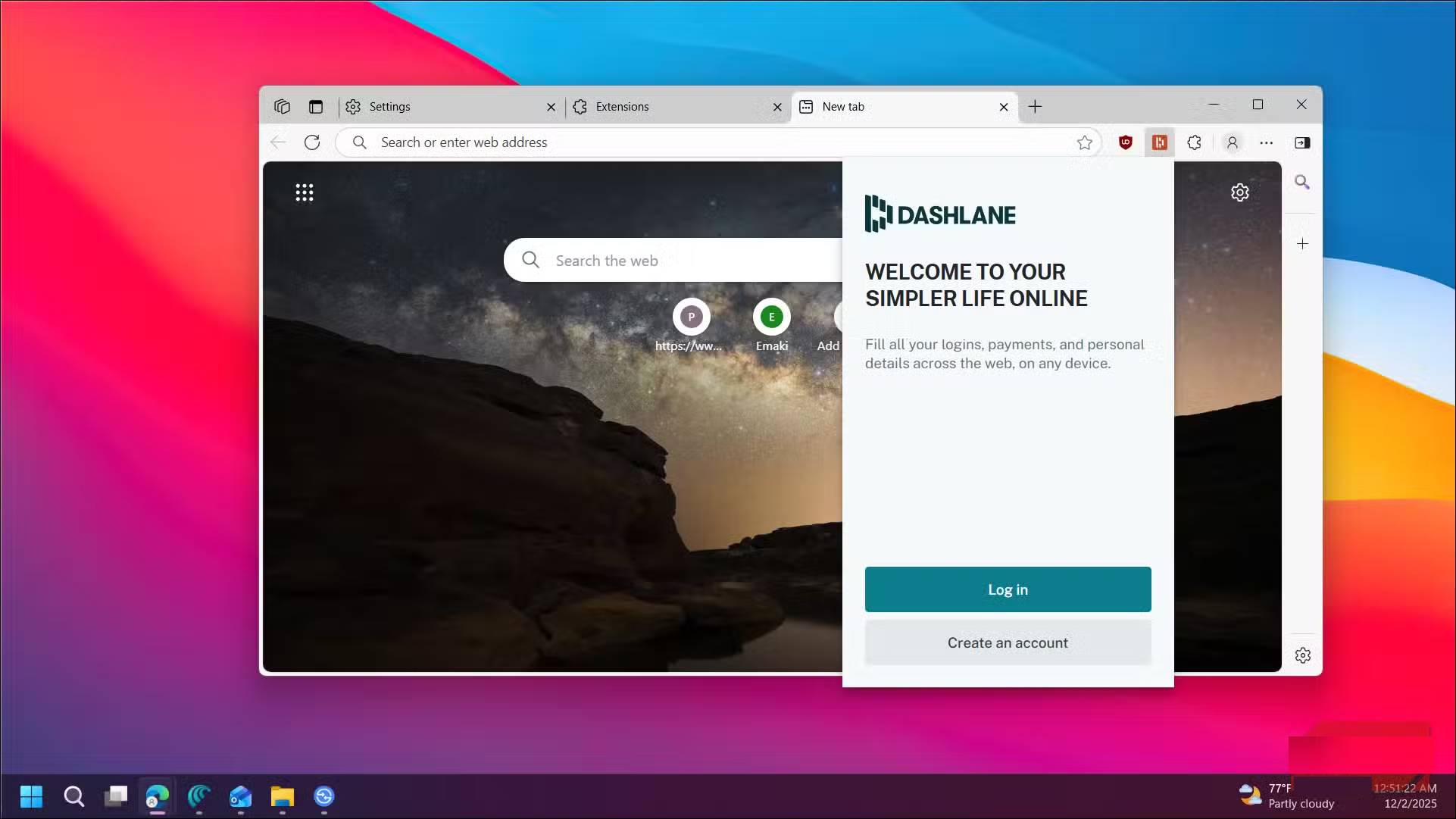
Password managers offer built-in protection. If your password manager doesn't autofill on the login page, that's a clear sign that the domain isn't one you typically use. Password managers check the domain itself, not the interface, so sites that have stolen passwords won't trigger autofill.
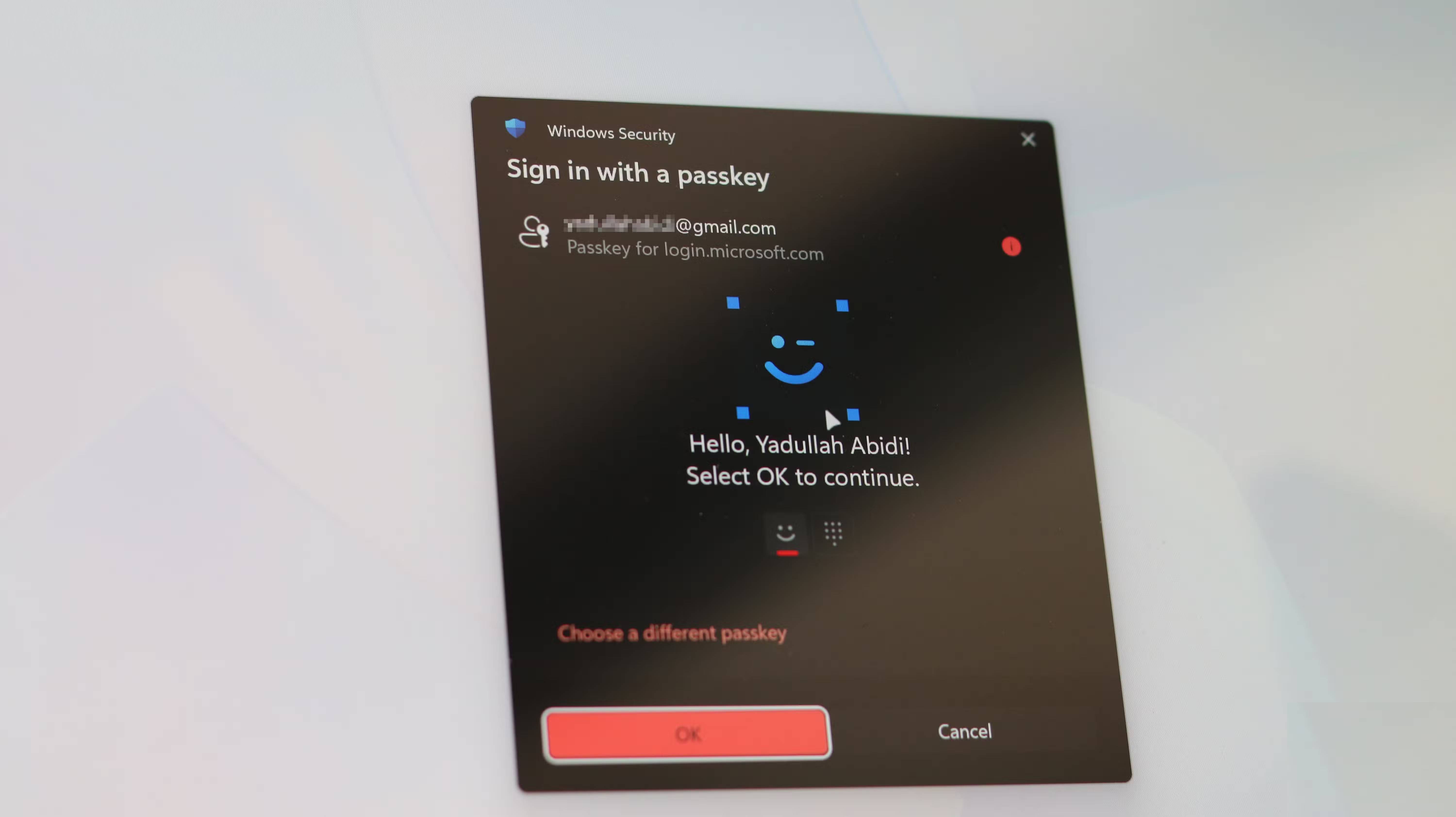
For even better protection, consider switching to using passkeys instead of passwords. Passkeys are designed to prevent phishing because they are tied to specific domains and won't work on similar sites. You can also use hardware security keys for accounts that support passkeys. These physical devices verify the authenticity of the site before authenticating, making password-stealing attacks essentially useless.
Final Thoughts
Understanding you could be falling for this microsoft login scam without even knowing it makes it easier to evaluate the information and apply the most relevant recommendations. Focus on the key points above and verify details that may change over time.
FAQ
What is you could be falling for this microsoft login scam without even knowing it?
Explore you could be falling for this microsoft login scam without even knowing it.
What key points does this article cover?
The article focuses on What is Typosquatting and How Does It Work?, A visual trick that exploits the way we read, Why don't browser and email filters always detect these?, with practical explanations and examples.
How can you use this information in practice?
Use the explanations to compare options, verify important details, and make a more informed decision. Apply the recommendations that best match your goals and situation.
Related Articles
 FBI Warns of New Scam Targeting Smartphone Users via QR Codes4 minutes read
 The Error on Microsoft's Login System Allows Hackers to Take Control of Any Office Account4 minutes read
 Online Scam: How to Detect Scam Online14 minutes read
 How to Report a Fraudulent App in the iPhone App Store3 minutes read
 Fivetown Explained: CS: Go’s Newest Steam Scam6 minutes read
 The Winning Scam from Google: 'Game Cat' for Vigilant People6 minutes read
Reader Comments 0
Sign in with email or Google to join the discussion.