Table of Contents
WYSIWYG stands for What You See Is What You Get. A WYSIWYG tool displays content for editing in a form that is close to its final form.
Part of the magic of software development happens when lines of code are transformed from the elements that make them up. You'll find that you need creative visualization when you try to build something this way. This is true for word processing, web design, and programming.
WYSIWYG stands for What You See Is What You Get. A WYSIWYG editor displays content for editing in a form that is close to its final form. It's not the first choice for developers writing code, but a WYSIWYG editor is perfect for people building a website or designing a presentation.
What is a markup language?

Descriptive code, also known as markup language, formats elements of a document when it is processed by some kind of interpreter. Descriptive tags apply meaning or formatting to a block of text using a library of predefined concepts, such as bold text, bulleted lists, or even hyperlinks.
Document markup language is something you're probably already familiar with. It's the same language that tells computers to display web page text in bold when surrounded by tags .
That said, when you are using an application like Word, the text only gets bold when you press the button. Where are the tags hiding? Do they exist in these cases?
Objectively, there is something that tells the computer to display text in bold. However, there are no display tags because their function – making text bold – applies in the same way that a PDF file displays its formatting.
WYSIWYG editors are great for people who have an idea but don't know HTML or any other markup language. With these types of word processors and other rich text editors, you can focus on what you're trying to write without having to have extensive technical knowledge.
What is a WYSIWYG editor?

Xerox designed and used the first WYSIWYG systems. They used these interfaces to convert documents, preventing printing or physical copying. They were primitive and unreliable, but they set a valuable precedent.
If you use Google Docs to work with a document, you're familiar with WYSIWYG editors. You can start italicizing text and the app will format it as you type. If it wasn't a WYSIWYG editor, italicizing wouldn't look like this. You'll see related words and phrases, in simple formatting, and tags .
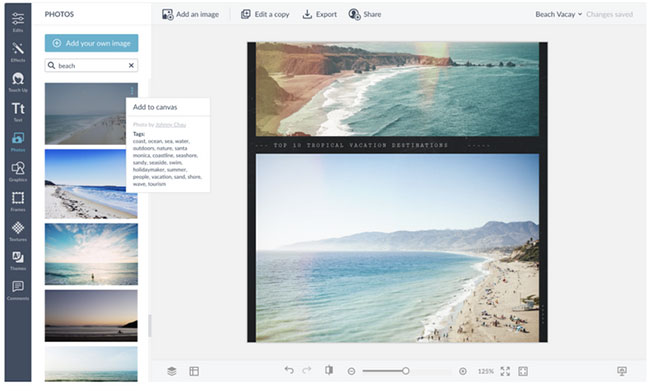
To put this in perspective, think of a website builder like Wix or Squarespace. Using one of these website builders, you can design a website without writing a single line of code.
The WYSIWYG editing style of these platforms goes a little deeper than Google Docs, but the general principle remains the same. You can drag and drop visual elements, populate the page content with things like media, audio players, and online stores. Everything is built from Lego-like pieces. It's a very different feel than coding a website from start to finish.
Some WYSIWYG markdown editors like Typora allow you to add code markup to your WYSIWYG content as you type. These rich text editors display HTML commands and convert the output to a WYSIWYG display as soon as you type them. In Typora, you can go back to what you wrote by clicking back on the text after the tags around it have disappeared.
10 Best WYSIWYG Editors of 2025
Whether you're building a website, integrating with a headless CMS, or developing a content-rich application, choosing the right WYSIWYG editor can transform your content creation workflow.
1. TinyMCE
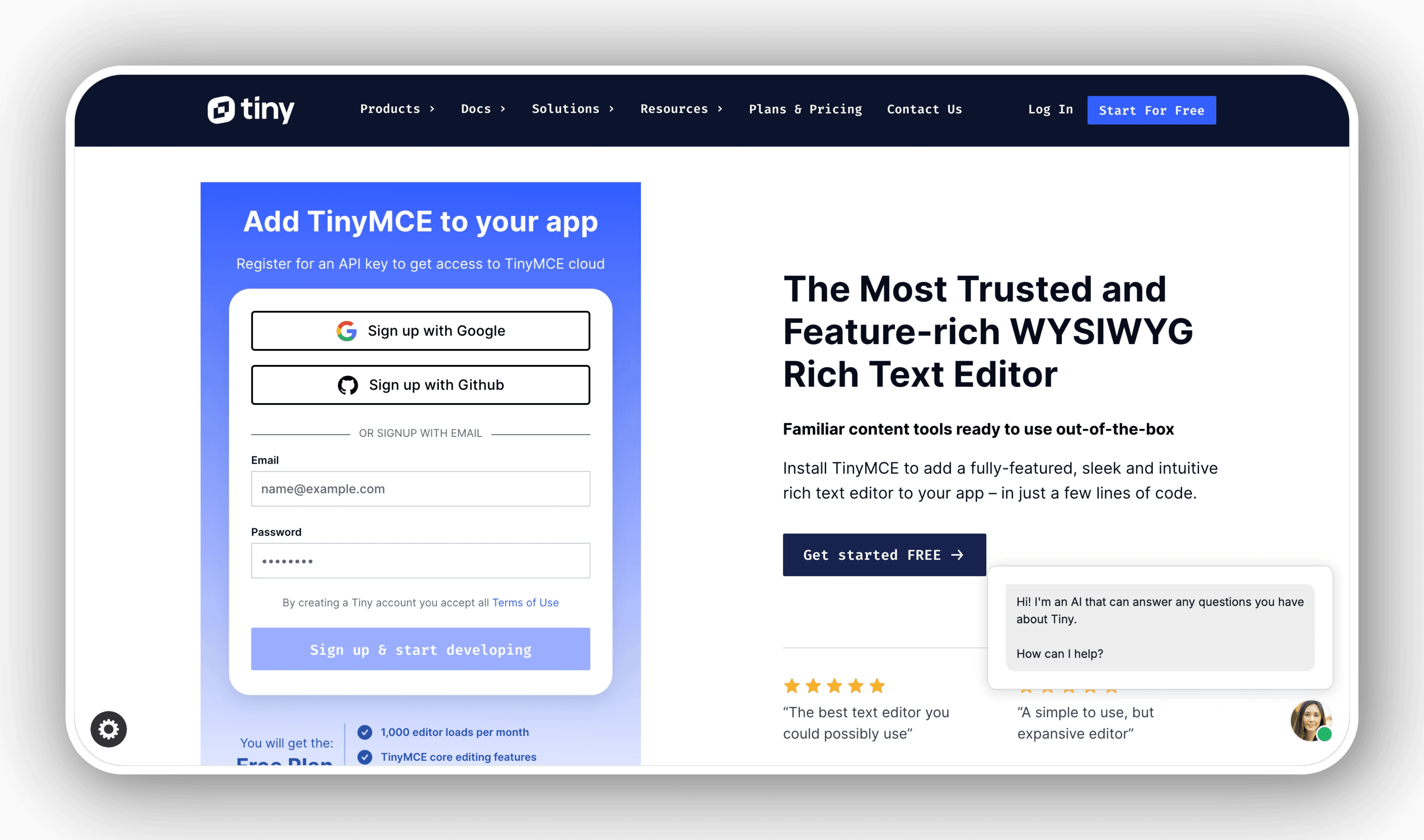
TinyMCE is an established and flexible WYSIWYG editor known for its high customization and seamless integration with various platforms, including React applications and headless CMS platforms. It supports integration with Strapi CMS, allowing developers to replace Strapi's default editor with TinyMCE's rich text editing features. This integration offers advanced content creation capabilities, support for numerous plugins, and customization options, helping to improve productivity and content management in Strapi.
2. CKEditor
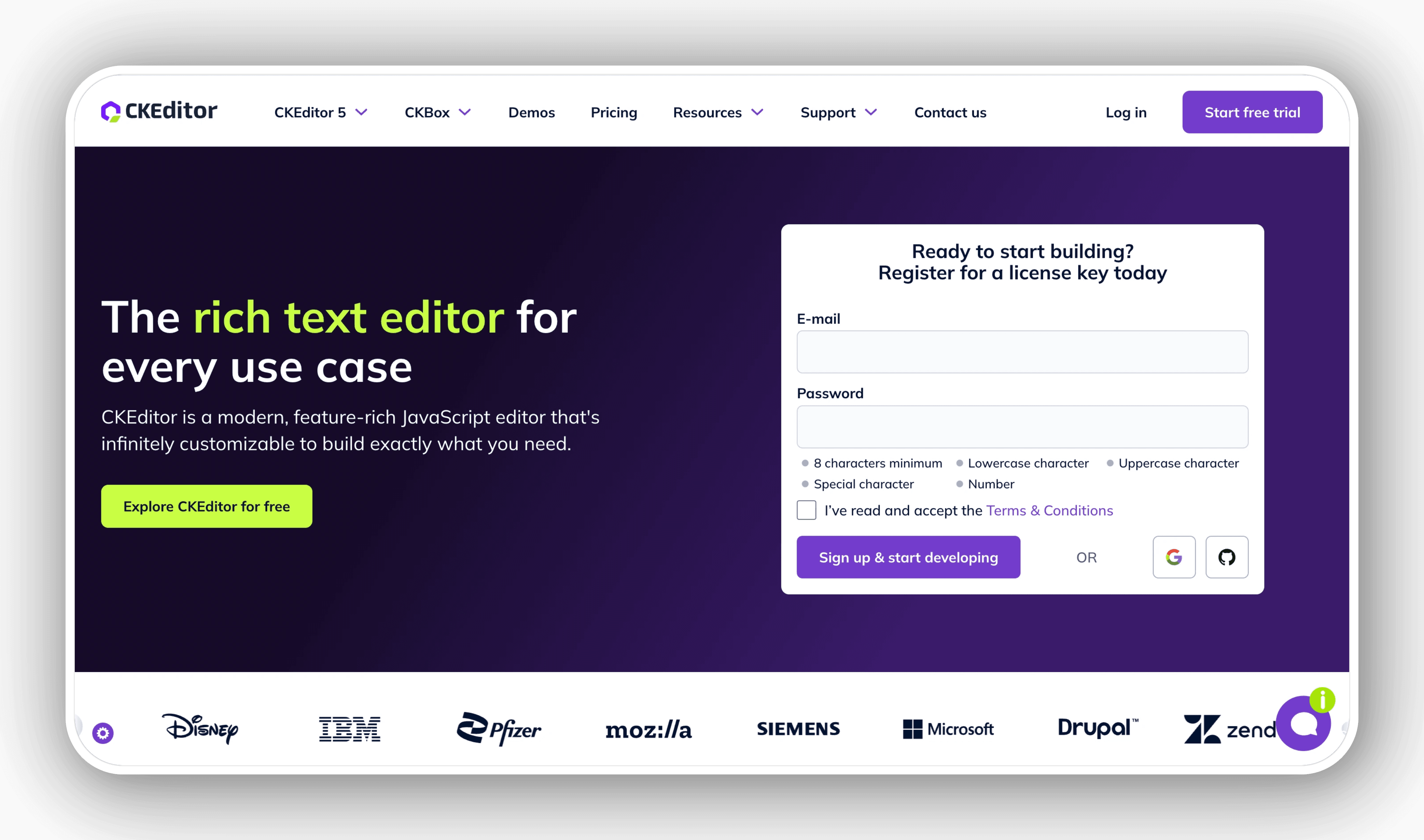
CKEditor is a powerful WYSIWYG editor that offers unmatched flexibility and power, ideal for enterprise and complex content creation needs. CKEditor integrates with Strapi v5, enhancing content editing in a headless CMS environment. This integration provides advanced rich text editing features, improved media handling, and customization options that simplify the content creation process in Strapi.
3. Froala Editor
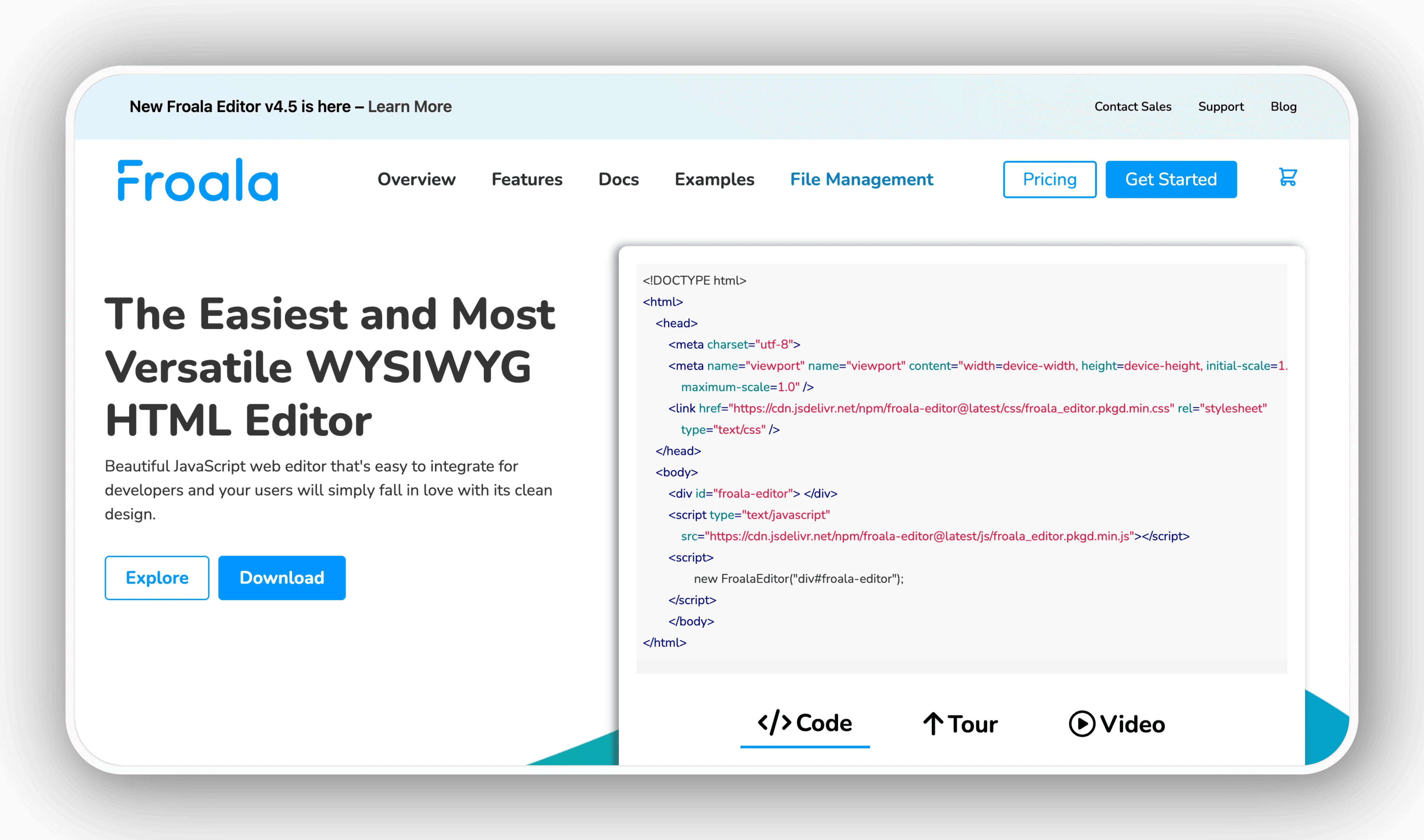
Froala Editor has become popular due to its modern design, lightweight size, and rich feature set. This premium WYSIWYG editor combines performance with aesthetics, making it a top choice for developers looking for a sophisticated editing experience.
4. Quill
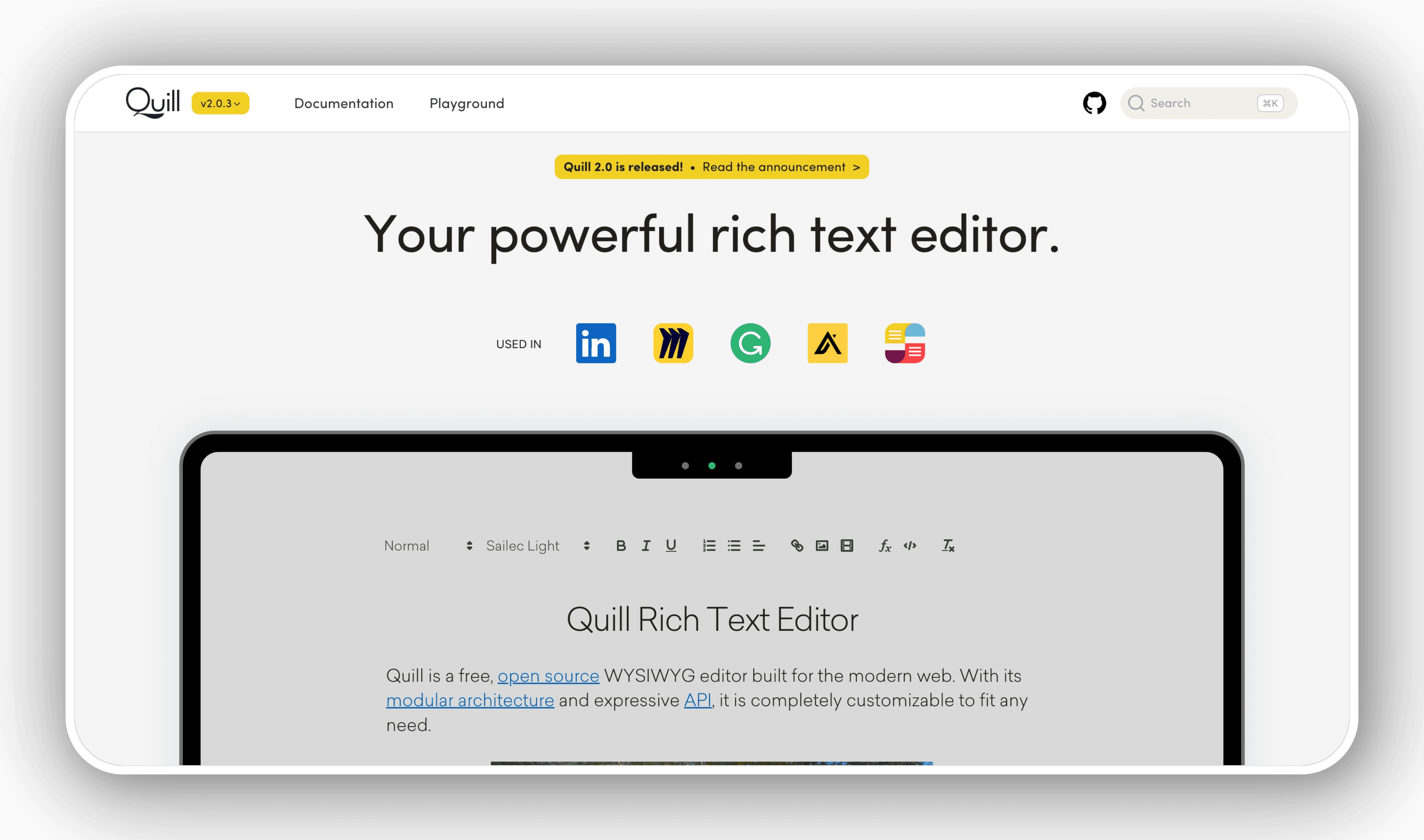
Quill is a free, open source code editor built for the modern web. Its modular architecture and minimalist core make Quill lightweight yet powerful. Quill focuses on providing a clean API that makes customization easy.
5. Summernote
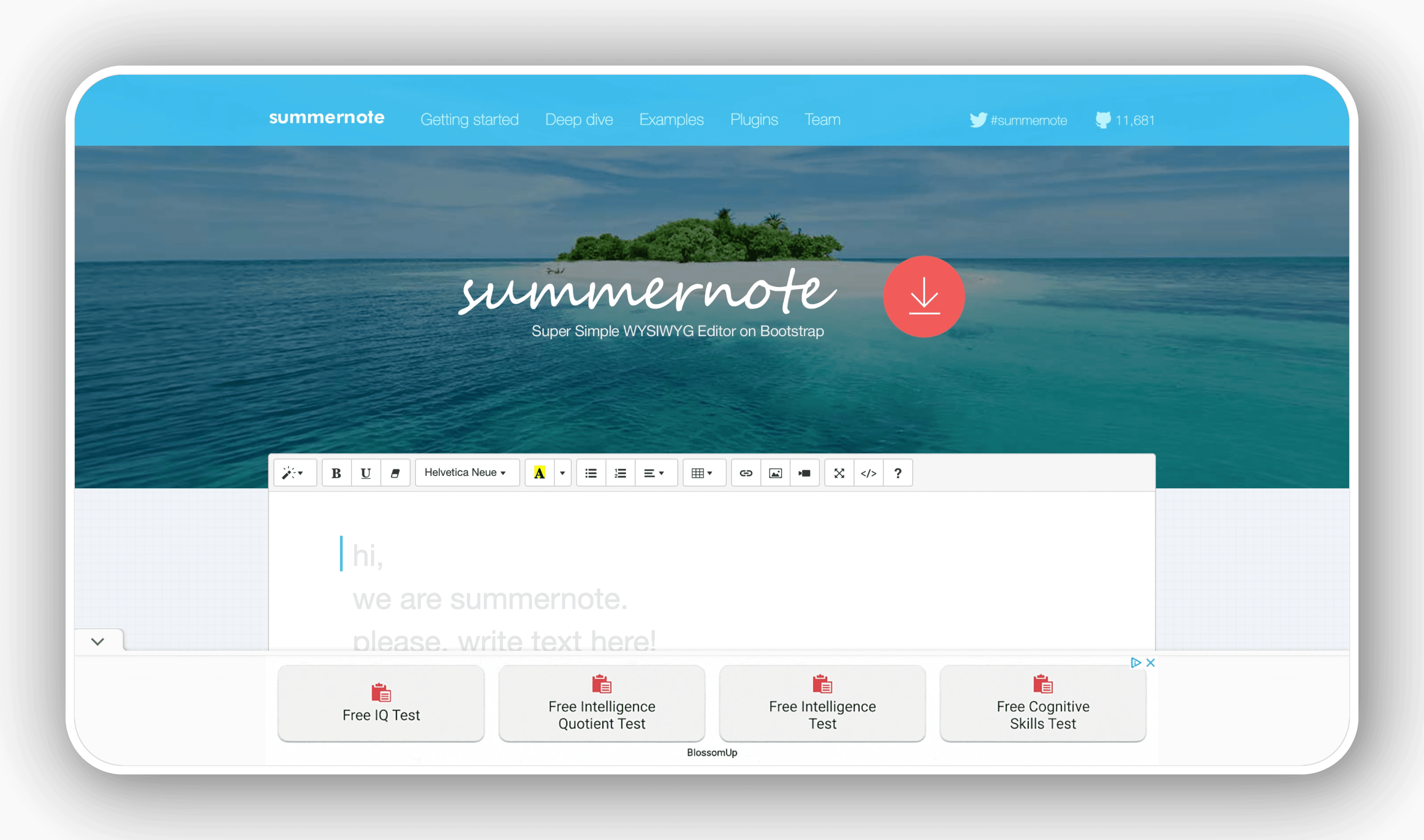
Summernote offers a simple, clean interface while still maintaining powerful editing capabilities. Built on Bootstrap, this open source editor offers seamless integration with Bootstrap-based projects.
6. Trix
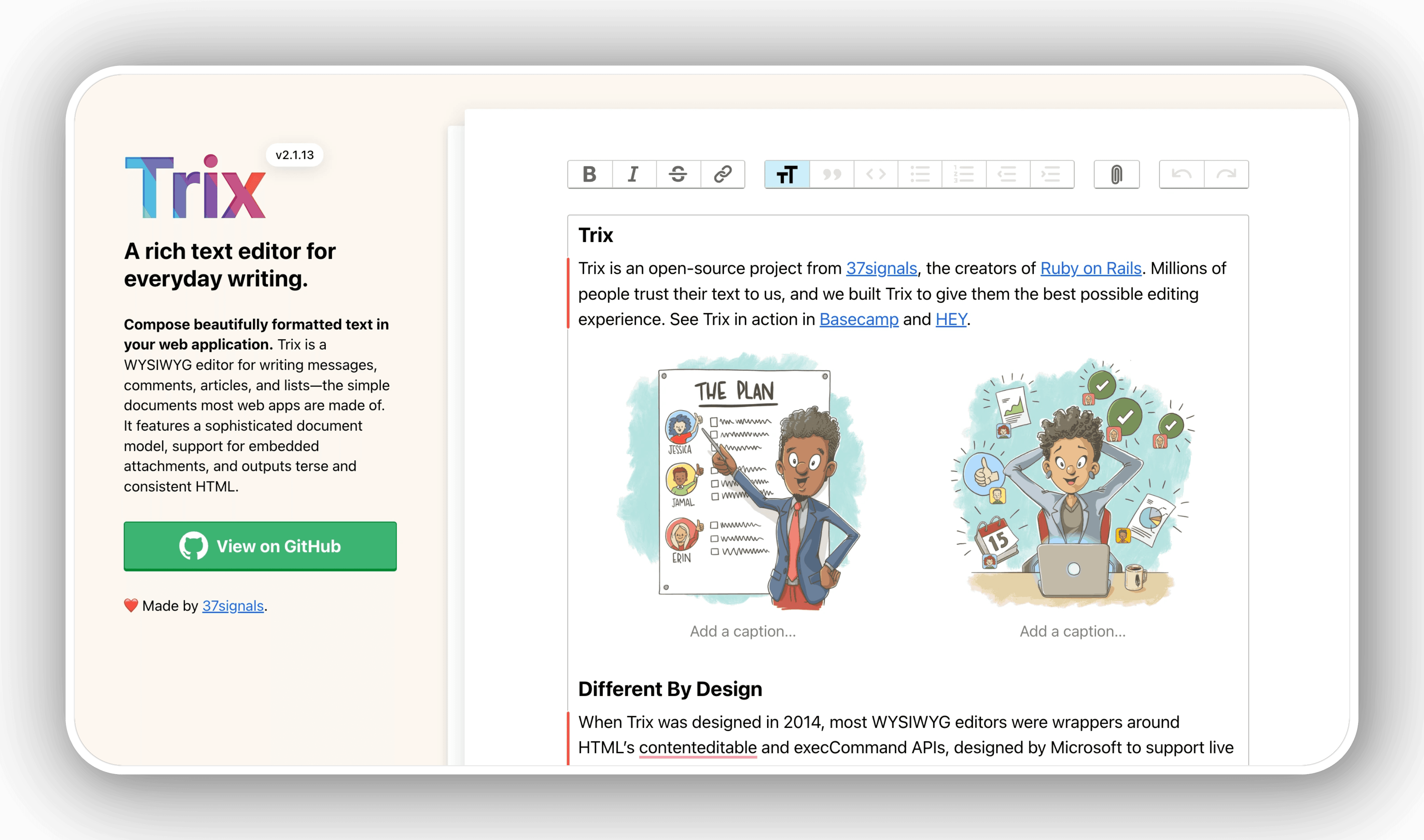
Developed by Basecamp, Trix takes a different approach to rich text editing by focusing on writing rather than formatting.
Trix is perfect for applications that require streamlined content creation with minimal formatting options and situations where content structure takes precedence over style variety.
7. ContentTools
ContentTools offers an innovative approach to content editing with an inline editing system that converts entire website areas into editable content.
ContentTools is perfect for projects that require true contextual editing, sites with complex layouts that require direct manipulation, and situations where WYSIWYG should feel like editing the page directly.
8. MediumEditor
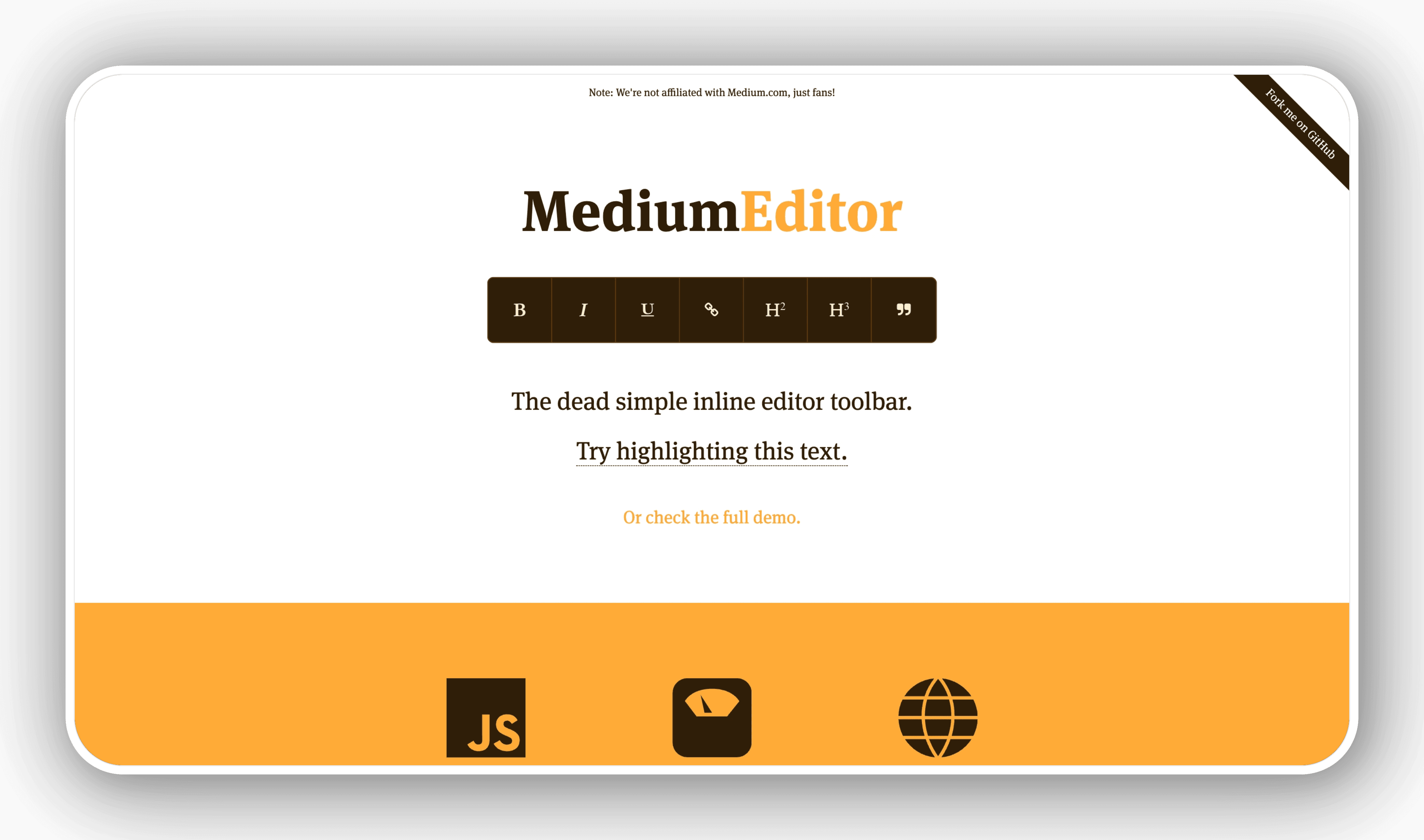
Inspired by the Medium.com editing experience, MediumEditor offers a minimalist inline editing suite focused on distraction-free writing.
MediumEditor is perfect for blogging platforms, publishing websites, and applications looking for a content-focused editing approach with a clean visual aesthetic.
9. Redactor
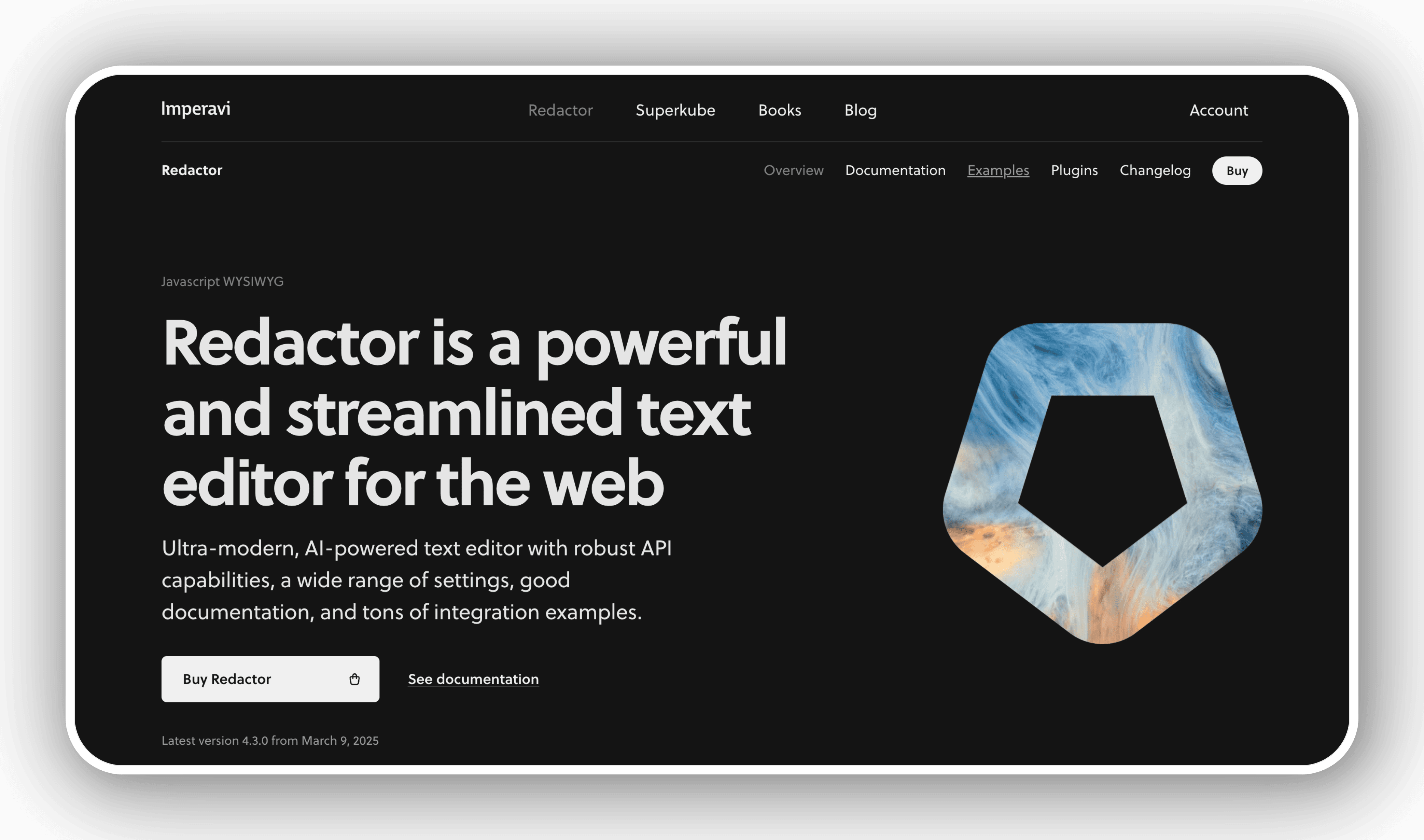
Redactor is a premium WYSIWYG editor that emphasizes speed and simplicity without sacrificing power, especially useful for performance-first projects.
Redactor is perfect for performance-critical applications, projects that require clean source code output, and professional publishing platforms looking for a balance between features and speed.
10. ProseMirror
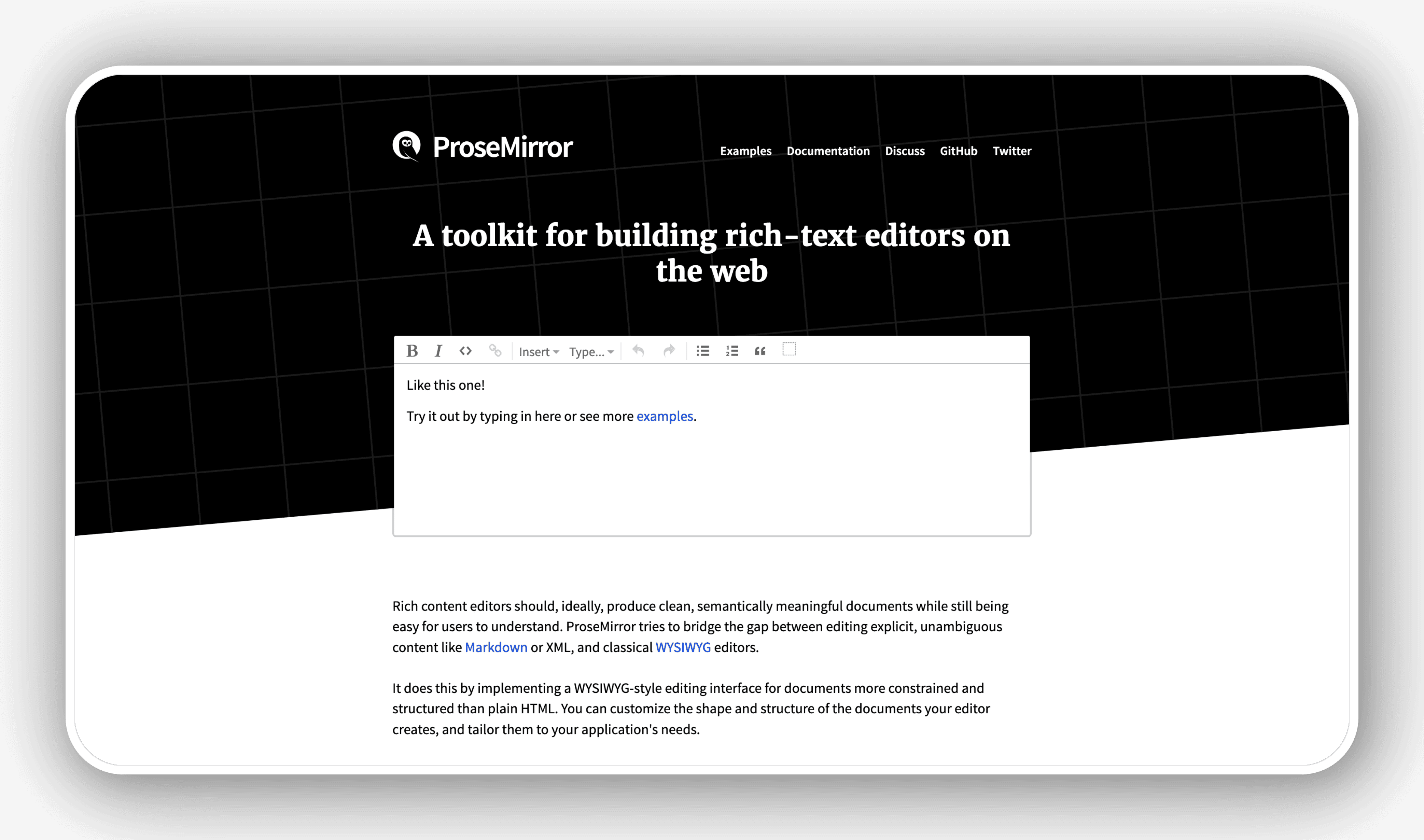
ProseMirror stands out with its toolkit approach to rich text editing, providing building blocks for custom editors rather than a standalone solution.
ProseMirror is perfect for complex applications that require highly customized editors, collaborative editing platforms, and situations where content structuring and validation are critical.
FAQ
What Is Wysiwyg? Top Best Wysiwyg Editors: Complete Guide?
In practical terms, wYSIWYG stands for What You See Is What You Get. A WYSIWYG tool displays content for editing in a form that is close to its final form.
Why does what is wysiwyg matter?
The article highlights that some WYSIWYG markdown editors like Typora allow you to add code markup to your WYSIWYG content as you type.
What is the main takeaway?
The main takeaway is that 10 Best WYSIWYG Editors of 2025 Whether you're building a website, integrating with a headless CMS, or developing a content-rich application, choosing the right WYSIWYG editor can transform your content creation.
Related Articles
 What Is WYSIWYG? What Is Markup Language?5 minutes read
 What Is Markdown and Why Should You Learn It Today?11 minutes read
 What Is Latex? Top 5 Most Popular Latex Editors 20217 minutes read
 5 Best Markdown Editors for Linux: Explained5 minutes read
 11 Top Text Editors for Windows: Recommended Choices10 minutes read
 Top 8 Best Photo Editors for Mac5 minutes read
Reader Comments 0
Sign in with email or Google to join the discussion.