Table of Contents
If your headphones seem to be wearing out faster than you think, it's possible that your daily habits are slowly degrading them.
Wireless headphones have quietly become the default way most of us listen to music, podcasts, or videos. They're small, easy to carry, and offer impressive sound for their size. But for all their benefits, they also have their downsides. Wireless headphones are much more prone to breaking than most other devices you own, and they rarely last as long as you'd like.
On average, headphones can last about two to three years before the battery becomes significantly weak; however, careful use can extend their lifespan even further. So if your headphones seem to be wearing out faster than you think, it's possible that your daily habits are slowly degrading them.
Exposing headphones to extreme temperatures
Headphones don't like saunas and freezers
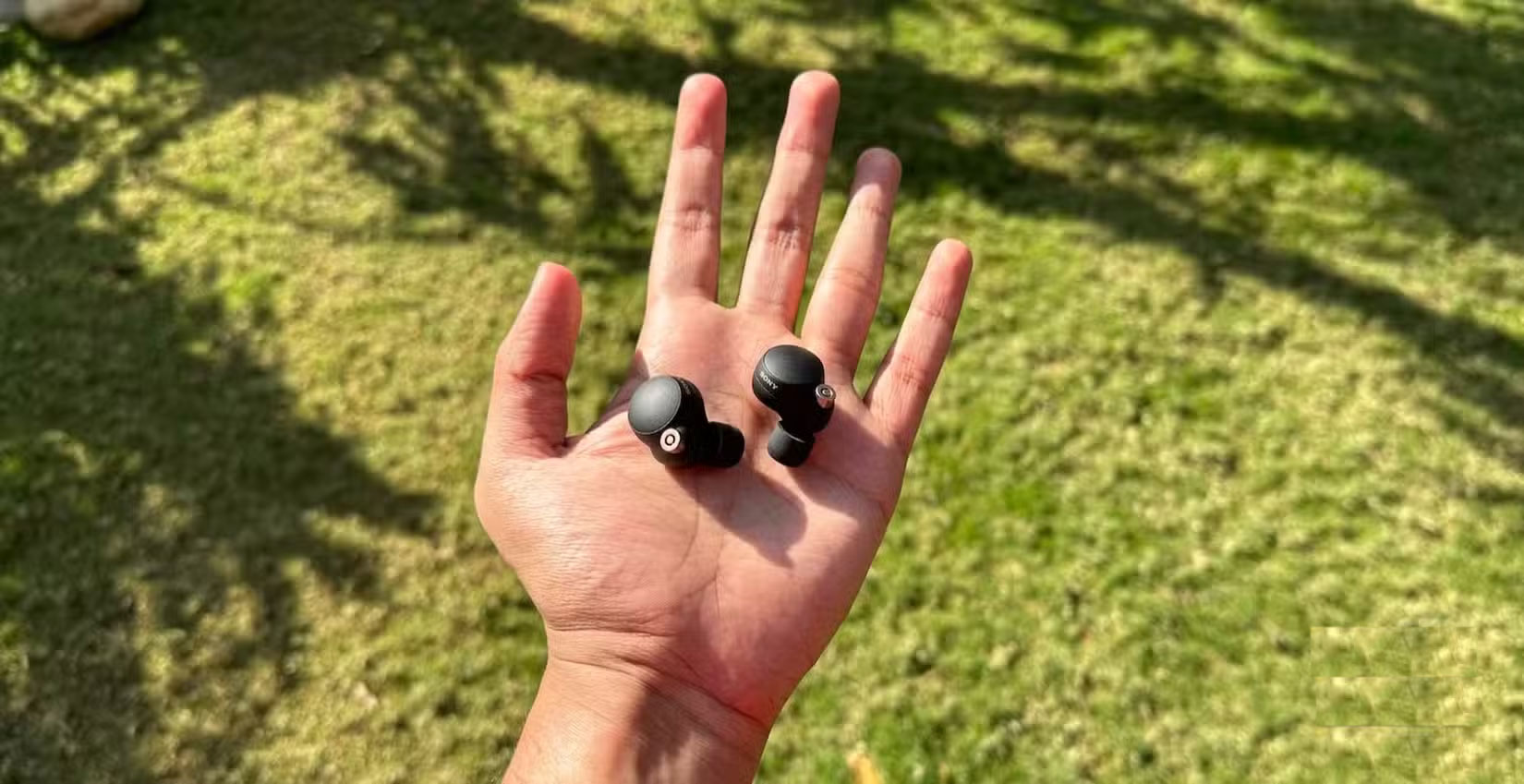
High temperatures speed up the chemical reactions inside the battery cell, causing the electrolyte and electrode materials to break down more quickly. Over time, this reduces the maximum charge the battery can hold, resulting in a significant drop in overall performance. In the long run, cold temperatures don't cause much harm, but they do temporarily slow down the chemical processes inside the battery cell. This can cause your headphones to drain faster, and repeated exposure to subfreezing temperatures can still put additional stress on them, contributing to gradual wear and tear.
Play music at maximum volume
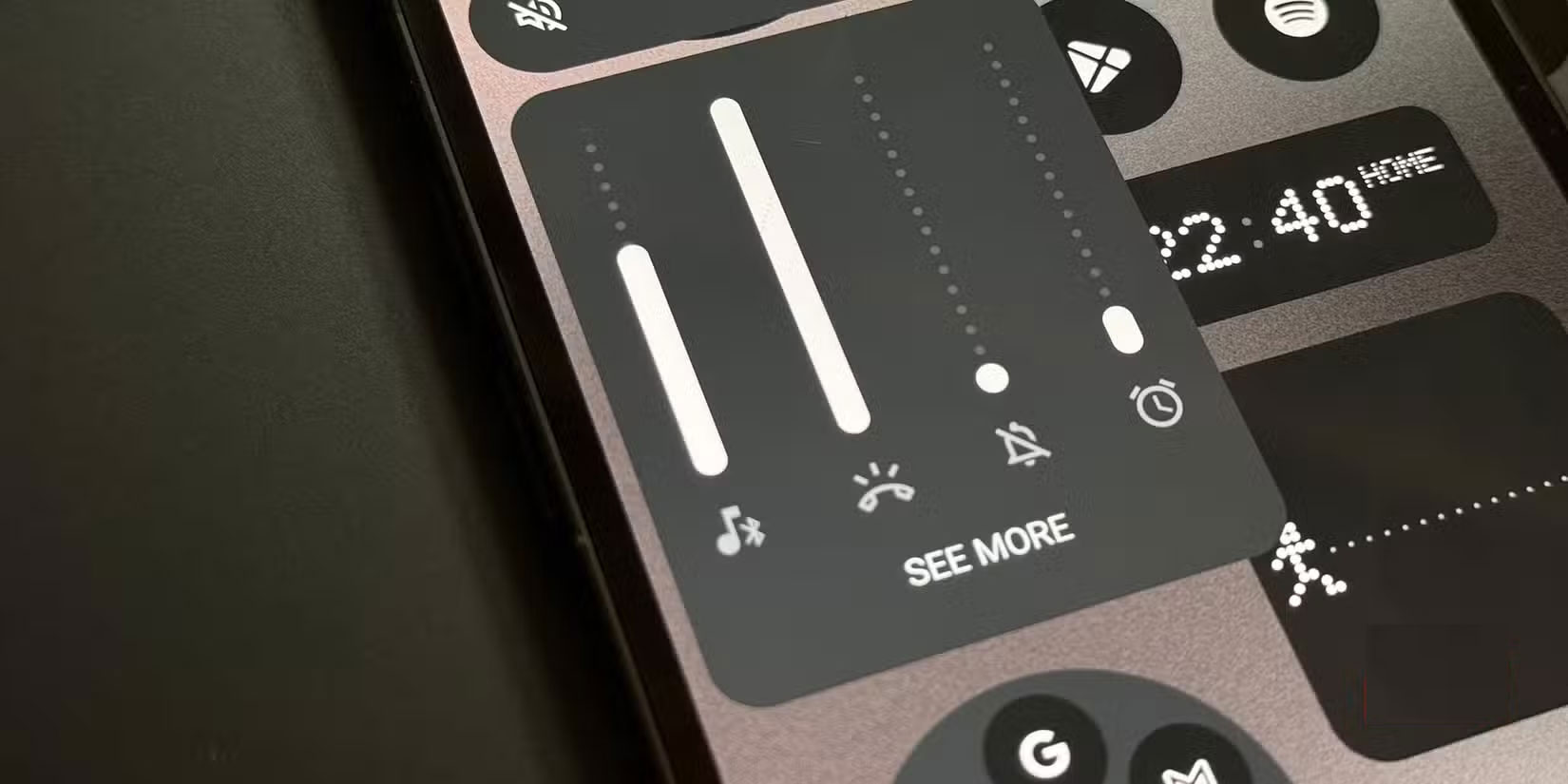
You probably already know that playing music at maximum volume isn't good for your hearing, but what's less discussed is that it also affects the headphones themselves. Pushing those little drivers too hard forces the voice coil to carry extra current, the diaphragm to move beyond its limits, and all that stress builds up as heat and wear. Over time, the effects can manifest as distortion or even near-death of the driver.
Skipping regular cleaning
Dirty earplugs, short lifespan
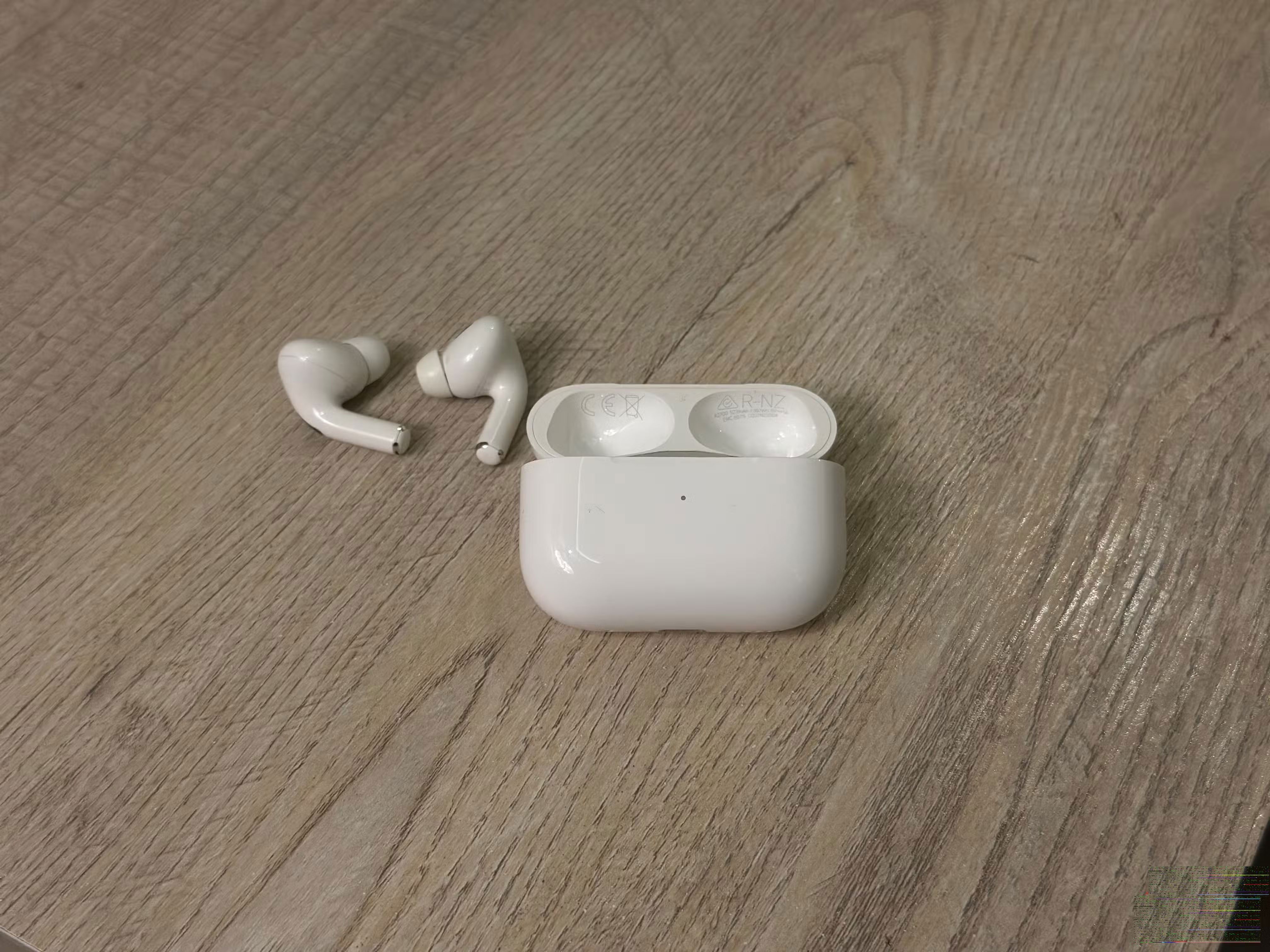
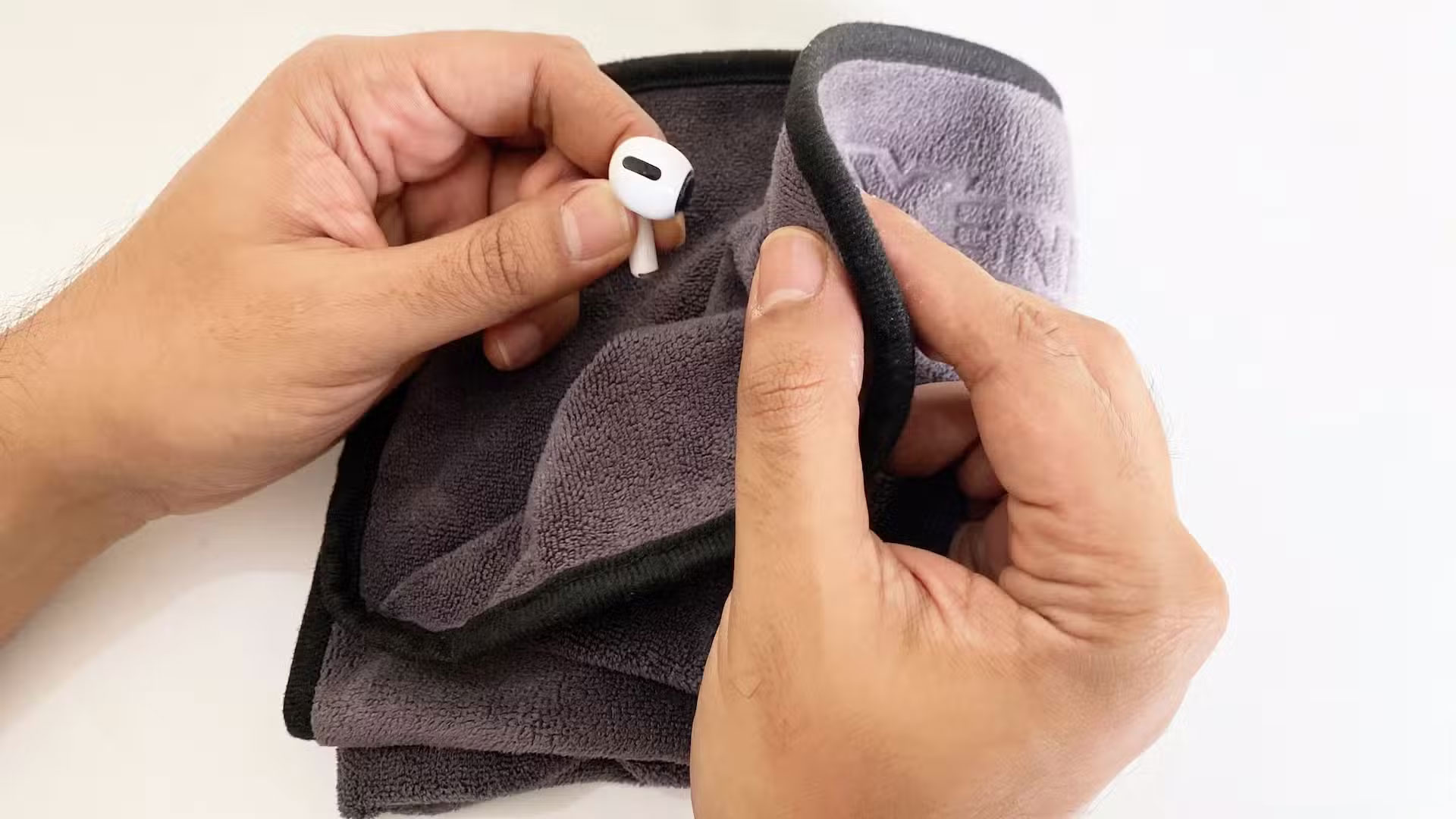
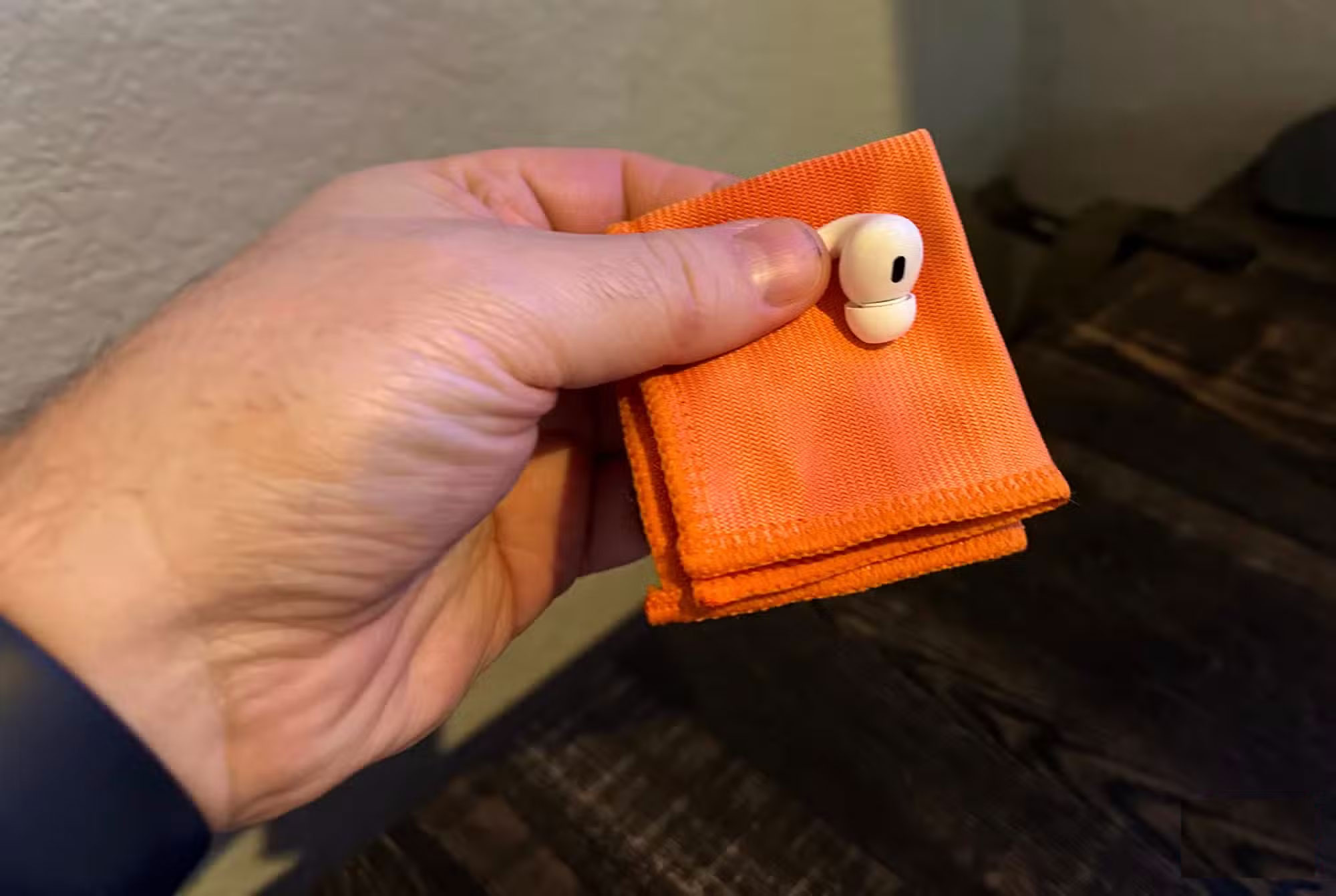
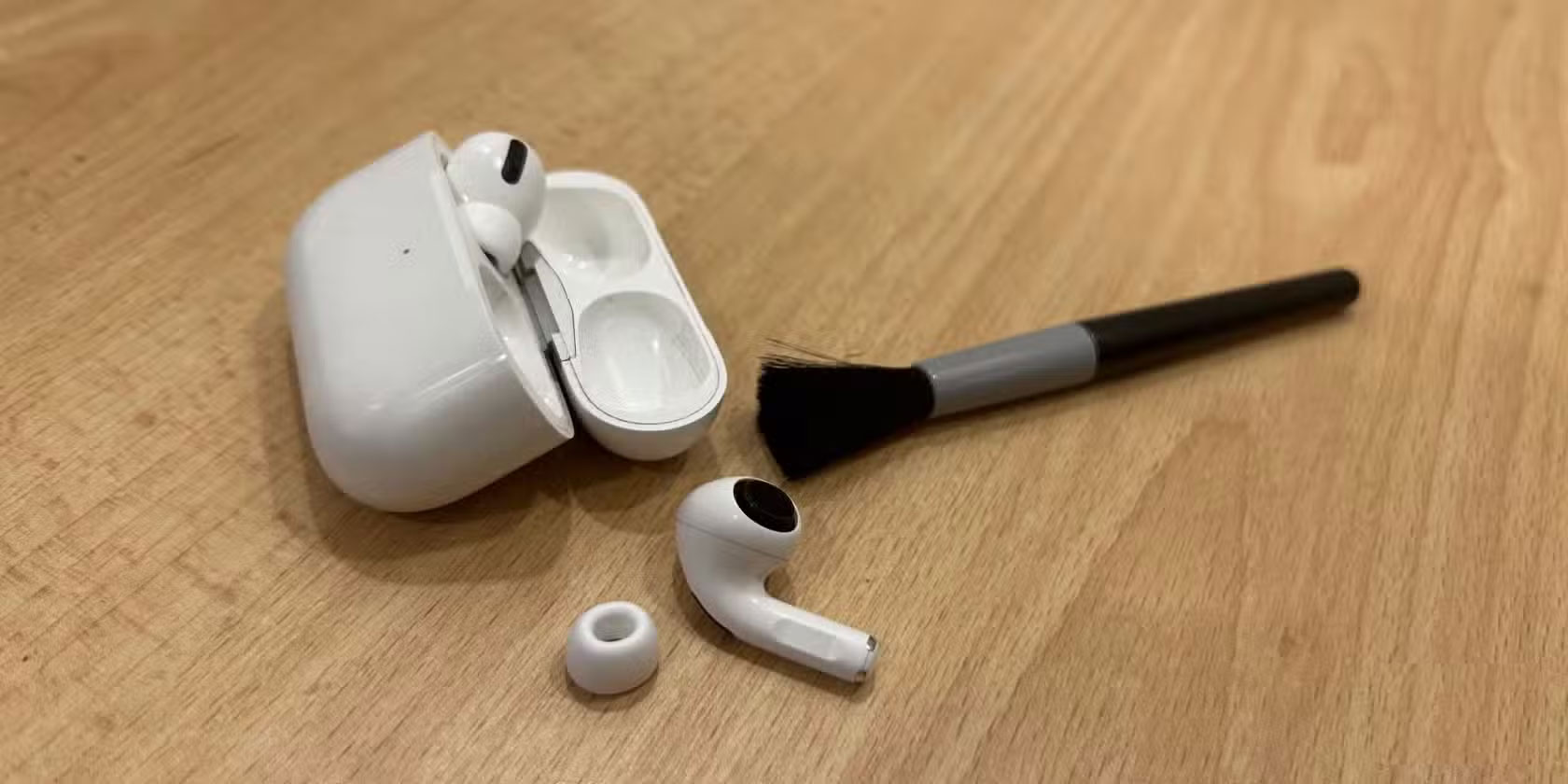
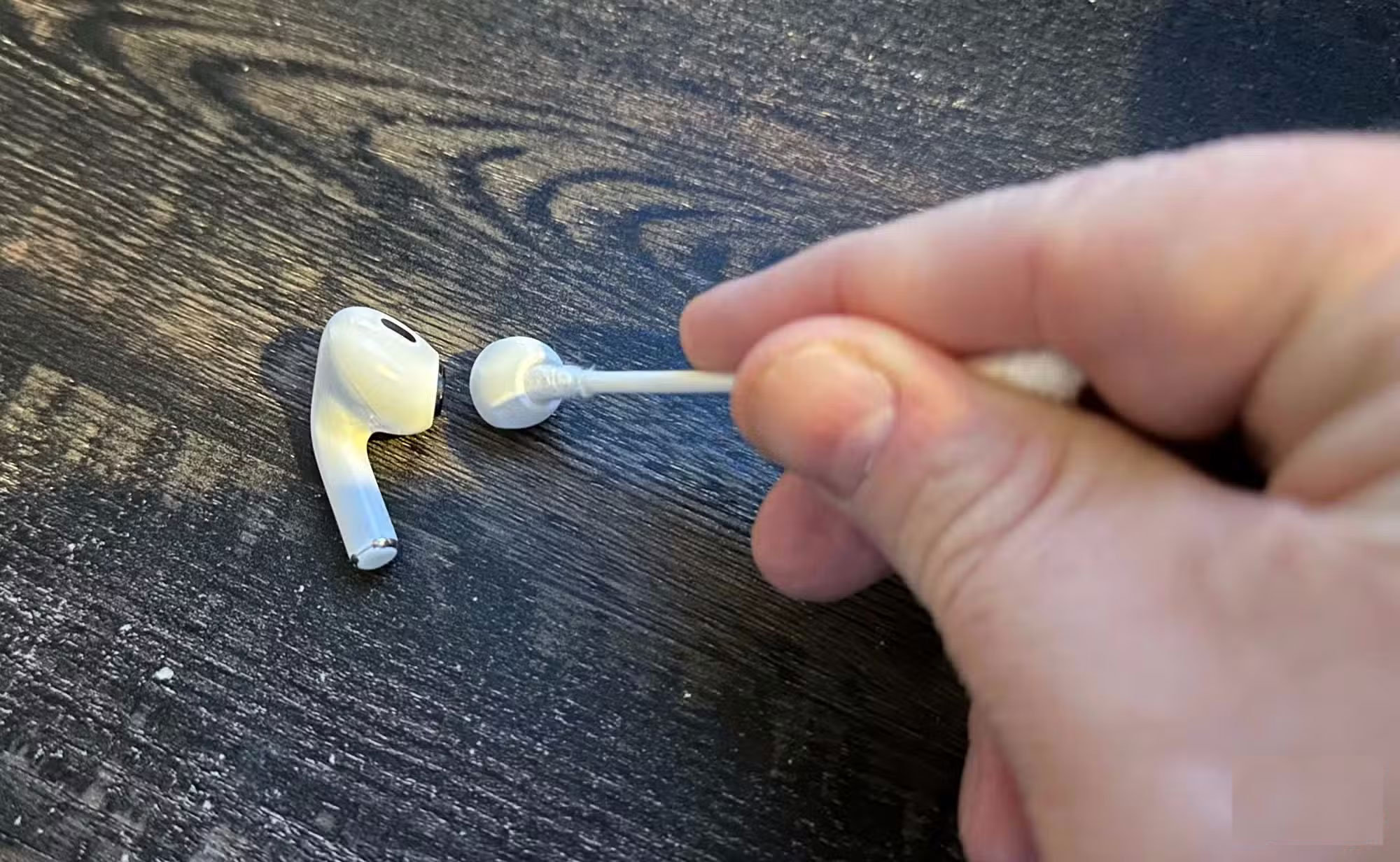
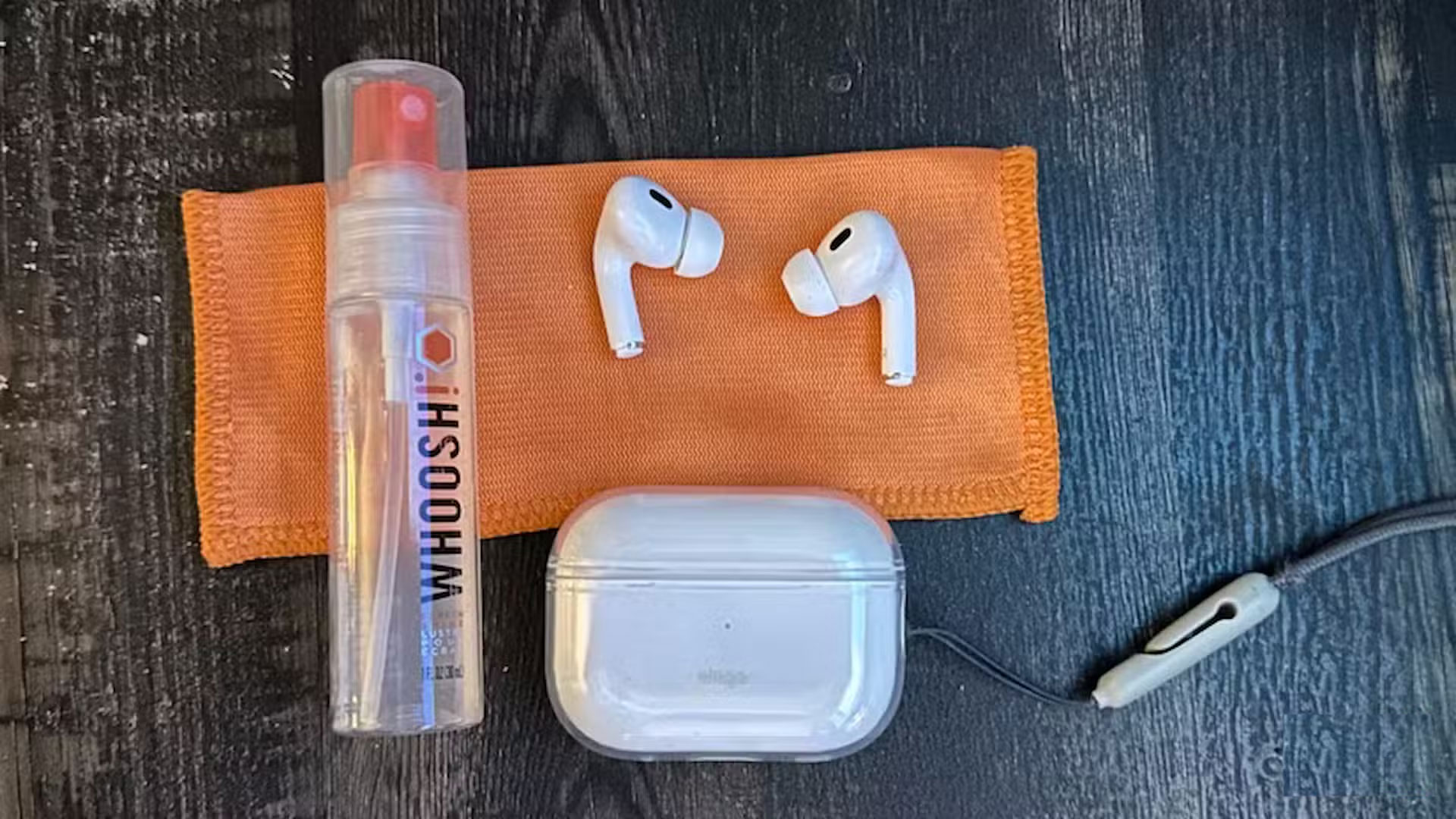
Your earbuds are probably the device you wear the most (aside from your smartwatch ), which also makes them a magnet for earwax, sweat, lint, and dirt—especially if you use them outdoors. In addition to looking dirty, accumulated dirt can clog speaker grilles, block microphone ports, and even affect charging. In reality, what looks like a dead battery is often just dirty contacts that can't make a proper connection.
Cleaning your earbuds is easy and only takes a few minutes. Use a soft, lint-free cloth, a dry soft-bristled brush, or some cleaning powder (like electronics cleaning clay) to gently remove dirt and debris from the speaker grilles and microphone. Just be gentle so you don't push debris deeper into the speaker grilles. Then, take a dry cotton swab or one slightly dampened with isopropyl alcohol and wipe down the charging contacts on both the earbuds and the charging case. Make sure they're completely dry before plugging them back in.
Always enable battery-draining features
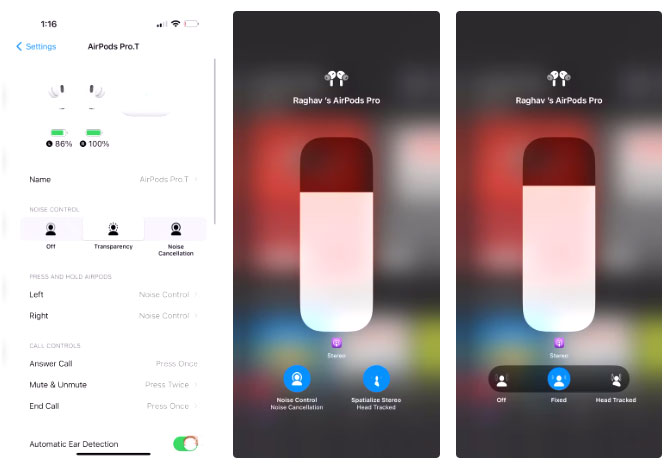
Wireless headphones often come with advanced features, including active noise cancellation (ANC), Transparency mode, spatial audio, and smart voice assistants. These additional features enhance usability and sound quality, while ensuring that the microphone, DAC, and radio are always working.
So, only use these power-hungry modes when necessary (for example, turn on ANC when flying or commuting on noisy roads and turn it off when in a quiet environment). That way, you can extend your daily usage time and reduce battery wear over time.
Exposure to liquids without protection
Headphones are not as waterproof as you think
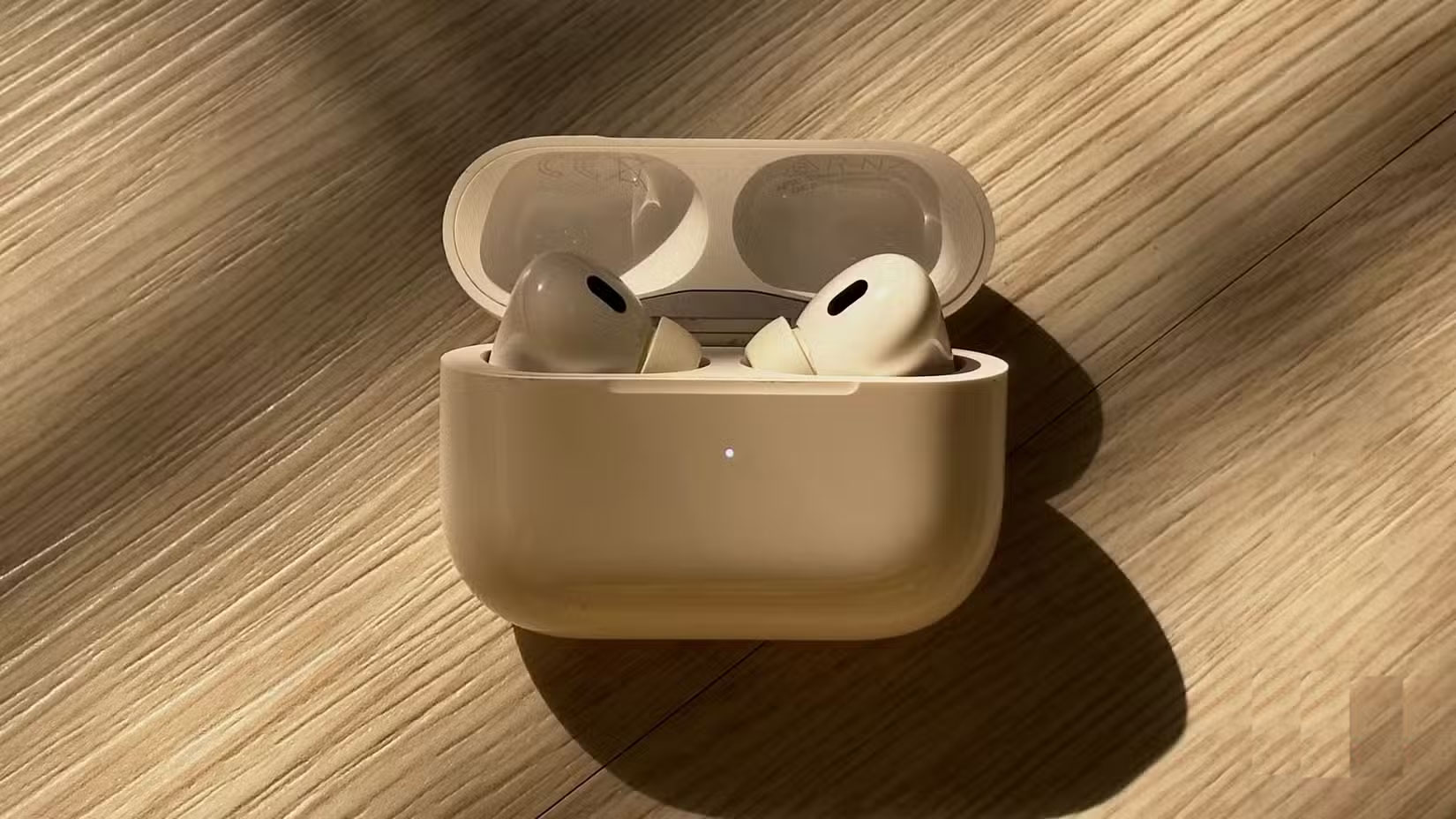
Many earbuds today are advertised as water-resistant with labels like IPX4 or IPX7. But 'water-resistant' doesn't mean 'waterproof.' IPX4 usually means they can withstand sweat or a light drizzle, while IPX7 can withstand a quick immersion in water up to a meter deep for half an hour. What they really can't handle is persistent sweat buildup without cleaning or rinsing.
Always use one earbud more than the other
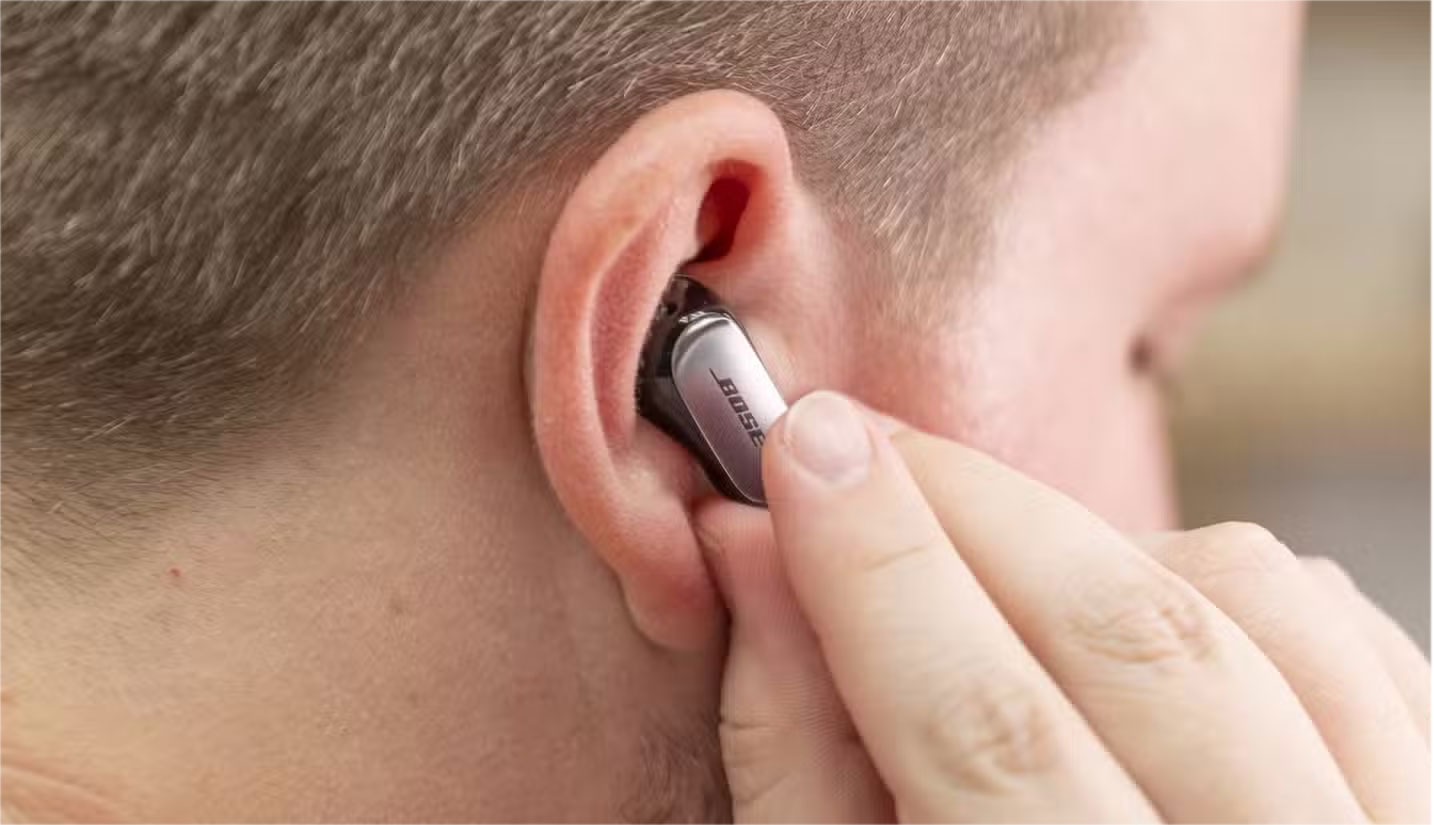
Many true wireless earbuds designate one side as the 'master' device. This side handles the Bluetooth connection to your phone while the other side simply follows suit. The trade-off is that if you always use the same earbud for calls or solo music listening, that earbud will have to do more work and wear out faster. Over time, this can cause one of your earbuds to run out of juice while the other still has juice.
The simple solution is to alternate. If your headset lets you use both sides independently, alternate between the left and right earpieces. This won't prevent both batteries from aging at the same rate (software bugs, temperature, and other factors still play a role), but it will spread the workload more evenly and help the batteries age together more evenly.
FAQ
What should you know about things that affect the lifespan of wireless headphones?
In practical terms, if your headphones seem to be wearing out faster than you think, it's possible that your daily habits are slowly degrading them.
Why does things that affect the lifespan of wireless headphones matter?
The article highlights that wireless headphones are much more prone to breaking than most other devices you own, and they rarely last as long as you'd like.
What is the main takeaway?
The main takeaway is that on average, headphones can last about two to three years before the battery becomes significantly weak; however, careful use can extend their lifespan even further.
Related Articles
 If You Do Not Want to Affect Your Hearing, Keep These in Mind When Using Headphones9 minutes read
 How to Use Wireless Headphones: Practical Guide9 minutes read
 The Difference Between Wireless and True Wireless Headphones8 minutes read
 What Are Wireless Headphones?8 minutes read
 Where to Buy the Best, Durable Wireless Headphones?5 minutes read
 How to Use Wireless Headphones Simple, Most Detailed7 minutes read
Reader Comments 0
Sign in with email or Google to join the discussion.