Table of Contents
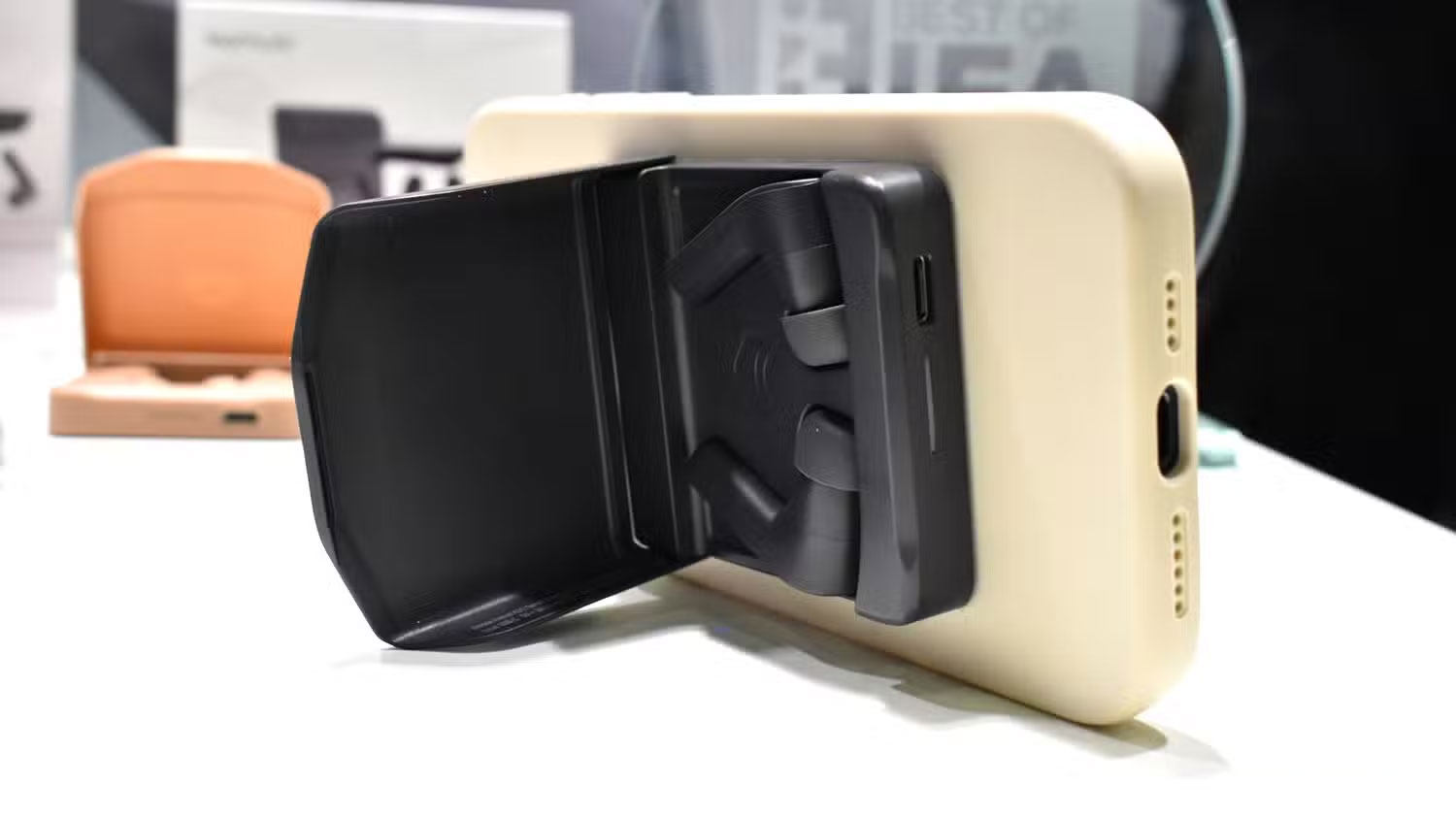
Komutr earbuds use a charging case that attaches magnetically to the back of a compatible phone. The idea is to keep the earbuds and phone together while carrying them. The magnetic connection does not charge the phone, and the case does not draw charging power from the phone.
What the magnetic case does
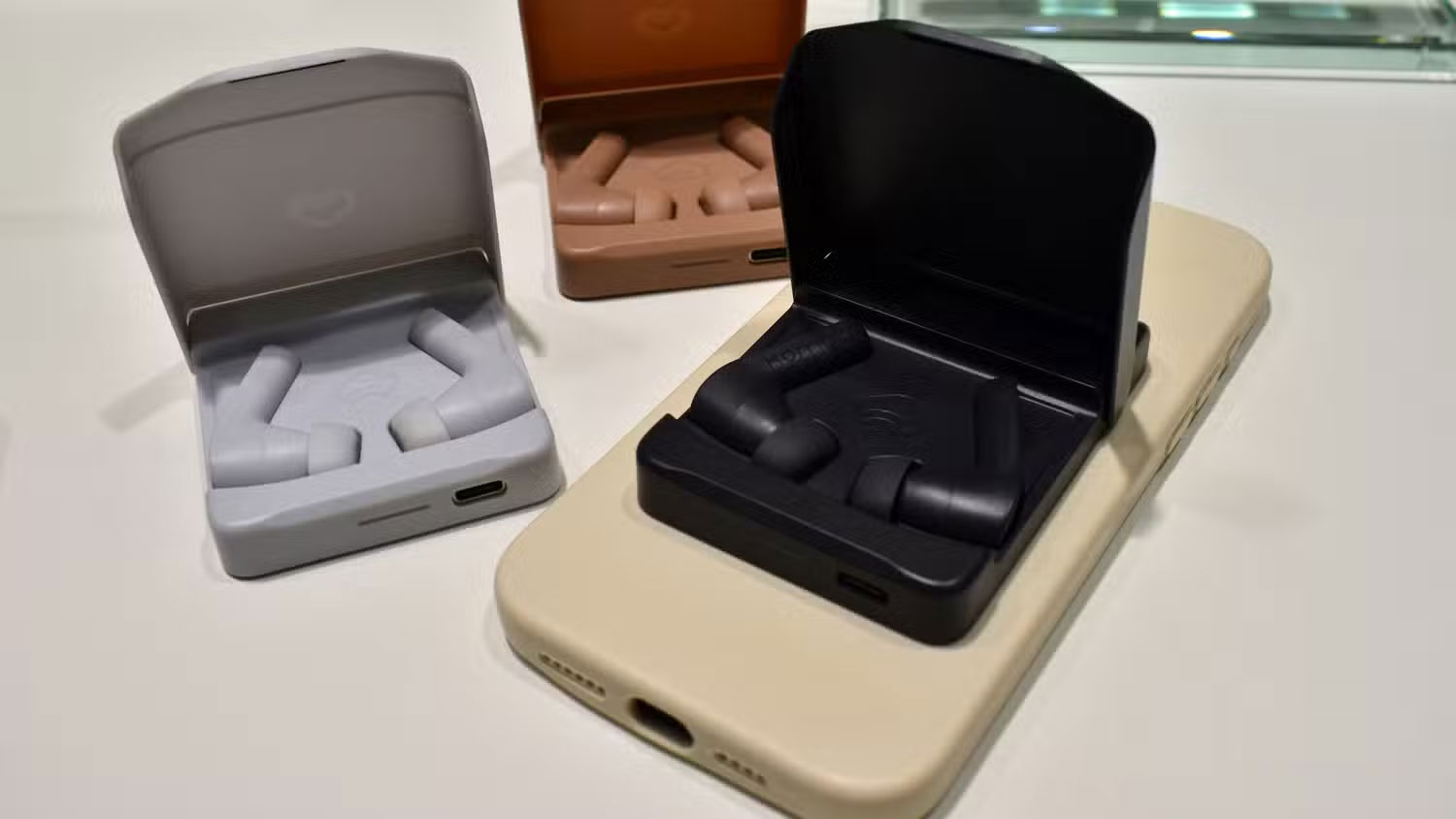
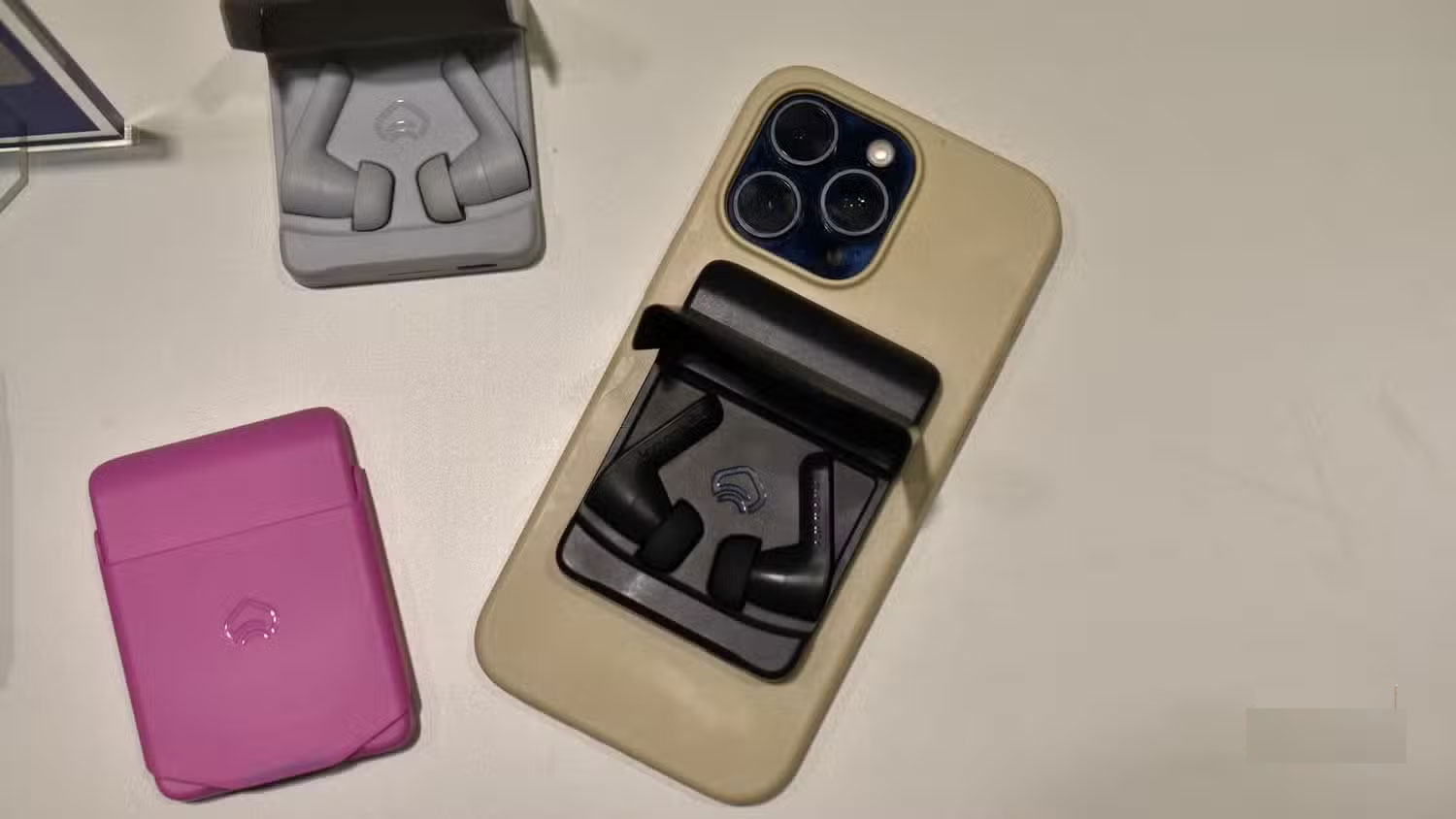
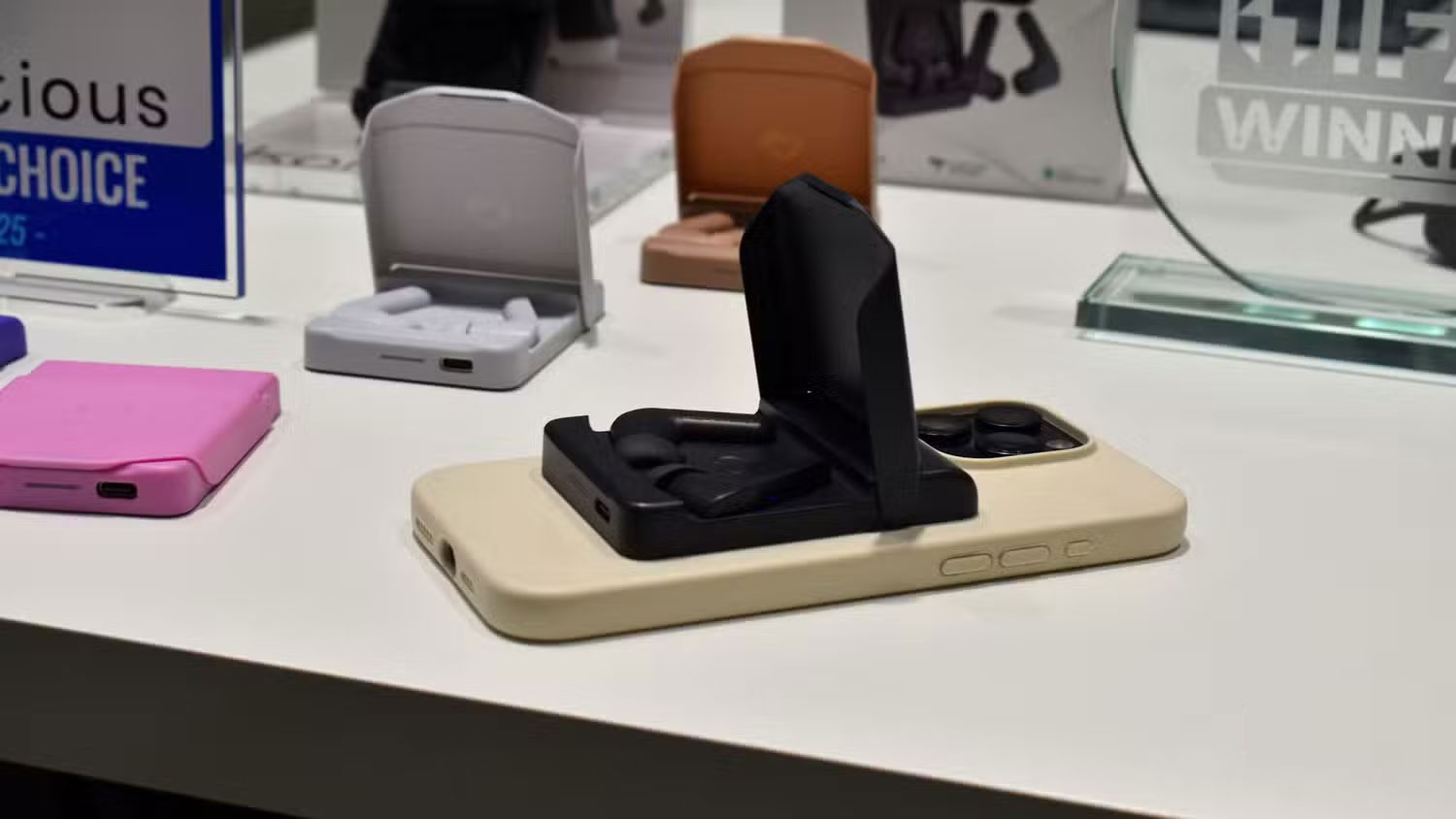
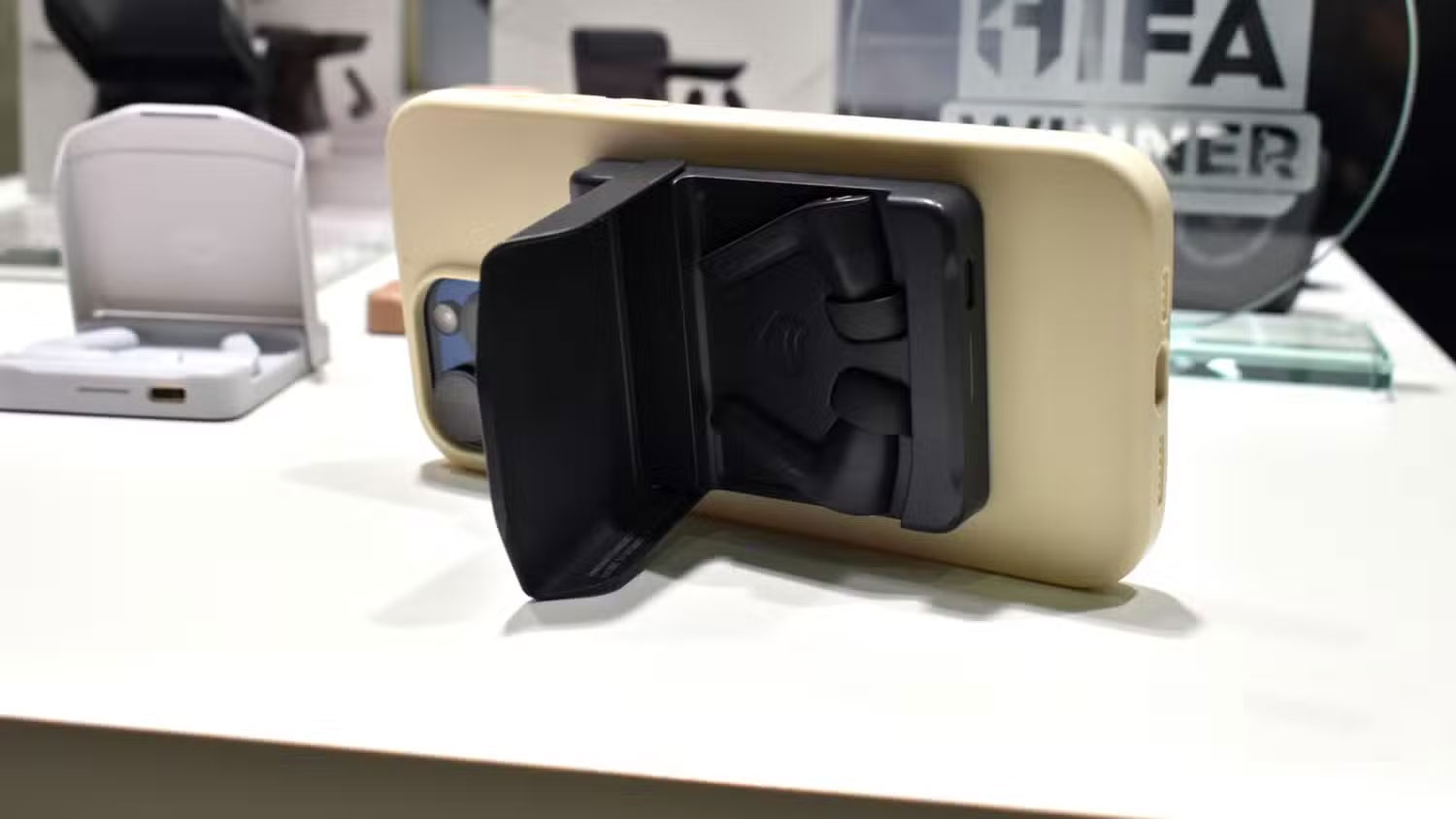
The case holds and charges the earbuds and doubles as a phone stand. Check that your phone or case supports the required magnetic attachment; some setups need a compatible ring or accessory. Magnetic attachment and Bluetooth audio pairing are separate functions.
Keeping a case attached may make it easier to remember, but it cannot guarantee that the earbuds will never be lost. Consider the extra thickness, pocket fit, and how the case feels while you hold the phone.
How charging works
Komutr’s product listing describes USB-C and wireless charging for the case. The case then charges the earbuds stored inside it. It is not an iPhone power bank.
Battery figures in early coverage differ from the current product listing. Check the specifications for the version you are ordering, including playback conditions and whether noise cancellation is enabled. Advertised maximum runtime is not a guarantee for every volume level or usage pattern.
App controls and tracking
The official Komutr app listing describes EQ controls, noise-cancellation modes, touch-control customization, battery information, and firmware updates.
The manufacturer also advertises Apple Find My support. Check the setup instructions and which component can be located before treating this as a recovery solution. Apple’s Find My network support is distinct from any nearby Bluetooth-finding feature offered on Android.
What to check before ordering
- Confirm phone, case, and magnetic-accessory compatibility.
- Check current shipping status, returns, and the exact hardware version.
- Compare fit, call quality, and noise cancellation using independent testing where available.
- Review the companion app’s requested access using the app-permissions guide.
Earlier crowdfunding discounts and planned color options are historical details, rather than reliable current offers. The magnetic design is the main practical distinction; sound quality and comfort still need the same scrutiny as other earbuds.
Related Articles
 What is MagSafe on iPhone 12? What is MagSafe used for on Apple devices?
 How to set up a MagSafe wireless charging dock for a cleaner desk
 How to identify the most accurate and fake iPhone headphones
 How to Use Headphones on iPhone 7
 IPhone 12 Highlights
 Headphone, earphones are shy, noisy, hard to hear and how to fix them?
Reader Comments 0
Sign in with email or Google to join the discussion.