Most Powerful Phone Chips: How to Compare Mobile Processors
Compare flagship smartphone processors by CPU, graphics, sustained performance, efficiency, AI, and device implementation instead of relying on one misleading score.
Fix Windows problems, troubleshoot devices, understand AI, secure your accounts and get more from your technology with tested step-by-step guides.
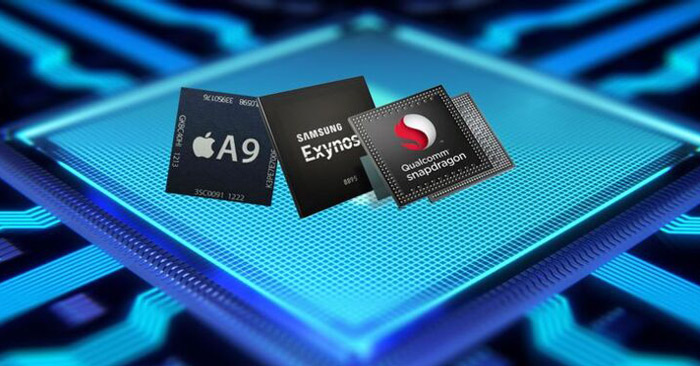
Compare flagship smartphone processors by CPU, graphics, sustained performance, efficiency, AI, and device implementation instead of relying on one misleading score.

Reveal a Wi-Fi password already saved on Windows, macOS, or a NetworkManager-based Linux computer using built-in settings or command-line tools.
Add numbered captions to figures, tables, charts, or equations in Microsoft Word, then build and update an automatic table of figures.
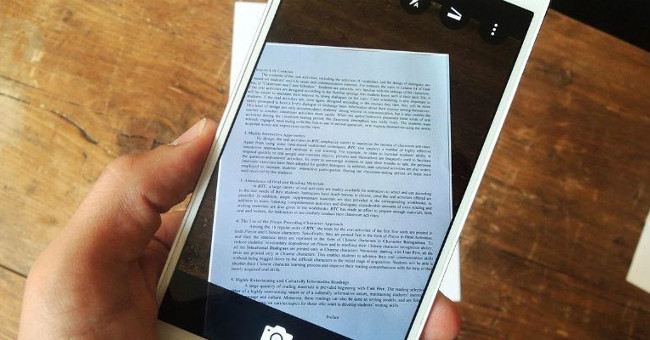
Use Google Drive on Android, iPhone, or iPad to capture, crop, clean up, combine, name, and save one or more document pages as a PDF.

Generate an image from a detailed prompt in Microsoft MAI Playground, refine it with targeted edits, review common AI errors, and download the result.
Understand how Google Docs Live turns spoken ideas into an organized draft, how it differs from Voice Typing, who is expected to receive it, and what to verify.

Compare SWE-bench Verified, GAIA, WebArena, the tau-bench family, ARC-AGI, OSWorld, and AgentBench by task design, metric, limitations, and production relevance.
Connect Google Docs to n8n using Managed OAuth2 on n8n Cloud or a custom Google OAuth client for self-hosted deployments, with secure redirect and token handling.
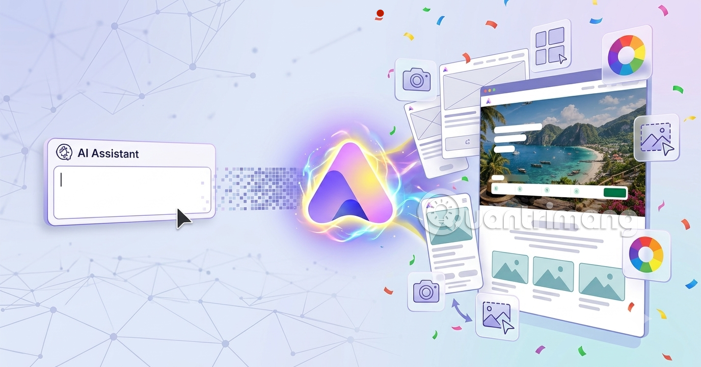
Create a Readdy AI website from a focused prompt, refine its pages and responsive layout, then test SEO, forms, links, and domain settings before publishing.

Research on tool use, voice recognition, gestures, social reassurance, responses to death, vocal imitation, and memory shows why elephant cognition is unusually complex.

Set up Windows automatic sign-in with Microsoft Sysinternals Autologon, netplwiz, or the Registry, and understand the physical-access and credential risks first.
Create a reusable instruction note in ChatGPT Library, attach it with an @ mention, and use clear text aliases for recurring summaries, drafts, or formatting tasks.

Review model-training controls for LinkedIn, Meta, Gemini, Claude, ChatGPT, and Microsoft Copilot, including what each opt-out does—and does not—change.
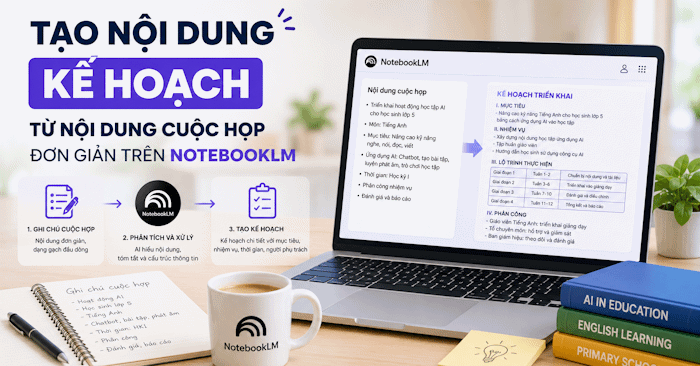
Add meeting notes to NotebookLM, generate an implementation plan, verify owners and deadlines, and export the checked draft to Google Docs.

Compare Comet, Dia, Opera Neon, Brave, DuckDuckGo, Vivaldi, Opera Air, SigmaOS, Zen, and emerging browsers by use case, access, and trade-offs.

Diagnose an unresponsive, delayed, or partly working keyboard on Windows or Mac by checking power, connections, accessibility settings, software, and hardware.
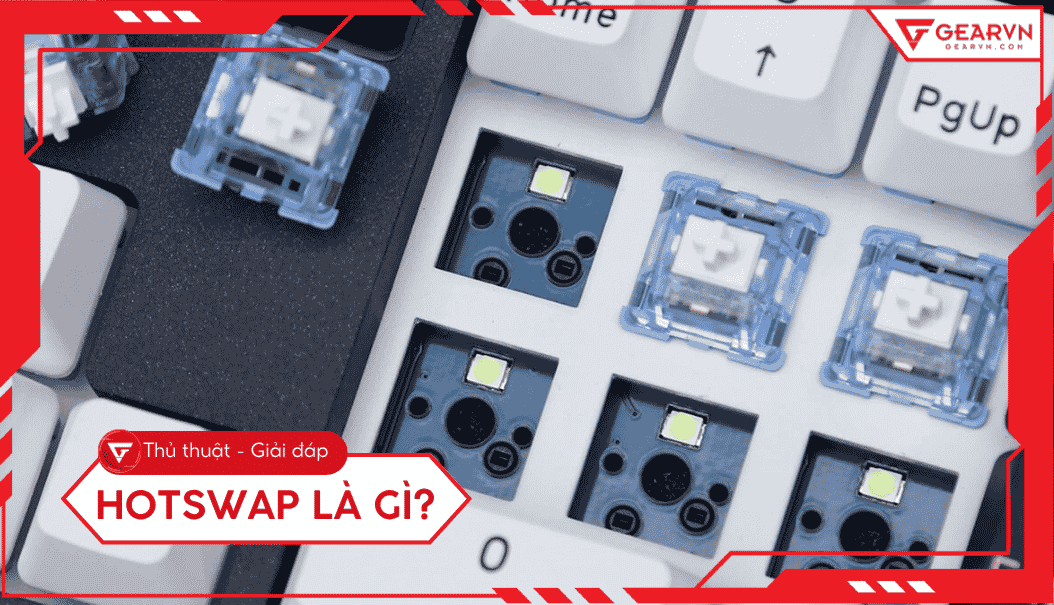
Learn what hotswap is, how it works, why it matters, and the key features or considerations to understand before using it.

Learn how keyboard stabilizers support long keys, how plate-mount and PCB-mount designs differ, and when rattle, ticking, or sluggish movement needs attention.
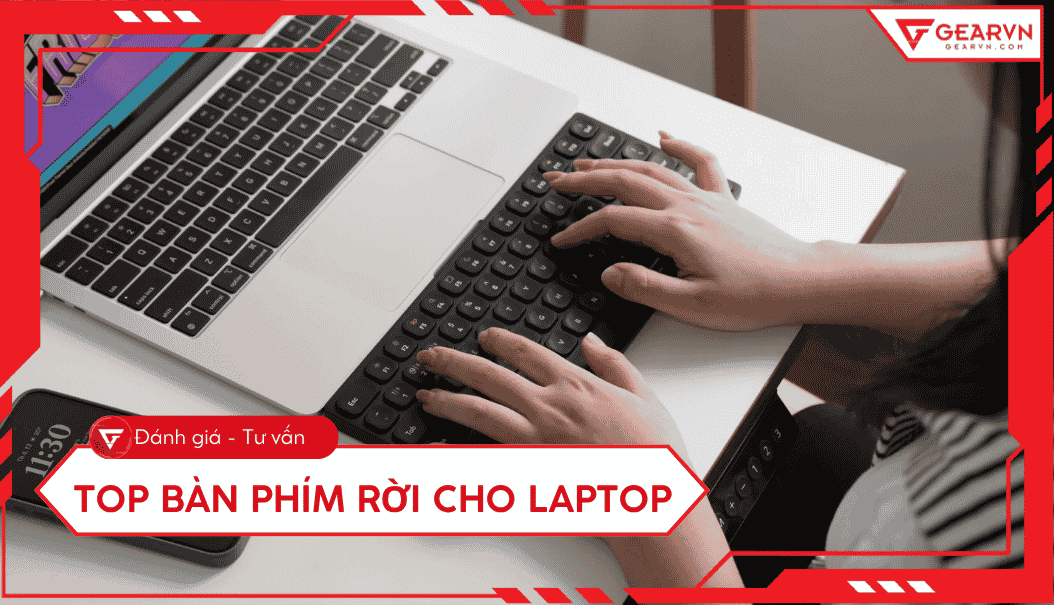
Compare 10 current laptop keyboards for travel, office work, programming, and gaming, with clear guidance on layouts, connections, noise, and compatibility.
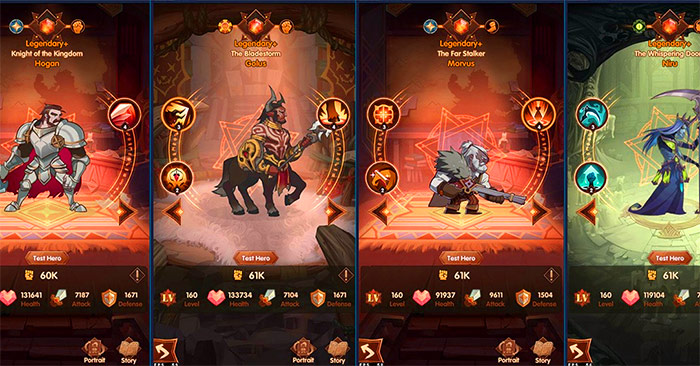
Current AFK Arena codes for Classic and Companions, plus the official redemption steps, account-verification process, and fixes for rejected codes.