Best Free AI Learning Resources for Beginners and Developers
Choose a free AI learning path based on your goal, from practical AI use and prompting to machine learning, open-source models, and API development.
Fix Windows problems, troubleshoot devices, understand AI, secure your accounts and get more from your technology with tested step-by-step guides.

Choose a free AI learning path based on your goal, from practical AI use and prompting to machine learning, open-source models, and API development.
Create a short product ad in Google Flow using reference images, a controlled shot plan, generated dialogue, scene assembly, and a careful accuracy check.
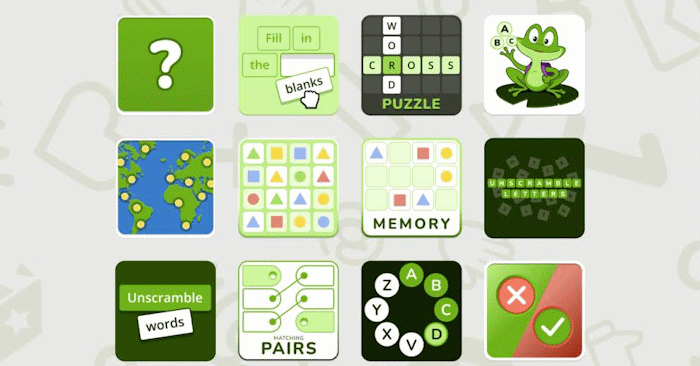
Use Educaplay's Ray assistant to generate a classroom game from a topic or document, then verify the content, adjust the rules, test it, and share it safely.
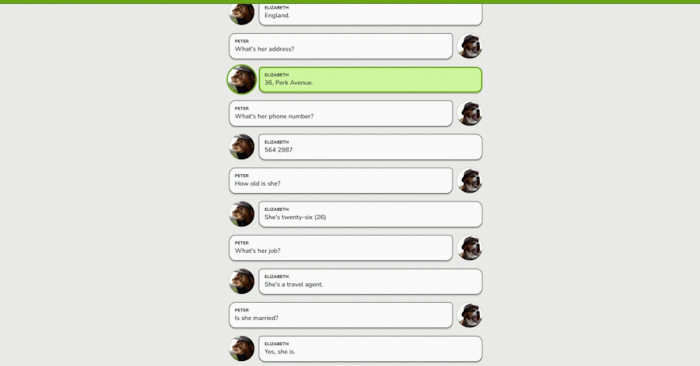
Generate an English dialogue with Educaplay's Ray assistant, refine the language and audio, assign a student role, test the activity, and share it with a class.
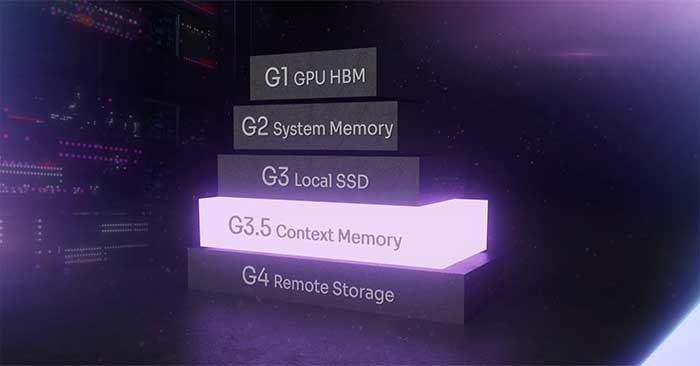
Long contexts and concurrent AI agents expand the KV cache, putting pressure on GPU memory capacity and bandwidth. Here is how tiered memory and cache reuse address it.

Move AI from private chat shortcuts into shared, governed workflows with clear roles, source access, human checkpoints, measurable outcomes, and audit trails.
Connect a local Ollama model to VS Code chat without GitHub sign-in, configure utility models, understand which features still need the cloud, and secure the workflow.
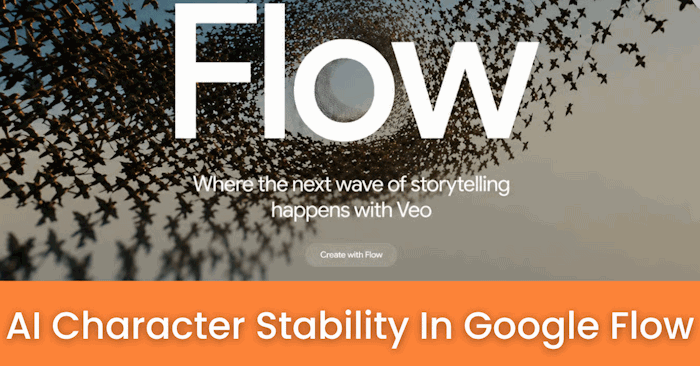
Build a reusable Google Flow character from reference images, create or select a voice, add useful profile details, and test consistency before making scenes.
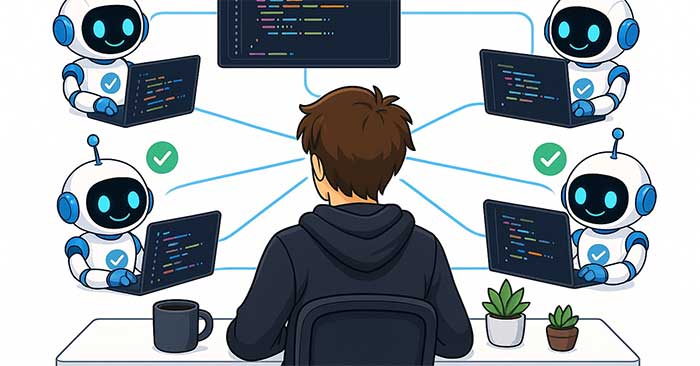
Use Claude Code's agent view, Git worktrees, task boundaries, notifications, and review gates to run parallel coding sessions without conflicting edits.
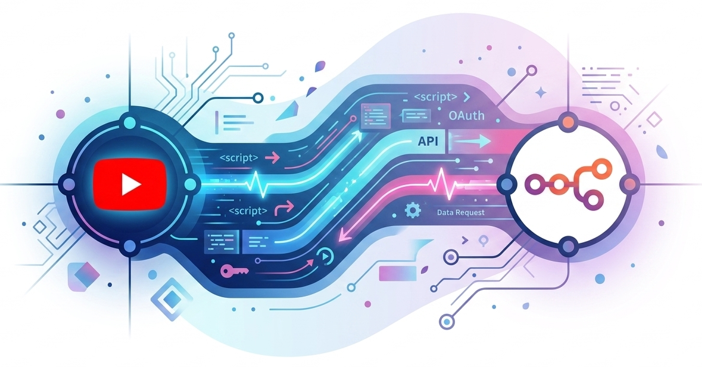
Create a Google Cloud OAuth client, enable the YouTube Data API, use n8n's exact callback URL, authorize the minimum permissions, and test the connection safely.
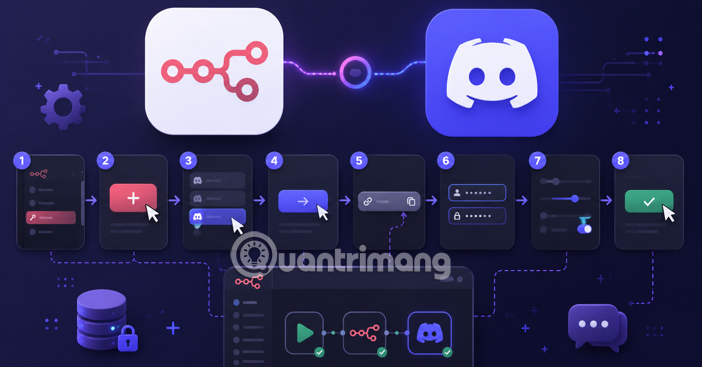
Create a Discord application, register n8n's exact callback URL, authorize a bot with minimum server permissions, and test the Discord node safely.

Understand the software around an AI model that manages tools, state, execution, permissions, verification, and traces—and when a simpler workflow is enough.
Create a personal or Brand Account channel, set its name and handle, configure YouTube Studio, publish safely, and understand current Partner Program thresholds.
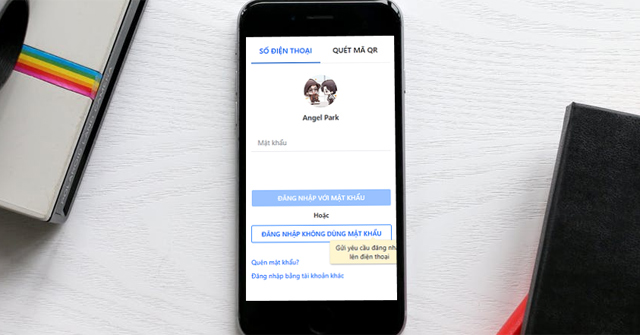
Install the official Zalo desktop app for Windows or macOS, sign in by QR code or phone number, review login requests, manage devices, and fix common errors.
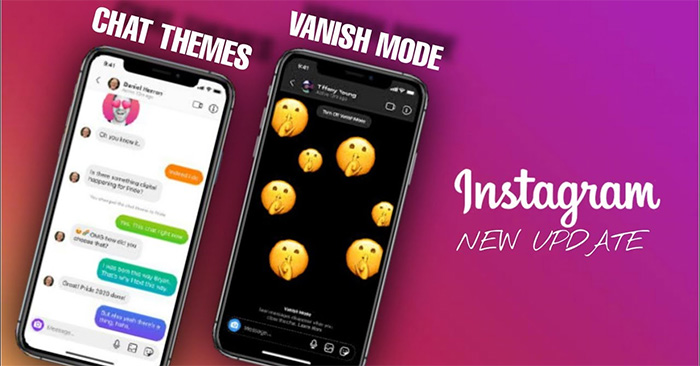
Use Instagram Vanish Mode in a supported chat, understand when messages disappear, turn the feature off, and know its privacy limits before sending.

Change one Word page to landscape without rotating the rest of the document, using selected text or section breaks in current and older desktop versions.
Compare seven compact language models by size, context, modality, reasoning mode, hardware fit, and the workloads each model is best suited to.
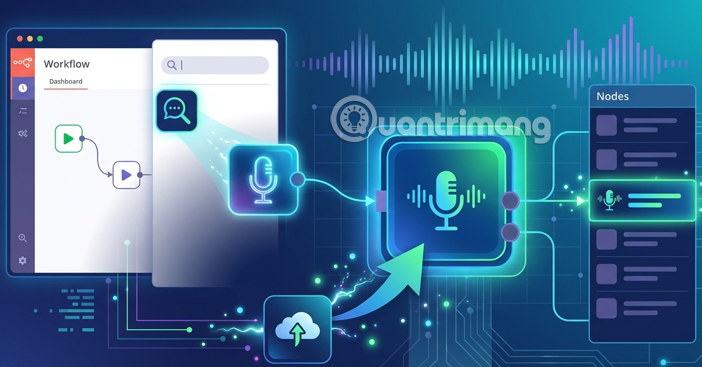
Install the Voice.ai community node in n8n, create and store an API credential, test text-to-speech, and handle Cloud, self-hosting, and security limits.

Open Windows On-Screen Keyboard by shortcut, search, Settings, Run, Control Panel, or the sign-in screen, and understand how it differs from Touch keyboard.
Add page numbers in Word, hide the title-page number, start later or at a chosen value, use Roman numerals, format facing pages, and fix section issues.