USB Flash Drive or Stick SSD? How to Choose
Compare small USB storage by sustained write speed, port compatibility, capacity and everyday use. A faster stick is useful for large transfers, but it is not always necessary.
Fix Windows problems, troubleshoot devices, understand AI, secure your accounts and get more from your technology with tested step-by-step guides.
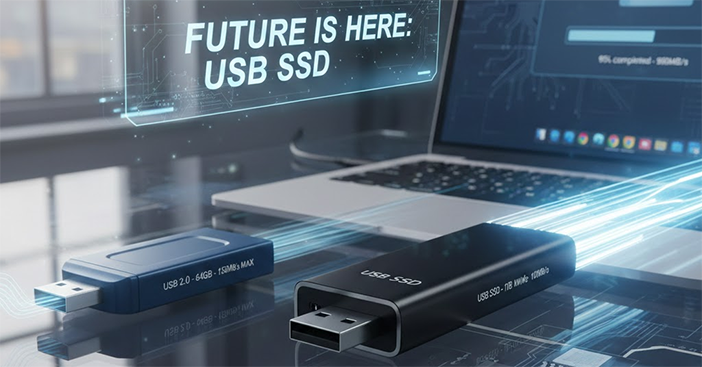
Compare small USB storage by sustained write speed, port compatibility, capacity and everyday use. A faster stick is useful for large transfers, but it is not always necessary.
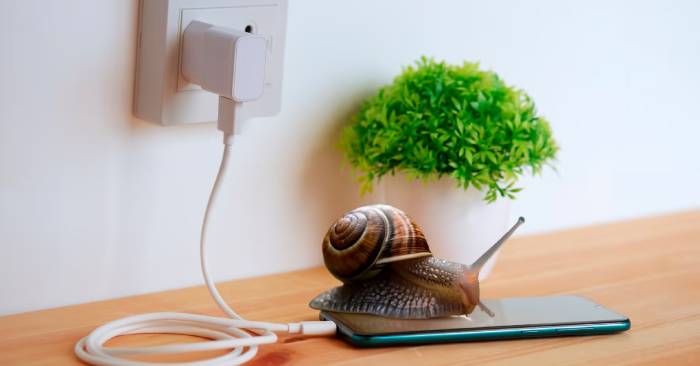
Distinguish slow charging from sluggish apps, test the charger and cable safely, and identify when heat or a connection problem needs attention.
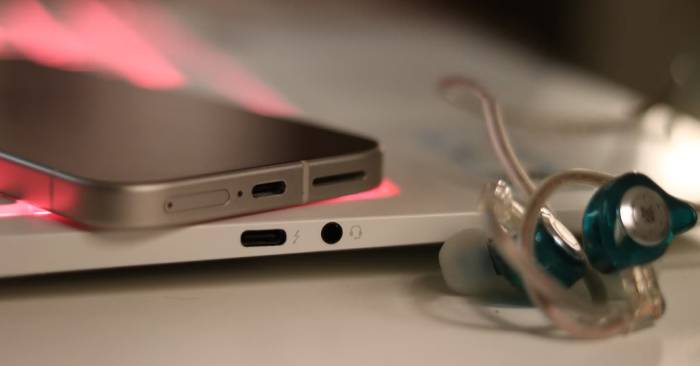
Removing the 3.5mm jack adds adapter and charging decisions for wired listeners. Here is how USB-C audio and Bluetooth compare, and what to check before buying an adapter.
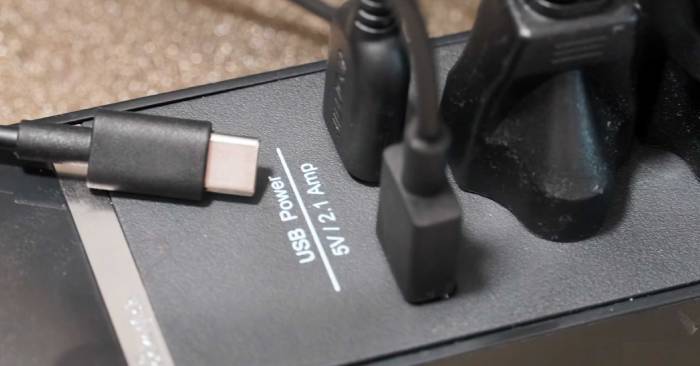
Built-in USB charging can be safe when the product is properly designed and certified. Check its electrical rating, USB output, protection claims, and warning signs before use.
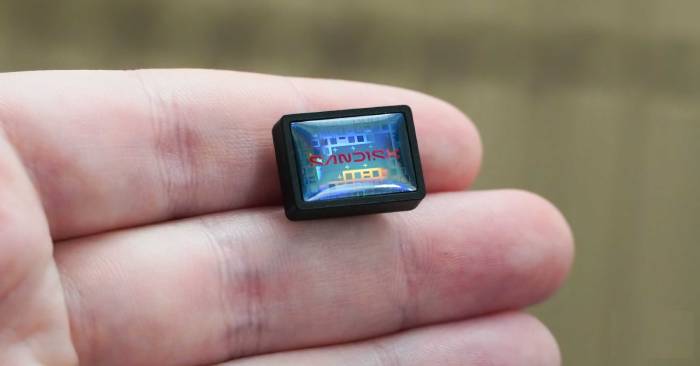
The SanDisk Extreme Fit adds removable storage without a cable. Check its capacity, read-speed limits, port fit, and backup needs before using it as everyday laptop storage.
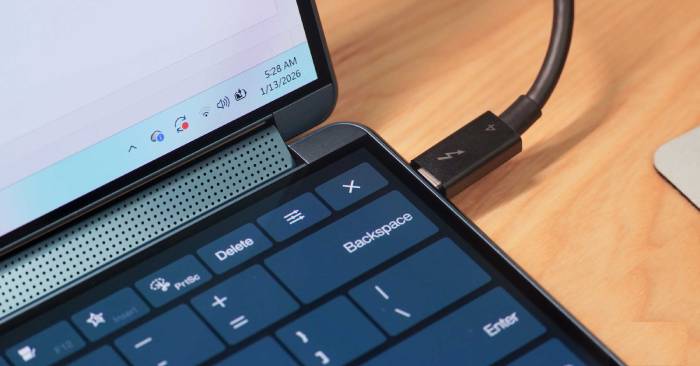
USB-C describes the connector, while data speed, charging power, and display support depend on the hardware. Match the cable, ports, and accessories to the task you need.
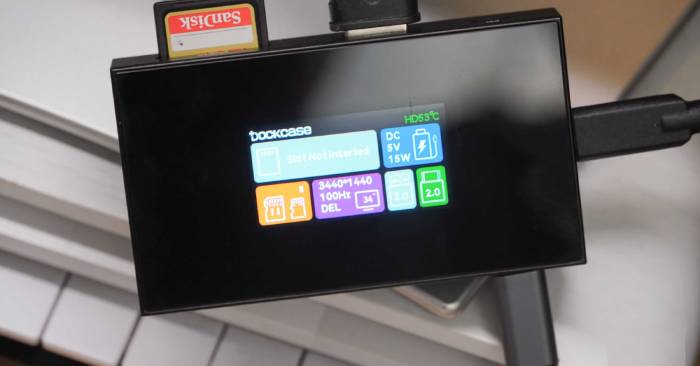
A hub display can help inspect connections and charging without opening software. The Dockcase Studio illustrates the benefits, limitations, and compatibility checks that matter.
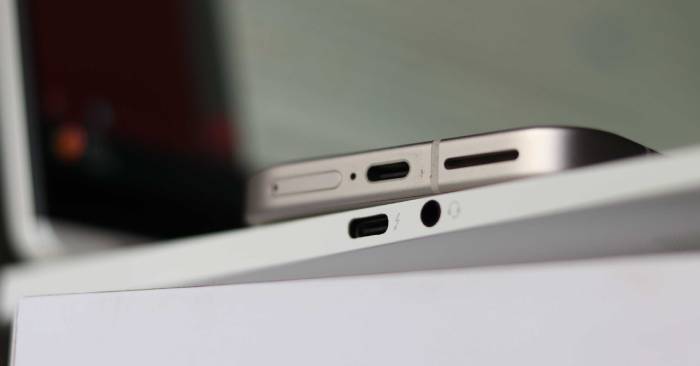
Decode USB, Thunderbolt, power, and DisplayPort markings, then check the device specifications to choose a compatible cable, charger, or dock.
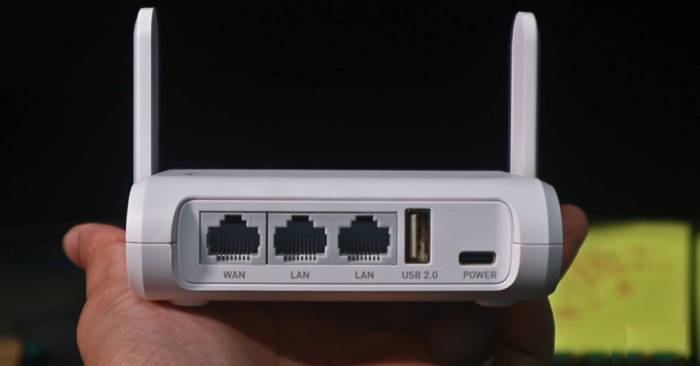
Compare wired and Wi-Fi performance, then check channels, bands, firmware, QoS, and network security without changing settings blindly.
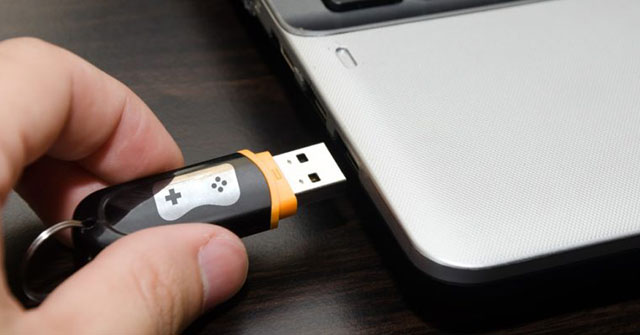
Use a flash drive for portable apps, installation media, recovery tools, backups, and an encrypted password vault, with clear limits for privacy and older performance features.
Check USB-C, display outputs, card readers, audio, and Ethernet by their actual capabilities so your laptop works with the accessories you need.
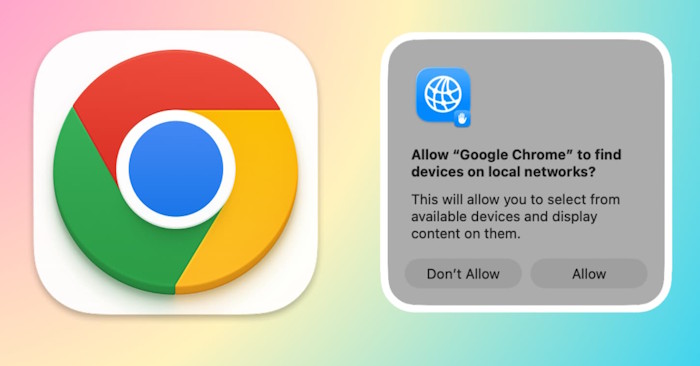
Check macOS app permission, Chrome site permission, and the local device connection before changing firewall rules or reinstalling the browser.
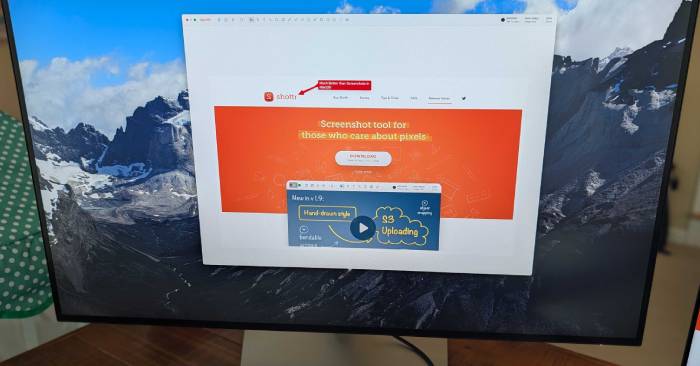
Affinity, Shottr, and Raycast extend common Mac workflows. Compare their useful features, free access, paid extras, and the setup each one needs.

Split a picture into left/right or top/bottom halves, choose a two-cell grid when needed, and download both pieces while keeping the original.
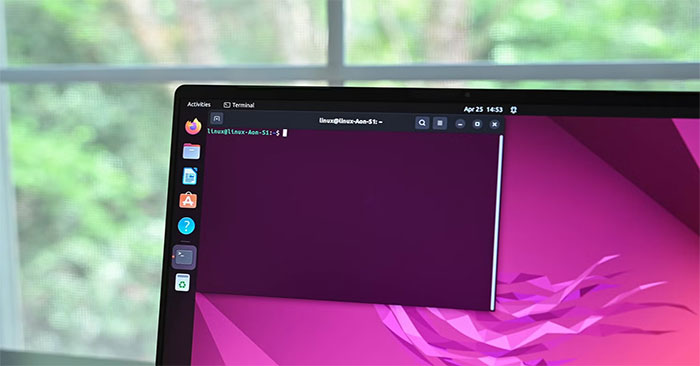
Run a steam-train animation, reveal APT and Aptitude jokes, inspect sudo's optional messages, and format a local Nmap scan as leetspeak.
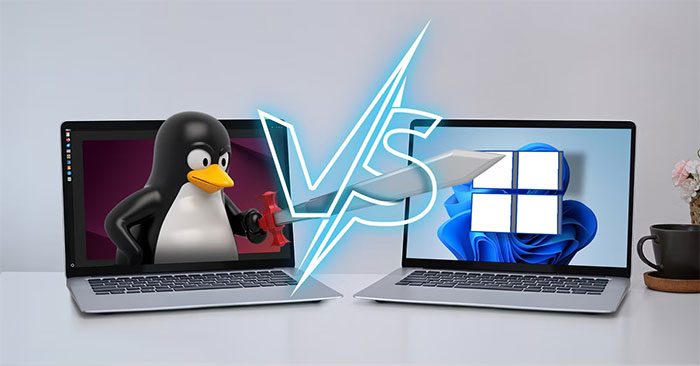
Keep Windows applications while using Linux directly on your hardware. Compare dual boot with a virtual machine or WSL, and plan storage, backups, and encryption before installing.
WinApps displays applications from a Windows VM alongside Linux apps. Understand its requirements, configure Podman and FreeRDP, and test the connection before adding shortcuts.
Cache-aware scheduling can keep related Linux tasks near shared CPU data. Here is what changes, where the 44% benchmark result came from, and why gains vary.
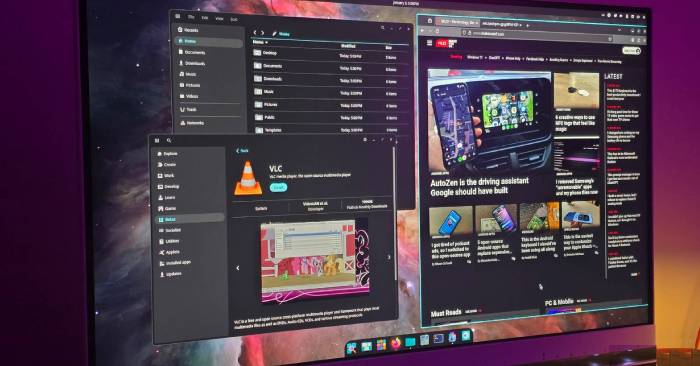
System76's Rust-based COSMIC desktop replaces Pop!_OS's GNOME interface. See how its tiling, panels and themes work, and what to check before switching.
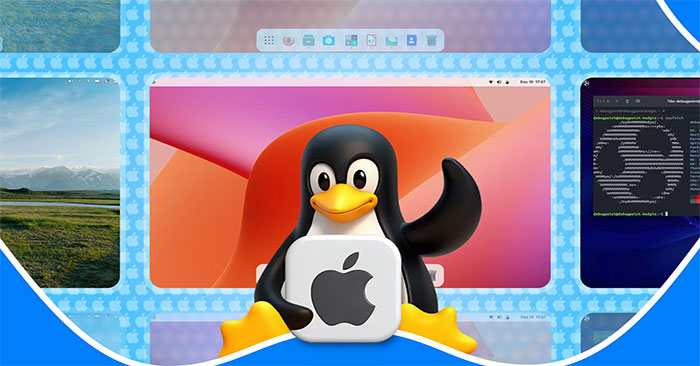
Compare Pantheon, GNOME, COSMIC, KDE Plasma and Cinnamon for a dock, workspace overview and Mac-like layout, including their customization tradeoffs.