3 Linux Debates That Shaped Licenses, Desktops and Boot Systems
Understand the software freedom debate, KDE and GNOME's origins, and the systemd split—and how these choices still affect Linux users.
Fix Windows problems, troubleshoot devices, understand AI, secure your accounts and get more from your technology with tested step-by-step guides.

Understand the software freedom debate, KDE and GNOME's origins, and the systemd split—and how these choices still affect Linux users.
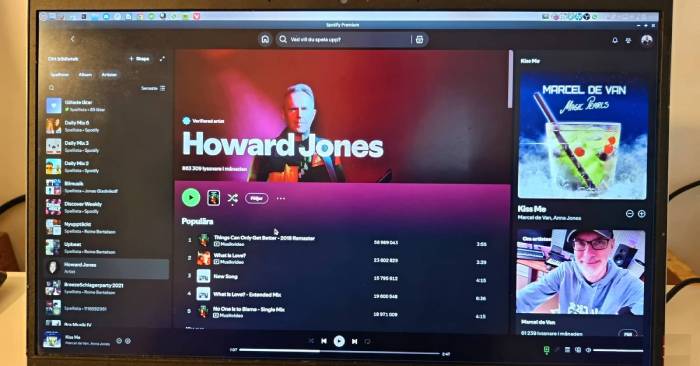
Set up task-based workspaces, create a simple Bash alias, and use desktop search to reach applications and files with fewer steps.
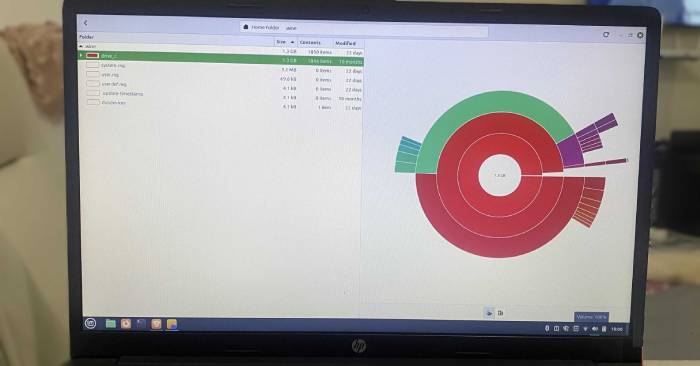
Find what is filling your Linux drive, clean package caches, review unused packages, and manage journal logs and Timeshift snapshots safely.
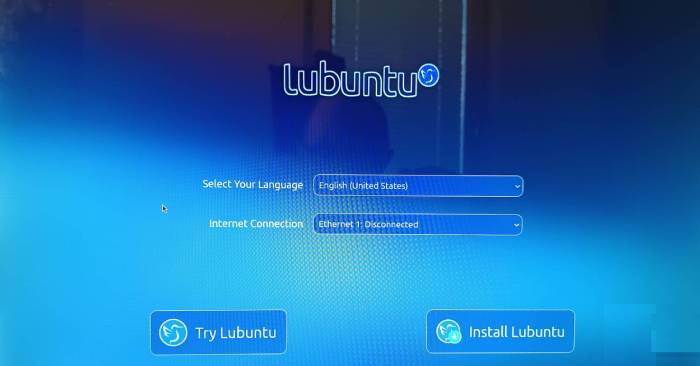
Lubuntu may reduce desktop overhead, but battery condition and hardware support still matter. Check capacity, power settings and real runtime before switching.
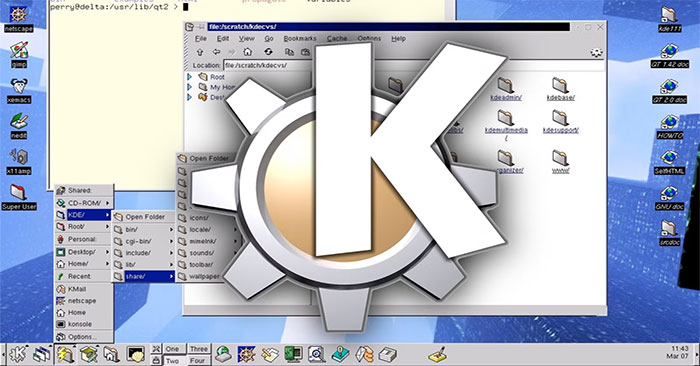
MiDesktop brings KDE 1's classic interface to current Linux systems. Check its beta limitations, toolkit and project-maintained packages before trying it.
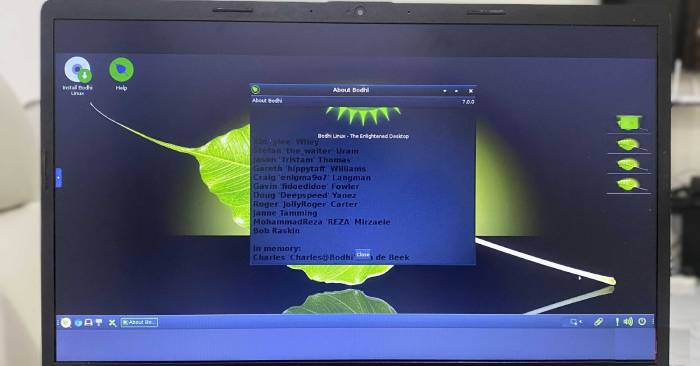
Bodhi Linux offers a minimal desktop built around Moksha. See its menus, shelves and workspaces, plus hardware and support checks for an older computer.
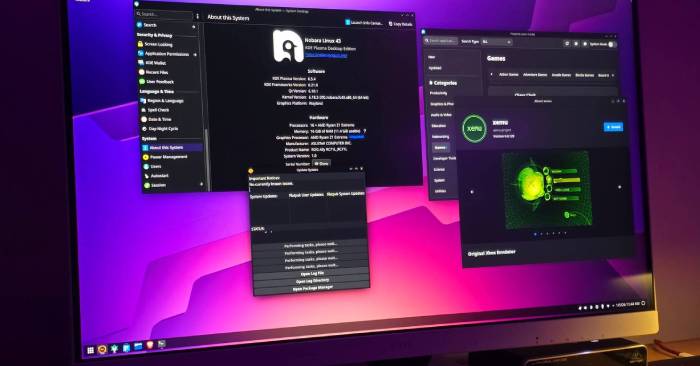
Nobara adds gaming and creator tools to a Fedora-based desktop. Compare editions, check GPU support, use its updater and assess game compatibility before switching.
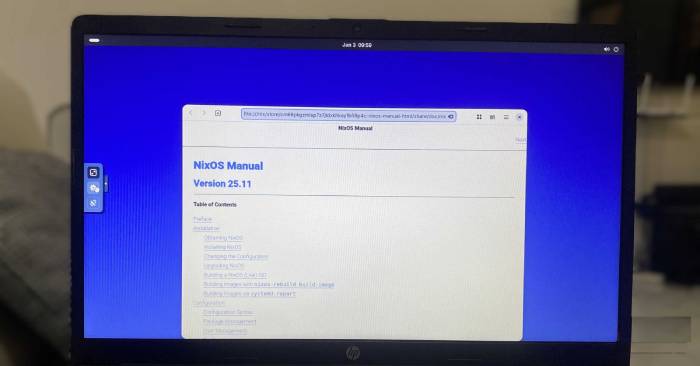
NixOS describes system settings in code and keeps generations for rollback. Understand the benefits, learning curve and limits of reproducibility and recovery.
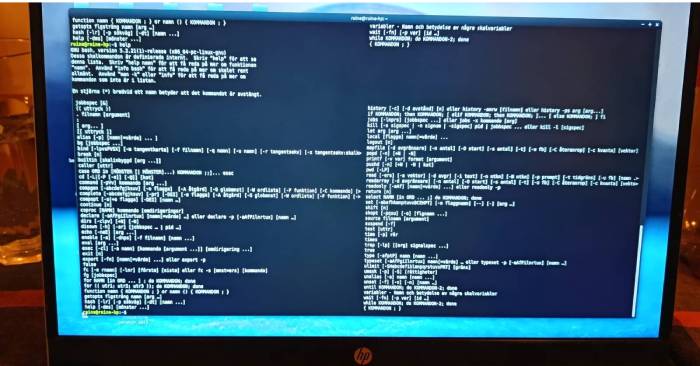
Repair interrupted configuration and unmet dependencies, refresh downloads, and review package removal without blindly running destructive cleanup commands.
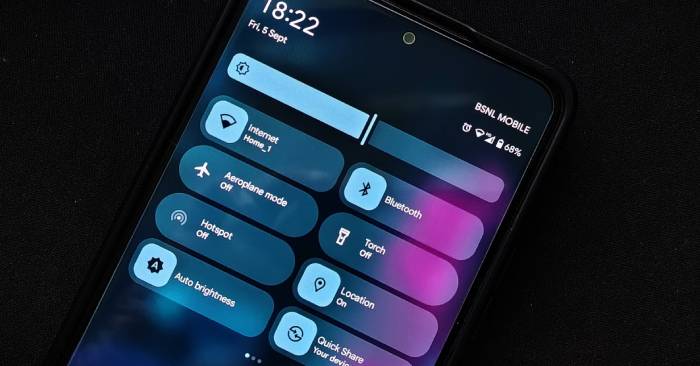
Check where Google documents Do Not Disturb synchronization, how to find cross-device settings, and why support still depends on the devices you use.
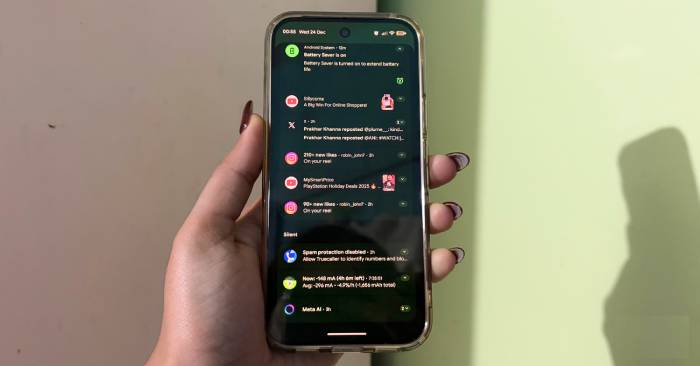
Find the Enhanced notifications setting, understand suggested actions, and distinguish it from notification summaries, organizers and Do Not Disturb.
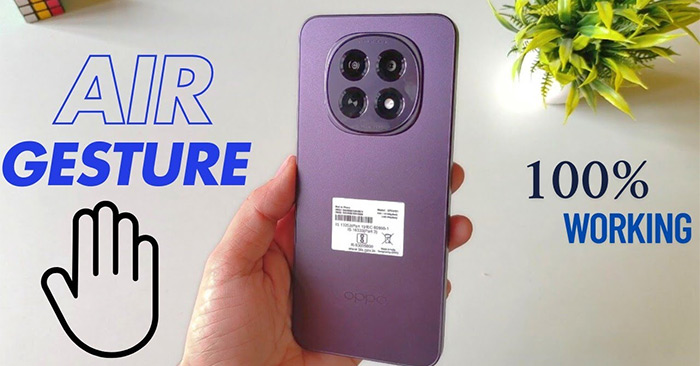
Enable touchless scrolling on a supported OPPO phone, follow the gesture tutorial, and check the separate controls and app limits for calls.
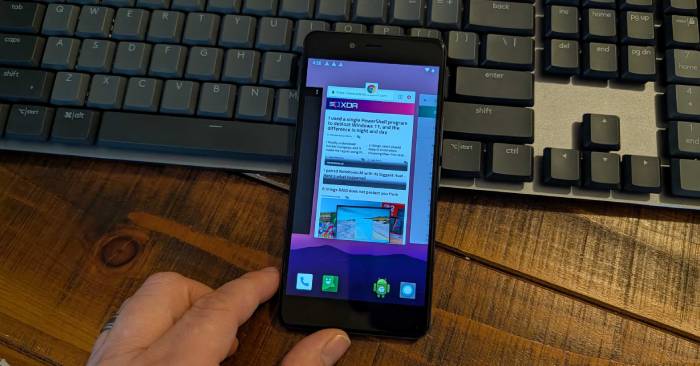
Understand what Background process limit changes, why it can slow app switching, and how to return to Standard limit after a controlled test.
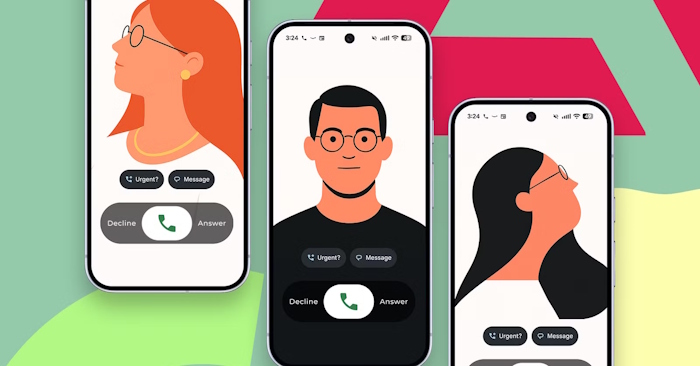
Choose a photo, font and sharing audience for your Google Calling Card, and check why another person may still see a different image.
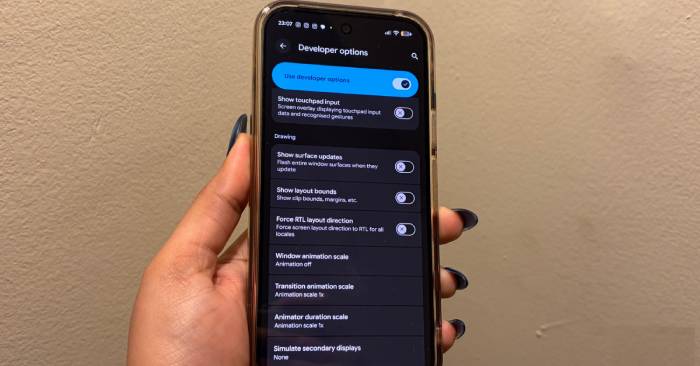
Adjust Android's animation scales or use Remove animations to reduce transition effects, with steps to restore the defaults and limits to expect.
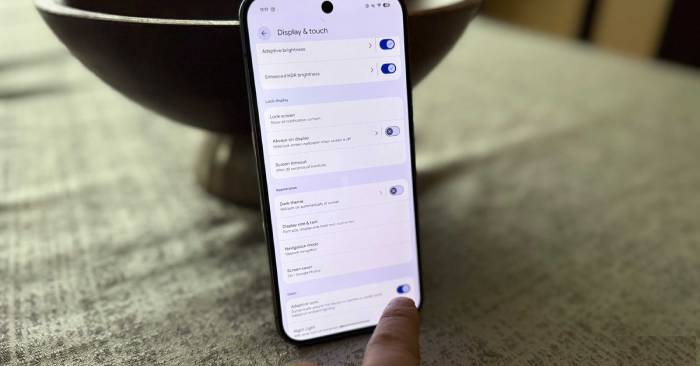
Customize lock-screen shortcuts, check screen-off fingerprint support, enable an assistant gesture, and choose a display resolution on compatible Pixel phones.
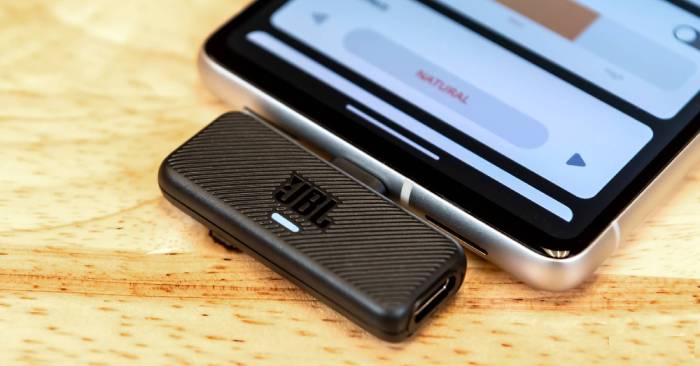
Connect a compatible phone to Ethernet, small accessories, a microphone, a display, or input devices—and check the hardware support each connection needs.
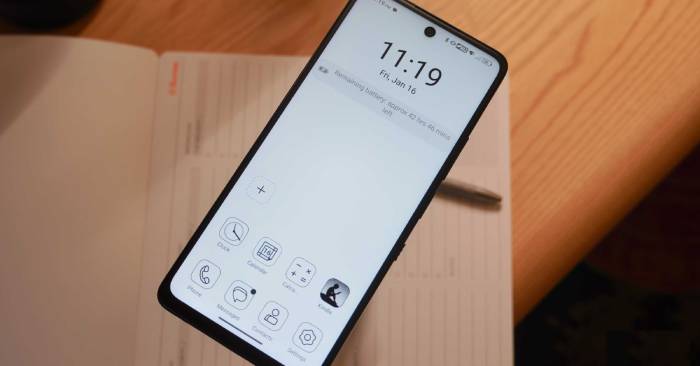
See how the TCL 60 XE's matte LCD and reading modes differ from glossy phone screens and E Ink, plus the tradeoffs to check before switching.
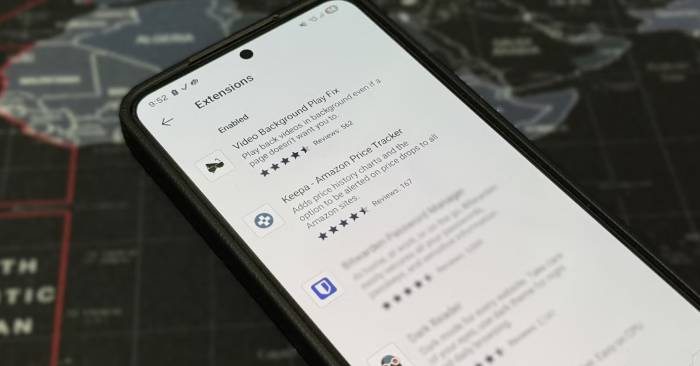
Use Firefox add-ons for content blocking, background video, price tracking and dark themes, and choose the supported Bitwarden Android app for passwords.
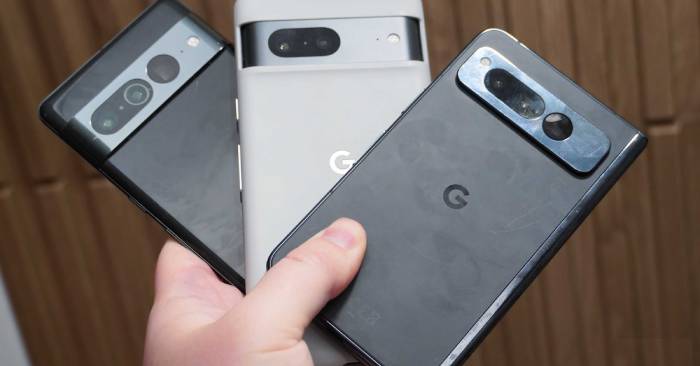
Find useful camera, music and calling tools on compatible older Pixels, with setup steps and the model or regional limits that matter.