Table of Contents
If your phone feels sluggish while charging, heat is a likely factor to check. Phones can reduce performance when they become too warm. A charger or cable problem may contribute, but slow charging alone does not mean the accessory is slowing the processor.
First identify what is slow
| Symptom | What to check first |
|---|---|
| Apps stutter and the phone is hot | Temperature and demanding apps |
| Battery percentage rises slowly, but apps work normally | Adapter power, charging protocol, cable and charging limits |
| Charging repeatedly starts and stops | Cable fit, accessory condition and the charging port |
| The phone stays slow after it cools and is unplugged | Software, storage, background activity and battery condition |
Heat can reduce both performance and charging speed
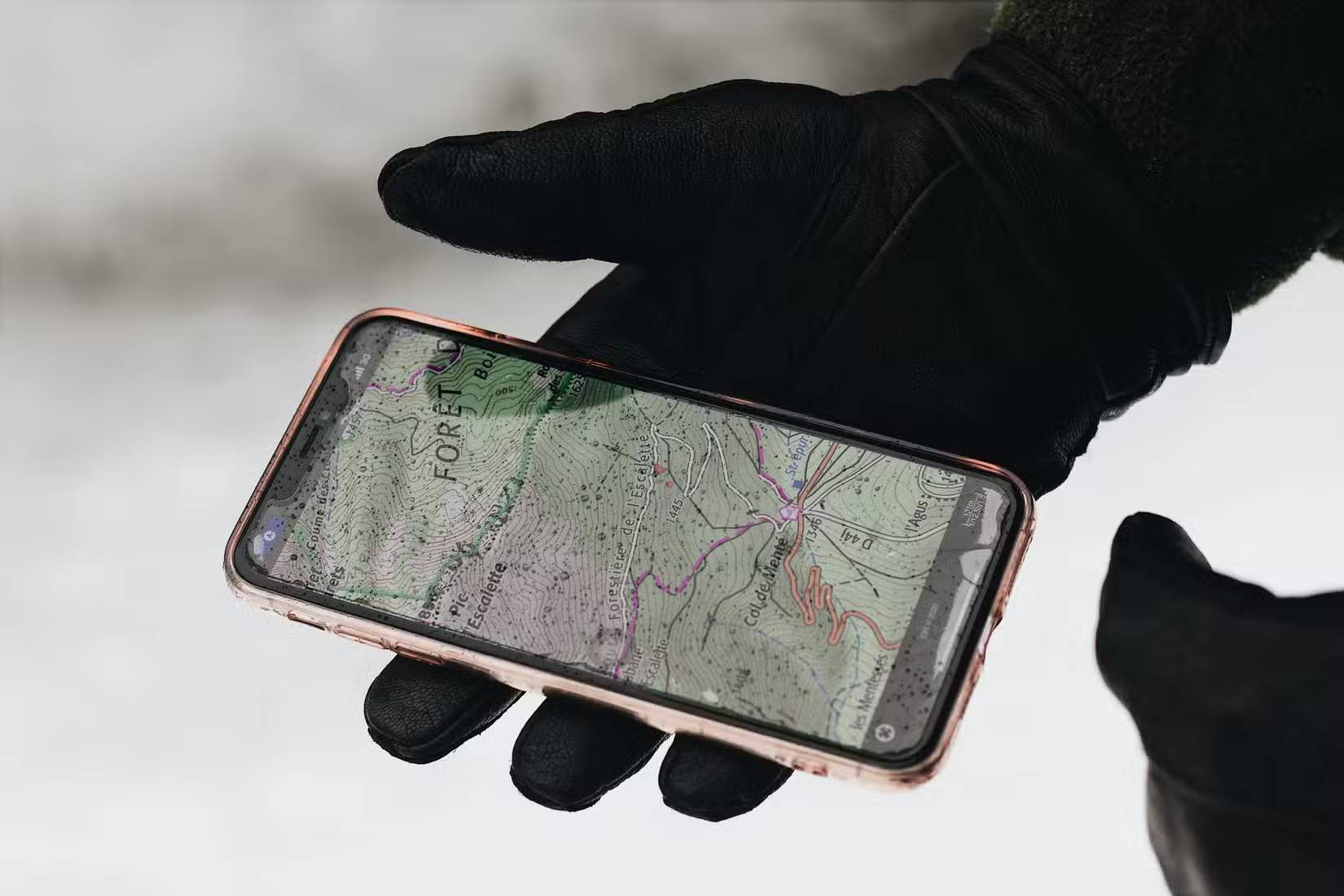
Charging produces some heat. Gaming, video recording, navigation or other demanding tasks can add more, especially in direct sun or a hot car. Google’s Pixel guidance confirms that overheating can reduce CPU performance and charging speed.
If the phone is unusually hot, unplug it, stop demanding tasks and move it to a cooler, ventilated place. Let it cool before using it again. A small amount of warmth during charging is not, by itself, evidence of a defective charger.
Check the adapter and cable separately
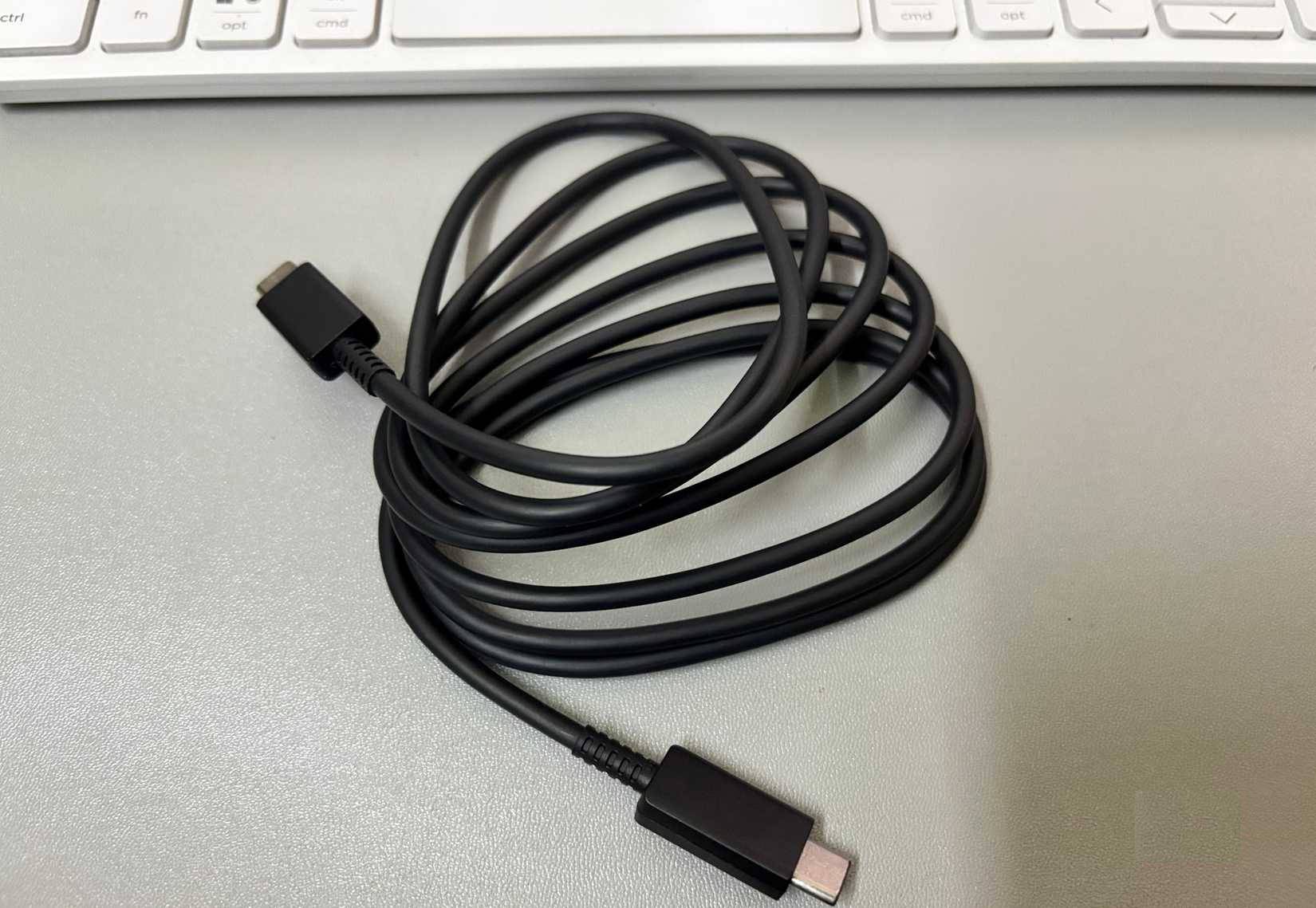
A low-power or incompatible adapter can charge slowly even when it is working correctly. A damaged cable can cause intermittent charging or fail to support the phone’s fast-charging mode. Neither issue proves that the processor must “work harder to compensate.”
With the phone cool, try a known-good compatible cable and adapter. Change one item at a time so you can identify which change helps. Stop using accessories with exposed wires, damaged connectors or other visible faults.
Third-party accessories can be suitable when they come from a reputable supplier and meet the phone’s requirements. The manufacturer’s brand is not the only acceptable option, and price alone does not establish quality.
Reduce the workload during a comparison test
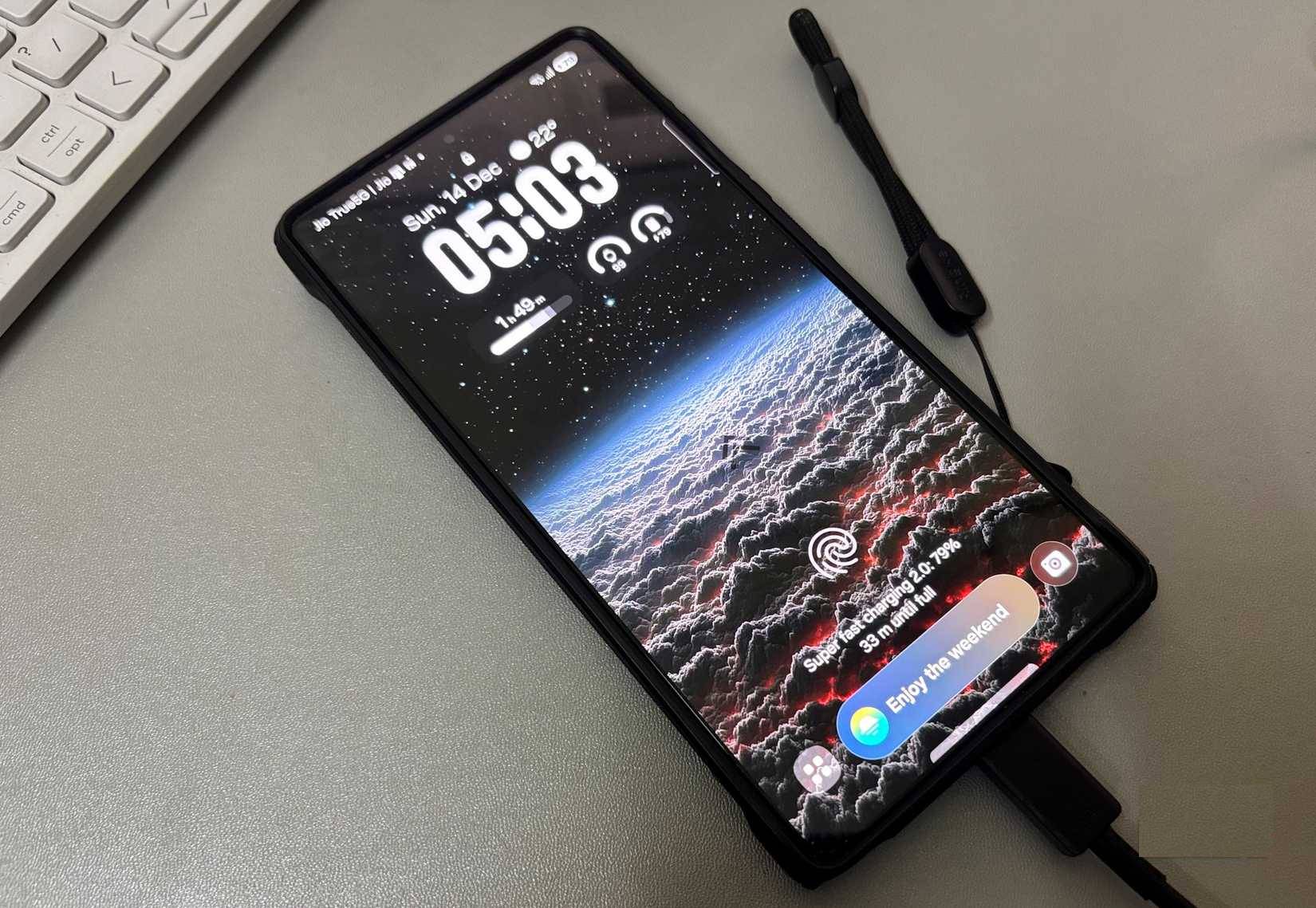
Compare charging with the screen off and heavy apps closed. If charging improves, the phone’s activity and heat may have been consuming part of the available power. Apple’s charging guidance describes this effect for processor-intensive apps and video streaming.
Charging can also slow near a full battery or pause because of temperature or battery-protection settings. Check the Battery screen for a status message before assuming a fault.
Inspect the connection
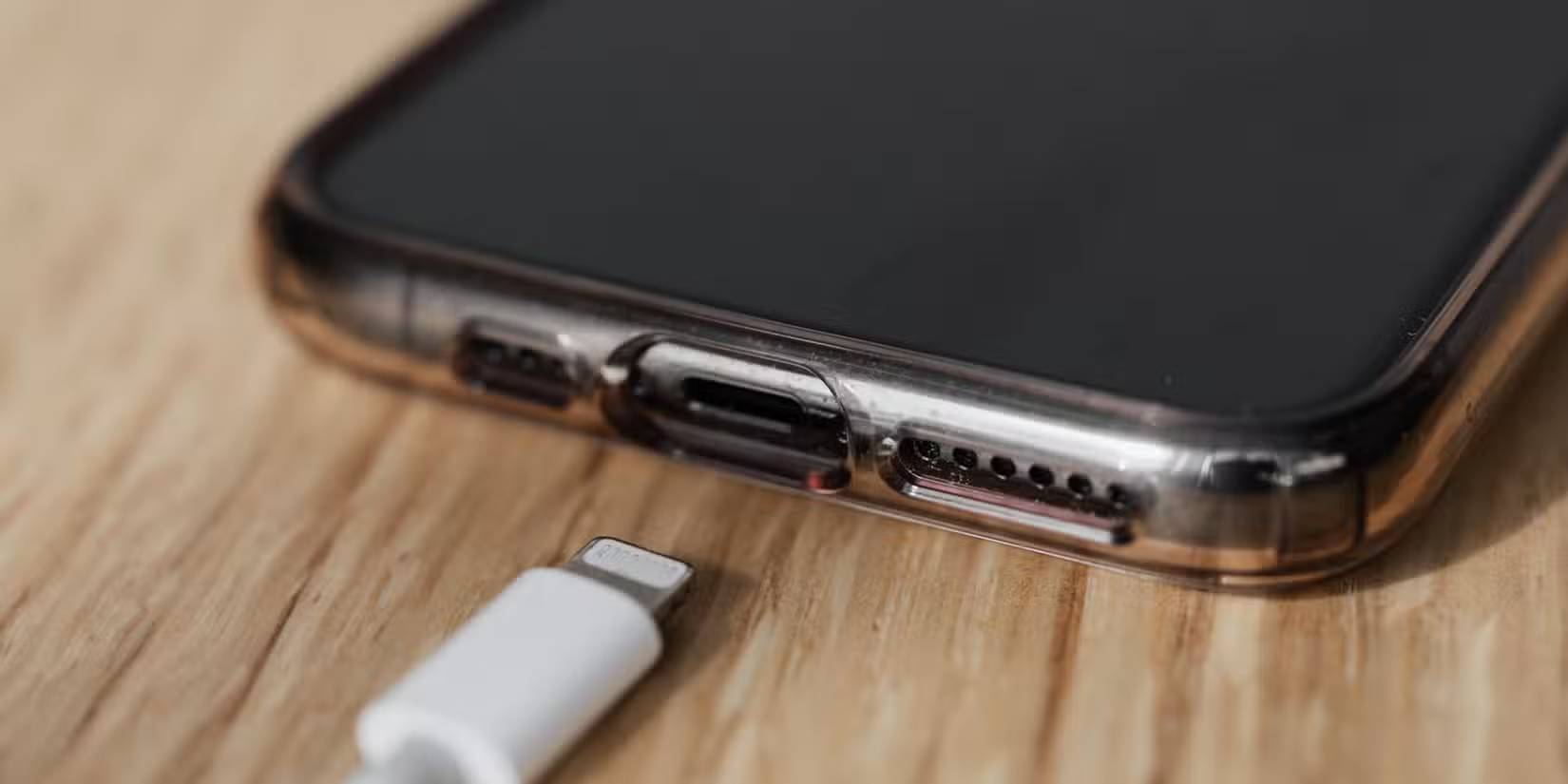
Check whether the plug fits securely and whether the port has visible debris or damage. Follow your phone maker’s cleaning instructions; persistent loose or interrupted connections may need service. A dirty port primarily affects charging contact, not necessarily app performance.
Choose accessories for your phone’s requirements
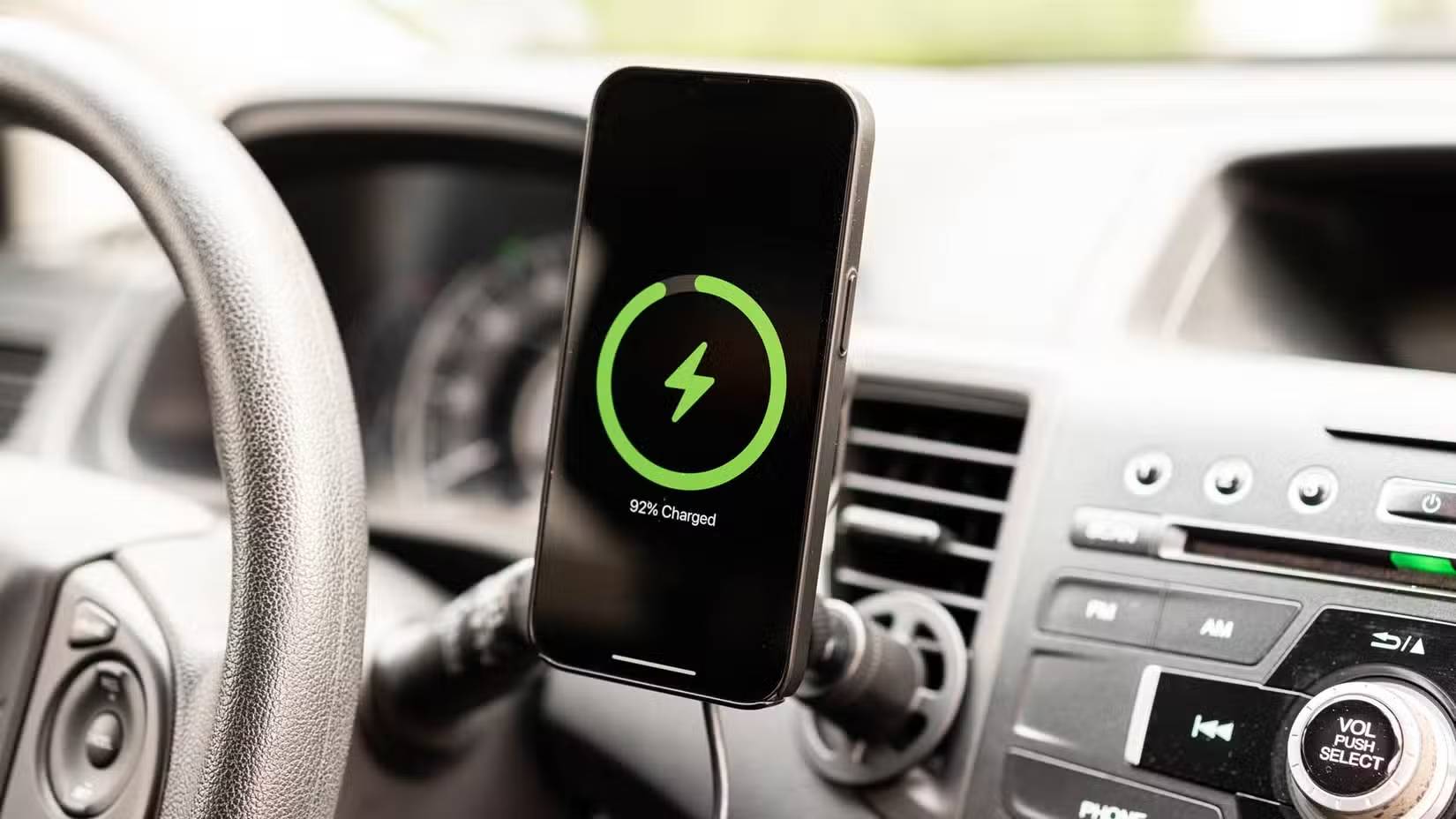
Match the charger’s supported protocol, power output and cable rating to the phone. USB-C shape alone does not tell you the charging capabilities; see TipsMake’s guide to USB-C port markings. For a battery that charges slowly without sluggish apps, see other slow-charging causes.
A compatible car charger is not inherently worse than a wall charger. Available power and the hot environment are more relevant. If severe heat or charging interruptions continue with known-good accessories, contact the phone manufacturer or a qualified repair provider.
Related Articles
 Causes and ways to fix the charger is hot when charging
 Plug the phone charger forever in the socket, so or not?
 Surprise with 3 ways to charge your phone in Africa, where electricity is both rare and expensive
 Why do you need to buy a backup charger for your phone?
 Top 16 best backup chargers 2019
 Samsung claims not to slow down old smartphones
Reader Comments 0
Sign in with email or Google to join the discussion.