Table of Contents
Learn how to quickly cut an image into two parts with clear steps, practical tips, and troubleshooting guidance for a reliable result.
How to crop an image into two parts online
Step 1
Users can access the page to crop an image into two parts using the tool below.
https://taoanhdep.com/cat-anh-thanh-2-phan-nhanh-chong/
On the page interface, you upload the image you want to crop .

Step 2
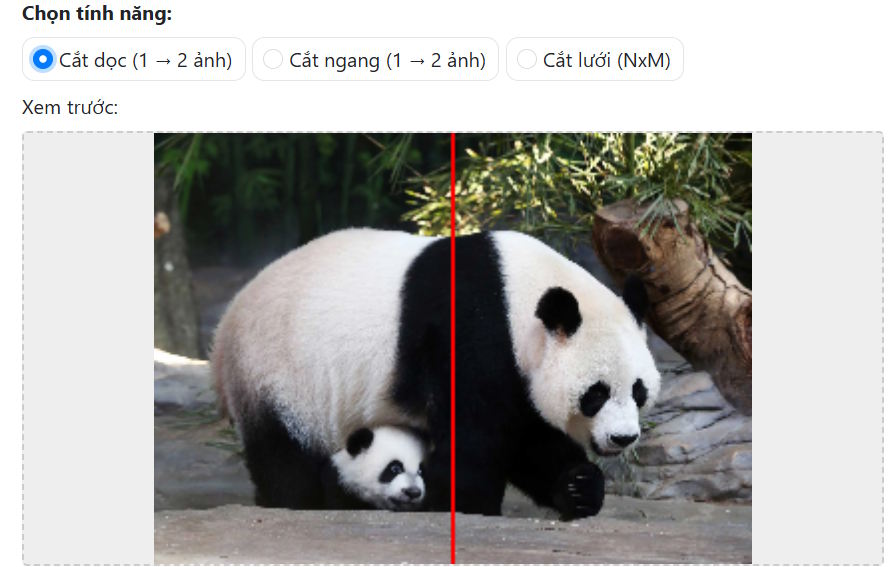
Next, you can choose whether to crop your image horizontally or vertically . You'll see a preview option below to help you select the cropping method that best suits your uploaded image.
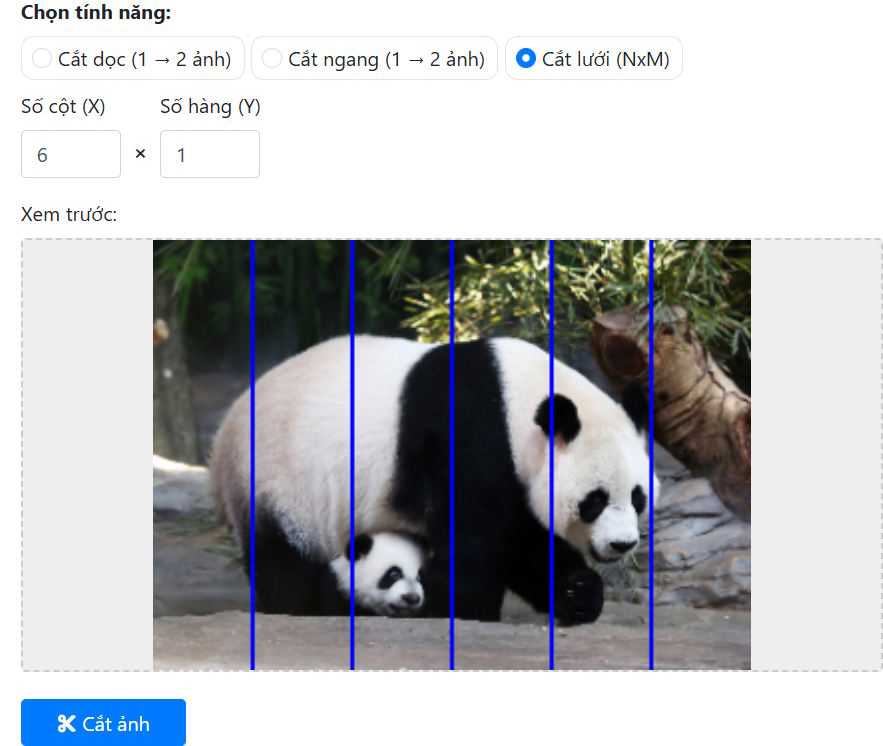
For the grid cropping option , you can also choose the number of horizontal and vertical columns in the grid. Enter the number of columns and rows you want to crop , then select Crop Image below to proceed.
Step 3
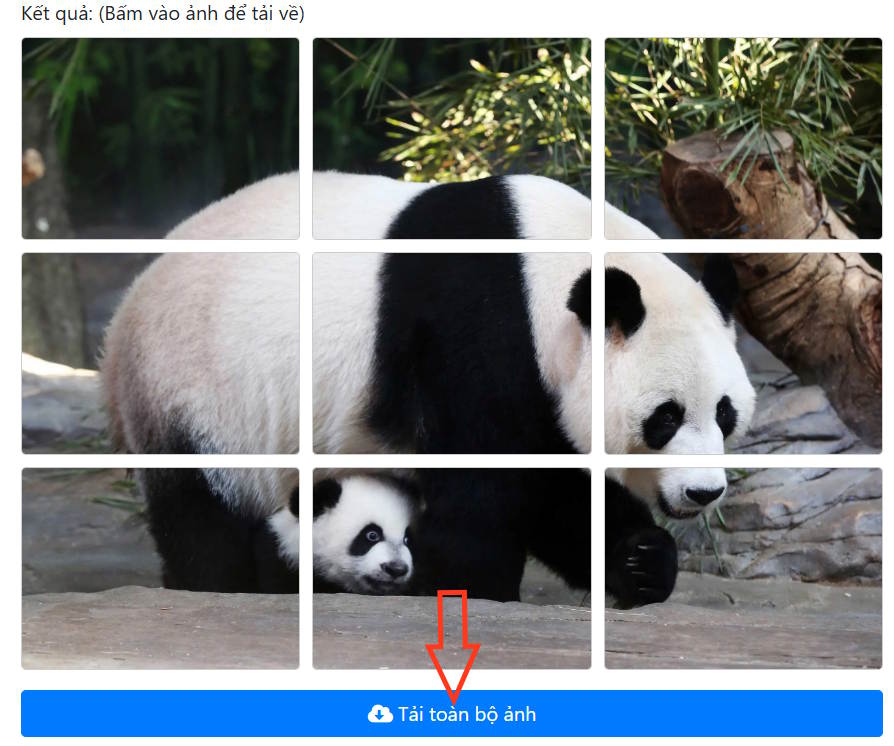
Finally , click "Download all images" to download the zip file to your computer with the images cropped according to your selection.
Final Thoughts
Use this guide as a practical checklist for how to quickly cut an image into two parts. Work through the steps in order, verify each result, and adjust the options to match your needs.
FAQ
What do you need before following this How to Quickly Cut an Image into Two Parts guide?
Review the required tools, accounts, settings, or materials mentioned in the article. Learn how to quickly cut an image into two parts with clear steps, practical tips, and troubleshooting guidance for a reliable result.
What are the main steps for how to quickly cut an image into two parts?
Follow the sections in order, especially How to crop an image into two parts online, Step 1, Step 2. Complete each step before continuing and verify the result as you go.
What should you do if the process does not work as expected?
Recheck the prerequisites, update the relevant app or service, review the settings, and repeat the step that caused the issue. Use any troubleshooting notes included in the guide.
Related Articles
 How to Use Quick Parts to Quickly Insert a Word Text Block5 minutes read
 Instructions on How to Reduce the Image Size Without Losing the Original3 minutes read
 How to Start a Used Auto Parts Business: Step-by-Step Guide10 minutes read
 How to Quickly Blur Photos Online: Step-by-Step Guide14 minutes read
 In the Future, These Excess Body Parts May Completely Disappear Due5 minutes read
 9 Parts of Your Body Make Women More Drunk5 minutes read
Reader Comments 0
Sign in with email or Google to join the discussion.