How to Create a JavaScript Chart with a Secondary Y-Axis
Use CanvasJS to plot counts on a primary axis and percentages on a secondary axis, with clear units, legends, and tooltips.
Fix Windows problems, troubleshoot devices, understand AI, secure your accounts and get more from your technology with tested step-by-step guides.
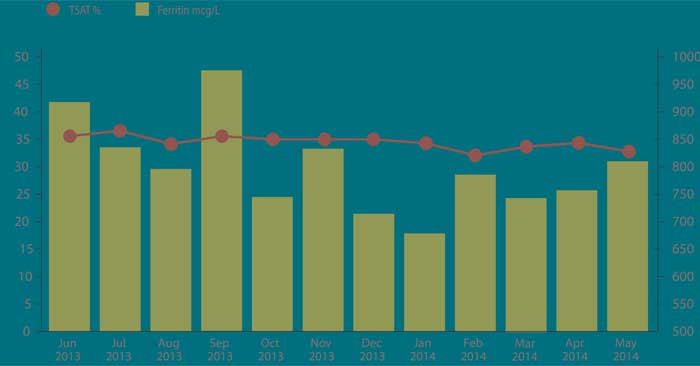
Use CanvasJS to plot counts on a primary axis and percentages on a secondary axis, with clear units, legends, and tooltips.

Learn what JavaScript machine learning can do, compare TensorFlow.js, ml5.js, Brain.js, and Math.js, and understand browser performance and privacy limits.

Install Bootstrap and Dart Sass, override theme colors and grid breakpoints, compile a custom stylesheet, and avoid editing framework files.
Add Bootstrap styles, icons, and interactive components to Angular, with clear setup options for plain Bootstrap or the Angular-native ng-bootstrap library.

Create a responsive React login and registration interface with Bootstrap, accessible form controls, state-based mode switching, and clear integration points for real authentication.
Add Bootstrap to an HTML page with a CDN, local files, or npm, then test the setup with a responsive component and avoid common Bootstrap 4 instructions that no longer apply.

Test your Bootstrap 5 skills with focused fill-in-the-blank exercises covering containers, typography, colors, images, tables, alerts, and buttons.

Solve common Bootstrap 5 interface problems, including dropdown behavior, tooltip setup, button icons, centered and responsive modals, YouTube playback, and dismissible popovers.

Use Bootstrap 5 col-lg classes to build layouts that stack on smaller screens and change width at 992px, with mixed-breakpoint and equal-width examples.

Learn how col-md classes change Bootstrap column widths from 768px, combine with small-screen rules, and create equal-width responsive layouts.

Use Bootstrap 5 col-sm classes to create layouts that stack below 576px and form proportional or equal-width columns on wider screens.

Use Bootstrap 5 unprefixed col and col-* classes to keep proportional or equal-width columns at every viewport size, including widths below 576px.
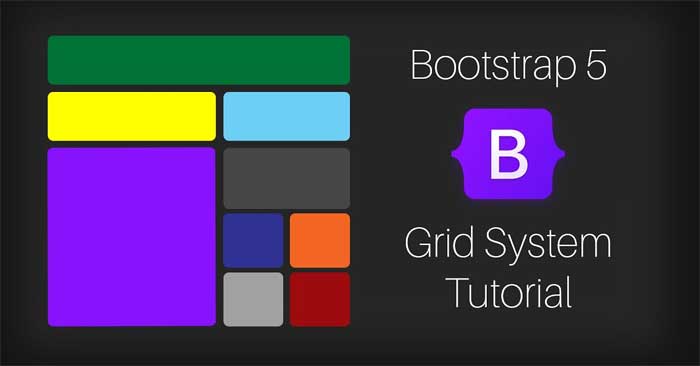
Create Bootstrap 5 columns that stack on narrow viewports and become horizontal at a chosen breakpoint, with numbered and automatic equal-width examples.
Build a Bootstrap 5 form with HTML validation constraints, custom valid and invalid feedback, submit-time styling, accessible labels, and server-side validation guidance.

Create Bootstrap 5 floating labels for inputs, textareas, selects, validation states, and responsive form layouts while keeping labels accessible.
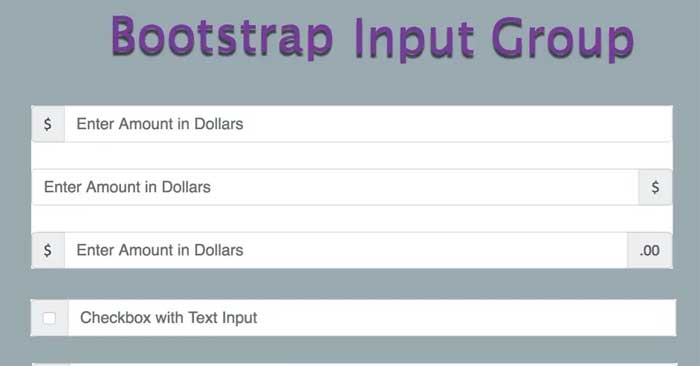
Build Bootstrap 5 input groups with text add-ons, sizes, multiple controls, checkboxes, buttons, and dropdowns while keeping form fields accessible.

Create accessible Bootstrap 5 checkboxes, radio groups, inline options, validation states, and toggle switches with correct labels, names, and values.
Create accessible Bootstrap 5 select menus, multiple-selection lists, size variants, disabled states, option groups, validation feedback, and datalist suggestions.

Use Bootstrap 5 flex utilities for direction, alignment, spacing, wrapping, sizing, order, and responsive layouts, with focused examples and a class reference.
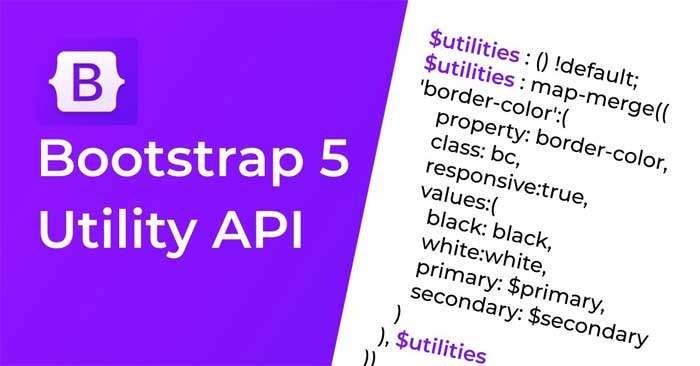
Use Bootstrap 5 utilities for borders, sizing, spacing, floats, shadows, alignment, aspect ratios, visibility, accessibility, and contextual colors.