Table of Contents
Bootstrap 5 uses unprefixed col and col-* classes for layouts that begin at the extra-small tier. These classes apply from a viewport width of 0, so their columns remain side by side even below 576px. Bootstrap 5 does not use a col-xs-* prefix.
Unprefixed classes apply at every width
The default extra-small tier has no minimum-width media query and no written breakpoint prefix. Compare the first three grid tiers:
| Tier | Minimum width | Class examples |
|---|---|---|
| Extra small | 0 | col-4, col |
| Small | 576px | col-sm-4, col-sm |
| Medium | 768px | col-md-4, col-md |
The official Bootstrap grid documentation lists the remaining lg, xl, and xxl tiers.
Create a 25/75 layout at every viewport width
Bootstrap rows contain 12 template columns. A span of three units is 25%, and a span of nine units is 75%:
<div class="container-fluid">
  <div class="row g-3">
    <aside class="col-3">
      <div class="p-3 bg-light border rounded">
        Navigation
      </div>
    </aside>
    <main class="col-9">
      <div class="p-3 border rounded">
        Main content
      </div>
    </main>
  </div>
</div>
Because both classes are unprefixed, the layout remains 25%/75% on phones and wider screens. This can make the narrow column difficult to use on a small phone, so check the real content rather than choosing a ratio only because it fits mathematically.

Use other fixed proportions
The same 12-column calculation produces common two-column layouts:
| Proportion | Classes |
|---|---|
| 25% / 75% | col-3 and col-9 |
| 33.3% / 66.7% | col-4 and col-8 |
| 50% / 50% | col-6 and col-6 |
<div class="container text-center">
  <div class="row g-3 mb-3">
    <div class="col-4"><div class="p-3 border">One third</div></div>
    <div class="col-8"><div class="p-3 border">Two thirds</div></div>
  </div>

  <div class="row g-3">
    <div class="col-6"><div class="p-3 border">One half</div></div>
    <div class="col-6"><div class="p-3 border">One half</div></div>
  </div>
</div>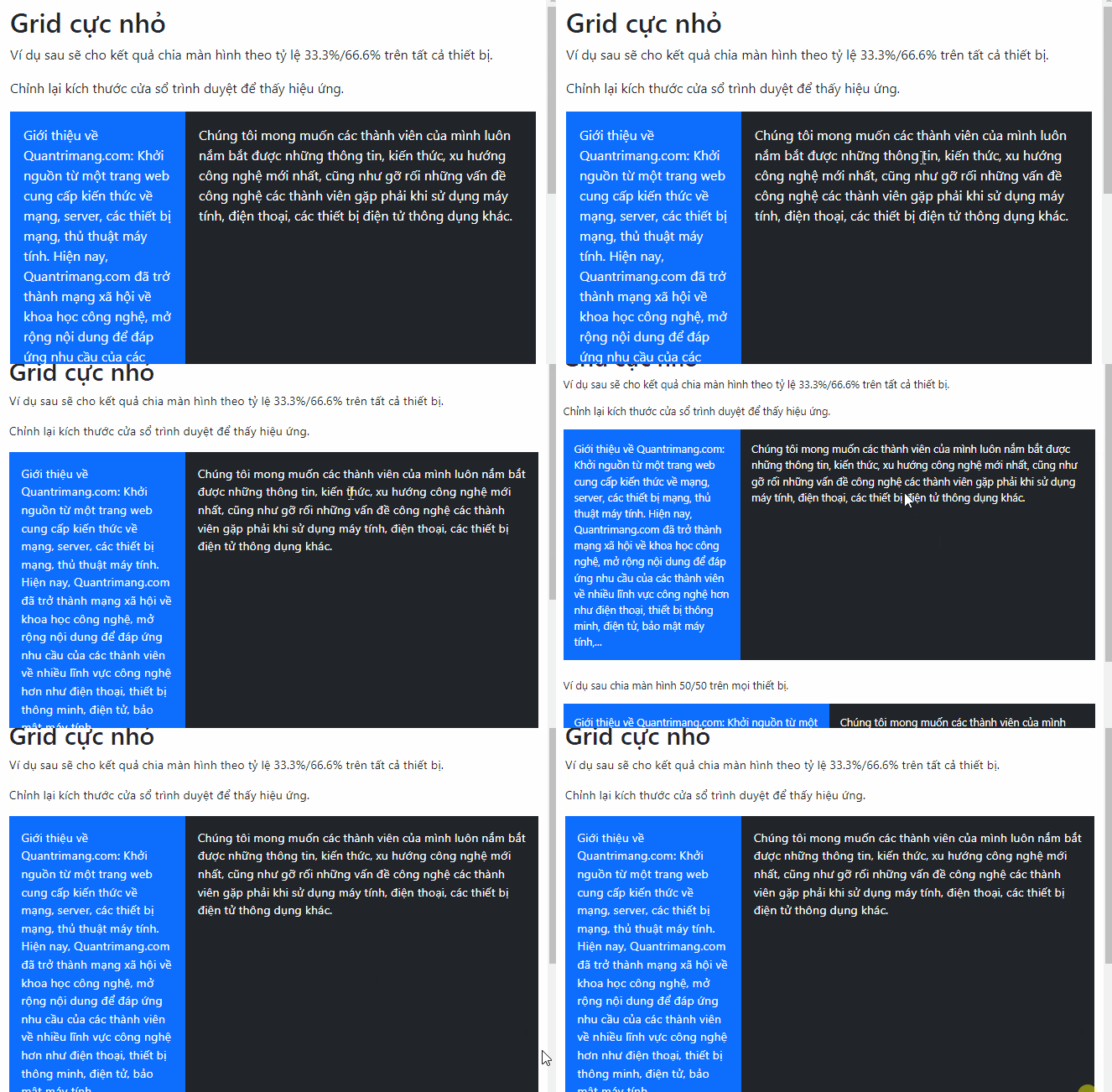
Columns can total fewer than 12 units if the design intentionally leaves space. If active spans exceed the available 12 units, later columns wrap to the next line.
Create automatic equal-width columns
Use col without a number to divide the row evenly among all participating elements. With four columns, each receives one quarter of the available width:
<div class="container text-center">
  <div class="row g-2">
    <div class="col"><div class="p-2 border">1 of 4</div></div>
    <div class="col"><div class="p-2 border">2 of 4</div></div>
    <div class="col"><div class="p-2 border">3 of 4</div></div>
    <div class="col"><div class="p-2 border">4 of 4</div></div>
  </div>
</div>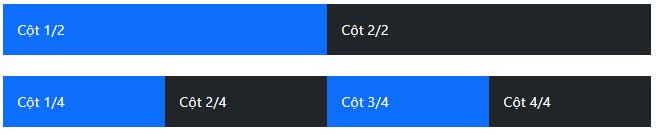
Unlike col-sm, plain col does not stack below 576px. Four equal columns can therefore become very narrow. For content cards, a responsive row-column pattern is often more readable:
<div class="row row-cols-1 row-cols-sm-2 row-cols-lg-4 g-3">
  <article class="col">Card 1</article>
  <article class="col">Card 2</article>
  <article class="col">Card 3</article>
  <article class="col">Card 4</article>
</div>
This version shows one card per row below 576px, two at the small breakpoint, and four at the large breakpoint.
Combine base and responsive classes
An unprefixed class can define the starting layout, while later classes change it:
<aside class="col-12 col-sm-4 col-lg-3">Filters</aside>
<main class="col-12 col-sm-8 col-lg-9">Results</main>
The pair stacks at full width by default, changes to 33.3%/66.7% from 576px, and becomes 25%/75% from 992px. This mobile-first progression is usually safer than forcing narrow columns at every width.
Practical checks
- Include the viewport meta tag in the page head.
- Place columns directly inside a
rowand place the row inside a container. - Test long words, buttons, images, and form controls at 320px or another narrow viewport.
- Use
img-fluidfor images that must not overflow their columns. - Add breakpoint-specific classes when a fixed ratio makes the content cramped.
For help choosing a toolkit, compare Bootstrap with other CSS frameworks. You can also use one of these HTML editors to inspect the markup and catch class-name errors.
Related Articles
 Lesson 40: Small Grid in Bootstrap 54 minutes read
 Lesson 42: Large Grid in Bootstrap 54 minutes read
 Lesson 38: Grid Systems from Stacked to Horizontal in Bootstrap 54 minutes read
 Lesson 41: Grid Medium in Bootstrap 54 minutes read
 Lesson 3: Grid System in Bootstrap 511 minutes read
 Lesson 24: Tooltips in Bootstrap 53 minutes read
Reader Comments 0
Sign in with email or Google to join the discussion.