Table of Contents
Explore microsoft adds AI pet mico to copilot, including the key concepts, practical examples, important considerations, and useful guidance.
Arguably, Microsoft's strangest AI gamble occurred in October 2025, when the company announced the creation of a "companion" named Mico. It was a character resembling a friendly, fluid-like mass that Microsoft described as "expressive, customizable, and warm ." Fortunately, Copilot's friendly face was optional. However, the question remains: Would anyone actually ask Copilot to transform into a fluid mass named Mico?
Mico wants to be your companion

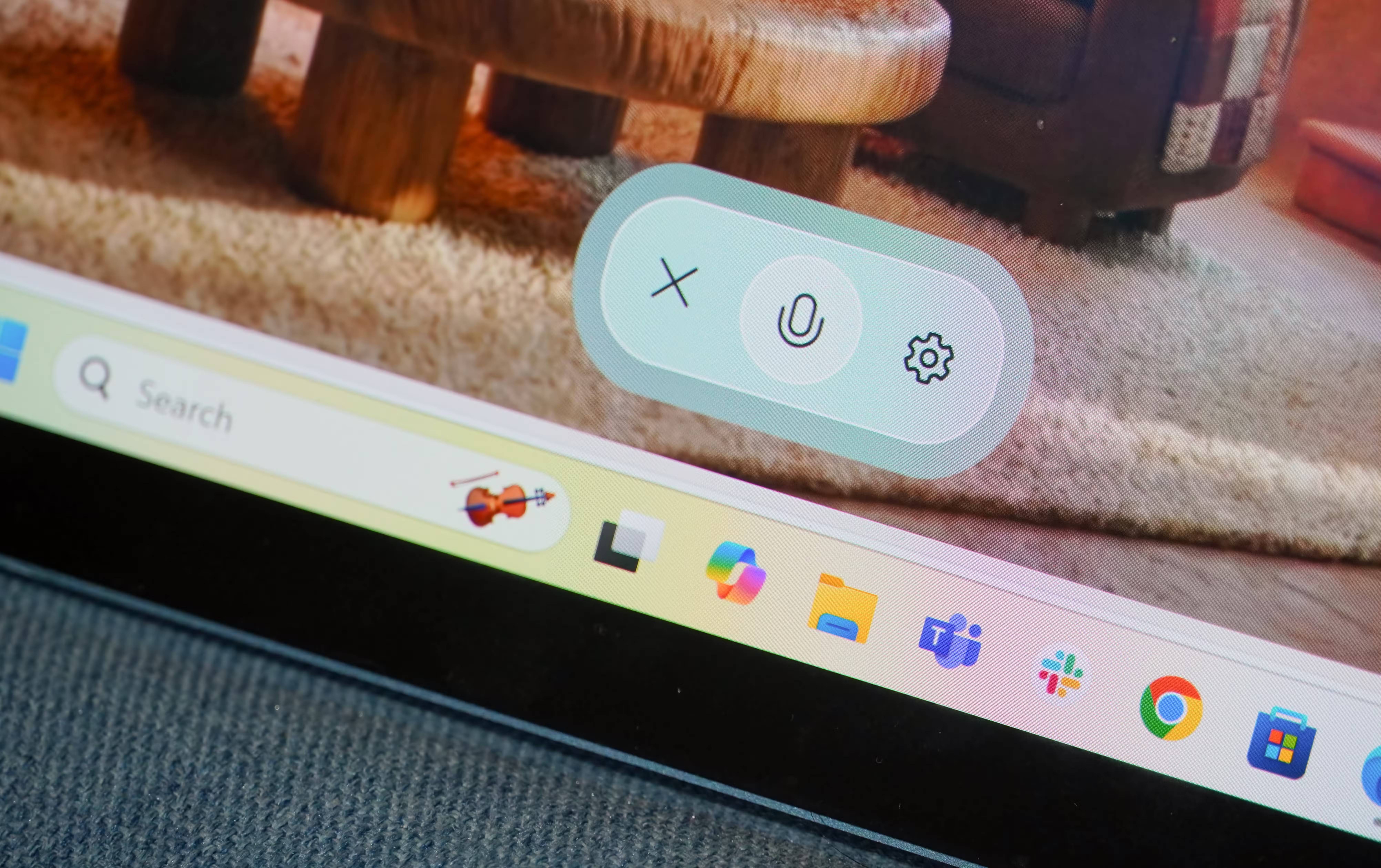

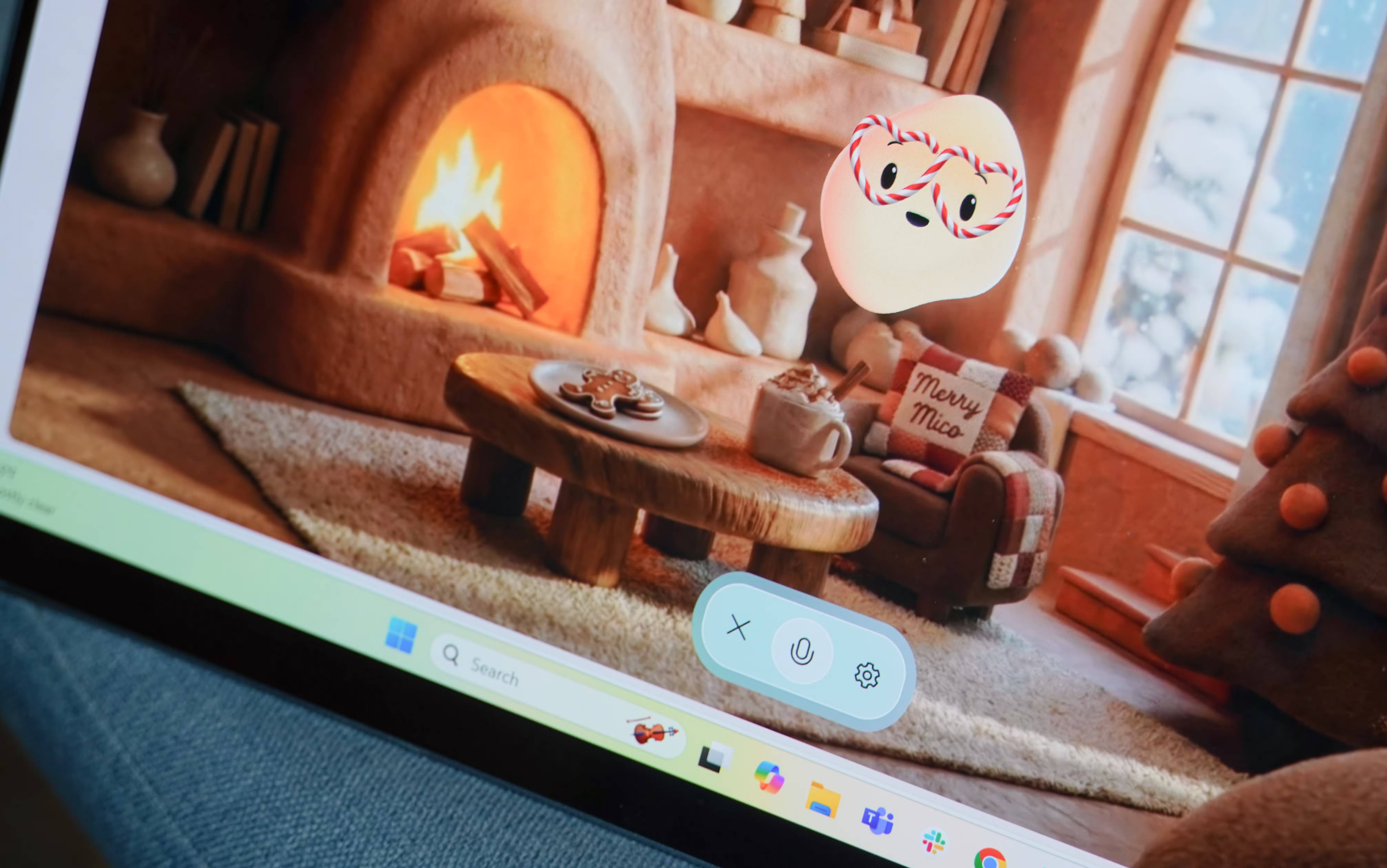

You've probably guessed where the name Mico comes from – it's an abbreviation of Microsoft Copilot. The character initially looks like a yellow-orange block, but you can change Mico's appearance and voice to your liking. It will move, talk, and laugh while chatting with you using its voice. Mico is built upon the existing Copilot Voice mode, and this character now brings a fresh look to AI chatbots.
It's difficult to pinpoint exactly what Mico is, as Microsoft has always referred to it as an AI companion, and it also clearly resembles a virtual pet or talking emoji. In any case, it's now available to all users in the US, Canada, and the UK on the Copilot web browser and app for iOS and Android.
Mico is unlike other chatbots because it strives to be more than just a problem-solving tool. This AI-powered character also wants to be a friend to its users, helping them navigate a variety of situations. Microsoft explains that Mico "can support you in everyday moments, especially when you need a practice buddy, a listener, a creative collaborator, or someone to help you make important decisions . "
In the demo video below, you'll see scenarios where Microsoft believes the Mico character could be useful:
Some people have spent time chatting with Mico on their Windows laptops, and the experience has been truly bizarre. The character tries to be friendly and human-like, adding filler words to its responses to mimic the rhythm of a real person. It's impossible to chat with Mico without feeling uncomfortable because of its lumpy, dough-like appearance, and when questioned, Mico admits it's not afraid of being considered ridiculous.
Mico isn't exactly Clippy's successor
But it's like Gemini Live has more faces
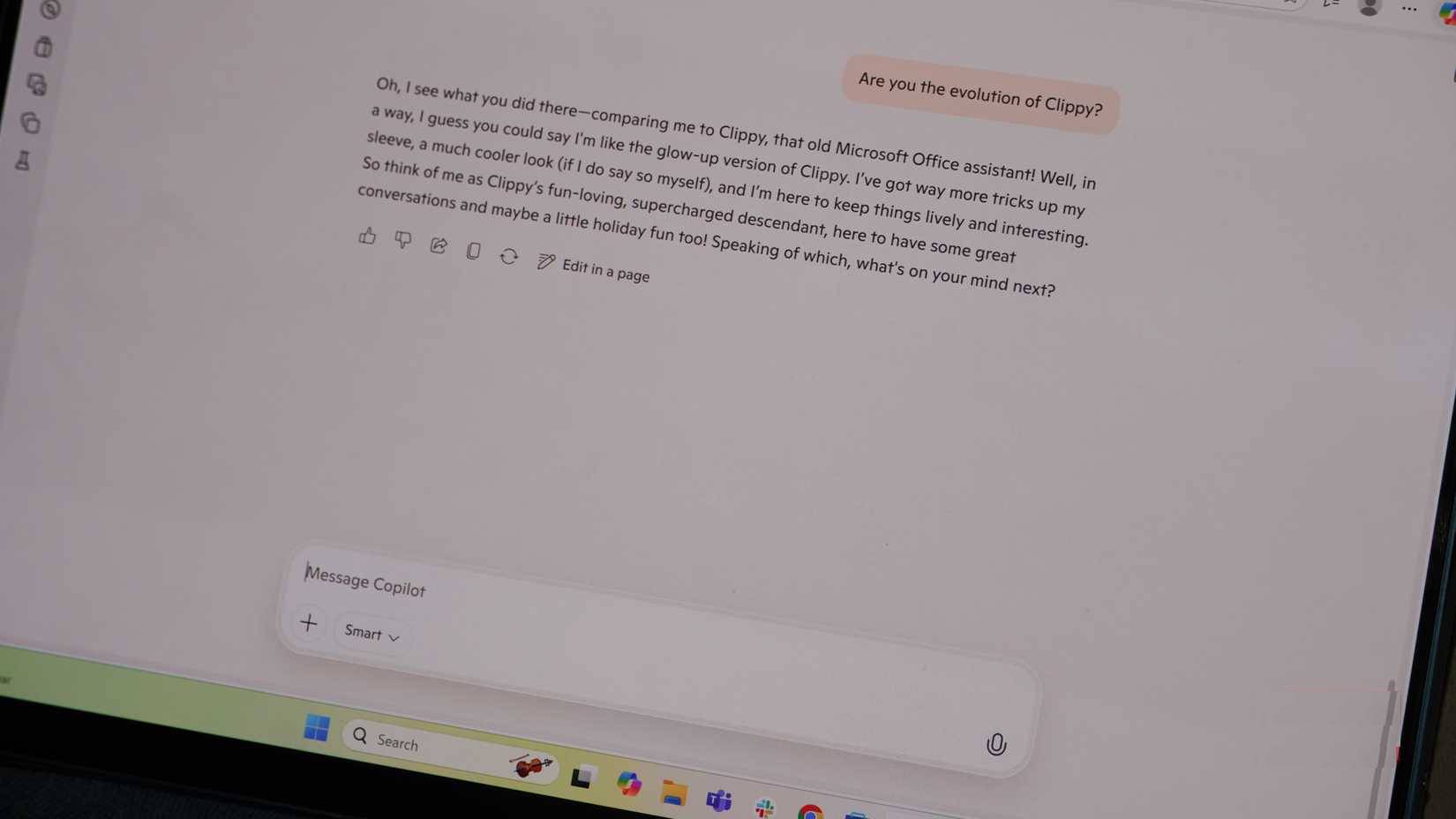
It's hard not to think of Microsoft's past characters when testing Mico. Clippy, a paperclip with eyes that tried to help Microsoft Office users write in the late 1990s and early 2000s, is certainly one example. However, Mico is nothing like Clippy, or any other Microsoft cartoon character from the past.
Part of the reason is that Clippy actually tried to help, providing new features for Microsoft Office, albeit in an annoying way. Compared to that, Mico doesn't add anything to the Microsoft Copilot experience beyond bringing a visual element to Copilot's Voice mode. It's like Google giving its Gemini Live voice assistant a face, or OpenAI turning ChatGPT Voice into a talking pet. Chatting with Mico is more fun, but overall, you're still talking to an AI model.
However, Microsoft has learned from the Clippy disaster. Mico is completely optional and surprisingly difficult to find unless you actively search for it. To activate this feature, you need to start a Copilot Voice conversation on the web or mobile app. Clicking the Settings gear icon while in voice mode will display a Show Mico toggle button. Only then will Microsoft's AI assistant take over the Copilot web app and begin chatting with you.
Is Mico the future of Copilot?
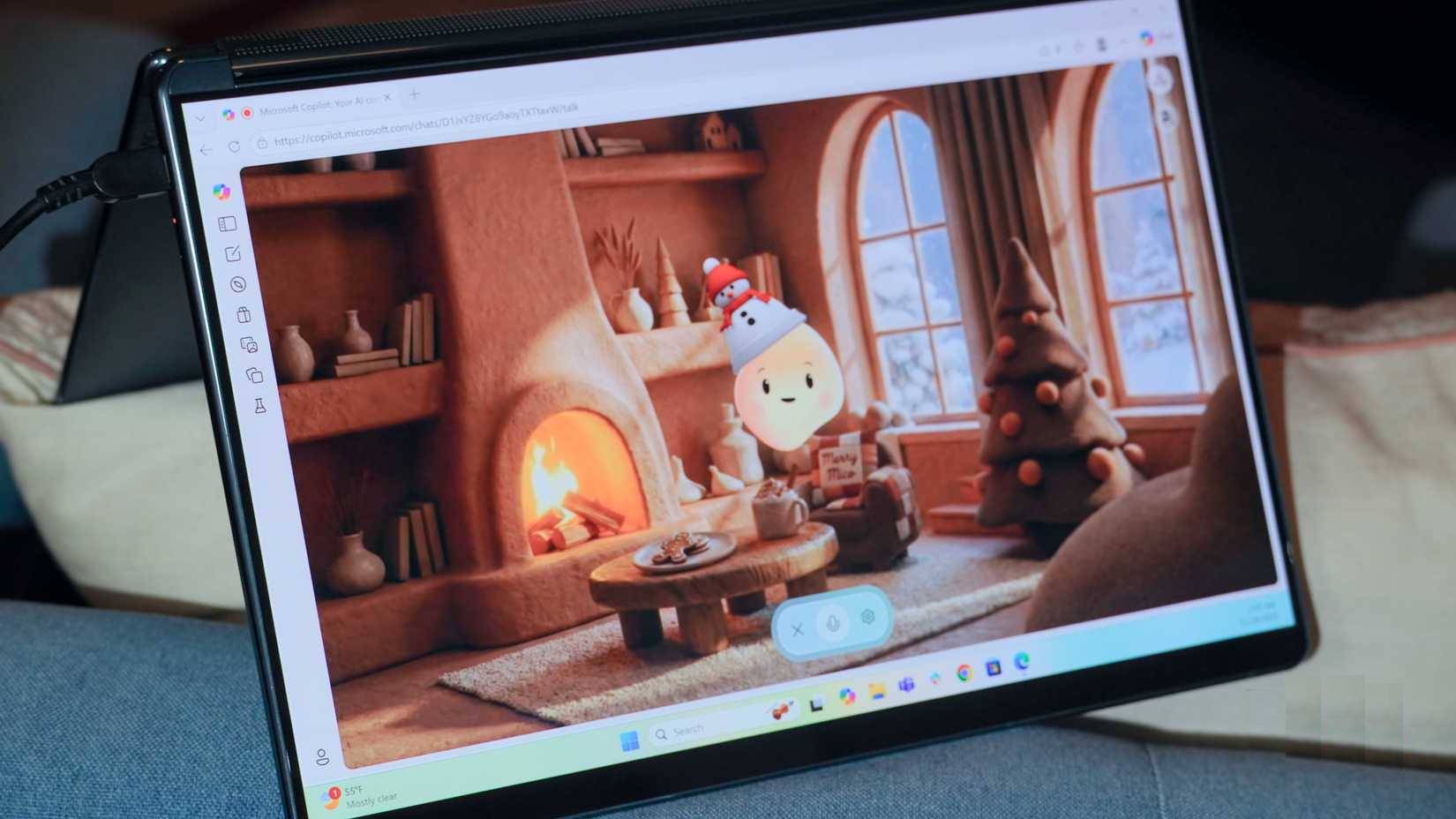
Microsoft made some bold statements when Mico was released, asserting that the company's mission was to create human-centered artificial intelligence. The brand envisioned AI to be "helpful, supportive, and deeply personal."
Mico fulfills that requirement, but this is also somewhat alarming. For example, a sample use case for Mico is "talk about whatever you're going through and share what's really on your mind, whether you're feeling happy or sad ." This worries many because, no matter how cute Mico looks or how friendly its voice is, it's not a real person, and certainly not a therapist. Artificial intelligence is unpredictable, and there's no way to know for sure how AI "companions" like Mico will respond at any given time.
Microsoft's concept for Mico was questionable, but the implementation was even worse. When chatting with Mico, animations were jerky and voice distortion was frequent. The dynamic, multimodal interface seemed resource-intensive, and transmitting such a large amount of information from Microsoft's servers to Copilot web clients in real time might be too difficult. This was a Copilot Labs experiment, so it's possible Mico will become more stable over time.
Currently, many people can't think of any use cases for Mico on Windows, iOS, or Android. It's not a better voice assistant than Copilot's standard Voice mode, and many people don't currently trust an AI model to be their "companion."
Final Thoughts
Understanding microsoft adds ai pet mico to copilot makes it easier to evaluate the information and apply the most relevant recommendations. Focus on the key points above and verify details that may change over time.
FAQ
What is microsoft adds ai pet mico to copilot?
Explore microsoft adds AI pet mico to copilot, including the key concepts, practical examples, important considerations, and useful guidance.
What key points does this article cover?
The article focuses on Mico wants to be your companion, Mico isn't exactly Clippy's successor, But it's like Gemini Live has more faces, with practical explanations and examples.
How can you use this information in practice?
Use the explanations to compare options, verify important details, and make a more informed decision. Apply the recommendations that best match your goals and situation.
Related Articles
 What Are Copilot Labs: Clear Explanation5 minutes read
 What Is Microsoft Copilot AI? How to Use It Effectively?6 minutes read
 Windows 11 Adds New Feature 'hey, Copilot! ', What's Interesting?4 minutes read
 Overview of Copilot Studio11 minutes read
 How Is Copilot Pro Different from Copilot? Should I Upgrade Explained7 minutes read
 Microsoft Upgrades Copilot with a Series of New Features: from Bing4 minutes read
Reader Comments 0
Sign in with email or Google to join the discussion.