Table of Contents
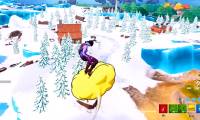
The Wingsuit is a Fortnite mobility item that launches you into the air and lets you glide to another position. Equip it, press your fire control to launch, and steer with your movement and camera controls. Pick a landing spot before activating it.
Epic introduced the Wingsuit in Chapter 7’s Pacific Break loot pool. Availability changes with seasons, updates, and modes, so this guide applies when the item is enabled in the match you are playing.
Where to find a Wingsuit
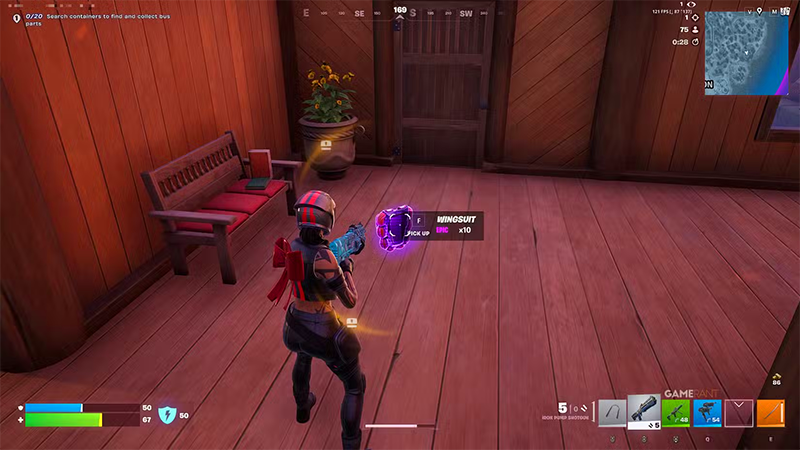
When the Wingsuit is available as loot, look for it while searching chests and supply drops. Finding one is not guaranteed, and its Epic rarity alone does not establish a particular drop rate.
- Loot a practical route: Search several nearby buildings or chest locations rather than crossing exposed terrain for a single container.
- Inspect supply drops before approaching: Other players may be watching them. Check surrounding cover and your route out.
- Keep another rotation plan: Do not wait outside the safe zone hoping the next chest contains a Wingsuit.
If it does not appear after repeated searches, check the current mode and update rather than assuming it is always in the loot pool. The Pacific Break update notes describe its original introduction.
How to activate and steer it
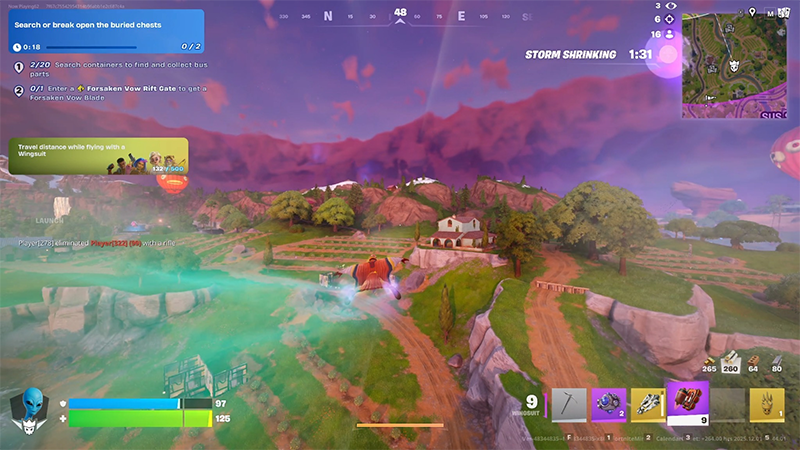
- Pick up the Wingsuit and select its hotbar slot so your character is holding it.
- Face your intended route and choose an open launch position.
- Press your normal fire/use control to activate the launch.
- While airborne, adjust your camera direction and use your usual movement inputs to steer.
- Aim toward the landing location you chose, then check the item’s remaining-use indicator after landing.
On PC, movement commonly uses W, A, S, and D, but custom bindings can change this. Follow your current control settings and on-screen prompts. For touch-control basics, see the Fortnite iPhone and iPad controls guide.
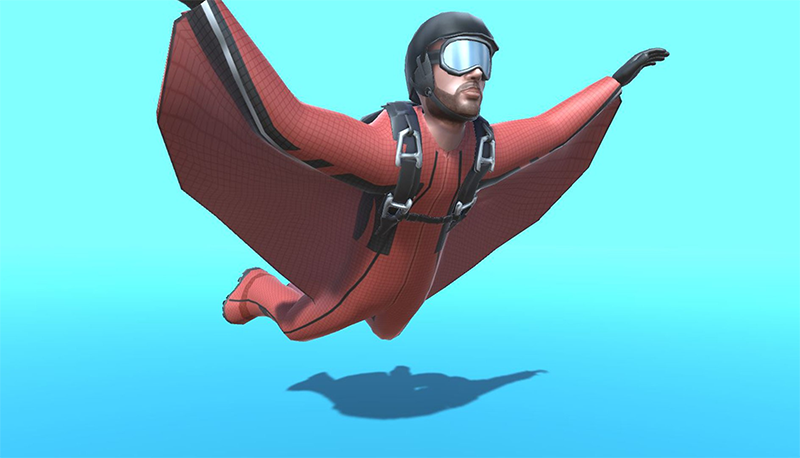
The flight carries momentum. Make gradual corrections while learning the handling rather than waiting until you are directly above the destination to make a sharp turn.
Use each launch with a landing plan
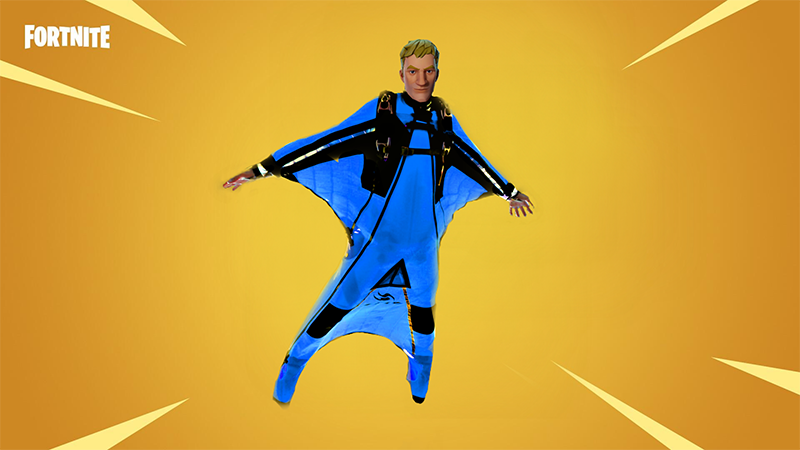
- Rotate early: Use the flight to reach the safe zone before you are forced into a predictable late route.
- Land near cover: A roof, ridge, or sheltered position is useful only if you can safely recover and move from it.
- Check for opponents: Height gives you a better view, but it does not make an occupied landing area safe.
- Save a use for escape: Check the number shown beneath the item instead of assuming another launch will be available.
- Coordinate with your squad: Agree on a destination so the flight does not leave you isolated.
If steering responds late or the game stutters, distinguish connection delay from the Wingsuit’s normal momentum. The Fortnite ping guide explains how to check connection information before changing your controls.



Reader Comments 0
Sign in with email or Google to join the discussion.