Table of Contents
To get started with the fishing game in Builda, open the game, cast near the water, respond when a fish bites, and reel it in while watching the line’s tension. Sell catches to fund equipment upgrades instead of spending your first earnings without checking what is holding you back.
This guide covers the Builda game shown in the screenshots, sometimes referred to as Fish It or Fishing for Ten Thousand Pounds. Community games can share names, so check the game’s preview before launching it.
Open the fishing game in Builda
- Install Builda from your device’s app store, then open it and sign in if prompted.
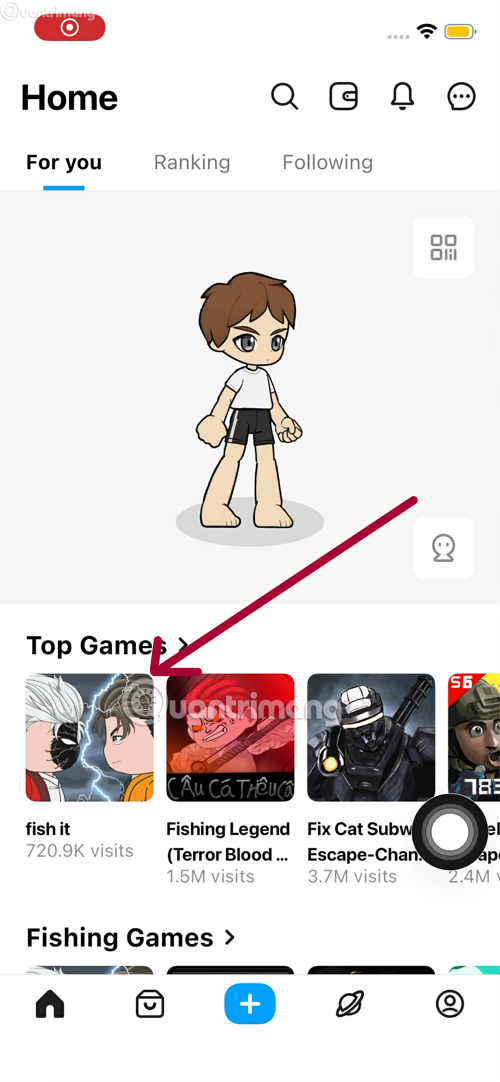
- Find the fishing game on the home screen or use the search icon. Search for the name shown in the screenshots.
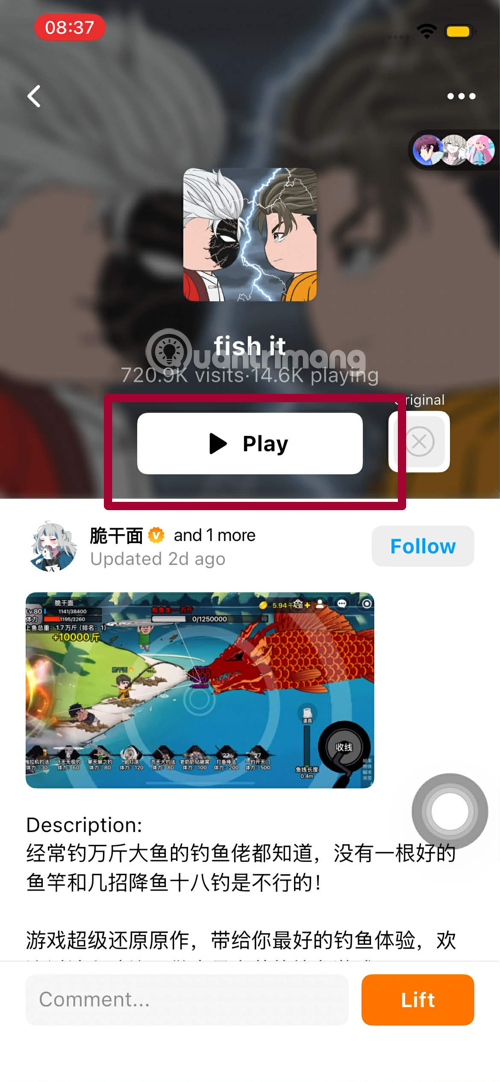
- Open the game’s page and select Play.
If you prefer a computer, see the Builda fishing setup guide for PC. Touch controls may need to be mapped to a mouse or keyboard when using an emulator.
Cast and reel in your first fish
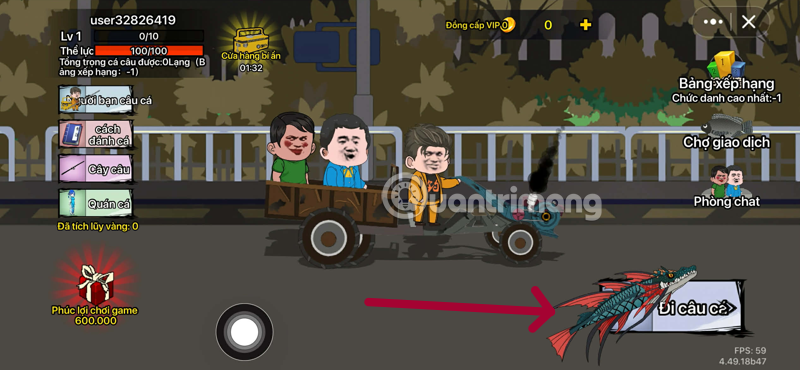
- Choose the fishing area or Go Fishing option.
- Move to the water’s edge and use the cast control. Depending on the translation, it may be labeled Drop Net or refer to dropping bait.
- Wait for the bite indicator, then use Retract Line or the corresponding reel control.
- Follow the on-screen pull prompt while watching the tension or endurance bar.
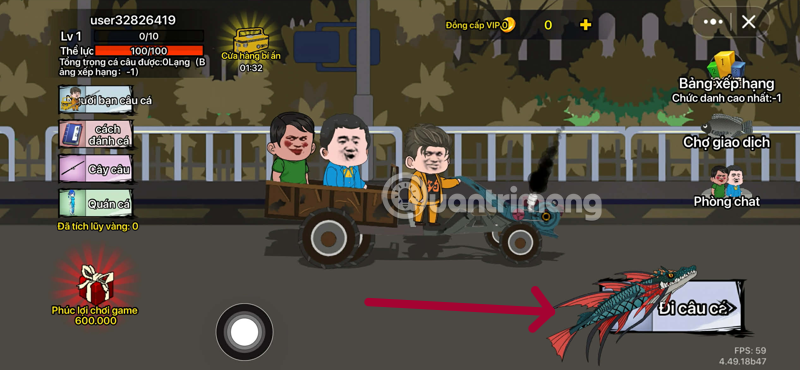
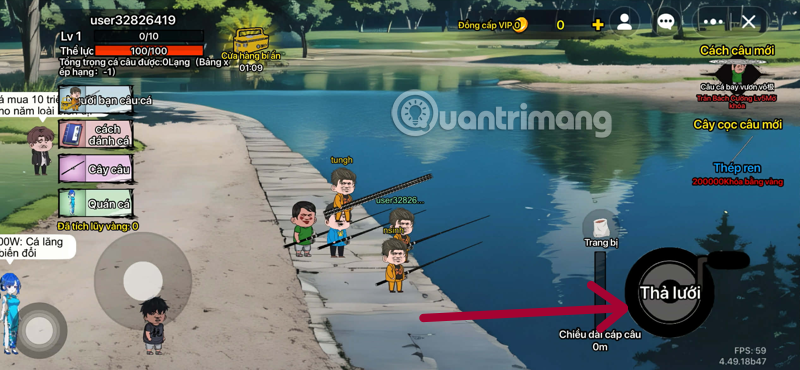
If the bar reaches its danger zone, ease off rather than holding the pull control continuously. Resume when the indicator recovers. The goal is to bring the fish in without letting the line overload; repeatedly pulling through the warning can lose the catch.
Sell catches and check quests
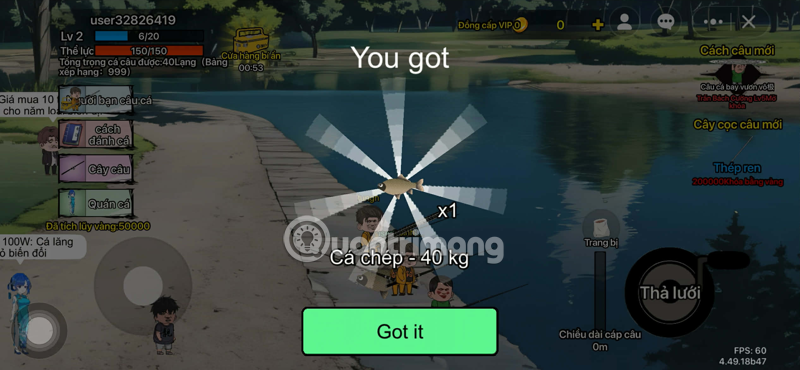
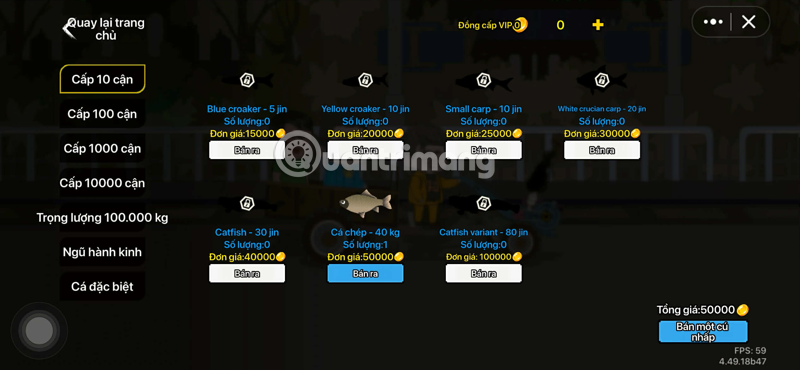
Open your inventory after a catch to check the fish and its sale value. Use the game’s selling option to turn catches into currency for equipment. Check whether a quest needs a particular fish before selling your entire inventory.
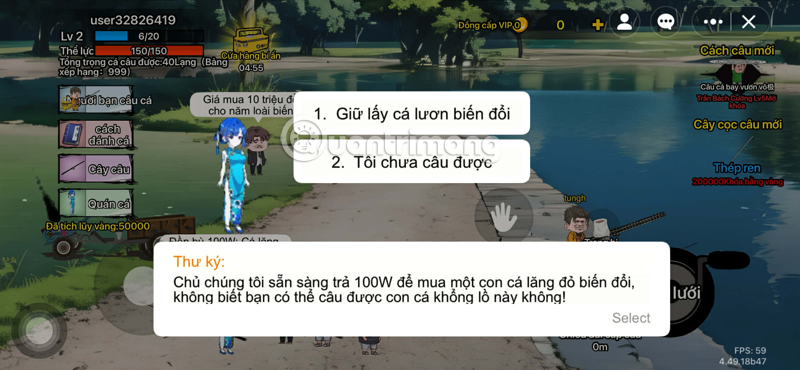
Review available quests and milestones while you are still in the starting area. Completing a task that matches your normal fishing route can provide a useful reward without requiring a separate trip.
Choose an upgrade that solves a problem
Read the upgrade’s description and price in your version of the game. The categories below explain what to compare; do not assume that every purchase improves every part of fishing.
| Upgrade | What to check | When to prioritize it |
|---|---|---|
| Fishing rod | Pulling strength and the fish it can handle | When stronger fish regularly escape or overload your equipment |
| Reel or line | Line length and access to deeper fishing spots | When the next area requires more reach or depth |
| Bait | Which fish or rarity bonuses the bait supports | When you can already land the fish you are trying to attract |
| Storage | How many catches you can carry | When frequent selling trips interrupt your fishing |
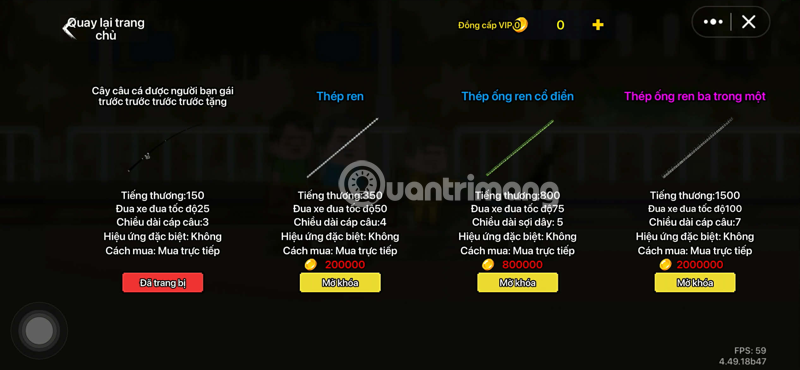
Compare an upgrade’s cost with the problem it solves. Better bait is less useful if you cannot reel in the resulting fish. Avoid spending all your currency on one upgrade before checking the next area’s entry requirement.
Move to new areas when you are ready
Check the locked area’s displayed requirements. The game may require currency, equipment progress, or a milestone; use that requirement to plan your next purchase. A new area is worth trying when you can catch and sell its fish reliably.
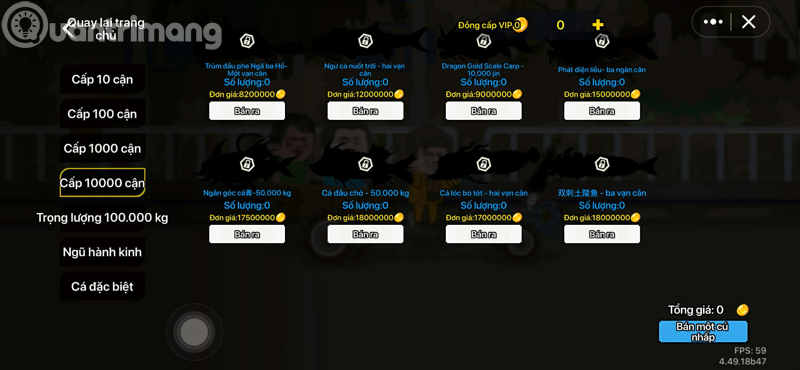
Save limited bait until you know which fish it targets and can handle the catch. Check in-game notices for events rather than assuming a rare fish is always available.
Builda hosts community-made games as well as creation tools. If you want to understand how projects are made, the Builda game creation guide covers that separate part of the app.





Reader Comments 0
Sign in with email or Google to join the discussion.