Table of Contents
Eden, a Switch emulator for Windows, Linux, and Android (Mac coming soon), has been getting a lot of attention lately.
Video game emulation on any console began shortly after the system's release to the public, as the most recent consoles were a niche project for amateur gamers. The Nintendo Switch has struggled with emulation, as Nintendo has shut down the most prominent efforts.
That's why Eden, a Switch emulator for Windows, Linux, and Android (Mac coming soon), has been getting many attention lately. Since many people have never tried emulating Switch games before, they're curious to try this new app and see what it has to offer.
Eden was available on the Play Store - until recently
While emulating games has been popular on PC for a long time, emulating on Android and iPhone has become more accessible in recent years. Android emulators for various systems are available for free on the Play Store. Meanwhile, emulating video games on iPhone previously required a workaround until the excellent Delta emulator was released on the App Store in 2024.
That's why Eden is so appealing. In addition to downloading GitHub as you'd expect, the app is also available on the Play Store.
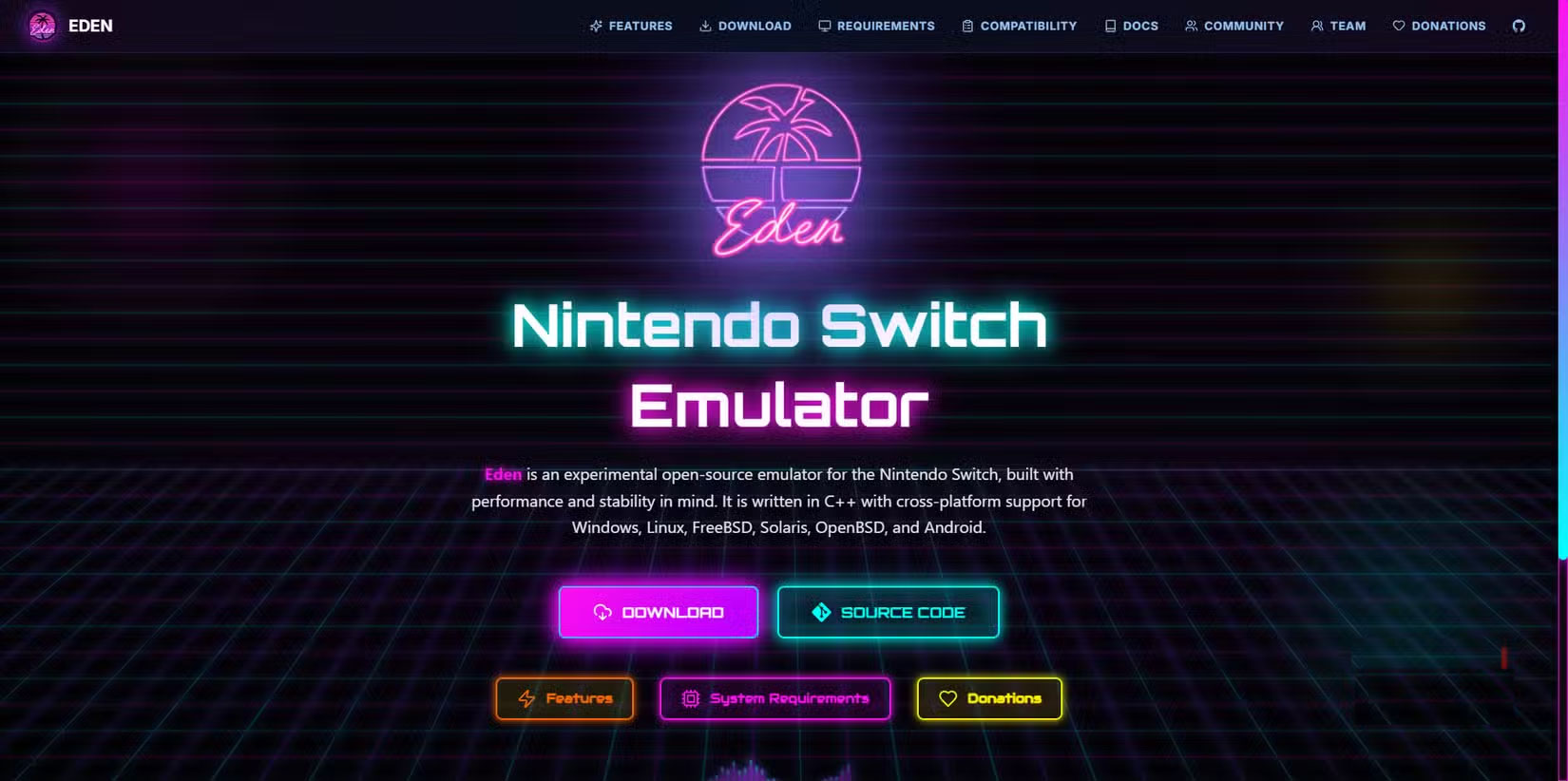
And it's not hidden either - here's the description:
Eden is a Nintendo Switch emulator, developed from Yuzu, focusing on high performance without compromising on aesthetics, compatibility or stability.
If you didn't know, Yuzu is one of the most popular Switch emulators. In 2024, Nintendo sued the developers, resulting in the (official) development of Yuzu being terminated and the team having to pay Nintendo $2.4 million. So you'd think any future Switch emulator developers would want to keep quiet, but not this one.
Eden was reportedly removed from the Play Store just hours before September 26. The link is still on the developer's website, so it's probably not planned. Its listing first appeared on August 19, meaning it's been up for over a month.
Google may be actively removing Switch emulators to avoid legal trouble, or maybe Nintendo has come knocking. Either way, Eden is no longer on the Play Store. You can still download the Android version from the developer's GitHub page and install it directly if you're interested.
But this raises another important point: Google is cracking down on sideloading on Android, which could impact the viability of apps like this, which don't have a home page on the Play Store but aren't certified for sideloading either.
Try Eden on desktop
Many people have been planning to try Eden on a Windows PC anyway, as their old Android phones probably won't handle it, and it's not like they're replacing their gaming consoles with their phones. The setup is a little more complicated than older console emulators, but not too difficult.
Once you download the archive and run the mobile app, you'll be prompted to install a decryption key. These are the tools the Switch uses to protect your files; without a key, you won't be able to decrypt your data to run the game.
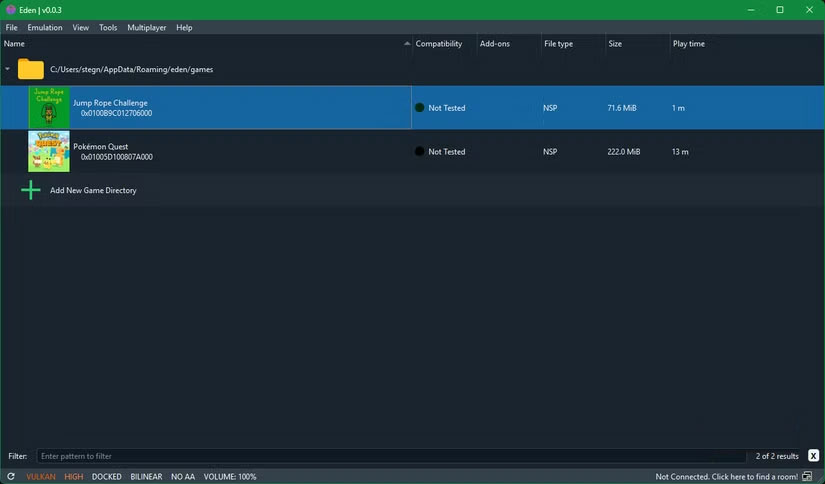
Not including these keys means the developer is less likely to get into legal trouble. Without them, the emulator is just code to emulate the console, not a pre-built piracy tool. Putting the responsibility of downloading the decryption key and finding the game on the player technically allows the developer to deny any wrongdoing.
Note : The author only wanted to try Eden as a test for the article, that's why the author only tested it with a free game. We do not condone piracy and therefore will not link to anything You should play games with Eden.
That said, you can easily find the key with a quick search. To test Eden, I downloaded the file for a free game: Pokémon Quest. Eden displayed a warning about NCA verification when I tried to run it, but otherwise it launched without any problems.
Gaming experience
Before I started, I plugged in my Xbox controller and it worked perfectly. The controller menu showed me every button I pressed as I did so.
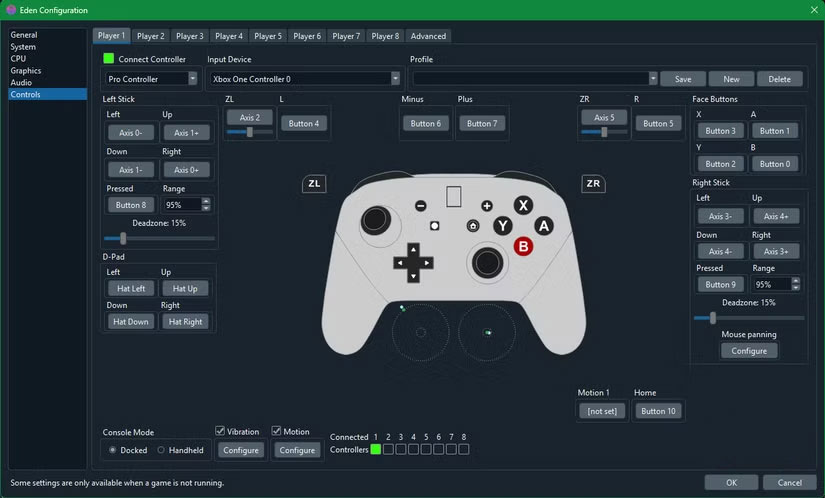
The game launched fine, despite its Not Tested Status under Compatibility . Eden's bottom-right screen shows performance stats, and the game maintained a smooth 60 FPS as it ran through the intro. Another plus is that you can type with a physical keyboard when the game asks you to use the virtual keyboard.
I played Pokémon Quest on Eden for about 10-15 minutes and it worked perfectly. There were no issues that you might have with PC games like stuttering, crashing, or anything like that. It felt like I was playing on real hardware and not an emulator.
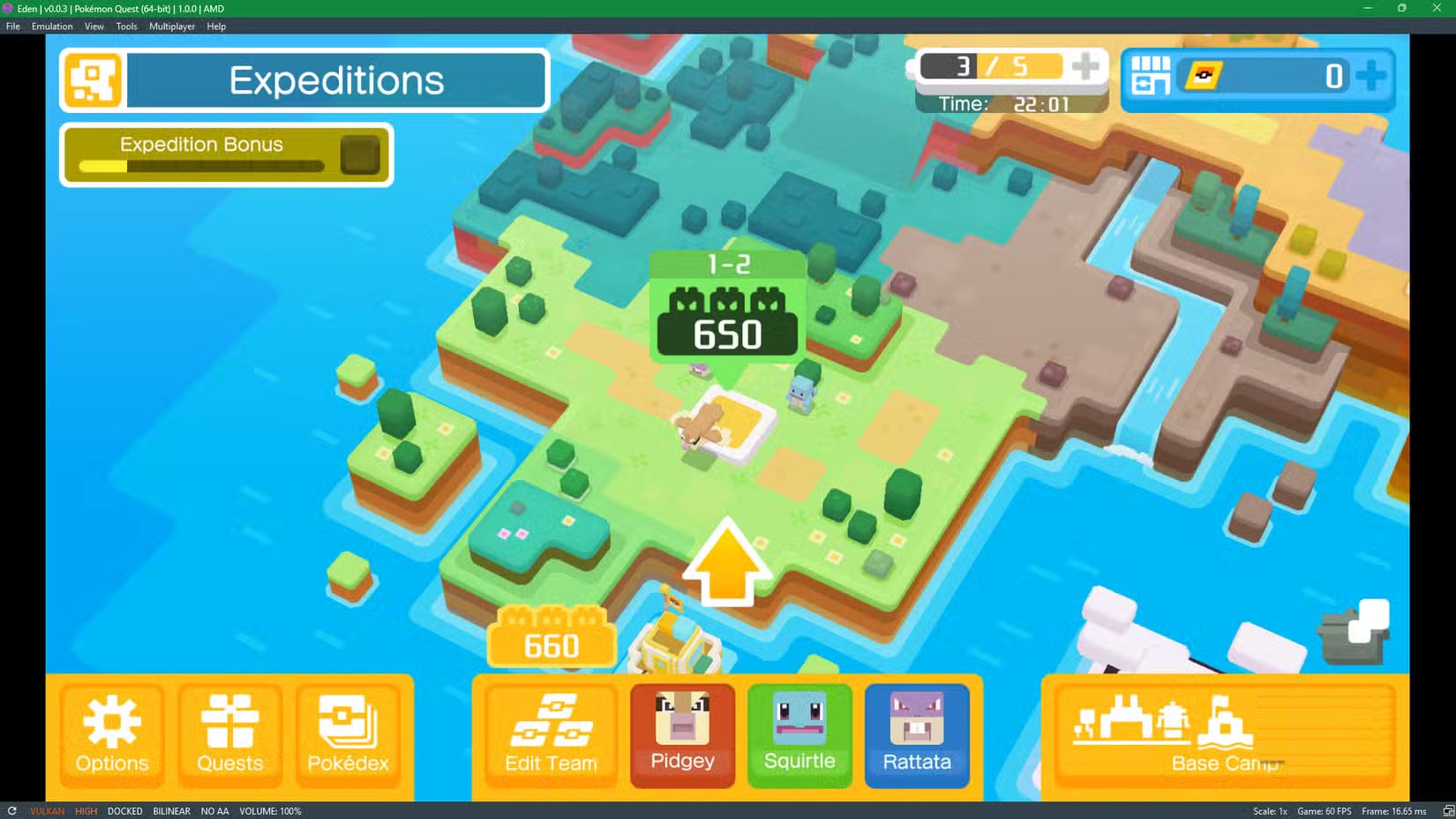
The game is also pretty boring, which isn't the emulator's fault, of course. It's clearly designed for mobile first, with touch-friendly controls and awkward mouse-to-stick mapping. Still, it does a good job as a free trial game to test the emulator.
FAQ
How do you use eden to emulate switch games on PC: step-by-step guide?
In practical terms, eden, a Switch emulator for Windows, Linux, and Android (Mac coming soon), has been getting a lot of attention lately.
What should you check before getting started?
Review the requirements, compatible device or software version, and any warnings described in the guide before making changes.
What should you do if the steps do not work?
Repeat the steps in order, confirm that your app or system is up to date, and review the troubleshooting details provided above.
Related Articles
 How to Emulate PS2 to Play Games on PC5 minutes read
 Assassin's Creed, Pieces of Eden's Plot of Eden - P.410 minutes read
 Steps to Emulate PS1 on PC Using Epsxe6 minutes read
 How to Emulate PSP on PC Using PPSSPP6 minutes read
 Top 7 Good Nintendo Switch Games in 2023: Main Insights7 minutes read
 Pokemon Games: How to Emulate Old Pokémon Games on Android Phones9 minutes read
Reader Comments 0
Sign in with email or Google to join the discussion.