Table of Contents
Simple things like how often you charge your battery, whether you let it get too hot, or even the type of charger you use can make the difference between a battery that lasts for years and one that dies quickly.
One of the biggest advantages of laptops is their portability, thanks to the built-in battery. However, anyone who has owned a laptop knows how quickly battery capacity decreases over time, and before long you find yourself having to plug it in every few hours just to keep it running.
While it's true that no battery lasts forever, how you care for it can make a big difference in how long it lasts. Simple things like how often you charge your battery, whether you let it get too hot, or even the type of charger you use can make the difference between a battery that lasts for years and one that dies quickly.
- External monitors can have a negative impact on laptop batteries.
Always plugged in
When convenience hurts the battery

If you spend most of your day sitting at your desk with your laptop plugged in, it may seem convenient to keep it plugged in. But this habit can reduce your laptop's battery life over time.
Most laptops today use lithium-ion batteries, and these batteries work best when they are charged and discharged in a balanced manner. If you leave your laptop plugged in all the time, you disrupt this natural cycle.
A better approach is to avoid charging above 80%, just like you do with your phone. Windows doesn't provide a built-in way to limit battery levels, but many laptop manufacturers include tools that let you stop charging at around 80%.
Regularly let the battery drain completely
Don't let the battery run out!
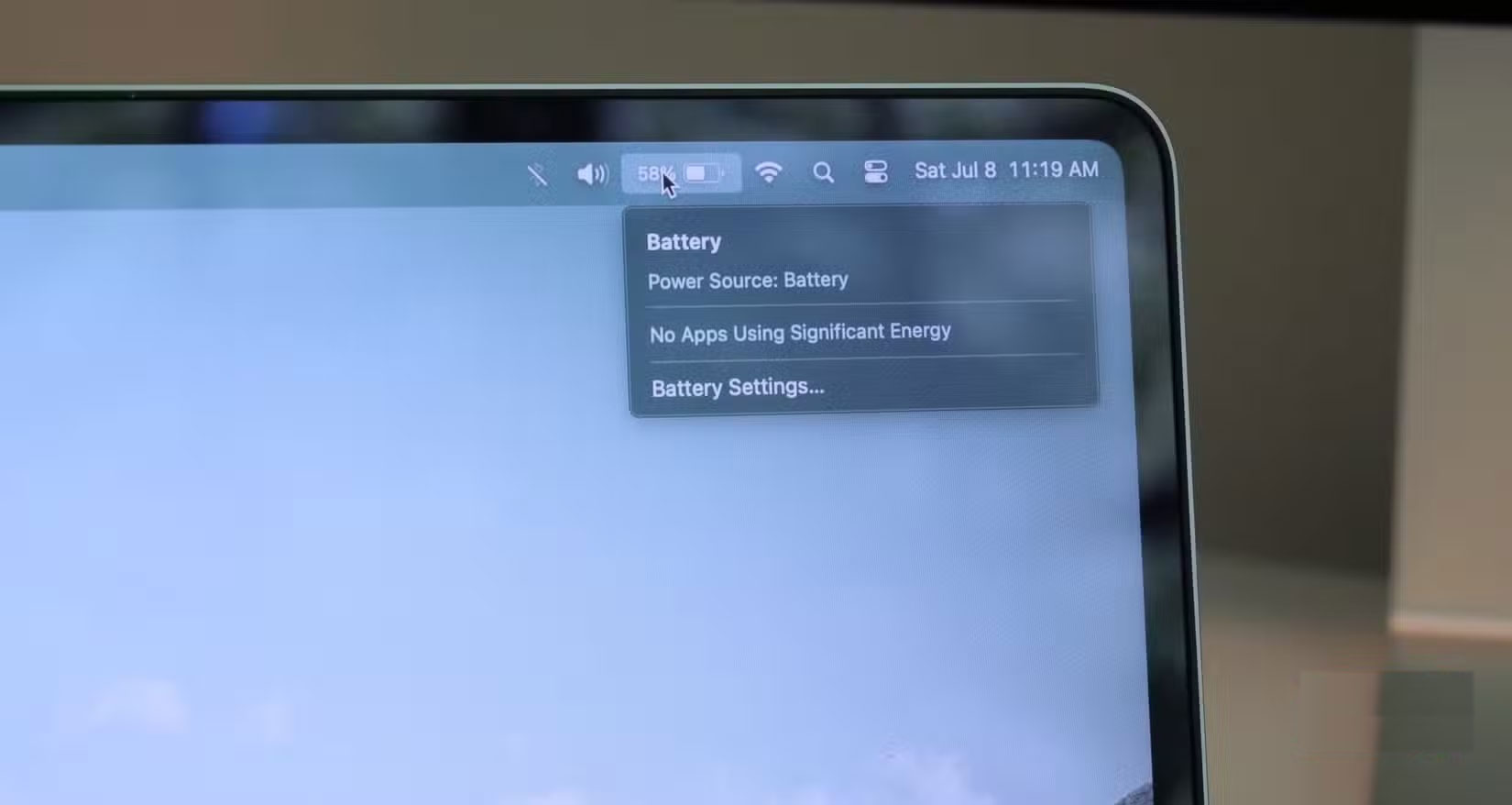
Just as constantly charging your laptop battery to 100% can be harmful to the battery, so is letting it completely drain before recharging. This is because deep discharges stress the chemical components inside the battery and gradually reduce its overall capacity.
A healthier option is to start charging your laptop when the battery drops to around 20-30%. Keeping the battery in this 20-80% range will prevent the internal ions from becoming unstable, and as a result, the battery will stay healthier for longer.
Let the laptop overheat
Keep your machine cool or you will pay the price
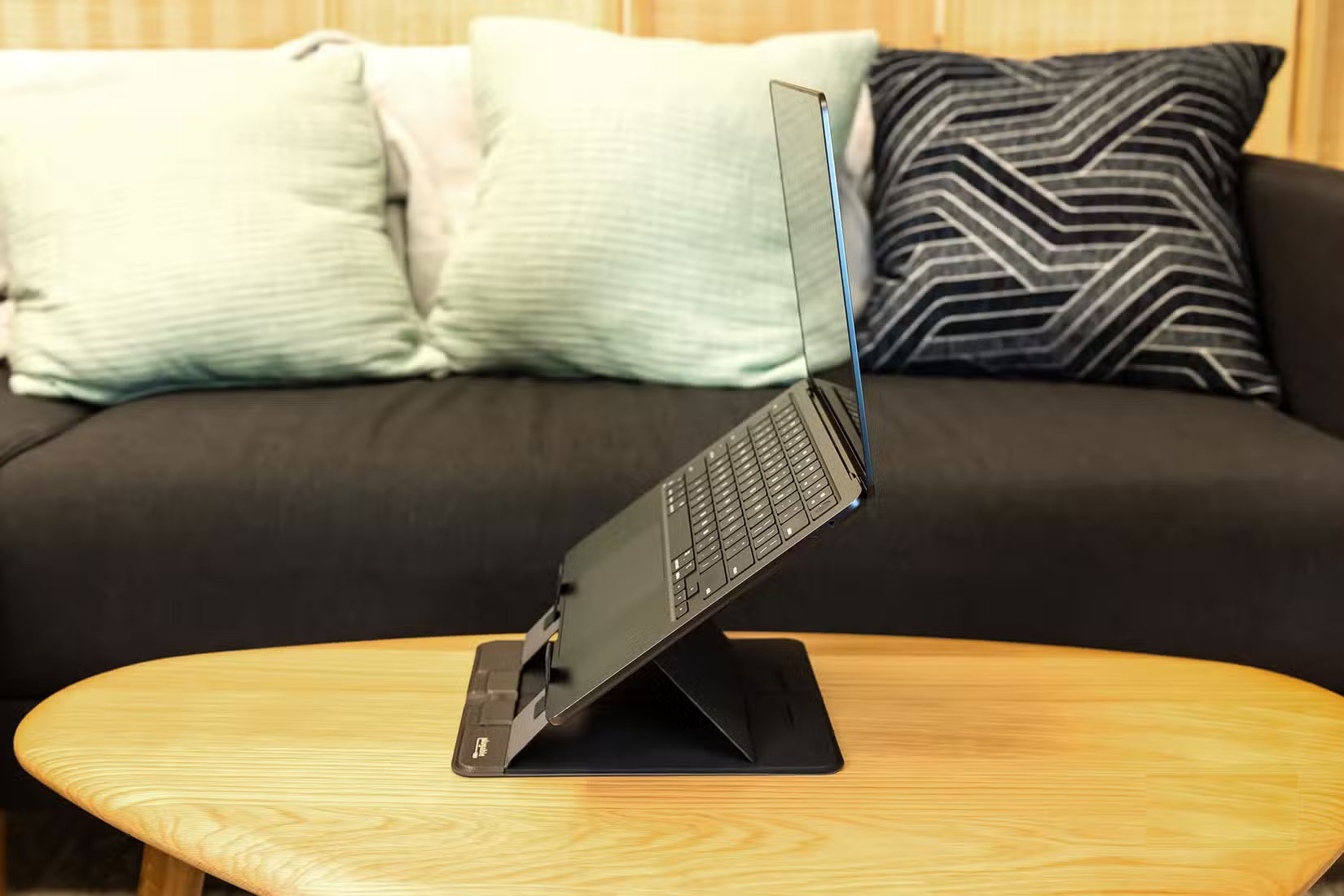
It's normal for laptops to overheat occasionally, but you should avoid exposing them to high temperatures for long periods of time. Heat is a battery's worst enemy, as it speeds up the chemical reactions inside the battery and causes it to fail faster.
Playing heavy games, editing videos for long periods of time, or running multiple resource-intensive applications will make your laptop's components work harder, generating more heat. Even something as simple as placing your laptop on a soft surface like a bed, sofa, or pillow can trap heat and silently damage your battery over time.
Overheating isn't just bad for your battery. It can also slow down your laptop, make your fans roar, and, in extreme cases, potentially damage your internal components. The good news is that preventing heat damage comes down to simple habits. Let your laptop cool down when it gets hot. Place it on a hard, flat surface that allows air to circulate through the vents. And if you regularly work on your laptop, a cooling pad might be a smart investment.
Using an unsuitable charger
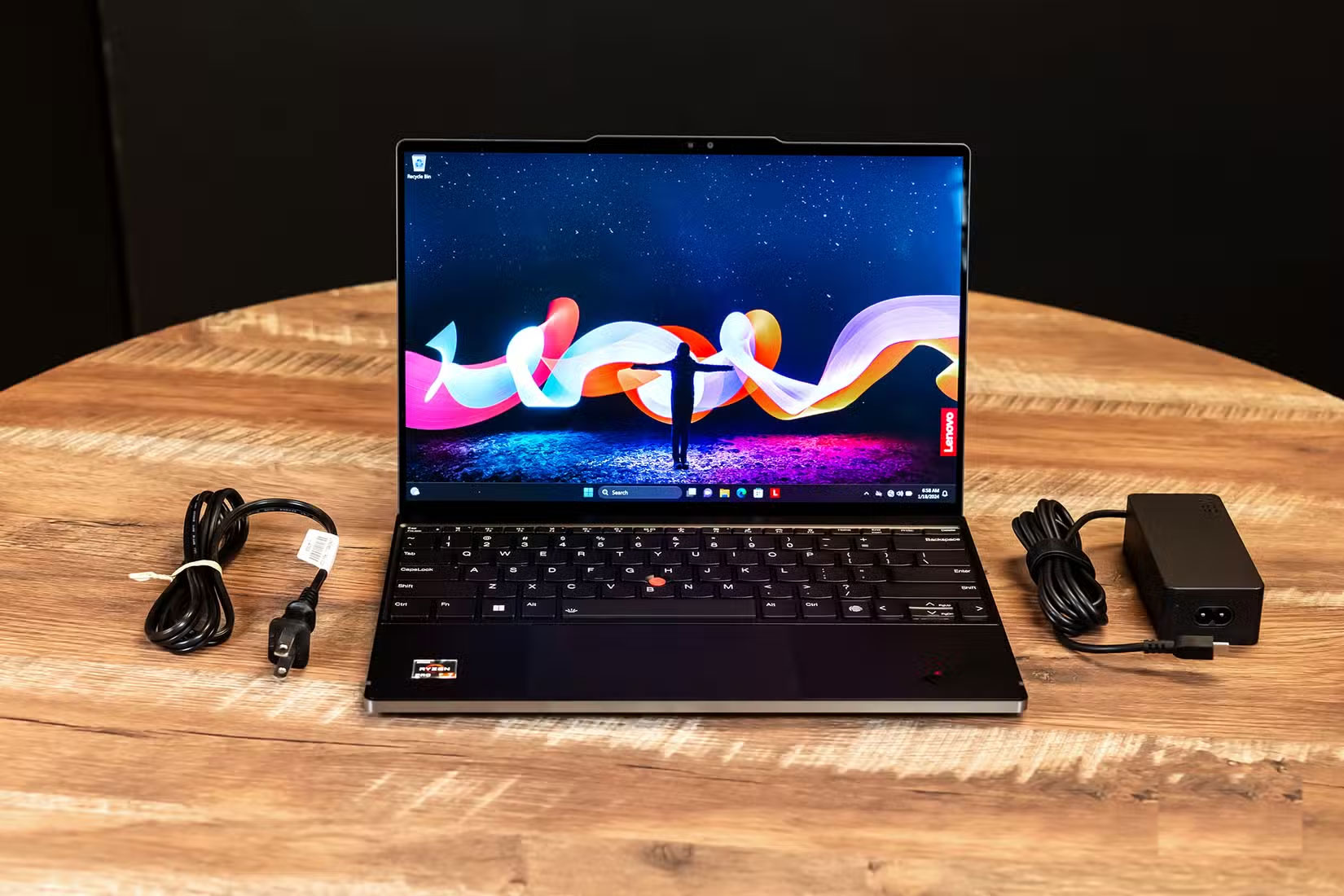
Unlike smartphones, most laptops come with a charger when you buy them. But if you lose it or your laptop stops working after a few years, don't rush into buying any charger that fits the port. Even if it seems to work fine, using the wrong charger can weaken your battery over time and, in some cases, damage your laptop's internal components.
Different laptop models have different power requirements. If you use a charger that doesn't match your laptop's design, you run the risk of undercharging or overloading your machine. An underpowered charger will force your system to work harder to stay powered up, while a charger that's too powerful can create excess heat that stresses your battery. Neither is good for your battery.
The safest way is to always use the charger that came with your laptop. And if You should buy a new charger, choose an original charger from the manufacturer or a trusted brand specifically designed for your laptop model.
Put away your laptop when the battery is dead.
Do not store dead batteries.
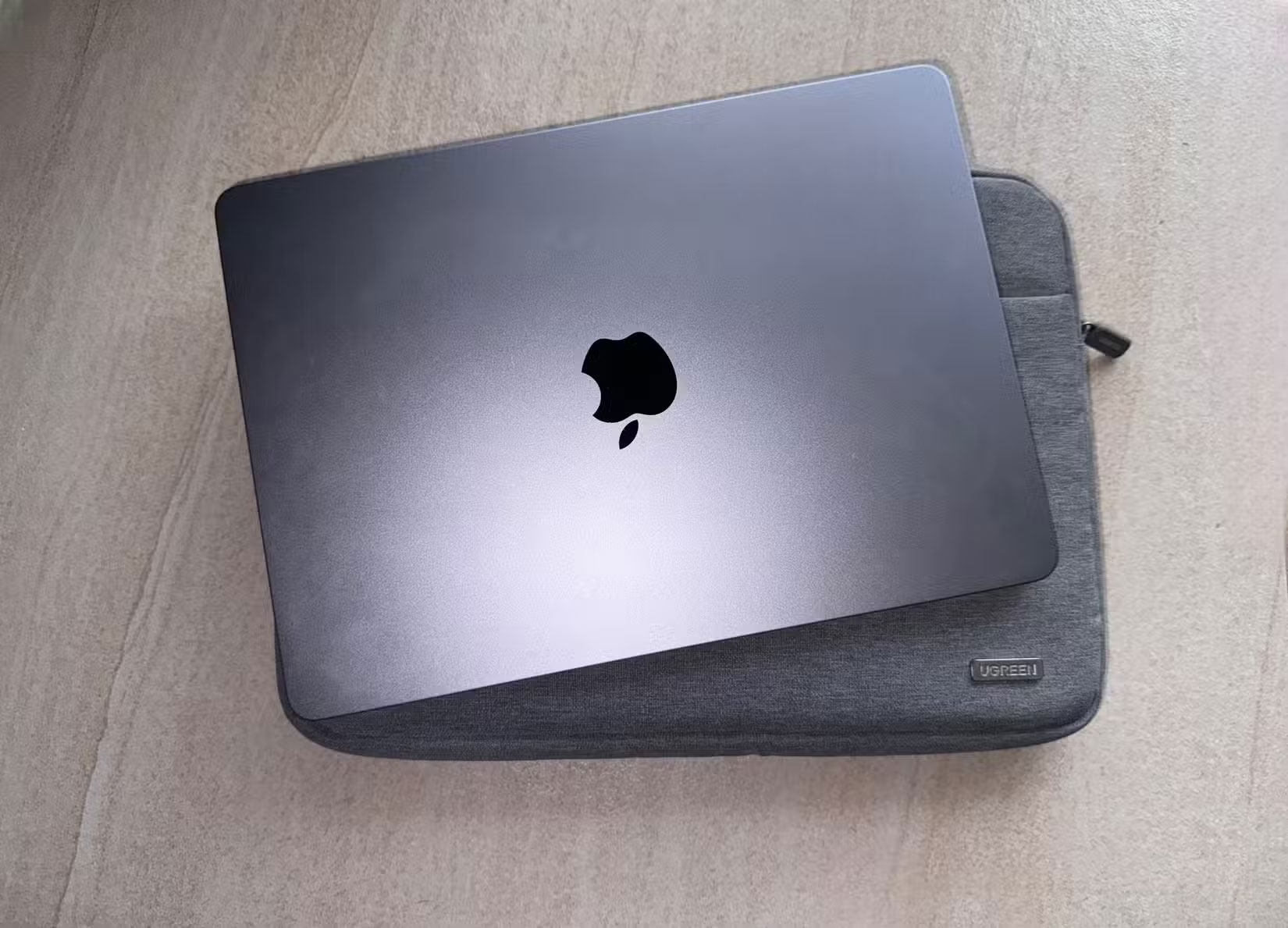
If you plan on storing your laptop for days or weeks, the worst thing you can do is let it run down completely. When a lithium-ion battery sits at zero for too long, it can enter a 'deep discharge state,' meaning it can lose its ability to hold a charge completely.
A safer way to store your laptop is to leave it partially charged before storing it. Typically, a battery level of around 50% is ideal, as it provides enough power to keep the battery stable without putting it in an overloaded state like full or empty.
Taking care of your laptop battery doesn't have to be complicated. It's all about small, consistent habits. By paying proper attention to your battery, you can extend its life and enjoy the freedom of using your laptop without constantly having to plug it in.
FAQ
What should you know about bad habits that are destroying laptop batteries?
In practical terms, simple things like how often you charge your battery, whether you let it get too hot, or even the type of charger you use can make the difference between a battery that lasts for years and one that dies quickly.
Why does bad habits that are destroying laptop batteries matter?
The article highlights that external monitors can have a negative impact on laptop batteries.
What is the main takeaway?
The main takeaway is that always plugged in When convenience hurts the battery If you spend most of your day sitting at your desk with your laptop plugged in, it may seem convenient to keep it plugged in.
Related Articles
 5 Common Habits That Are Silently Draining Your Laptop Battery7 minutes read
 How to Boost Laptop Battery: Step-by-Step Guide7 minutes read
 How Do I Know If My Laptop Battery Is Bottled or Broken?25 minutes read
 Batteries for Laptops3 minutes read
 Experience: Use Laptop Batteries Most Effectively19 minutes read
 It's Dangerous to Use Laptops for a Long Time, Not Everyone Knows5 minutes read
Reader Comments 0
Sign in with email or Google to join the discussion.