Table of Contents
In fact, computers can avoid any malware problems for years thanks to simple security procedures.
When laptops first got infected with malware, many people were still in school, using USB tethering to connect to the internet, and were lured by the idea of 'free software.' In reality, computers have been able to avoid any malware problems for years thanks to simple security procedures. Avoiding the dark web is still the most effective tip, but it's not the only one.
Think carefully before clicking "Download"
Free software isn't always free

Careless downloading is why so many people get infected with malware. The allure of free premium software on forums where people share powerful 'cracks' is too strong to resist. That 'free' tool may be useful, but it will also turn your computer into someone else's bitcoin mining rig.
Ideally, you should only download software from official websites, verified GitHub repositories, or the Windows Store, and always take a second before clicking any download button. If it's premium software but someone's offering it for free on a random forum, there's a good chance it's laden with malware.
Always update your antivirus software
Windows Security has great built-in protection against malicious applications.
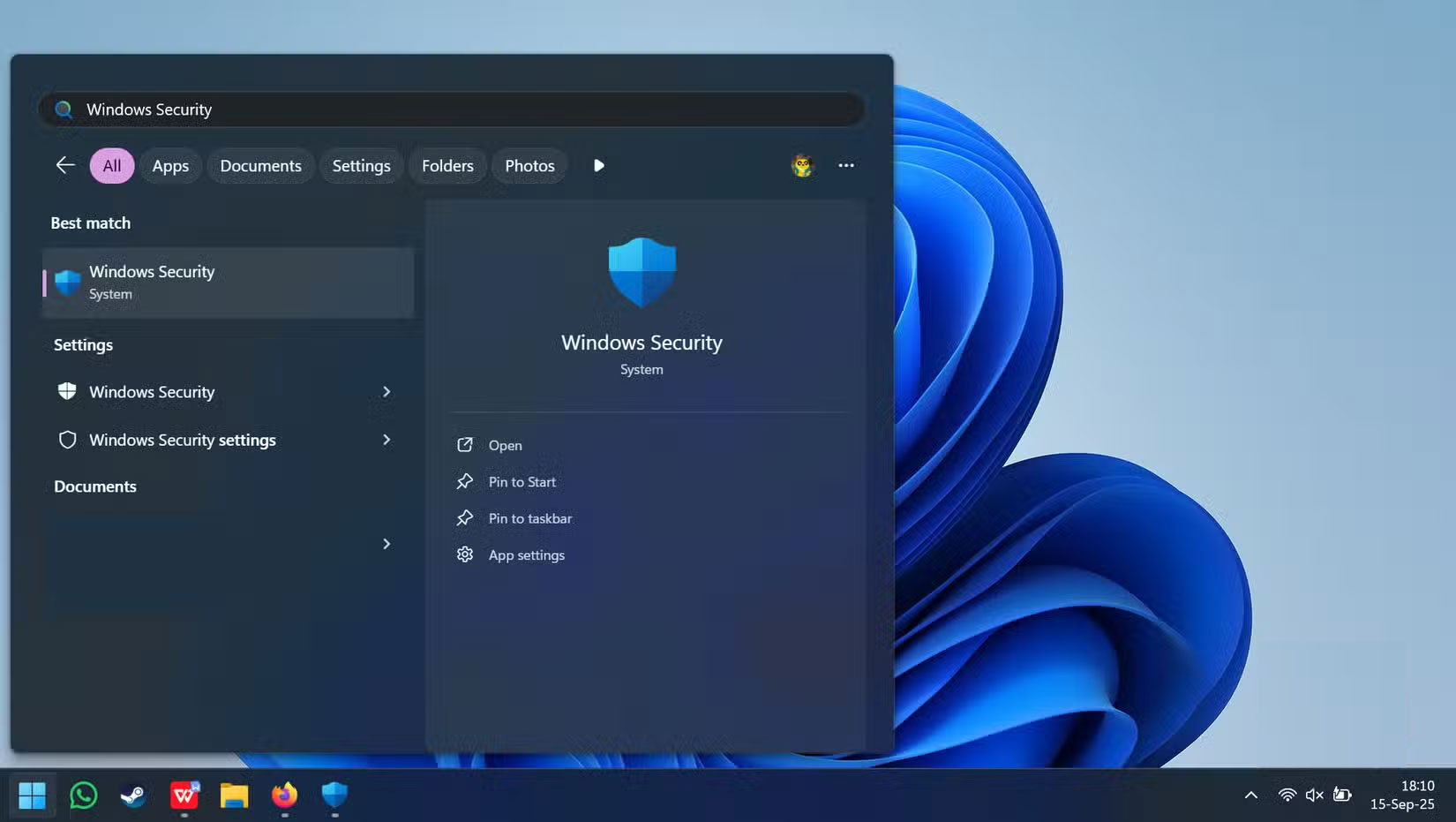
Whether you rely solely on Windows Security or prefer to use third-party antivirus software for additional features, keeping your antivirus definitions up to date is important to keep your computer protected.
Even if you accidentally download something suspicious, a properly configured Windows Security tool can often block or quarantine malicious files before they run. Windows Security checks files against Microsoft's massive threat database, blocks malware techniques that try to exploit your system, and can restrict untrusted applications from running.
Always be wary of email attachments
Verify links, images and attachments
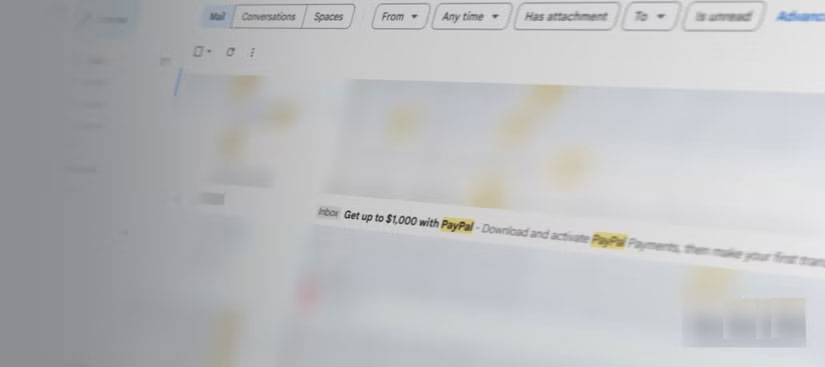
The one scam email that most people are worried about is a PayPal scam. It appears in the victim's inbox with perfect PayPal branding and says a new address has been added to their account.
Instead of panicking and clicking on a review link, compare the sender's address to old PayPal emails. The fake email is sent from "paypal-support@secureverify-payment.com", which should show it's a scam.
Phishing attacks don't stop at suspicious links, however. QR codes in fake invoices can steal login credentials, and even PDFs can embed scripts or fake DocuSign prompts asking for passwords.
Avoid using public networks without a VPN
Public Wi-Fi is a hacker's playground

Public Wi-Fi at airports, hotels, coffee shops, and libraries exposes your data. Anyone with basic tools can steal passwords, emails, credit card numbers, and even real-time data entry on the same network. These networks prioritize convenience over security.
While many public Wi-Fi networks use encryption (WPA2/WPA3), this doesn't protect you from other users on the same network who could potentially intercept your traffic. Even on encrypted networks, bad guys can exploit these systems. Cybercriminals also set up fake access points with legitimate-sounding names like "Free_Airport_WiFi" or "Hotel_Guest_Network" to steal information from anyone who connects.
Always keep your Windows computer up to date
Security patches fix vulnerabilities in the operating system.
Those pesky Windows updates that force you to reboot are patches for security holes that criminals are actively exploiting. When Microsoft releases a security patch, attackers reverse engineer it to find the vulnerability, then scan computers that haven't updated.
The only time you can safely skip security updates is when your computer is not connected to the Internet. For everything else, set Windows Update to automatically install security patches.
Don't reuse passwords and it's best not to use passwords at all.
Also, enable two-factor authentication (2FA) for sensitive accounts.
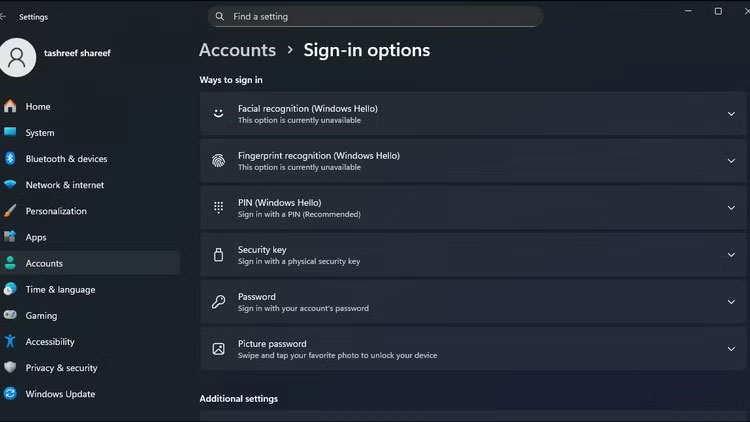
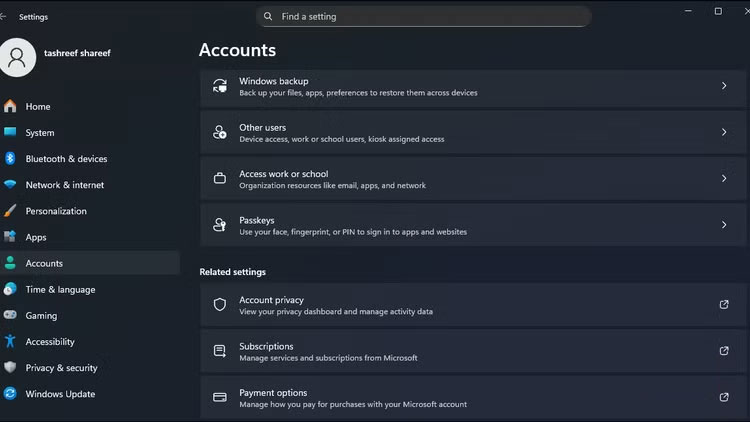
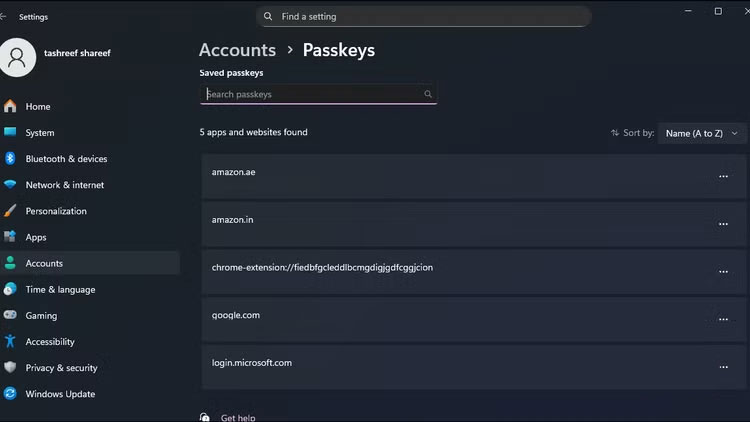
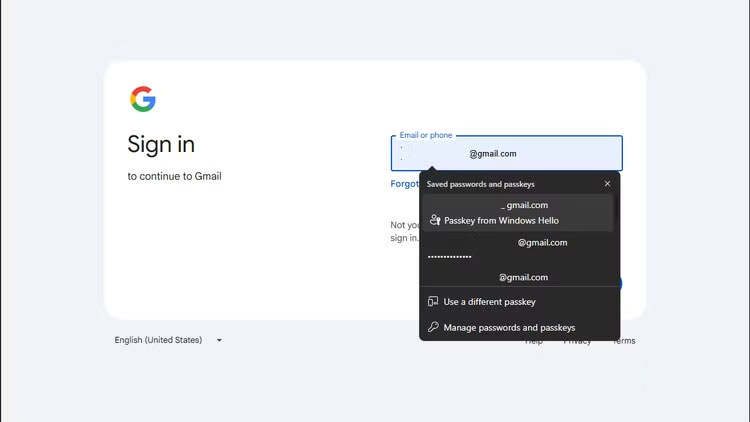
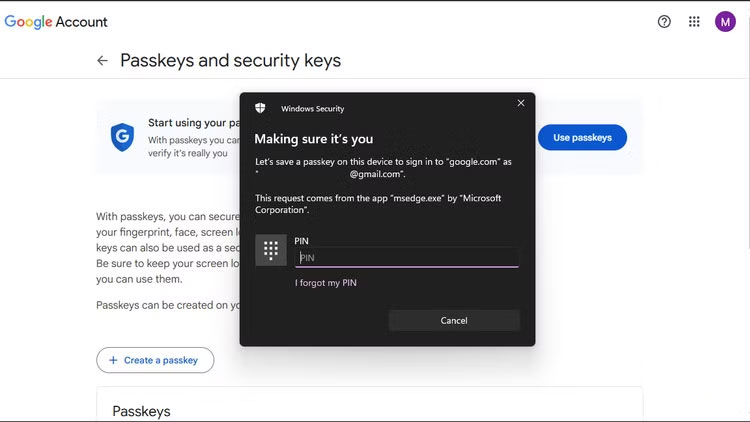
Using the same password everywhere means that all your accounts are vulnerable to a single breach. Attackers use credential stuffing – automatically trying stolen passwords on multiple websites, knowing that most people use the same email and password everywhere.
If possible, ditch your password altogether and switch to a passkey. This method uses your device's biometric security to generate a unique encryption key for each site. Unlike a password, a passkey can't be spoofed, stolen, or reused—someone would need physical access to both your device and your fingerprint.
FAQ
What should you know about the options in this guide?
In practical terms, in fact, computers can avoid any malware problems for years thanks to simple security procedures.
Which option is the best choice?
The best choice depends on your priorities, compatibility, budget, and the specific features discussed in the comparison.
What should you compare before deciding?
Compare core features, limitations, ease of use, compatibility, and long-term value before making a decision.
Related Articles
 Some Simple Tricks to Deal with Malware5 minutes read
 How to Stay Safe While Playing Online Games6 minutes read
 Windows Startup Tips That Will Save You from Dangerous Malware7 minutes read
 Tips to Increase Security for Mac OS X7 minutes read
 Use SEO to Bring Google Search Results to Bank Trojans4 minutes read
 How Many Types of Malware Do You Know and How to Prevent Them?16 minutes read
Reader Comments 0
Sign in with email or Google to join the discussion.