Table of Contents
Gaming on Linux isn't quite on par with Windows, but with a few free, open-source programs, you can close the gap considerably. Here's a list of apps for gaming on Linux, whether you're using a laptop or a powerful desktop system.
6. OpenRGB
If you've been shopping for gaming peripherals in the last 15 years, you've undoubtedly noticed the proliferation of RGB lighting built into everything from headsets to mice to keyboards.
Although RGB lighting has become almost the norm, most software suites designed to control RGB on gaming peripherals don't work natively on Linux, and emulation layers often don't integrate well with them.
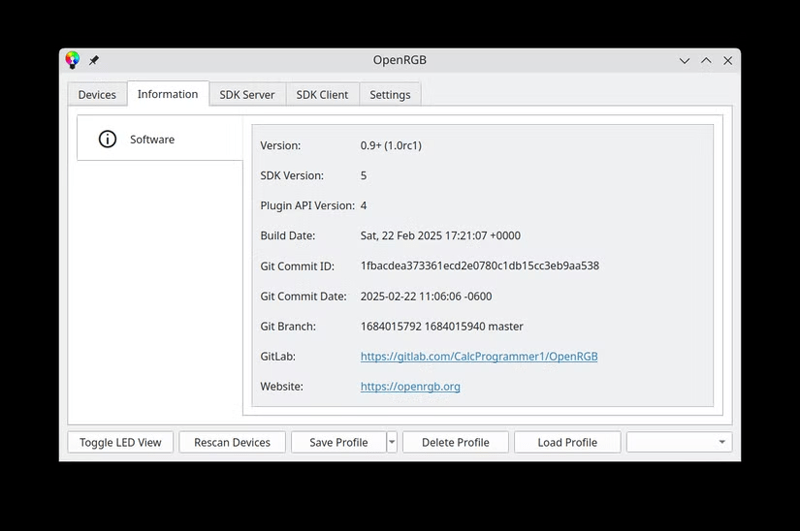
This is where OpenRGB comes in. OpenRGB lets you control RGB lighting on most gaming gear from major manufacturers.
That said, this app doesn't support advanced features related to additional buttons on gaming peripherals, but at least you can still play games in brilliant style.
5. ZeroTier
Many older games no longer have official server support, and there aren't always community projects to fill that gap.
If your favorite game falls into this category, you still have one option: ZeroTier.
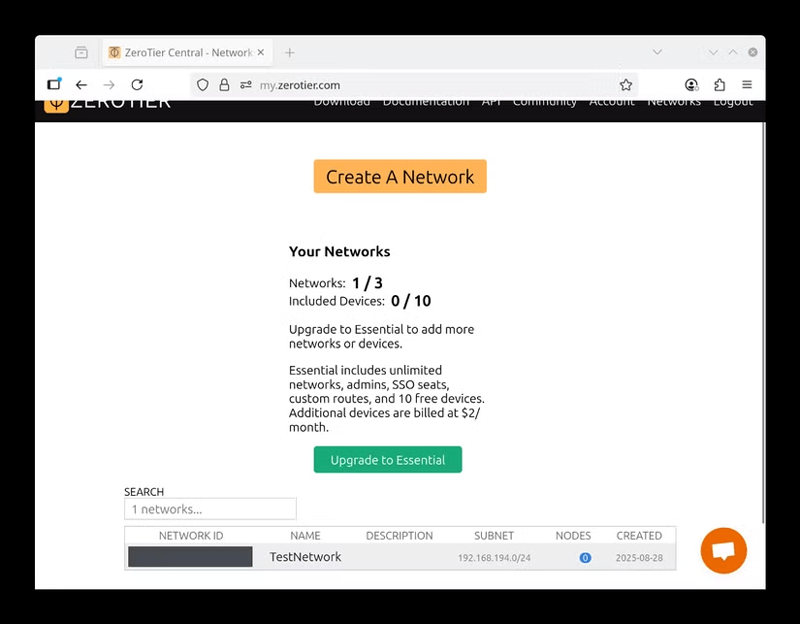
ZeroTier lets you create a small virtual private network (VPN) that makes devices connected over the internet act as if they were on the same LAN. This allows you to use the game's built-in LAN functionality to play a quick match with friends without having to rely on traditional multiplayer servers.
All you need to do is install the app, then visit ZeroTier's website to set up and manage your network.
4. Lutris Lutris
These days, almost every platform has its own launcher: Epic Games Launcher, Steam, Galaxy of Gamers (GOG), Battle.net, and many more.
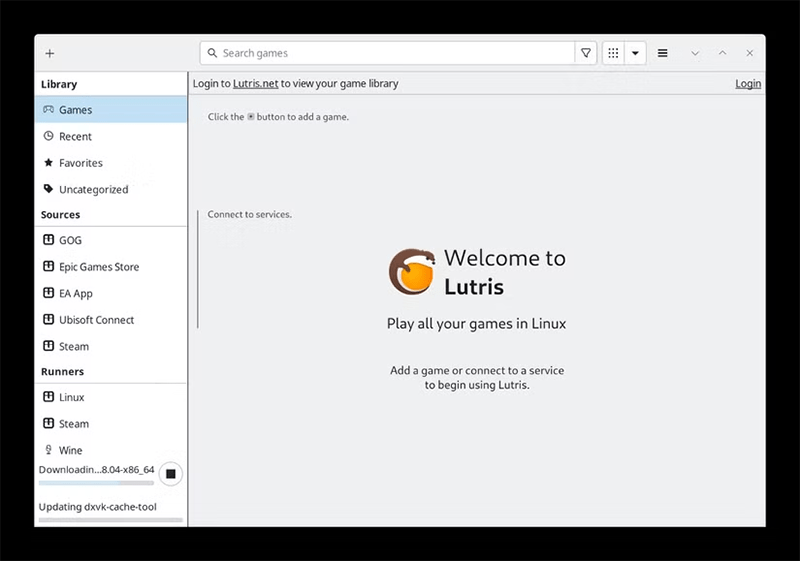
If you don't want to manage each launcher yourself, Lutris is the solution. Lutris aggregates all of your games from multiple launchers and displays them in a single interface. This means you don't have to dig through game stores to find which platform your game is on; just hit Play, and you're good to go.
Furthermore, if you have games that you install directly without going through a digital store or launcher, you can also add them to Lutris.
3. Input Remapper
Most gaming peripherals, like mice and keyboards, come with dedicated software on Windows that allows you to remap keys or change the functions of buttons.
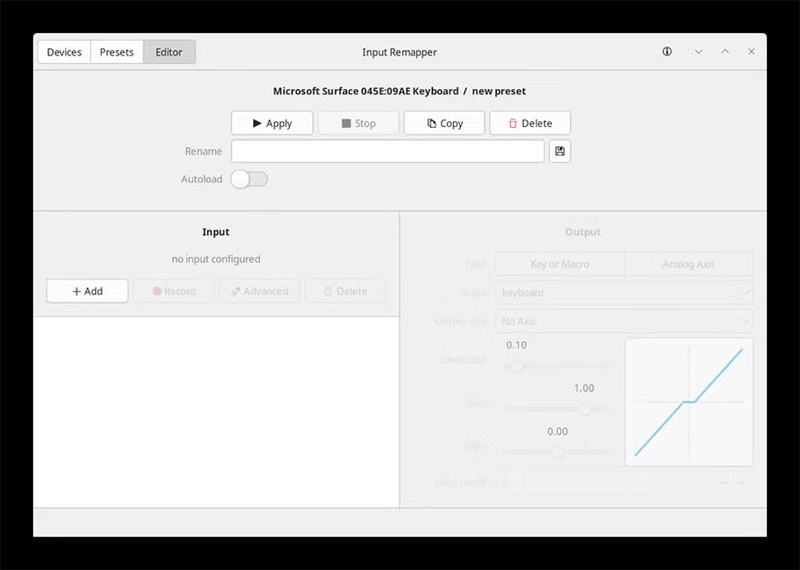
On Linux, however, things are still pretty limited. Luckily, you're not completely stuck. Input Remapper lets you remap keys and buttons to your liking, which is especially useful if you don't have dedicated software like Logitech GHub or other gaming-specific software suites.
2. GameMode (Feral Interactive)
Linux is known for being lighter than Windows, but that doesn't mean there's no room for improvement if you want to get the most out of your PC gaming performance.
Feral Interactive's GameMode, commonly known as Feral GameMode, automatically makes a number of changes to the system to optimize gaming performance.
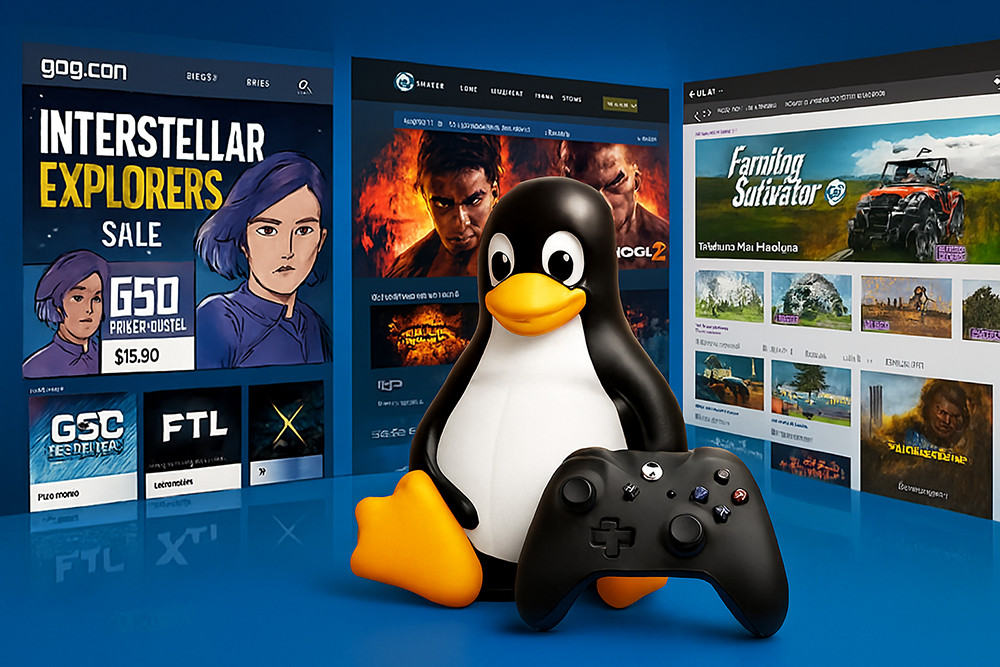
Depending on your PC's default configuration, you may not notice a big difference. GameMode ensures that anything that can be set to high performance (instead of battery saving options) is automatically pushed to maximum.
1. Open Broadcast Software (OBS)
If you game on Windows, the NVIDIA App or Radeon App is often the easiest way to capture memorable in-game moments.
That said, while driver support on Linux has improved, both of these applications are still not available on Linux.
This is where OBS shines. Open Broadcast Software is commonly used by streamers for live recording and broadcasting, but it can also be easily configured to work like NVIDIA ShadowPlay.
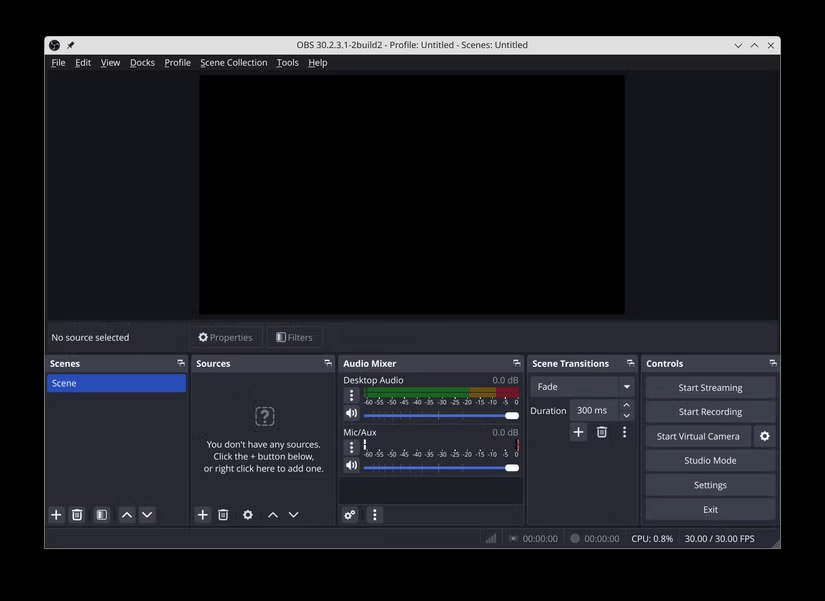
While playing the game, you just need to press the set hotkey, and the video will be saved directly to the drive.
With the huge advancements in gaming performance on Linux over the past few years, especially thanks to Proton, using some open source applications as alternatives to Windows utilities helps bridge the gap between the two platforms even further.
Final Thoughts
Overall, 6 Open Source Apps for Gamers on Linux is best understood by considering the main facts, practical context, and limitations together. Use the details above as a clear starting point and confirm time-sensitive information when necessary.
FAQ
What does this article explain about 6 Open Source Apps for Gamers on Linux?
Gaming on Linux isn't quite on par with Windows, but with a few free, open-source programs, you can close the gap considerably. Here's a list of apps for gaming on Linux, whether you're using a laptop or a powerful desktop system.
What should you know about 6. OpenRGB?
If you've been shopping for gaming peripherals in the last 15 years, you've undoubtedly noticed the proliferation of RGB lighting built into everything from headsets to mice to keyboards.
Should time-sensitive details be verified?
Yes. Software features, game codes, product specifications, prices, and research findings can change. Confirm important details with an official or primary source when accuracy affects your decision.
Related Articles
 10 Open Source Android Apps You Can't Live Without8 minutes read
 This Open-source Application Makes Running Windows Apps on Linux Extremely Easy7 minutes read
 4 Reputable Linux Hardware Manufacturers for Open Source8 minutes read
 Can Open Source Technology Make Money?5 minutes read
 Microsoft Admitted It Was Wrong About Open Source3 minutes read
 Cisco Linksys Wrt160nl -- 'Toy' Specifically for Open Source5 minutes read
Reader Comments 0
Sign in with email or Google to join the discussion.